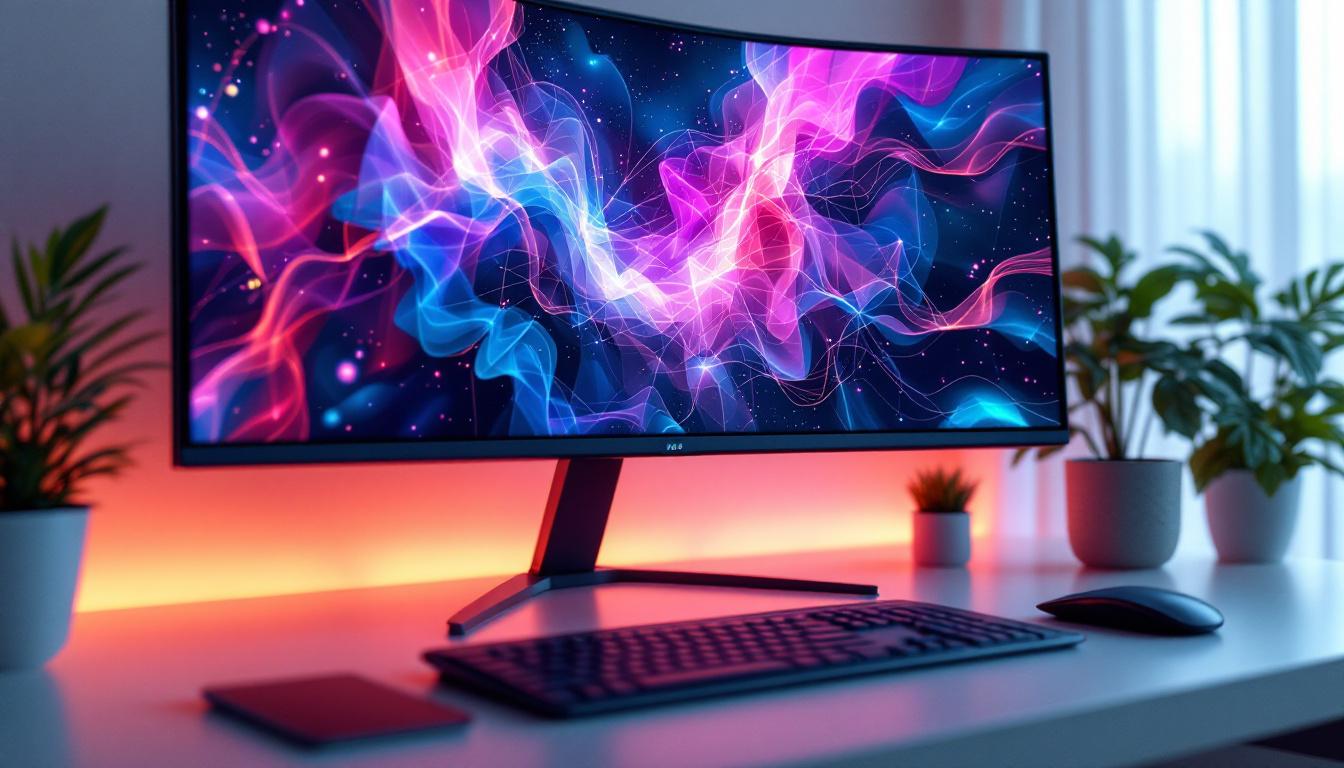
In today’s digital age, the desktop monitor is an essential tool for work, entertainment, and communication. Among the various types of display technologies available, LED displays have become the dominant choice for desktop monitors due to their superior image quality, energy efficiency, and versatility. This article delves into the world of LED desktop monitors, explaining how they work, their advantages, and what to consider when choosing one. Whether you are a professional seeking color accuracy or a gamer wanting the best refresh rates, understanding LED displays is key to making an informed purchase.
Understanding LED Display Technology
What is an LED Display?
LED stands for Light Emitting Diode, a semiconductor device that emits light when an electric current passes through it. In the context of desktop monitors, LED refers to the backlighting technology used to illuminate the screen. Unlike older LCD monitors that used cold cathode fluorescent lamps (CCFL) for backlighting, LED monitors use arrays of tiny LEDs. This shift has significantly improved display performance in terms of brightness, color reproduction, and power consumption.
It’s important to note that LED monitors are technically still LCD (Liquid Crystal Display) panels. The key difference lies in the backlighting method. The liquid crystals themselves do not emit light; they manipulate the light from the LED backlights to produce images. This combination allows for thinner, lighter, and more energy-efficient monitors compared to traditional CCFL-backlit LCDs. Furthermore, the advancements in LED technology have enabled manufacturers to create displays with higher resolutions and refresh rates, making them ideal for gaming, graphic design, and professional video editing.
Types of LED Backlighting
There are primarily two types of LED backlighting used in desktop monitors: edge-lit and direct-lit (also known as full-array). Edge-lit LED monitors position LEDs along the edges of the screen, and light is diffused across the panel. This design allows for thinner monitors and is generally more affordable. However, it can sometimes lead to uneven brightness or “hot spots” on the screen. Despite these drawbacks, edge-lit displays are popular for their sleek design and lightweight construction, making them a common choice for consumers looking for a stylish addition to their workspace.
Direct-lit LED monitors have LEDs spread evenly behind the entire panel. This allows for more uniform brightness and better contrast ratios, especially when combined with local dimming technology. Local dimming enables the monitor to dim or brighten specific areas of the screen independently, enhancing black levels and overall picture quality. High-end monitors often use direct-lit LED backlighting with local dimming to deliver superior visual experience. Additionally, advancements in quantum dot technology have further enhanced the color accuracy and vibrancy of these displays, making them an excellent choice for professionals who require precise color representation, such as photographers and graphic designers. The evolution of LED display technology continues to push the boundaries of what is possible in visual presentation, ensuring that users enjoy an immersive viewing experience across various applications.
Advantages of LED Desktop Monitors
Improved Image Quality and Color Accuracy
One of the most significant benefits of LED monitors is their ability to produce vibrant colors and sharp images. LEDs can achieve higher brightness levels than CCFLs, which helps in displaying vivid colors even in brightly lit environments. Many modern LED monitors support wide color gamuts such as Adobe RGB or DCI-P3, making them ideal for graphic designers, photographers, and video editors who require precise color reproduction.
Additionally, LED monitors often feature higher contrast ratios, especially those with local dimming. This means deeper blacks and brighter whites, which contribute to a more immersive viewing experience. For professionals working with detailed visuals, this enhanced contrast can make a noticeable difference in image clarity.
Energy Efficiency and Environmental Impact
LED backlighting is far more energy-efficient than older CCFL technology. According to the U.S. Department of Energy, LED-backlit LCD monitors consume up to 40% less power than CCFL-backlit counterparts. This reduction in power consumption not only lowers electricity bills but also reduces the environmental footprint of using desktop monitors.
Moreover, LEDs do not contain mercury, which is a hazardous material found in CCFL lamps. This makes LED monitors safer to manufacture and dispose of, aligning with global efforts to reduce electronic waste and promote sustainable technology.
Design Flexibility and Durability
The compact size of LEDs allows manufacturers to design thinner and lighter monitors without sacrificing screen size or resolution. This is why most modern desktop monitors boast sleek, minimalist designs that fit well in any workspace. Additionally, LED backlights have a longer lifespan—often exceeding 50,000 hours—compared to CCFLs, meaning users can expect their monitor to last many years without significant degradation in brightness or color quality.
Key Features to Consider When Choosing an LED Desktop Monitor
Resolution and Screen Size
Resolution and screen size are fundamental factors that influence the monitor’s display quality and usability. Common resolutions include Full HD (1920×1080), Quad HD (2560×1440), and 4K UHD (3840×2160). Higher resolutions provide sharper images and more screen real estate, which is beneficial for multitasking and detailed work.
Screen size preferences vary depending on use cases. For general office work, 24 to 27 inches is typical, while creative professionals and gamers may prefer larger screens of 32 inches or more. It’s important to balance resolution and screen size to maintain comfortable pixel density and avoid eye strain.
Refresh Rate and Response Time
For gamers and video editors, refresh rate and response time are critical. The refresh rate, measured in Hertz (Hz), indicates how many times the screen updates per second. Standard monitors typically have 60Hz, but gaming monitors can reach 120Hz, 144Hz, or even 240Hz, resulting in smoother motion and reduced blur.
Response time refers to how quickly a pixel can change from one color to another, usually measured in milliseconds (ms). Lower response times reduce ghosting effects during fast-moving scenes. Monitors with 1ms to 5ms response times are preferred for competitive gaming and fast-paced video editing.
Color Accuracy and Calibration
Professionals working in color-sensitive fields should prioritize monitors with high color accuracy. Look for monitors that cover a wide color gamut (such as 99% sRGB or higher) and offer factory calibration or the ability to calibrate using external devices. Features like 10-bit color depth allow for smoother gradients and more precise color representation.
Some monitors also support HDR (High Dynamic Range), which enhances contrast and color range for more lifelike images. While HDR is becoming more common, it’s essential to verify the monitor’s HDR certification and peak brightness to ensure meaningful improvements.
Connectivity and Ergonomics
Modern LED monitors come with a variety of connectivity options including HDMI, DisplayPort, USB-C, and legacy ports like VGA or DVI. USB-C is particularly useful as it can deliver video, data, and power through a single cable, simplifying desk setups.
Ergonomics are equally important for long-term comfort. Adjustable stands that allow height, tilt, swivel, and pivot adjustments help users maintain good posture and reduce fatigue. Some monitors also support VESA mounting, enabling flexible placement options.
Common Misconceptions About LED Monitors
LED vs. OLED: What’s the Difference?
While LED monitors use LED backlighting behind an LCD panel, OLED (Organic Light Emitting Diode) displays emit light from organic compounds themselves without the need for backlighting. OLED monitors offer superior contrast ratios and true blacks but are currently rare and expensive in desktop monitor form factors.
LED monitors remain the mainstream choice due to their affordability, brightness, and longevity. Understanding this distinction helps consumers avoid confusion when shopping for displays.
Are All LED Monitors Energy Efficient?
Although LED backlighting is generally more energy-efficient than CCFL, not all LED monitors consume the same amount of power. Factors such as screen size, resolution, brightness settings, and additional features like HDR can impact energy consumption. Checking the Energy Star rating or manufacturer’s power specifications can provide a clearer picture of a monitor’s efficiency.
Future Trends in LED Desktop Monitors
Mini-LED and Micro-LED Technologies
Emerging technologies like Mini-LED and Micro-LED are pushing the boundaries of LED display performance. Mini-LED uses thousands of tiny LEDs for backlighting, enabling even finer local dimming zones and improved contrast. This technology is already appearing in high-end monitors and laptops, promising better HDR performance and deeper blacks.
Micro-LED, still in early stages for desktop monitors, features self-emissive pixels similar to OLED but with higher brightness and longer lifespan. It holds the potential to revolutionize display quality in the coming years.
Higher Refresh Rates and Adaptive Sync Technologies
As gaming and professional applications demand smoother visuals, monitor refresh rates continue to climb. Adaptive sync technologies like NVIDIA G-SYNC and AMD FreeSync synchronize the monitor’s refresh rate with the graphics card’s output, eliminating screen tearing and stuttering for a seamless experience.
These technologies are becoming standard in mid-range and premium LED monitors, enhancing performance for gamers and content creators alike.
Conclusion
LED desktop monitors represent a mature and versatile display technology that balances image quality, energy efficiency, and design flexibility. Understanding the nuances of LED backlighting, panel types, and key features such as resolution, refresh rate, and color accuracy empowers users to select the best monitor for their needs. Whether for professional color work, immersive gaming, or everyday productivity, LED monitors continue to evolve, offering improved performance and new innovations on the horizon.
By staying informed about current technologies and trends, consumers can make confident choices that enhance their desktop experience both now and in the future.
Discover the Future of Visual Display with LumenMatrix
As you consider upgrading your desktop experience with an LED monitor, why not explore the cutting-edge solutions from LumenMatrix? With a commitment to innovation and quality, LumenMatrix offers an extensive range of LED display modules tailored to your unique needs, from captivating Indoor LED Walls to dynamic Outdoor LED Displays and beyond. Embrace the future of visual communication and enhance your brand’s visibility with LumenMatrix’s state-of-the-art technology. Check out LumenMatrix LED Display Solutions today and experience the power of advanced LED display technology.