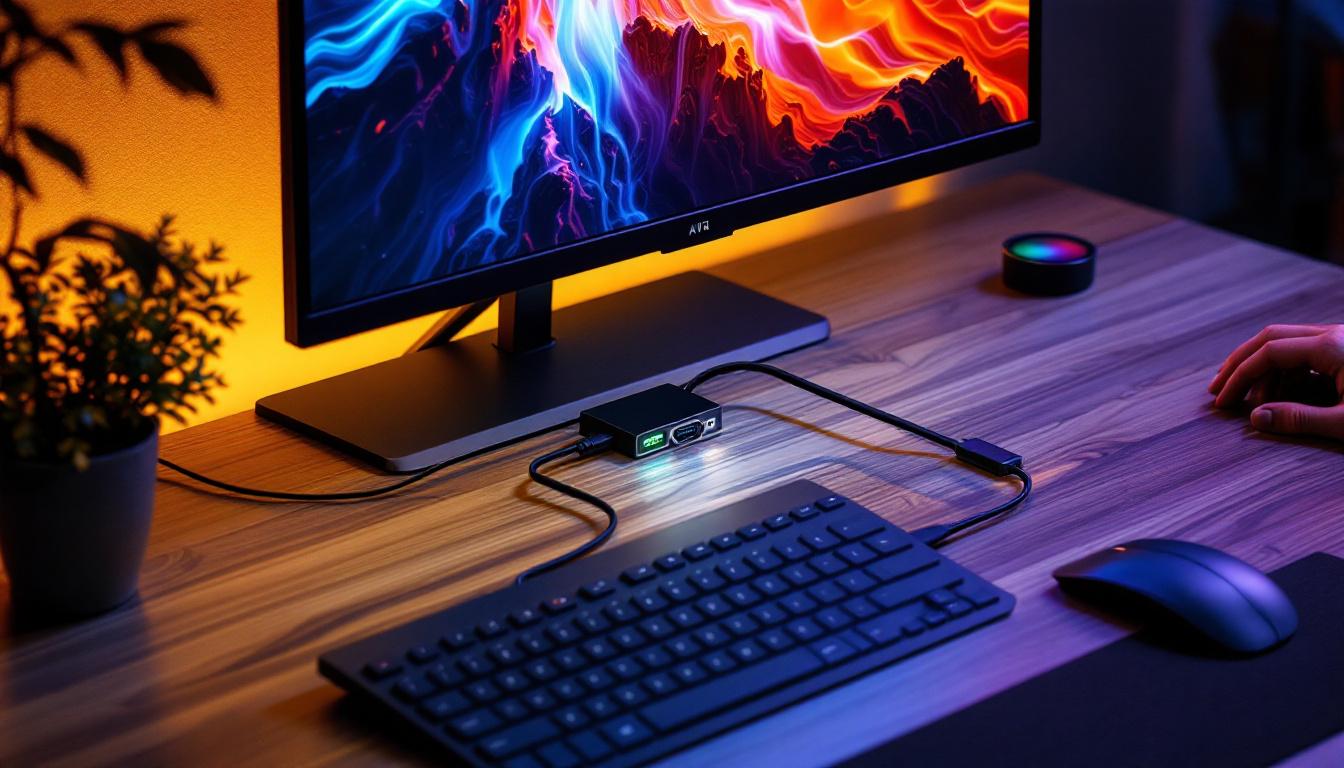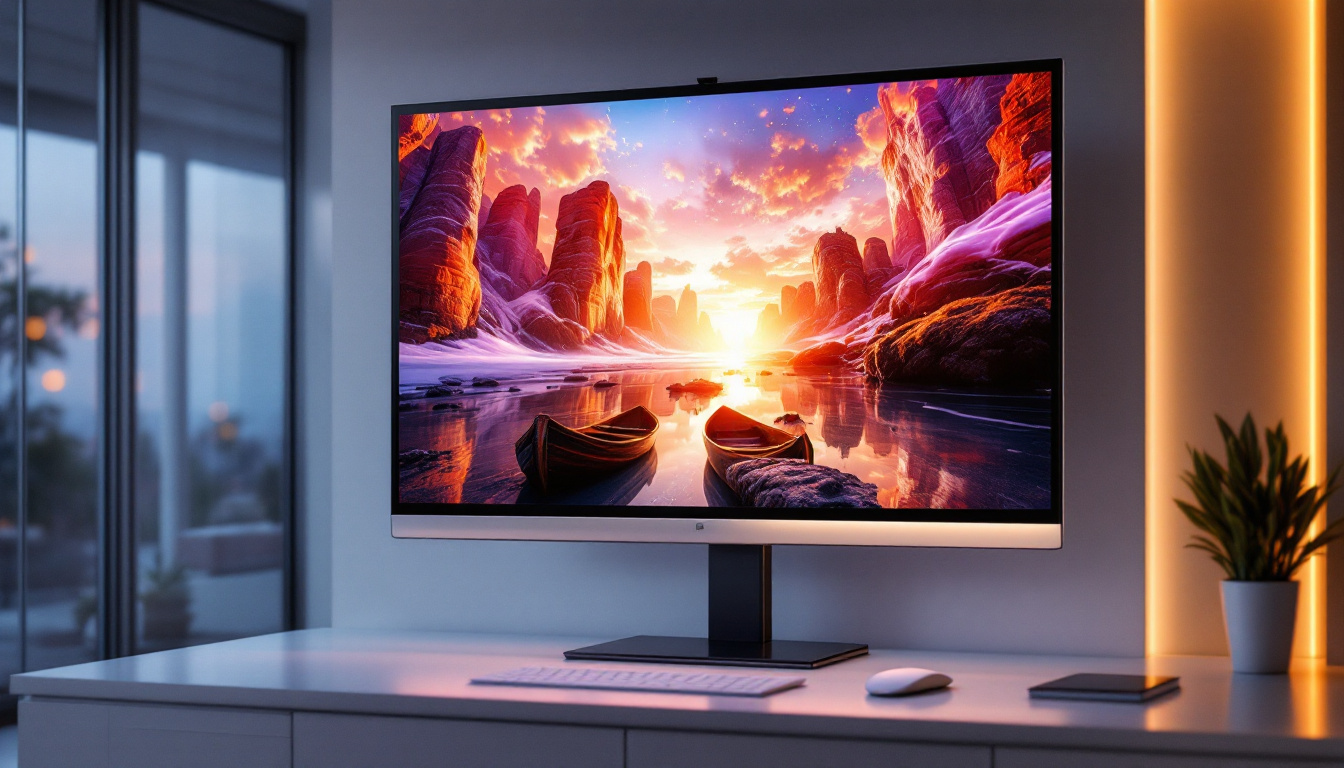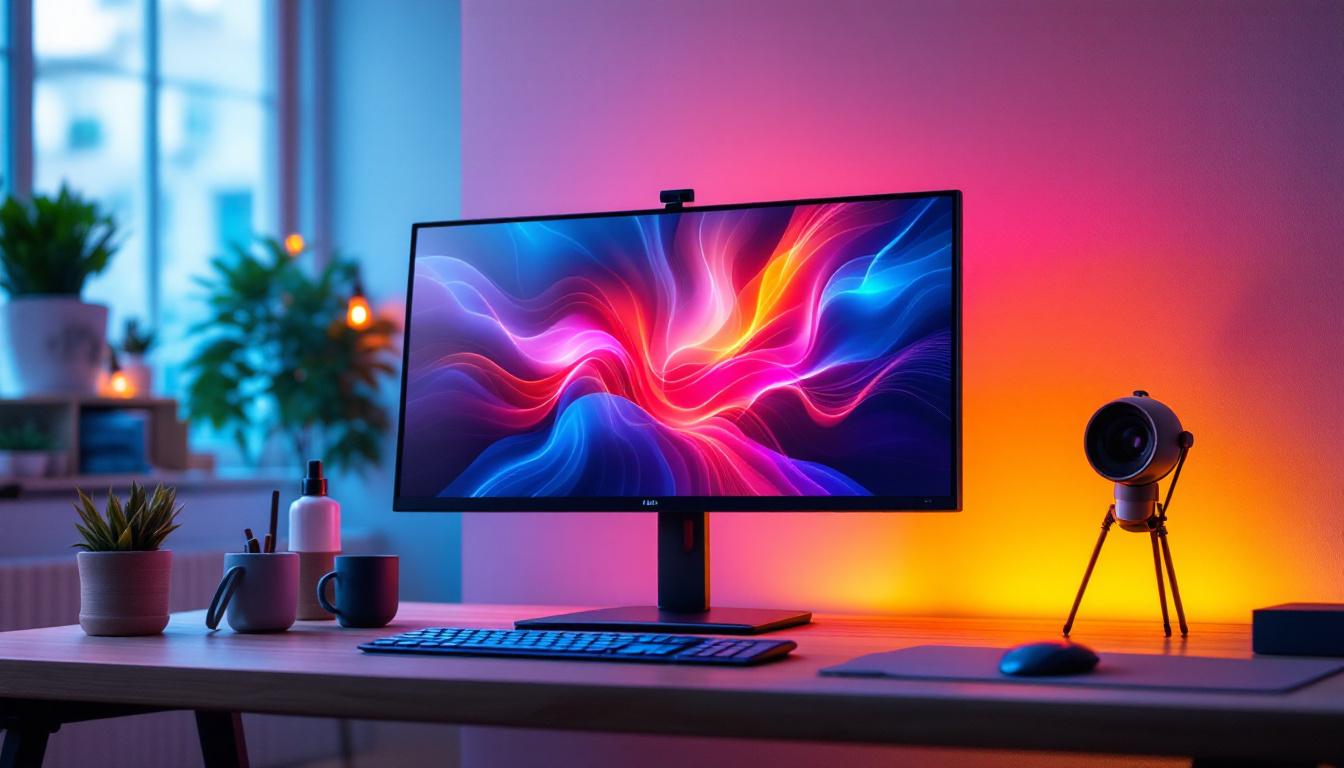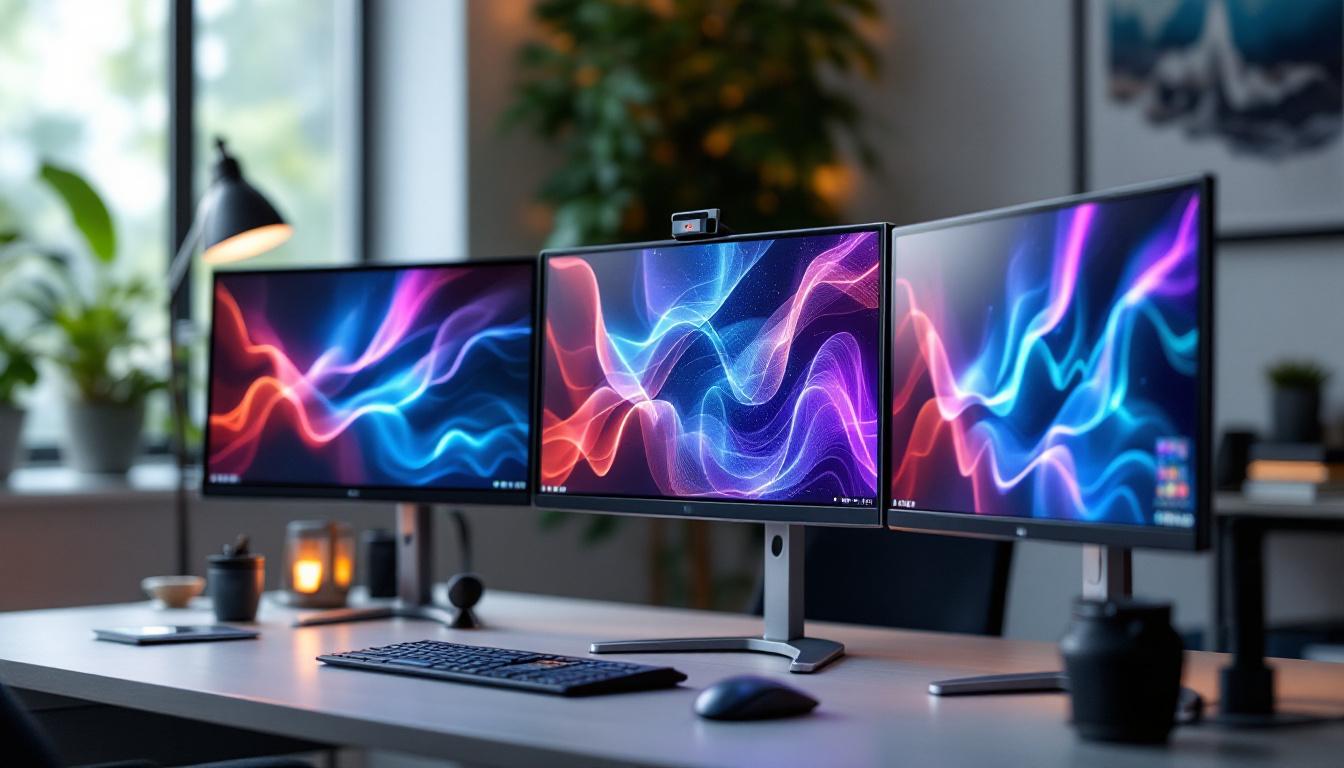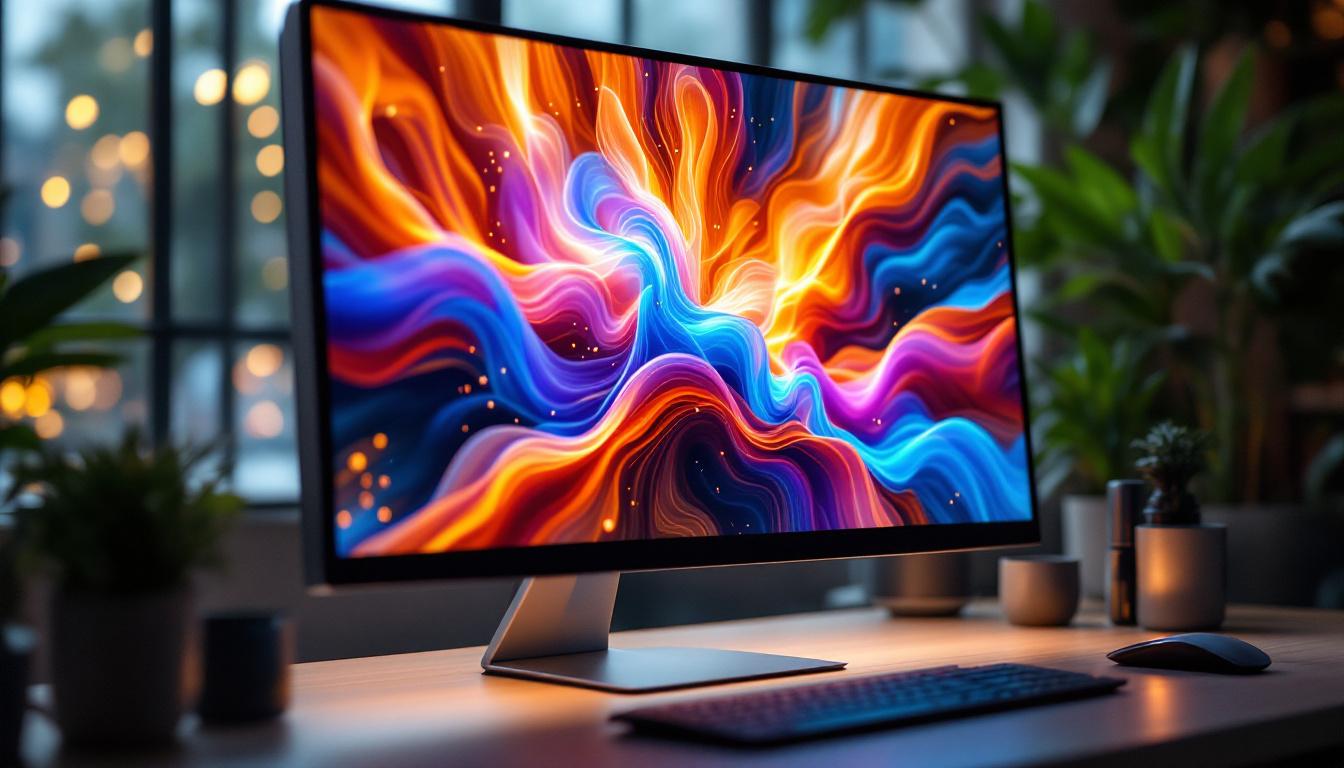
In today’s digital age, the desktop monitor is more than just a screen; it’s the portal to work, entertainment, creativity, and communication. Among the various types of monitors available, HD desktop monitors with LED displays have become the gold standard for both professionals and casual users. This article delves into the technology behind LED displays, explains what makes HD monitors stand out, and guides you through choosing the right monitor to suit your needs.
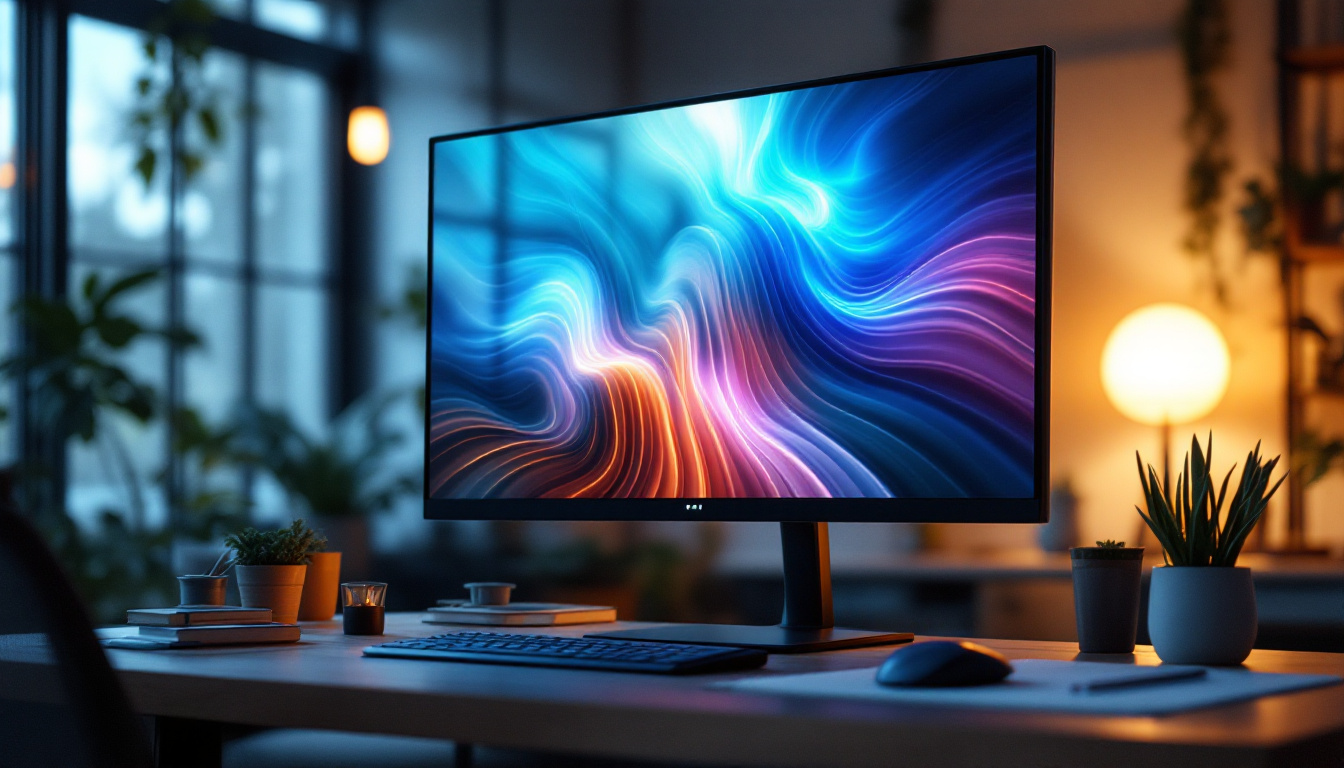
Understanding HD Desktop Monitors
What Does HD Mean?
HD stands for High Definition, a term that refers to the resolution of the display. In the context of desktop monitors, HD typically means a resolution of 1280 x 720 pixels (720p) or higher. However, most modern HD desktop monitors feature Full HD (1920 x 1080 pixels), providing a sharper and more detailed image. This resolution is ideal for everyday computing, gaming, and multimedia consumption. The clarity offered by Full HD allows users to enjoy vibrant colors and fine details, making it a preferred choice for watching movies and playing video games.
Higher resolutions such as 2K (2560 x 1440 pixels) and 4K (3840 x 2160 pixels) are also available, but Full HD remains the most popular due to its balance of image clarity and affordability. As technology advances, more consumers are beginning to explore these higher resolutions, especially as content creators produce more 4K content. The transition to 4K monitors has also been facilitated by the decreasing prices of such displays, making them more accessible to the average user. This shift not only enhances the viewing experience but also opens up new possibilities for multitasking, as users can have multiple windows open side by side without sacrificing clarity.
Why Resolution Matters
The resolution of a monitor directly impacts the clarity and detail of the images displayed. A higher resolution means more pixels per inch (PPI), resulting in crisper text, smoother graphics, and a more immersive viewing experience. For professionals working with graphic design, video editing, or CAD applications, a higher resolution can significantly enhance productivity and precision. The ability to see intricate details clearly can make a substantial difference in the quality of work produced, allowing for more accurate edits and designs. Furthermore, as software applications become more sophisticated, having a monitor that can keep up with the demands of high-resolution graphics is crucial.
For everyday users, Full HD resolution ensures that movies, games, and websites look sharp without putting excessive strain on the computer’s graphics card, which is especially important for budget-conscious setups. Additionally, the benefits of higher resolution displays extend beyond just aesthetics; they can also reduce eye strain during prolonged use. Many users find that higher pixel density results in less noticeable pixelation, leading to a more comfortable viewing experience. With the rise of remote work and online learning, having a monitor that provides clear visuals can enhance focus and productivity, making it an essential component of any home office or study space.
LED Display Technology Explained
What is an LED Display?
LED stands for Light Emitting Diode. An LED display uses tiny diodes that emit light when an electric current passes through them. In desktop monitors, LED technology is primarily used as a backlight source for LCD (Liquid Crystal Display) panels. This combination is often referred to as an LED-backlit LCD monitor.
Unlike older CCFL (Cold Cathode Fluorescent Lamp) backlights, LED backlighting offers several advantages including improved energy efficiency, thinner panel designs, better brightness, and enhanced color accuracy.
Types of LED Backlighting
There are two main types of LED backlighting used in desktop monitors: edge-lit and direct-lit (or full-array).
- Edge-lit LED: LEDs are positioned along the edges of the screen. This design allows for thinner monitors and is generally more affordable. However, it may lead to uneven brightness and less precise local dimming.
- Direct-lit LED: LEDs are placed directly behind the entire screen. This setup provides more uniform brightness and better contrast, especially when combined with local dimming technology, which can turn off LEDs in dark areas of the screen for deeper blacks.
Understanding these types helps consumers make informed choices based on their priorities, such as budget, image quality, and monitor thickness.
Benefits of LED Displays in HD Monitors
LED displays bring several benefits to HD desktop monitors:
- Energy Efficiency: LED backlights consume less power compared to CCFLs, reducing electricity costs and environmental impact.
- Improved Brightness and Contrast: LEDs can achieve higher brightness levels and better contrast ratios, enhancing the viewing experience in various lighting conditions.
- Longer Lifespan: LEDs tend to last longer than traditional backlighting methods, meaning the monitor will maintain its quality over time.
- Thinner and Lighter Designs: LED technology allows manufacturers to produce sleek, lightweight monitors that fit modern workspace aesthetics.
Key Features to Consider When Choosing an HD LED Desktop Monitor
Screen Size and Aspect Ratio
Screen size is a crucial factor in selecting a desktop monitor. HD monitors typically range from 21 inches to 27 inches for mainstream use. Larger screens provide more workspace and a more immersive experience, but they also require more desk space and may be more expensive.
The aspect ratio, commonly 16:9 for HD monitors, determines the width-to-height ratio of the screen. This ratio is ideal for watching widescreen videos and multitasking with side-by-side windows.
Refresh Rate and Response Time
Refresh rate, measured in Hertz (Hz), indicates how many times the screen updates per second. A standard HD monitor usually has a 60Hz refresh rate, which is sufficient for general use and video playback. However, gamers and video editors might prefer monitors with 75Hz or higher for smoother motion.
Response time, measured in milliseconds (ms), refers to how quickly a pixel can change colors. Lower response times reduce motion blur and ghosting effects. For fast-paced gaming or video editing, a response time of 5ms or less is recommended.
Color Accuracy and Viewing Angles
Color accuracy is vital for professionals in photography, design, and video production. Look for monitors that cover a wide color gamut such as sRGB or Adobe RGB and offer factory calibration for precise color reproduction.
Viewing angles determine how well the image holds up when viewed from different positions. IPS (In-Plane Switching) panels are known for wide viewing angles and accurate colors, making them a popular choice for HD LED monitors.
Connectivity Options
Modern HD LED monitors come equipped with various connectivity ports including HDMI, DisplayPort, USB-C, and VGA. HDMI is the most common and supports both video and audio signals. USB-C is gaining popularity for its versatility, allowing video, data transfer, and charging through a single cable.
Choosing a monitor with multiple input options ensures compatibility with different devices such as laptops, desktops, gaming consoles, and media players.
Popular Use Cases for HD LED Desktop Monitors
Office and Productivity
For office environments, Full HD LED monitors provide clear text and sharp images, reducing eye strain during long working hours. Features like flicker-free technology and blue light filters further enhance comfort.
Dual monitor setups with HD LED displays are common in productivity workflows, enabling multitasking and improving efficiency.
Gaming
While gamers often seek higher resolutions and faster refresh rates, many still prefer Full HD LED monitors for their affordability and compatibility with mid-range graphics cards. Monitors with 75Hz or 144Hz refresh rates and low response times offer a competitive edge in fast-paced games.
Some HD LED monitors also support adaptive sync technologies like FreeSync or G-Sync, which reduce screen tearing and stuttering.
Creative Work
Graphic designers, photographers, and video editors benefit from HD LED monitors with wide color gamuts and IPS panels. Accurate color representation and consistent brightness are essential for producing professional-quality work.
Many creative professionals use HD monitors as secondary displays alongside 4K monitors to balance performance and workspace.
Entertainment and Media Consumption
Watching movies and streaming content on an HD LED monitor offers vibrant colors and sharp images. The 16:9 aspect ratio matches most video formats, providing a cinematic experience.
Some monitors also include built-in speakers and HDR support, enhancing audio-visual enjoyment.
Maintaining and Optimizing Your HD LED Monitor
Calibration and Color Settings
Regular calibration ensures your monitor displays colors accurately. Calibration tools and software can adjust brightness, contrast, gamma, and color balance. Factory-calibrated monitors often require less frequent adjustments.
Cleaning and Care
To maintain image clarity, clean the screen with a soft microfiber cloth and a gentle cleaning solution designed for electronics. Avoid harsh chemicals and excessive moisture, which can damage the display.
Adjusting Display Settings for Comfort
Adjust brightness and contrast to comfortable levels to reduce eye strain. Use blue light filters or “night mode” settings during extended use, especially in low-light environments.
Position the monitor at eye level and maintain an appropriate viewing distance (about an arm’s length) to promote good posture and reduce fatigue.
Future Trends in HD LED Desktop Monitors
Mini-LED and Micro-LED Technologies
Emerging backlighting technologies such as Mini-LED and Micro-LED promise even better brightness, contrast, and energy efficiency. Mini-LED uses thousands of tiny LEDs for precise local dimming, while Micro-LED offers self-emissive pixels without the need for backlighting, similar to OLED but with longer lifespan and less burn-in risk.
Higher Refresh Rates and Adaptive Sync
As gaming and multimedia demands grow, more HD LED monitors are incorporating refresh rates above 144Hz and adaptive sync technologies to deliver smoother, tear-free visuals.
Integration with Smart Features
Smart monitors with built-in operating systems, voice assistants, and wireless connectivity are becoming more common, blurring the line between traditional monitors and smart TVs.
Conclusion
HD desktop monitors with LED displays offer a compelling combination of image quality, energy efficiency, and affordability. Understanding the technology behind LED backlighting and the importance of resolution helps consumers make informed decisions tailored to their specific needs—whether for work, gaming, creative projects, or entertainment.
As display technology continues to evolve, HD LED monitors remain a versatile and accessible choice for millions of users worldwide, balancing performance and value in an increasingly digital world.
Discover the Future of Visual Display with LumenMatrix
Ready to elevate your visual experience with the latest in HD LED technology? LumenMatrix is at the forefront of LED display innovation, offering a wide range of solutions that bring your content to life. From stunning Indoor LED Walls to dynamic Vehicle LED Displays, our products are designed to captivate and engage. Whether you’re looking to enhance your workspace, create impactful advertising, or deliver an immersive entertainment experience, LumenMatrix has the perfect LED solution for you. Check out LumenMatrix LED Display Solutions today and see how we can transform your visual communication.