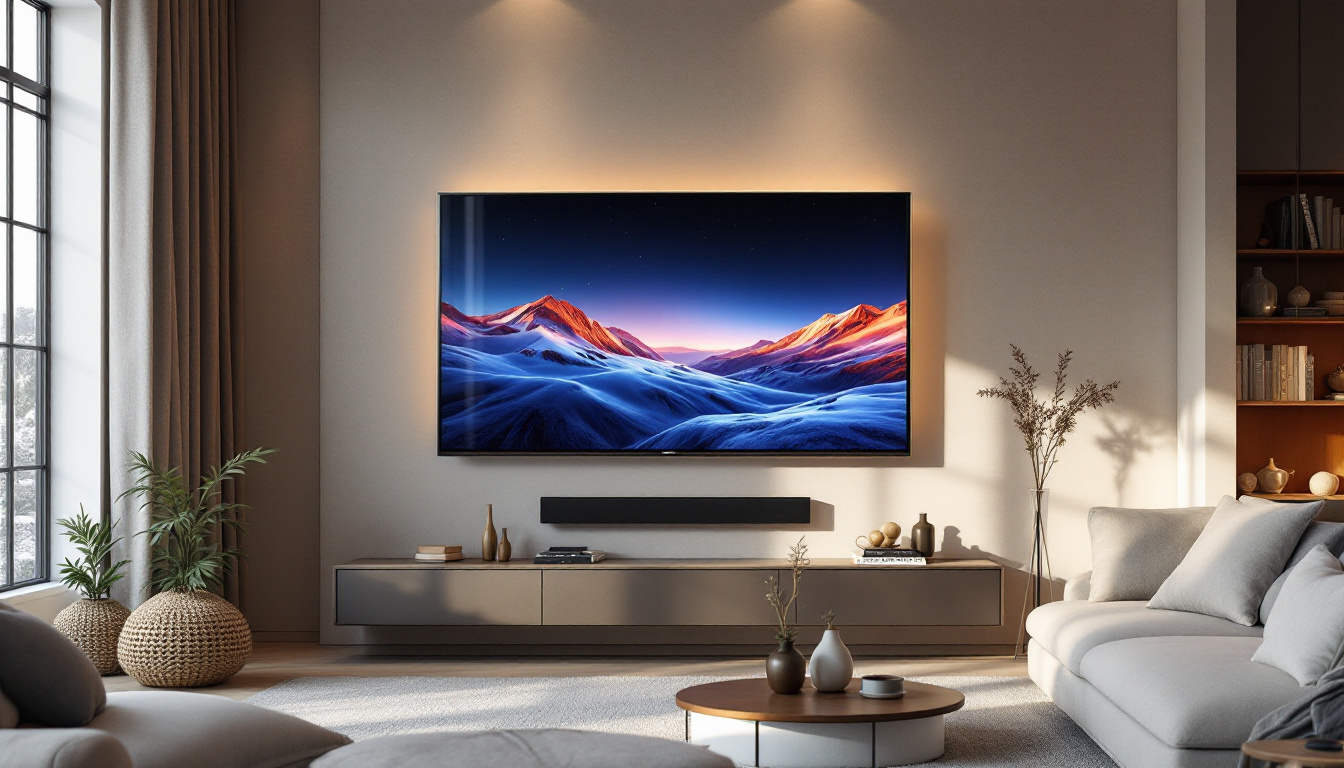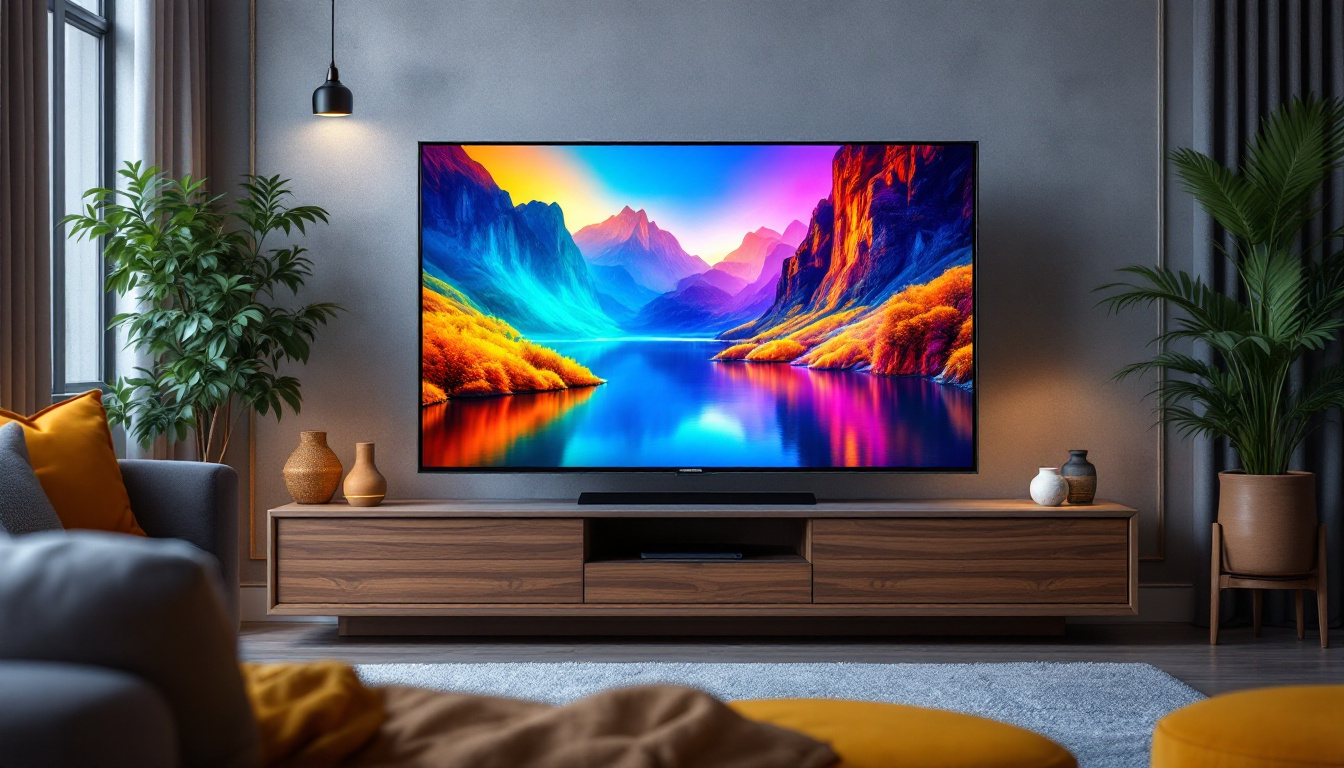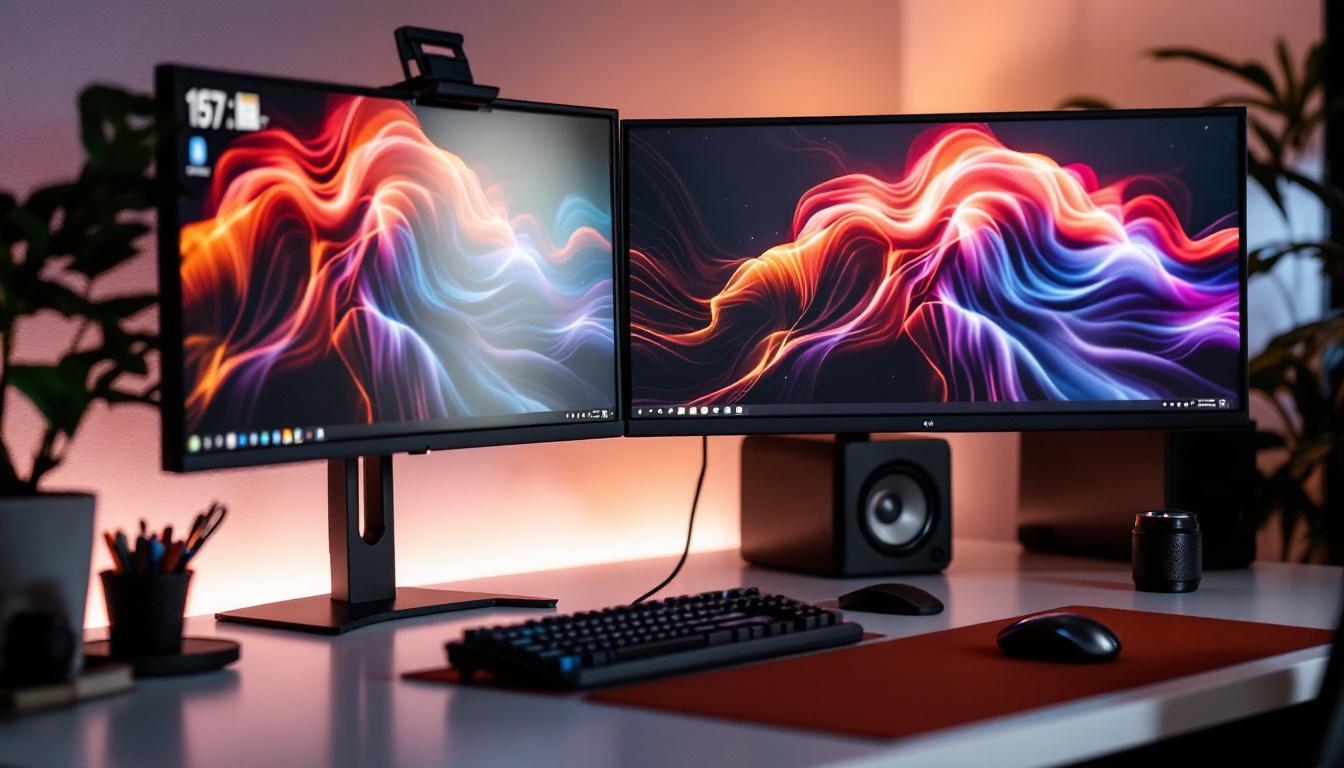
In today’s fast-paced digital world, the demand for efficient and ergonomic workspace setups has never been higher. Whether for professional trading desks, graphic design studios, or immersive gaming rigs, multi-monitor setups have become increasingly popular. Central to these setups is the use of VESA mounts, which provide a standardized and flexible way to mount LED displays. This article delves into the essentials of multi-monitor VESA mounts, explains the technology behind LED displays, and offers insights into optimizing your workspace for productivity and comfort.
Understanding VESA Mount Standards for Multi-Monitor Setups
What is a VESA Mount?
The Video Electronics Standards Association (VESA) developed a mounting interface standard to ensure compatibility across various display brands and models. A VESA mount refers to the standardized hole pattern found on the back of most modern monitors, allowing them to be attached securely to mounting arms, stands, or wall mounts.
Typically, these hole patterns are square or rectangular and measured in millimeters—for example, 75×75 mm or 100×100 mm. The VESA standard simplifies the process of mounting monitors, making it easier to create multi-monitor arrays without worrying about brand-specific mounts. This universality means that whether you’re using a high-end gaming monitor or a budget-friendly office display, you can find a suitable mount that fits your needs.
Why Use VESA Mounts for Multi-Monitor Setups?
Multi-monitor setups often involve two or more displays arranged side-by-side or stacked vertically. Using VESA mounts offers several advantages:
- Space Efficiency: By mounting monitors on arms or wall mounts, desk space is freed up for other essentials.
- Ergonomic Flexibility: Adjustable mounts allow users to position monitors at optimal heights, angles, and distances, reducing neck and eye strain.
- Clean Aesthetic: VESA mounts help create a sleek, cable-managed workspace that looks professional and organized.
- Scalability: Adding or rearranging monitors becomes easier with standardized mounts, supporting evolving workspace needs.
Moreover, VESA mounts can accommodate a variety of monitor configurations, including portrait and landscape orientations. This flexibility is particularly beneficial for professionals who work with design software or coding, as it allows for a more tailored viewing experience. Additionally, many VESA mounts come with integrated cable management systems, which help keep your workspace tidy and free from clutter, further enhancing productivity.
Common VESA Mount Patterns and Compatibility
When selecting a multi-monitor VESA mount, it’s crucial to verify the compatibility of your LED displays. Most monitors follow one of these common VESA patterns:
- 75×75 mm: Commonly found on smaller monitors, typically 17 to 24 inches.
- 100×100 mm: The most prevalent pattern for mid-sized monitors, ranging from 24 to 32 inches.
- Larger patterns (e.g., 200×200 mm): Used for large or ultra-wide displays.
Always check the monitor’s specifications or the back panel to confirm the VESA pattern before purchasing a mount. Additionally, consider the weight capacity of the mount to ensure it can safely support your displays. It’s also worth noting that some mounts offer tilt, swivel, and rotation features, which can further enhance your viewing experience. These adjustable options allow users to customize their setup based on personal preferences and specific tasks, making VESA mounts an ideal choice for both casual users and professionals alike.
LED Displays: Technology and Advantages in Multi-Monitor Use
What is an LED Display?
LED (Light Emitting Diode) displays are a type of LCD screen that uses LED backlighting instead of traditional fluorescent lighting. This technology has become the standard for modern monitors due to its superior brightness, energy efficiency, and color accuracy. The evolution of LED technology has transformed the way we view content, making it an essential component in everything from home entertainment systems to professional workstations.
LED displays can be further categorized into edge-lit and full-array backlighting. Edge-lit LEDs place the diodes along the edges of the screen, allowing for thinner designs, while full-array LED displays have diodes distributed evenly behind the screen, offering better contrast and uniformity. Additionally, advancements in local dimming technology have enhanced the performance of full-array displays, allowing for deeper blacks and more vibrant colors, which is particularly beneficial for movie watching and graphic design tasks.
Benefits of LED Displays in Multi-Monitor Setups
LED displays are particularly advantageous for multi-monitor configurations for several reasons:
- Brightness and Contrast: LED technology provides higher brightness levels and better contrast ratios, ensuring clear visibility even in brightly lit environments. This is crucial for users who require precision, such as graphic designers or data analysts who need to interpret detailed information accurately.
- Energy Efficiency: LED monitors consume less power compared to older LCDs with fluorescent backlighting, which is beneficial when running multiple screens simultaneously. This energy efficiency not only reduces electricity costs but also contributes to a smaller carbon footprint, making LED displays a more sustainable choice for environmentally conscious consumers.
- Thin and Lightweight: The slim profiles of LED monitors make them easier to mount on VESA arms and reduce the overall weight load on mounts. This feature is particularly advantageous in office spaces where desk space is limited, allowing for a more organized and clutter-free environment.
- Color Accuracy and Viewing Angles: Modern LED displays often support wide color gamuts and consistent color reproduction, essential for creative professionals. This capability ensures that what you see on the screen closely matches the final output, whether it be in print or on the web.
Considerations When Choosing LED Monitors for Multi-Monitor Use
For a seamless multi-monitor experience, it’s important to select LED displays with consistent specifications:
- Resolution and Size: Matching monitor sizes and resolutions helps maintain uniformity across the display array, reducing visual distractions. High-resolution displays, such as 4K monitors, can significantly enhance productivity by allowing users to view multiple applications side by side without sacrificing clarity.
- Panel Type: IPS panels are preferred for their wide viewing angles and color accuracy, while VA panels offer better contrast ratios. Depending on the intended use, users may choose between these panel types to optimize their viewing experience, whether for gaming, professional work, or casual use.
- Refresh Rate and Response Time: Gamers and video editors may prioritize higher refresh rates (e.g., 144Hz) and low response times for smoother visuals. These specifications are crucial for reducing motion blur and ensuring that fast-paced action is displayed clearly, which can enhance both gaming performance and video editing precision.
- Bezel Width: Thin bezels minimize the gap between screens, creating a more immersive experience. This is particularly important for users who engage in tasks that require extensive screen real estate, such as programming or financial analysis, where continuity across displays can significantly improve workflow.
Moreover, the ability to calibrate color settings across multiple monitors can further enhance the visual experience. Many modern LED displays come with built-in calibration tools or software compatibility, allowing users to achieve consistent color output across their entire setup. This is especially beneficial for photographers and videographers who rely on accurate color reproduction to ensure their work meets industry standards.
Another factor to consider is connectivity options. Many LED monitors now come equipped with multiple input ports, such as HDMI, DisplayPort, and USB-C, allowing for versatile connections to various devices. This flexibility is essential for users who may need to switch between different computers or devices frequently, ensuring that their multi-monitor setup remains efficient and adaptable to their changing needs.
Optimizing Your Multi-Monitor VESA Mount Setup
Choosing the Right Mount Type
Multi-monitor VESA mounts come in several configurations, each suited to different workspace needs:
- Single Arm Mounts: Designed for one monitor, but multiple arms can be combined for multi-monitor setups. They offer excellent adjustability.
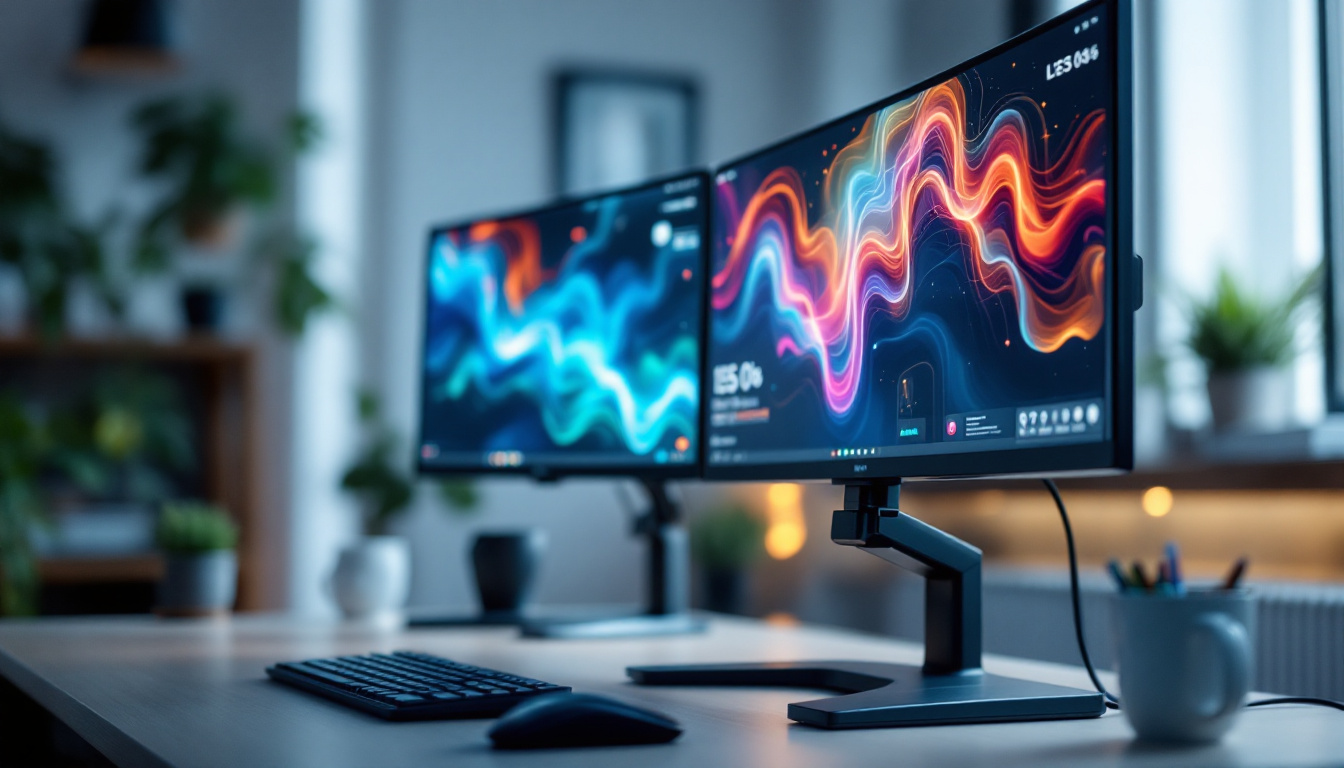
- Dual or Triple Monitor Stands: These mounts hold two or three monitors on a single base, ideal for desks with limited mounting options.
- Wall Mounts: Fixed or articulating wall mounts save desk space and allow for flexible positioning.
- Freestanding Multi-Monitor Stands: These stands support multiple monitors without the need for desk or wall mounting, useful for renters or temporary setups.
Installation Tips for Stability and Ergonomics
Proper installation is critical to ensure safety and comfort:
- Check Weight Limits: Confirm that each arm or mount can support the weight of your LED displays.
- Secure Fastening: Use the correct screws and ensure they are tightened properly to prevent wobbling.
- Adjust Height and Angle: Position monitors so that the top of the screen is at or slightly below eye level, and tilt screens to reduce glare.
- Cable Management: Use integrated channels or clips to keep cables organized and prevent tangling.
Enhancing Productivity with Multi-Monitor Layouts
How monitors are arranged can significantly impact workflow efficiency:
- Horizontal Alignment: Placing monitors side-by-side is common and works well for tasks requiring wide horizontal space, such as spreadsheets or coding.
- Vertical Stacking: Stacking monitors vertically can save desk space and is useful for viewing long documents or social media feeds.
- Curved or Angled Configurations: Slightly angling monitors toward the user creates a more immersive and natural viewing experience.
Studies show that multi-monitor setups can increase productivity by up to 42%, especially in data-intensive professions. The ability to view multiple applications simultaneously reduces the need to switch between windows, streamlining workflow.
Maintenance and Troubleshooting for VESA-Mounted LED Displays
Regular Maintenance Practices
Maintaining your multi-monitor setup ensures longevity and consistent performance:
- Dust and Clean: Regularly wipe screens with microfiber cloths and clean mounting arms to prevent dust buildup.
- Inspect Mounts: Periodically check screws and joints for looseness and tighten as needed.
- Monitor Calibration: Calibrate color settings to maintain visual consistency across all displays.
Common Issues and Solutions
Some challenges may arise with multi-monitor VESA mounts and LED displays:
- Monitor Wobble: Often caused by loose screws or insufficient mount strength. Tightening hardware or upgrading to a sturdier mount can help.
- Compatibility Problems: If monitors don’t fit the mount, verify VESA patterns and consider adapter plates if necessary.
- Color or Brightness Mismatch: Use software calibration tools or built-in monitor settings to harmonize display output.
- Connectivity Issues: Ensure cables are securely connected and use high-quality HDMI, DisplayPort, or USB-C cables for stable signals.
Conclusion: Investing in a Multi-Monitor VESA Mount for LED Displays
Multi-monitor setups have become a cornerstone of modern work and entertainment environments. Leveraging the VESA mount standard allows users to create flexible, ergonomic, and aesthetically pleasing configurations that maximize desk space and enhance productivity. When paired with LED displays, these setups benefit from superior image quality, energy efficiency, and sleek designs.
Choosing the right VESA mount involves understanding your monitors’ specifications, workspace constraints, and ergonomic needs. Proper installation and maintenance ensure a safe and comfortable experience, enabling users to enjoy the full advantages of multi-monitor configurations.
As technology continues to evolve, multi-monitor VESA mounts and LED displays will remain essential tools for professionals and enthusiasts seeking to optimize their digital environments.
Discover the Future of Visual Displays with LumenMatrix
Ready to elevate your multi-monitor setup to the next level? LumenMatrix is at the forefront of LED display innovation, offering a wide array of solutions that bring your visual communication to life. From captivating Indoor LED Wall Displays to dynamic Outdoor LED Wall Displays, and from versatile Vehicle LED Displays to sleek LED Poster Displays, our products are designed to enhance engagement and brand visibility. Experience the transformative power of LED Sports Displays, Floor LED Displays, Custom LED Displays, All-in-One LED Displays, and LED Transparent Displays. Embrace the revolution in digital signage and create an unforgettable visual experience. Check out LumenMatrix LED Display Solutions today and see your vision become a vibrant reality.