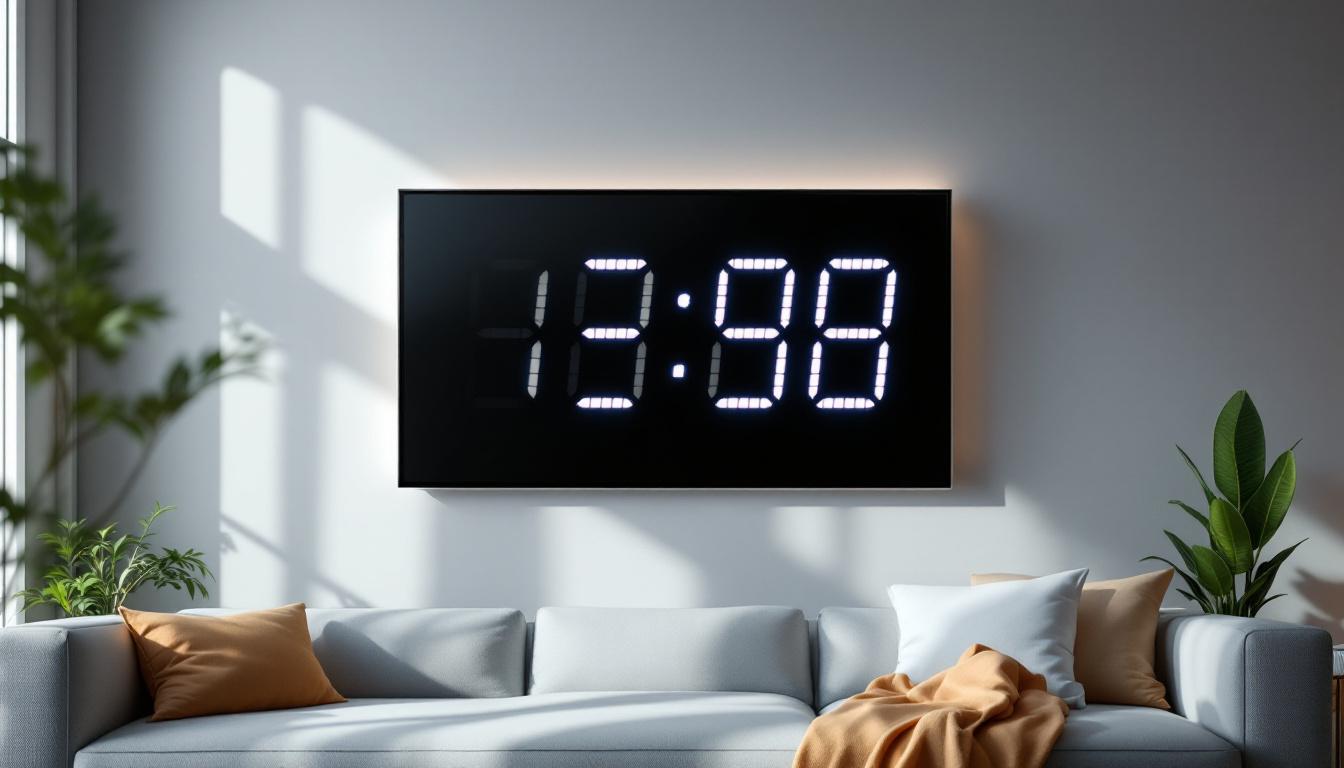
In the realm of modern display technology, understanding the nuances of contrast ratio is essential for anyone seeking the best visual experience. Whether you are a professional graphic designer, a gamer, or simply a consumer looking to purchase a new monitor, the contrast ratio of an LED display plays a pivotal role in determining image quality. This article delves into the concept of contrast ratio, its significance in LED monitors, and how it impacts your viewing experience.
What Is Contrast Ratio and Why Does It Matter?
Contrast ratio is a fundamental specification that describes the difference between the darkest black and the brightest white a display can produce. It is typically expressed as a ratio, such as 1000:1, meaning the brightest white is 1000 times brighter than the darkest black. This measure directly influences the clarity, depth, and vibrancy of images on the screen.
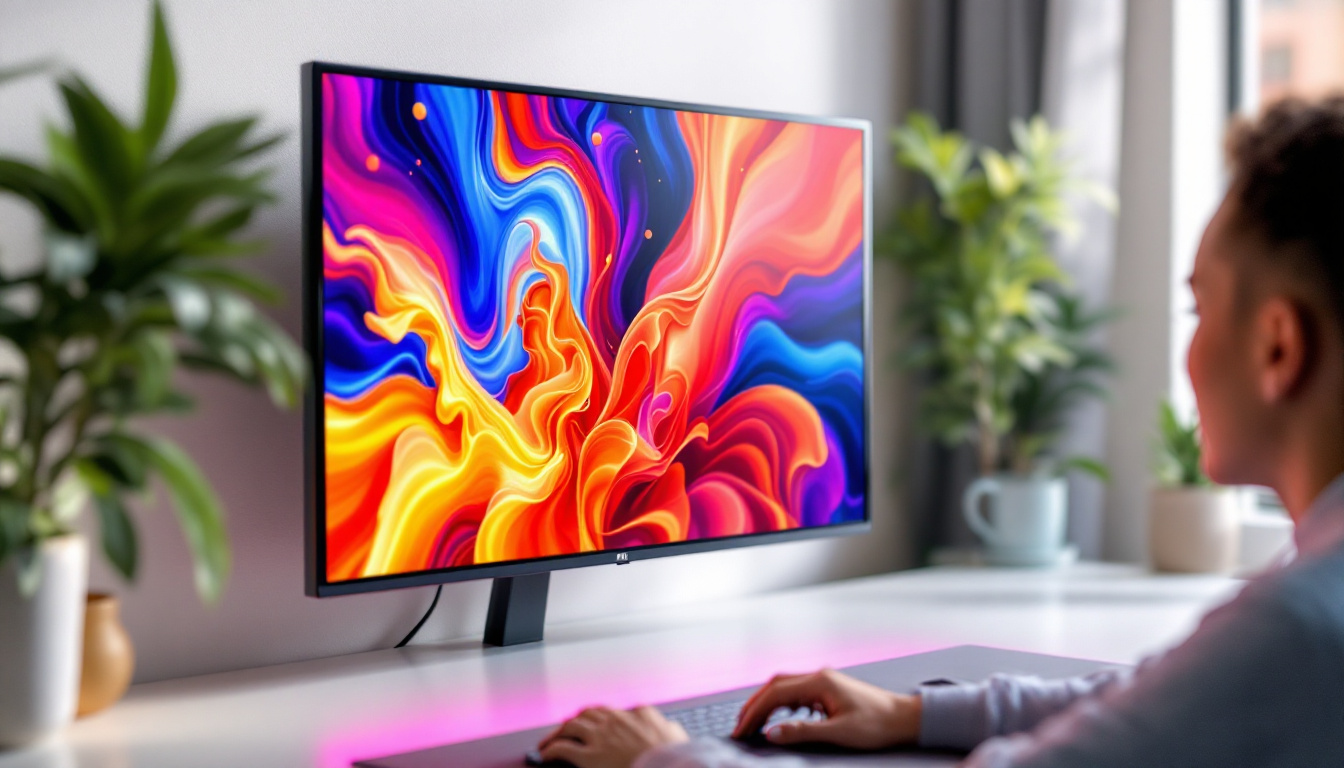
Why is contrast ratio so important? A higher contrast ratio allows for more detailed shadows and highlights, making images appear more lifelike and immersive. For example, in a scene with dim lighting or subtle color gradients, a monitor with a low contrast ratio might render blacks as grayish or washed out, losing critical detail. Conversely, a high contrast ratio ensures that dark scenes remain rich and textured, and bright areas retain their brilliance without bleeding into surrounding pixels.
In practical terms, contrast ratio affects everything from reading text to watching movies and editing photos. For professionals working with color-sensitive content, such as photographers and video editors, an accurate and high contrast ratio is indispensable for precise color grading and detail preservation.
Moreover, the significance of contrast ratio extends beyond just visual appeal; it also plays a crucial role in accessibility. Individuals with visual impairments often rely on high contrast ratios to differentiate between text and backgrounds effectively. For instance, a website with a low contrast ratio may present challenges for users with low vision, making it difficult for them to read content comfortably. Therefore, understanding and implementing appropriate contrast ratios is essential not only for aesthetic purposes but also for ensuring inclusivity in digital design.
Additionally, the contrast ratio can vary significantly between different display technologies. For example, OLED screens typically boast superior contrast ratios compared to traditional LCDs, thanks to their ability to achieve true black by turning off individual pixels. This capability not only enhances the overall viewing experience but also allows for a broader range of colors and finer details in dark scenes. As consumers become more discerning about display quality, manufacturers are increasingly prioritizing contrast ratio in their product specifications, making it a key consideration for anyone looking to invest in a new monitor, television, or mobile device.
Understanding LED Displays and Their Contrast Ratios
How LED Technology Works
LED (Light Emitting Diode) displays are a type of LCD (Liquid Crystal Display) that use LEDs as a backlight source instead of traditional CCFL (Cold Cathode Fluorescent Lamp) backlights. This shift has brought significant improvements in energy efficiency, brightness, and color accuracy. However, the contrast ratio in LED monitors depends heavily on the backlighting technology and panel type used.
There are two primary types of LED backlighting: edge-lit and full-array. Edge-lit LED displays place LEDs around the edges of the screen, directing light across the panel. This design is thinner and more cost-effective but often results in less uniform lighting and lower contrast ratios. Full-array LED displays, on the other hand, have LEDs distributed evenly behind the entire screen, enabling better control over brightness and contrast.
Panel Types and Their Impact on Contrast
The type of LCD panel also influences contrast ratio. The most common panel types are TN (Twisted Nematic), IPS (In-Plane Switching), and VA (Vertical Alignment). TN panels generally have lower contrast ratios, often around 1000:1, but offer faster response times, making them popular among gamers. IPS panels provide better color accuracy and viewing angles but tend to have moderate contrast ratios, typically between 800:1 and 1300:1.
VA panels are known for their superior contrast ratios, often exceeding 3000:1, because of their ability to block more light in dark scenes. This makes VA panels a preferred choice for users prioritizing deep blacks and high contrast, such as movie enthusiasts and professionals working with dark content.
Measuring Contrast Ratio: Native vs. Dynamic
Native Contrast Ratio Explained
The native contrast ratio, also called static contrast ratio, measures the difference between the brightest white and the darkest black the monitor can display simultaneously without any adjustments. This value is generally more reliable and reflects the true performance of the panel under normal conditions.
For example, a monitor with a native contrast ratio of 1500:1 means that the brightest white is 1500 times brighter than the darkest black it can display at the same time. This ratio is critical for users who want consistent image quality across all types of content.
Dynamic Contrast Ratio and Its Limitations
Dynamic contrast ratio is a marketing term that measures the contrast ratio by adjusting the backlight intensity dynamically depending on the content being displayed. For instance, the backlight dims during dark scenes and brightens during lighter scenes to create an artificially higher contrast ratio, sometimes advertised as 1,000,000:1 or more.
While dynamic contrast can enhance the viewing experience in certain scenarios, it is not a true representation of the monitor’s performance. The constant backlight adjustments can cause flickering or unnatural brightness shifts, which may be distracting or fatiguing over time. Therefore, when comparing monitors, native contrast ratio should be prioritized over dynamic contrast ratio for a more accurate assessment.
Why Contrast Ratio Is Crucial for Different Use Cases
Professional Content Creation
For photographers, video editors, and graphic designers, a high native contrast ratio ensures accurate representation of shadows and highlights. This accuracy is essential for color grading and retouching, where subtle differences in tone can significantly impact the final product. Monitors with VA or high-quality IPS panels and native contrast ratios above 1000:1 are generally recommended for these professionals.
Gaming and Entertainment
Gamers benefit from monitors with high contrast ratios because they provide better visibility in dark scenes, revealing hidden enemies or details that could be missed on lower contrast displays. Additionally, movies and streaming content with high dynamic range (HDR) benefit from displays that can produce deep blacks and bright highlights, enhancing the immersive experience.
Many gaming monitors now support HDR standards such as HDR10, which require higher contrast capabilities and brightness levels. However, it is important to note that HDR performance depends on multiple factors, including peak brightness and color gamut, not just contrast ratio alone.
Everyday Use and Office Work
Even for general office work and web browsing, contrast ratio plays a role in reducing eye strain and improving readability. Text appears crisper and more legible against a properly contrasted background, especially during extended periods of use. Monitors with a contrast ratio of at least 1000:1 are recommended for comfortable daily use.
Technological Advances Enhancing Contrast in LED Monitors
Local Dimming and Mini-LED Backlighting
Local dimming technology allows LED monitors to dim specific zones of the backlight independently, improving contrast by making dark areas darker without affecting bright areas. This technology is commonly found in full-array LED monitors and has become a standard feature in many mid-to-high-end displays.
Mini-LED backlighting takes this concept further by using thousands of tiny LEDs to create even more precise local dimming zones. This results in significantly improved contrast ratios, deeper blacks, and reduced halo effects around bright objects on dark backgrounds. Mini-LED monitors are increasingly popular in premium gaming and professional monitors, offering a near-OLED level of contrast with the benefits of LED technology.
OLED vs. LED Contrast Ratios
While LED monitors continue to improve, OLED (Organic Light Emitting Diode) displays inherently offer superior contrast ratios because each pixel emits its own light and can be turned off completely to achieve true blacks. OLED contrast ratios are effectively infinite, as the black pixels emit no light at all.
However, OLED displays have some drawbacks, including potential burn-in issues and generally higher costs. For users prioritizing the absolute best contrast, OLED remains the gold standard, but LED monitors with advanced backlighting technologies provide an excellent balance of performance, durability, and price.
How to Choose a Monitor Based on Contrast Ratio
Assessing Your Needs
When selecting a monitor, consider the primary use case first. For professional content creation, prioritize monitors with native contrast ratios above 1000:1 and accurate color reproduction. For gaming and entertainment, look for monitors with high contrast ratios combined with HDR support and fast response times.
For everyday use, a contrast ratio of around 1000:1 is sufficient to ensure comfortable viewing and clear text. It is also important to consider other factors such as resolution, refresh rate, panel type, and connectivity options to find the best overall fit.
Reading Reviews and Specifications Carefully
Be cautious of marketing claims regarding dynamic contrast ratios, which can be misleading. Always look for native contrast ratio figures and, if possible, consult professional reviews that include independent measurements. Websites specializing in display technology often provide detailed test results that can help you make an informed decision.
Testing the Monitor Yourself
If possible, test the monitor in person before purchasing. Viewing dark scenes, reading text, and observing color gradients can give you a practical sense of the contrast performance. Pay attention to any backlight bleeding, clouding, or flickering, which can negatively impact the experience despite high contrast specifications.
Conclusion
The contrast ratio of an LED monitor is a critical factor influencing image quality, color accuracy, and overall viewing comfort. Understanding the difference between native and dynamic contrast ratios, the impact of panel types, and the role of backlighting technologies can empower consumers to make better purchasing decisions.
Advancements such as local dimming and mini-LED backlighting continue to push the boundaries of what LED monitors can achieve, narrowing the gap with OLED displays. By carefully assessing your needs and scrutinizing specifications, you can select a monitor that delivers stunning visuals and a superior viewing experience tailored to your specific requirements.
Discover the Future of LED Displays with LumenMatrix
Ready to experience the ultimate in contrast and clarity? LumenMatrix is at the forefront of LED display technology, offering a diverse range of solutions that bring your visual content to life. From immersive Indoor LED Walls to dynamic Outdoor LED Displays, and from versatile Vehicle LED Displays to innovative Custom and All-in-One LED solutions, LumenMatrix has the perfect display to meet your needs. Elevate your visual communication and engage your audience like never before. Check out LumenMatrix LED Display Solutions today and transform your space with unparalleled image quality.