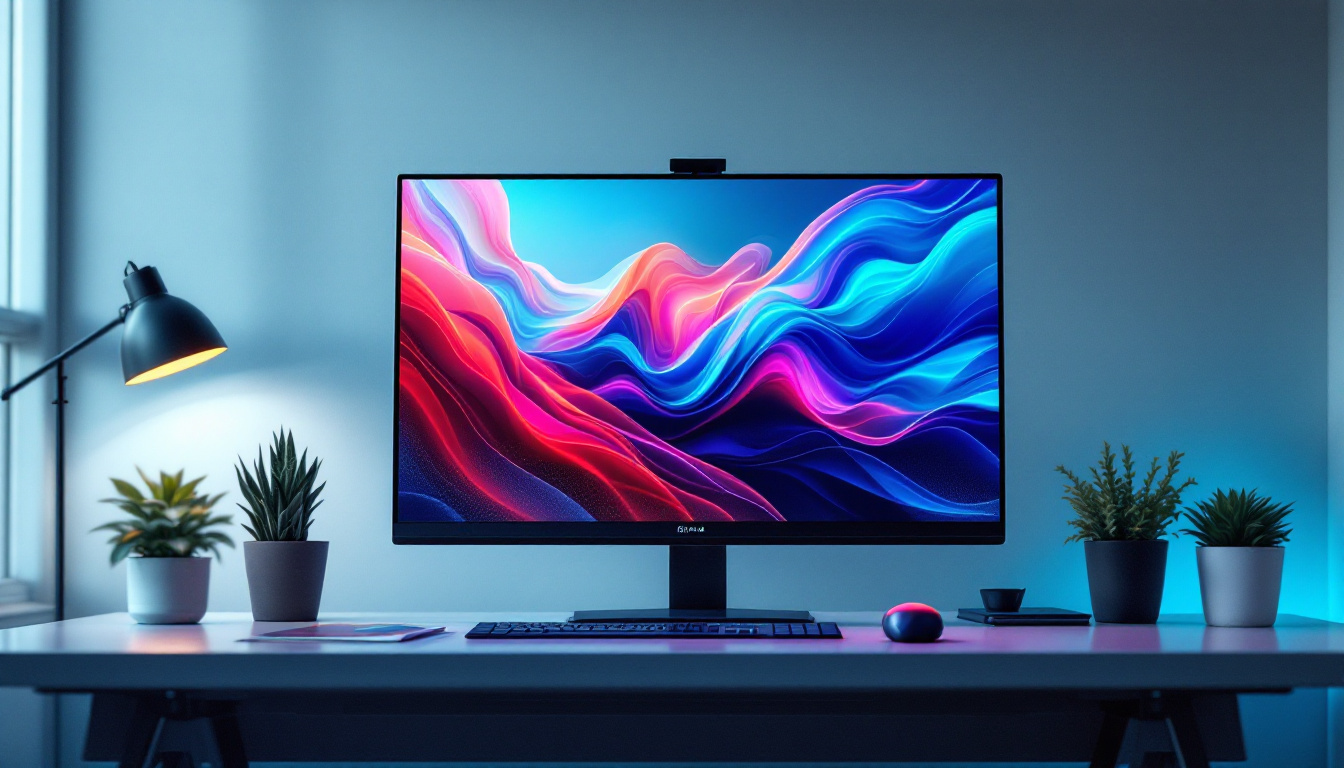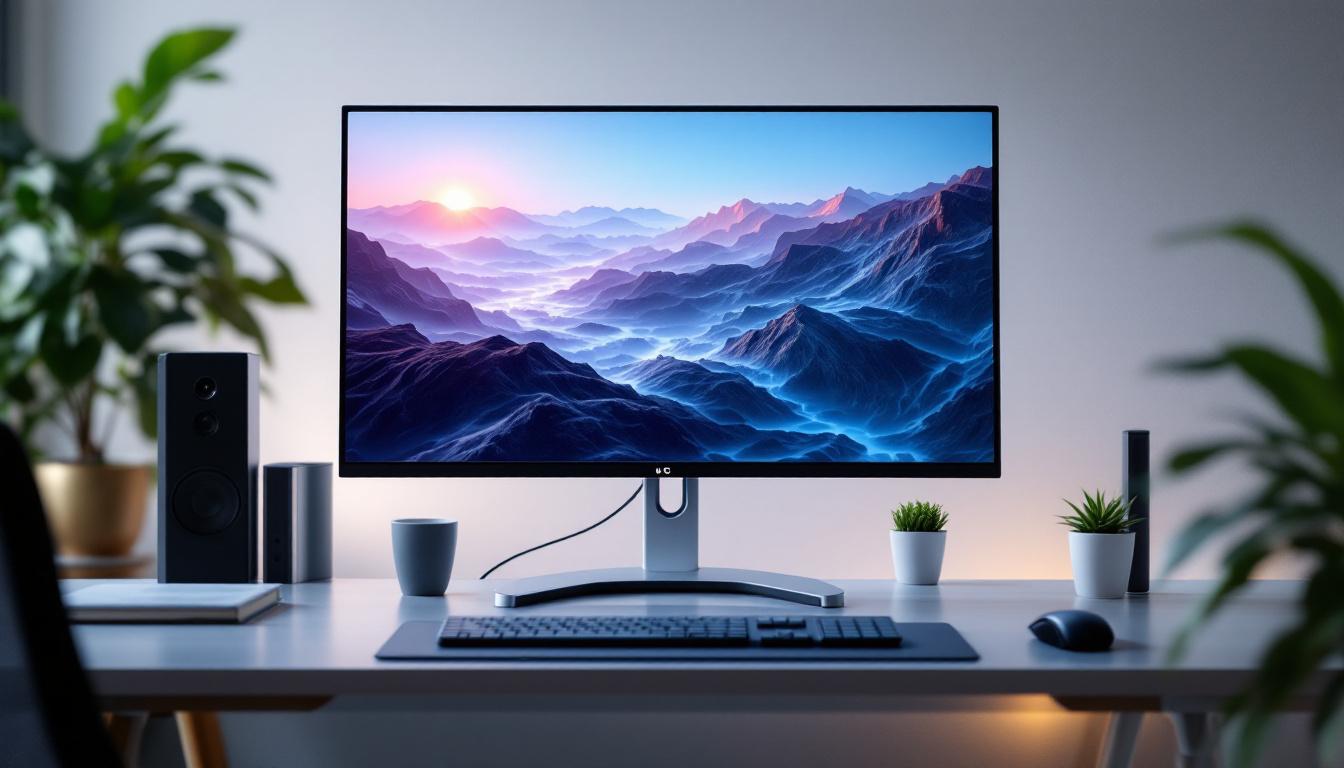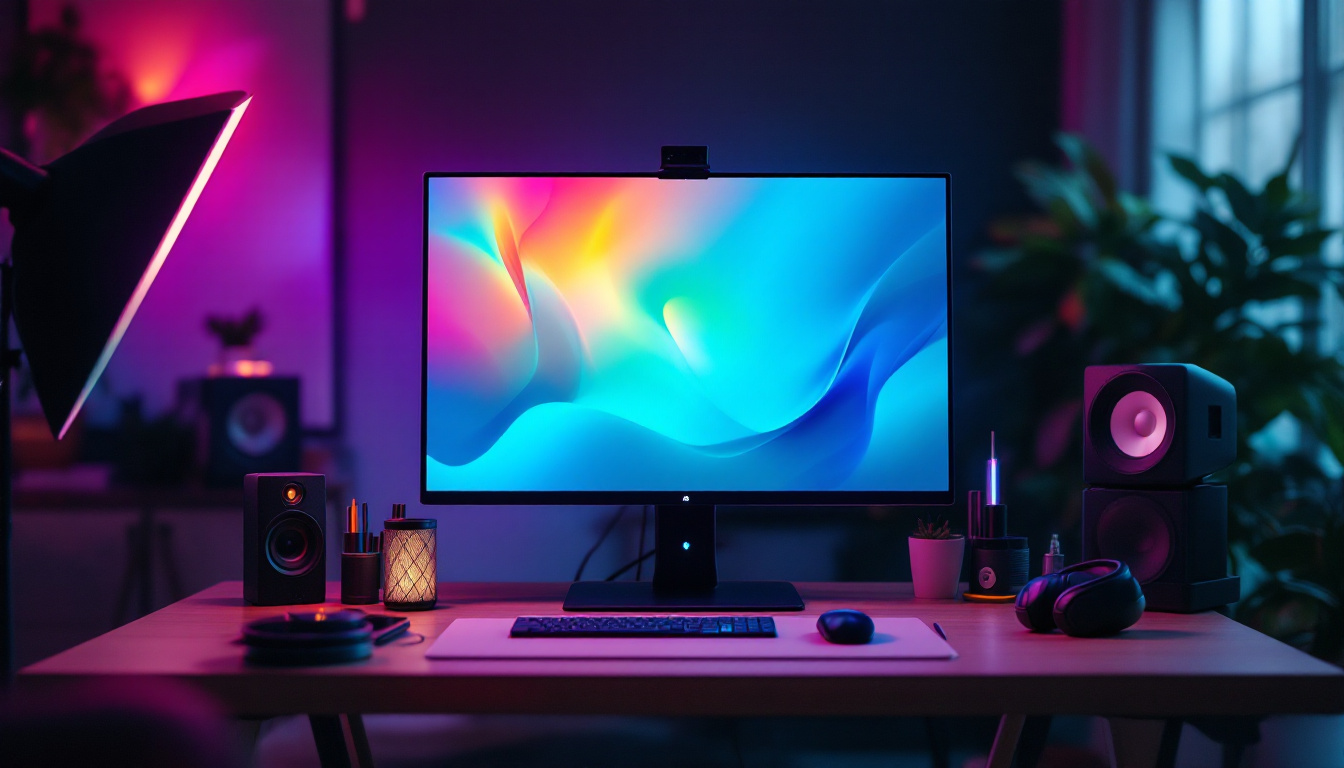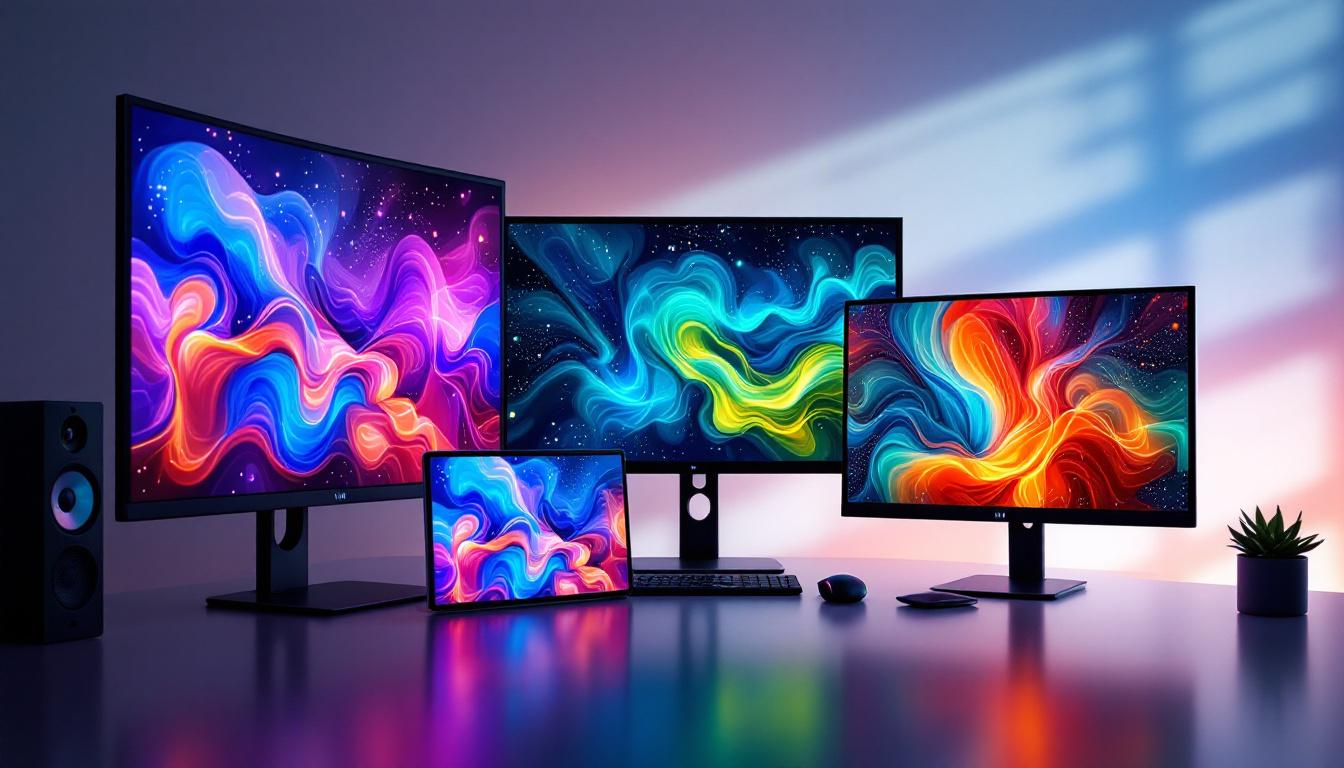
In today’s digital world, choosing the right monitor is essential for productivity, entertainment, and gaming. Among the many options available, LCD monitors with LED displays stand out for their balance of performance, energy efficiency, and visual quality. However, understanding the nuances of LCD monitor sizes and LED technology can be challenging. This article aims to demystify these concepts, providing a comprehensive guide to help you make an informed decision when selecting your next display.
Understanding LCD and LED Technology
What is an LCD Monitor?
LCD stands for Liquid Crystal Display, a technology that uses liquid crystals sandwiched between two layers of glass or plastic. These crystals do not emit light themselves but manipulate light to create images. The light source behind the crystals is called a backlight, which illuminates the screen so images can be seen clearly.
LCD monitors became popular in the early 2000s due to their slim profile and lower power consumption compared to older CRT monitors. They offer sharp images and are widely used in everything from office setups to high-end gaming rigs. The technology behind LCDs has evolved significantly, leading to improvements in color accuracy and response times, making them suitable for a variety of applications, including graphic design and video editing. Additionally, advancements in manufacturing processes have allowed for larger screen sizes and higher resolutions, providing users with an immersive viewing experience.
Role of LED in LCD Monitors
LED stands for Light Emitting Diode, which is a type of backlighting used in modern LCD monitors. Unlike older LCDs that used Cold Cathode Fluorescent Lamps (CCFL) for backlighting, LED backlights are more energy-efficient, provide better brightness, and allow for thinner screen designs.
It’s important to clarify that LED monitors are essentially LCD monitors with LED backlighting. The term “LED monitor” is often used interchangeably with “LCD monitor,” but the key difference lies in the backlight technology. LED backlighting can be implemented in various ways, such as edge-lit or full-array, each affecting picture quality and price. Full-array LED backlighting, for example, allows for local dimming, which enhances contrast ratios by dimming specific areas of the screen while keeping others bright, resulting in deeper blacks and more vibrant colors. This technology has made LED-backlit LCDs a popular choice for home theaters and professional environments where visual fidelity is paramount.
Common LCD Monitor Sizes and Their Use Cases
Small to Medium Monitors: 19 to 24 Inches
Monitors in the 19 to 24-inch range are typically used for everyday computing tasks, such as office work, browsing, and casual media consumption. These sizes are ideal for users with limited desk space or those who prefer a more compact setup.
For example, a 22-inch monitor with a 1080p resolution offers a good balance between screen real estate and pixel density, making text and images appear sharp without requiring scaling adjustments. This size is also popular in corporate environments where multiple monitors might be used side by side.
Mid-Size Monitors: 25 to 27 Inches
Monitors between 25 and 27 inches have become the sweet spot for many users, especially gamers and creative professionals. These sizes provide a larger viewing area without overwhelming the desk or requiring excessive head movement.
At 27 inches, a 1440p (2560×1440) resolution is common, offering a significant improvement in detail over 1080p while maintaining a comfortable pixel density. This makes 27-inch monitors ideal for photo editing, video production, and immersive gaming experiences.
Large Monitors: 28 Inches and Above
Large monitors, starting from 28 inches and going up to 32 inches or more, cater to users who demand extensive screen space. These are often used for multitasking, professional design work, and high-end gaming setups.
4K resolution (3840×2160) is frequently paired with these larger displays to maintain sharpness and clarity. For instance, a 32-inch 4K monitor offers an expansive workspace with crisp details, suitable for complex workflows involving multiple windows and detailed graphics.
How Monitor Size Affects User Experience
Viewing Distance and Comfort
The size of your monitor should be matched with your typical viewing distance to ensure comfort and reduce eye strain. For smaller monitors (19-24 inches), a viewing distance of about 20 to 30 inches is recommended. Larger monitors (27 inches and above) are best viewed from 24 to 36 inches away.
Incorrect viewing distance can lead to discomfort, headaches, and reduced productivity. For example, sitting too close to a large monitor might cause you to move your head excessively to see different parts of the screen, while sitting too far from a small monitor can make text and details hard to read.
Resolution and Pixel Density
Resolution and pixel density are critical factors that influence image quality on any monitor size. Pixel density is measured in pixels per inch (PPI) and determines how sharp the image appears. A higher PPI means sharper images and text.
For smaller monitors, 1080p resolution usually provides sufficient sharpness. However, as screen size increases, higher resolutions like 1440p or 4K are necessary to maintain image clarity. For example, a 24-inch 1080p monitor has a PPI of about 92, while a 32-inch 4K monitor has a PPI of approximately 138, resulting in a much crisper display.
Aspect Ratio Considerations
Most LCD monitors use a 16:9 aspect ratio, which is well-suited for video content and general computing. However, ultrawide monitors with 21:9 or even 32:9 ratios are gaining popularity, especially among gamers and professionals who benefit from extra horizontal space.
Ultrawide monitors can replace dual-monitor setups, offering seamless screen real estate without bezels interrupting the view. However, these monitors tend to be larger and more expensive, and some applications may not support ultrawide resolutions optimally.
LED Backlighting Types and Their Impact on Display Quality
Edge-Lit LED Monitors
Edge-lit LED monitors place LEDs along the edges of the screen, using light guides to distribute light evenly across the display. This design allows for thinner and lighter monitors, often at a lower cost.
While edge-lit monitors can provide good brightness and color reproduction, they sometimes suffer from uneven backlighting, known as “light bleed,” especially in darker scenes. This can affect contrast and overall image quality, which is noticeable in movies and gaming.
Full-Array LED Monitors
Full-array LED monitors have LEDs spread evenly behind the entire screen, allowing for more precise control of brightness levels through local dimming zones. This results in better contrast ratios, deeper blacks, and improved HDR performance.
These monitors tend to be thicker and more expensive but offer superior picture quality, making them ideal for professionals working with color-critical content and enthusiasts seeking the best visual experience.
Mini-LED and Micro-LED Technologies
Recent advancements have introduced mini-LED and micro-LED backlighting, which use significantly smaller LEDs to increase the number of local dimming zones. This technology enhances contrast, brightness, and color accuracy even further.
Mini-LED monitors are becoming more accessible, offering near-OLED levels of picture quality without the risk of burn-in. Micro-LED displays, while still emerging, promise even higher brightness and durability but remain costly and less common in consumer monitors.
Choosing the Right LCD Monitor Size and LED Type for Your Needs
For Office and General Use
For typical office work, web browsing, and media consumption, a 22 to 24-inch monitor with LED edge-lit backlighting and 1080p resolution is usually sufficient. These monitors provide clear text, adequate screen space, and energy efficiency at an affordable price.
Consider ergonomics as well, such as adjustable stands and anti-glare coatings, to enhance comfort during long working hours.
For Creative Professionals
Creative professionals working in photography, video editing, and graphic design benefit from larger monitors (27 inches or more) with higher resolutions (1440p or 4K) and full-array or mini-LED backlighting. Accurate color reproduction and wide color gamut support are critical features to look for.
Monitors with factory calibration and support for standards like AdobeRGB and DCI-P3 can significantly improve workflow accuracy and output quality.
For Gamers and Entertainment Enthusiasts
Gamers often prioritize refresh rates, response times, and resolution alongside size. A 24 to 27-inch monitor with 1440p resolution and a refresh rate of 144Hz or higher is popular for competitive gaming. For immersive single-player experiences, larger 32-inch 4K monitors with full-array or mini-LED backlighting enhance visual fidelity.
Additionally, features like G-Sync or FreeSync support help reduce screen tearing and stuttering, improving gameplay smoothness.
Future Trends in LCD and LED Monitor Technology
Increasing Adoption of Mini-LED and OLED
While LCD with LED backlighting remains dominant, mini-LED technology is rapidly gaining traction due to its superior contrast and HDR capabilities. OLED monitors, known for perfect blacks and vibrant colors, are also entering the market but face challenges like burn-in and higher costs.
Hybrid approaches combining LCD and OLED technologies may emerge, offering the best of both worlds.
Higher Resolutions and Refresh Rates
As content quality improves and gaming demands increase, monitors with 4K and even 8K resolutions, paired with high refresh rates (120Hz and above), are becoming more common. This trend pushes the need for powerful graphics hardware and faster connectivity standards like DisplayPort 2.0 and HDMI 2.1.
Smart Features and Connectivity
Modern monitors are incorporating smart features such as built-in USB hubs, USB-C connectivity with power delivery, and even integrated operating systems for streaming and multitasking. These enhancements improve convenience and reduce desktop clutter.
Conclusion
Choosing the right LCD monitor size and understanding LED display technology is crucial for optimizing your visual experience. Whether for work, creative pursuits, or gaming, selecting the appropriate size, resolution, and backlighting type can make a significant difference in comfort, productivity, and enjoyment.
As technology evolves, staying informed about emerging trends like mini-LED and higher refresh rates will help you future-proof your investment. Ultimately, the best monitor is one that aligns with your specific needs, workspace, and budget, delivering clear, vibrant images that enhance your digital life.
Discover LumenMatrix’s Advanced LED Display Solutions
Ready to elevate your visual experience with the latest in LED display technology? LumenMatrix offers a comprehensive range of innovative LED display solutions tailored to your unique needs. From captivating Indoor LED Wall Displays to dynamic Outdoor LED Wall Displays, and from versatile Vehicle LED Displays to sleek LED Poster Displays, our products are designed to revolutionize visual communication. Embrace the future with LumenMatrix’s LED Sports Displays, interactive Floor LED Displays, and Custom LED Displays that bring your vision to life. Experience the power of seamless integration with our All-in-One LED Display and the stunning clarity of LED Transparent Displays. Check out LumenMatrix LED Display Solutions today and transform how you share your message with the world.