In the world of computer displays, the terms LCD and LED are often used interchangeably, yet they refer to distinct technologies with unique characteristics. Understanding the differences between LCD and LED monitors is crucial for anyone looking to purchase a new screen, whether for gaming, professional work, or everyday use. This article delves into the technical aspects, advantages, and disadvantages of both types of displays, providing a clear explanation of LED technology and how it compares to traditional LCDs.
Understanding the Basics: What Are LCD and LED Monitors?
What is an LCD Monitor?
LCD stands for Liquid Crystal Display. It is a flat-panel display technology that uses liquid crystals sandwiched between two layers of glass or plastic. These crystals do not emit light by themselves; instead, they manipulate light passing through them to create images. To illuminate the screen, LCD monitors rely on a backlight, traditionally a fluorescent tube known as CCFL (Cold Cathode Fluorescent Lamp).
LCD monitors became popular in the late 1990s and early 2000s due to their slim profile and energy efficiency compared to older CRT (Cathode Ray Tube) monitors. They provide sharp images and are widely used in laptops, desktop monitors, televisions, and mobile devices. The technology has evolved over the years, leading to improvements in color accuracy and response times, making them suitable for a range of applications from casual browsing to professional graphic design. Additionally, advancements in LCD technology, such as IPS (In-Plane Switching) panels, have enhanced viewing angles and color reproduction, further solidifying their place in the market.
What is an LED Monitor?
LED stands for Light Emitting Diode. An LED monitor is essentially an LCD monitor that uses LEDs as the backlighting source instead of fluorescent tubes. This subtle distinction means that LED monitors are technically a subset of LCD technology, but with a different backlighting method.
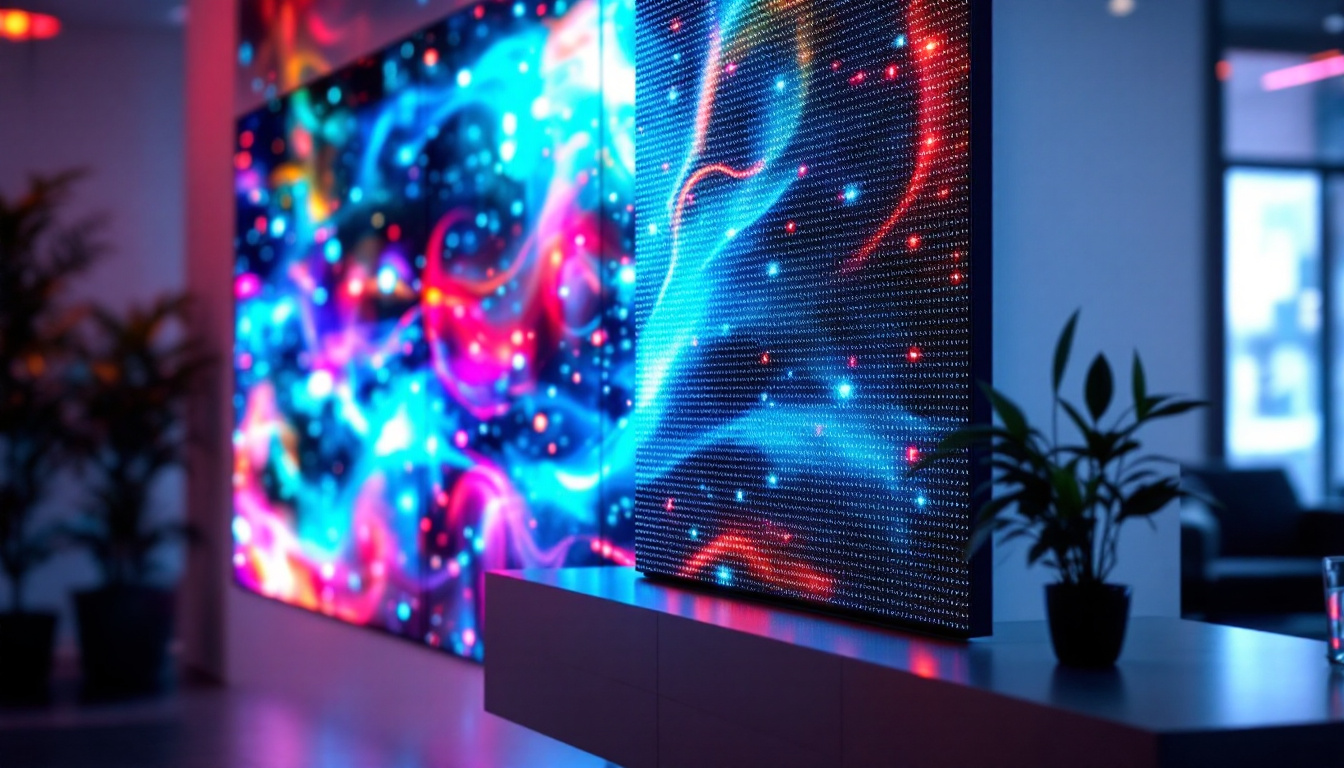
LED backlighting can be implemented in two primary ways: edge-lit and direct-lit (or full-array). Edge-lit LED monitors place LEDs along the edges of the screen, using light guides to distribute illumination evenly. Direct-lit LED monitors have LEDs placed directly behind the screen, allowing for better control over brightness and contrast. This control enables features like local dimming, which can enhance the overall picture quality by adjusting the brightness of specific areas of the screen. Furthermore, LED monitors are known for their ability to produce deeper blacks and brighter whites, making them a popular choice for gamers and movie enthusiasts who seek an immersive viewing experience. With the rise of 4K and HDR (High Dynamic Range) content, LED monitors have become increasingly sophisticated, offering vibrant colors and exceptional detail that cater to the demands of modern media consumption.
Key Differences Between LCD and LED Monitors
Backlighting Technology
The most fundamental difference lies in the backlighting. Traditional LCD monitors use CCFL backlights, which are bulkier, consume more power, and offer less precise control over brightness. LED monitors use LEDs, which are smaller, more energy-efficient, and capable of producing brighter and more vibrant images.
This difference in backlighting impacts not only the display quality but also the design and thickness of the monitors. LED monitors tend to be thinner and lighter, making them more suitable for modern minimalist setups. The sleek design of LED monitors allows them to fit seamlessly into various environments, whether it’s a home office, gaming station, or professional workspace. Furthermore, the reduced weight of LED monitors makes them easier to mount on walls or move around, enhancing their versatility in both personal and commercial settings.
Image Quality and Color Accuracy
LED backlighting allows for better color reproduction and higher contrast ratios compared to CCFL backlights. This is especially true for monitors with full-array LED backlighting combined with local dimming, which can turn off individual LEDs in dark areas of the screen to achieve deeper blacks.
For professionals in photography, video editing, or graphic design, LED monitors often provide a wider color gamut and more accurate color representation. However, it is important to note that not all LED monitors are created equal—premium models with advanced panel technology (such as IPS or OLED) offer superior performance. These high-end displays can deliver stunning visuals with exceptional viewing angles, making them ideal for collaborative projects where multiple viewers need to see the screen without color distortion. Additionally, some LED monitors come equipped with calibration tools that allow users to fine-tune color settings for even greater accuracy, ensuring that what you see on the screen closely matches the final output.
Energy Efficiency and Environmental Impact
LED monitors generally consume less power than traditional LCD monitors with CCFL backlights. According to energy consumption studies, LED backlighting can reduce power usage by up to 40%, depending on screen size and brightness settings.
This energy efficiency translates into lower electricity bills and a smaller carbon footprint, making LED monitors a more environmentally friendly choice. Additionally, LEDs do not contain mercury, unlike CCFL tubes, which require special disposal methods to prevent environmental contamination. The growing emphasis on sustainability has led many manufacturers to adopt greener practices, such as using recyclable materials in monitor construction and packaging. As consumers become more environmentally conscious, the choice of an LED monitor not only benefits individual users but also contributes to a larger movement towards eco-friendly technology solutions. This shift is further supported by energy certification programs that help consumers identify products that meet stringent energy efficiency standards, making it easier to make informed purchasing decisions.
Types of LED Monitors: Edge-Lit vs. Full-Array
Edge-Lit LED Monitors
Edge-lit LED monitors position the LEDs along the edges of the screen, using light guides to spread the light evenly across the display. This design allows manufacturers to produce extremely thin and lightweight monitors.
While edge-lit displays are more affordable and aesthetically pleasing, they often struggle with uniform brightness and contrast, especially in darker scenes. Light bleed and halo effects around bright objects on dark backgrounds are common issues.
Full-Array LED Monitors with Local Dimming
Full-array LED monitors feature a grid of LEDs placed directly behind the entire screen. This setup enables local dimming, where specific zones of LEDs can be dimmed or turned off independently to enhance contrast and black levels.
Monitors with full-array backlighting and local dimming provide superior picture quality, making them ideal for high-end gaming, professional content creation, and home theater use. However, these monitors tend to be thicker and more expensive than edge-lit models.
Comparing Performance: Response Time, Refresh Rate, and Viewing Angles
Response Time and Refresh Rate
Response time measures how quickly a pixel can change from one color to another, typically expressed in milliseconds (ms). Lower response times reduce motion blur and ghosting effects, which are critical for gaming and fast-moving video content.
Both LCD and LED monitors can offer fast response times, but the panel type (TN, IPS, or VA) plays a more significant role than the backlighting technology. For example, TN panels are known for their fast response times but have poorer color accuracy and viewing angles, whereas IPS panels offer better colors and viewing angles but slightly slower response times.
Refresh rate, measured in hertz (Hz), indicates how many times per second the screen updates. Higher refresh rates (120Hz, 144Hz, or even 240Hz) provide smoother motion, especially beneficial for gaming. LED monitors often support higher refresh rates due to advancements in panel technology.
Viewing Angles
Viewing angles describe how well a display maintains color accuracy and brightness when viewed from different positions. Traditional LCD monitors with CCFL backlighting often suffer from color shifting and reduced brightness at wider angles.
LED monitors, particularly those with IPS panels, provide wider viewing angles with minimal color distortion. This feature is important in collaborative work environments or when multiple people view the screen simultaneously.
Cost Considerations and Market Trends
Price Differences
Historically, LCD monitors with CCFL backlighting were more affordable, but as LED technology has become mainstream, the price gap has narrowed significantly. Entry-level LED monitors are now competitively priced, often matching or undercutting older LCD models.
High-end LED monitors with advanced features like 4K resolution, HDR support, and full-array local dimming command premium prices but offer substantial improvements in image quality and performance.
Market Adoption and Future Outlook
LED backlighting has effectively replaced CCFL in most new monitors due to its advantages in energy efficiency, design flexibility, and image quality. According to market research, over 90% of monitors sold globally in 2023 use LED backlighting.
Emerging technologies such as OLED (Organic Light Emitting Diode) and MicroLED are poised to challenge traditional LED monitors by offering even better contrast ratios and color accuracy. However, these technologies remain expensive and are currently niche products.
Which Monitor Should You Choose?
For Everyday Use and Office Work
For typical office tasks, web browsing, and media consumption, an edge-lit LED monitor with an IPS panel offers a good balance of image quality, energy efficiency, and affordability. The thin design and vibrant colors improve user comfort and productivity.
For Gaming and Multimedia
Gamers should look for LED monitors with fast response times, high refresh rates (at least 144Hz), and low input lag. Full-array LED monitors with local dimming and HDR support can enhance visual immersion, especially in graphically intensive games.
For Professional Content Creation
Professionals in photography, video editing, and design benefit from LED monitors with wide color gamuts (such as AdobeRGB or DCI-P3), high color accuracy, and uniform backlighting. Full-array LED monitors with local dimming and 10-bit color depth are ideal for critical color work.
Conclusion
While the terms LCD and LED are often used interchangeably, the key difference lies in the backlighting technology. LED monitors, which use light-emitting diodes for backlighting, offer significant advantages over traditional LCD monitors with fluorescent backlights, including better energy efficiency, improved image quality, and slimmer designs.
Choosing between LCD and LED monitors depends largely on the intended use, budget, and desired features. For most users, LED monitors provide a superior viewing experience and are the recommended choice in today’s market. As display technology continues to evolve, understanding these foundational differences helps consumers make informed decisions that align with their needs.
Discover the Future of Visual Display with LumenMatrix
Ready to experience the pinnacle of LED display technology? LumenMatrix is at the forefront of innovation, offering a wide array of LED display solutions that cater to your every need. Whether you’re looking to enhance your brand’s visibility with an Indoor LED Wall Display, captivate passersby with an Outdoor LED Wall Display, or create dynamic visual experiences with our Custom and All-in-One LED Displays, LumenMatrix has you covered. Elevate your visual communication and engage your audience like never before. Check out LumenMatrix LED Display Solutions today and step into the future of digital signage.