In today’s digital age, monitors are an essential component of both professional and personal computing setups. Among the various specifications that consumers consider when purchasing a monitor, the diagonal size and display technology stand out as critical factors. This article delves into the concept of diagonal monitor measurement and explores the intricacies of LED display technology, providing a comprehensive understanding for anyone looking to make an informed choice.
Understanding Monitor Size: What Does Diagonal Mean?
When shopping for a monitor, you’ll often see the size described by its diagonal measurement, such as 24 inches, 27 inches, or 32 inches. But what exactly does this diagonal measurement represent?
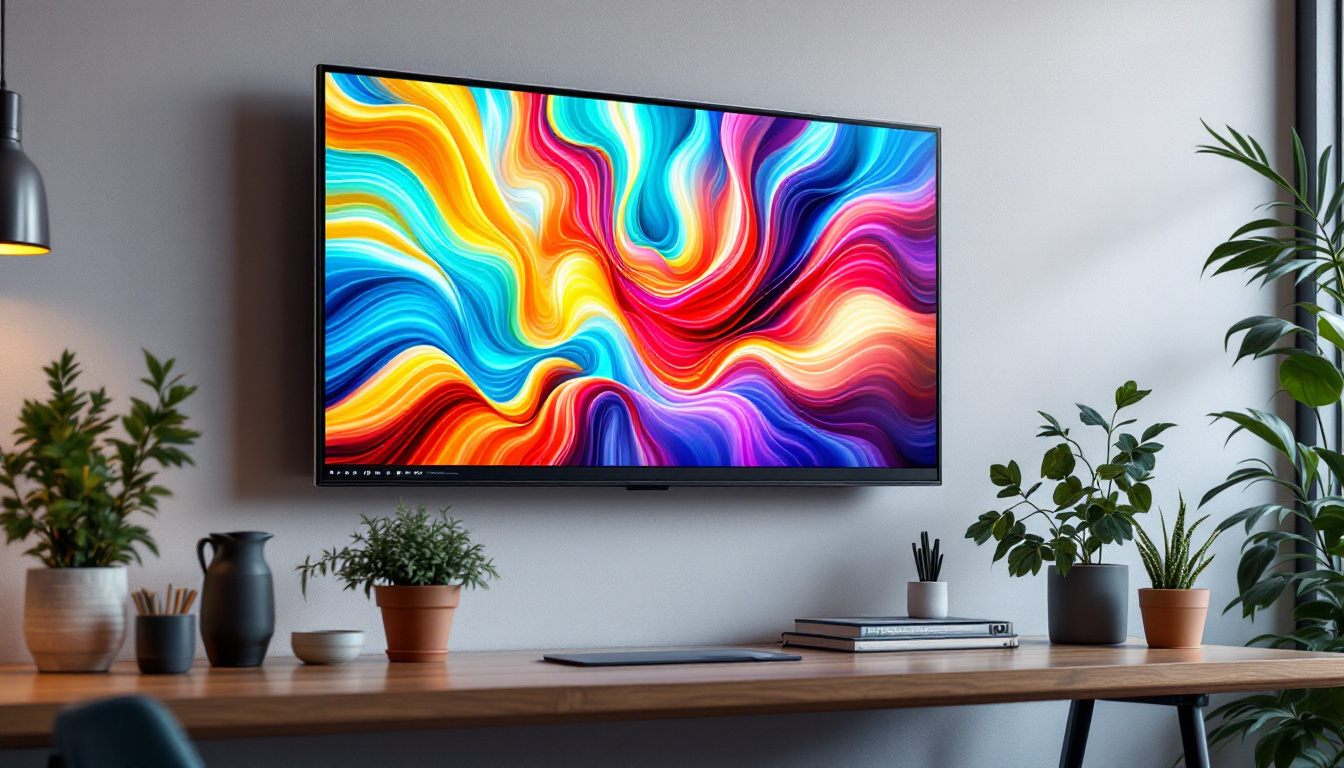
The diagonal size of a monitor refers to the length of a straight line drawn from one corner of the screen to the opposite corner. This measurement is taken across the display, not including the bezel or frame surrounding the screen. It is the most common way to describe the size of a monitor because it provides a quick and standardized reference for screen real estate.
Why Diagonal Size Matters
The diagonal size impacts several aspects of the user experience, including viewing comfort, workspace efficiency, and the ability to display content clearly. Larger screens generally provide more workspace, allowing users to open multiple windows side-by-side or enjoy immersive gaming and multimedia experiences. However, bigger isn’t always better — the ideal diagonal size depends on the user’s needs, desk space, and viewing distance.
For example, a 24-inch monitor is often preferred for office work and general use, balancing screen space with a compact footprint. In contrast, 27-inch or 32-inch monitors are popular among graphic designers, video editors, and gamers who benefit from the increased screen area and higher resolutions. Additionally, larger monitors can reduce eye strain during extended use, as they allow for larger text and images, making it easier to read and interact with content without leaning in too close.
Aspect Ratio and Its Relationship with Diagonal Size
The aspect ratio, which is the ratio of the screen’s width to its height, also plays a role in how the diagonal size translates to actual screen dimensions. Most modern monitors use a 16:9 aspect ratio, meaning the width is 16 units for every 9 units of height. Ultrawide monitors, which have aspect ratios such as 21:9 or 32:9, offer wider horizontal space but might have the same diagonal measurement as a standard 16:9 monitor.
Understanding the aspect ratio alongside diagonal size helps users visualize how much horizontal and vertical space they will have. For instance, two monitors with the same diagonal size but different aspect ratios will have different widths and heights, impacting usability depending on the intended application. A 27-inch ultrawide monitor can provide a panoramic view that enhances productivity for multitasking, while a standard 27-inch monitor might be better suited for tasks that require a more traditional layout. Furthermore, as gaming and video content increasingly embrace wider formats, the choice of aspect ratio becomes even more critical for an immersive experience.
LED Displays: The Technology Behind Modern Monitors
LED, or Light Emitting Diode, displays have become the dominant technology in modern monitors. They offer numerous advantages over older display types like LCDs with CCFL backlighting or CRT monitors. But what exactly is an LED display, and how does it work?
What is an LED Monitor?
Technically, LED monitors are a type of LCD (Liquid Crystal Display) that use LED backlighting instead of the traditional cold cathode fluorescent lamp (CCFL) backlighting. The liquid crystals themselves do not emit light; instead, they modulate the light provided by the LEDs behind or around the screen.
LED backlighting can be implemented in two main ways: edge-lit and full-array. Edge-lit LED monitors place LEDs around the edges of the screen, allowing for thinner designs and lower power consumption. Full-array LED monitors have LEDs distributed evenly behind the entire screen, enabling more precise control over brightness and contrast through local dimming.
Advantages of LED Displays
LED technology brings several key benefits that have made it the preferred choice for monitor manufacturers and consumers alike:
- Energy Efficiency: LEDs consume less power compared to CCFL backlights, contributing to lower electricity bills and environmental impact.
- Improved Brightness and Contrast: LED backlighting allows for higher brightness levels and better contrast ratios, enhancing image quality and color vibrancy.
- Thinner and Lighter Designs: Because LEDs are smaller and more efficient, manufacturers can create slimmer and lighter monitors, improving portability and aesthetics.
- Longer Lifespan: LEDs typically last longer than CCFLs, reducing the need for replacements and maintenance.
These advantages have led to LED displays becoming the standard in everything from budget office monitors to high-end gaming and professional-grade screens.
Types of LED Displays: Edge-Lit vs. Full-Array
Choosing between edge-lit and full-array LED monitors depends on the user’s priorities and budget. Edge-lit monitors are generally more affordable and can be made very thin, but they may suffer from uneven brightness and less effective local dimming. Full-array LED monitors, while more expensive, provide superior picture quality, especially in dark scenes, thanks to their ability to dim specific zones of the screen independently.
For users who prioritize image quality — such as photographers, videographers, and gamers — full-array LED monitors are often worth the investment. Meanwhile, casual users and office workers may find edge-lit monitors to be a practical and cost-effective choice.
How Diagonal Size and LED Technology Combine to Affect User Experience
The interplay between a monitor’s diagonal size and its LED display technology directly influences the overall user experience. Understanding this relationship can help consumers select the best monitor for their needs.
Resolution and Pixel Density
Resolution refers to the number of pixels displayed on the screen, typically expressed as width × height (e.g., 1920×1080 for Full HD). Pixel density, measured in pixels per inch (PPI), describes how many pixels are packed into each inch of the screen.
A larger diagonal monitor with the same resolution as a smaller one will have a lower pixel density, meaning individual pixels may be more visible. Conversely, a smaller monitor with high resolution will have a higher pixel density, resulting in sharper images and text.
LED technology enhances the perceived sharpness and color accuracy, but it cannot compensate for low pixel density. Therefore, when choosing a diagonal size, it is important to consider the resolution to ensure a crisp and comfortable viewing experience.
Viewing Distance and Comfort
The ideal viewing distance varies with monitor size and resolution. For example, a 24-inch monitor with 1080p resolution is best viewed from about 20 to 30 inches away. Larger monitors, such as 32-inch 4K displays, can be viewed comfortably from a slightly greater distance, allowing users to take advantage of the increased screen real estate without straining their eyes.
LED displays typically offer better brightness and contrast, which can reduce eye strain during extended use. Additionally, many modern LED monitors include features such as blue light filters and flicker-free technology to enhance comfort further.
Color Accuracy and HDR Support
Color accuracy is crucial for professionals in creative fields. LED monitors, especially those with full-array backlighting and advanced color calibration, can deliver wide color gamuts and precise color reproduction. High Dynamic Range (HDR) support, which allows for brighter highlights and deeper shadows, is increasingly common in LED monitors, enhancing visual realism.
For users who require top-tier color performance, investing in a larger diagonal monitor with advanced LED technology and HDR capabilities can make a significant difference in workflow and output quality.
Choosing the Right Diagonal Monitor with LED Display
Selecting the ideal monitor involves balancing diagonal size, LED display type, resolution, and budget. Here are some key considerations to guide the decision-making process:
Assess Your Use Case
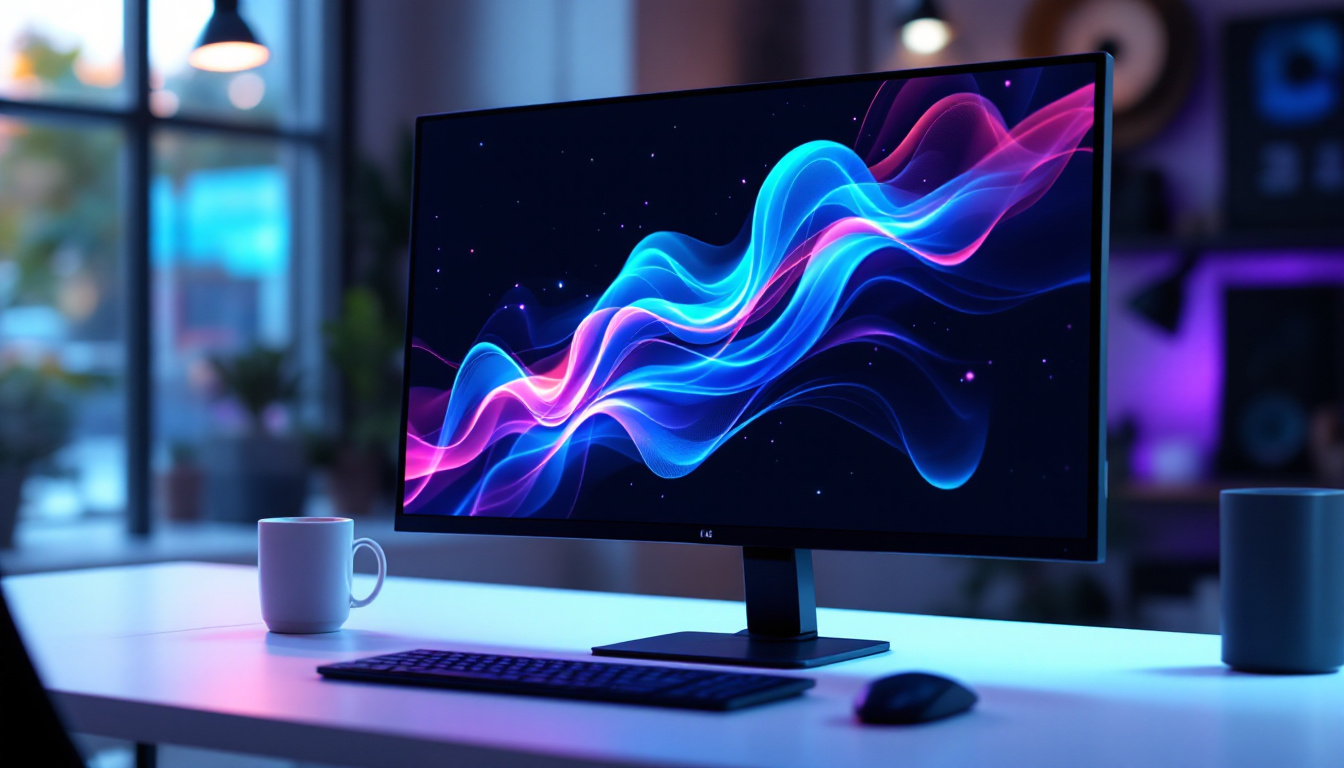
Understanding how the monitor will be used is the first step. Office workers and students may prioritize affordability and ergonomics, making 24-inch edge-lit LED monitors with 1080p resolution a practical choice. Gamers and multimedia enthusiasts might seek larger 27- to 32-inch monitors with full-array LED backlighting and higher refresh rates for immersive experiences.
Creative professionals should focus on monitors with excellent color accuracy, wide color gamut coverage (such as Adobe RGB or DCI-P3), and HDR support, often found in higher-end LED displays.
Consider Desk Space and Ergonomics
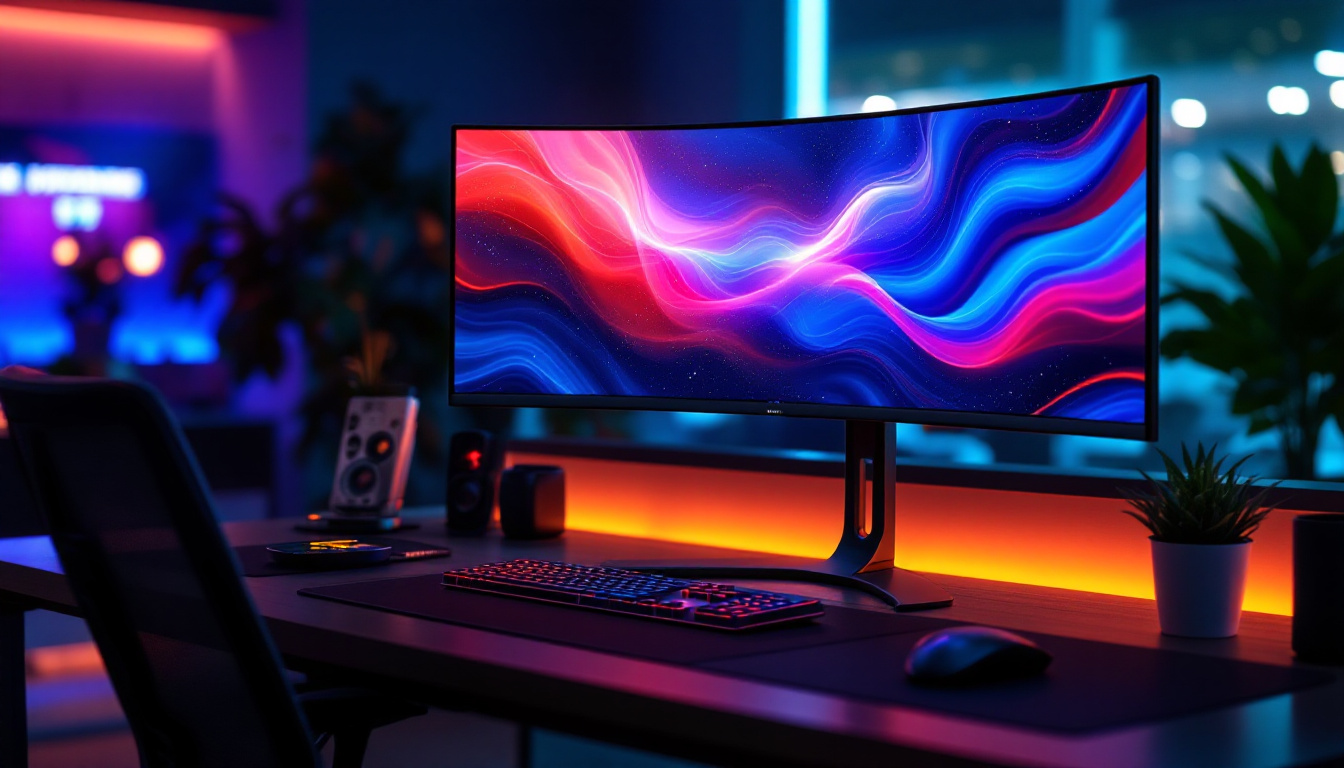
Physical space constraints and ergonomic factors should not be overlooked. A larger diagonal monitor requires more desk space and might necessitate an adjustable monitor arm or stand to maintain proper viewing angles and posture. Additionally, curved LED monitors have gained popularity for large diagonal sizes, offering improved immersion and reduced eye strain by matching the natural curvature of the human eye.
Budget and Future-Proofing
While it can be tempting to opt for the largest and most feature-rich monitor, it’s important to balance cost with actual needs. Investing in a high-quality LED monitor with a suitable diagonal size and resolution can provide years of reliable service and enhance productivity and enjoyment.
Future-proofing considerations include ensuring compatibility with current and upcoming hardware, such as graphics cards that support high resolutions and refresh rates, and connectivity options like HDMI 2.1 or DisplayPort 1.4.
Conclusion
The diagonal size of a monitor is a fundamental specification that directly influences the viewing experience, workspace layout, and overall usability. When combined with the advantages of LED display technology — including energy efficiency, superior brightness, and improved color performance — it becomes clear why LED monitors dominate the market today.
Whether selecting a compact 24-inch office monitor or a large 32-inch professional display, understanding the relationship between diagonal size and LED technology empowers consumers to make choices that best fit their needs and preferences. By considering factors such as resolution, pixel density, viewing distance, and budget, users can enjoy a comfortable, vibrant, and productive computing experience.
Discover the Future of Visual Display with LumenMatrix
Ready to elevate your visual experience with the latest in LED technology? LumenMatrix is at the forefront of innovative LED display solutions, offering a wide range of products that cater to your unique needs. From immersive Indoor LED Walls to dynamic Outdoor LED Displays and beyond, our mission is to transform your visual communication and engagement. Don’t settle for less—embrace the vibrant, energy-efficient, and high-resolution displays that only LumenMatrix can provide. Check out LumenMatrix LED Display Solutions today and see the difference for yourself.