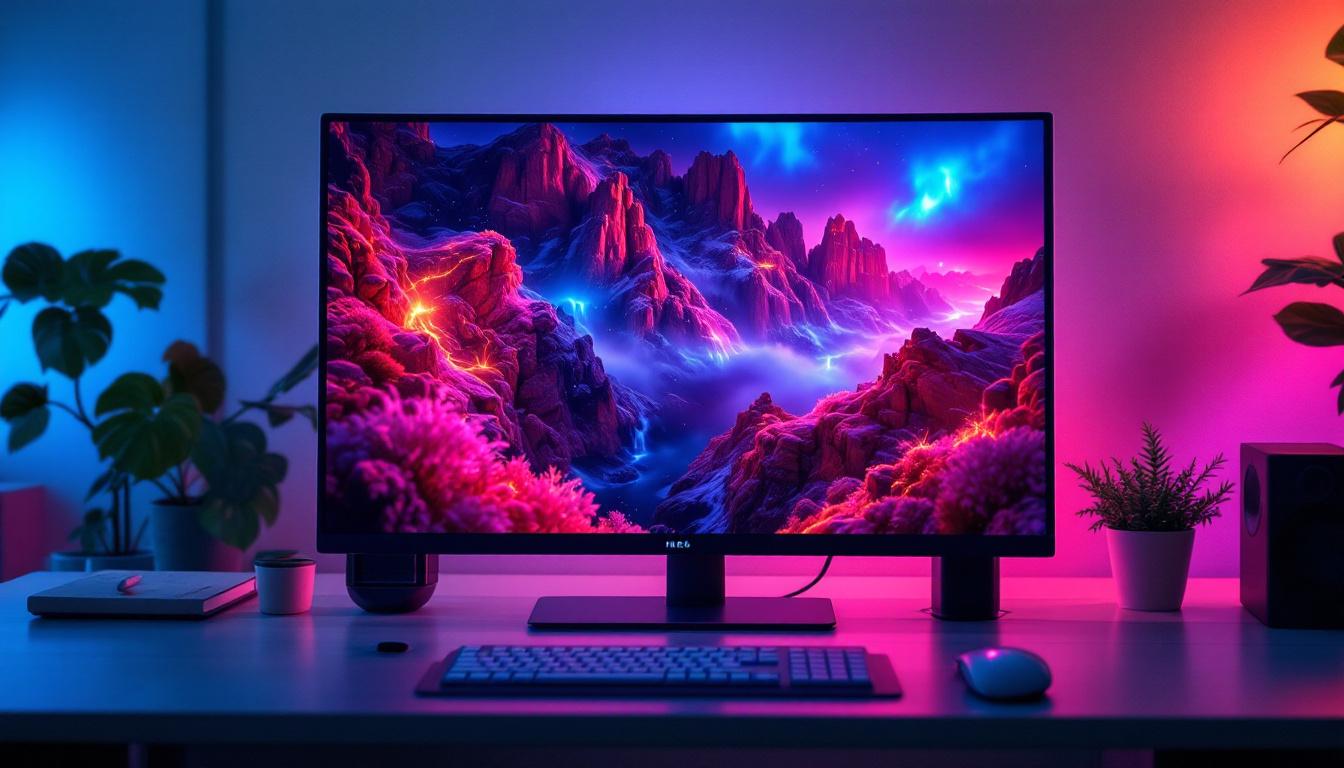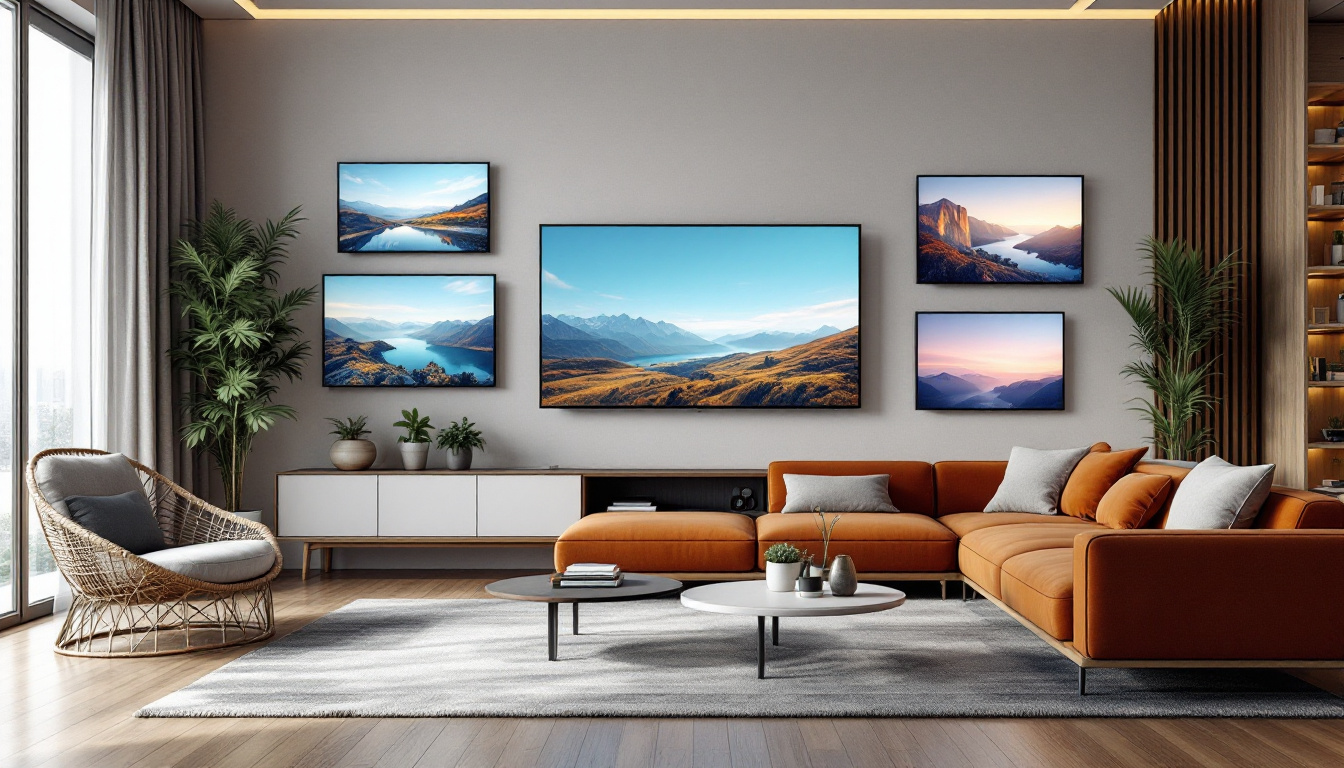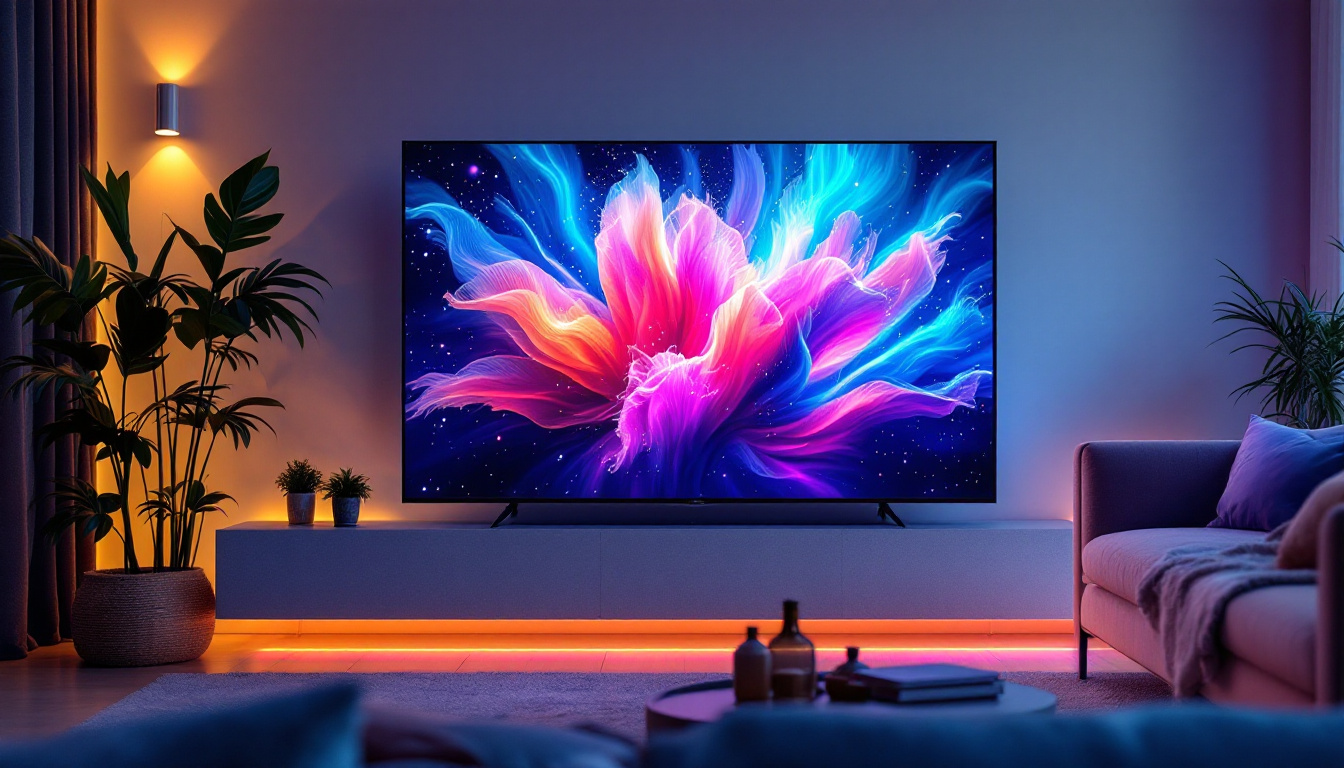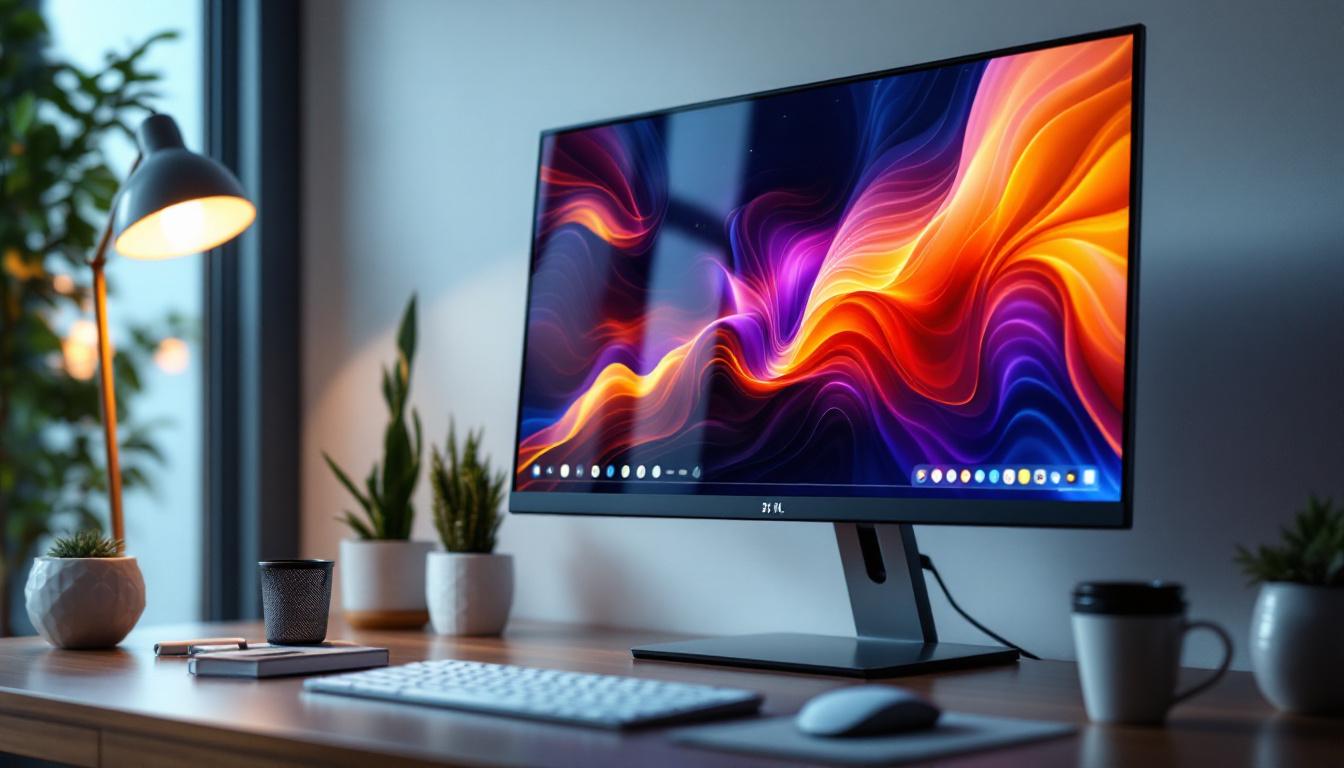
In today’s fast-paced digital world, choosing the right monitor is crucial for both productivity and entertainment. Among the various options available, 21 inch monitors with LED displays have become a popular choice for many users. Whether you’re a professional seeking a reliable screen for work, a gamer looking for immersive visuals, or a casual user wanting a crisp display for everyday tasks, understanding the technology behind these monitors can help you make an informed decision.
Understanding the 21 Inch Monitor Size
The size of a monitor is often one of the first considerations when purchasing a new display. A 21 inch monitor refers to the diagonal measurement of the screen, which is approximately 53.34 centimeters. This size strikes a balance between compactness and sufficient screen real estate, making it ideal for a variety of uses.
For office environments, a 21 inch screen offers enough space for multitasking with multiple windows without overwhelming the desk. It’s also a practical choice for home users who need a monitor that fits comfortably in smaller spaces. Additionally, many budget-friendly models fall within this size category, making it accessible to a broad range of consumers.
Why 21 Inches Is a Popular Choice
While larger monitors such as 27 or 32 inches are gaining popularity, 21 inch monitors remain relevant because of their versatility. They consume less power compared to larger screens and typically come at a lower price point. Moreover, they are easier to position ergonomically, which can help reduce neck and eye strain during extended use.
For users who primarily work with documents, spreadsheets, or web browsing, a 21 inch screen provides ample clarity and space without the need for scaling or excessive head movement. This size is also favored in environments where multiple monitors are used side-by-side, as it allows for a multi-display setup without requiring a large desk area.
LED Display Technology: What Makes It Stand Out?
LED, or Light Emitting Diode, technology has revolutionized monitor displays over the past decade. It’s important to understand what LED means in the context of monitors and how it differs from other display technologies like LCD or OLED.
How LED Displays Work
Most “LED monitors” are actually LCD (Liquid Crystal Display) screens that use LED backlighting instead of the older CCFL (Cold Cathode Fluorescent Lamp) backlighting. The LED backlight shines through the liquid crystals to produce the images you see on the screen.
This shift to LED backlighting has several advantages. LEDs are more energy-efficient, produce less heat, and allow for thinner and lighter monitor designs. Additionally, LED backlighting can offer better brightness and contrast ratios compared to CCFL, resulting in sharper and more vibrant images.
Types of LED Backlighting
There are two primary types of LED backlighting used in monitors: edge-lit and full-array.
- Edge-Lit LED: LEDs are placed along the edges of the screen, and light is diffused across the display. This design allows for very thin monitors but can sometimes result in uneven brightness or less precise local dimming.
- Full-Array LED: LEDs are distributed evenly behind the entire screen. This allows for better control of brightness and contrast through local dimming zones, enhancing picture quality, especially in darker scenes.
While full-array LED backlighting is more common in higher-end monitors and TVs, many 21 inch monitors use edge-lit LED technology due to cost and design considerations.
Key Features to Consider in 21 Inch LED Monitors
When selecting a 21 inch LED monitor, several features can significantly impact your experience. Understanding these will help you choose a monitor that fits your needs perfectly.
Resolution and Image Quality
Resolution determines how many pixels the monitor can display, directly affecting image clarity. The most common resolution for 21 inch monitors is Full HD (1920 x 1080 pixels). This resolution offers crisp text and detailed images, suitable for most professional and casual uses.
Some monitors may offer higher resolutions such as 2560 x 1440 (QHD), but these are less common in the 21 inch size range and can drive up the price. For general use, Full HD remains the sweet spot, balancing sharpness and performance.
Refresh Rate and Response Time
Refresh rate, measured in hertz (Hz), indicates how many times per second the screen updates its image. A standard refresh rate is 60Hz, which is adequate for everyday computing and video playback. However, gamers or users who work with fast-moving visuals may prefer monitors with higher refresh rates (75Hz or above) for smoother motion.
Response time, measured in milliseconds (ms), refers to how quickly a pixel can change from one color to another. Lower response times reduce motion blur and ghosting effects, which is particularly important in gaming and video editing.
Color Accuracy and Viewing Angles
Color accuracy is essential for professionals in graphic design, photography, and video production. Look for monitors that cover a wide color gamut such as sRGB or Adobe RGB and offer factory calibration for precise color reproduction.
Viewing angles describe how well the image holds up when viewed from different positions. IPS (In-Plane Switching) panels are known for superior color consistency and wide viewing angles compared to TN (Twisted Nematic) panels, which tend to be faster but less color-accurate.
Connectivity Options
Modern 21 inch monitors typically include a variety of input ports such as HDMI, DisplayPort, and VGA. HDMI is the most common and supports both video and audio signals, making it versatile for connecting to laptops, desktops, and gaming consoles.
Some monitors also offer USB hubs or USB-C ports, which can simplify cable management and allow for charging compatible devices. Ensuring your monitor has the right connectivity for your setup is crucial for a seamless experience.
Benefits of LED Monitors Over Other Technologies
LED monitors have become the standard for many users due to their numerous advantages over older and alternative display technologies.
Energy Efficiency and Environmental Impact
LED backlighting consumes significantly less power than CCFL backlighting. This efficiency translates to lower electricity bills and a reduced carbon footprint, which is increasingly important for environmentally conscious consumers and businesses.
Additionally, LED monitors generate less heat, contributing to a cooler working environment and potentially extending the lifespan of the device.
Improved Brightness and Contrast
LED technology allows for higher brightness levels and better contrast ratios, which contribute to a more vibrant and dynamic image. This is especially beneficial in brightly lit rooms or when viewing high-contrast content such as movies and games.
Some LED monitors support HDR (High Dynamic Range), which enhances the range of colors and brightness, providing a more lifelike viewing experience.
Design and Durability
Because LEDs are small and efficient, manufacturers can design monitors that are thinner and lighter without sacrificing performance. This makes 21 inch LED monitors easy to move, mount, or integrate into tight workspaces.
LEDs also have a longer lifespan compared to CCFLs, which means fewer replacements and less maintenance over time.
Popular Use Cases for 21 Inch LED Monitors
The versatility of 21 inch LED monitors makes them suitable for a wide range of applications. Understanding these use cases can help identify which features to prioritize when shopping.
Office and Productivity
In office settings, 21 inch monitors provide enough screen space for multitasking with documents, spreadsheets, and web applications. Their moderate size helps maintain focus and reduces the need for excessive head movement.
Many business users appreciate LED monitors for their energy efficiency and reduced eye strain, especially when paired with features like blue light filters and flicker-free technology.
Gaming
While larger monitors are often preferred for immersive gaming, 21 inch LED monitors still offer excellent performance for casual and competitive gamers. Models with higher refresh rates and low response times can provide smooth gameplay and reduce motion blur.
Gamers on a budget or those with limited desk space often find 21 inch monitors to be a practical choice without compromising too much on visual quality.
Home Entertainment and Multimedia
For watching movies, streaming videos, or casual photo editing, 21 inch LED monitors deliver vibrant colors and sharp images. Their compact size fits well in bedrooms, kitchens, or secondary workspaces.
Many monitors also include built-in speakers or audio output ports, making them convenient for multimedia consumption without the need for additional peripherals.
Tips for Choosing the Best 21 Inch LED Monitor
With so many options available, selecting the ideal 21 inch LED monitor can be overwhelming. Here are some practical tips to guide your decision-making process:
Assess Your Primary Usage
Identify what you will use the monitor for most frequently. For office work, prioritize comfort features like adjustable stands and eye-care technologies. For gaming, focus on refresh rate and response time. For creative work, color accuracy and resolution are paramount.
Check Reviews and Expert Opinions
Reading user reviews and professional evaluations can provide insights into performance, build quality, and reliability. Look for monitors with consistent positive feedback and reputable brand support.
Consider Ergonomics and Adjustability
A monitor that can tilt, swivel, or adjust in height will help you maintain a comfortable posture and reduce strain. This is especially important if you spend long hours in front of the screen.
Budget Wisely
While it’s tempting to opt for the cheapest model, investing in a quality monitor can pay off in the long run through better performance and durability. Set a budget but be flexible to accommodate features that matter most to you.
Conclusion
21 inch monitors with LED displays offer a compelling combination of size, performance, and affordability. Their energy-efficient LED technology provides bright, vibrant images while allowing for slim, lightweight designs. Whether for professional use, gaming, or multimedia, understanding the key features and benefits of these monitors ensures you select a device that meets your needs.
As technology continues to evolve, LED monitors remain a reliable and popular choice in the market. By considering resolution, refresh rate, color accuracy, and connectivity options, users can find a 21 inch LED monitor that enhances their computing experience without overwhelming their workspace or budget.
Discover LumenMatrix’s Advanced LED Display Solutions
Ready to elevate your visual experience with the latest in LED technology? Look no further than LumenMatrix, a pioneer in crafting LED display modules that bring your content to life. Whether you’re in need of an Indoor LED Wall Display for your office, an Outdoor LED Wall Display for high-impact advertising, or any of our specialized solutions like Vehicle LED Displays and LED Sports Displays, LumenMatrix has you covered. Our mission is to transform visual communication, ensuring your message resonates with brilliance and precision. Don’t settle for less—check out LumenMatrix LED Display Solutions today and see the difference for yourself.