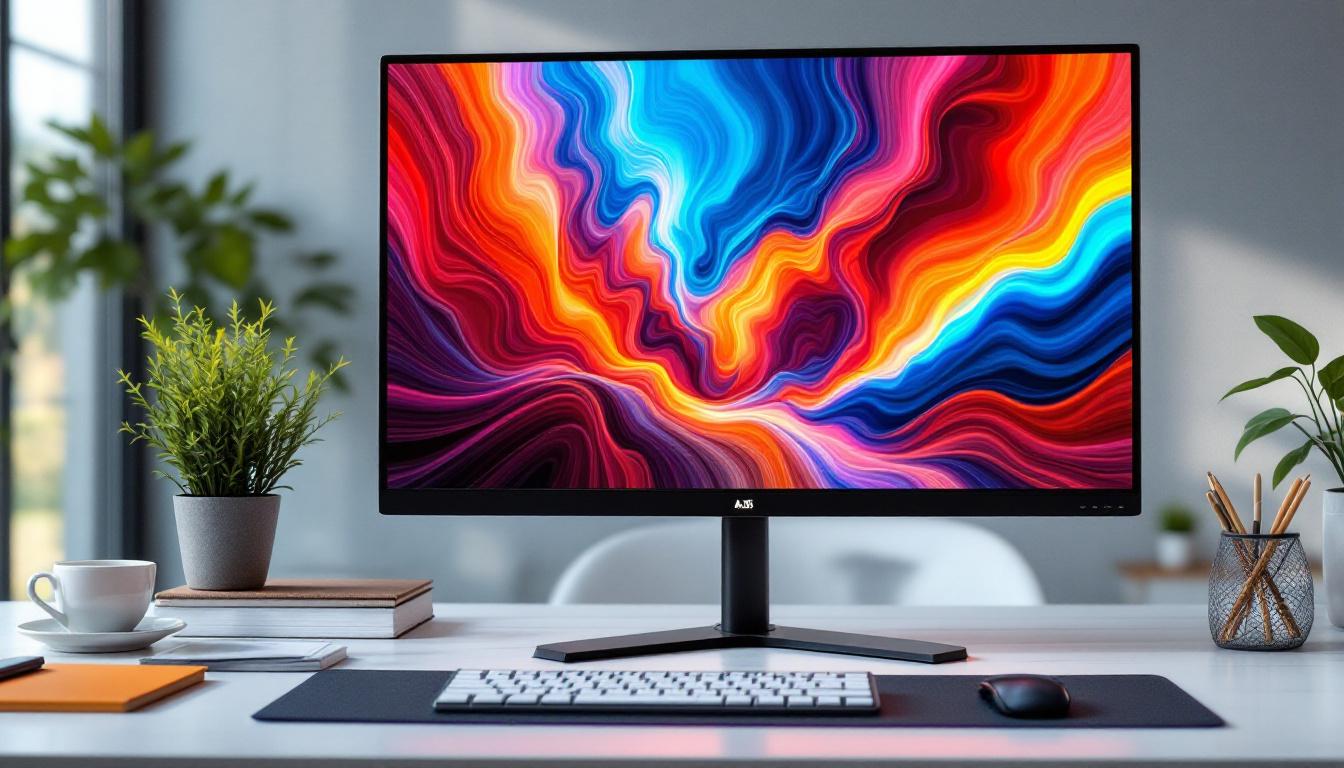
In today’s technology-driven world, the choice of a computer monitor can significantly impact productivity, entertainment, and even eye health. Among the various sizes available, 24-inch monitors have become a popular sweet spot for many users, offering a balance between screen real estate and desk space. Central to the performance and visual quality of these monitors is the display technology, with LED displays leading the charge. This article delves into the intricacies of 24-inch LED monitors, explaining the technology behind them, their advantages, and what to consider when choosing one.
Understanding LED Display Technology
What Does LED Mean?
LED stands for Light Emitting Diode, a semiconductor device that emits light when an electric current passes through it. In the context of monitors, LED refers to the backlighting technology used to illuminate the screen. Unlike older LCD monitors that used cold cathode fluorescent lamps (CCFLs) for backlighting, LED monitors use arrays of LEDs to light up the liquid crystal display panel.
This change in backlighting technology has led to significant improvements in display quality, energy efficiency, and design flexibility. It’s important to note that LED monitors are essentially LCD panels with LED backlighting, not a completely different type of display technology like OLED. The shift to LED backlighting has not only enhanced the brightness and color accuracy of displays but has also contributed to a more environmentally friendly approach, as LEDs consume less power and have a longer lifespan compared to their CCFL predecessors. This shift has made LED technology a popular choice in various applications, from televisions to smartphones and computer monitors.
Types of LED Backlighting
There are two primary types of LED backlighting used in 24-inch monitors: edge-lit and full-array (also known as direct-lit).
- Edge-lit LED: LEDs are placed along the edges of the screen. Light is then diffused across the panel using light guides. This design allows for thinner monitors and generally lower costs but can sometimes result in uneven brightness or less precise local dimming.
- Full-array LED: LEDs are distributed evenly behind the entire screen. This setup allows for better control of local dimming zones, resulting in improved contrast and black levels. Full-array LED monitors tend to be thicker and more expensive but offer superior picture quality.
In addition to these two primary backlighting types, there are also variations such as mini-LED and micro-LED technologies that are gaining traction in the market. Mini-LED utilizes smaller LEDs to create more local dimming zones, which enhances contrast and reduces blooming effects, providing a more immersive viewing experience. Micro-LED, on the other hand, represents a significant leap forward by using microscopic LEDs that can emit their own light, eliminating the need for a backlight altogether. This technology promises even greater color accuracy and energy efficiency, making it a potential game-changer for the future of display technology.
As consumers become more discerning about display quality, manufacturers are continually innovating to enhance the visual experience. Features such as HDR (High Dynamic Range) support, which allows for a wider range of colors and brightness levels, are increasingly integrated into LED displays. This advancement, combined with the ongoing development of quantum dot technology, which improves color reproduction, is pushing the boundaries of what LED displays can achieve, making them an exciting area of exploration in the tech industry.
Why Choose a 24-Inch LED Monitor?
The Ideal Screen Size for Versatility
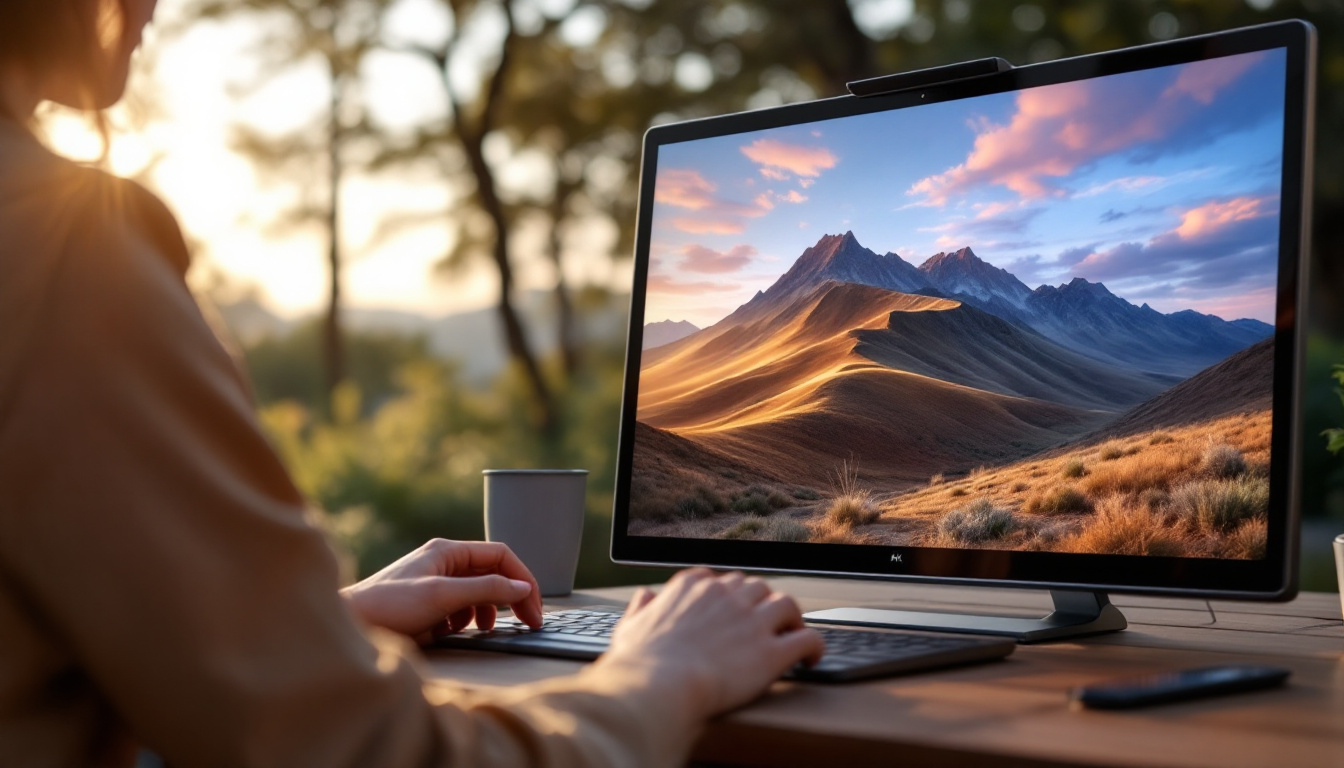
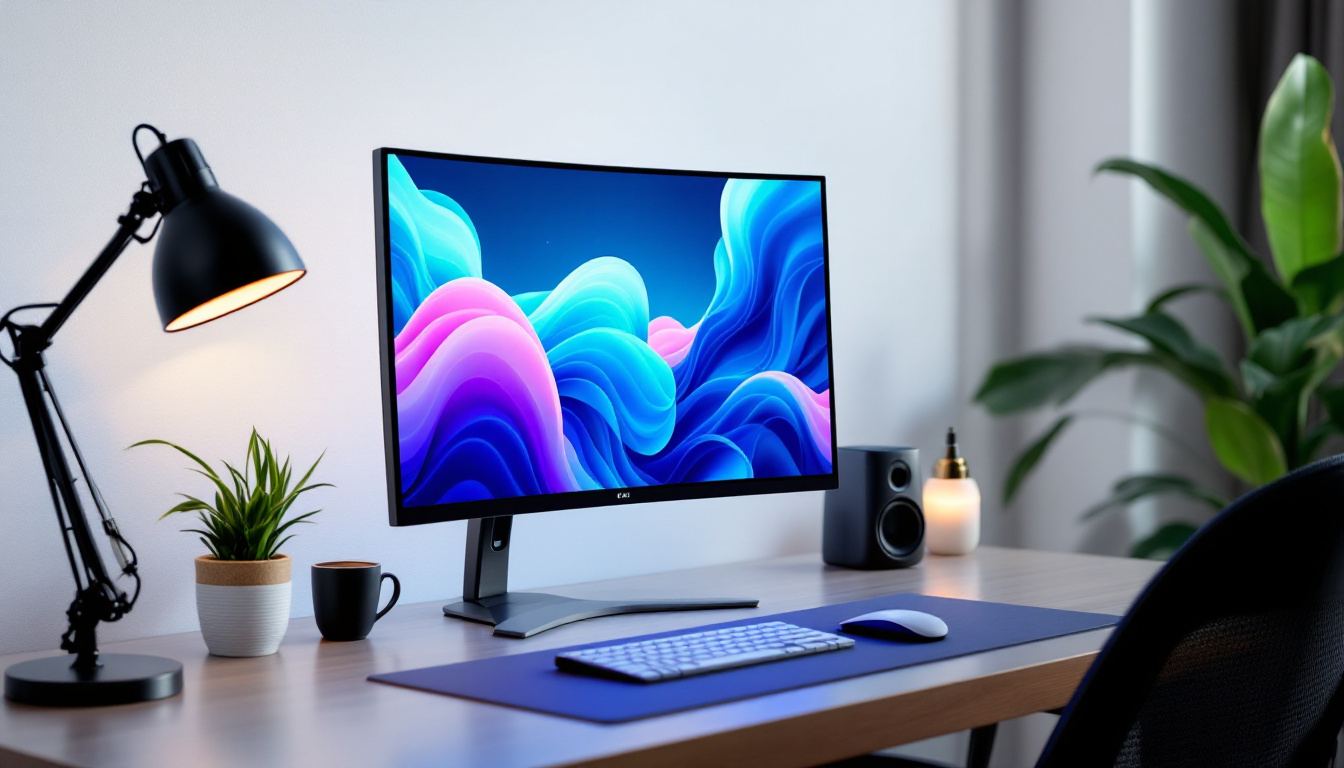
At 24 inches, monitors offer a versatile size that fits comfortably on most desks without overwhelming the workspace. This size is large enough to provide ample screen real estate for multitasking, gaming, or creative work, yet compact enough to maintain a comfortable viewing distance.
For office environments, a 24-inch monitor strikes a balance between productivity and ergonomics, reducing the need for excessive head or eye movement. Gamers and content creators also appreciate this size for its clarity and immersive experience without the need for ultra-wide or multi-monitor setups.
Energy Efficiency and Environmental Impact
LED backlighting is known for its energy efficiency compared to older CCFL technology. A typical 24-inch LED monitor consumes between 15 to 30 watts during operation, which is significantly lower than older LCD models. This efficiency not only reduces electricity bills but also contributes to a smaller carbon footprint.
Additionally, many LED monitors incorporate eco-friendly features such as mercury-free panels and recyclable materials, aligning with growing environmental awareness and regulations.
Key Features to Consider in 24-Inch LED Monitors
Resolution and Pixel Density
Resolution is a critical factor influencing the clarity and sharpness of images on a monitor. For 24-inch monitors, Full HD (1920×1080 pixels) is the most common resolution, offering a pixel density of approximately 92 pixels per inch (PPI). This resolution is sufficient for general computing, office work, and casual gaming.
However, higher resolutions like 2560×1440 (QHD) are becoming increasingly popular in 24-inch monitors, providing crisper images and more workspace on the screen. The increased pixel density enhances detail and reduces eye strain during prolonged use, especially beneficial for graphic designers and video editors.
Refresh Rate and Response Time
Refresh rate, measured in hertz (Hz), indicates how many times per second the monitor updates the image. A 60Hz refresh rate is standard for most 24-inch LED monitors and is adequate for everyday tasks and video playback.
For gamers, higher refresh rates such as 120Hz, 144Hz, or even 165Hz offer smoother motion and reduced blur, providing a competitive edge in fast-paced games. Response time, typically measured in milliseconds (ms), reflects how quickly a pixel can change from one color to another. Lower response times (1ms to 5ms) minimize ghosting and motion blur, enhancing the gaming and viewing experience.
Color Accuracy and Panel Type
Color accuracy is vital for professionals working with images and videos. The type of panel used in a 24-inch LED monitor significantly affects color reproduction and viewing angles.
- IPS (In-Plane Switching): Offers superior color accuracy and wide viewing angles, making it ideal for photo editing, graphic design, and general use.
- TN (Twisted Nematic): Generally cheaper with faster response times but poorer color reproduction and narrow viewing angles. Suitable for budget-conscious gamers.
- VA (Vertical Alignment): Provides better contrast and deeper blacks than IPS and TN but may have slower response times. Good for multimedia consumption.
Many 24-inch LED monitors now come factory-calibrated or support hardware calibration for enhanced color precision.
Additional Technologies and Features
HDR Support
High Dynamic Range (HDR) technology enhances the contrast and color range of a display, producing more vivid and lifelike images. While HDR is more common in larger monitors and TVs, some 24-inch LED monitors now support HDR10 or similar standards.
However, the effectiveness of HDR on smaller screens depends on peak brightness and color gamut coverage. Users interested in HDR should look for monitors with at least 300 nits of brightness and wide color gamut support (such as DCI-P3).
Connectivity Options
Modern 24-inch LED monitors typically offer a variety of input ports including HDMI, DisplayPort, and sometimes USB-C. USB-C connectivity is particularly useful for laptop users, allowing video, data transfer, and power delivery through a single cable.
Additional USB ports on the monitor can serve as a hub for peripherals, reducing cable clutter and improving desk organization.
Ergonomics and Design
Adjustability features such as tilt, swivel, pivot, and height adjustment are crucial for maintaining ergonomic posture during extended use. Many 24-inch LED monitors come with VESA mount compatibility, allowing users to attach the display to adjustable arms or wall mounts.
Design elements like thin bezels enhance multi-monitor setups, while anti-glare coatings reduce reflections and eye strain in brightly lit environments.
Popular Use Cases for 24-Inch LED Monitors
Office and Productivity
For office professionals, 24-inch LED monitors provide enough screen space to comfortably work with multiple windows and applications simultaneously. The balance of size and resolution helps reduce the need for excessive scrolling and window switching, boosting efficiency.
Many monitors in this category also include blue light filters and flicker-free technology, which help minimize eye fatigue during long work hours.
Gaming
Gamers often prefer 24-inch LED monitors for their responsiveness and clarity. The availability of high refresh rates and low response times in this size category makes it ideal for competitive gaming. Additionally, many gaming monitors include adaptive sync technologies like NVIDIA G-SYNC or AMD FreeSync to eliminate screen tearing and stuttering.
Creative Work
Graphic designers, photographers, and video editors benefit from the color accuracy and resolution offered by high-end 24-inch LED monitors. IPS panels with wide color gamut support ensure that colors are represented faithfully, which is critical for professional-grade work.
How to Choose the Right 24-Inch LED Monitor
Assess Your Needs
Start by identifying the primary use of the monitor. Is it for general office work, gaming, creative projects, or a mix? This will guide the choice of resolution, refresh rate, panel type, and additional features.
Set a Budget
24-inch LED monitors are available across a wide price range, from budget models around $100 to premium displays exceeding $400. Higher-priced models typically offer better color accuracy, build quality, and advanced features.
Check Reviews and Specifications
Consulting professional reviews and user feedback can provide insights into real-world performance and reliability. Pay attention to specifications like color gamut coverage, contrast ratio, and response times to ensure the monitor meets expectations.
Consider Future-Proofing
Technology evolves rapidly, so investing in a monitor with features like USB-C connectivity, HDR support, and higher refresh rates can extend the useful life of the device.
Conclusion
24-inch LED monitors represent a versatile and popular choice for a wide range of users. Their combination of manageable size, energy-efficient LED backlighting, and a variety of display technologies makes them suitable for office work, gaming, and creative tasks alike. Understanding the nuances of LED display technology, panel types, and key features can empower users to select a monitor that best fits their needs and budget.
As technology continues to advance, 24-inch LED monitors are likely to incorporate even more sophisticated features, enhancing user experience and visual quality. Whether upgrading an existing setup or purchasing a new monitor, being informed about LED display technology ensures a smart, satisfying investment.
Discover LumenMatrix’s Advanced LED Displays
Ready to elevate your visual experience with the latest in LED technology? LumenMatrix offers a comprehensive range of cutting-edge LED display solutions tailored to meet your needs. From immersive Indoor LED Wall Displays to dynamic Outdoor LED Wall Displays, and from versatile Vehicle LED Displays to innovative Custom LED Displays, our products are designed to captivate and engage. Experience the future of visual communication with LumenMatrix’s state-of-the-art LED displays. Check out LumenMatrix LED Display Solutions today and transform your space with unparalleled clarity and impact.