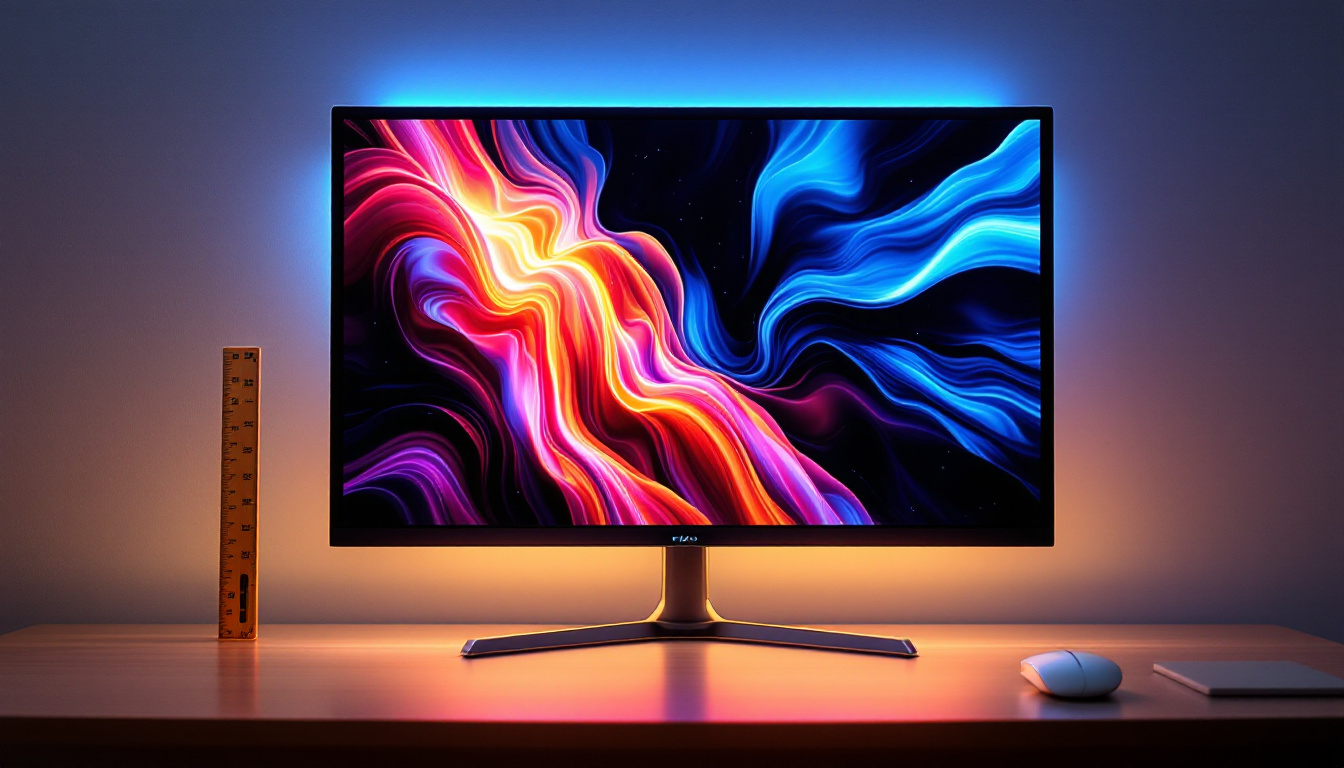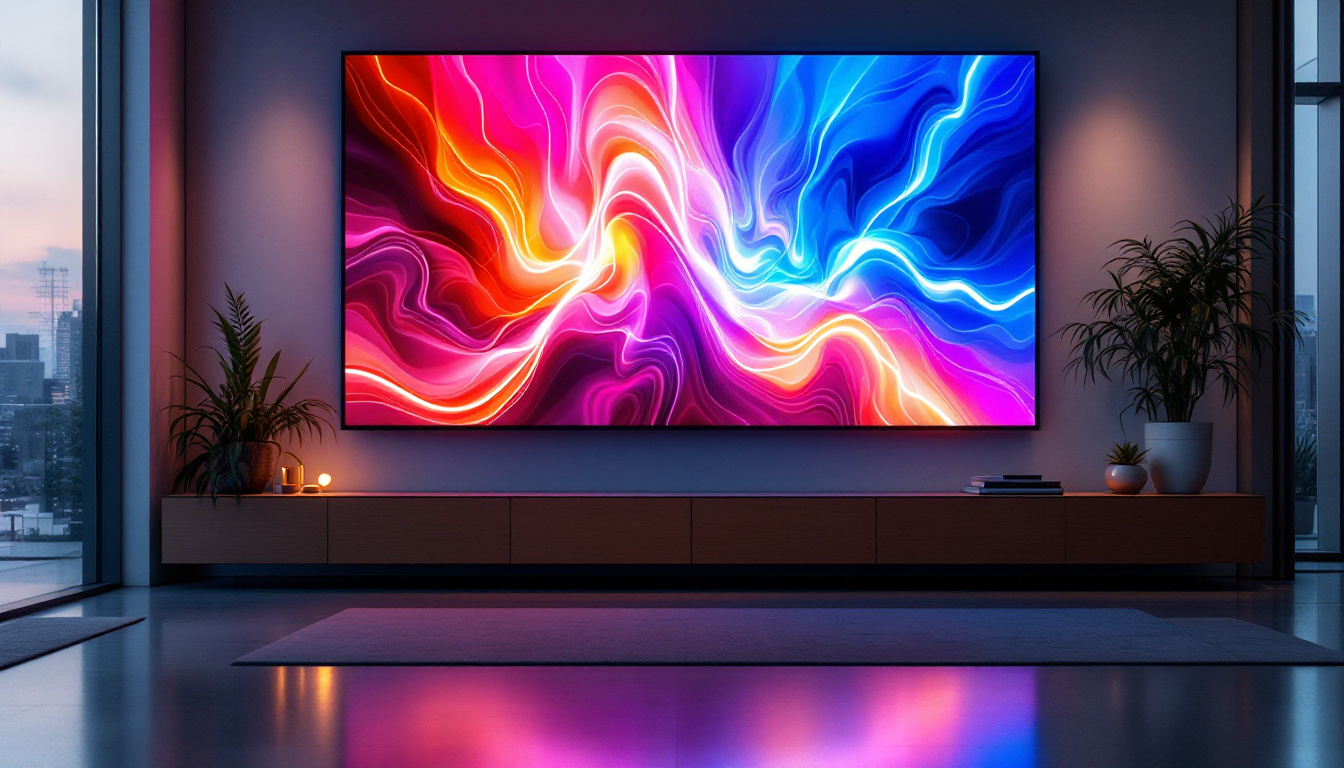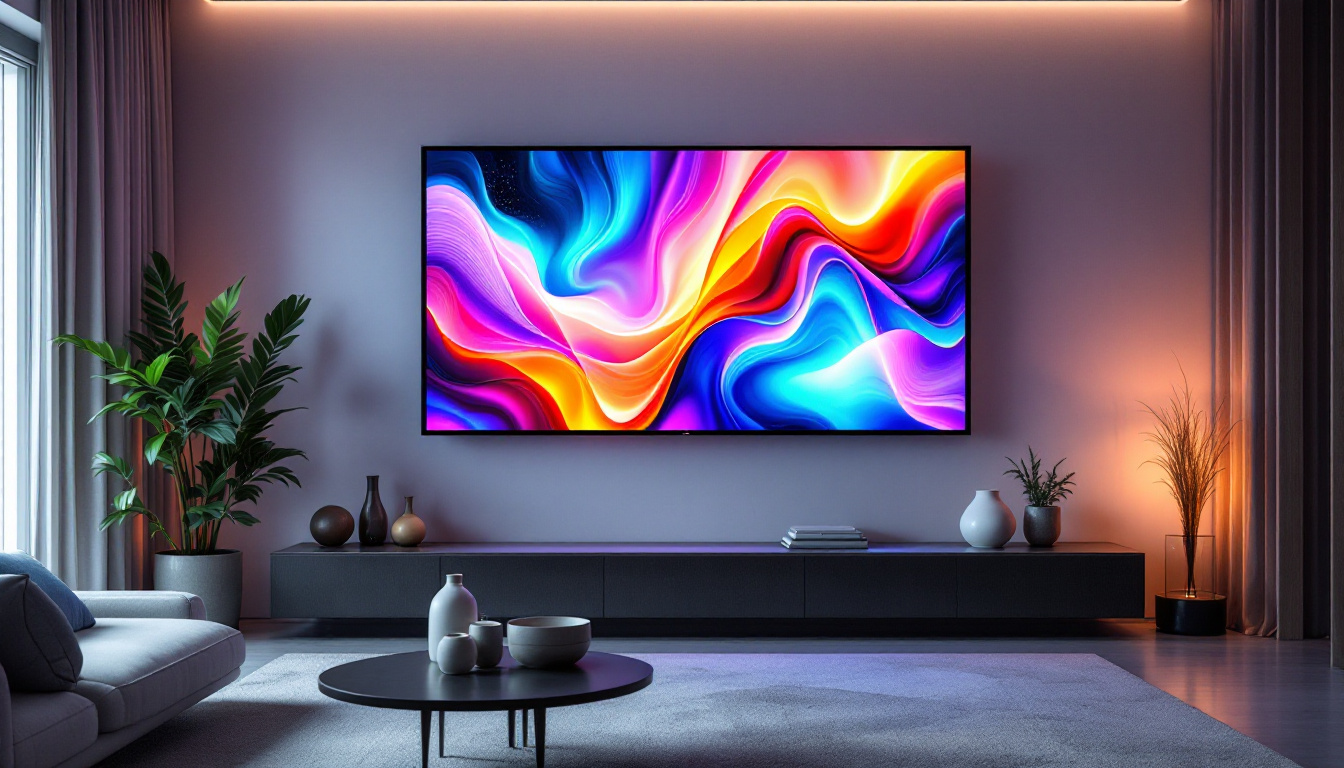
In today’s fast-evolving digital landscape, the demand for larger and more vibrant computer monitors is on the rise. Among the various options available, a 36-inch LED monitor strikes a compelling balance between screen real estate and image quality, making it a popular choice for professionals, gamers, and multimedia enthusiasts alike. This article delves into the technology behind 36-inch LED monitors, explaining how LED displays work, their advantages, and what to consider when choosing one.
Understanding LED Display Technology
LED, or Light Emitting Diode, technology has revolutionized the way screens are illuminated and displayed. Unlike traditional LCD monitors that use cold cathode fluorescent lamps (CCFL) for backlighting, LED monitors utilize light-emitting diodes to illuminate the display panel. This fundamental difference results in several benefits, including improved energy efficiency, thinner designs, and enhanced image quality.
LED displays come in two primary forms: edge-lit and full-array. Edge-lit LED monitors place LEDs along the edges of the screen, using light guides to distribute illumination evenly. Full-array LED monitors, on the other hand, have LEDs spread directly behind the screen, allowing for more precise local dimming and better contrast ratios. For a 36-inch monitor, full-array LED backlighting often delivers superior picture quality, especially in darker scenes.
The Role of LED Backlighting in Image Quality
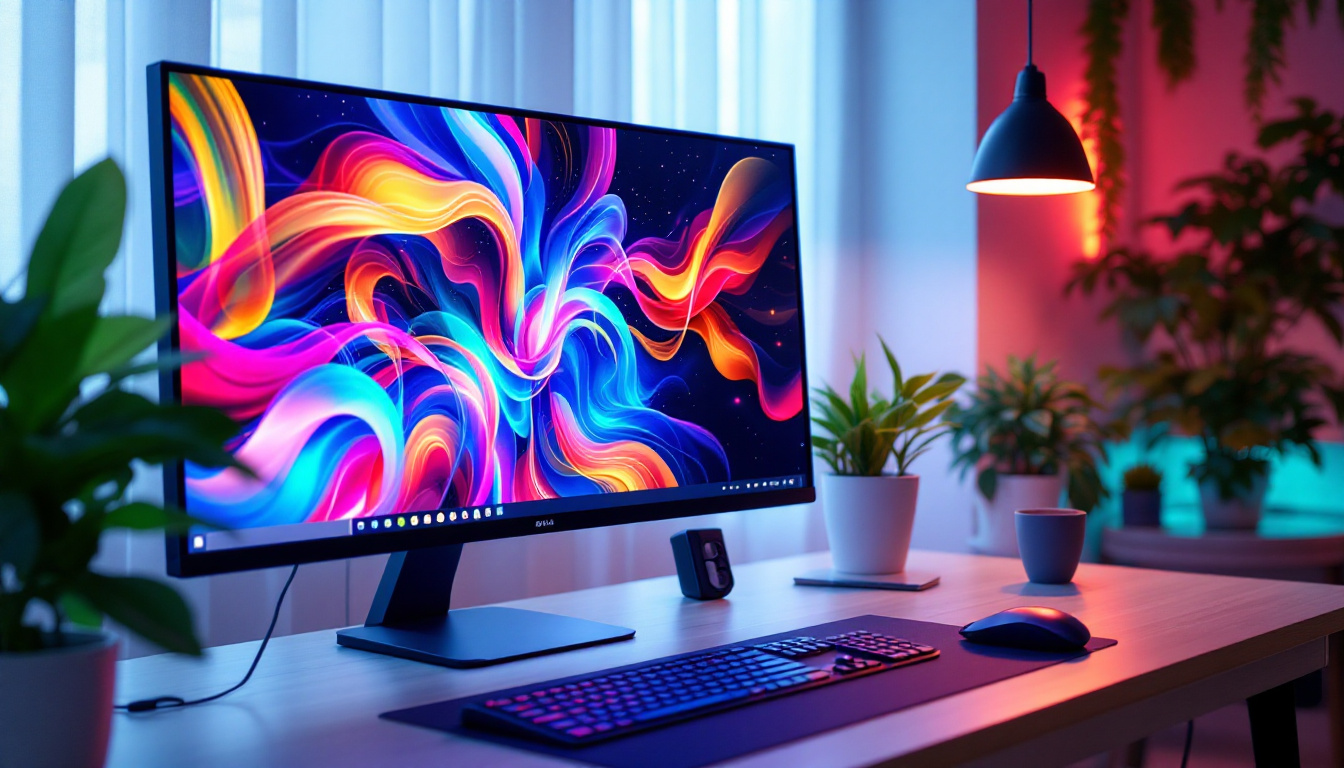
Backlighting is crucial because the panel itself does not emit light; it only modulates it. The quality and type of backlighting directly influence brightness, contrast, and color accuracy. LED backlighting offers higher brightness levels and more consistent illumination across the screen compared to CCFL. Additionally, LED monitors can achieve deeper blacks and more vibrant colors, enhancing the overall viewing experience.
Modern LED displays also support advanced technologies such as HDR (High Dynamic Range), which further improves color depth and contrast. For users working with high-resolution graphics or watching HDR content, a 36-inch LED monitor can provide a more immersive and visually striking experience. Furthermore, the integration of technologies like Quantum Dot and OLED in some LED displays has pushed the boundaries of color reproduction, allowing for an even broader spectrum of colors and more lifelike images. This makes LED displays particularly appealing for creative professionals in fields such as photography, video editing, and graphic design, where color accuracy is paramount.
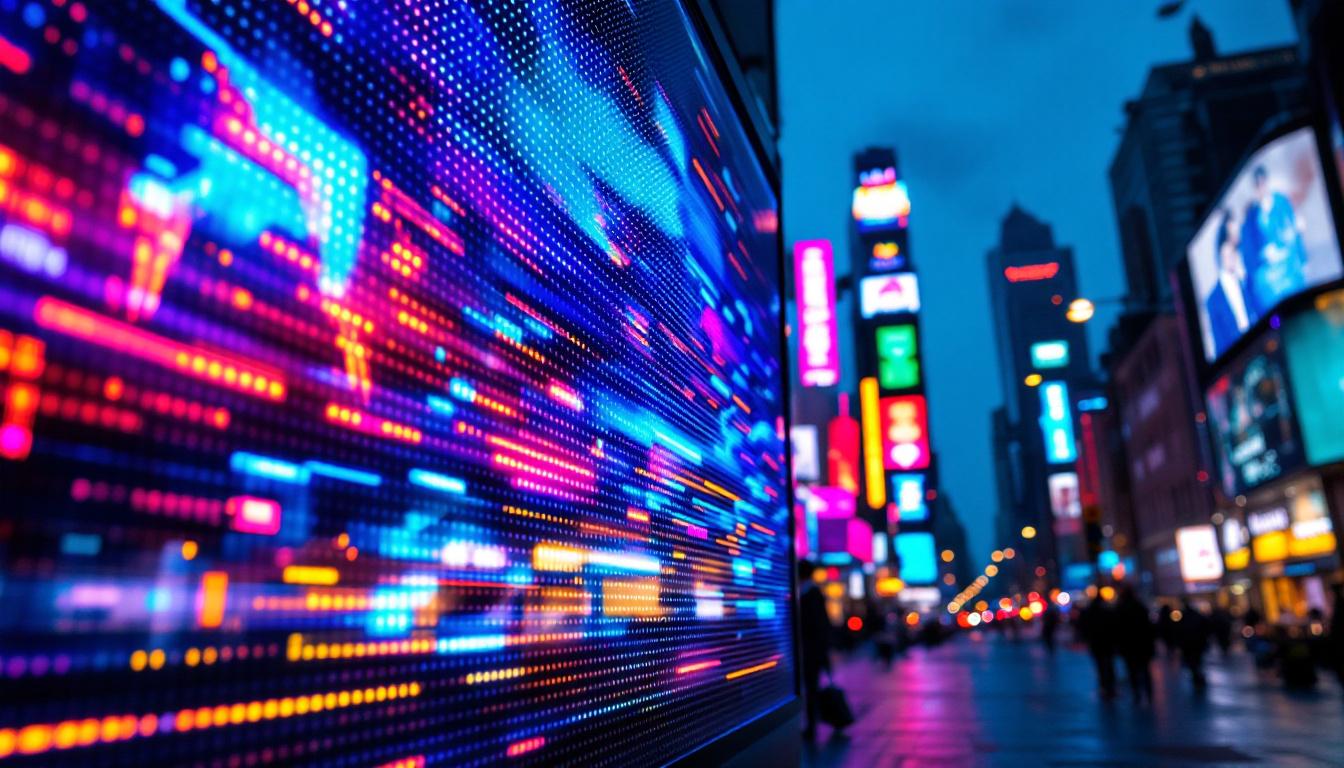
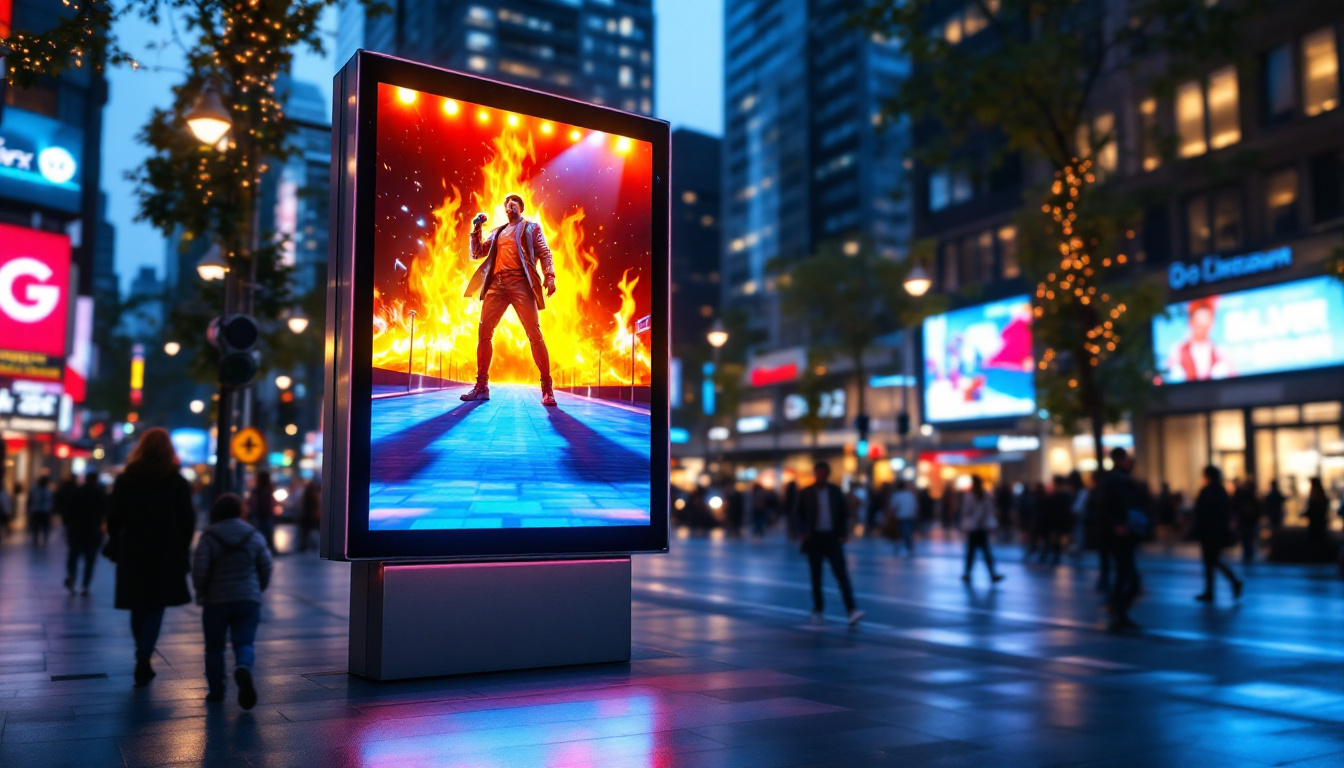
Moreover, the versatility of LED technology extends beyond just monitors. It has found applications in various sectors, including advertising, automotive displays, and even large-scale outdoor screens. The ability to create vibrant, eye-catching visuals has led to the widespread adoption of LED technology in billboards and public displays, transforming urban landscapes. As technology continues to evolve, we can expect even more innovative uses for LED displays, making them a staple in both personal and professional environments.
Why Choose a 36-Inch LED Monitor?
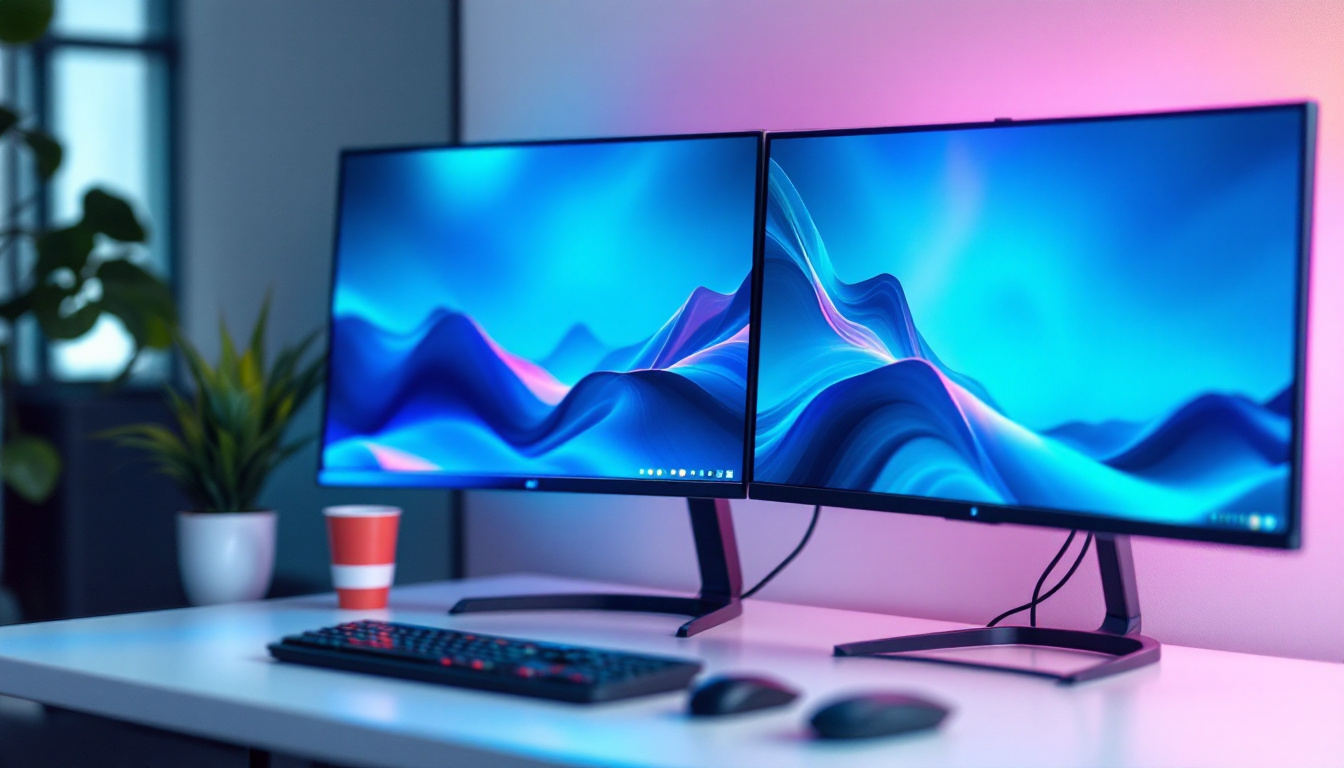
The size of a monitor significantly impacts productivity, comfort, and entertainment quality. A 36-inch screen is large enough to offer expansive workspace without overwhelming a typical desk setup. This size is particularly favored by graphic designers, video editors, and professionals who require multiple windows open simultaneously.
Enhanced Productivity and Multitasking
With a 36-inch LED monitor, users can comfortably run several applications side by side without the need for multiple screens. This reduces the clutter of multiple monitors and cable management issues. For instance, a software developer can code on one side of the screen while referencing documentation or testing applications on the other. Similarly, financial analysts can monitor multiple data streams in real time, improving decision-making efficiency.
Immersive Entertainment and Gaming
Gamers and multimedia consumers benefit from the larger screen size and superior image quality that LED technology provides. The increased screen real estate enhances immersion, while LED’s fast response times and high refresh rates reduce motion blur and input lag. Many 36-inch LED monitors support refresh rates of 120Hz or higher, making them suitable for fast-paced gaming genres such as first-person shooters and racing games.
Moreover, the vibrant colors and high contrast ratios of LED displays bring movies and streaming content to life, closely replicating the cinematic experience in a home setting.
Key Features to Consider in a 36-Inch LED Monitor
Choosing the right 36-inch LED monitor involves evaluating several technical specifications and features to match your specific needs. Here are the most important aspects to consider:
Resolution and Pixel Density
Resolution defines the number of pixels displayed on the screen, affecting sharpness and clarity. Common resolutions for 36-inch monitors include 2560×1440 (QHD) and 3840×2160 (4K UHD). While 4K offers exceptional detail, it requires more powerful hardware to drive effectively, especially for gaming or professional applications. QHD is often a sweet spot, providing crisp images and smoother performance.
Pixel density, measured in pixels per inch (PPI), is also crucial. Higher PPI means finer detail and less visible pixelation. On a 36-inch screen, 4K resolution yields a PPI of around 122, which is excellent for detailed work, whereas QHD provides a slightly lower but still satisfactory pixel density.
Color Accuracy and Gamut
Color accuracy is vital for professionals in photography, design, and video production. Look for monitors that cover a wide color gamut such as Adobe RGB or DCI-P3, which ensures that the colors displayed are true to life. Calibration options and factory calibration reports can also help maintain color fidelity over time.
Refresh Rate and Response Time
Refresh rate, measured in hertz (Hz), indicates how many times the screen updates per second. Higher refresh rates (120Hz, 144Hz, or even 240Hz) provide smoother motion, which is critical for gaming and video editing. Response time, measured in milliseconds (ms), refers to how quickly a pixel can change color. Lower response times reduce motion blur and ghosting effects.
For a 36-inch LED monitor, a refresh rate of at least 75Hz is recommended for general use, while gamers should look for 120Hz or higher. Response times below 5ms are ideal for fast-paced applications.
Connectivity Options
Modern 36-inch LED monitors come equipped with a variety of ports, including HDMI, DisplayPort, USB-C, and sometimes Thunderbolt. USB-C and Thunderbolt ports are particularly valuable for professionals who want to connect laptops or mobile devices with a single cable that carries video, data, and power.
Multiple input options also allow users to connect several devices simultaneously, such as a desktop PC, gaming console, and media player, switching between them with ease.
Ergonomics and Design
Given the size of a 36-inch monitor, ergonomic features like adjustable height, tilt, swivel, and pivot are essential for comfortable long-term use. A well-designed stand and VESA mount compatibility allow users to customize their setup to reduce neck and eye strain.
Comparing LED with Other Display Technologies
While LED monitors are prevalent, it is important to understand how they compare with other technologies such as OLED and traditional LCD displays.
LED vs. OLED
OLED (Organic Light Emitting Diode) displays offer superior contrast and true blacks because each pixel emits its own light and can be turned off individually. This results in stunning image quality, especially in dark scenes. However, OLED monitors are generally more expensive and less common in larger sizes like 36 inches.
LED monitors, particularly those with full-array local dimming, can approach OLED’s contrast performance at a lower cost and with less risk of burn-in, making them a practical choice for most users.
LED vs. Traditional LCD
Traditional LCD monitors use CCFL backlighting, which is bulkier, less energy-efficient, and offers lower contrast ratios. LED monitors have largely replaced CCFL LCDs due to their slimmer profiles, better color reproduction, and improved energy consumption.
Practical Applications of 36-Inch LED Monitors
The versatility of 36-inch LED monitors makes them suitable for a wide range of applications across various industries and user groups.
Professional Workstations
Creative professionals benefit immensely from the large screen size and color accuracy of 36-inch LED monitors. Video editors can view timelines and preview content simultaneously, while graphic designers can work on high-resolution images without constantly zooming and panning.
Financial and Data Analysis
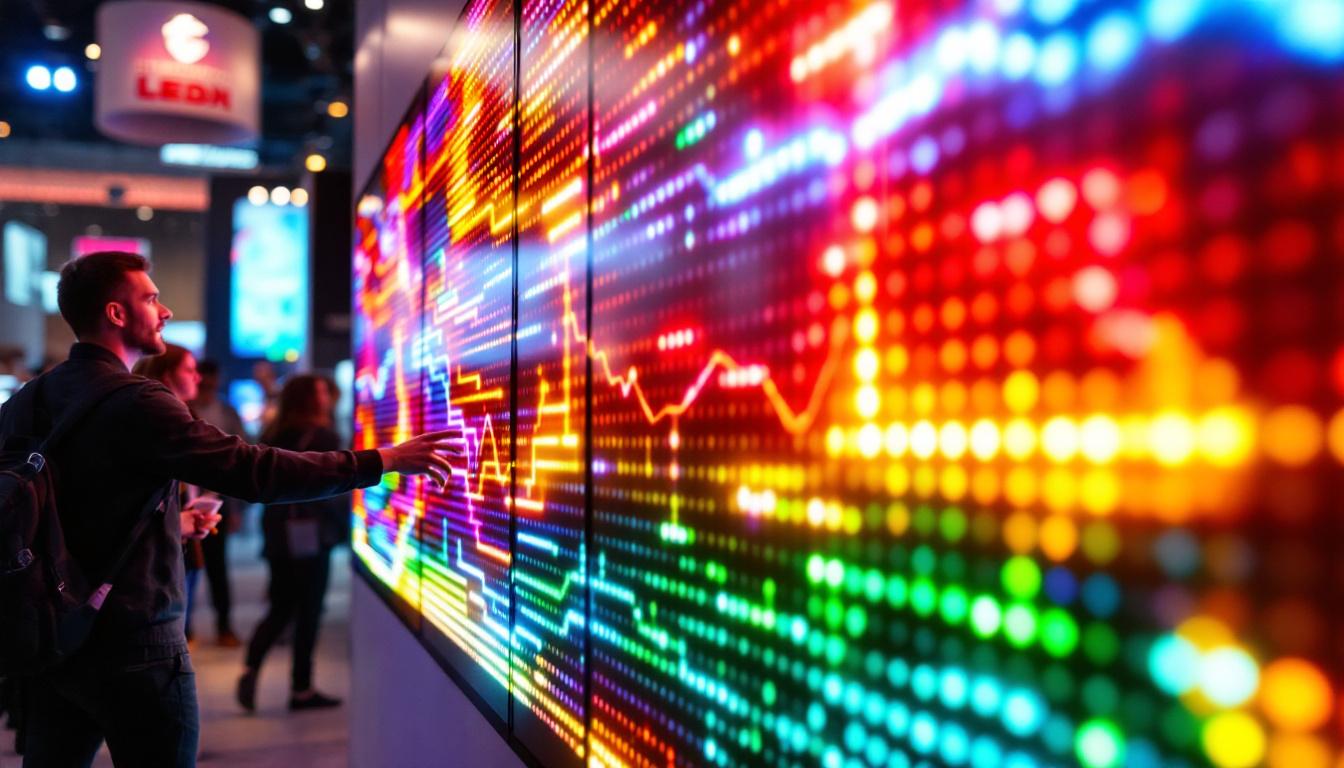
Traders and analysts who monitor multiple data streams and charts find 36-inch monitors invaluable. The ability to display numerous windows side by side enhances situational awareness and speeds up decision-making processes.
Gaming Setups
For gamers, a 36-inch LED monitor provides a more immersive experience than smaller screens. High refresh rates and low response times reduce lag and motion blur, while vibrant colors and HDR support elevate gameplay visuals.
Home Entertainment
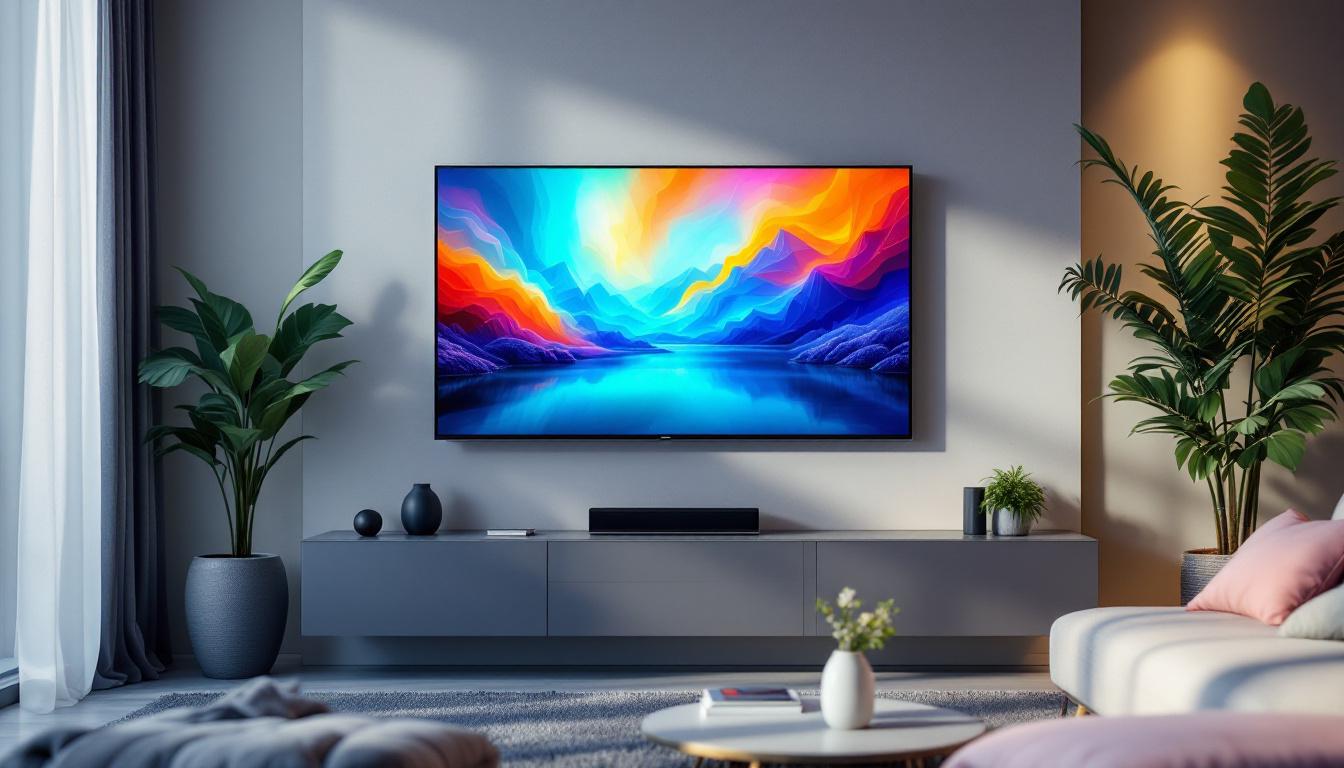
Streaming movies and TV shows on a 36-inch LED monitor offers a cinematic experience without the need for a dedicated television. The large screen size and excellent image quality make it ideal for shared viewing in smaller living spaces.
Maintaining and Optimizing Your 36-Inch LED Monitor
To ensure longevity and optimal performance, proper care and calibration of your LED monitor are essential.
Regular Calibration
Color calibration tools and software help maintain accurate color reproduction over time. Many professional users invest in hardware calibrators to periodically adjust their monitors, ensuring consistent results across different devices and media.
Proper Placement and Usage
Position the monitor at eye level and maintain an appropriate viewing distance—typically about an arm’s length for a 36-inch screen. Avoid direct sunlight or harsh lighting to reduce glare and eye strain.
Energy Efficiency Tips
LED monitors are energy-efficient by design, but enabling power-saving modes and reducing brightness when full intensity is not needed can further reduce electricity consumption and extend the monitor’s lifespan.
Conclusion
A 36-inch LED monitor offers an excellent combination of size, image quality, and versatility, making it an attractive choice for a broad spectrum of users. Whether for professional work, gaming, or entertainment, LED technology ensures vibrant colors, high brightness, and energy efficiency. By understanding the key features and considerations outlined in this article, buyers can make informed decisions to select the perfect 36-inch LED display that meets their needs and enhances their digital experience.
Discover LumenMatrix’s Advanced LED Display Solutions
Ready to elevate your visual experience with a 36-inch LED monitor that embodies innovation and quality? Look no further than LumenMatrix, a pioneer in LED display technology. Our comprehensive range of products, including Indoor and Outdoor LED Wall Displays, Vehicle LED Displays, and specialized solutions like LED Sports and Floor Displays, is designed to meet your diverse needs. Whether you’re aiming to boost your brand’s presence, engage with your audience, or create a dynamic environment, LumenMatrix’s LED solutions offer unparalleled vibrancy and performance. Check out LumenMatrix LED Display Solutions today and transform your space with cutting-edge technology.