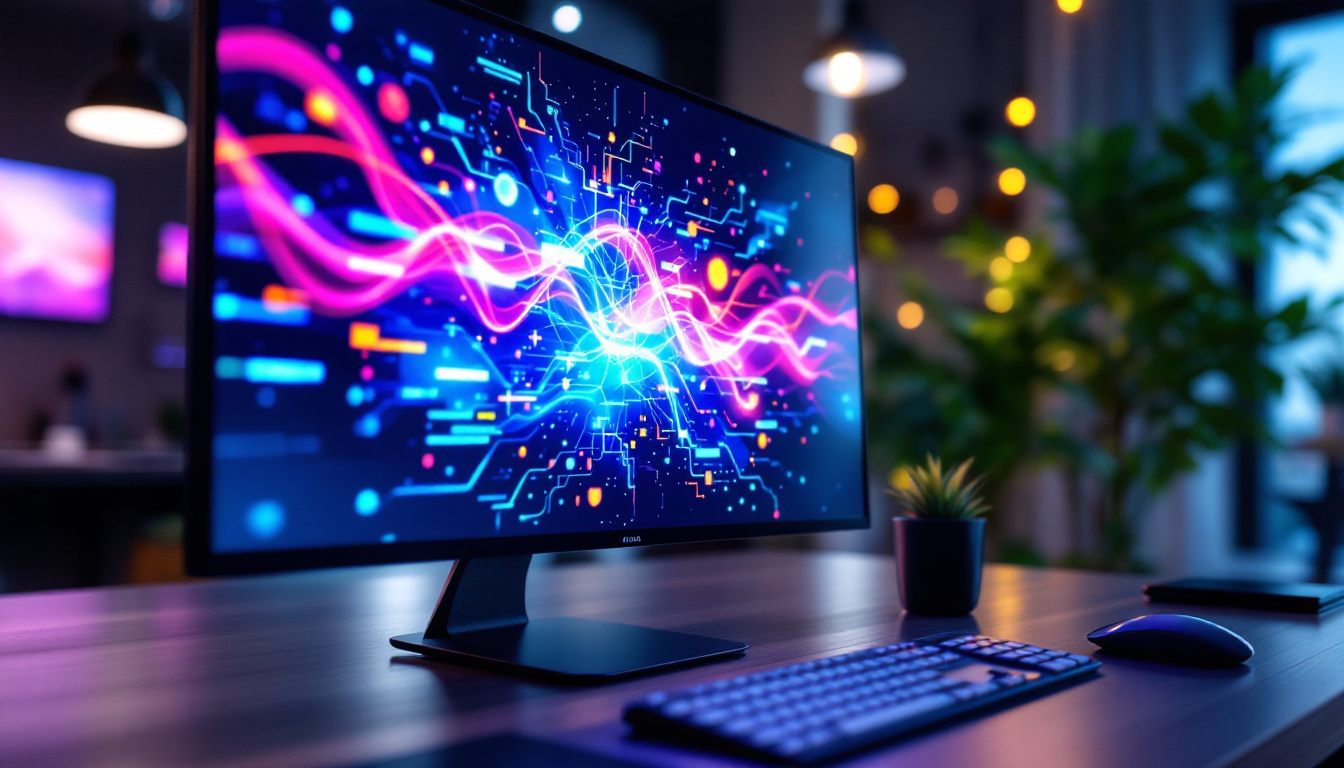
In today’s digital age, selecting the right monitor size and display technology is crucial for both productivity and entertainment. Among the various options available, a 42 inch LED monitor has gained popularity for its balance between screen real estate and visual clarity. Whether you are a professional seeking enhanced workspace efficiency or a gamer craving immersive visuals, understanding the specifics of a 42 inch LED display can help you make an informed decision.
Understanding the 42 Inch Monitor Size
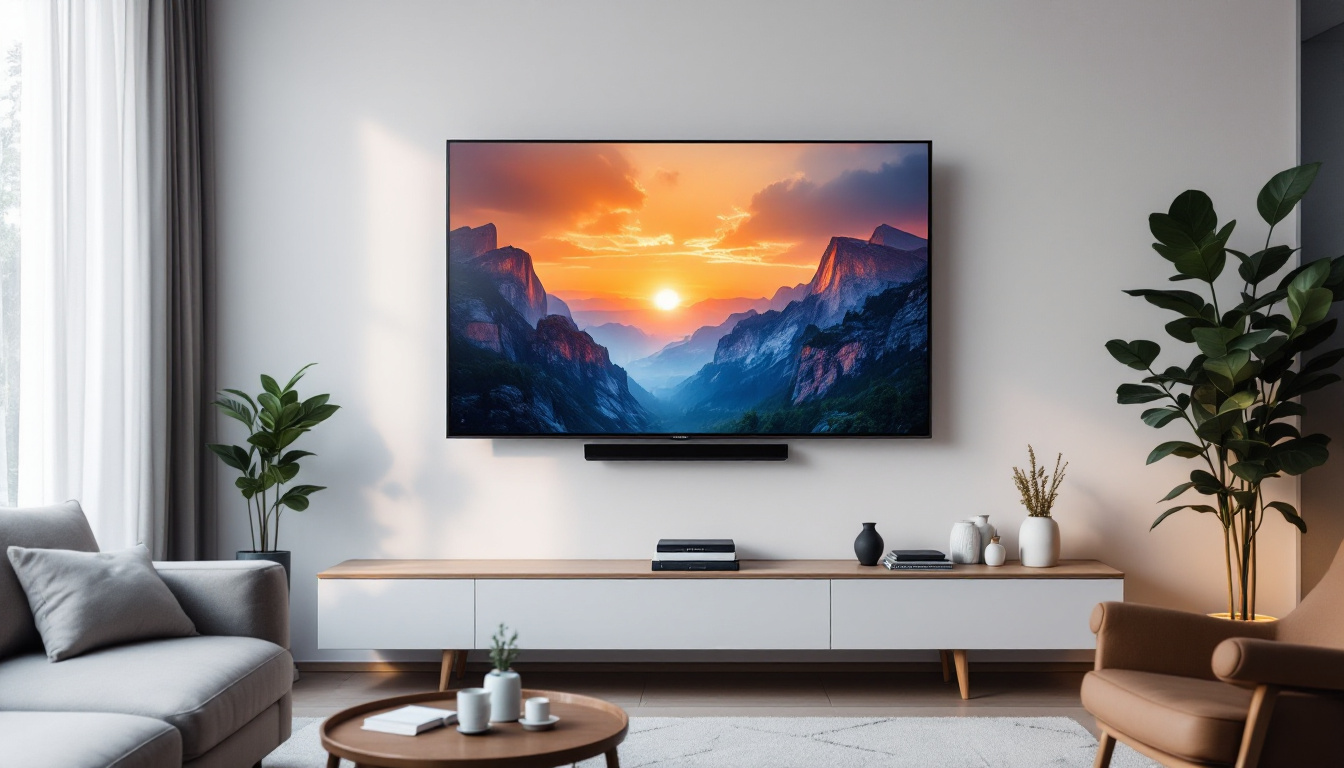
The term “42 inch” refers to the diagonal measurement of the monitor screen, measured from one corner to the opposite corner. This size is considered quite large compared to standard desktop monitors, which typically range from 21 to 27 inches. The 42 inch dimension places the monitor closer to the size of a small television, making it an excellent choice for users who want a more expansive viewing area without moving to a full TV-sized display.
One of the main advantages of a 42 inch monitor is the ability to display multiple windows and applications simultaneously without feeling cramped. This is particularly beneficial for professionals in fields such as graphic design, video editing, financial trading, and software development, where multitasking and detailed visuals are essential. The large screen also enhances the experience for gamers and movie enthusiasts, providing a more immersive and engaging visual environment.
Physical Dimensions and Desk Space Considerations
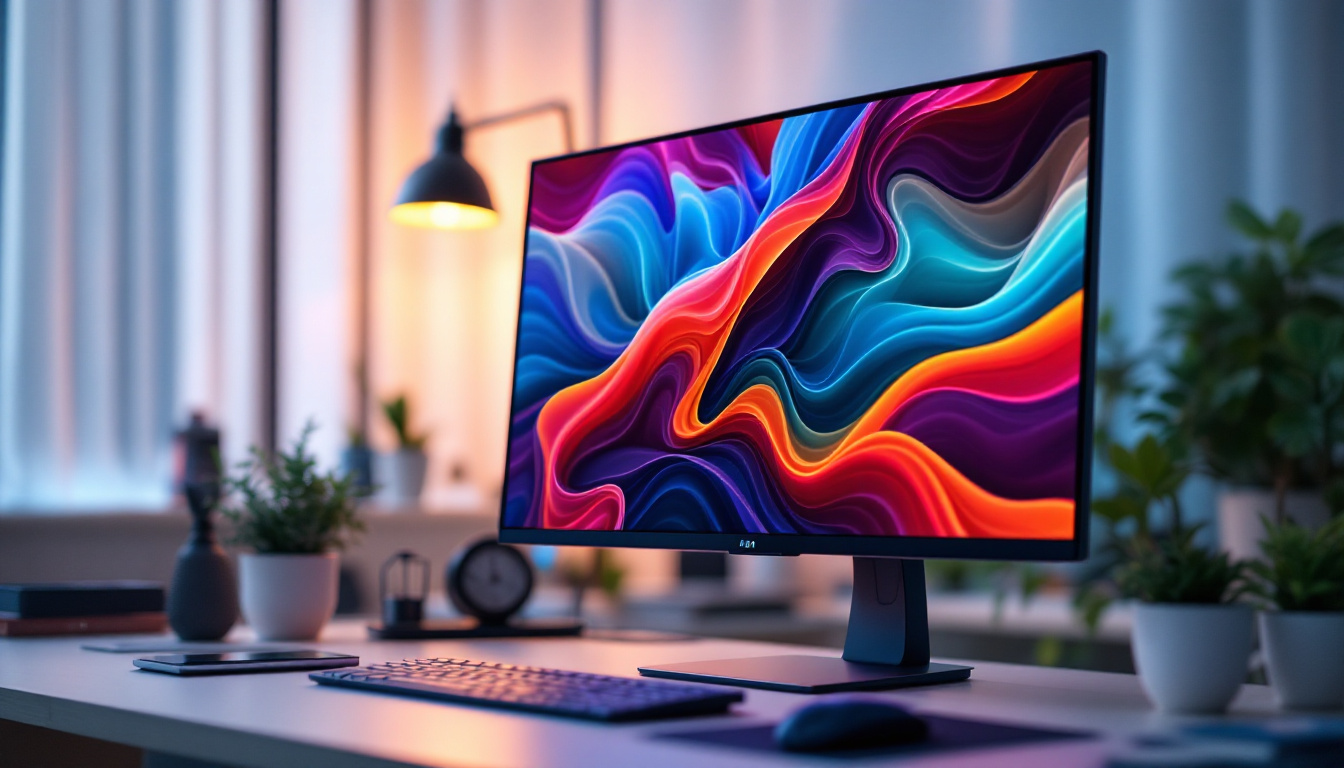
While the diagonal size is 42 inches, the actual width and height of the monitor depend on the aspect ratio. Most modern monitors use a 16:9 aspect ratio, which means the width will be approximately 36.6 inches and the height about 20.6 inches. This size requires a substantial desk area and proper ergonomic setup to prevent neck and eye strain.
Before purchasing a 42 inch monitor, it is important to measure your workspace and consider the viewing distance. Experts recommend sitting at least 3 to 4 feet away from a screen of this size to ensure comfortable viewing and reduce eye fatigue. Additionally, investing in an adjustable monitor stand or arm can help position the screen at the optimal height and angle.
LED Display Technology: What Sets It Apart?
LED, or Light Emitting Diode, technology has become the dominant choice for modern monitors and televisions due to its energy efficiency, brightness, and color accuracy. However, the term “LED monitor” can sometimes be confusing because it often refers to LCD monitors that use LED backlighting rather than traditional CCFL (Cold Cathode Fluorescent Lamp) backlighting.
In essence, a 42 inch LED monitor is an LCD panel illuminated by LEDs behind or around the edges of the screen. This backlighting method offers several advantages over older technologies:
- Improved Energy Efficiency: LED backlights consume less power, which reduces electricity bills and heat output.
- Better Brightness and Contrast: LEDs can achieve higher brightness levels and deeper blacks, enhancing image quality.
- Thinner and Lighter Designs: LED backlighting allows for slimmer monitor profiles, saving desk space and improving aesthetics.
Types of LED Backlighting
There are two primary types of LED backlighting used in monitors: edge-lit and full-array (also known as direct-lit).
Edge-Lit LED: LEDs are positioned along the edges of the screen, and light is diffused across the panel. This design enables ultra-thin monitors but can sometimes lead to uneven brightness or “hot spots.”
Full-Array LED: LEDs are distributed evenly behind the entire panel, allowing for more precise local dimming. This results in better contrast ratios and deeper blacks, especially beneficial for HDR (High Dynamic Range) content.
For a 42 inch monitor, full-array LED backlighting is often preferred for superior image quality, although edge-lit models can be more affordable and lightweight.
Resolution and Image Quality on a 42 Inch LED Monitor
The resolution of a monitor determines how many pixels are displayed on the screen, directly impacting image sharpness and detail. For a 42 inch monitor, resolution choices range from Full HD (1920 x 1080 pixels) to 4K Ultra HD (3840 x 2160 pixels) and beyond.
Choosing the right resolution for a 42 inch monitor is critical because lower resolutions can result in visible pixelation or a less crisp image at this large size. Here is a breakdown of common resolutions and their suitability:
- Full HD (1920 x 1080): While Full HD is standard for many smaller monitors, it may appear less sharp on a 42 inch screen due to the relatively low pixel density. Text and images might look slightly blurred or pixelated when viewed up close.
- Quad HD (2560 x 1440): QHD offers a noticeable improvement in clarity and is a good middle ground for users who want better detail without the cost of 4K.
- 4K Ultra HD (3840 x 2160): 4K resolution is ideal for a 42 inch monitor, providing excellent pixel density and sharpness. It allows for detailed image editing, crisp text, and immersive gaming experiences.
For professionals working with high-resolution content or gamers seeking the best visuals, investing in a 4K 42 inch LED monitor is highly recommended. However, it is important to ensure your computer’s graphics card can support 4K output smoothly.
Color Accuracy and Refresh Rates
Color accuracy is another vital factor, especially for creative professionals. Many 42 inch LED monitors offer wide color gamut support, covering standards such as sRGB, Adobe RGB, and DCI-P3. Monitors with factory calibration or hardware calibration support provide even more reliable color reproduction.
Refresh rate, measured in hertz (Hz), indicates how many times the screen updates per second. While 60Hz is standard for most monitors, gamers often prefer higher refresh rates such as 120Hz or 144Hz for smoother motion and reduced input lag. Some 42 inch gaming monitors combine high refresh rates with 4K resolution, although these tend to be premium products.
Applications of 42 Inch LED Monitors
The versatility of a 42 inch LED monitor makes it suitable for a wide range of applications. Its large size and high-quality display technology cater to both professional and personal uses.
Professional Use Cases
In professional environments, a 42 inch monitor can serve as a powerful tool for multitasking and detailed work. For example:
- Graphic Design and Video Editing: The expansive screen allows designers and editors to view timelines, palettes, and previews simultaneously without constantly switching windows.
- Financial Trading: Traders can monitor multiple charts, news feeds, and trading platforms at once, improving decision-making speed.
- Software Development: Developers benefit from having code editors, debuggers, and documentation visible side-by-side.
- Engineering and CAD: Large monitors provide ample space to view complex 3D models and blueprints in high detail.
Entertainment and Gaming
For entertainment, a 42 inch LED monitor offers a cinematic experience with vivid colors and sharp images. It is an excellent choice for watching movies, streaming content, or playing video games. The size and resolution contribute to immersion, while features like HDR support enhance visual quality.
Gamers particularly appreciate 42 inch monitors with fast response times and high refresh rates. Some models also include adaptive sync technologies such as NVIDIA G-SYNC or AMD FreeSync to reduce screen tearing and stuttering during gameplay.
Home Office and General Use
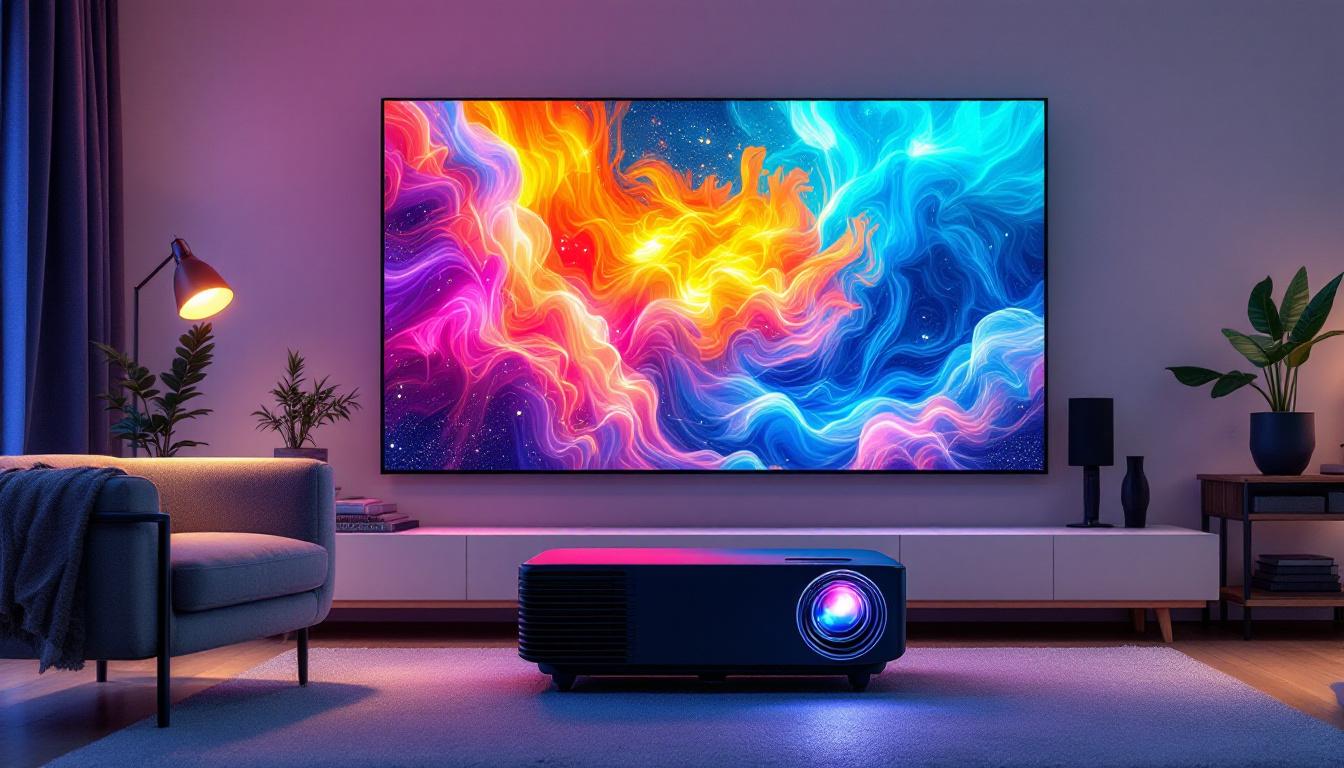
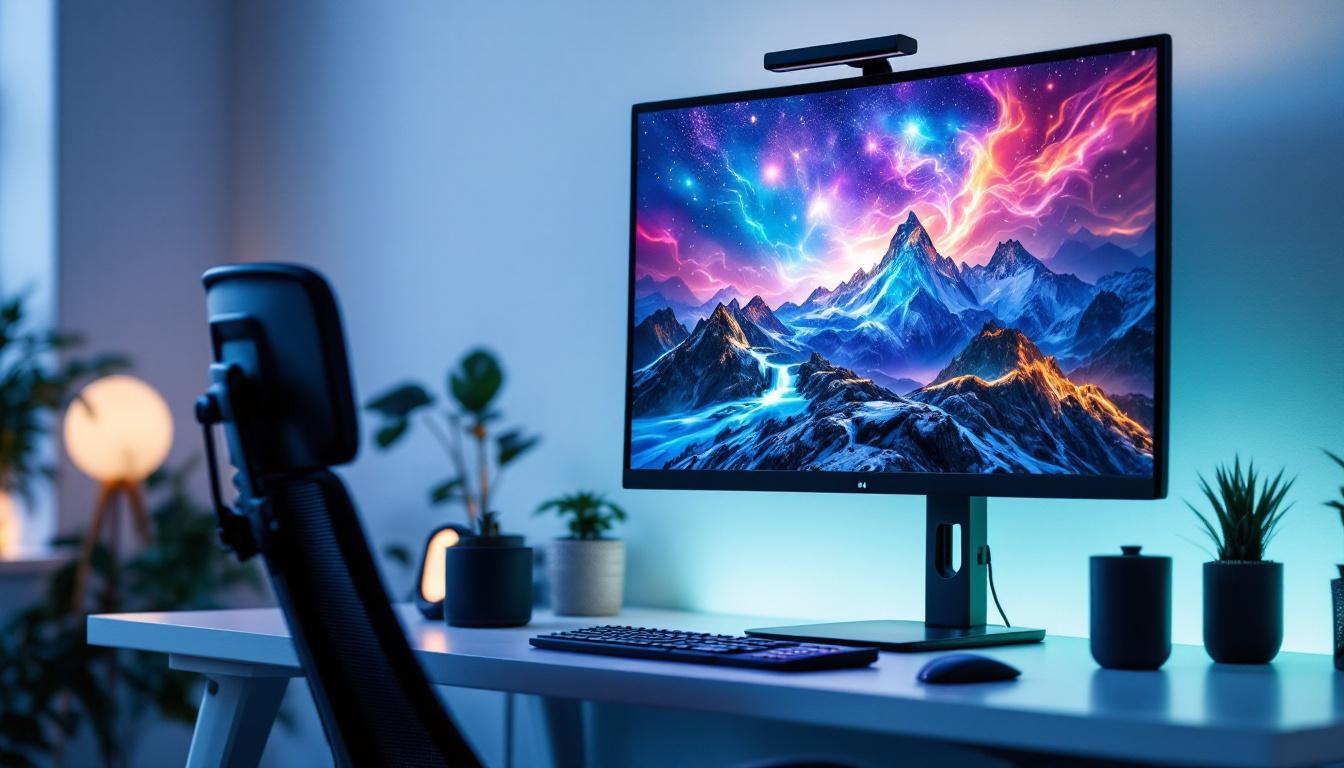
With the rise of remote work, many users seek larger monitors to improve productivity at home. A 42 inch LED monitor can replace dual-monitor setups by providing enough space to organize multiple applications on a single screen. This reduces clutter and cable management issues while maintaining a clean workspace.
Key Considerations Before Buying a 42 Inch LED Monitor
While the benefits of a 42 inch LED monitor are clear, there are important factors to consider before making a purchase to ensure it fits your needs and environment.
Budget and Cost Efficiency
Large, high-resolution LED monitors can be expensive, especially those with advanced features like 4K resolution, high refresh rates, and professional color calibration. It is essential to balance your budget with the features you truly need. For example, if you primarily use the monitor for office work and web browsing, a Full HD or QHD 42 inch monitor might suffice.
Connectivity Options
Check the available ports on the monitor, such as HDMI, DisplayPort, USB-C, and USB hubs. Multiple connectivity options provide flexibility to connect various devices, including laptops, desktops, gaming consoles, and external peripherals.
Ergonomics and Adjustability
Due to the size of a 42 inch monitor, ergonomic features become vital. Look for adjustable stands that allow tilting, swiveling, height adjustment, and even pivoting. This helps maintain proper posture and reduces physical strain during extended use.
Compatibility and Performance
Ensure your computer’s hardware supports the monitor’s resolution and refresh rate. For 4K monitors, a powerful graphics card is necessary to handle high-resolution content smoothly. Additionally, verify that your operating system and applications can scale appropriately to prevent interface elements from appearing too small or blurry.
Conclusion: Is a 42 Inch LED Monitor Right for You?
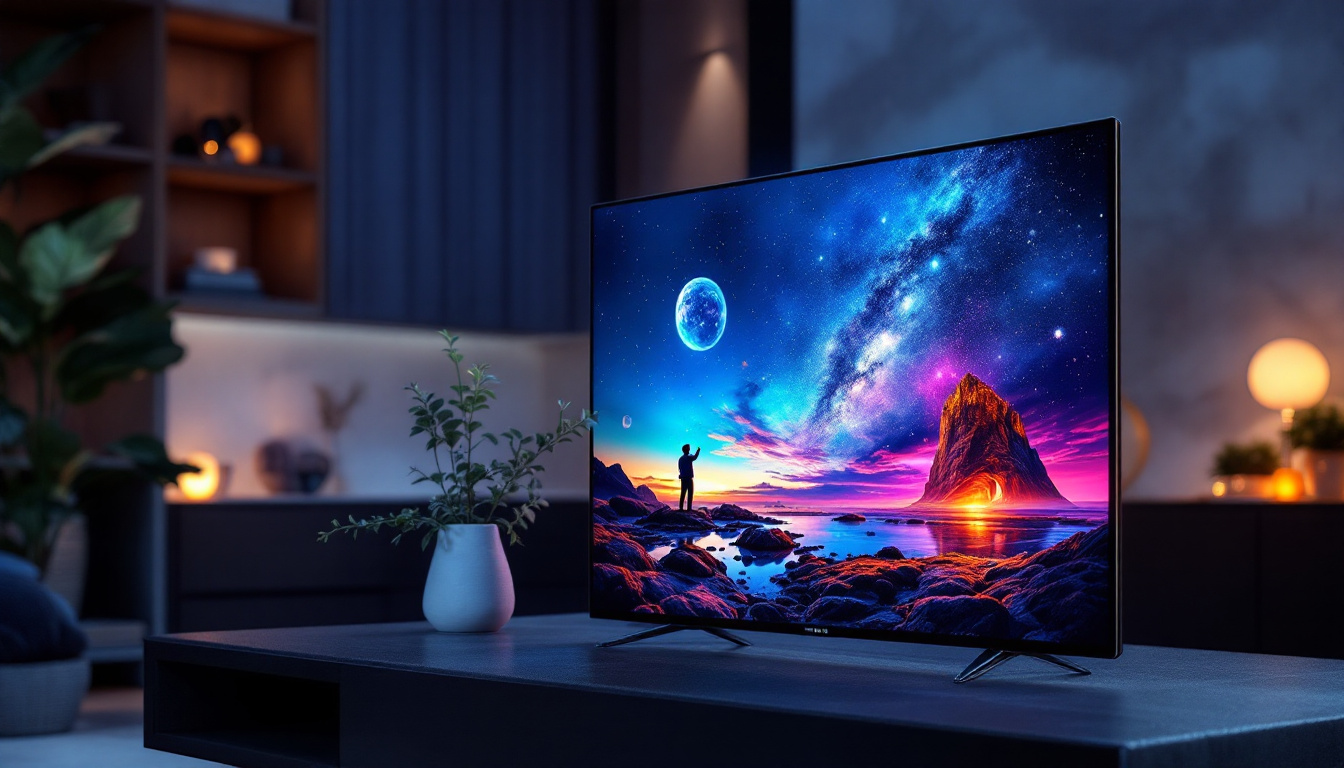
A 42 inch LED monitor represents a compelling option for users seeking a large, high-quality display that bridges the gap between traditional computer monitors and televisions. Its size offers unparalleled multitasking capabilities and immersive viewing experiences, while LED technology ensures efficient and vibrant image reproduction.
Choosing the right resolution, backlighting type, and features depends on your specific use case—whether professional work, gaming, or general entertainment. By carefully considering workspace constraints, budget, and hardware compatibility, you can select a 42 inch LED monitor that enhances productivity and enjoyment for years to come.
Discover the Perfect LED Display with LumenMatrix
Ready to elevate your visual experience with a monitor that meets all your professional and entertainment needs? Look no further than LumenMatrix, a pioneer in LED display technology. Our extensive range of solutions, from Indoor and Outdoor LED Wall Displays to specialized options like Vehicle and Sports LED Displays, is designed to bring your content to life with unparalleled brightness and clarity. Whether you’re looking to enhance your workspace or create engaging environments, LumenMatrix has the cutting-edge technology to transform your visual communication. Check out LumenMatrix LED Display Solutions today and step into a world of vivid imagery and dynamic storytelling.