In today’s fast-paced digital world, the demand for sleek, efficient, and space-saving computing solutions has skyrocketed. All-in-One (AIO) PCs have emerged as a popular choice for both home and professional use, combining the computer’s core components and display into a single unit. A critical feature that often influences the buying decision is the type of display technology used. Among these, LED displays stand out for their superior image quality and energy efficiency.
This article dives deep into the world of LED displays in All-in-One PCs, explaining what they are, how they work, and why they matter when shopping for an AIO PC sale. Whether you’re a casual user, a professional, or a gamer, understanding LED display technology will help you make an informed purchase.
Understanding All-in-One PCs: What Makes Them Unique?
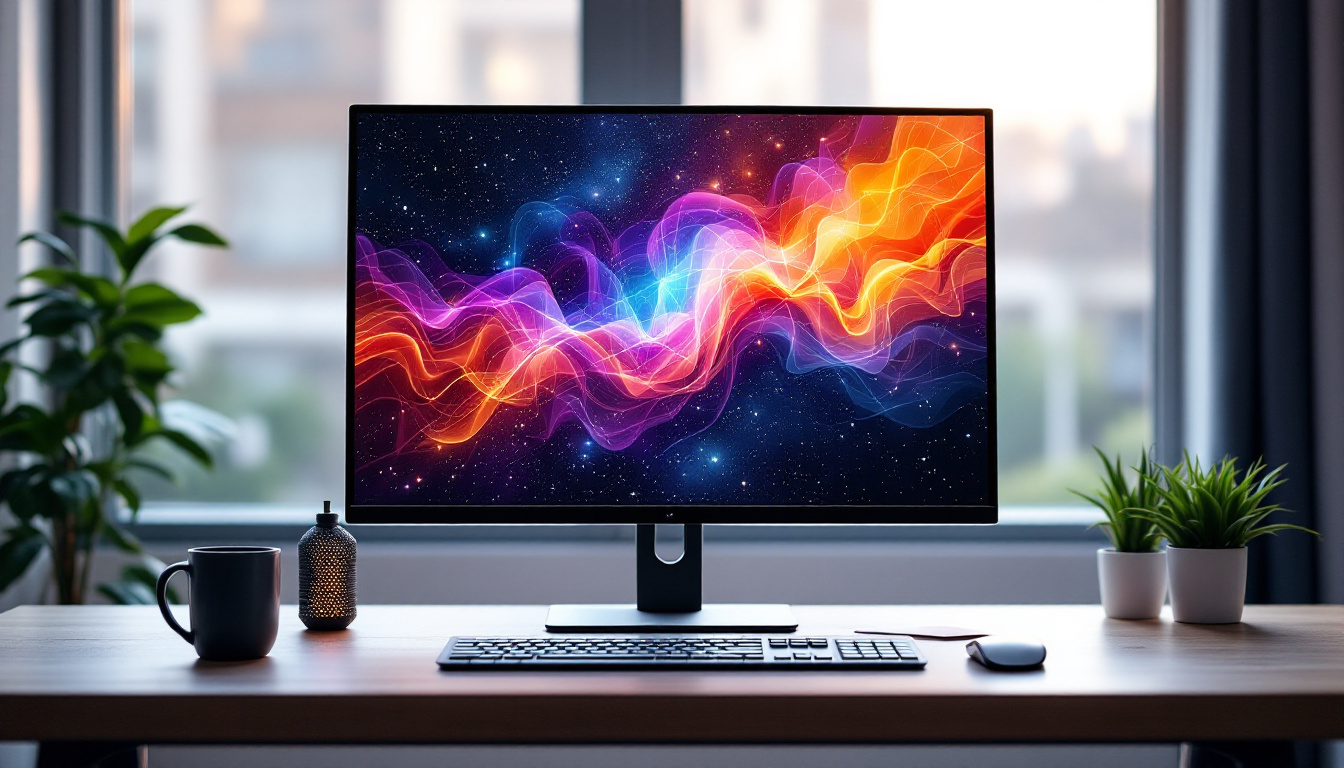
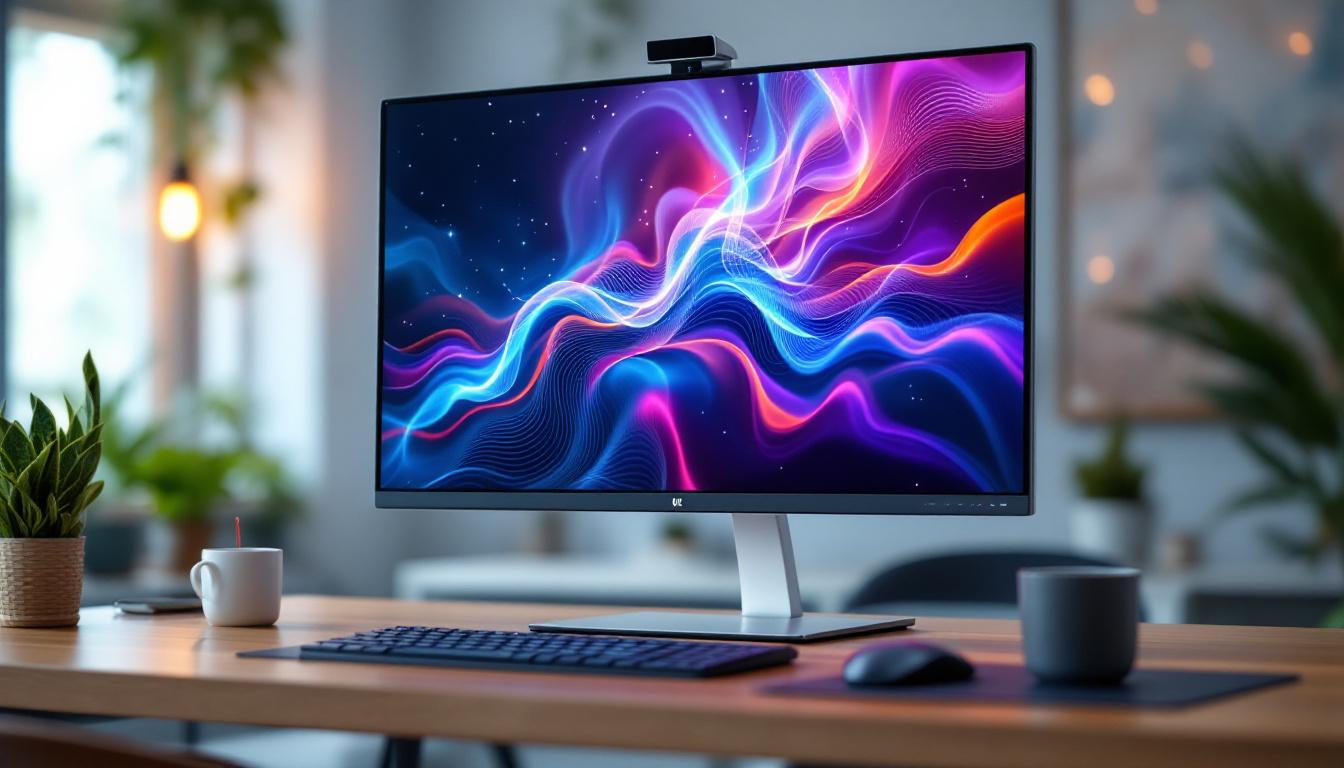
All-in-One PCs integrate the computer’s internal hardware into the same case as the monitor, eliminating the need for a separate tower. This design not only saves desk space but also reduces cable clutter, making it a favorite for minimalist setups and compact workspaces. The sleek and streamlined appearance of AIO PCs appeals to those who appreciate aesthetics as much as functionality, allowing them to blend seamlessly into modern home and office environments.
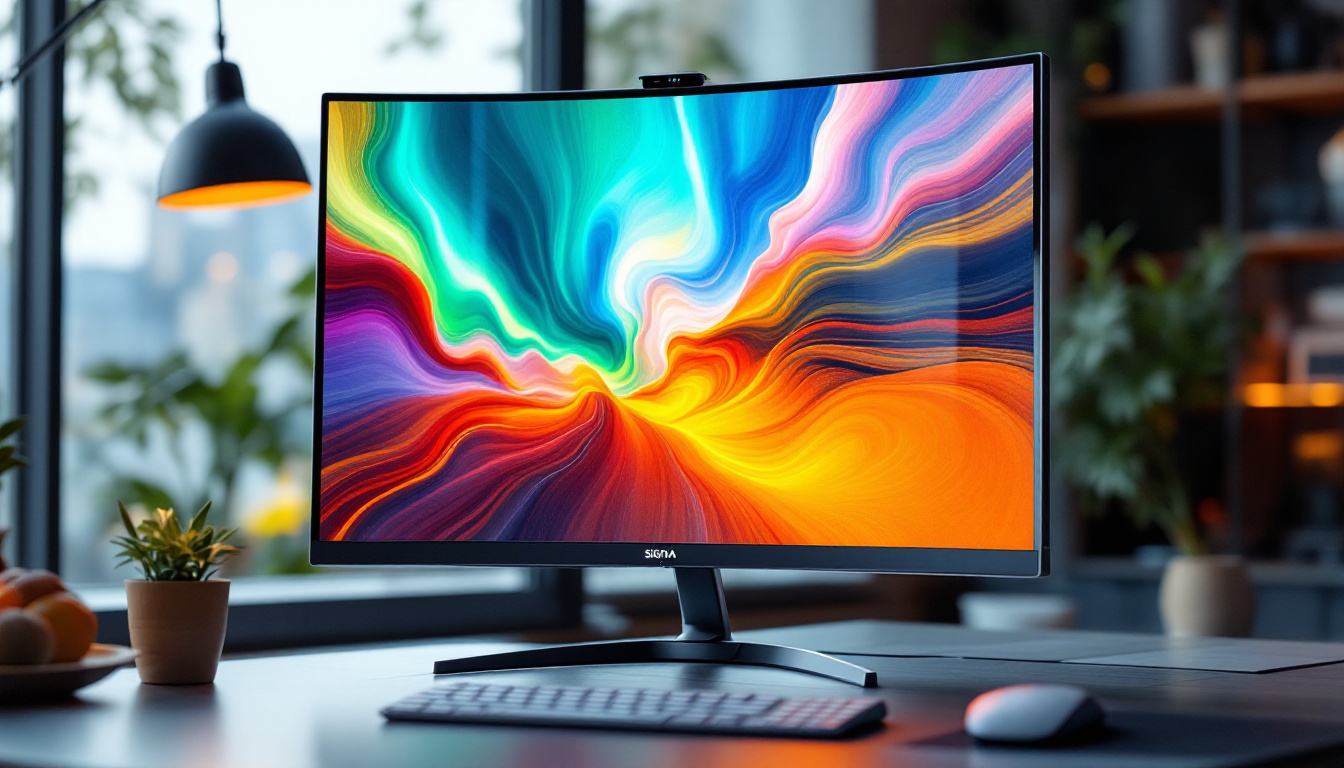
The convenience of an AIO PC is complemented by modern display technologies, with LED displays being the most common. Unlike traditional desktop setups, where the monitor and CPU are separate, AIO PCs rely heavily on the quality of their integrated display to deliver a seamless user experience. Many models now feature touchscreens, enhancing interactivity and making them ideal for creative professionals who benefit from intuitive gestures and direct manipulation of applications.
The Rise of AIO PCs in the Market
According to recent market research, the global All-in-One PC market is expected to grow at a compound annual growth rate (CAGR) of around 4.5% between 2023 and 2028. This growth is driven by increasing demand for compact computing devices in offices, educational institutions, and homes. The rise of remote work and online learning has further accelerated this trend, as users seek versatile devices that can handle a variety of tasks while occupying minimal space.
Many manufacturers are offering AIO PCs with advanced LED displays, often bundled with promotional sales that make these devices more accessible. These sales provide an excellent opportunity for consumers to upgrade their systems without compromising on display quality. Furthermore, the integration of powerful processors and enhanced graphics capabilities in newer models means that users can enjoy gaming, graphic design, and video editing on these compact machines, challenging the traditional notion that high-performance computing requires a bulky desktop setup. As technology continues to evolve, AIO PCs are becoming increasingly equipped to meet the demands of both casual users and professionals alike, solidifying their place in the competitive tech landscape.
What is an LED Display?
LED stands for Light Emitting Diode, a technology used to illuminate displays. In the context of All-in-One PCs, an LED display refers to an LCD screen that uses LED backlighting rather than the older cold cathode fluorescent lamps (CCFLs). This shift has revolutionized display performance, offering brighter images, better contrast, and improved energy efficiency. The transition from CCFL to LED technology not only enhances the viewing experience but also aligns with modern sustainability goals, as LED technology is more environmentally friendly.
How LED Displays Work
Traditional LCD screens require a backlight to illuminate the pixels, which do not emit light themselves. LED displays use tiny light-emitting diodes positioned behind or along the edges of the screen to provide this backlight. These LEDs can be controlled precisely to adjust brightness and contrast, resulting in sharper and more vibrant images. This precise control is particularly beneficial for dynamic content, such as videos and games, where rapid changes in light and color can significantly impact the viewer’s experience.
There are two main types of LED backlighting used in AIO PCs:
- Edge-Lit LED: LEDs are placed along the edges of the screen, allowing for thinner displays but sometimes resulting in uneven brightness.
- Full-Array LED: LEDs are distributed evenly behind the screen, offering better uniformity and local dimming capabilities for enhanced contrast.
Advantages of LED Displays in AIO PCs
LED displays offer several benefits that make them ideal for All-in-One PCs:
- Energy Efficiency: LEDs consume less power than CCFL backlights, contributing to lower electricity bills and longer device lifespan.
- Improved Brightness and Contrast: LED backlighting provides brighter images with deeper blacks, enhancing visual clarity.
- Slimmer Designs: The compact size of LEDs allows manufacturers to design thinner and lighter AIO PCs.
- Better Color Accuracy: Many LED displays support wider color gamuts, essential for creative professionals.
Moreover, the advancements in LED technology have led to the development of various display types, such as OLED and QLED, which further enhance the viewing experience. OLED displays, for instance, feature self-emissive pixels that can turn off completely to achieve true blacks, while QLED technology utilizes quantum dots to improve color and brightness. These innovations are particularly appealing for users who engage in graphic design, video editing, or gaming, where color precision and contrast are paramount.
Additionally, the durability of LED displays is noteworthy. Unlike traditional displays, which can suffer from issues like screen burn-in or limited lifespan, LED technology is designed to withstand prolonged use without significant degradation in performance. This reliability makes LED displays a preferred choice for both casual users and professionals who require consistent quality over time. As technology continues to evolve, we can expect even more enhancements in LED display capabilities, further solidifying their place in modern computing devices.
LED Display Specifications to Consider During AIO PC Sales
When shopping for an All-in-One PC sale, understanding key LED display specifications can help you choose the best model for your needs. Here are the most important factors to consider:
Resolution
Resolution determines the sharpness and detail of the display. Common resolutions for AIO PCs include:
- Full HD (1920 x 1080): Suitable for everyday tasks, streaming, and office work.
- Quad HD (2560 x 1440): Offers more screen real estate and sharper images, ideal for multitasking and creative work.
- 4K UHD (3840 x 2160): Provides the highest clarity and detail, perfect for graphic designers, video editors, and gamers.
Higher resolution displays require more powerful hardware to run smoothly, so balance your choice with the PC’s overall specifications.
Screen Size and Aspect Ratio
All-in-One PCs typically come with screen sizes ranging from 21 inches to 32 inches. Larger screens provide a more immersive experience but may require more desk space. The most common aspect ratio is 16:9, which suits most applications, but some models offer 16:10 or ultrawide formats for enhanced productivity.
Refresh Rate
The refresh rate, measured in Hertz (Hz), indicates how many times the display updates per second. Standard AIO PCs usually have a 60Hz refresh rate, sufficient for general use. However, for gaming or video editing, higher refresh rates such as 120Hz or 144Hz can provide smoother visuals.
Color Accuracy and Gamut
Color accuracy is crucial for professionals working with images and videos. Look for displays that cover a wide color gamut, such as 100% sRGB or Adobe RGB, and offer factory calibration. Some AIO PCs also support HDR (High Dynamic Range), which enhances color depth and contrast.
Why LED Display Quality Matters in All-in-One PCs
The display is arguably the most critical component of an All-in-One PC because it directly impacts how users interact with their device. A high-quality LED display enhances productivity, reduces eye strain, and improves overall user satisfaction.
Impact on Productivity and Comfort
Studies show that poor display quality can contribute to eye fatigue and headaches, especially during extended use. LED displays with flicker-free technology, blue light filters, and anti-glare coatings help mitigate these issues, making long hours at the computer more comfortable.
For professionals, a precise and vibrant display ensures that colors and details are represented accurately, which is vital for tasks like photo editing, CAD design, and video production.
Entertainment and Gaming Experience
For entertainment purposes, LED displays offer vivid colors and sharp images that enhance movie watching and gaming. Higher refresh rates and faster response times available on some LED displays reduce motion blur and screen tearing, providing a smoother and more immersive experience.
Tips for Finding the Best All-in-One PC Sale with LED Displays
Finding the perfect AIO PC with a quality LED display during a sale requires a strategic approach. Here are some tips to help you make the most of your purchase:
Research Brands and Models
Reputable brands often invest in better display technology and offer reliable warranties. Look for models with positive reviews emphasizing display quality. Comparing specifications and user feedback can help narrow down your choices.
Check for Display Certifications
Certifications like TÜV Rheinland Eye Comfort, DisplayHDR, and Pantone validation indicate that the display meets certain quality and safety standards. These certifications can be a good indicator of a superior LED display.
Visit Physical Stores When Possible
Seeing the display in person allows you to assess brightness, color accuracy, and viewing angles firsthand. If visiting a store isn’t feasible, look for online retailers that offer generous return policies.
Consider Your Usage Needs
Identify your primary use cases—whether it’s office work, creative projects, gaming, or casual browsing—and choose an LED display that caters to those needs. For example, gamers may prioritize refresh rate and response time, while designers focus on color accuracy.
Take Advantage of Seasonal Sales
Major shopping events like Black Friday, Cyber Monday, and back-to-school sales often feature significant discounts on All-in-One PCs. Planning your purchase around these events can yield substantial savings without compromising on display quality.
Conclusion: Making an Informed Choice on LED Displays in All-in-One PCs
The LED display is a defining feature of any All-in-One PC, influencing not only visual quality but also user comfort and productivity. Understanding the technology behind LED displays, the key specifications to look for, and how these factors align with your needs can empower you to make a smart purchase, especially during sales.
As the market continues to evolve, LED display technology in AIO PCs is becoming more advanced and affordable. Whether upgrading your home office or investing in a new workstation, prioritizing display quality ensures a more enjoyable and efficient computing experience.
Keep these insights in mind during your next All-in-One PC sale hunt, and you’ll be well-equipped to select a device that meets your expectations and enhances your digital lifestyle.
Discover the Future of Visuals with LumenMatrix
As you consider the importance of LED displays in your next All-in-One PC purchase, remember that the same innovative technology can transform your entire visual experience. LumenMatrix, a leader in LED display solutions, offers an array of products designed to elevate your brand’s presence and captivate your audience. From stunning Indoor and Outdoor LED Wall Displays to versatile Vehicle and Floor LED Displays, LumenMatrix tailors to every need, ensuring your message is not just seen, but remembered. Embrace the revolution in visual communication and check out LumenMatrix LED Display Solutions today to see how cutting-edge technology can redefine the way you engage with the world.