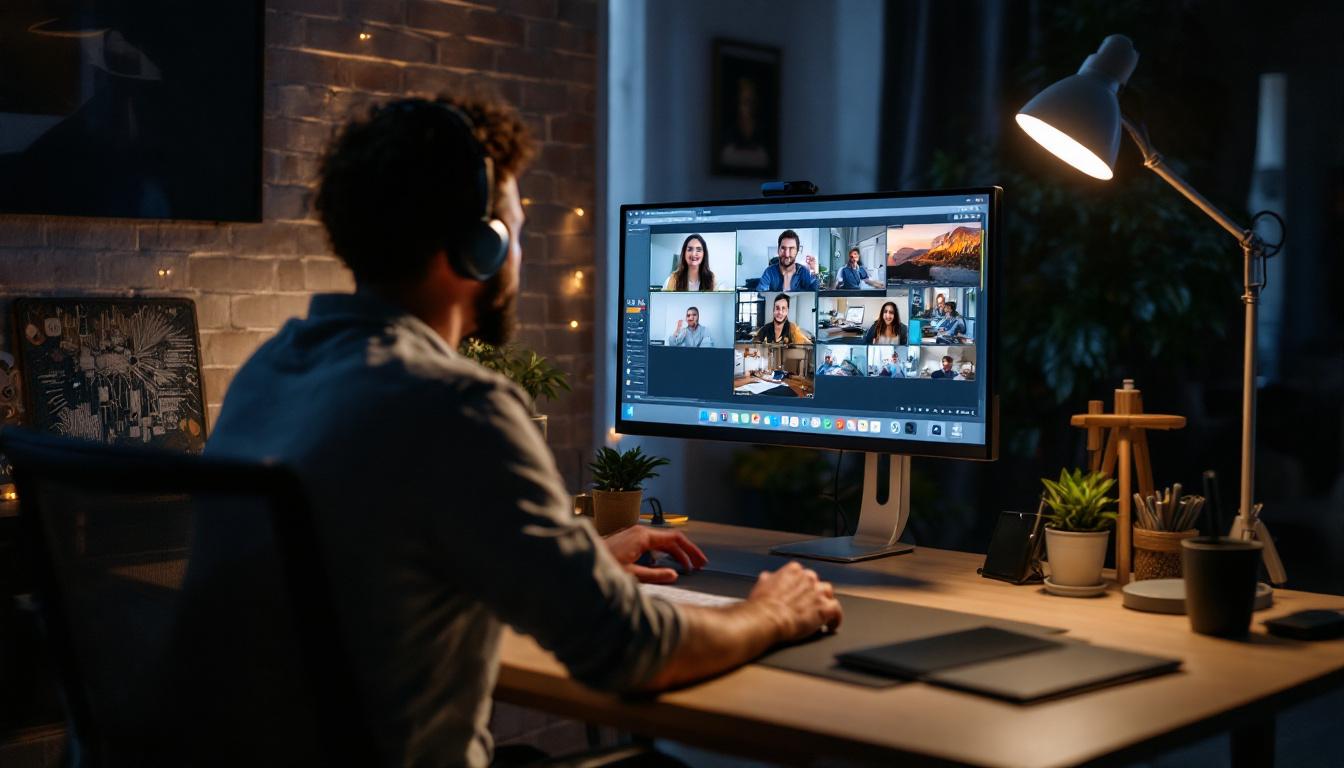
In today’s world, video conferencing has become an essential part of professional and personal communication. Whether it’s a virtual meeting, a client presentation, or a casual catch-up, the quality of your video feed can significantly impact how you are perceived. One of the most critical yet often overlooked factors influencing video quality is lighting. Specifically, the use of LED displays and lighting setups tailored for home office environments can dramatically enhance your video conferencing experience.
This article explores the best lighting practices for home office video conferencing, with a detailed explanation of LED displays, their benefits, and how to optimize your setup for the clearest, most flattering video output.
Why Lighting Matters in Video Conferencing
Lighting is fundamental to video quality because cameras rely on light to capture clear and sharp images. Poor lighting can result in grainy, dark, or overly bright video feeds, which can distract viewers and reduce the professionalism of your appearance. According to a 2023 survey by Wainhouse Research, over 70% of remote workers reported that video quality directly influences their confidence during virtual meetings.
Good lighting not only improves image clarity but also enhances facial features, reduces shadows, and minimizes the appearance of imperfections. This is crucial in professional settings where first impressions matter. Additionally, proper lighting helps reduce eye strain for both the presenter and viewers, making long meetings more comfortable.
Common Lighting Challenges in Home Offices
Home offices often present unique lighting challenges. Natural light can be inconsistent, creating harsh shadows or glare depending on the time of day. Overhead lighting might be too dim or cast unflattering shadows, while mixing different types of light sources (such as fluorescent and incandescent bulbs) can cause color imbalances on camera.
Moreover, many home office setups lack dedicated lighting equipment, relying solely on ambient room lighting. This can lead to uneven illumination and poor video quality. Understanding these challenges is the first step toward creating an optimal lighting environment for video conferencing.
Understanding LED Displays and Their Role in Lighting
LED (Light Emitting Diode) technology has revolutionized lighting due to its efficiency, versatility, and quality. In the context of home office video conferencing, LED displays and lighting panels offer several advantages over traditional lighting options.
What Are LED Displays?
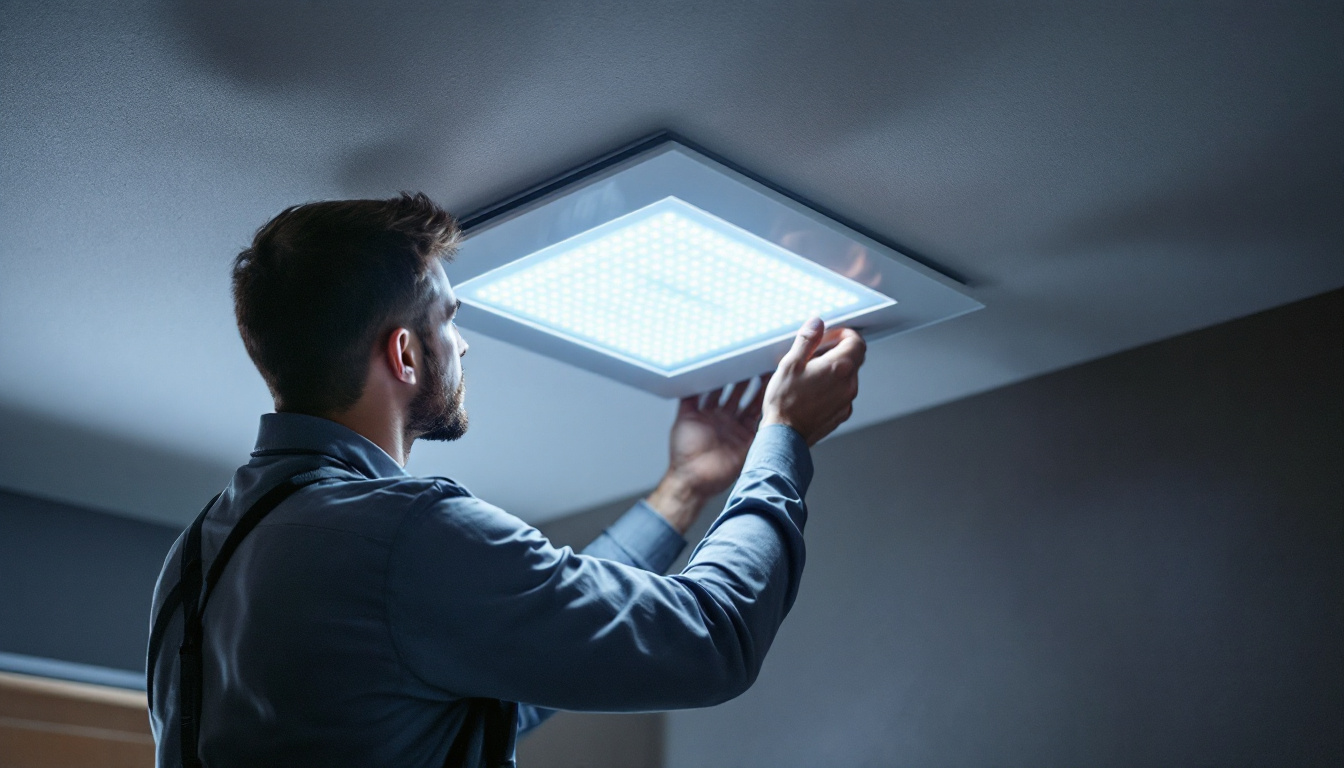
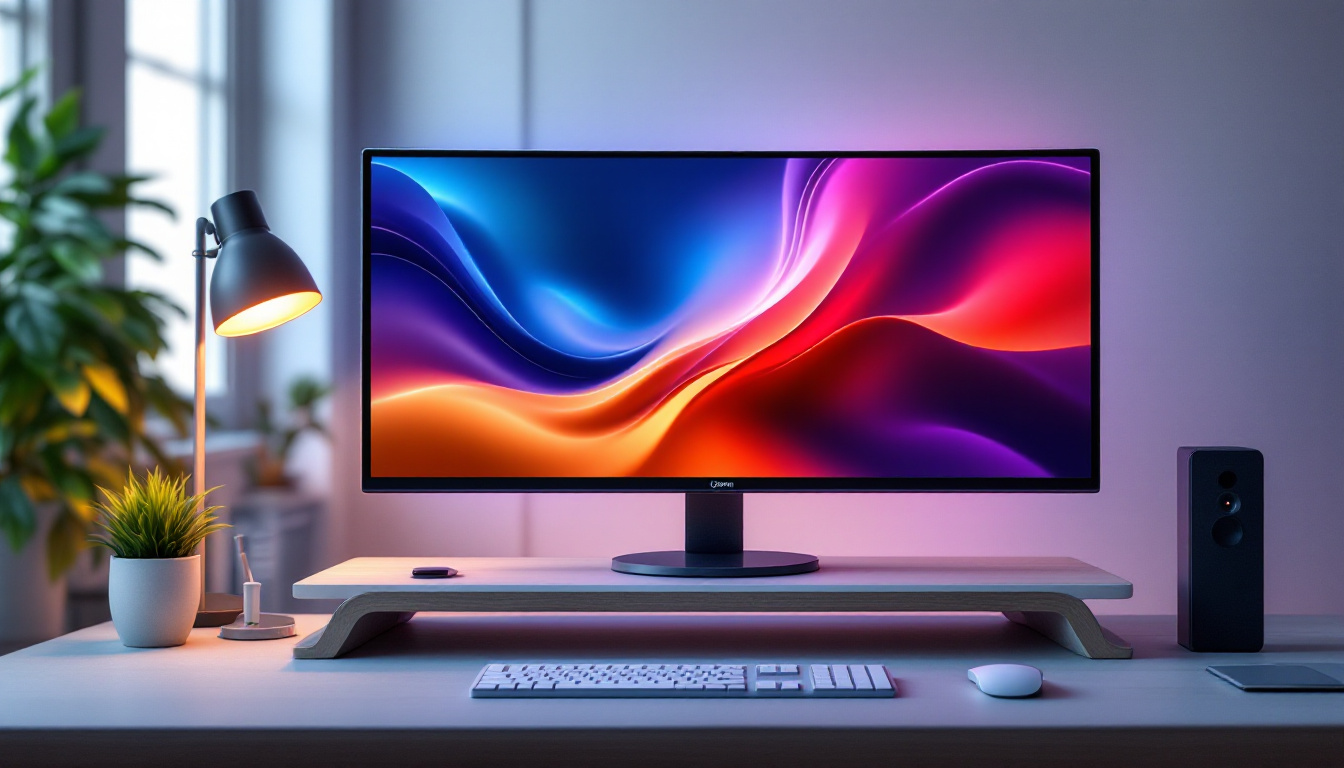
LED displays refer to screens or panels that use light-emitting diodes to produce bright, energy-efficient light. While commonly associated with monitors and TVs, LED technology is also used in lighting fixtures designed specifically for photography and video work. These LED lighting panels provide consistent, adjustable light that can be fine-tuned to suit various environments.
Unlike older lighting technologies, LEDs generate less heat, consume less power, and offer longer lifespans. This makes them ideal for prolonged use in home office settings, where comfort and sustainability are priorities.
Benefits of LED Lighting for Video Conferencing
- Adjustable Color Temperature: LED lights often allow users to modify the color temperature, ranging from warm (around 2700K) to daylight (up to 6500K). This flexibility helps match the lighting to natural daylight or create a warmer ambiance, enhancing skin tones on camera.
- Brightness Control: Dimmable LEDs enable precise brightness adjustments, preventing overexposure or underexposure in video feeds.
- Even Illumination: LED panels provide soft, diffused light that reduces harsh shadows and glare, resulting in a more flattering and professional appearance.
- Compact and Portable: Many LED lighting solutions are lightweight and easy to position, making them suitable for small home offices or temporary setups.
Key Considerations for Choosing LED Lighting for Your Home Office
Selecting the right LED lighting for video conferencing involves several factors. Understanding these will help you create a setup that enhances your video quality without breaking the bank or complicating your workspace.
1. Color Temperature and CRI
Color temperature, measured in Kelvin (K), affects how colors appear on camera. For video conferencing, a color temperature between 4000K and 5500K is generally recommended, as it mimics natural daylight and provides a neutral, balanced look.
Another important metric is the Color Rendering Index (CRI), which measures a light source’s ability to reveal colors accurately compared to natural light. A CRI of 90 or above is ideal for video conferencing, ensuring that skin tones and clothing colors appear true-to-life.
2. Brightness and Dimmability
Brightness is measured in lumens. For most home office video conferencing setups, LED lights ranging from 800 to 1600 lumens are sufficient. However, the ability to dim the lights is crucial to adapt to different times of day and ambient lighting conditions.
3. Size and Mounting Options
LED panels come in various sizes, from small ring lights to larger rectangular panels. Consider your desk space and where you can mount or place the light. Some LED lights come with adjustable stands or clamps that can attach to desks or monitors, offering flexibility in positioning.
4. Power Source and Connectivity
Many LED lights operate via USB, making them easy to power from your computer or a portable battery pack. Others require AC power. Wireless or battery-operated options provide mobility but may have limited run times. Choose a power source that aligns with your workspace setup and usage patterns.
Optimizing Your Home Office Lighting Setup for Video Conferencing
Once you have selected appropriate LED lighting, the next step is to arrange it effectively to achieve the best video quality. Here are some practical tips for optimizing your home office lighting.
Positioning Your LED Lights
Position your LED light source at eye level or slightly above, angled towards your face. This placement helps eliminate unflattering shadows under the eyes and chin. Avoid placing lights directly overhead or below, as these angles can create harsh shadows and distort facial features.
For balanced lighting, consider using a two-light setup: one key light positioned at a 45-degree angle to your face and a fill light on the opposite side to soften shadows. If space or budget is limited, a single well-placed LED panel or ring light can still produce excellent results.
Utilizing Diffusers and Reflectors
Even with LED panels, light can sometimes be too harsh. Using diffusers—translucent materials placed in front of the light—softens the illumination, creating a more natural look. Many LED panels come with built-in diffusers, but additional options like softboxes or diffusion gels can enhance this effect.
Reflectors can also be used to bounce light back onto your face, filling in shadows without adding another light source. Simple white boards or foam panels positioned opposite your key light can serve this purpose effectively.
Managing Ambient Light
Ambient light from windows, lamps, or overhead fixtures can interfere with your LED lighting setup. To maintain consistent lighting, try to control ambient light by closing blinds or curtains and turning off conflicting light sources during video calls.
Alternatively, if natural light is abundant and consistent, position your desk to face the window, using your LED lights to supplement and balance the natural illumination.
Additional Tips for Enhancing Video Conferencing Quality
Camera Settings and Placement
Lighting works hand-in-hand with your camera settings. Ensure your webcam or camera is set to auto-adjust exposure or manually tweak brightness and contrast to complement your lighting setup. Position the camera at eye level to create a natural and engaging perspective.
Background and Environment
A well-lit subject can still appear unprofessional if the background is cluttered or poorly lit. Use LED lighting to illuminate your background subtly, avoiding distracting shadows or overly bright spots. Neutral or softly colored backgrounds work best for maintaining focus on you during video calls.
Regular Maintenance and Upgrades
LED lights are durable but benefit from occasional cleaning to remove dust that can reduce brightness. Stay informed about new lighting technologies and products, as LED technology continues to evolve rapidly, offering improved features and efficiencies.
Popular LED Lighting Products for Home Office Video Conferencing
Several LED lighting products have gained popularity among remote workers and professionals for their performance and ease of use. Here are a few examples:
- Elgato Key Light Air: A compact, adjustable LED panel with high CRI and adjustable color temperature, controllable via an app.
- Neewer Ring Light Kit: A versatile ring light with adjustable brightness and color temperature, popular for its flattering, even lighting.
- Philips Hue Play Light Bars: These LED bars can be positioned creatively for ambient and accent lighting, with customizable colors and brightness.
- Godox LEDP260C Video Light: A budget-friendly LED panel offering good color accuracy and adjustable settings.
Choosing the right product depends on your budget, space, and specific lighting needs. Many of these products offer user-friendly controls and accessories to help you tailor your lighting setup effectively.
Conclusion
Investing in the best lighting for home office video conferencing is a critical step toward enhancing your virtual presence and professionalism. LED displays and lighting panels provide versatile, efficient, and high-quality illumination that can transform your video calls from mediocre to exceptional.
By understanding the importance of color temperature, brightness, and positioning, and by selecting LED lighting products that meet these criteria, remote workers can ensure they look their best on camera. Combined with thoughtful camera placement and background management, the right lighting setup can significantly improve communication and confidence during video conferences.
As remote work continues to evolve, mastering your home office lighting will remain a valuable skill, helping you stay connected and professional in every virtual interaction.
Enhance Your Video Conferencing with LumenMatrix
Ready to take your home office video conferencing to the next level? Discover LumenMatrix’s innovative LED display solutions, designed to deliver unparalleled clarity and impact for your virtual meetings. From the comfort of your home office to the dynamic environment of a professional studio, our range of LED display modules – including Indoor and Outdoor LED Walls, Vehicle Displays, LED Posters, Sports Displays, and more – are tailored to meet your specific needs. Experience the future of visual communication with LumenMatrix and make every virtual interaction unforgettable. Check out LumenMatrix LED Display Solutions today and transform your video conferencing setup.