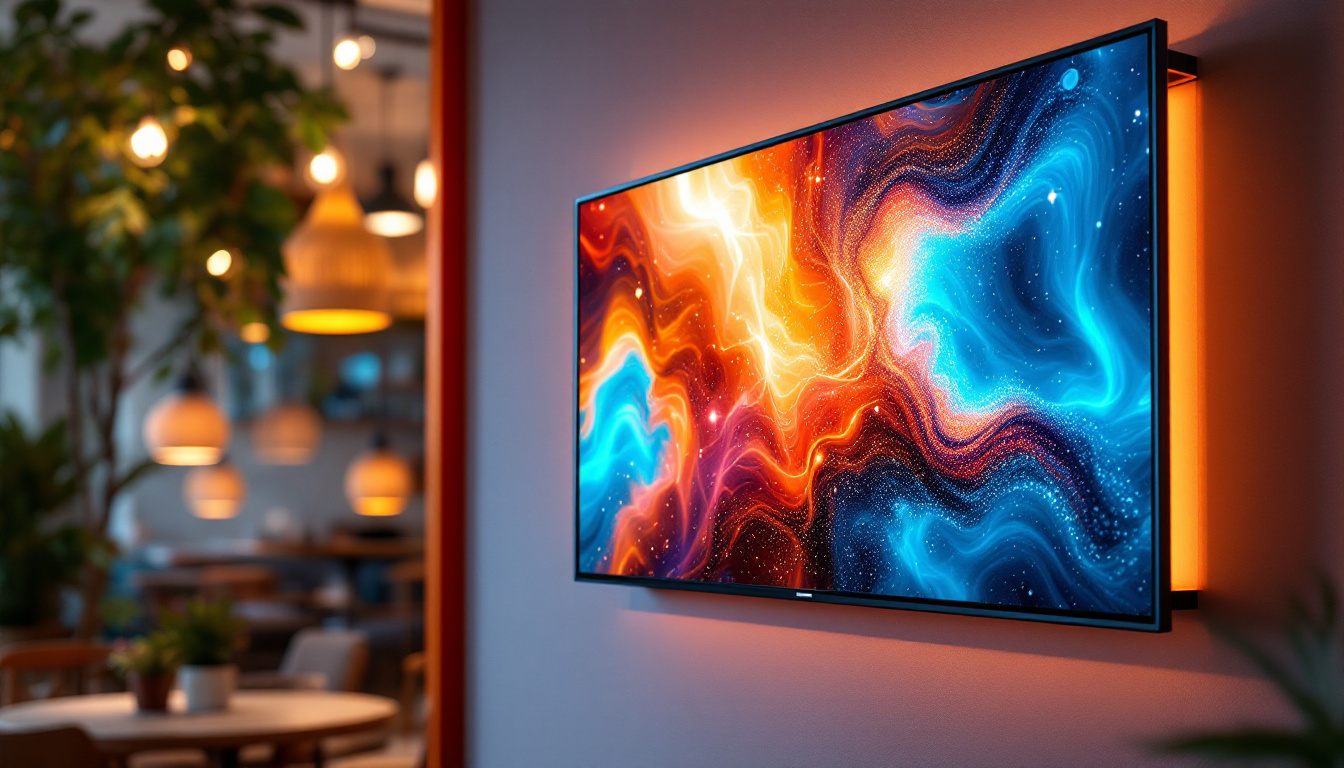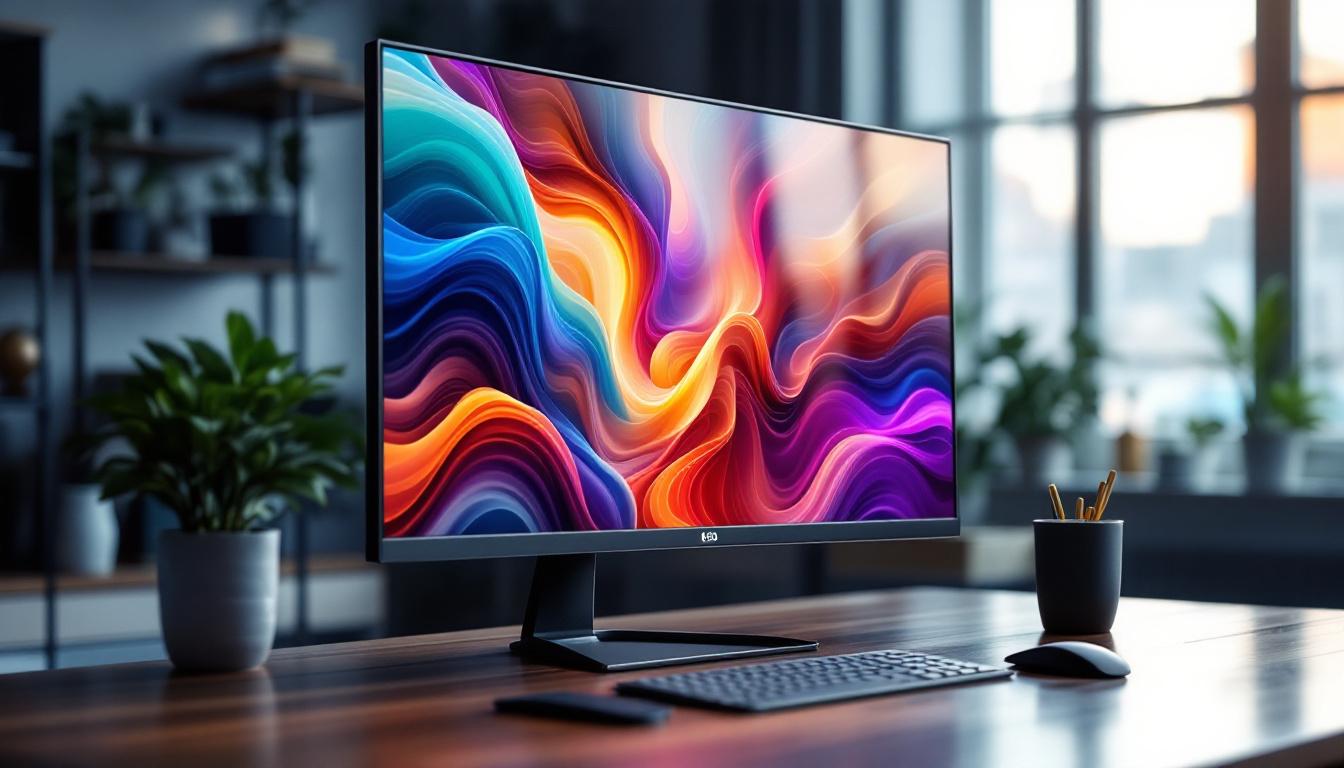
In today’s digital age, selecting the right computer monitor is crucial for productivity, entertainment, and overall user experience. Among the myriad of options available, the 22-inch LED display monitor has emerged as a popular choice for both casual users and professionals. This article delves into the technology behind LED displays, the advantages of a 22-inch screen size, and how to choose the best monitor to meet your needs.
Understanding LED Display Technology
What Does LED Mean?
LED stands for Light Emitting Diode, a semiconductor device that emits light when an electric current passes through it. In the context of computer monitors, LED refers to the backlighting technology used to illuminate the screen. Unlike older LCD monitors that use cold cathode fluorescent lamps (CCFLs) for backlighting, LED monitors use arrays of tiny LEDs, which offer several advantages. This transition to LED technology has not only improved the quality of displays but has also paved the way for innovations in design and functionality, making monitors sleeker and more versatile for various applications.
How LED Displays Work
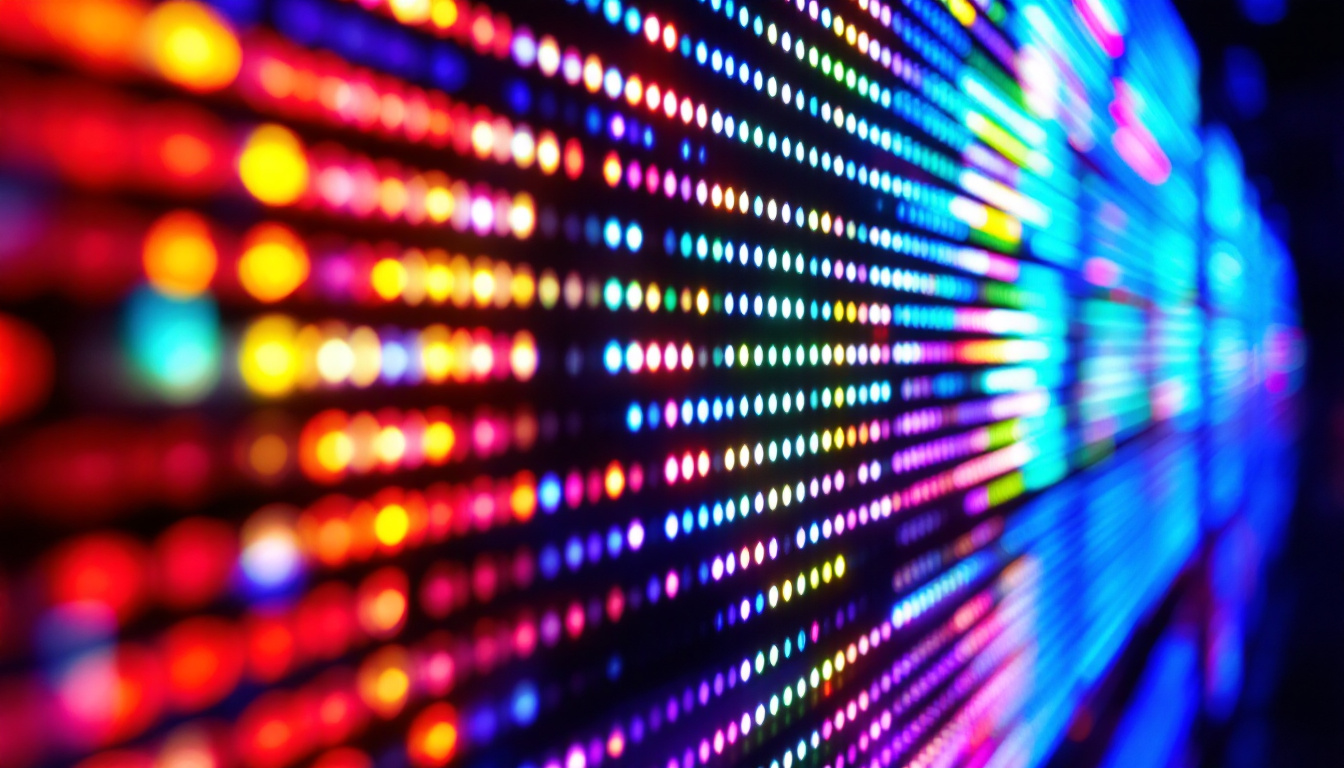
LED monitors are essentially LCD screens that use LED backlighting instead of CCFLs. The LCD panel itself does not emit light; it manipulates light to create images by controlling the passage of light through liquid crystals. The LED backlight provides the necessary illumination behind the LCD panel, allowing for brighter images, better contrast, and more vibrant colors. The interplay between the liquid crystals and the LED backlight is crucial for achieving high-quality visuals, as it determines how accurately colors are represented and how deep the blacks appear on the screen.
There are two primary types of LED backlighting: edge-lit and direct-lit (or full-array). Edge-lit monitors have LEDs positioned along the edges of the screen, which distribute light across the display using light guides. Direct-lit monitors have LEDs spread evenly behind the entire screen, offering more uniform brightness and better local dimming capabilities, which enhances contrast. This local dimming feature allows certain areas of the screen to become darker while others remain bright, resulting in a more dynamic range of colors and improved detail in shadows and highlights. As a result, viewers can enjoy a more lifelike image, particularly in scenes with high contrast.
Advantages of LED Over Other Technologies
Compared to CCFL-backlit LCDs, LED monitors are more energy-efficient, thinner, and lighter. They also provide better color accuracy and higher contrast ratios, contributing to a more immersive viewing experience. Additionally, LED backlighting allows for features such as flicker-free screens and reduced blue light emission, which can lessen eye strain during extended use. The energy efficiency of LED monitors not only reduces electricity costs but also contributes to a smaller carbon footprint, making them a more environmentally friendly choice for consumers and businesses alike.
Moreover, the advancements in LED technology have led to the development of OLED (Organic Light Emitting Diode) displays, which take the benefits of LED a step further by allowing each pixel to emit its own light. This results in even greater color depth and contrast, as well as the ability to achieve true blacks, since pixels can be turned off completely. As the technology continues to evolve, we can expect to see even more enhancements in display quality, making LED and its derivatives a cornerstone of modern visual technology.
The Appeal of the 22-Inch Monitor Size
Why Choose a 22-Inch Display?
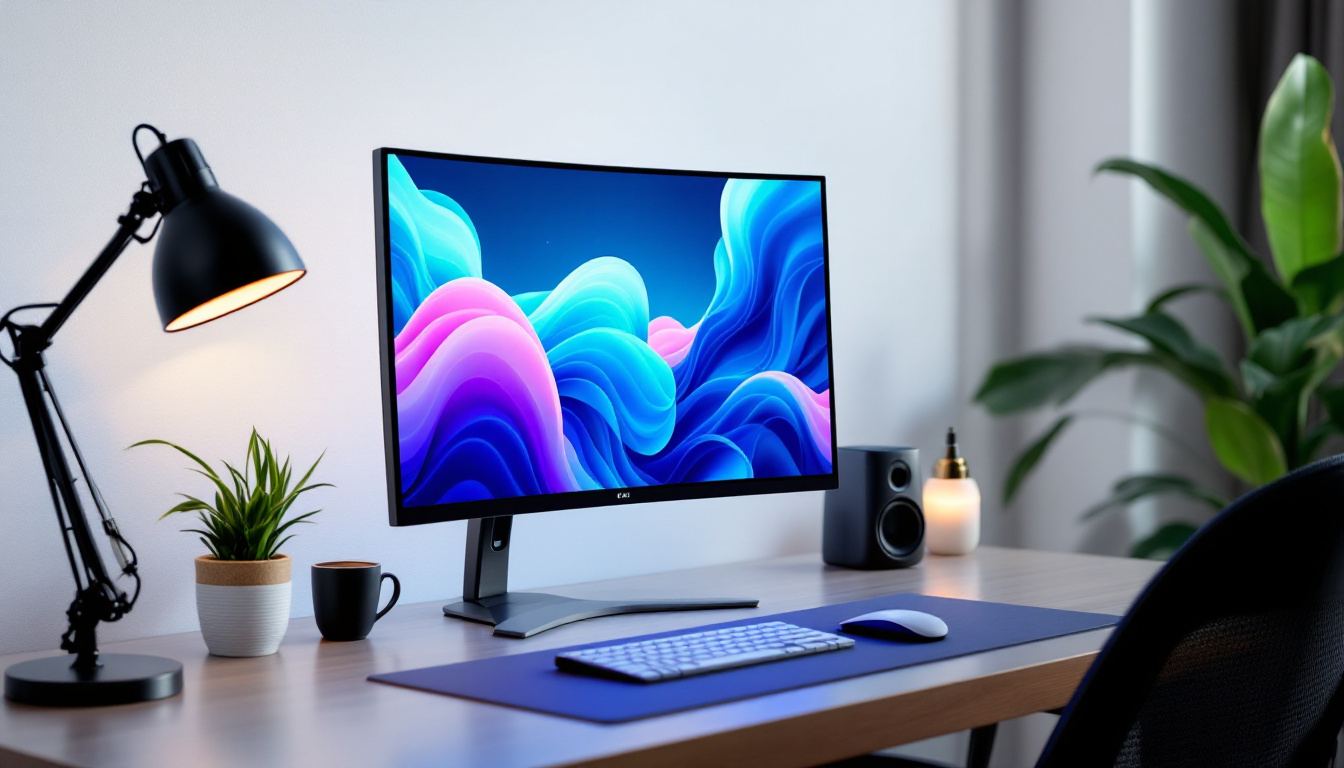
The 22-inch monitor size strikes a balance between screen real estate and desk space, making it a versatile choice for various applications. For office work, a 22-inch screen is large enough to comfortably view multiple windows or documents side by side without overwhelming the workspace. It also fits well in smaller setups, such as home offices or dorm rooms.
For gamers and multimedia enthusiasts, a 22-inch display offers a crisp and immersive experience without the need for ultra-wide or larger screens, which can be more expensive and require more powerful hardware to drive effectively. The pixel density on many 22-inch monitors is sufficient to deliver sharp images and text, especially at Full HD (1920×1080) resolution.
Ergonomics and Viewing Comfort
Ergonomics play a significant role in monitor selection. A 22-inch screen is typically easier to position at an optimal viewing distance—usually between 20 and 30 inches from the eyes—reducing neck and eye strain. Many 22-inch monitors come with adjustable stands that allow users to tilt, swivel, and adjust the height, promoting better posture and comfort during long hours of use.
Key Features to Consider in a 22-Inch LED Monitor
Resolution and Image Quality
Resolution is a critical factor affecting image clarity. The most common resolution for 22-inch monitors is Full HD (1920×1080 pixels), which provides sharp visuals suitable for most tasks. Some models offer higher resolutions, such as 1920×1200, which adds vertical pixels for extra workspace, beneficial for professionals dealing with documents or coding.
Beyond resolution, panel type influences image quality. IPS (In-Plane Switching) panels are favored for their superior color accuracy and wide viewing angles, making them ideal for graphic design, photo editing, and general use. TN (Twisted Nematic) panels, while faster in response time, typically have narrower viewing angles and less accurate colors but may be preferred by competitive gamers for their speed.
Refresh Rate and Response Time
Refresh rate, measured in hertz (Hz), indicates how many times the screen updates per second. Standard monitors operate at 60Hz, which is adequate for everyday computing and video playback. However, gamers may seek monitors with higher refresh rates, such as 75Hz or 120Hz, for smoother motion and reduced input lag.
Response time refers to how quickly a pixel can change from one color to another, usually measured in milliseconds (ms). Lower response times reduce motion blur and ghosting effects, which are particularly important in fast-paced gaming or video editing.
Connectivity Options
Modern 22-inch LED monitors typically include a variety of ports to connect with computers and peripherals. Common interfaces include HDMI, DisplayPort, and VGA. HDMI is widely used for its ability to carry both video and audio signals, making it convenient for multimedia setups. DisplayPort supports higher resolutions and refresh rates, favored by professionals and gamers alike.
Some monitors also feature USB hubs, enabling users to connect devices like keyboards, mice, or external drives directly to the monitor, reducing cable clutter. Audio output jacks and built-in speakers are additional features to consider based on user preferences.
Energy Efficiency and Environmental Impact
Energy Consumption of LED Monitors
LED monitors are generally more energy-efficient than their CCFL counterparts. A typical 22-inch LED monitor consumes between 15 to 25 watts during operation, significantly less than older LCD models that could consume upwards of 40 watts. This reduction in power usage not only lowers electricity bills but also contributes to a smaller carbon footprint.
Eco-Friendly Certifications
Many manufacturers now offer monitors with environmental certifications such as ENERGY STAR, EPEAT, or TCO Certified. These certifications ensure that the monitors meet strict criteria for energy efficiency, hazardous substance reduction, and recyclability. Choosing a certified monitor supports sustainable practices and can be a factor in corporate procurement policies.
Popular Use Cases for 22-Inch LED Monitors
Office and Productivity
In a professional environment, 22-inch LED monitors are ideal for tasks such as word processing, spreadsheets, email, and web browsing. Their size allows for efficient multitasking without overwhelming the workspace. Additionally, the improved color accuracy and sharpness of LED displays enhance readability and reduce eye fatigue, which is essential for long workdays.
Gaming and Entertainment
While larger monitors or ultrawide displays are popular among gamers, 22-inch LED monitors remain a solid choice for casual and competitive gaming. Their relatively small size allows for quick eye movement across the screen, which can be advantageous in fast-paced games. Many models also support adaptive sync technologies like FreeSync or G-Sync, reducing screen tearing and stuttering for smoother gameplay.
For streaming videos and watching movies, a 22-inch LED monitor with good color reproduction and contrast offers an enjoyable viewing experience without requiring a large footprint.
Education and Remote Learning
With the rise of remote learning, 22-inch LED monitors provide students with a reliable and affordable display option. The screen size is sufficient for viewing educational content, participating in video calls, and completing assignments. Their energy efficiency and ergonomic features make them suitable for extended use in home study environments.
Tips for Choosing the Best 22-Inch LED Monitor
Assess Your Primary Needs
Before purchasing, consider what the monitor will primarily be used for. If color accuracy is paramount, prioritize IPS panels and higher resolution. For gaming, focus on refresh rate, response time, and adaptive sync features. For general office use, a balanced feature set with ergonomic adjustability may be most beneficial.
Check Reviews and Brand Reputation
Reading professional and user reviews can provide insights into real-world performance and reliability. Established brands often offer better warranties and customer support, which can be valuable for long-term satisfaction.
Consider Future-Proofing
Technology evolves rapidly, so selecting a monitor with versatile connectivity options and features can extend its useful life. Features like USB-C ports, multiple input options, and adjustable stands add flexibility as your setup changes.
Conclusion
The 22-inch LED display monitor is a versatile and practical choice for a wide range of users. Its blend of size, image quality, and energy efficiency makes it suitable for office work, gaming, education, and everyday computing. Understanding the underlying LED technology and key features helps consumers make informed decisions tailored to their specific needs. With careful consideration of resolution, panel type, refresh rate, and connectivity, users can find a 22-inch LED monitor that delivers excellent performance and value.
Discover LumenMatrix’s Advanced LED Solutions
Ready to elevate your visual experience with the latest in LED technology? Look no further than LumenMatrix, a pioneer in crafting exceptional LED displays that bring your content to life. Whether you’re in need of an Indoor LED Wall Display for your office, an Outdoor LED Wall Display for high-impact advertising, or any of our specialized solutions like Vehicle LED Displays and LED Sports Displays, LumenMatrix has you covered. Embrace the future of visual communication and check out LumenMatrix LED Display Solutions today to see how we can help you make a lasting impression with unparalleled clarity and vibrancy.