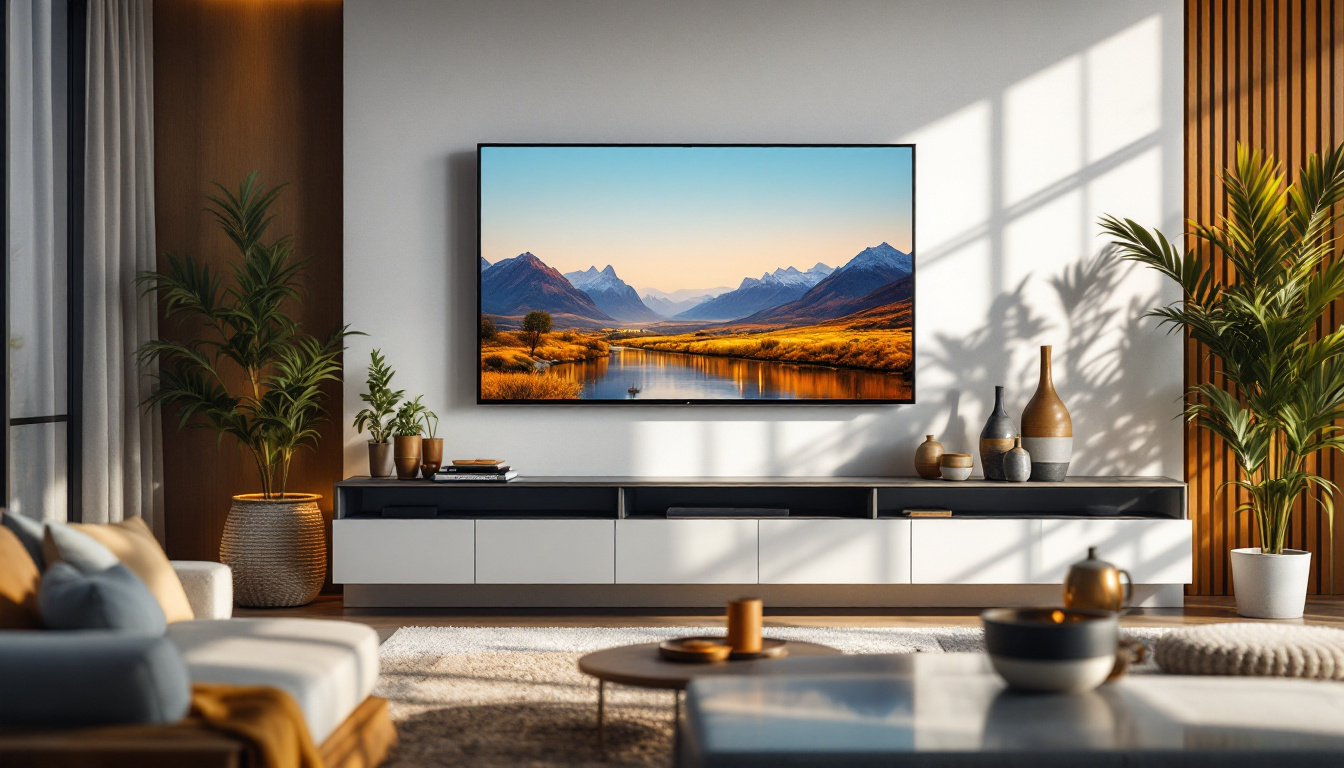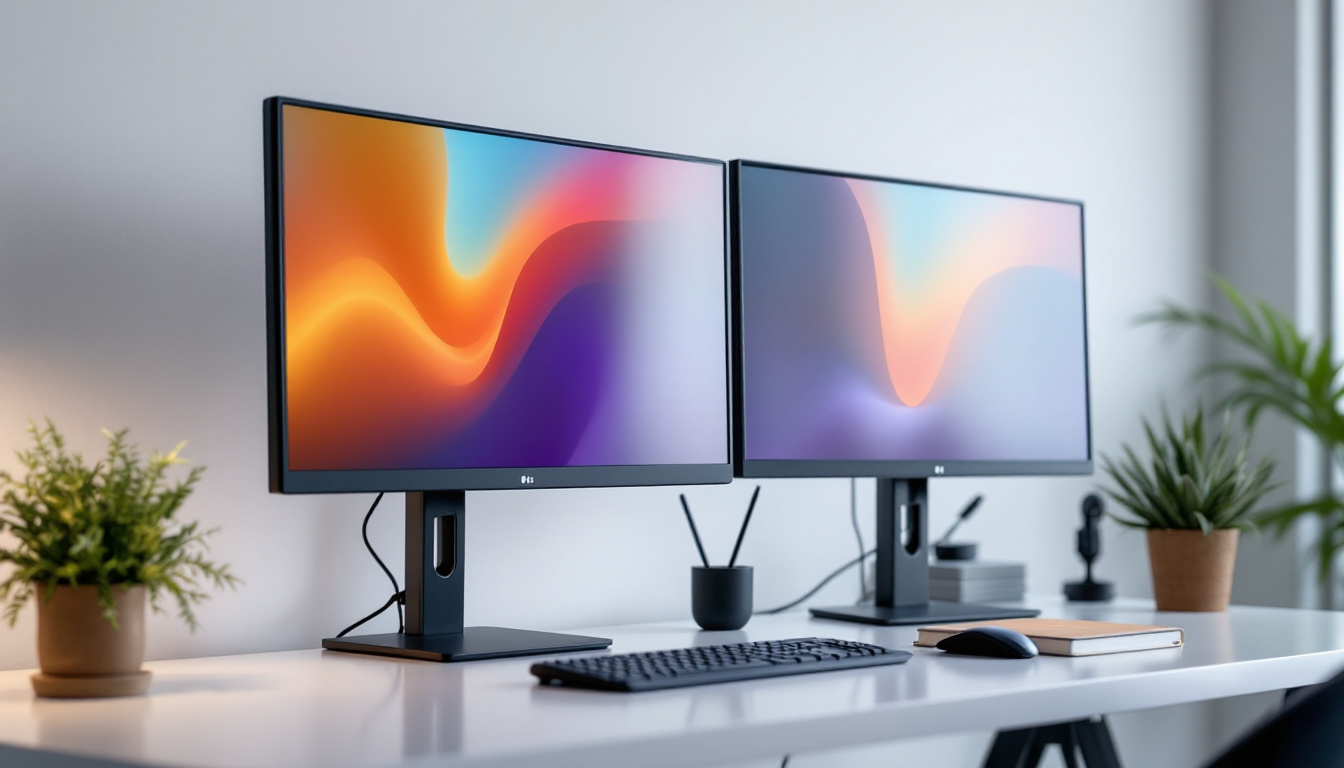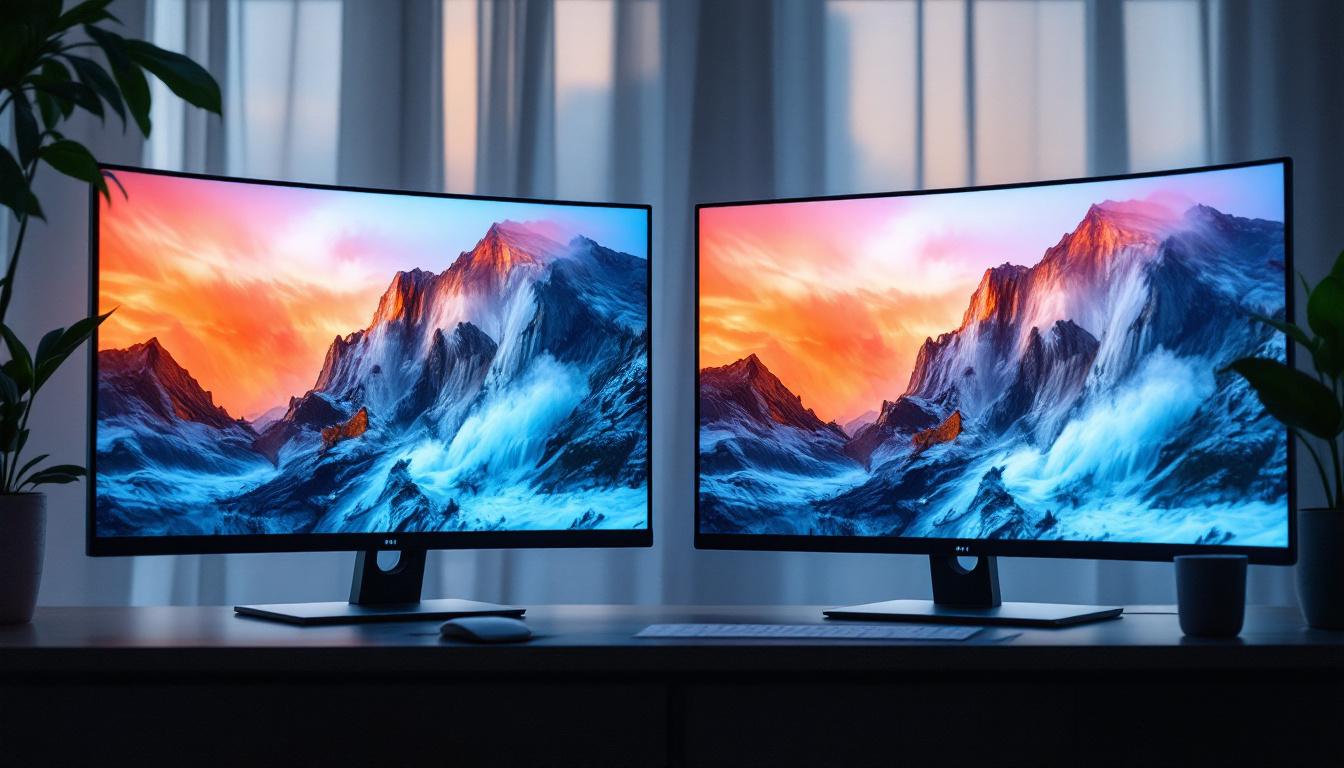
Choosing the right monitor has become a crucial decision for professionals, gamers, and casual users alike. With advancements in display technology, the debate between curved and flat LED monitors has intensified. Both types offer distinct advantages and potential drawbacks, making it essential to understand their differences before making a purchase. This article explores the nuances of curved and flat LED monitors, helping you make an informed choice tailored to your needs.
Understanding LED Monitors: The Basics
LED monitors, short for Light Emitting Diode monitors, use LED backlighting to illuminate the screen. This technology has largely replaced older LCD displays that relied on CCFL (Cold Cathode Fluorescent Lamp) backlighting. LED backlighting offers several benefits, including thinner panels, better energy efficiency, and improved color accuracy.
Both curved and flat monitors utilize LED technology, but the difference lies in the physical design of the screen. The curvature of a monitor can affect viewing angles, immersion, and overall user experience. Before diving into the comparison, it’s important to understand how LED technology impacts display quality regardless of the screen shape.
Key Advantages of LED Technology
LED monitors typically provide higher brightness levels and better contrast ratios than traditional LCDs. They also tend to have longer lifespans and consume less power. Moreover, LED displays can support a wider color gamut, which is especially beneficial for tasks requiring color accuracy, such as photo editing and video production.
With these benefits in mind, the choice between curved and flat monitors becomes more about ergonomics, aesthetics, and specific use cases rather than fundamental display quality.
Curved Monitors: Immersive Experience and Ergonomics
Curved monitors feature a screen that bends inward, creating a concave shape that wraps slightly around the viewer. This design aims to mimic the natural curvature of the human eye, producing a more immersive viewing experience.
Immersion and Field of View
One of the most significant advantages of curved monitors is the enhanced sense of immersion. The curvature helps fill the viewer’s peripheral vision, making content feel more engaging. This is particularly beneficial for gaming and multimedia consumption, where a wider field of view can improve spatial awareness and enjoyment.
For example, ultra-wide curved monitors with aspect ratios such as 21:9 or 32:9 are increasingly popular among gamers and professionals who require extensive horizontal screen real estate. These displays allow users to multitask efficiently or dive deeper into virtual environments.
Reduced Distortion and Glare
Curved screens can reduce distortion at the edges of the display. On very wide flat monitors, images near the edges may appear stretched or skewed due to the flat plane’s geometry. The curvature helps maintain consistent viewing angles, which can improve image uniformity.
Additionally, curved monitors can minimize reflections and glare from ambient light sources by directing reflections away from the viewer’s direct line of sight. This can reduce eye strain during prolonged use, a critical factor for office workers and gamers alike.
Ergonomic Considerations
Curved monitors encourage a more natural head position since the screen wraps around the viewer. This can reduce neck and eye fatigue, especially when using large or ultra-wide displays. However, the benefits are most noticeable when sitting directly in front of the screen at the optimal distance.
It’s worth noting that the curvature radius varies between models. Common curvature ratings include 1500R, 1800R, and 3000R, where a smaller number indicates a more pronounced curve. Choosing the right curvature depends on the monitor size and intended use.
Flat Monitors: Versatility and Practicality
Flat monitors have been the standard for decades and continue to be the preferred choice for many users due to their simplicity and versatility. The flat screen design offers several practical advantages.
Consistent Viewing Angles
Flat monitors provide consistent viewing angles across the entire screen when viewed from various positions. This makes them ideal for collaborative work environments where multiple people may need to view the screen simultaneously.
In contrast, curved monitors can exhibit color and brightness shifts if viewed from extreme side angles, which may be less suitable for group settings or multi-monitor setups arranged at angles.
Compatibility and Mounting Options
Flat monitors are generally easier to mount on walls or monitor arms due to their uniform shape. This can be a significant advantage in office setups or minimalist workspaces where desk space is limited.
Moreover, flat screens tend to integrate more seamlessly into multi-monitor configurations. Aligning multiple flat monitors side by side produces a clean, continuous workspace without the complexity of matching curves.
Cost and Availability
Flat LED monitors are typically more affordable and widely available than their curved counterparts. The manufacturing process for flat panels is more straightforward, which often translates to lower prices for consumers.
For budget-conscious buyers or those who do not require the immersive benefits of a curved screen, flat monitors offer excellent performance at a competitive price point.
Comparing Performance: Image Quality, Resolution, and Response Time
When evaluating curved versus flat LED monitors, it’s essential to consider performance metrics such as image quality, resolution, and response time. These factors often influence user satisfaction more than the physical shape of the screen.
Image Quality and Color Accuracy
Both curved and flat LED monitors can deliver outstanding image quality, especially when equipped with IPS (In-Plane Switching) or VA (Vertical Alignment) panels. IPS panels are known for superior color accuracy and wide viewing angles, while VA panels typically offer better contrast ratios.
Curved monitors often use VA panels to maximize contrast and depth, enhancing immersion. Flat monitors, on the other hand, are available with a broader range of panel types, allowing users to prioritize color accuracy or speed depending on their needs.
Resolution and Screen Size
Resolution plays a crucial role in determining display clarity. Both curved and flat monitors come in various resolutions, from Full HD (1920×1080) to 4K UHD (3840×2160) and beyond. Ultra-wide curved monitors often feature resolutions like 3440×1440 or 5120×1440, offering expansive workspace without sacrificing sharpness.
Choosing the right resolution depends on the monitor size and viewing distance. For example, a 27-inch flat monitor with 1440p resolution provides crisp visuals for most users, while a 34-inch curved ultra-wide benefits from higher resolutions to maintain image clarity across the wider screen.
Response Time and Refresh Rate
Gamers often prioritize response time and refresh rate. Response time measures how quickly pixels change color, affecting motion blur, while refresh rate indicates how many frames per second the monitor can display.
Both curved and flat LED monitors offer models with high refresh rates (120Hz, 144Hz, or even 240Hz) and low response times (1ms to 4ms), catering to competitive gaming. The choice between curved and flat in this context depends more on personal preference and immersion rather than raw performance.
Use Case Scenarios: Which Monitor Suits Your Needs?
Understanding your primary use case is vital when choosing between a curved and flat LED monitor. Different scenarios highlight the strengths of each design.
Gaming and Entertainment
Curved monitors excel in gaming and entertainment due to their immersive qualities. The wrap-around effect enhances peripheral vision, making games feel more lifelike. Ultra-wide curved monitors are also popular for racing, flight simulators, and first-person shooters, where a broad field of view is advantageous.
High refresh rates and low response times are equally important here, and many curved monitors cater specifically to gamers with features like adaptive sync technologies (G-Sync or FreeSync).
Professional Work and Productivity
For professionals engaged in photo editing, video production, or CAD design, color accuracy and screen real estate are paramount. Flat monitors with IPS panels and high resolutions are often preferred for their consistent color reproduction and ease of calibration.
Multi-monitor setups are common in professional environments, and flat monitors simplify alignment and mounting. However, some professionals appreciate ultra-wide curved monitors for multitasking without bezels interrupting the workspace.
General Office Use and Everyday Computing
For everyday tasks such as web browsing, document editing, and video conferencing, flat monitors remain the practical choice. They are generally more affordable, easier to position, and sufficient in quality for typical office applications.
Curved monitors can still be beneficial in reducing eye strain during long work sessions, but the cost premium may not justify the investment for casual users.
Potential Drawbacks and Considerations
While both curved and flat monitors have their advantages, it’s important to consider potential drawbacks before deciding.
Curved Monitor Limitations
Curved monitors can be more expensive and heavier than flat models, which might complicate installation. Their benefits diminish if the user is not positioned directly in front of the screen, making them less suitable for shared viewing or multi-user environments.
Additionally, the pronounced curvature on very large or ultra-wide monitors may cause distortion when viewing certain types of content, such as precise graphic design or architectural plans.
Flat Monitor Limitations
Flat monitors, particularly ultra-wide models, may cause more eye strain over extended periods due to the wider viewing angles required. They can also produce more reflections and glare, depending on the lighting conditions in the room.
Moreover, flat screens may feel less immersive for gaming or media consumption, especially when compared to curved counterparts designed to envelop the viewer.
Final Thoughts: Making the Right Choice
Choosing between a curved and flat LED monitor ultimately depends on individual preferences, budget, and intended use. Curved monitors offer an immersive experience and ergonomic benefits that appeal to gamers and multimedia enthusiasts. Flat monitors provide versatility, consistent viewing angles, and cost-effectiveness, making them suitable for professionals and general users.
When selecting a monitor, consider factors such as screen size, resolution, panel type, refresh rate, and ergonomic setup alongside the physical shape. Testing monitors in person, if possible, can provide valuable insight into which design feels more comfortable and visually satisfying.
As LED technology continues to evolve, both curved and flat monitors will improve in performance and affordability, ensuring that users can find the perfect display to meet their needs.
Discover the Perfect LED Display with LumenMatrix
Whether you’re captivated by the immersive experience of curved monitors or you value the versatility and practicality of flat screens, LumenMatrix has the cutting-edge LED display solutions to suit your needs. As a leader in LED display technology, we’re committed to enhancing your visual experiences, whether for gaming, professional work, or dynamic advertising. Explore our range of innovative products, from Indoor LED Wall Displays to Custom LED Displays, and find the ideal solution to elevate your visual communication. Check out LumenMatrix LED Display Solutions today and transform the way you engage with your audience.