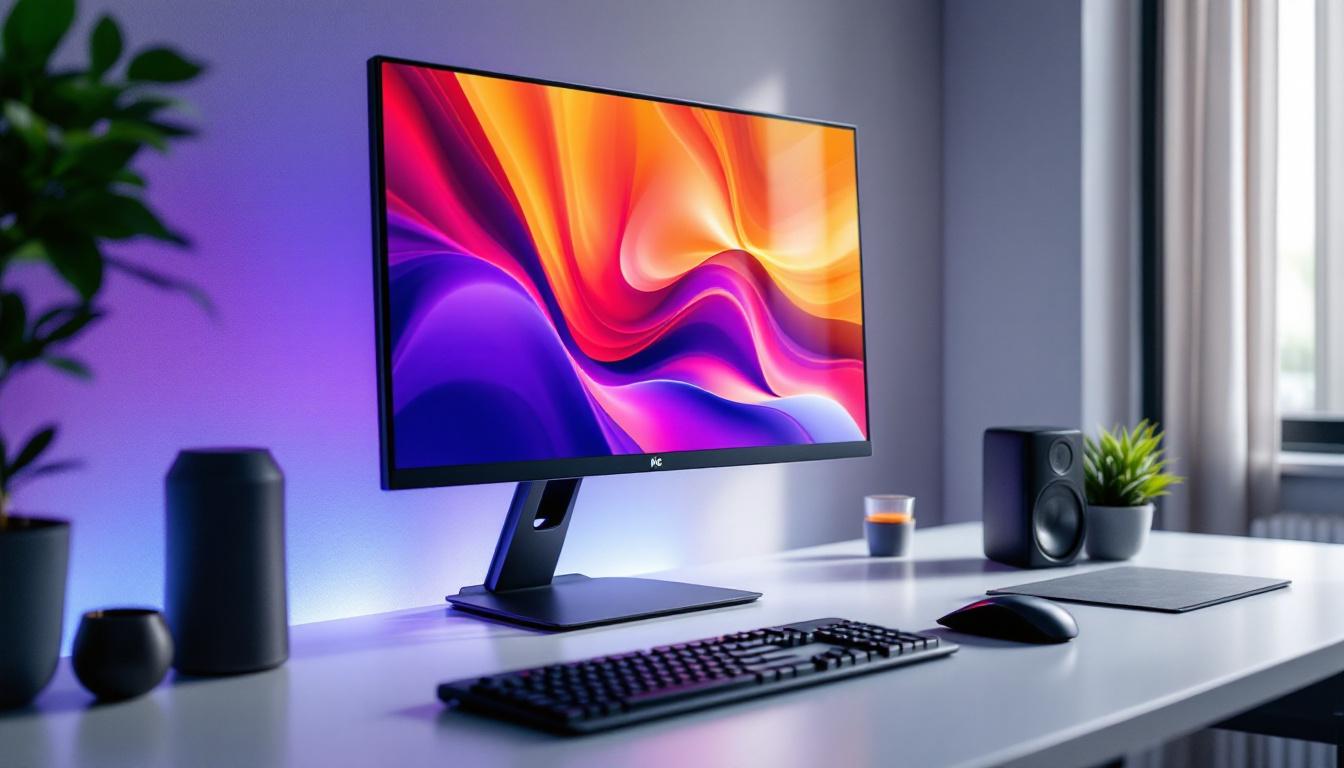
In today’s digital age, the desktop computer monitor is an essential component of any workspace, whether for professional use, gaming, or casual browsing. While much attention is given to the monitor’s resolution, refresh rate, and panel type, one often overlooked aspect is the monitor stand. Equally important is understanding the technology behind the display itself, particularly LED displays, which have become the standard in modern monitors.
This article explores the significance of desktop computer monitor stands and provides a comprehensive explanation of LED display technology. By understanding both, users can optimize their workspace ergonomics and enjoy superior visual performance.
The Importance of Desktop Monitor Stands
Ergonomics and Health Benefits
Monitor stands play a crucial role in maintaining proper ergonomics at the workstation. The height, tilt, swivel, and rotation adjustments offered by many stands help users position their screens at eye level, reducing strain on the neck, shoulders, and eyes. According to the Occupational Safety and Health Administration (OSHA), improper monitor placement is a common cause of musculoskeletal disorders among office workers.
For example, a study published in the Journal of Physical Therapy Science found that adjusting monitor height to eye level significantly decreased neck pain among computer users. This highlights the importance of investing in adjustable monitor stands or mounts to promote better posture and reduce the risk of repetitive strain injuries. Furthermore, the benefits of proper monitor placement extend beyond physical health; they can also enhance cognitive function. When users are comfortable and pain-free, they can focus better on their tasks, leading to improved efficiency and productivity.
Space Management and Aesthetics
Beyond health benefits, monitor stands help maximize desk space. Many stands incorporate cable management systems and allow monitors to be raised, freeing up valuable surface area for other peripherals or documents. Some models feature minimalist designs that contribute to a clean, organized workspace, which studies have shown can enhance productivity and reduce stress. An organized desk not only looks appealing but also fosters a sense of control and clarity, which is essential for maintaining motivation throughout the workday.
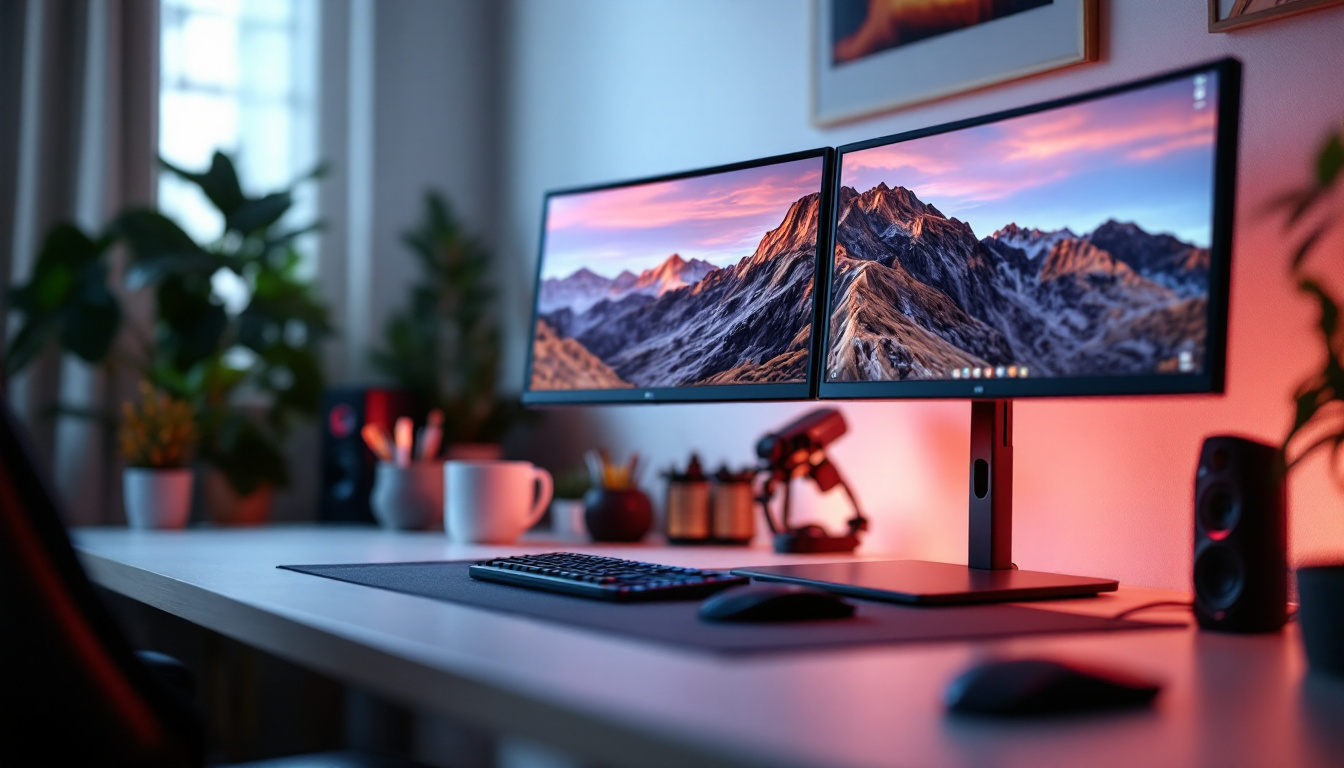
For users with multiple monitors, stands that support dual or triple displays can streamline setup and improve workflow by allowing precise alignment and positioning of screens. This configuration is particularly beneficial for professionals in fields such as graphic design, programming, or data analysis, where simultaneous access to multiple sources of information is crucial. Additionally, some advanced monitor stands come equipped with integrated USB hubs and wireless charging pads, further enhancing the functionality of the workspace while minimizing clutter.
Types of Monitor Stands
Monitor stands come in various forms, each catering to different needs:
- Fixed Stands: Basic stands that provide a stable base without adjustment capabilities. Suitable for users who do not require ergonomic customization.
- Adjustable Stands: Allow height, tilt, swivel, and sometimes rotation adjustments. Ideal for ergonomic flexibility.
- Monitor Arms: Clamp or grommet-mounted arms that offer extensive range of motion and free up desk space. Popular in professional and multi-monitor setups.
- Stackable or Riser Stands: Simple platforms that raise the monitor to a desired height, often used in budget-conscious setups.
Additionally, some monitor stands are designed with specific features to cater to unique user preferences. For instance, stands with built-in speakers or soundbars can enhance audio quality for video conferencing or entertainment purposes. Others may include adjustable lighting options, such as LED backlighting, which can reduce eye strain during late-night work sessions. With the increasing emphasis on remote work and home offices, the variety of monitor stands available ensures that every user can find a solution that meets their specific requirements, enhancing both comfort and productivity in their work environment.
Understanding LED Display Technology
What is an LED Display?
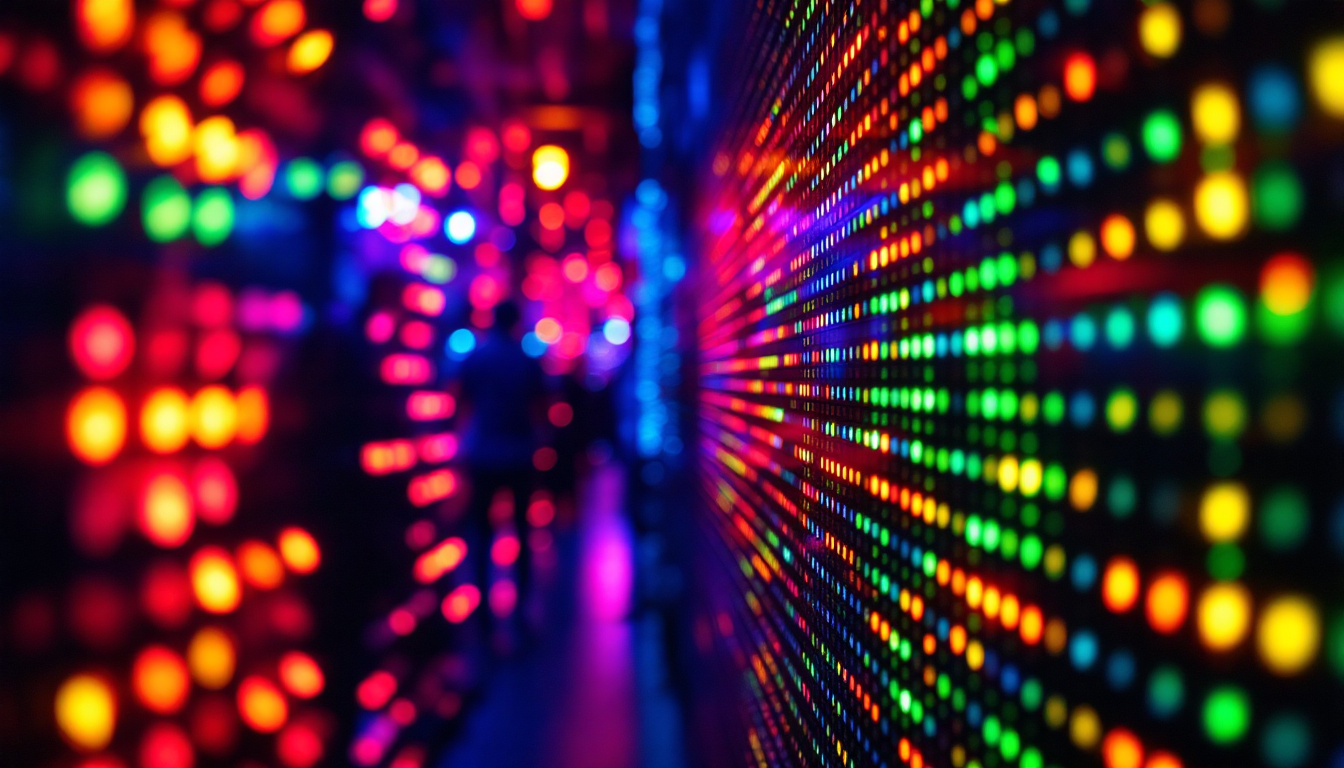
LED stands for Light Emitting Diode. In the context of computer monitors, LED displays refer to LCD screens that use LED backlighting rather than the older cold cathode fluorescent lamps (CCFLs). This distinction is crucial because the display panel itself remains LCD (liquid crystal display), but the light source behind it is what differentiates LED monitors.
LED backlighting offers several advantages over CCFL, including better energy efficiency, thinner panels, improved brightness, and enhanced color accuracy. This technology has revolutionized the way we interact with visual media, making it a popular choice not only for personal computers but also for televisions, smartphones, and digital signage. The shift from CCFL to LED has allowed for a more vibrant viewing experience, catering to the needs of gamers, graphic designers, and casual viewers alike.
Types of LED Backlighting
There are two primary types of LED backlighting used in monitors:
- Edge-Lit LED: LEDs are placed along the edges of the screen, and light is distributed across the display using light guides. This design allows for ultra-thin monitors but can sometimes result in uneven brightness or less precise local dimming.
- Full-Array LED: LEDs are positioned directly behind the entire screen surface, enabling better control of brightness and contrast through local dimming zones. This results in deeper blacks and more vibrant colors, enhancing overall image quality.
In addition to these two types, some advanced displays utilize a combination of both edge-lit and full-array technologies to optimize performance. This hybrid approach can deliver the best of both worlds, providing the sleek design of edge-lit displays while also achieving the superior contrast and color depth of full-array systems. As manufacturers continue to innovate, we can expect to see even more sophisticated backlighting techniques that push the boundaries of display technology.
Advantages of LED Displays
Compared to older display technologies, LED monitors offer numerous benefits:
- Energy Efficiency: LED backlighting consumes less power, reducing electricity costs and environmental impact.
- Improved Brightness and Contrast: LEDs provide higher brightness levels and better contrast ratios, which are essential for clear and vivid images.
- Longer Lifespan: LED backlights generally last longer than CCFLs, meaning less frequent replacements and lower maintenance costs.
- Slimmer Design: The compact nature of LEDs allows manufacturers to produce thinner and lighter monitors, saving desk space and enhancing portability.
Moreover, LED displays are often equipped with advanced features such as adaptive brightness control, which adjusts the screen’s brightness based on ambient light conditions. This not only enhances the viewing experience but also contributes to energy savings. Additionally, many LED monitors now come with enhanced color gamuts, allowing for more accurate color reproduction, which is particularly beneficial for professionals working in photography, video editing, and graphic design.
Common Misconceptions About LED Monitors
It’s important to clarify that LED monitors are not the same as OLED (Organic LED) or MicroLED displays, which are newer technologies offering self-emissive pixels and superior contrast ratios. LED monitors still rely on LCD panels for image formation, with LEDs serving solely as the backlight source.
Additionally, some marketing materials may label monitors as “LED displays” without specifying the backlight type or panel technology, so consumers should look for detailed specifications to understand the actual technology used. Misunderstandings can lead to confusion when comparing products, especially as the market becomes saturated with various display technologies. It’s essential for consumers to educate themselves on the differences between these technologies to make informed purchasing decisions that meet their specific needs.
Choosing the Right Monitor Stand for LED Displays
Compatibility and Weight Support
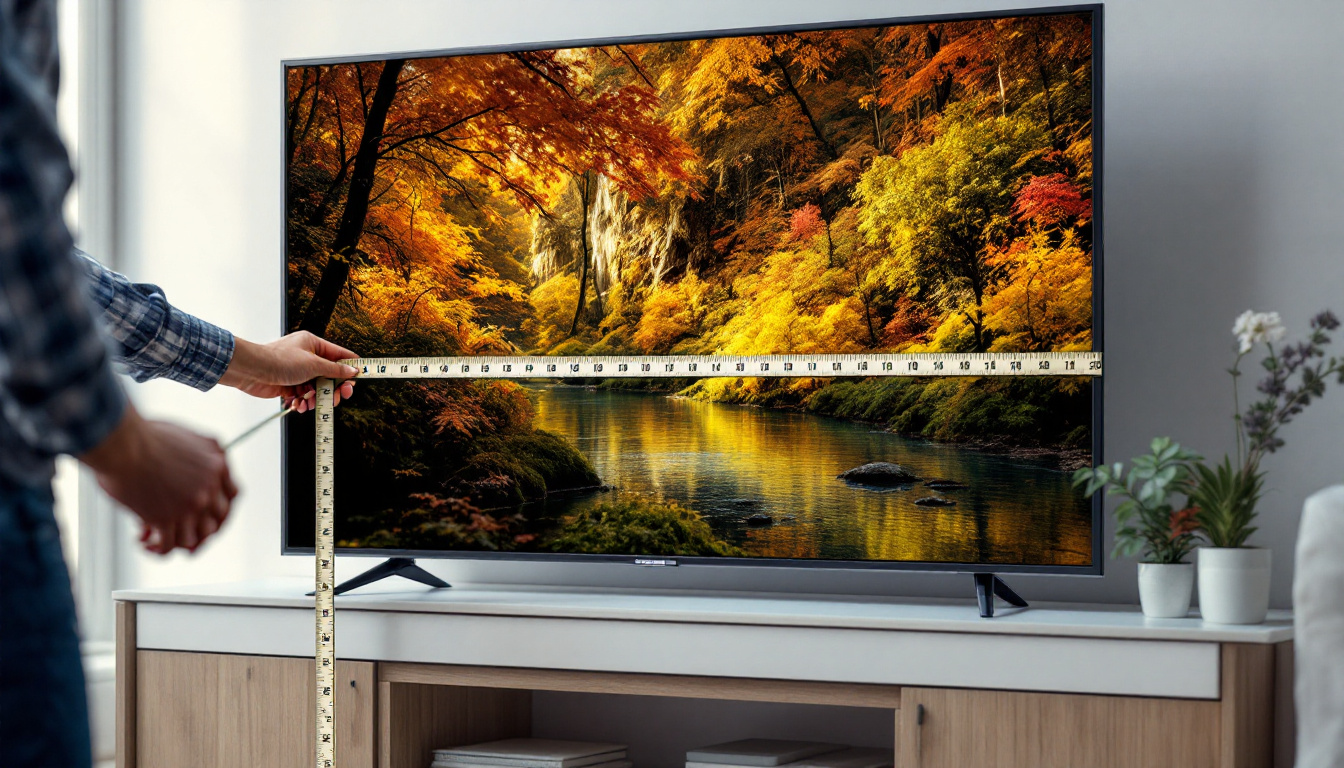
When selecting a monitor stand, it’s vital to ensure compatibility with the monitor’s size, weight, and mounting interface. Most modern monitors, including LED models, use the VESA mounting standard, which specifies hole patterns for attaching stands or arms.
Check the VESA pattern (commonly 75x75mm or 100x100mm) and the monitor’s weight to confirm that the stand or arm can safely support it. Using a stand that cannot handle the monitor’s weight risks damage to the screen or injury.
Ergonomic Features to Consider
For LED monitors, which are often thinner and lighter than older models, adjustable stands and arms can provide excellent ergonomic benefits without requiring heavy-duty support. Features to look for include:
- Height Adjustment: Allows users to raise or lower the monitor to eye level.
- Tilt and Swivel: Enables tilting the screen up or down and swiveling side to side for optimal viewing angles.
- Rotation: Useful for switching between landscape and portrait modes, especially for coding or document editing.
Additional Functionalities
Some monitor stands offer extra features that can enhance the user experience:
- Cable Management: Keeps cables organized and reduces desk clutter.
- Built-in USB Hubs: Provides convenient access to USB ports for peripherals.
- Integrated Lighting: Some stands include ambient lighting to reduce eye strain in low-light environments.
Optimizing Your Workspace with LED Monitors and Stands
Setting Up for Maximum Comfort
Proper setup of the LED monitor and stand can significantly impact comfort and productivity. The top of the screen should be at or slightly below eye level, and the monitor should be about an arm’s length away. Adjust the tilt to minimize glare and reflections, which LED screens can sometimes accentuate due to their brightness.
For multi-monitor setups, aligning screens at the same height and angle reduces neck movement and eye fatigue. Adjustable monitor arms are particularly beneficial in these scenarios.
Maintaining Display Quality
LED monitors require minimal maintenance, but keeping the screen clean and free from dust will preserve image quality. Use a microfiber cloth and appropriate cleaning solutions designed for LCD screens to avoid damage.
Additionally, calibrating the monitor’s color settings can enhance visual accuracy, especially for professionals in graphic design, photography, or video editing. Many LED monitors come with factory calibration, but custom calibration tools and software can further refine color reproduction.
Energy Efficiency and Environmental Considerations
LED monitors are more energy-efficient than their CCFL predecessors, but users can further reduce power consumption by enabling power-saving modes and adjusting brightness to comfortable levels rather than maximum settings.
Choosing stands and mounts made from sustainable materials or with recyclable components can also contribute to a greener workspace.
Conclusion
Desktop computer monitor stands and LED display technology are integral to creating an efficient, comfortable, and visually appealing workspace. Understanding the ergonomic benefits of adjustable stands and the technical advantages of LED backlighting empowers users to make informed decisions when selecting and setting up their monitors.
Whether for professional environments, gaming setups, or casual use, investing in a quality monitor stand and an LED display can enhance productivity, reduce physical strain, and provide a superior viewing experience. As technology continues to evolve, staying informed about these components ensures that users can adapt their workspaces to meet their needs effectively and sustainably.
Enhance Your Visual Experience with LumenMatrix
Ready to take your workspace to the next level? Discover the unparalleled clarity and vibrancy of LumenMatrix’s advanced LED display solutions. From indoor and outdoor environments to specialized applications like vehicle displays and sports arenas, LumenMatrix offers a wide range of innovative LED products designed to transform your visual communication. Elevate your professional environment, gaming setup, or any space in need of a visual upgrade. Check out LumenMatrix LED Display Solutions today and experience the future of display technology.