Desktop PC Monitor: LED Display Explained
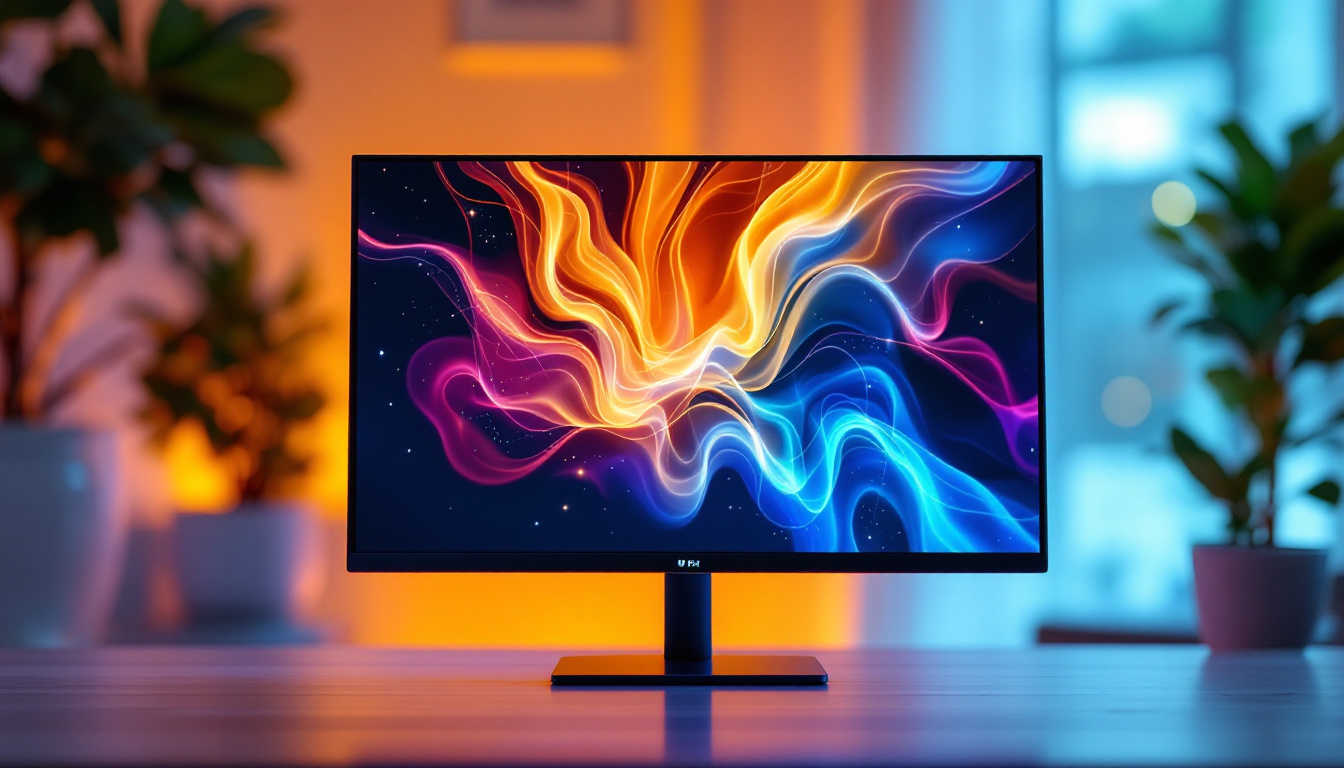
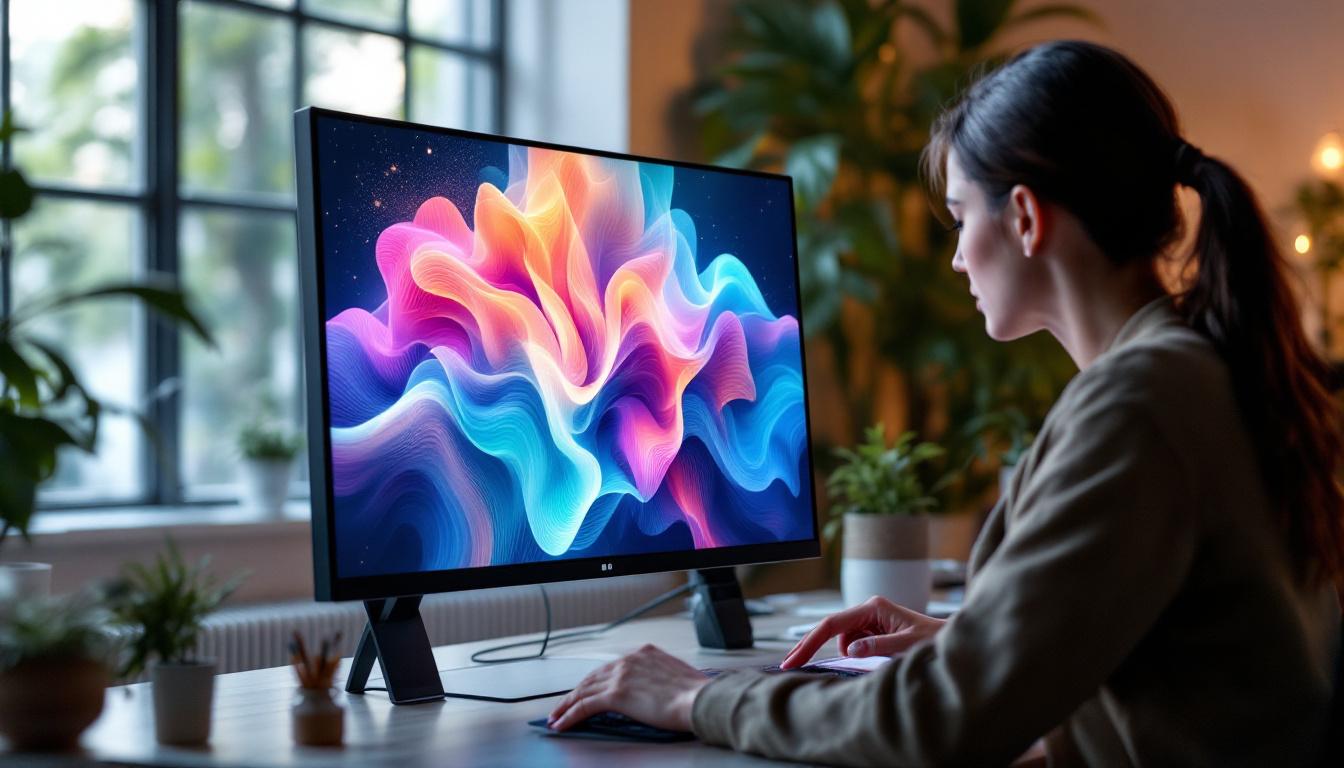
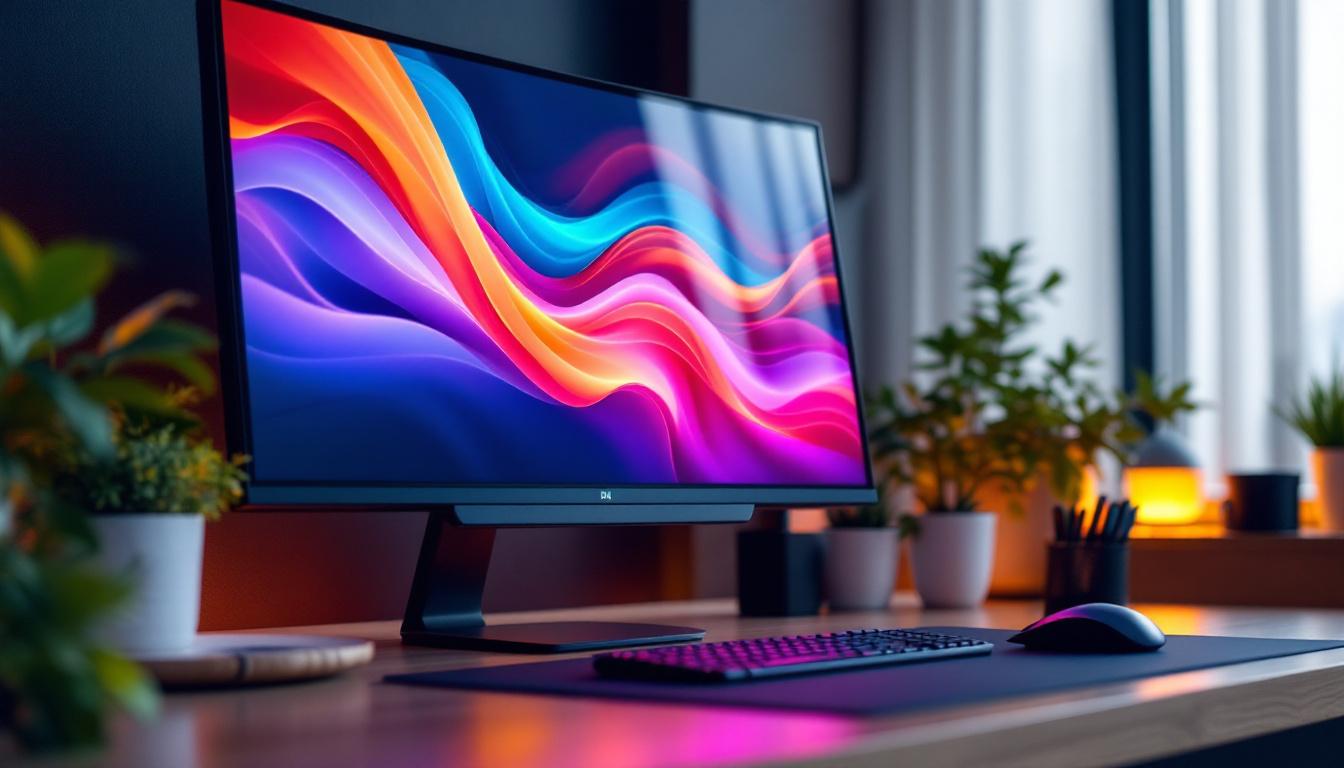
In today’s digital age, the desktop PC monitor is one of the most essential components for both work and entertainment. Among the various types of display technologies available, LED displays have become the industry standard due to their superior performance, energy efficiency, and versatility. This article delves deep into the world of LED desktop monitors, explaining how they work, their advantages and drawbacks, and what to consider when choosing one for your setup.
Understanding LED Display Technology
What Does LED Mean in Monitors?
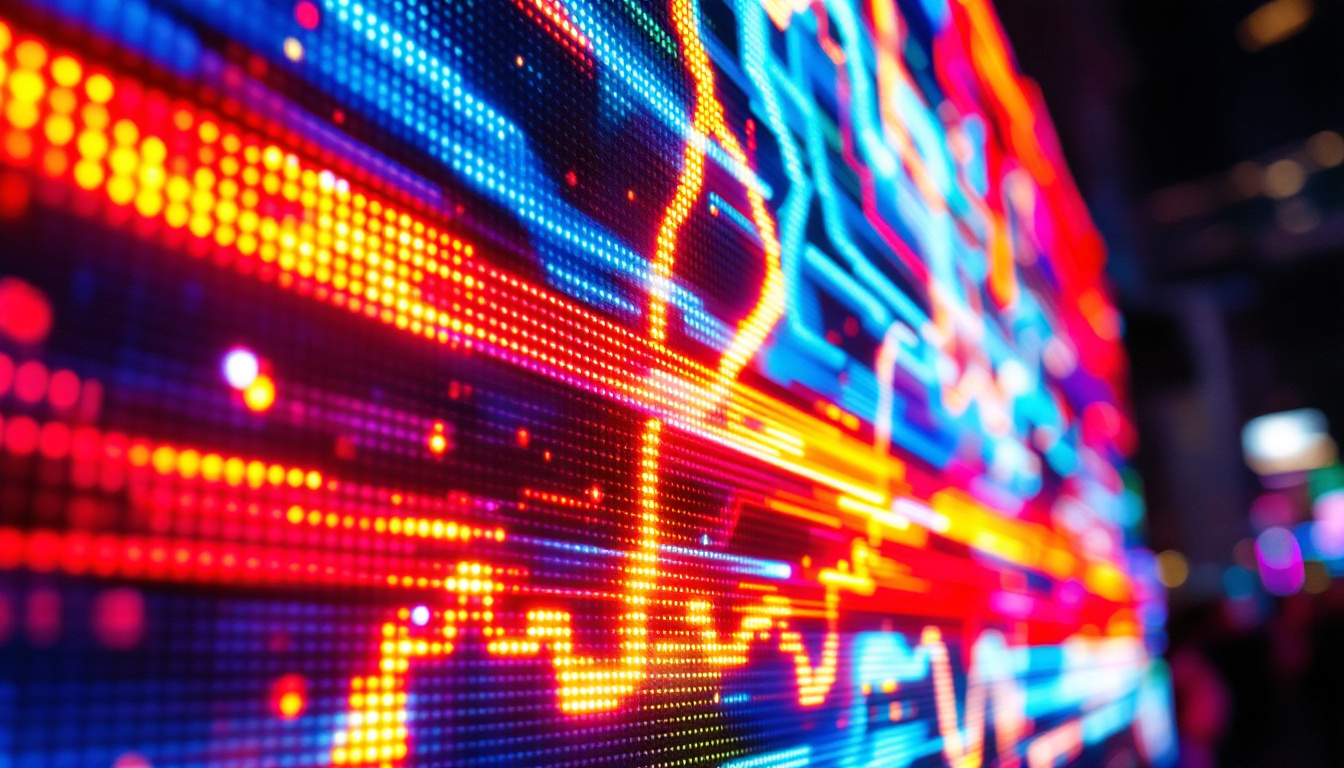
LED stands for Light Emitting Diode, a semiconductor device that emits light when an electric current passes through it. In the context of desktop monitors, LED refers to the type of backlighting used in LCD (Liquid Crystal Display) panels. Unlike older CCFL (Cold Cathode Fluorescent Lamp) backlit monitors, LED monitors use tiny LEDs to illuminate the screen.
It’s important to clarify that LED monitors are essentially LCD panels with LED backlighting rather than a completely different display technology. The LCD panel itself controls the image by manipulating liquid crystals, while the LEDs provide the light source behind or around the screen. This advancement in lighting technology has not only improved the overall brightness and color accuracy of displays but has also contributed to a significant reduction in energy consumption, making LED monitors a more environmentally friendly option compared to their predecessors.
Types of LED Backlighting
There are primarily two types of LED backlighting used in desktop monitors:
- Edge-Lit LED: LEDs are placed along the edges of the screen, and light is distributed across the panel using light guides. This design allows for thinner monitors and lower power consumption but may result in uneven brightness or contrast in some cases.
- Full-Array LED: LEDs are distributed evenly behind the entire screen. This type often supports local dimming, where specific zones of LEDs can be dimmed or brightened independently, improving contrast and black levels significantly.
Full-array LED monitors tend to be more expensive but offer better picture quality, especially for dark scenes in movies or games. The local dimming feature enhances the viewing experience by allowing deeper blacks and more vibrant colors, making it a popular choice among gamers and film enthusiasts. Additionally, advancements in LED technology have led to the development of HDR (High Dynamic Range) displays, which further enhance the range of colors and brightness levels, providing a more immersive visual experience.
Moreover, the choice between edge-lit and full-array LED backlighting can also affect the monitor’s performance in different lighting conditions. For instance, edge-lit monitors may struggle with glare in bright environments, whereas full-array models can maintain better visibility due to their superior contrast ratios. As consumers become more discerning about display quality, understanding these nuances in LED technology becomes crucial for making informed purchasing decisions, especially in a market flooded with various options and specifications.
Advantages of LED Desktop Monitors
Superior Energy Efficiency
One of the most significant benefits of LED backlighting over older technologies like CCFL is energy efficiency. LED monitors consume significantly less power, which not only reduces electricity bills but also contributes to a smaller carbon footprint. According to the U.S. Department of Energy, LED-backlit LCDs can use up to 40% less power compared to CCFL-backlit displays.
This efficiency is especially important for users who keep their monitors on for extended periods, such as professionals in graphic design, programming, or trading, as well as gamers and content creators. Furthermore, many LED monitors are equipped with energy-saving features like automatic brightness adjustment based on ambient light, which further optimizes power consumption. This not only benefits the user’s wallet but also aligns with global efforts toward sustainability, making LED monitors a responsible choice for environmentally conscious consumers.
Improved Picture Quality and Color Accuracy
LED backlighting allows for brighter displays with better contrast ratios. This translates to more vivid colors and deeper blacks, enhancing the overall viewing experience. Monitors with full-array local dimming can achieve contrast ratios upwards of 1000:1 or more, which is a significant improvement over traditional LCDs.
Moreover, many LED monitors support wide color gamuts such as sRGB, Adobe RGB, or DCI-P3, making them ideal for color-critical work like photo editing, video production, and digital art. Some high-end LED monitors also feature factory calibration to ensure color accuracy out of the box. Additionally, advancements in HDR (High Dynamic Range) technology have further elevated the viewing experience, allowing for more detail in both the shadows and highlights of an image. This is particularly beneficial for filmmakers and photographers who rely on precise color reproduction and dynamic range to convey their artistic vision.
Slimmer and Lighter Designs
LED backlighting technology enables manufacturers to produce thinner and lighter monitors. Edge-lit LED monitors, in particular, have allowed the development of ultra-slim displays that fit well in modern minimalist workspaces. This design advantage also facilitates better portability for users who need to move their monitors frequently or use them in multi-monitor setups.
In addition to their sleek profiles, many LED monitors come with innovative stand designs that allow for adjustable height, tilt, and swivel, enhancing ergonomics and user comfort. This flexibility is especially valuable for those who spend long hours in front of their screens, as it helps reduce strain on the neck and eyes. Furthermore, the aesthetic appeal of slim monitors can enhance the overall look of a workspace, making them not just functional tools but also stylish additions to any office or home setup.
Potential Drawbacks and Considerations
Viewing Angles and Color Shifts
While LED backlighting improves brightness and contrast, the LCD panel technology still influences viewing angles and color consistency. Most LED monitors use IPS (In-Plane Switching), TN (Twisted Nematic), or VA (Vertical Alignment) panels, each with its strengths and weaknesses.
IPS panels generally offer the best viewing angles and color accuracy but can be more expensive. TN panels are faster and cheaper but suffer from narrow viewing angles and less accurate colors. VA panels provide better contrast but may show slower response times. Understanding these differences helps users choose a monitor that fits their specific needs.
Price Variability
LED monitors come in a wide price range, from budget-friendly models around $100 to professional-grade displays costing over $1,000. Features like higher resolution (4K and beyond), refresh rates (144Hz+), HDR support, and wide color gamut can significantly increase the price.
Investing in a high-quality LED monitor is worthwhile for professionals and enthusiasts, but casual users may find mid-range models sufficient for everyday tasks.
Key Features to Look for in an LED Desktop Monitor
Resolution and Screen Size
Resolution determines the clarity and detail of the images displayed. Common resolutions include Full HD (1920×1080), Quad HD (2560×1440), and 4K UHD (3840×2160). Larger monitors paired with higher resolutions provide more screen real estate and sharper images, which is beneficial for multitasking and detailed work.
Screen size preferences vary widely, but 24 to 27 inches is a popular range for desktop use. Larger displays, such as 32 inches and above, are often preferred for immersive gaming or professional editing.
Refresh Rate and Response Time
Refresh rate, measured in hertz (Hz), indicates how many times the screen updates per second. A higher refresh rate (e.g., 120Hz, 144Hz, or 240Hz) results in smoother motion, which is especially important for gaming and fast-paced video content.
Response time measures how quickly a pixel can change from one color to another, typically in milliseconds (ms). Lower response times reduce motion blur and ghosting effects, enhancing visual clarity during rapid movements.
Connectivity Options
Modern LED monitors offer a variety of connectivity ports, including HDMI, DisplayPort, USB-C, and sometimes legacy VGA or DVI. USB-C ports are becoming increasingly popular as they can carry video, audio, and power through a single cable, simplifying desk setups.
Some monitors also feature built-in USB hubs, allowing users to connect peripherals directly to the monitor for convenience.
Additional Features
Other features to consider include:
- HDR (High Dynamic Range): Enhances contrast and color range for more lifelike images.
- Adjustability: Height, tilt, swivel, and pivot options improve ergonomics and comfort.
- Blue Light Filters and Flicker-Free Technology: Reduce eye strain during extended use.
- Curved Screens: Provide a more immersive viewing experience, especially on larger monitors.
LED Monitors in Different Use Cases
For Professional Work
Professionals in graphic design, video editing, CAD, and photography require monitors with excellent color accuracy, wide color gamut, and high resolution. LED monitors with IPS panels and factory calibration are ideal for these tasks. Additionally, larger screens and 4K resolution help improve productivity and precision.
For Gaming
Gamers prioritize refresh rates, response times, and adaptive sync technologies like NVIDIA G-SYNC or AMD FreeSync. LED monitors with refresh rates of 144Hz or higher and response times below 5ms provide smooth and responsive gameplay. Many gaming monitors also feature customizable RGB lighting and aggressive styling.
For General Use
For everyday tasks such as web browsing, office work, and media consumption, mid-range LED monitors with Full HD resolution and standard refresh rates (60Hz) are sufficient. Features like blue light filters and ergonomic stands enhance comfort during prolonged use.
Future Trends in LED Monitor Technology
Mini-LED and Micro-LED Innovations
Emerging technologies like Mini-LED and Micro-LED promise to revolutionize desktop monitors further. Mini-LED uses thousands of tiny LEDs for backlighting, enabling even more precise local dimming and higher contrast ratios. Micro-LED, still in early development stages, offers self-emissive pixels like OLED but without the drawbacks of burn-in or limited lifespan.
Higher Resolutions and Refresh Rates
As content becomes more detailed and immersive, 8K monitors and ultra-high refresh rates are gradually entering the market. These advancements cater to professionals and enthusiasts who demand the absolute best in image quality and performance.
Integration with Smart Technologies
Future LED monitors may incorporate AI-driven features such as automatic calibration, eye-tracking for adaptive brightness, and seamless integration with smart home ecosystems, enhancing usability and personalization.
Conclusion
LED desktop monitors represent a mature and versatile technology that combines excellent image quality, energy efficiency, and sleek design. Whether for professional work, gaming, or everyday use, understanding the nuances of LED display technology helps users make informed decisions when selecting a monitor.
By considering factors such as panel type, resolution, refresh rate, and connectivity, users can find an LED monitor that perfectly fits their needs and budget. With ongoing innovations like Mini-LED and Micro-LED, the future of desktop displays looks brighter than ever.
Discover LumenMatrix’s Advanced LED Solutions
As you consider upgrading to an LED desktop monitor that meets your specific needs, why not explore the cutting-edge solutions offered by LumenMatrix? With our commitment to innovation in LED display technology, LumenMatrix provides an array of products designed to deliver unparalleled visual experiences. From Indoor and Outdoor LED Wall Displays to specialized solutions like Vehicle LED Displays and LED Sports Displays, our offerings are tailored to maximize brand visibility and audience engagement. Experience the future of visual communication with LumenMatrix’s digital signage and LED display solutions. Check out LumenMatrix LED Display Solutions and transform the way you share your message.