In today’s fast-paced digital world, productivity and ergonomic workspace design are more important than ever. Dual monitor setups have become a staple for professionals, gamers, and creatives alike, offering enhanced screen real estate and multitasking capabilities. A dual monitor stand mount is a crucial accessory that not only supports two LED displays but also optimizes desk space, improves posture, and elevates the overall user experience.
This comprehensive article delves into the essentials of dual monitor stand mounts designed specifically for LED displays. From understanding the benefits and technical specifications to exploring installation tips and ergonomic considerations, this guide aims to provide a thorough understanding for anyone looking to upgrade their workstation.
Understanding Dual Monitor Stands and LED Displays
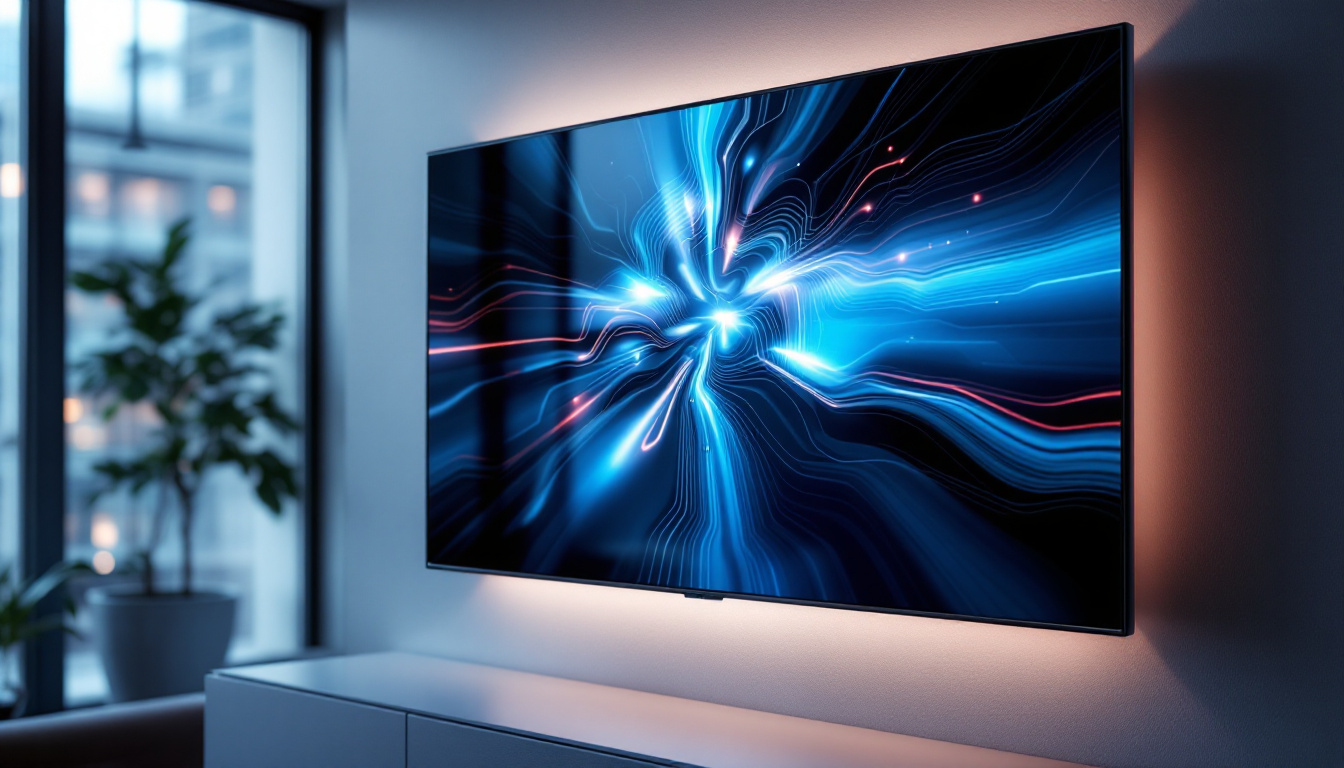
Before diving into the specifics of dual monitor stands, it’s important to understand the nature of LED displays and why they pair well with these mounts. LED (Light Emitting Diode) monitors are widely favored for their superior brightness, energy efficiency, and slim profiles compared to older LCD or CRT models.
LED displays typically range in size from 21 inches to 32 inches or more, with resolutions spanning from Full HD (1920×1080) to 4K Ultra HD (3840×2160). These characteristics make them ideal candidates for dual monitor setups, where clarity, color accuracy, and screen size directly impact productivity and visual comfort. The high refresh rates and fast response times of LED displays also contribute to a smoother viewing experience, which is particularly beneficial for fast-paced applications such as gaming or video editing, where every millisecond counts.
What is a Dual Monitor Stand Mount?
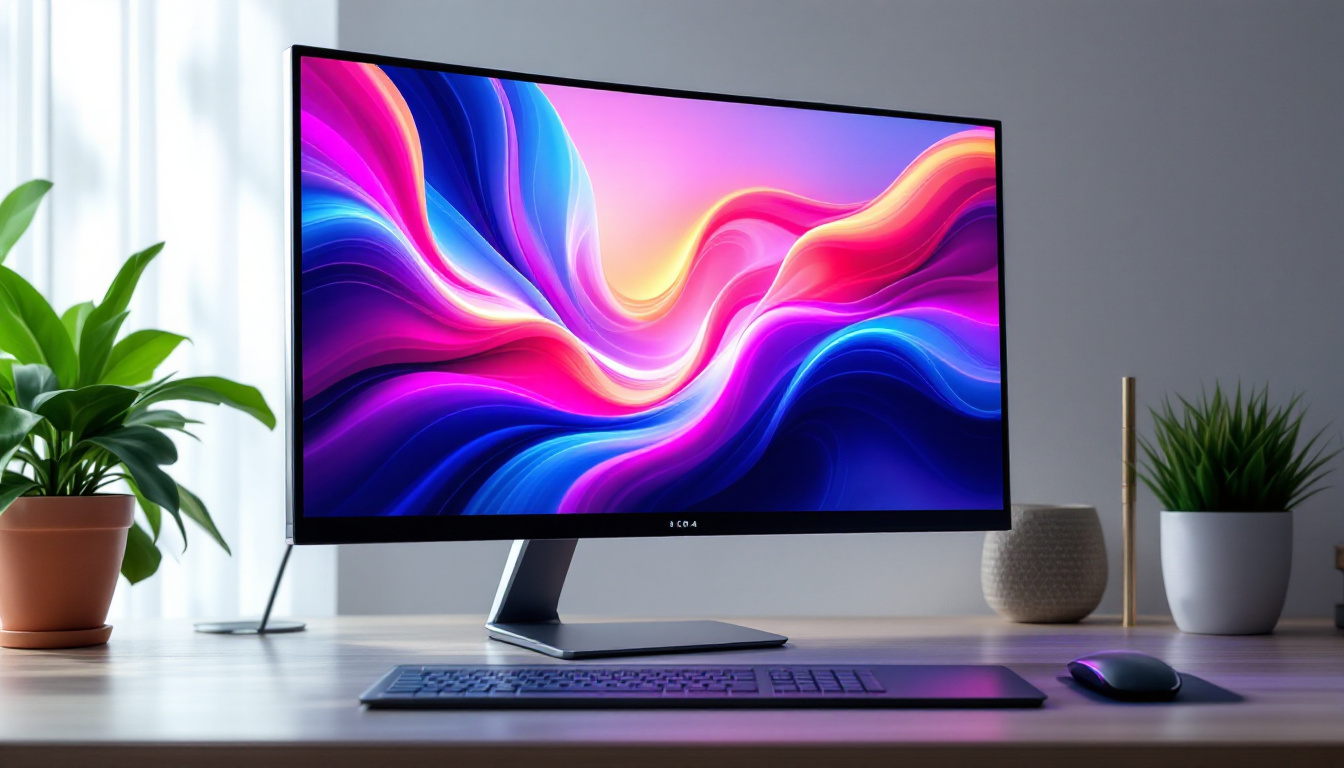
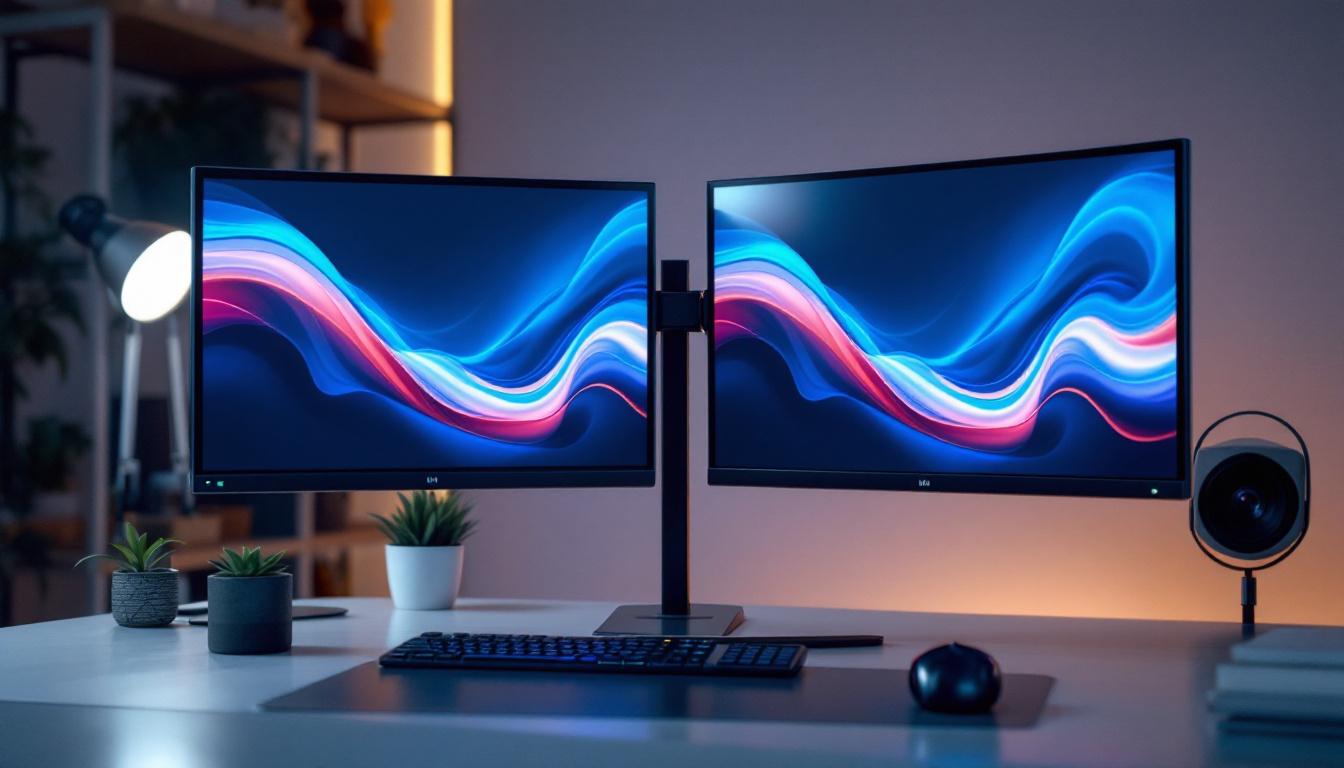
A dual monitor stand mount is a hardware accessory designed to hold two monitors simultaneously, allowing users to position their screens side-by-side or stacked vertically. These mounts come in various styles, including desk clamps, grommet mounts, freestanding bases, and wall mounts.
By elevating monitors off the desk surface, these stands free up valuable workspace, reduce clutter, and allow for more flexible positioning. This flexibility is especially beneficial for LED displays, which are often lightweight and thin, making them easy to adjust with the right mounting solution. Additionally, many dual monitor stands offer features such as tilt, swivel, and height adjustment, enabling users to customize their viewing angles for maximum comfort and ergonomics. This is particularly important for long hours of work, as proper monitor placement can help reduce neck and eye strain.
Why Choose LED Displays for Dual Monitor Setups?
LED monitors provide several advantages that enhance the dual monitor experience:
- Energy Efficiency: LED backlighting consumes less power than traditional LCDs, reducing energy costs and heat output.
- Better Image Quality: LEDs offer higher contrast ratios and more vibrant colors, which is crucial for tasks involving graphic design, video editing, or gaming.
- Thin and Lightweight: Their slim design makes them easier to mount and adjust on dual monitor stands without adding excessive weight.
- Longer Lifespan: LED technology tends to have a longer operational life, ensuring durability over time.
Moreover, the versatility of LED displays allows users to enjoy a wide range of viewing experiences. For instance, many modern LED monitors come equipped with features such as built-in speakers, USB hubs, and multiple connectivity options, including HDMI and DisplayPort, which facilitate seamless integration into any workspace. This adaptability not only enhances the functionality of a dual monitor setup but also allows users to switch between tasks effortlessly, whether they are working on spreadsheets, streaming videos, or engaging in video conferences. The ability to multitask effectively is a significant advantage in today’s fast-paced work environment, making LED displays an ideal choice for professionals seeking to maximize their productivity.
Benefits of Using a Dual Monitor Stand Mount
Integrating a dual monitor stand mount into a workstation offers multiple benefits beyond simply holding two screens. These advantages contribute significantly to productivity, comfort, and workspace aesthetics.
Enhanced Productivity and Multitasking
Studies have shown that using dual monitors can increase productivity by up to 42% by reducing the time spent switching between tabs and applications. With a dual monitor stand, users can position their LED displays at optimal angles and heights, facilitating smoother workflow and easier multitasking.
For professionals such as software developers, financial analysts, or content creators, having two screens allows simultaneous viewing of code, data, or creative tools, minimizing disruptions and boosting efficiency.
Improved Ergonomics and Comfort
One of the most significant benefits of a dual monitor stand mount is the ability to customize the height, tilt, and swivel of each screen. This customization helps maintain proper posture, reducing neck and eye strain caused by awkward viewing angles.
Ergonomic setups are essential for preventing repetitive strain injuries, especially for individuals who spend long hours in front of their computers. Adjustable mounts allow users to align their monitors with eye level, promoting a neutral spine position.
Space Optimization and Desk Organization
Desk space is often limited, especially in home offices or compact work environments. Dual monitor stands lift screens off the desk surface, freeing up room for other essential items like keyboards, documents, or personal accessories.
Some mounts include integrated cable management systems, which help keep cords tidy and reduce clutter. This not only improves the visual appeal of the workspace but also makes cleaning and maintenance easier.
Key Features to Look for in a Dual Monitor Stand Mount for LED Displays
Choosing the right dual monitor stand mount requires careful consideration of several factors to ensure compatibility, durability, and ease of use.
Weight and Size Capacity
LED monitors vary in weight and size, so it’s crucial to select a mount that supports the combined weight of both displays. Most dual monitor stands specify a maximum weight per arm, typically ranging from 8 to 20 pounds.
Additionally, check the supported screen sizes. Many mounts accommodate monitors between 13 and 32 inches, but larger or ultrawide monitors may require specialized mounts.
Mounting Style and Compatibility
There are several mounting options available:
- Clamp Mounts: Attach to the edge of the desk, ideal for desks with sturdy edges and limited space.
- Grommet Mounts: Secure through a hole in the desk, providing a stable and clean look.
- Freestanding Bases: Do not require desk attachment, suitable for renters or those who prefer not to modify their desks.
- Wall Mounts: Save desk space entirely but require wall installation and compatible wall studs.
Ensure the mount supports the VESA (Video Electronics Standards Association) mounting pattern of your LED monitors, commonly 75x75mm or 100x100mm.
Adjustability and Range of Motion
Look for mounts offering a wide range of motion, including height adjustment, tilt, swivel, and rotation. This flexibility allows users to customize their setup for maximum comfort and usability.
Some advanced models feature gas spring arms for smooth, effortless adjustments, while others use manual tightening mechanisms.
Build Quality and Materials
Durability is key for any monitor stand. High-quality mounts are typically made from steel or aluminum, providing stability and longevity. Cheaper plastic mounts may not support heavier LED displays securely and can wear out quickly.
Cable Management Features
Integrated cable management systems help route power and data cables neatly along the arms or base of the mount. This feature is especially valuable in dual monitor setups where multiple cables can quickly become tangled and unsightly.
Installation and Setup Tips for Dual Monitor Stands with LED Displays
Proper installation ensures safety, stability, and optimal ergonomics. Here are some best practices to follow when setting up a dual monitor stand mount.
Prepare Your Workspace
Clear your desk and gather all necessary tools, such as screwdrivers, Allen wrenches, and mounting hardware. It’s helpful to have a second person assist with lifting and positioning the monitors during installation.
Check Monitor Compatibility
Verify that your LED monitors have VESA mounting holes and that the mount’s specifications match your screen size and weight. Remove any existing stands from the monitors before attaching them to the mount.
Attach the Mount to Your Desk or Wall
Follow the manufacturer’s instructions carefully. For clamp mounts, ensure the desk edge is thick and sturdy enough to support the weight. For grommet mounts, measure the hole diameter and position the mount securely.
Wall mounts require locating studs and using appropriate anchors to guarantee stability.
Mount the Monitors and Adjust Positioning
Attach each monitor to the mount using the VESA screws provided. Once secured, adjust the height, tilt, and swivel to achieve a comfortable viewing angle. Align the monitors so that the bezels are as close as possible for a seamless dual display experience.
Test the stability by gently moving the monitors to ensure they hold their position without wobbling.
Organize Cables
Use the cable management features of the mount to route power cords, HDMI, DisplayPort, or USB cables neatly. This reduces clutter and prevents accidental disconnections.
Common Challenges and Solutions with Dual Monitor Stands
While dual monitor stands offer many benefits, users may encounter some challenges during setup or daily use. Understanding these issues and their solutions can help maintain a smooth experience.
Monitor Compatibility Issues
Sometimes, LED monitors may not have standard VESA mounting holes or may be too large or heavy for certain mounts. In such cases, consider purchasing VESA adapter kits or selecting a mount specifically designed for larger displays.
Desk Stability Concerns
Thin or weak desks may not support clamp or grommet mounts well. Freestanding bases or wall mounts can be alternatives to avoid damage or instability.
Limited Adjustment Range
Lower-end mounts might not offer sufficient height or swivel adjustments, leading to ergonomic discomfort. Investing in a higher-quality mount with gas springs or articulated arms can alleviate this issue.
Screen Alignment Difficulties
Achieving perfectly aligned dual monitors can be tricky, especially if the screens have different thicknesses or bezel sizes. Adjustable mounts with independent arms allow for fine-tuning each monitor’s position to create a cohesive display.
Conclusion: Maximizing Your Workspace with Dual Monitor Stand Mounts and LED Displays
Dual monitor setups have become indispensable tools for enhancing productivity, comfort, and workspace efficiency. LED displays, with their superior image quality and sleek design, complement these setups perfectly.
Choosing the right dual monitor stand mount involves balancing factors such as weight capacity, mounting style, adjustability, and build quality. Proper installation and ergonomic considerations ensure that the investment delivers long-term benefits, including reduced strain and increased output.
As remote work and digital collaboration continue to grow, optimizing your workstation with a dual monitor stand mount for LED displays is a smart step toward a more organized, efficient, and comfortable computing environment.
Discover LumenMatrix’s Advanced LED Display Solutions
Ready to take your workspace to the next level with a dual monitor setup? Explore LumenMatrix’s comprehensive range of LED display solutions, designed to bring unparalleled clarity and vibrancy to your professional environment. Whether you’re in need of an Indoor LED Wall Display for your office, an Outdoor LED Wall Display for impactful advertising, or any of our specialized displays like Vehicle, Sports, or Floor LED Displays, LumenMatrix has the cutting-edge technology to transform your space. Elevate your visual experience and enhance your brand’s presence with our Custom or All-in-One LED Display options. Experience the future of visual communication today and check out LumenMatrix LED Display Solutions.