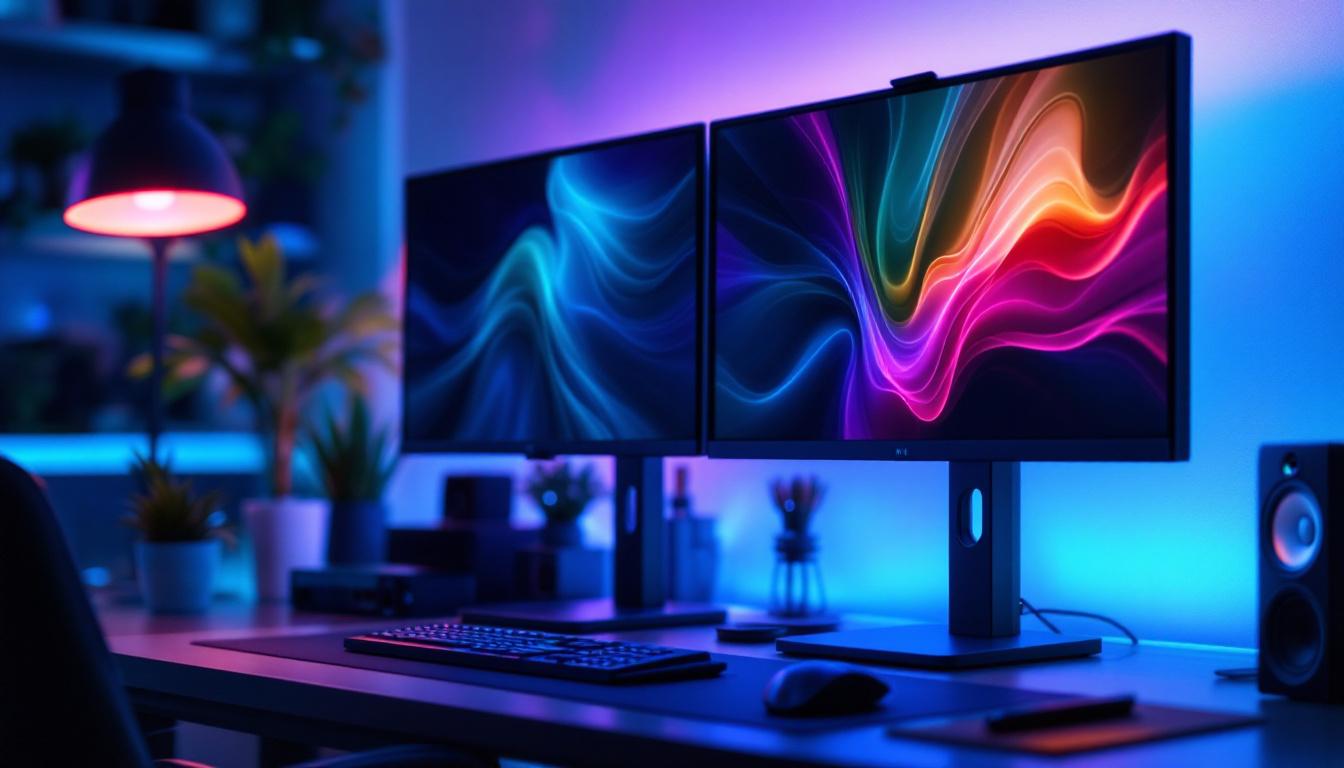
Dual PC Monitor Mount: LED Display Explained
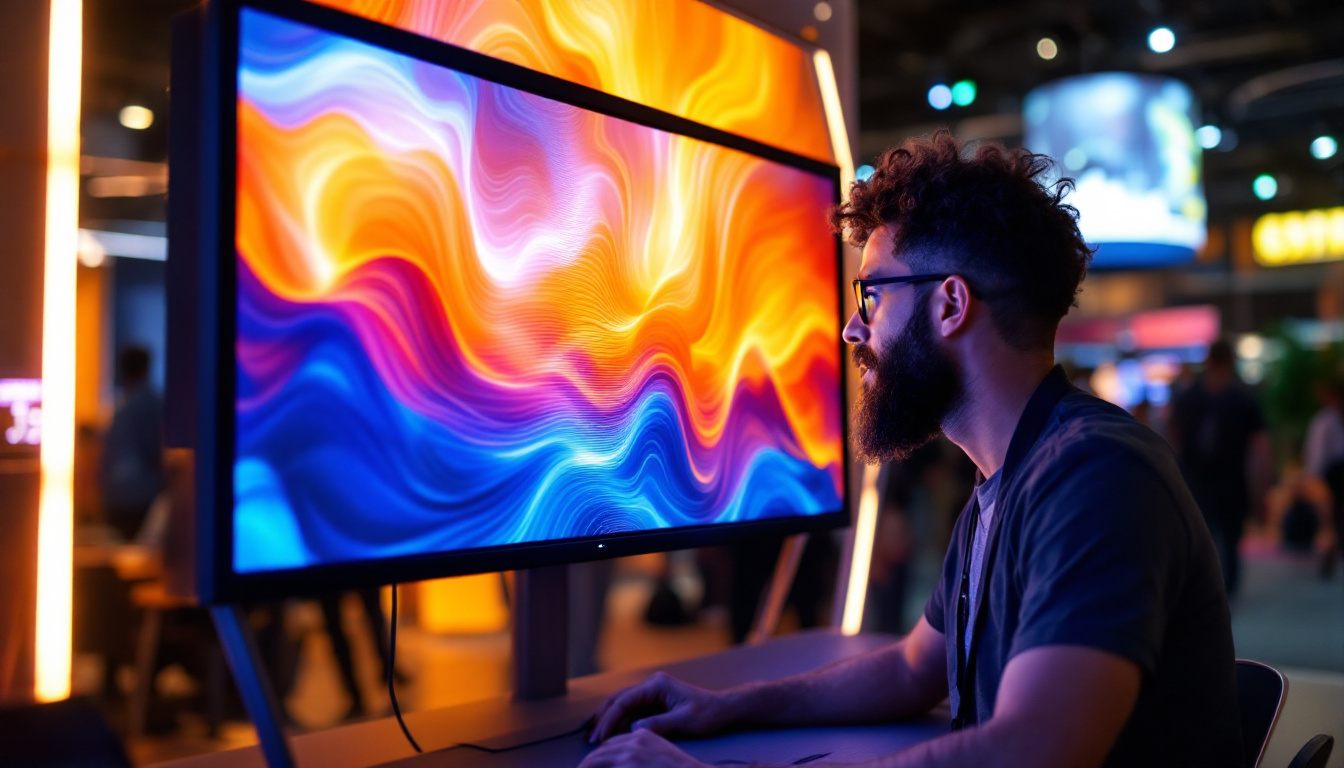
In today’s digital workspace, maximizing screen real estate is essential for productivity, comfort, and ergonomic health. Dual PC monitor mounts have become a staple for professionals, gamers, designers, and anyone who relies heavily on multiple displays. When paired with LED monitors, these mounts offer a sleek, efficient, and highly customizable setup. This article explores the nuances of dual PC monitor mounts specifically designed for LED displays, covering their benefits, types, installation tips, and how to choose the right mount for your needs.
Understanding Dual PC Monitor Mounts
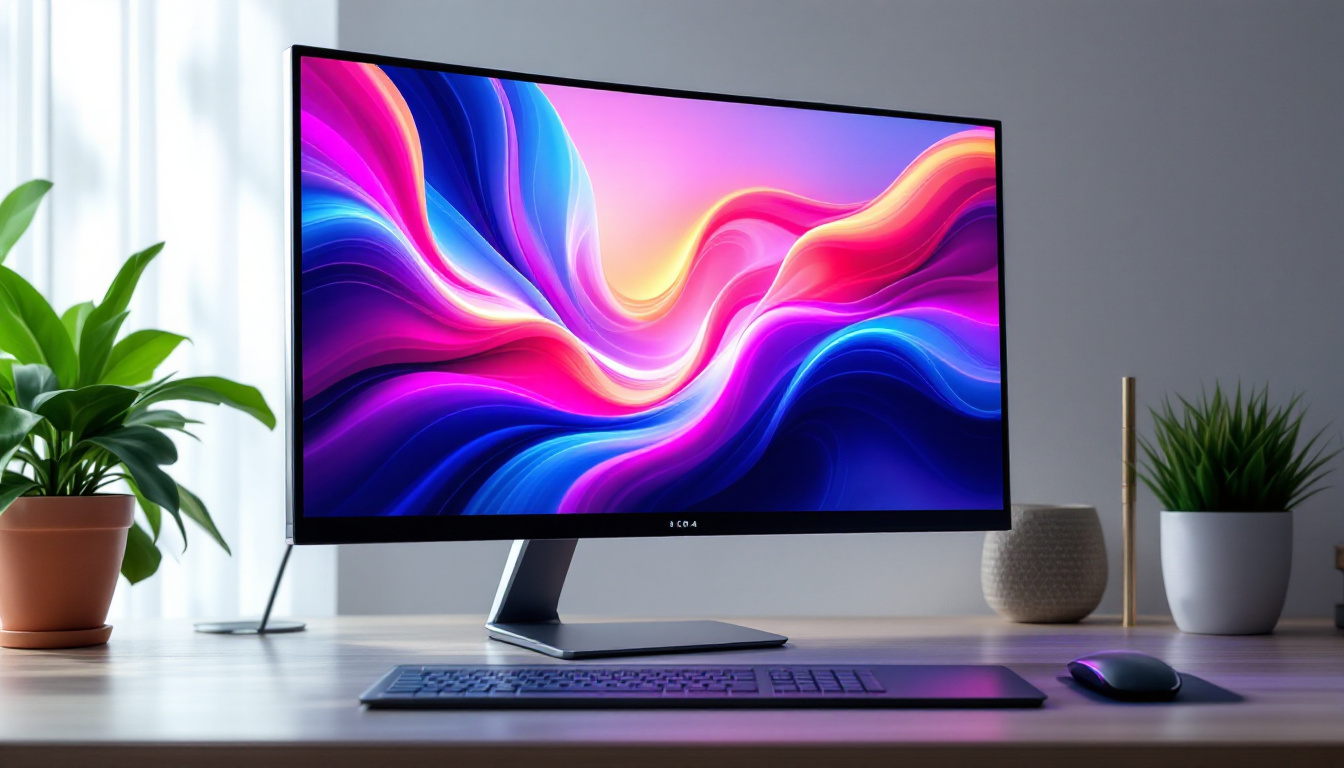
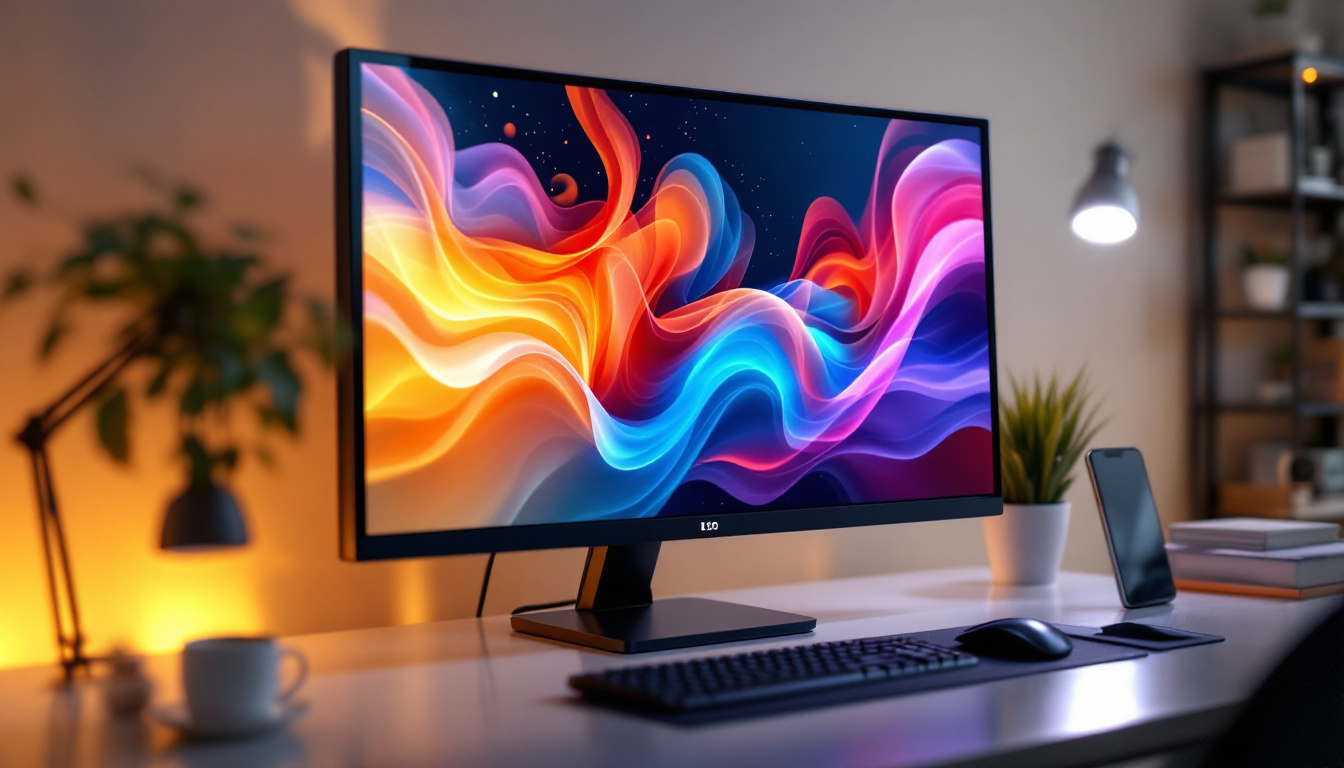
Dual PC monitor mounts are hardware solutions designed to hold two monitors simultaneously, freeing up desk space and allowing for flexible positioning. Unlike traditional monitor stands, which typically come attached to individual monitors, dual mounts consolidate support into one system. This consolidation not only improves desk aesthetics but also enhances ergonomics by allowing users to adjust height, tilt, swivel, and rotation with ease.
The rise of dual monitor setups has been driven by the increasing demand for multitasking environments. According to a study by Jon Peddie Research, users with multiple monitors can boost productivity by up to 42%, as they reduce the need to switch between windows and applications constantly. This is particularly relevant in fields such as software development, financial trading, video editing, and graphic design.
Why Choose a Dual Monitor Mount Over Separate Stands?
While separate stands for each monitor are a straightforward solution, dual monitor mounts offer several distinct advantages:
- Space Efficiency: Dual mounts clamp to the desk or use grommet mounts, freeing up valuable desk surface area for other essentials.
- Improved Ergonomics: They allow synchronized adjustments, ensuring both monitors are aligned perfectly at eye level, reducing neck and eye strain.
- Cleaner Setup: Cable management features integrated into many mounts help reduce clutter, creating a clean and professional workspace.
- Flexibility: Dual mounts often support a range of motion options, including portrait and landscape orientations, enabling users to customize their setups based on task requirements.
LED Displays: The Preferred Choice for Dual Monitor Setups
LED (Light Emitting Diode) displays have become the standard in modern monitors due to their superior image quality, energy efficiency, and slim profiles. When paired with dual monitor mounts, LED displays offer a seamless and visually appealing setup.
Advantages of LED Monitors in Dual Setups
LED technology offers several benefits that make it ideal for dual monitor configurations:
- Thin and Lightweight Design: LED monitors are typically thinner and lighter than their LCD or CRT counterparts, making them easier to mount and adjust on dual monitor arms.
- Energy Efficiency: LEDs consume less power, which is beneficial when running multiple displays simultaneously.
- Enhanced Image Quality: LED backlighting provides better contrast ratios, brightness, and color accuracy, which is crucial for design professionals and content creators.
- Reduced Eye Strain: Many LED monitors come with flicker-free technology and blue light filters, improving comfort during extended use.
These features collectively contribute to a more comfortable and productive dual-monitor environment, regardless of whether the user is working, gaming, or streaming content.
Common LED Monitor Sizes for Dual Mounts
Choosing the right monitor size is critical for an effective dual setup. Most dual monitor mounts support screens ranging from 13 to 32 inches, with 24-inch and 27-inch monitors being the most popular choices. These sizes balance screen real estate and desk space efficiently.
For example, a dual 24-inch LED setup is ideal for office environments, providing ample space for spreadsheets, documents, and web browsing. Meanwhile, 27-inch or larger monitors are favored by creative professionals who require detailed visuals and color accuracy. It’s important to check the weight capacity and VESA compatibility of the mount to ensure it can safely support the chosen monitors.
Types of Dual PC Monitor Mounts for LED Displays
Dual monitor mounts come in various styles, each suited to different workspace configurations and user preferences. Understanding these types helps in selecting the best mount for your LED displays.
Desk Clamp Mounts
Desk clamp mounts are among the most popular options. They attach securely to the edge of a desk, minimizing the footprint on the desktop surface. This type of mount is ideal for users who want to maximize desk space without drilling holes.
Most desk clamp mounts offer adjustable arms with multiple pivot points, allowing users to position monitors at the perfect height and angle. They also typically include integrated cable management systems, keeping cords neatly organized.
Grommet Mounts
Grommet mounts require a hole in the desk surface for installation, either through an existing grommet hole or a drilled one. This provides a very stable mounting point, making grommet mounts suitable for heavier monitors or setups requiring maximum stability.
While installation is a bit more involved compared to clamp mounts, grommet mounts offer a cleaner look and can support higher weight capacities. They are common in professional and gaming setups where stability is paramount.
Freestanding Dual Monitor Stands
For users who prefer not to attach mounts to their desks, freestanding dual monitor stands are an alternative. These stands have a weighted base that sits on the desk, supporting two monitors without any clamps or drilling.
Freestanding stands are portable and easy to set up, but they typically take up more desk space than clamp or grommet mounts. They are a good choice for temporary setups or desks that cannot be modified.
Wall Mounts
Wall-mounted dual monitor arms are less common but highly effective for saving desk space entirely. These mounts are fixed to a wall and can support a wide range of monitor sizes and weights.
Wall mounts are popular in minimalist office designs or for users who want a clean, cable-free desk surface. However, installation requires proper wall anchors and may not be suitable for all office environments.
Key Features to Consider When Choosing a Dual Monitor Mount
With many options available, selecting the right dual PC monitor mount for LED displays requires attention to several important factors:
VESA Compatibility
Most monitors and mounts use the Video Electronics Standards Association (VESA) mounting pattern. Common VESA sizes include 75x75mm and 100x100mm. Ensuring that your LED monitors and the mount share compatible VESA standards is crucial for a secure fit.
Weight Capacity
Each mount has a maximum weight limit per arm. LED monitors vary in weight depending on size and build quality, so it’s essential to verify that the mount can support your monitors safely. Overloading a mount can lead to instability and damage.
Adjustability
The level of adjustability can greatly impact comfort and usability. Look for mounts that offer height adjustment, tilt (usually between -90° to +90°), swivel, and rotation. Some mounts also allow independent movement of each arm, which is useful for mixed monitor sizes or orientations.
Cable Management
Integrated cable management systems help keep power and data cables organized and out of sight. This not only improves aesthetics but also reduces the risk of cable damage and tangling.
Build Quality and Material
Durability is important for long-term use. Dual monitor mounts made from high-quality steel or aluminum tend to offer better stability and longevity compared to plastic models. Additionally, mounts with powder-coated finishes resist scratches and corrosion.
Installation Tips for Dual PC Monitor Mounts with LED Displays
Proper installation ensures safety and optimal performance of your dual monitor setup. Here are some best practices to follow:
Prepare Your Workspace
Clear your desk and gather all necessary tools, including screwdrivers, an Allen wrench (usually provided), and a level. It’s helpful to have a second person assist with mounting, especially for heavier monitors.
Check Monitor Specifications
Before installation, confirm the VESA mounting holes on your LED monitors and measure their weight. This information will guide you in adjusting the mount’s arms and ensuring compatibility.
Attach Mount to Desk or Wall
For clamp mounts, secure the clamp tightly to the desk edge without over-tightening to avoid damage. For grommet mounts, align the mount with the hole and fasten it securely. Wall mounts require locating studs and using appropriate anchors for stability.
Mount the Monitors
Attach the VESA plates to the back of each monitor, then carefully hang the monitors on the mount arms. Double-check all screws and fasteners to ensure they are tight and secure.
Adjust and Organize
Position the monitors at eye level and adjust tilt and swivel for comfortable viewing angles. Use the mount’s cable management features to route cables neatly, preventing clutter and tangling.
Benefits of Using Dual PC Monitor Mounts with LED Displays
Investing in a dual monitor mount for your LED displays offers numerous benefits that extend beyond simple aesthetics:
Enhanced Productivity
Multiple studies have shown that dual monitor setups can significantly increase productivity. For example, a 2020 survey by the University of Utah found that users with dual monitors completed tasks 20-30% faster than those with a single screen. The ability to view multiple applications simultaneously reduces time spent switching between windows and improves workflow efficiency.
Improved Ergonomics and Comfort
Dual monitor mounts allow precise positioning, reducing neck and eye strain caused by awkward viewing angles. Proper ergonomics can help prevent repetitive strain injuries and improve overall comfort during long working hours.
Space Optimization
By elevating monitors off the desk, mounts free up valuable workspace for documents, peripherals, and personal items. This is especially important in small or shared office environments.
Professional Appearance
A clean, organized desk with neatly mounted LED monitors presents a professional image, whether in a corporate office or a home workspace. This can positively impact client impressions and personal motivation.
Conclusion
Dual PC monitor mounts designed for LED displays are an essential component of modern workstations. They combine functionality, ergonomics, and style to create an optimized environment for productivity and comfort. By understanding the types of mounts available, key features to consider, and proper installation techniques, users can make informed decisions that enhance their computing experience.
Whether you are a professional seeking to improve workflow, a gamer aiming for immersive gameplay, or a content creator requiring precise color accuracy, investing in a quality dual monitor mount for your LED displays is a smart choice. With the right setup, your workspace can become a powerful tool that supports your goals and well-being.
Discover LumenMatrix’s Advanced LED Display Solutions
Ready to elevate your workspace with the ultimate dual monitor setup? LumenMatrix offers a comprehensive range of LED display solutions that are perfect for any professional environment. From immersive Indoor LED Wall Displays to dynamic Outdoor LED Wall Displays, our products are designed to integrate seamlessly with dual PC monitor mounts, providing unparalleled clarity and visual impact. Experience the future of visual communication with LumenMatrix’s innovative LED technology. Check out LumenMatrix LED Display Solutions today and transform your workspace into a hub of productivity and creativity.