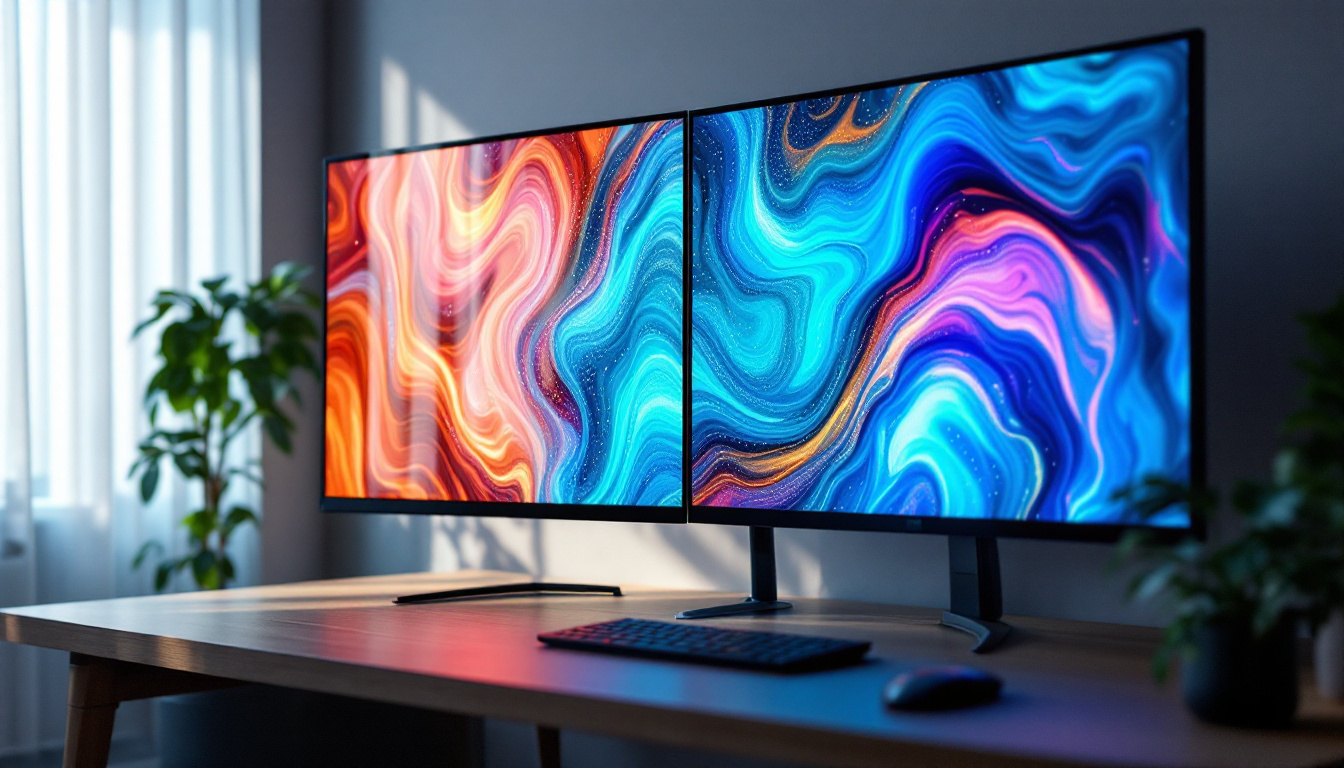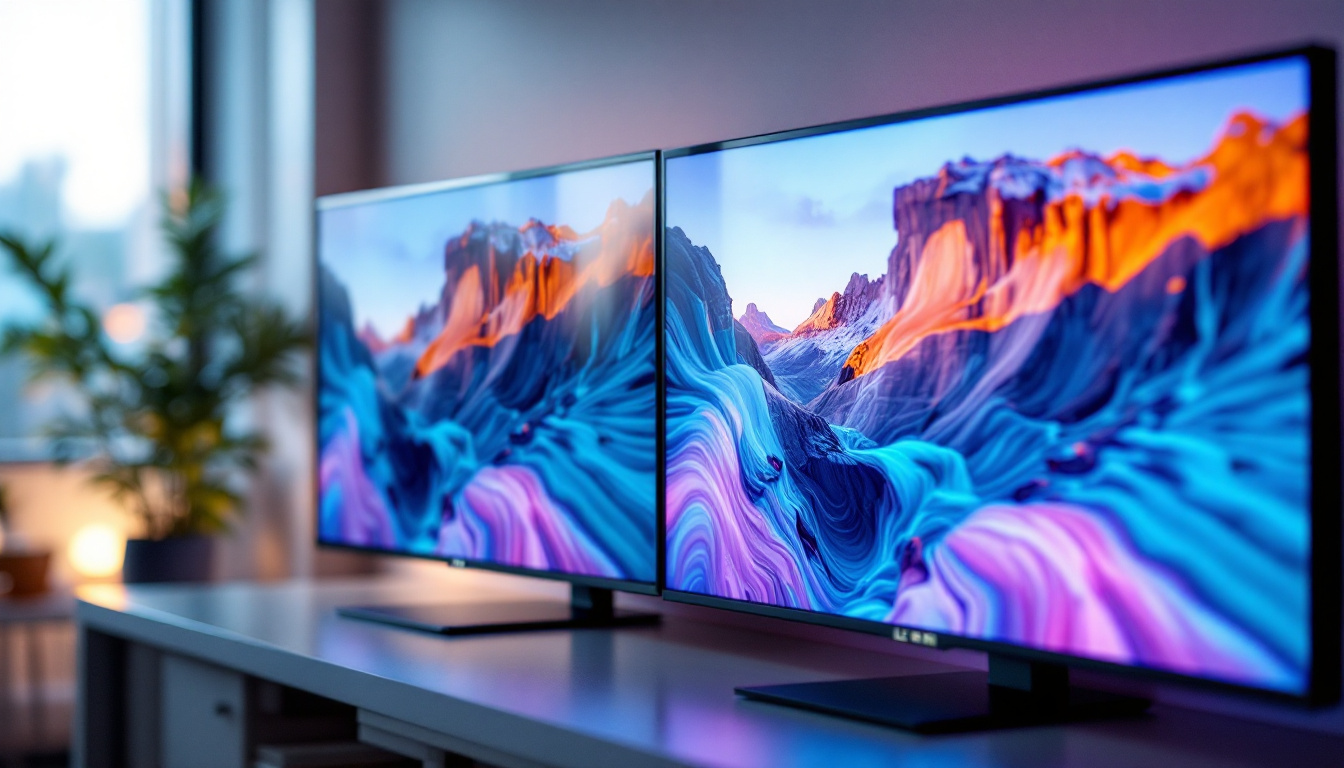
In today’s fast-paced digital world, multitasking and maximizing workspace efficiency are more important than ever. Dual screen setups have become a staple in offices, gaming stations, and creative studios alike, enhancing productivity and user experience. Central to these setups is the dual screen holder, a device designed to securely mount two monitors side-by-side or in various configurations. When paired with LED displays, these holders not only optimize ergonomics but also complement the vibrant, energy-efficient screens that LED technology offers.
This article delves into the synergy between dual screen holders and LED displays, exploring their benefits, technical considerations, and practical applications. Whether you’re an IT professional, a graphic designer, or a remote worker looking to upgrade your workstation, understanding the nuances of these components can help you make informed decisions for your setup.
Understanding Dual Screen Holders: Function and Benefits
What Is a Dual Screen Holder?
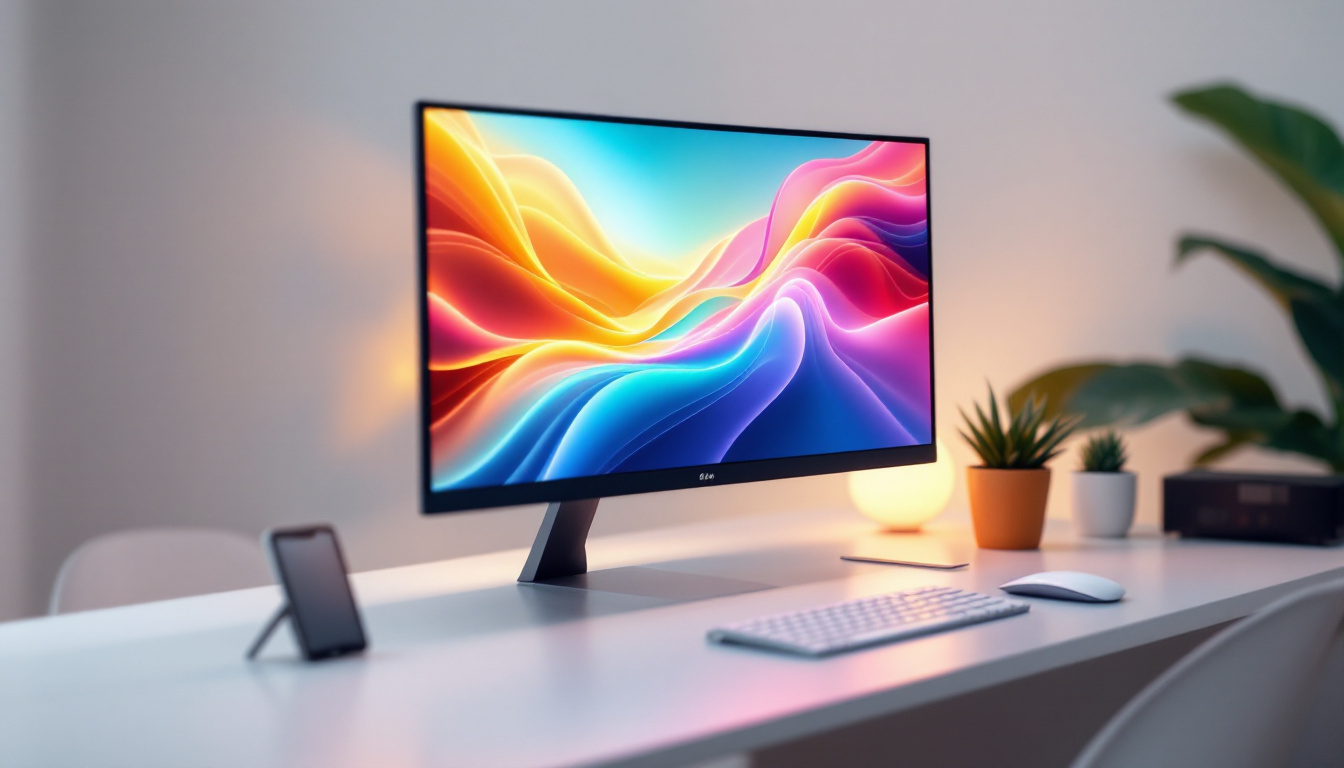
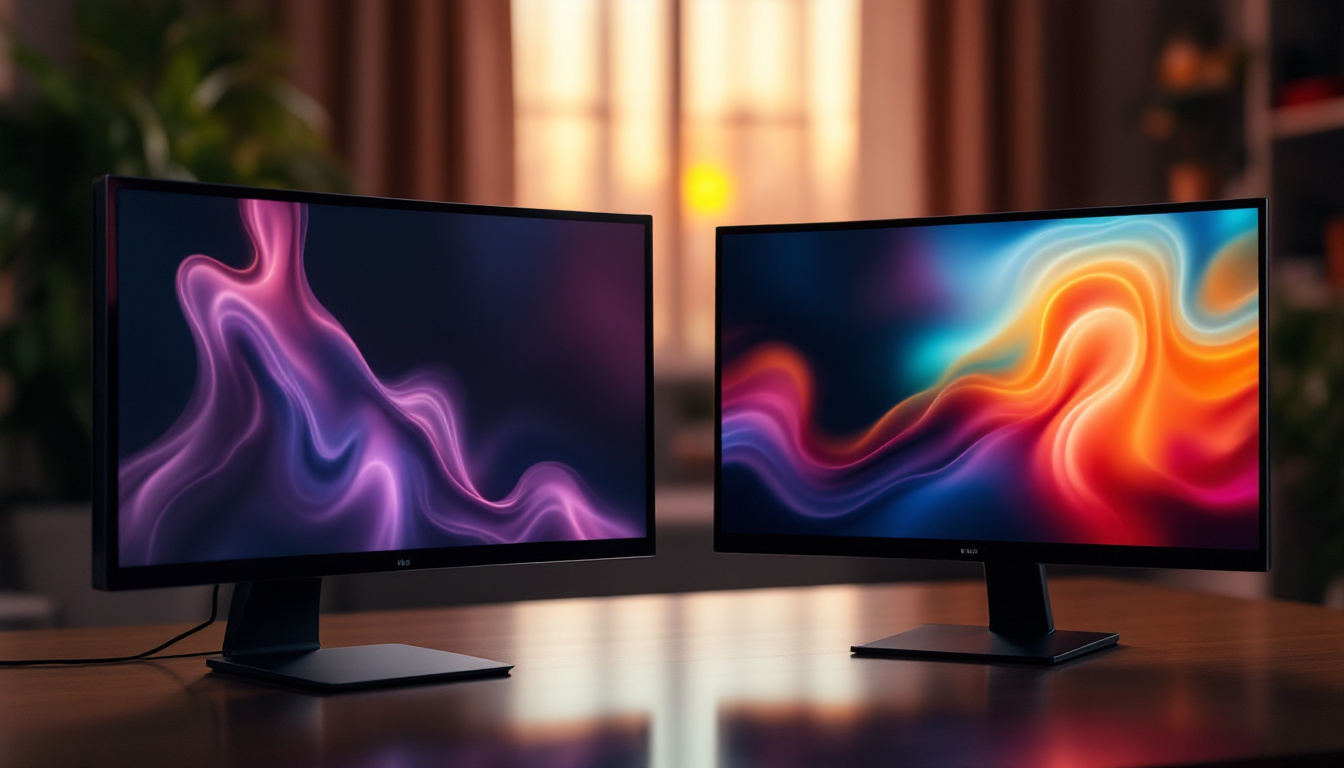
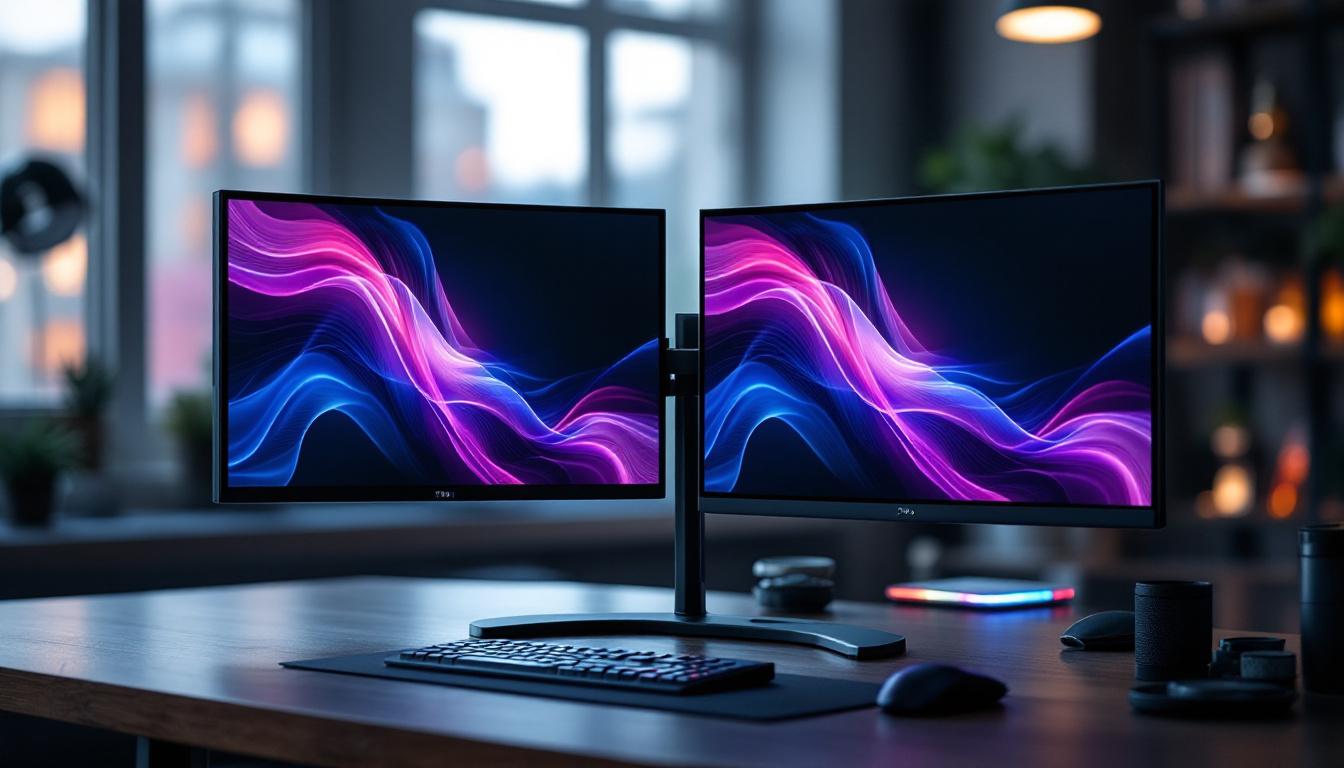
A dual screen holder is a mounting device designed to support two monitors simultaneously. Unlike traditional monitor stands that accommodate only one screen, dual holders provide a stable and adjustable platform for two displays, enabling users to expand their visual workspace without cluttering their desks.
These holders come in various designs, including clamp mounts that attach to the desk edge, freestanding bases, and wall mounts. The choice depends on desk space, aesthetic preferences, and ergonomic needs. Some models even offer features like adjustable height and tilt, allowing users to customize their viewing angles for maximum comfort. This adaptability makes dual screen holders not only functional but also an essential tool for those who spend extended periods in front of their computers.
Key Benefits of Using Dual Screen Holders
One of the primary advantages of dual screen holders is improved ergonomics. By allowing users to position monitors at eye level and at optimal angles, these holders reduce neck and eye strain, promoting better posture during long work sessions. Proper alignment of screens can significantly decrease the risk of repetitive strain injuries, which are common among individuals who work in front of computers for several hours each day.
Additionally, dual screen holders free up valuable desk space. Instead of bulky monitor bases occupying the surface, the holder’s design elevates screens, creating room underneath for keyboards, documents, or other accessories. This decluttered environment can enhance focus and efficiency. With a tidy workspace, users can easily access their tools and materials, which can lead to a more organized workflow and less time spent searching for items.
Moreover, dual holders facilitate seamless multitasking. With two screens side-by-side, users can reference documents on one display while working on the other, or keep communication apps open without interrupting their primary workflow. This setup has been shown to increase productivity by up to 20-30% in various office studies. The ability to drag and drop files between screens or compare data side-by-side can streamline tasks and enhance collaboration among team members, especially in remote work environments where efficient communication is crucial.
Furthermore, many dual screen holders are designed with cable management features that help keep cords organized and out of sight. This not only contributes to a cleaner aesthetic but also minimizes the risk of tangling or accidental disconnections. Users can enjoy a more streamlined workspace, which can lead to improved mental clarity and reduced distractions. As technology continues to evolve, the integration of dual screen setups into everyday workspaces is becoming increasingly common, making these holders an essential investment for anyone looking to optimize their productivity and comfort.
LED Displays: Technology and Advantages
What Makes LED Displays Stand Out?
LED (Light Emitting Diode) displays have revolutionized screen technology over the past decade. Unlike older LCDs that use cold cathode fluorescent lamps (CCFL) for backlighting, LED displays employ light-emitting diodes, resulting in thinner panels, better color accuracy, and enhanced energy efficiency.
LED technology offers several advantages:
- Brightness and Contrast: LED displays deliver higher brightness levels and superior contrast ratios, making images appear more vivid and sharp.
- Energy Efficiency: LEDs consume less power than traditional backlighting methods, reducing electricity costs and environmental impact.
- Longer Lifespan: LEDs have a longer operational life, often exceeding 50,000 hours, which translates to fewer replacements and lower maintenance costs.
- Slim Design: The compact nature of LEDs allows for ultra-thin screens, which are ideal for modern, minimalist workspaces.
Types of LED Displays Commonly Used with Dual Screen Setups
When selecting LED monitors for dual screen configurations, several types are prevalent:
- Edge-Lit LED: These displays have LEDs positioned along the edges of the screen, providing uniform backlighting with a slim profile. They tend to be more affordable but may have slightly less uniform brightness compared to full-array models.
- Full-Array LED: Featuring LEDs distributed evenly behind the entire screen, these displays offer superior contrast and local dimming capabilities, enhancing image quality.
- Mini-LED: An advanced form of full-array LED, mini-LED displays use thousands of tiny LEDs for even greater control over brightness and contrast, often found in high-end professional monitors.
Integrating Dual Screen Holders with LED Displays: What to Consider
Compatibility and VESA Standards
One of the most critical factors when pairing a dual screen holder with LED monitors is compatibility. Most modern monitors adhere to the VESA (Video Electronics Standards Association) mounting standards, which specify hole patterns on the back of the screen for mounting purposes.
Common VESA patterns include 75×75 mm and 100×100 mm, but larger or ultrawide monitors may have different configurations. Ensuring that the dual screen holder supports the VESA pattern of your LED displays is essential for a secure fit.
Weight Capacity and Monitor Size
Dual screen holders come with specified weight limits and maximum screen sizes. LED monitors vary in weight depending on their size and build materials, so it’s important to select a holder that can safely support the combined weight of both displays.
For example, a dual screen holder rated for up to 8 kg per arm is suitable for most 24-27 inch LED monitors. However, if you plan to mount larger 32-inch or ultrawide displays, look for holders with higher weight capacities and adjustable arms to accommodate the size and weight.
Adjustability and Ergonomics
Ergonomic flexibility is a major selling point of dual screen holders. Look for models that offer height adjustment, tilt, swivel, and rotation capabilities. This allows users to customize the viewing angles and positions, reducing strain and enhancing comfort.
Some holders also feature independent arms, enabling each monitor to be positioned differently, which is particularly useful for creative professionals who may need one screen in portrait mode and the other in landscape.
Practical Applications and Use Cases
Office and Remote Work Environments
In corporate offices and home workspaces, dual screen setups have become the norm. According to a 2023 survey by TechWork Insights, over 65% of knowledge workers use dual monitors to manage email, spreadsheets, and communication tools simultaneously.
LED displays paired with dual screen holders provide a clean, efficient workspace that supports extended work hours without discomfort. The energy efficiency of LED monitors also aligns with many companies’ sustainability goals.
Creative and Design Professionals
Graphic designers, video editors, and photographers benefit immensely from dual LED displays mounted on adjustable holders. High-resolution LED monitors with accurate color reproduction are essential for detailed work, and the ability to position screens ergonomically enhances precision and reduces fatigue.
For instance, a designer might use one screen for editing software and the other for reference images or tool palettes, streamlining the creative process.
Gaming and Entertainment Setups
Gamers often utilize dual LED monitors to expand their field of view or to multitask while gaming. Dual screen holders provide the stability and adjustability needed to create immersive setups, whether for competitive gaming or streaming.
LED displays with fast refresh rates and low response times complement these setups, delivering smooth visuals and vibrant colors.
Installation Tips and Maintenance
Proper Installation for Safety and Stability
Installing a dual screen holder requires careful attention to ensure safety and stability. Begin by verifying that your desk or mounting surface can support the weight and size of the holder and monitors.
Follow manufacturer instructions precisely, using appropriate tools to secure clamps or screws. Double-check that the monitors are firmly attached to the holder’s arms and that all adjustable joints are tightened to prevent movement.
Cable Management
Cable clutter can undermine the benefits of a dual screen setup. Many dual screen holders come with integrated cable management systems—clips or channels that route power and data cables neatly along the arms.
Organizing cables not only improves aesthetics but also reduces the risk of accidental unplugging or damage.
Routine Maintenance
Regularly inspect the dual screen holder for signs of wear or loosening. Clean the LED displays with appropriate screen cleaners to maintain image clarity. Avoid harsh chemicals that can damage the screen surface.
Periodic checks ensure that your setup remains safe, functional, and visually appealing.
Future Trends in Dual Screen and LED Display Technology
Advancements in Monitor Mounting Solutions
As monitor sizes increase and ultrawide displays become more popular, dual screen holders are evolving to accommodate these trends. Modular and flexible mounting systems that can support three or more screens are gaining traction, especially in professional trading and simulation environments.
Innovations in materials, such as lightweight carbon fiber arms, are also enhancing durability without adding bulk.
Emerging LED Display Technologies
Mini-LED and Micro-LED technologies are paving the way for even brighter, more energy-efficient, and higher-contrast displays. These advancements will further enhance the visual experience in dual screen setups.
Additionally, OLED displays, known for their perfect blacks and wide color gamut, are becoming more affordable and may soon compete directly with LED monitors in professional and consumer markets.
Conclusion
The combination of dual screen holders and LED displays represents a powerful solution for modern workspaces and entertainment setups. By understanding the technical specifications, ergonomic benefits, and practical applications of these components, users can create efficient, comfortable, and visually stunning environments.
Whether for boosting productivity, enhancing creativity, or elevating gaming experiences, investing in quality dual screen holders and LED monitors is a strategic choice that pays dividends in performance and satisfaction.
As technology continues to evolve, staying informed about the latest trends and best practices will ensure that your dual screen setup remains cutting-edge and perfectly tailored to your needs.
Explore the Future of Visual Displays with LumenMatrix
Ready to take your dual screen setup to the next level? Discover LumenMatrix’s innovative LED display technology, designed to elevate your workspace and entertainment areas. With a wide range of solutions from Indoor LED Wall Displays to Custom and Transparent LED Displays, LumenMatrix is at the forefront of creating immersive visual experiences. Embrace the future of visual communication and check out LumenMatrix LED Display Solutions today to see how you can enhance engagement and captivate your audience like never before.