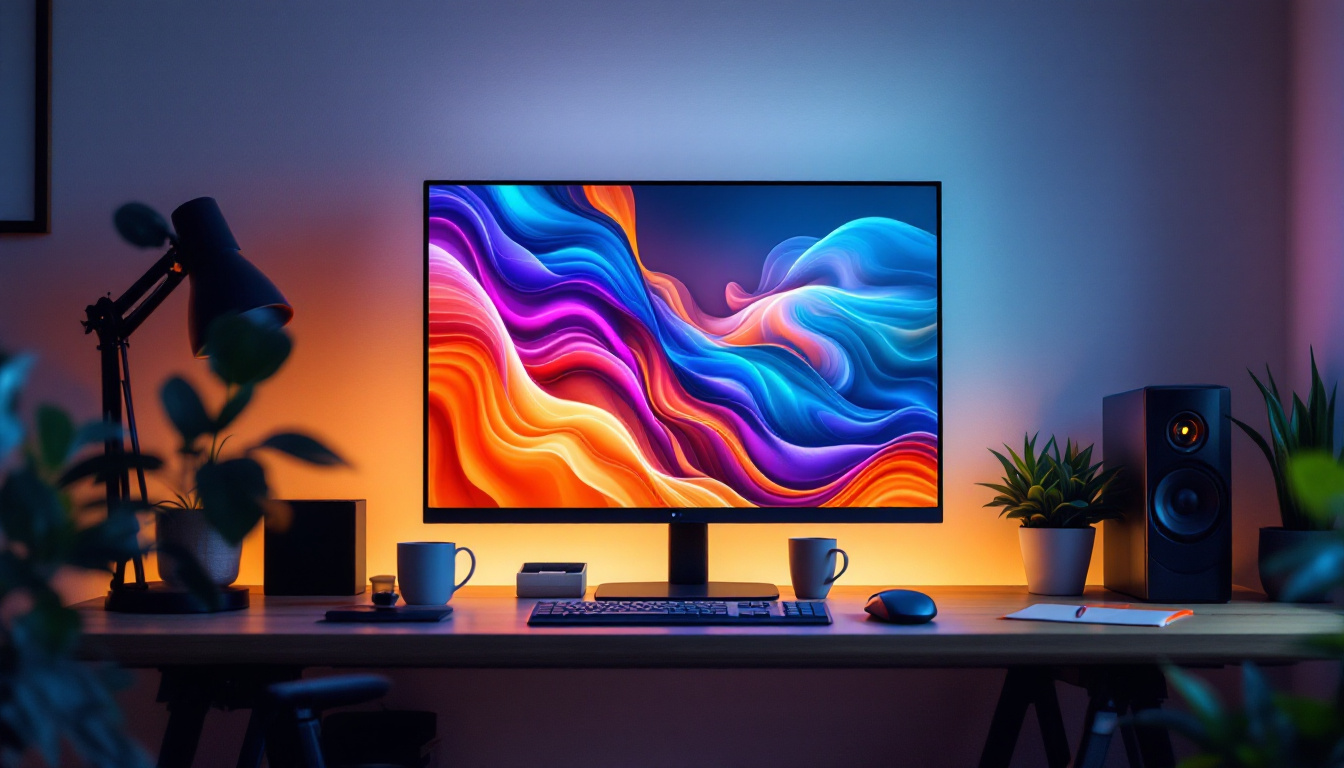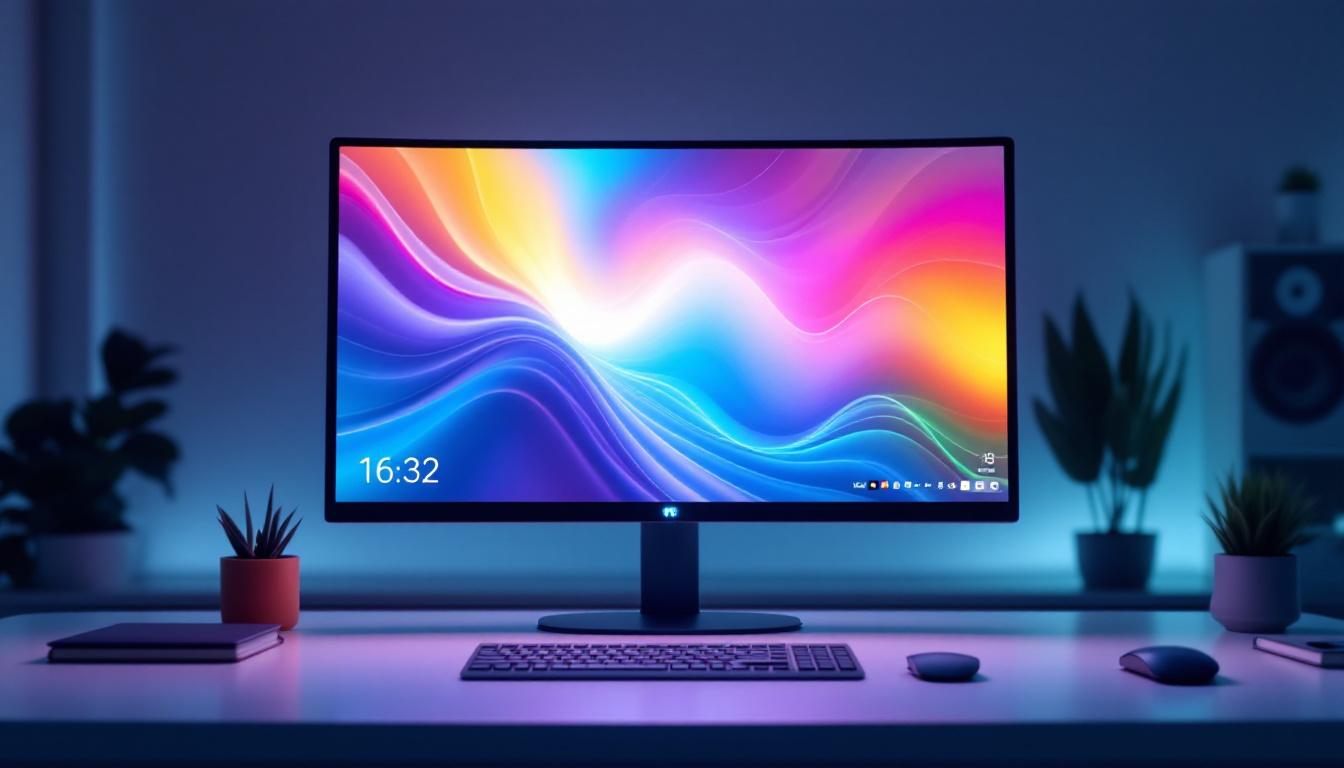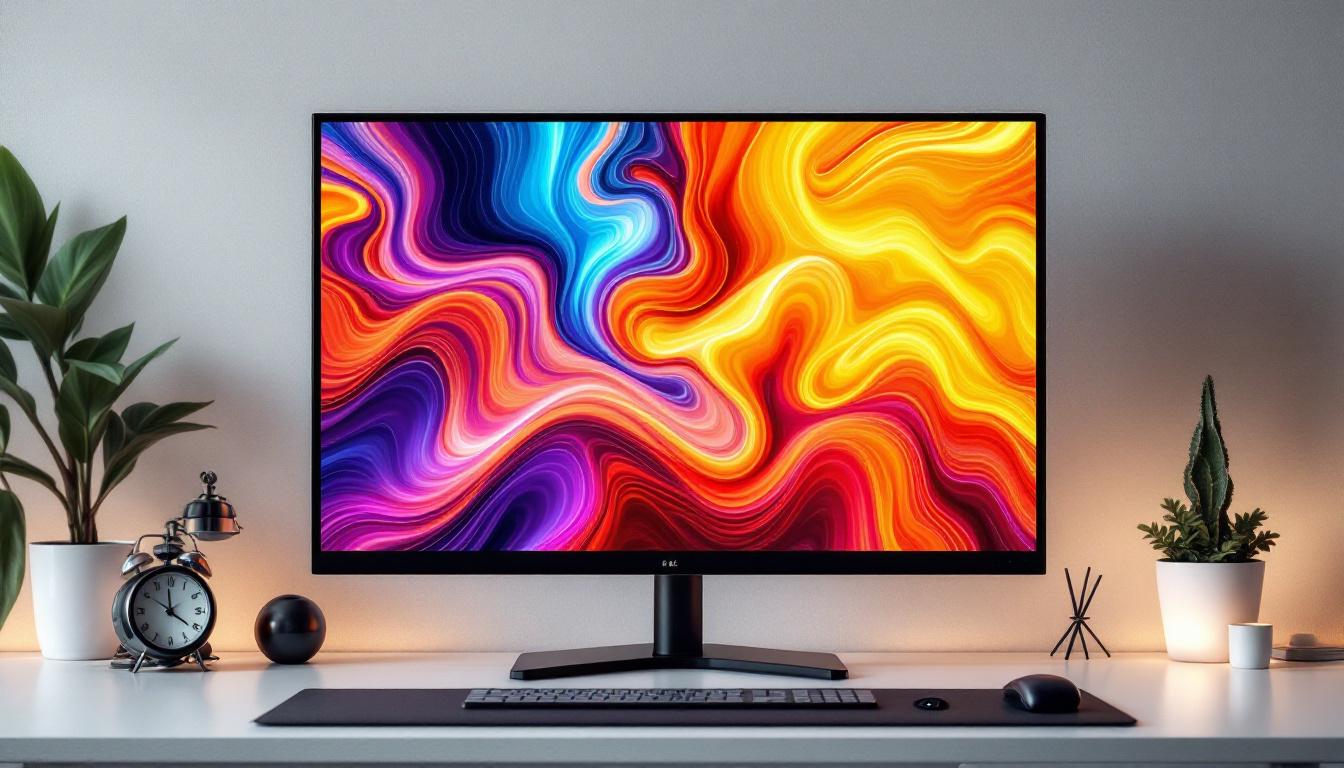
When shopping for a new computer monitor, size is one of the first factors that catches the eye. A 22 inch monitor is a popular choice for many users, balancing screen real estate with desk space and budget. But what does “22 inch” actually mean in terms of physical size? How does this size translate into viewing experience, resolution, and usability? This article dives deep into the dimensions, characteristics, and practical considerations of a 22 inch LED monitor, helping you understand whether it’s the right fit for your needs.
Understanding Monitor Size: What Does 22 Inches Mean?
Diagonal Measurement Explained
The “22 inch” specification refers to the diagonal length of the monitor’s screen, measured from one corner to the opposite corner. This standard measurement method applies to all monitors and TVs, providing a consistent way to compare sizes across different brands and models.
For a 22 inch monitor, the diagonal screen length is approximately 55.88 centimeters. However, this doesn’t tell the whole story about the actual width and height of the display area, which depend on the aspect ratio.
Aspect Ratio and Its Impact on Dimensions
Most modern monitors, including 22 inch models, use a 16:9 aspect ratio. This means the screen’s width is 16 units for every 9 units of height. Using this ratio, the width and height of a 22 inch monitor can be calculated as follows:
- Width: Approximately 19.2 inches (48.8 cm)
- Height: Approximately 10.8 inches (27.5 cm)
These dimensions give a clearer picture of the actual screen size you’ll be working with, which is crucial when considering desk space or comparing to other devices. Additionally, understanding the aspect ratio can help users make informed decisions based on their specific needs, such as gaming, graphic design, or general office work. For instance, a 16:9 aspect ratio is ideal for watching movies and playing video games, as it closely matches the format of most modern media.
Furthermore, the choice of a 22 inch monitor can be particularly beneficial for users who have limited desk space or those who prefer a more compact setup. In a world where multitasking is essential, the dimensions of a 22 inch monitor allow for a comfortable viewing experience without overwhelming your workspace. It’s also worth noting that as technology continues to evolve, many 22 inch monitors now come equipped with features such as higher resolutions and better color accuracy, making them even more appealing for both casual and professional use.
Physical Size vs. Usable Screen Space
Bezel Size and Monitor Footprint
While the screen size is defined by the diagonal measurement, the overall size of the monitor includes the bezels — the borders surrounding the display panel. Modern LED monitors often feature slim bezels, but the thickness varies by model and manufacturer. These bezels not only affect the aesthetic appeal of the monitor but can also impact the overall viewing experience. A monitor with thinner bezels can create a more immersive feel, especially when used in multi-monitor setups, as it minimizes distractions and maximizes the visual continuity between screens.
A 22 inch monitor with thin bezels might have an overall width of about 20 to 21 inches and a height of around 12 to 13 inches, including the frame. Additionally, the depth of the monitor and the size of the stand contribute to the total footprint on your desk. It’s essential to consider the layout of your workspace, as a monitor with a larger stand may encroach on valuable desk space, limiting your ability to keep other essential items within reach. Furthermore, the height at which the monitor is positioned can affect ergonomics, so finding a model with adjustable stands or VESA mount compatibility can enhance comfort during extended use.
Comparing 22 Inch Monitors to Other Sizes
To put a 22 inch monitor in perspective, it’s helpful to compare it with other common sizes:
- 19 inch monitors: Smaller and more compact, often used in office settings or for secondary displays. These monitors are ideal for basic tasks such as word processing or browsing, but may feel cramped for users who frequently multitask.
- 24 inch monitors: Slightly larger, offering more screen space for multitasking and gaming. The additional real estate allows for split-screen applications, making it easier to work on multiple projects simultaneously or enjoy a more expansive gaming experience.
- 27 inch monitors: Popular for professional work and immersive gaming, but require more desk space. These monitors are often favored by graphic designers and video editors, as the larger screen can display intricate details and color accuracy more effectively.
For many users, a 22 inch monitor strikes a balance between portability, affordability, and usability. It provides ample screen space for everyday tasks without overwhelming a smaller workspace. Additionally, the versatility of a 22 inch monitor makes it suitable for a variety of applications, from casual gaming to professional work. As technology continues to evolve, many manufacturers are also incorporating features such as higher resolutions and adaptive refresh rates, making this size even more appealing to a broader audience. The ability to connect multiple devices, such as laptops and gaming consoles, further enhances its functionality, ensuring that it remains a relevant choice in today’s fast-paced digital world.
Resolution and Display Quality of 22 Inch LED Monitors
Common Resolutions for 22 Inch Displays
Resolution plays a critical role in how sharp and clear images appear on a monitor. For 22 inch LED monitors, the most common resolutions are:
- 1920 x 1080 pixels (Full HD): The standard resolution for most 22 inch monitors, providing crisp text and vibrant images suitable for general computing, streaming, and casual gaming.
- 1680 x 1050 pixels (WSXGA+): Slightly lower resolution found in some older or budget models, still adequate for office work and basic multimedia.
- 1366 x 768 pixels (HD): Less common in 22 inch monitors but sometimes found in entry-level models; offers less screen real estate and lower clarity.
Full HD resolution on a 22 inch screen results in a pixel density of roughly 100 pixels per inch (PPI), which is generally sufficient for everyday tasks without noticeable pixelation.
LED Technology and Its Advantages
LED (Light Emitting Diode) monitors use LED backlighting instead of older CCFL (Cold Cathode Fluorescent Lamp) technology. This advancement brings several benefits:
- Energy efficiency: LED backlights consume less power, reducing electricity usage and heat output.
- Thinner and lighter design: LED panels can be made slimmer, making monitors more aesthetically pleasing and easier to position.
- Better color accuracy and brightness: LED technology supports higher brightness levels and improved color reproduction, enhancing the viewing experience.
For a 22 inch monitor, these features ensure a vibrant, clear display suitable for a wide range of applications.
Practical Uses and Ideal Scenarios for 22 Inch Monitors
Office and Productivity Tasks
Many offices and home workspaces find 22 inch monitors ideal for productivity. They provide enough screen space to comfortably view documents, spreadsheets, and emails without overwhelming the desk area.
For users who primarily work with text, web browsing, or light photo editing, a 22 inch Full HD monitor offers a good balance of clarity and size. It’s also a popular choice for dual-monitor setups, where two 22 inch displays can be positioned side-by-side for enhanced multitasking.
Gaming and Entertainment
While larger monitors are often preferred by gamers seeking immersive experiences, 22 inch monitors still have a place in gaming setups. Their smaller size can be advantageous for competitive gaming, where players prefer to see the entire screen without moving their eyes or head excessively.
Many 22 inch monitors come with refresh rates of 60Hz to 75Hz, which are sufficient for casual gaming. Some models even offer higher refresh rates and low response times, catering to more serious gamers on a budget.
Educational and Secondary Use
For students and educational environments, 22 inch monitors provide a practical and affordable display option. They are large enough to comfortably view educational content, video lectures, and research materials without taking up excessive space.
Additionally, 22 inch monitors often serve as secondary displays for laptops or desktops, extending screen real estate for multitasking or specialized applications like coding, video editing, or graphic design.
Ergonomics and Viewing Distance for 22 Inch Monitors
Optimal Viewing Distance
To maximize comfort and reduce eye strain, the ideal viewing distance for a 22 inch monitor is typically between 20 to 30 inches (50 to 75 cm). This distance allows the eyes to take in the entire screen without excessive head or eye movement.
Positioning the monitor at or slightly below eye level also helps maintain good posture and reduces neck strain during extended use.
Adjustability and Mounting Options
Many 22 inch monitors come with adjustable stands that allow for tilt, swivel, and height adjustments. These ergonomic features are essential for customizing the setup to individual preferences and workspace constraints.
For users with limited desk space or those seeking a cleaner setup, VESA-compatible 22 inch monitors can be mounted on wall brackets or adjustable arms, offering greater flexibility in positioning.
Conclusion: Is a 22 Inch LED Monitor Right for You?
A 22 inch LED monitor offers a versatile and practical screen size suitable for a wide range of users. Its physical dimensions strike a balance between providing ample viewing area and conserving desk space. When paired with Full HD resolution and LED technology, these monitors deliver clear, vibrant images that meet the needs of office workers, casual gamers, students, and multimedia enthusiasts alike.
Choosing a 22 inch monitor depends on your specific use case, workspace constraints, and budget. If you value a compact yet capable display that fits comfortably on most desks and supports everyday computing tasks, a 22 inch LED monitor remains a compelling option in today’s market.
Discover the Perfect LED Display with LumenMatrix
Ready to elevate your visual experience with a monitor that embodies innovation and clarity? LumenMatrix, a pioneer in LED display technology, offers a diverse range of solutions tailored to meet your needs. Whether you’re seeking to enhance your office setup, gaming station, or educational environment, LumenMatrix has the cutting-edge LED display modules to transform your space. From captivating Indoor LED Walls to dynamic Outdoor Displays and beyond, each product is designed to deliver unparalleled brand visibility and engaging visual communications. Don’t settle for less—check out LumenMatrix LED Display Solutions today and witness the revolution in display technology.