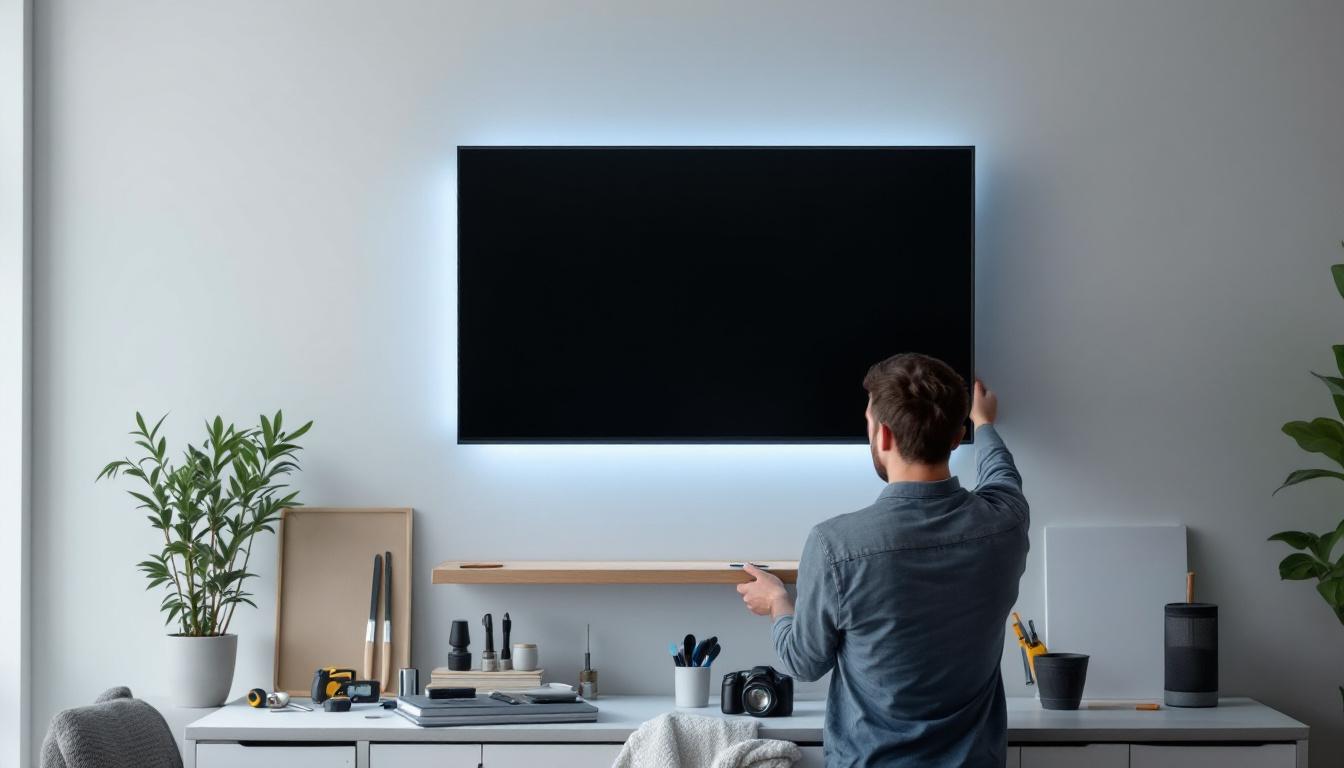
Mounting a cabinet securely on a wall is a fundamental skill for both DIY enthusiasts and professional installers. Whether upgrading a kitchen, organizing a workspace, or installing a custom LED display cabinet, understanding the proper techniques ensures safety, durability, and aesthetic appeal. This comprehensive guide will walk you through the essential steps to hang a cabinet on a wall, with a special focus on integrating LED displays for a modern, functional touch.
Understanding the Basics of Wall Cabinet Installation
Before diving into the installation process, it is crucial to understand the fundamentals of wall cabinet mounting. Cabinets can be heavy, especially when filled with items or integrated with electronic components like LED displays. Proper installation ensures they remain secure and functional over time.
Wall cabinets are typically mounted on studs within the wall, which provide the necessary support. Drywall alone cannot hold the weight of a cabinet, so locating these studs is a critical first step. Additionally, the type of wall—whether drywall, plaster, or concrete—affects the choice of anchors and screws.
Why Proper Mounting Matters
Incorrectly mounted cabinets can lead to accidents, damage to the wall, or costly repairs. According to the U.S. Consumer Product Safety Commission, improperly secured furniture and fixtures cause thousands of injuries annually. Ensuring a cabinet is securely fastened reduces the risk of it falling, which is especially important when the cabinet houses expensive or fragile LED display components.
Furthermore, a well-mounted cabinet maintains its alignment and appearance over time, preventing sagging or warping that can detract from the overall design of the room. A cabinet that is not properly installed can also create gaps between the cabinet and the wall, which can be unsightly and may even allow dust and pests to accumulate in hidden spaces. This not only affects the aesthetic appeal but can also lead to additional maintenance issues down the line.
Tools and Materials Needed
Having the right tools and materials on hand simplifies the installation process. Here’s a list of essentials:
- Stud finder
- Level
- Measuring tape
- Power drill with appropriate bits
- Screwdriver
- Wall anchors or toggle bolts (if studs are unavailable)
- Heavy-duty screws (typically 2.5 to 3 inches long)
- Mounting brackets or French cleats (optional for extra support)
- Protective gloves and safety glasses
For cabinets with LED displays, additional considerations include cable management tools, power outlets, and possibly a surge protector to safeguard electronic components. It’s also wise to have a helper on hand during installation, especially for larger cabinets, as this can make aligning and securing the cabinet much easier. Working together ensures that the cabinet is held in place while you drill and fasten it securely, reducing the risk of misalignment and potential damage.
Moreover, before beginning the installation, it can be beneficial to plan the layout of the items you intend to store in the cabinet. This planning phase allows you to determine the optimal height for the cabinet, ensuring that it is both functional and accessible. Consideration of how frequently you will use the items stored within can guide you in deciding whether the cabinet should be mounted higher or lower, contributing to a more user-friendly space overall.
Step-by-Step Guide to Hanging a Cabinet on a Wall
Following a systematic approach ensures the cabinet is mounted securely and aligned perfectly. The steps below outline the process from preparation to final adjustments.
Step 1: Locate Wall Studs
Use a stud finder to locate the wooden or metal studs behind the drywall. Mark the edges of each stud with a pencil to identify the center point. Studs are typically spaced 16 or 24 inches apart, center to center.
If you cannot find studs in the desired location, consider using heavy-duty wall anchors or toggle bolts rated for the cabinet’s weight. However, mounting on studs is always preferable for maximum stability.
Step 2: Measure and Mark the Cabinet Position
Determine the height and horizontal placement of the cabinet. Standard wall cabinets are usually installed with the bottom edge 54 inches from the floor, but this can vary based on ceiling height and user preference.
Use a level to draw a horizontal guideline on the wall where the bottom of the cabinet will rest. This ensures the cabinet will be perfectly level once installed.
Step 3: Prepare the Cabinet for Mounting
Remove the cabinet doors and shelves to reduce weight and facilitate easier handling. If the cabinet includes an LED display, disconnect any power sources and secure the display to prevent damage during installation.
Attach mounting brackets or French cleats to the back of the cabinet if the design calls for them. These can distribute weight more evenly and simplify the hanging process.
Step 4: Drill Pilot Holes in the Wall
Align the cabinet or mounting brackets with the wall studs and mark the screw hole locations. Drill pilot holes into the studs to prevent wood splitting and to make screw insertion easier.
For walls without studs, drill holes appropriate for the wall anchors or toggle bolts you plan to use.
Step 5: Secure the Cabinet to the Wall
With assistance, lift the cabinet into place, aligning it with the pilot holes or mounting brackets. Insert heavy-duty screws through the cabinet’s back panel or mounting brackets and into the wall studs.
Use a level to check the cabinet’s alignment before fully tightening the screws. Adjust as necessary to ensure the cabinet is perfectly horizontal.
Step 6: Reinstall Shelves and Doors
Once the cabinet is securely mounted, reinstall the shelves and doors. Check that doors open and close smoothly and that shelves are stable.
If the cabinet contains an LED display, reconnect the power and test the display to ensure it functions correctly after installation.
Integrating LED Displays into Wall Cabinets
LED displays have become increasingly popular in modern cabinetry, offering dynamic lighting, informational displays, or decorative effects. Incorporating LED technology into a cabinet requires additional planning and attention to detail.
Choosing the Right LED Display
LED displays vary widely in size, resolution, brightness, and power requirements. For cabinetry, slim, low-profile LED panels or LED strips are often preferred to maintain a sleek appearance.
Consider the cabinet’s purpose when selecting an LED display. For example, a kitchen cabinet might use LED strips for under-cabinet lighting, while a media room cabinet could feature a high-resolution LED screen for digital art or notifications.
Power and Wiring Considerations
Ensure that the installation site has access to a power outlet capable of supporting the LED display’s electrical load. Conceal wiring within the cabinet or wall to maintain a clean look and prevent damage.
Wire management solutions such as cable raceways, conduit, or in-wall rated cables help maintain safety and aesthetics. Additionally, using a surge protector can protect the LED components from power fluctuations.
Heat Management and Ventilation
LED displays generate heat, albeit less than traditional lighting. Adequate ventilation within the cabinet prevents overheating, which can reduce the lifespan of the LEDs and other electronic components.
Incorporate vents or small cooling fans if necessary, especially for larger or high-brightness LED installations.
Common Challenges and How to Overcome Them
Even experienced installers encounter challenges when hanging cabinets or integrating LED displays. Awareness of common issues helps prevent mistakes and ensures a smooth installation.
Uneven Walls or Floors
Many homes have walls or floors that are not perfectly level or plumb. Use shims behind the cabinet during installation to compensate for uneven surfaces. This prevents gaps and ensures the cabinet sits flush against the wall.
Locating Studs in Older Homes
Older homes may have irregular stud spacing or non-standard framing materials. In such cases, use a combination of stud finder, tapping, and probing methods to identify solid mounting points.
If studs are unavailable, opt for heavy-duty wall anchors rated for the cabinet’s weight, but always err on the side of caution.
Managing LED Display Installation Complexity
Integrating LED displays adds complexity due to electrical and structural considerations. Plan the layout carefully, including power access and wire routing, before mounting the cabinet.
If unsure about electrical work, consult a licensed electrician to ensure compliance with local codes and safety standards.
Maintenance Tips for Wall Cabinets with LED Displays
Proper maintenance extends the life and functionality of both the cabinet and the LED display.
Regular Cleaning
Dust and clean the cabinet surfaces regularly using a soft cloth and mild detergent. Avoid harsh chemicals that could damage finishes or LED components.
For LED displays, use manufacturer-recommended cleaning methods, typically involving gentle wiping with a microfiber cloth to prevent scratches.
Inspect Mounting Hardware
Periodically check screws, brackets, and anchors for signs of loosening or wear. Tighten or replace hardware as needed to maintain secure mounting.
Monitor LED Performance
Watch for flickering, dimming, or color changes in the LED display, which may indicate electrical issues or component aging. Address problems promptly to avoid further damage.
Conclusion
Hanging a cabinet on a wall is a task that requires careful planning, the right tools, and attention to detail. When combined with the integration of LED displays, the process becomes more intricate but offers exciting possibilities for enhancing both functionality and aesthetics.
By following the outlined steps—locating studs, measuring accurately, securing the cabinet properly, and managing LED installation—anyone can achieve a professional-quality result. Proper maintenance ensures the cabinet and LED display remain safe, functional, and visually appealing for years to come.
Whether upgrading a kitchen, creating a high-tech media center, or installing custom cabinetry, understanding these principles empowers homeowners and professionals alike to execute successful wall cabinet installations with confidence.
Explore Cutting-Edge LED Display Solutions
Ready to take your cabinet installations to the next level with innovative LED display technology? Discover the wide range of LED display solutions offered by LumenMatrix, designed to bring your spaces to life. Whether you’re looking to enhance a kitchen, create a dynamic media center, or install custom cabinetry with integrated LED displays, LumenMatrix has the expertise and technology to elevate your project. Check out LumenMatrix LED Display Solutions today and transform your visual communication with clarity and impact.