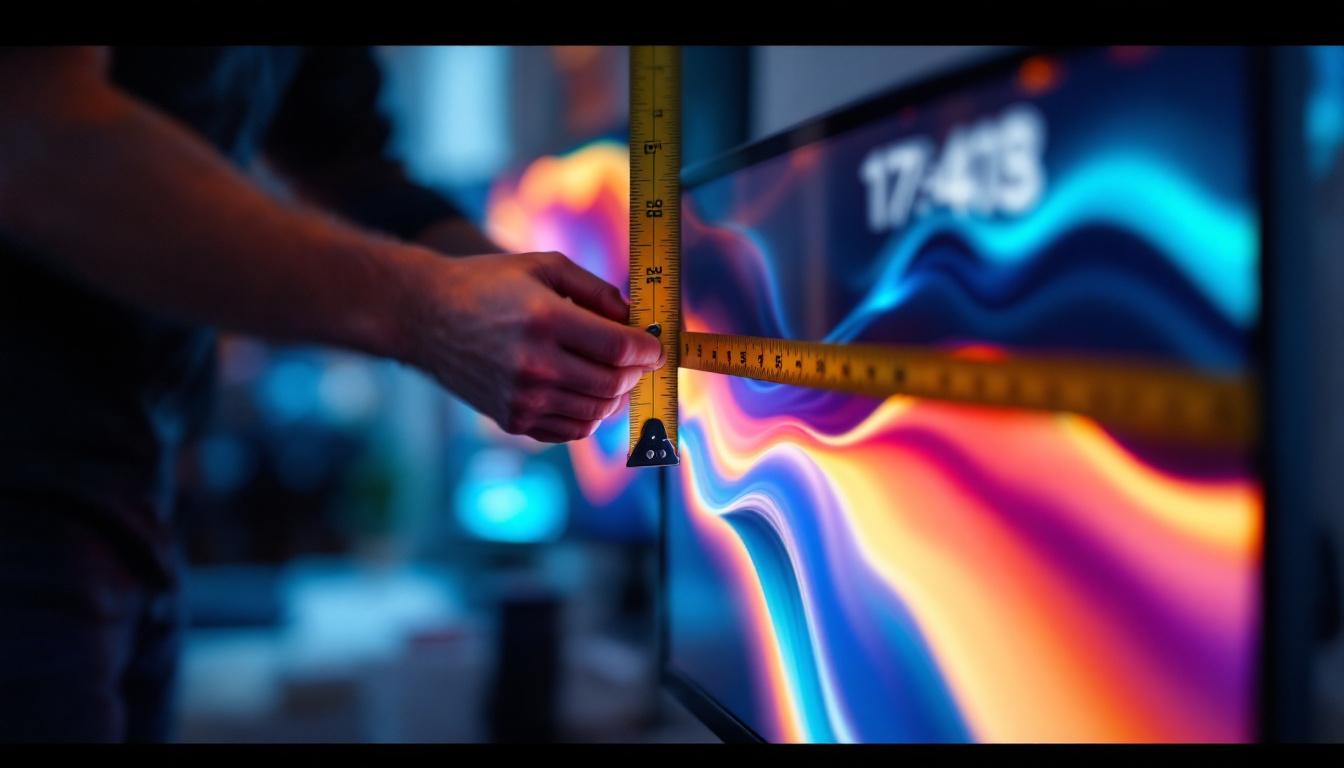
Choosing the right monitor is crucial for both productivity and entertainment, but understanding monitor specifications can be confusing. One of the most fundamental aspects to grasp is how to measure a monitor screen, especially when it comes to LED displays. This guide will walk you through the essential details, helping you make informed decisions whether you’re upgrading your workstation, setting up a gaming rig, or simply replacing an old screen.
Understanding Monitor Screen Size: The Basics
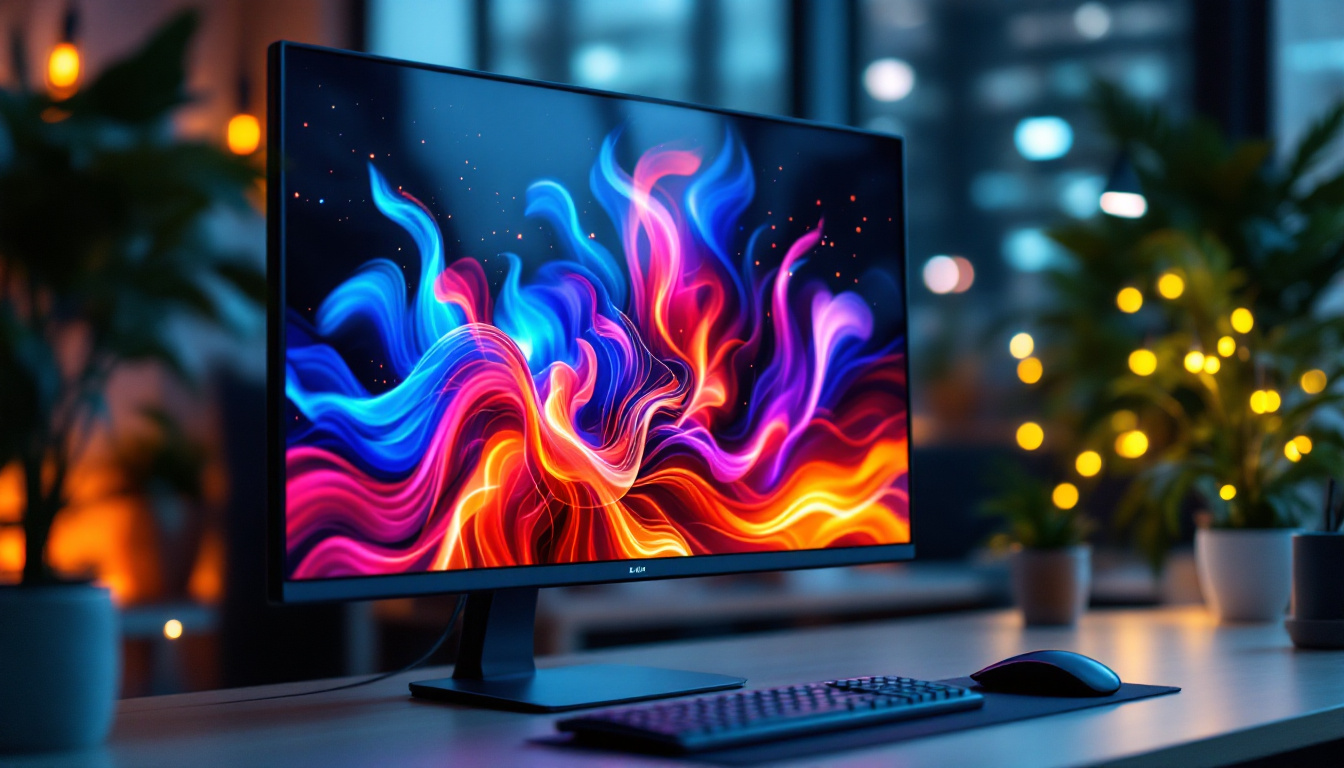
When shopping for a monitor, the screen size is often the first specification that catches the eye. But what exactly does “screen size” mean? Typically, screen size refers to the diagonal measurement of the display area, expressed in inches. This measurement is taken from one corner of the screen to the opposite corner, not including the bezel or frame surrounding the display.
For example, a 24-inch monitor means the diagonal length of the visible screen area is 24 inches. This standard measurement helps consumers compare sizes across different brands and models. However, it’s important to remember that screen size alone doesn’t determine the overall viewing experience; factors like resolution, aspect ratio, and pixel density also play significant roles.
Why Diagonal Measurement Matters
Measuring diagonally is a convention that dates back to the early days of CRT monitors and televisions. It provides a consistent way to describe screen size regardless of the shape or aspect ratio. For LED monitors, this remains the industry standard, making it easier for consumers to compare products.
However, diagonal measurement can sometimes be misleading. Two monitors with the same diagonal size but different aspect ratios (such as 16:9 versus 21:9) will have different widths and heights, affecting how content appears on the screen. For instance, a 21:9 ultrawide monitor offers a more immersive experience for gaming and cinematic viewing, as it provides a wider field of view. This is particularly beneficial for multitasking, as users can have multiple windows open side by side without feeling cramped. Additionally, the increased width can enhance productivity for creative professionals who work with design software, allowing for a more expansive workspace.
Moreover, the choice of screen size can significantly impact ergonomics and comfort during prolonged use. Larger screens can reduce eye strain by allowing users to view content from a greater distance, while smaller screens may require closer viewing, which can lead to discomfort over time. It’s also essential to consider the physical space where the monitor will be placed; a large screen may look impressive but could overwhelm a small desk or workspace. Therefore, understanding the implications of screen size in relation to your specific needs and environment is crucial for making an informed decision.
Step-by-Step Guide: How to Measure Your Monitor Screen
Measuring your monitor screen accurately is straightforward if you follow these steps carefully. Whether you’re measuring an existing monitor or verifying the size before purchase, these instructions will help you get precise results.
What You’ll Need
- A measuring tape or a ruler with inch markings
- A notepad to record measurements
- Good lighting to clearly see edges of the screen
Measuring the Screen
- Turn off the monitor: This reduces glare and helps you see the screen edges clearly.
- Locate the visible screen area: Identify the actual display area, excluding the bezel or frame.
- Measure diagonally: Place the measuring tape at the bottom left corner of the screen and extend it to the top right corner. This diagonal length is your screen size.
- Double-check: Repeat the measurement from the bottom right to the top left corner to ensure accuracy.
Remember, do not include the bezel or frame in your measurement, as this area does not display images.
Measuring Width and Height
In addition to the diagonal size, measuring the width and height of the screen can provide a better understanding of the monitor’s dimensions, especially if you’re planning to fit it into a specific desk space or mount it on a wall.
- Width: Measure the horizontal length of the visible screen area from left to right.
- Height: Measure the vertical length of the visible screen area from top to bottom.
These measurements, combined with the diagonal size, can help you calculate the aspect ratio and verify the monitor’s specifications.
Aspect Ratio and Its Impact on Screen Measurement
The aspect ratio is the proportional relationship between the width and height of the screen. It’s expressed as two numbers separated by a colon, such as 16:9 or 21:9. This ratio determines the shape of the display and affects how content is presented.
Common Aspect Ratios Explained
- 16:9 (Widescreen): The most common aspect ratio for modern LED monitors, ideal for movies, games, and general computing.
- 16:10: Slightly taller than 16:9, preferred by professionals who need extra vertical space for productivity tasks.
- 21:9 (Ultrawide): Provides a much wider field of view, popular among gamers and video editors for immersive experiences.
Understanding aspect ratio is important because two monitors with the same diagonal size but different aspect ratios will have different width and height measurements. For instance, a 27-inch 16:9 monitor is narrower and taller than a 27-inch 21:9 ultrawide display.
Calculating Width and Height from Diagonal and Aspect Ratio
If you know the diagonal size and aspect ratio, you can calculate the width and height of the screen using basic geometry:
- Let D be the diagonal size
- Let W and H be the width and height
- Aspect ratio = W:H (for example, 16:9)
The formulas are:
W = D × (aspect_width / √(aspect_width² + aspect_height²))
H = D × (aspect_height / √(aspect_width² + aspect_height²))
For a 24-inch 16:9 monitor:
- aspect_width = 16
- aspect_height = 9
- W ≈ 20.9 inches
- H ≈ 11.8 inches
This calculation helps visualize how much physical space the screen will occupy.
LED Display Technology: What You Need to Know
LED monitors have become the standard in display technology, offering vibrant colors, energy efficiency, and slim designs. But understanding how LED technology affects screen measurement and quality is essential for making the right choice.
What is an LED Monitor?
LED stands for Light Emitting Diode. In LED monitors, tiny diodes emit light to illuminate the screen. Most modern LED monitors are actually LCD (Liquid Crystal Display) panels with LED backlighting, combining the sharpness of LCD with the brightness and color accuracy of LEDs.
This technology allows for thinner panels and better energy efficiency compared to older CCFL (Cold Cathode Fluorescent Lamp) backlit LCDs.
How LED Technology Influences Screen Size and Quality
While LED backlighting itself doesn’t change the physical size of the screen, it impacts the overall design and performance. LED monitors tend to have thinner bezels and slimmer profiles, making the screen appear larger relative to the monitor’s frame.
Additionally, LED technology supports higher resolutions and better color reproduction, which means that a smaller LED monitor can sometimes deliver a better viewing experience than a larger, older LCD display.
Resolution and Pixel Density: The Other Side of Screen Measurement
Screen size is just one piece of the puzzle. Resolution and pixel density are equally important when assessing a monitor’s quality and suitability for your needs.
What is Resolution?
Resolution refers to the number of pixels displayed on the screen, typically expressed as width × height (e.g., 1920×1080). Higher resolution means more pixels, which generally translates to sharper images and more screen real estate for multitasking.
Common resolutions for LED monitors include:
- Full HD (1920×1080)
- Quad HD (2560×1440)
- 4K UHD (3840×2160)
Pixel Density (PPI) Explained
Pixel density, measured in pixels per inch (PPI), indicates how many pixels are packed into each inch of the screen. A higher PPI means finer detail and crisper visuals.
For example, a 24-inch Full HD monitor has a pixel density of around 92 PPI, while a 27-inch 4K monitor boasts approximately 163 PPI, resulting in much sharper images.
Why Resolution and Pixel Density Matter
When choosing a monitor, consider how resolution and pixel density align with the screen size. A large monitor with low resolution may appear pixelated, while a small monitor with high resolution can provide a stunningly detailed image.
For professionals working with graphic design or video editing, higher pixel density is often essential. Gamers may prioritize refresh rates and response times alongside resolution, while office users might focus on screen real estate and comfort.
Practical Tips for Choosing the Right Monitor Size
Selecting the perfect monitor size involves balancing screen dimensions, resolution, and intended use. Here are some practical tips to guide your decision:
Consider Your Workspace
Measure your desk space before purchasing a monitor. Larger monitors require more room and may need adjustable stands or mounts to fit comfortably.
Match Screen Size to Viewing Distance
Optimal viewing distance varies with screen size. A general rule is to sit about 1.5 to 2.5 times the diagonal screen size away from the monitor. For a 27-inch screen, this means sitting roughly 3.5 to 5.5 feet away.
Think About Your Use Case
- Office work: 24 to 27 inches with 1080p or 1440p resolution is ideal.
- Gaming: 27 inches or larger with high refresh rates and 1440p or 4K resolution.
- Creative professionals: Larger ultrawide monitors (34 inches or more) with high resolution and color accuracy.
Check Monitor Specifications Carefully
Don’t rely solely on screen size. Review resolution, refresh rate, response time, panel type, and connectivity options to ensure the monitor meets your needs.
Conclusion: Mastering Monitor Measurements for Better Choices
Measuring a monitor screen correctly and understanding the nuances of LED display technology are foundational steps in selecting the right monitor. By focusing on diagonal size, aspect ratio, resolution, and pixel density, consumers can make choices that enhance their computing experience.
Whether upgrading for work, gaming, or media consumption, knowing how to measure your monitor and interpret its specifications ensures you invest in a display that truly fits your space and requirements.
Armed with this knowledge, navigating the diverse market of LED monitors becomes a confident and informed process, leading to better satisfaction and productivity.
Discover the Perfect LED Display with LumenMatrix
Now that you’re equipped with the knowledge to measure and understand monitor specifications, take the next step with LumenMatrix. Explore our innovative LED display solutions tailored to meet your needs, whether for dynamic advertising, immersive entertainment, or impactful presentations. From indoor and outdoor displays to specialized options like vehicle and sports displays, LumenMatrix is committed to enhancing your visual communication. Check out LumenMatrix LED Display Solutions today and experience the future of display technology.