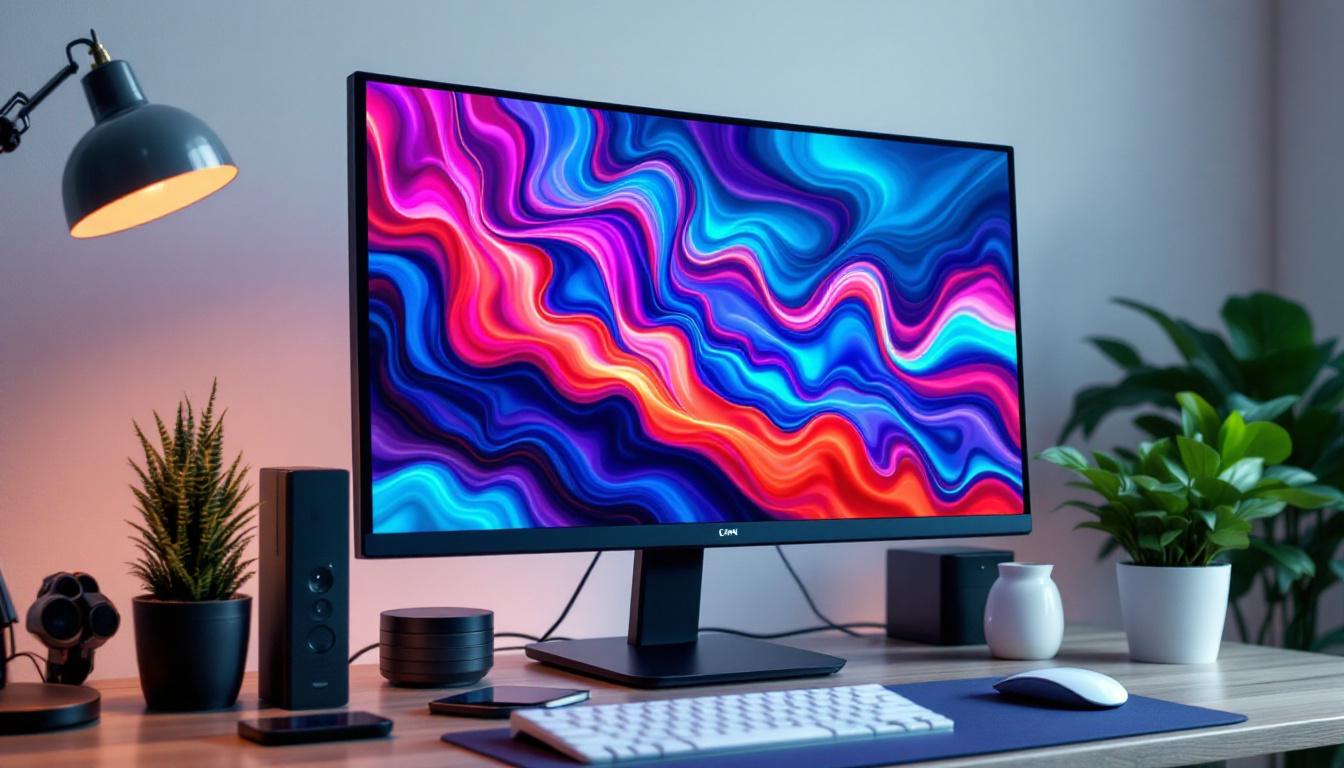
In today’s tech-driven world, the display quality of computer monitors significantly impacts user experience, whether for professional work, gaming, or casual browsing. Among the various display technologies, LCD and LED monitors dominate the market, often causing confusion due to overlapping terminology. This article aims to clarify what LCD and LED monitors are, how LED displays function, and why understanding these differences matters when selecting a computer monitor.
Understanding LCD Technology
LCD stands for Liquid Crystal Display, a technology that has been the backbone of flat-panel screens for decades. Unlike older cathode ray tube (CRT) monitors, LCDs use liquid crystals to modulate light and produce images. These crystals do not emit light themselves; instead, they manipulate light passing through them to create the visuals seen on the screen.
At the core of an LCD panel is a layer of liquid crystals sandwiched between two polarizing filters and glass substrates. When an electric current passes through the crystals, they align in a way that controls the amount of light that can pass through each pixel. This process allows for the formation of images with varying brightness and color.
Backlighting in LCD Monitors
Since liquid crystals do not emit light, LCD monitors require a separate light source behind the screen, known as backlighting. Traditionally, cold cathode fluorescent lamps (CCFLs) were used as backlights. These lamps provide uniform illumination but are bulkier and consume more power compared to modern alternatives.
The backlight is crucial because it affects the monitor’s brightness, color accuracy, and energy efficiency. A high-quality backlight can enhance the overall display performance, making images appear more vivid and sharp. In recent years, LED (Light Emitting Diode) technology has largely replaced CCFLs in LCD displays. LED backlighting offers several advantages, including thinner panels, improved energy efficiency, and better color reproduction. With advancements in LED technology, manufacturers can now produce displays that achieve higher contrast ratios and deeper blacks, significantly enhancing the viewing experience.
Furthermore, there are various types of LED backlighting techniques, such as edge-lit and full-array. Edge-lit displays use LEDs positioned along the edges of the screen, which can lead to a slimmer design but may result in less uniform brightness. In contrast, full-array backlighting employs a grid of LEDs behind the entire screen, allowing for more precise control over local dimming and improved overall picture quality. This innovation has made it possible for LCDs to compete more effectively with OLED displays, which are known for their exceptional color and contrast capabilities.
What Does LED Mean in Computer Monitors?
LED stands for Light Emitting Diode, a semiconductor device that emits light when an electric current passes through it. In the context of computer monitors, “LED monitor” usually refers to an LCD screen that uses LED backlighting instead of CCFLs. This distinction is important because the screen itself remains an LCD panel; the difference lies in the type of backlight used.
LED backlighting has become the industry standard due to its numerous advantages over CCFLs. It offers better energy efficiency, longer lifespan, thinner panel designs, and improved brightness and contrast ratios. With the increasing demand for high-definition displays, LED technology has played a crucial role in enhancing the visual experience for users, whether they are gaming, watching movies, or working on graphic design projects.
Types of LED Backlighting
There are primarily two types of LED backlighting used in LCD monitors:
- Edge-Lit LED: LEDs are placed along the edges of the screen, and light is distributed across the panel using light guides. This design allows for ultra-thin monitors and is generally more affordable. However, edge-lit monitors may struggle with uniform brightness across the screen, especially in darker scenes, as the light can sometimes appear uneven.
- Full-Array LED: LEDs are distributed evenly behind the entire screen, enabling more precise control of brightness and contrast through local dimming zones. This results in better picture quality, especially in dark scenes. Full-array LED technology allows for deeper blacks and brighter whites, making it a preferred choice for those who prioritize high-quality visuals in their computing experience.
Full-array LED monitors tend to be more expensive but provide superior image quality, making them popular among professionals and enthusiasts. Additionally, many full-array models support HDR (High Dynamic Range), which further enhances the color range and contrast, delivering a more lifelike viewing experience. As technology continues to advance, we can expect even more innovations in LED backlighting, such as mini-LED and micro-LED technologies, which promise to push the boundaries of display performance even further.
Comparing LCD Monitors with CCFL and LED Backlighting
When shopping for a computer monitor, it is essential to understand the practical differences between LCDs with CCFL and LED backlighting. These differences impact not only the display quality but also the monitor’s form factor, power consumption, and environmental footprint.
Energy Efficiency and Environmental Impact
LED backlighting is significantly more energy-efficient than CCFLs. According to the U.S. Department of Energy, LED-backlit monitors consume up to 40% less power than their CCFL counterparts. This efficiency translates to lower electricity bills and a reduced carbon footprint, an important consideration for environmentally conscious consumers and businesses.
Additionally, LEDs do not contain mercury, unlike CCFLs, which makes LED monitors safer to dispose of and more environmentally friendly. The absence of hazardous materials in LED technology not only simplifies the recycling process but also aligns with global initiatives aimed at reducing electronic waste. As more manufacturers commit to sustainable practices, choosing LED monitors can contribute to a greener future, encouraging innovation in eco-friendly technologies.
Display Quality and Performance
LED backlighting enables higher brightness levels and better contrast ratios. Full-array LED monitors with local dimming can achieve deeper blacks and more vibrant colors, enhancing the overall viewing experience. This capability is particularly valuable for gaming, video editing, and professional graphic design.
On the other hand, CCFL-backlit monitors may suffer from uneven brightness and lower contrast, which can affect image clarity and color accuracy. The limitations of CCFL technology can be especially noticeable in dark scenes or when displaying high dynamic range (HDR) content, where subtle details can be lost. As a result, professionals in creative fields often prefer LED monitors for their ability to render images with precision, making them indispensable tools for tasks that demand high fidelity and color accuracy.
Design and Durability
LED technology allows for thinner and lighter monitors due to the compact size of LEDs compared to CCFL tubes. This design flexibility has led to the sleek, modern monitor profiles seen today. The lightweight nature of LED monitors also makes them easier to mount on walls or adjust on desks, catering to various workspace configurations and preferences.
Furthermore, LEDs generally have a longer lifespan, often exceeding 50,000 hours, whereas CCFLs tend to degrade faster, leading to dimmer displays over time. This longevity not only reduces the frequency of replacements but also contributes to lower long-term costs for users. Additionally, many LED monitors come equipped with advanced features such as flicker-free technology and blue light filters, further enhancing user comfort during extended use, which is particularly beneficial for those who spend long hours in front of their screens for work or leisure.
Advanced LED Display Technologies in Monitors
Beyond basic LED backlighting, manufacturers have developed several advanced technologies to enhance display performance. Understanding these can help users choose monitors that best fit their needs.
Quantum Dot LED (QLED)
Quantum Dot technology involves a layer of semiconductor nanocrystals that emit precise colors when illuminated by an LED backlight. QLED monitors offer wider color gamuts, higher brightness, and improved color accuracy compared to standard LED-backlit LCDs.
This technology is particularly beneficial for professionals in photography, video production, and digital art who require accurate color reproduction.
Mini-LED Backlighting
Mini-LED is a newer backlighting technology that uses thousands of tiny LEDs to provide extremely fine local dimming control. This results in exceptional contrast ratios and brightness uniformity, rivaling OLED displays in some respects.
Monitors with Mini-LED backlighting are gaining popularity for high-end gaming and professional use, offering superior HDR (High Dynamic Range) performance.
OLED vs. LED LCD Monitors
While OLED (Organic Light Emitting Diode) displays emit light directly from each pixel, LED LCD monitors rely on backlighting. OLEDs provide perfect blacks and superior contrast but are currently more expensive and less common in computer monitors.
LED-backlit LCDs remain the mainstream choice due to their balance of cost, performance, and availability.
Choosing the Right LCD LED Monitor for Your Needs
Selecting the ideal monitor involves considering various factors beyond just the backlighting technology. Here are key aspects to evaluate:
Usage Scenario
For general office work and web browsing, a standard edge-lit LED monitor with good resolution and color accuracy will suffice. Gamers and creative professionals, however, may benefit from full-array or Mini-LED monitors with higher refresh rates, better color gamut, and superior contrast.
Resolution and Screen Size
Higher resolutions such as 1440p (QHD) or 4K (UHD) provide sharper images and more screen real estate, which is advantageous for multitasking and detailed work. Screen size preferences vary, but 24 to 27 inches is a common sweet spot for desktop use.
Refresh Rate and Response Time
Gamers should look for monitors with refresh rates of 120Hz or higher and low response times to ensure smooth gameplay. These features are less critical for typical office tasks.
Color Accuracy and Calibration
Professionals working in color-sensitive fields should prioritize monitors with factory calibration and support for wide color spaces like Adobe RGB or DCI-P3.
Conclusion: Why Understanding LED Displays Matters
The terminology surrounding LCD and LED monitors can be confusing, but understanding the underlying technologies is crucial for making informed purchasing decisions. LED backlighting has revolutionized LCD monitors by enhancing energy efficiency, display quality, and design flexibility.
Whether choosing between edge-lit or full-array LED monitors, or exploring advanced options like Quantum Dot and Mini-LED technologies, knowing how these systems work helps users align their choices with their specific needs and budget.
As display technology continues to evolve, staying informed will ensure that consumers and professionals alike can enjoy the best visual experience possible from their computer monitors.
Discover the Future of Visual Display with LumenMatrix
Ready to elevate your visual experience with the latest in LED display technology? LumenMatrix is at the forefront of innovation, offering a wide array of LED display solutions tailored to meet your needs. From captivating Indoor LED Walls to dynamic Outdoor LED Displays, and from mobile Vehicle LED Displays to sleek LED Poster Displays, our products are designed to make a lasting impression. Embrace the future of digital signage with LumenMatrix and transform how you communicate visually. Check out LumenMatrix LED Display Solutions today and see your brand shine like never before.