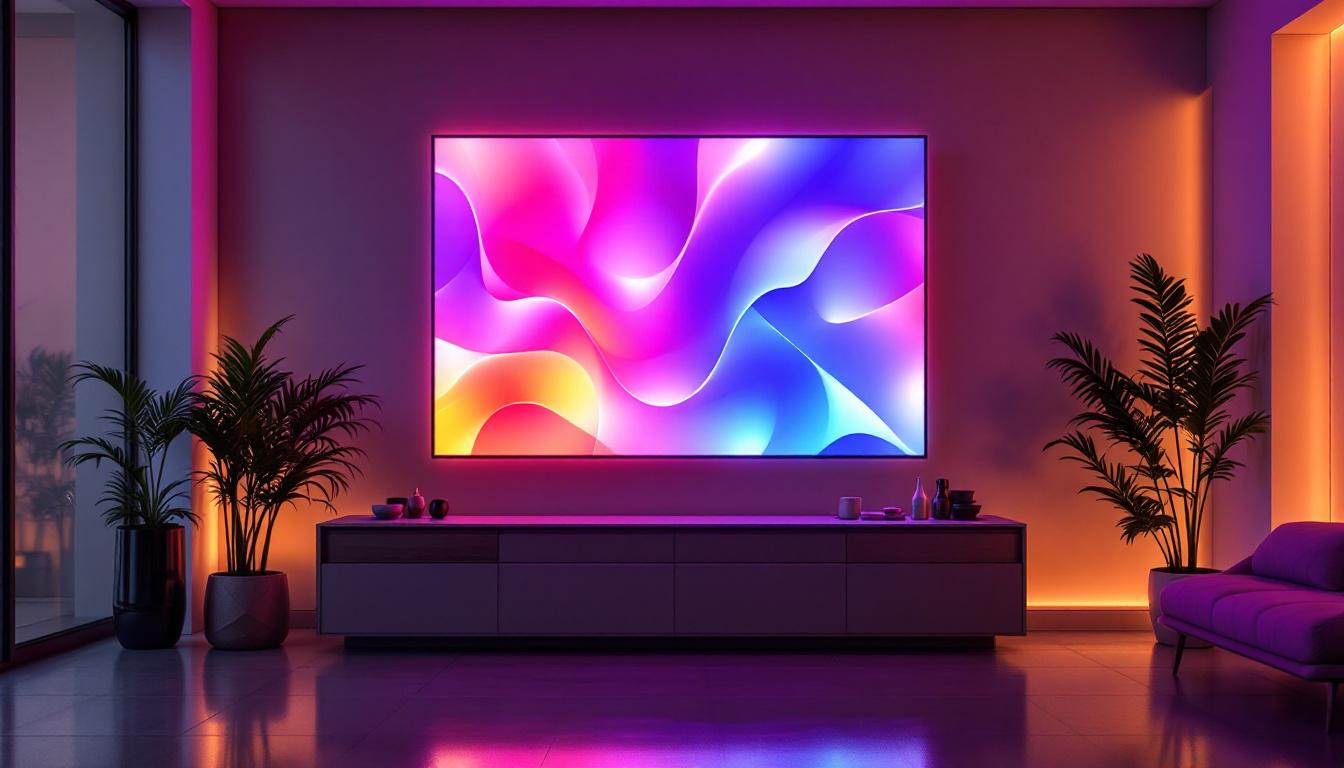
In the evolving world of architectural design and building information modeling (BIM), lighting plays a pivotal role not only in aesthetics but also in functionality and energy efficiency. Among the many tools available, Autodesk Revit stands out as a comprehensive platform that allows designers and engineers to integrate lighting solutions seamlessly into their projects. Specifically, the creation and use of lighting Revit families for LED displays have become increasingly important as LED technology dominates the lighting industry.
This article explores the intricacies of lighting Revit families focused on LED displays, offering a detailed explanation of their creation, application, and benefits. Whether you are a lighting designer, architect, or BIM specialist, understanding how to effectively use LED display families in Revit can significantly enhance your project outcomes.
Understanding Revit Families and Their Importance in Lighting Design
What Are Revit Families?
Revit families are pre-built or custom parametric components used within Autodesk Revit software to represent real-world objects in a digital model. These families range from structural elements like walls and doors to mechanical components and lighting fixtures. Each family contains geometry, parameters, and metadata that define its behavior and appearance within the BIM environment.
Lighting families specifically represent different types of light fixtures, including their physical dimensions, photometric data, and electrical characteristics. This allows designers to simulate lighting effects accurately and coordinate with other building systems. The ability to customize these families also means that designers can create unique fixtures that meet specific aesthetic or functional requirements, ensuring that the lighting design aligns seamlessly with the overall architectural vision.
Moreover, Revit families can be categorized into different types, such as system families, loadable families, and in-place families. System families are predefined and cannot be loaded or modified, while loadable families can be created or imported, allowing for greater flexibility in design. In-place families, on the other hand, are used for unique components that are specific to a project. This classification helps designers choose the right type of family based on their project needs, enhancing the efficiency of the design process.
Why Use Lighting Families for LED Displays?
LED technology has revolutionized lighting due to its energy efficiency, longevity, and versatility. LED displays, often used in commercial and public spaces, require precise modeling to ensure optimal illumination, power consumption, and integration with architectural elements.
Using lighting Revit families tailored for LED displays enables designers to:
- Visualize the physical and spatial impact of LED fixtures within a project.
- Incorporate accurate photometric data for realistic light simulation and analysis.
- Coordinate electrical and mechanical systems efficiently.
- Streamline documentation and specification processes.
Furthermore, the integration of LED lighting families can significantly enhance the workflow for lighting designers. By utilizing these families, designers can quickly assess how different lighting configurations will affect the ambiance and functionality of a space. This is particularly crucial in environments where lighting plays a pivotal role in user experience, such as theaters, galleries, and retail spaces. The ability to visualize various lighting scenarios in real-time allows for informed decision-making and adjustments before the construction phase begins, ultimately leading to a more efficient and cost-effective design process.
Additionally, the use of Revit families for LED displays supports collaboration among project stakeholders. Architects, engineers, and lighting designers can work together more effectively by sharing a common platform where lighting specifications are clearly defined. This collaborative approach not only minimizes errors and misunderstandings but also fosters innovation, as team members can experiment with different lighting solutions and quickly see the results in the context of the overall design. As a result, the integration of lighting families into the design workflow is not just a technical necessity but a strategic advantage in creating high-quality, visually appealing spaces.
Key Components of an LED Display Lighting Revit Family
Geometry and Physical Representation
The first step in creating a lighting Revit family for an LED display involves defining its physical geometry. This includes the fixture’s shape, size, mounting options, and any visible elements such as lenses or diffusers. Accurate geometry ensures that the fixture fits properly within the architectural context and that spatial coordination is maintained.
For LED displays, the geometry might also include the housing for LED modules, heat sinks, and wiring channels. These components are important for understanding installation constraints and maintenance access. Additionally, the design must account for the thermal management of the LED modules, as overheating can significantly reduce their lifespan and performance. Therefore, incorporating features like ventilation grills or fans into the geometry can be beneficial for ensuring optimal operating conditions.
Photometric Data Integration
Photometric data defines how light is emitted from a fixture, including intensity distribution, color temperature, and luminous flux. This data is typically provided in industry-standard IES or LDT file formats by manufacturers.
Integrating photometric data into the Revit family allows designers to perform realistic lighting simulations. This is crucial for LED displays, where uniformity, brightness, and color rendering directly affect the display’s visibility and effectiveness. Furthermore, understanding the photometric performance helps in optimizing the layout of multiple displays in a given space, ensuring that they work harmoniously without causing glare or uneven lighting, which could detract from the viewer’s experience.
Electrical and Mechanical Parameters
LED display lighting families also include parameters related to electrical consumption, voltage requirements, and heat dissipation. These details help engineers coordinate power supply systems and ensure compliance with safety standards.
Mechanical parameters such as mounting height, orientation, and adjustability are also embedded to facilitate installation planning and operational flexibility. Moreover, incorporating features like tilt and swivel adjustments can enhance the display’s visibility from various angles, making it more effective in dynamic environments such as theaters or public spaces. This adaptability is particularly important in applications where the audience’s viewing position may change frequently, ensuring that the display remains impactful regardless of where viewers are situated.
Creating a Custom LED Display Lighting Family in Revit
Step 1: Define the Family Template
Start by selecting an appropriate family template in Revit, typically the “Lighting Fixture” template. This template provides a framework with predefined categories and parameters suited for lighting elements.
Step 2: Model the Geometry
Using Revit’s modeling tools, create the 3D geometry of the LED display fixture. Pay close attention to dimensions, mounting points, and any visible components. For complex fixtures, consider using nested families to organize parts efficiently.
Step 3: Load and Assign Photometric Data
Import the IES or LDT file from the LED display manufacturer and assign it to the family’s photometric parameter. This step ensures that the fixture’s lighting behavior is accurately represented in simulations.
Step 4: Set Electrical and Mechanical Parameters
Define parameters such as wattage, voltage, heat output, and mounting options. Use shared parameters if these need to be scheduled or tagged within the project.
Step 5: Test and Validate the Family
Load the family into a sample project and conduct lighting analyses to verify performance. Adjust parameters as necessary to meet design criteria and manufacturer specifications.
Benefits of Using LED Display Lighting Families in Revit Projects
Enhanced Design Accuracy and Coordination
Incorporating detailed LED display lighting families improves the accuracy of architectural and engineering models. This reduces clashes between lighting fixtures and other building elements, streamlining construction and installation.
Energy Efficiency and Sustainability
LED lighting is inherently energy-efficient, and modeling it accurately in Revit helps designers optimize power usage. This supports sustainable building certifications such as LEED and WELL, which increasingly emphasize lighting performance.
Improved Visualization and Client Communication
High-quality lighting families enable realistic renderings and walkthroughs, helping clients and stakeholders understand how LED displays will look and function within a space. This enhances decision-making and project buy-in.
Streamlined Documentation and Maintenance Planning
With comprehensive parameters embedded in the family, generating schedules, specifications, and maintenance plans becomes more efficient. This reduces errors and supports lifecycle management of lighting systems.
Challenges and Best Practices in Developing LED Display Families
Ensuring Photometric Accuracy
One common challenge is obtaining reliable photometric data from manufacturers. It is essential to use data from accredited testing labs and verify it within the Revit environment to avoid discrepancies in lighting simulations.
Balancing Detail and Performance
Highly detailed families can slow down project performance. Best practice involves creating simplified geometry for general use and detailed versions for close-up visualizations or presentations.
Maintaining Consistency Across Projects
Standardizing LED display lighting families within an organization ensures consistency and efficiency. Using shared parameters and centralized family libraries helps maintain quality control and facilitates collaboration.
Future Trends in LED Display Lighting and BIM Integration
Smart Lighting and IoT Integration
The rise of smart lighting systems connected through the Internet of Things (IoT) is transforming how LED displays are controlled and monitored. Future Revit families may incorporate parameters for sensors, wireless control modules, and data analytics integration.
Advanced Simulation and Visualization Tools
Emerging software tools are enhancing the ability to simulate dynamic lighting conditions, color changes, and interactive displays. Integrating these capabilities into Revit families will provide even more realistic and functional models.
Increased Emphasis on Sustainability and Human-Centric Design
As awareness of environmental and health impacts grows, LED display lighting design will increasingly focus on circadian lighting, glare reduction, and adaptive controls. Revit families will need to reflect these complex requirements to support holistic design approaches.
Conclusion
Lighting Revit families for LED displays represent a critical intersection of technology, design, and sustainability. By understanding the components, creation process, and benefits of these families, professionals can leverage Revit to deliver highly accurate, efficient, and visually compelling lighting solutions.
As LED technology continues to evolve and BIM workflows become more integrated, mastering LED display lighting families will be essential for staying competitive and meeting the demands of modern architectural projects. Whether for commercial signage, retail environments, or public installations, these families provide the foundation for innovative and effective lighting design.
Explore Cutting-Edge LED Display Solutions with LumenMatrix
Ready to elevate your architectural projects with the latest in LED display technology? LumenMatrix offers a comprehensive range of innovative LED display solutions tailored to meet your design needs. From captivating Indoor LED Wall Displays to dynamic Outdoor LED Wall Displays and beyond, our products are designed to enhance brand visibility and create immersive visual experiences. Embrace the future of visual communication and discover how our LED displays can transform your space. Check out LumenMatrix LED Display Solutions today and take the first step towards a brighter, more engaging environment.