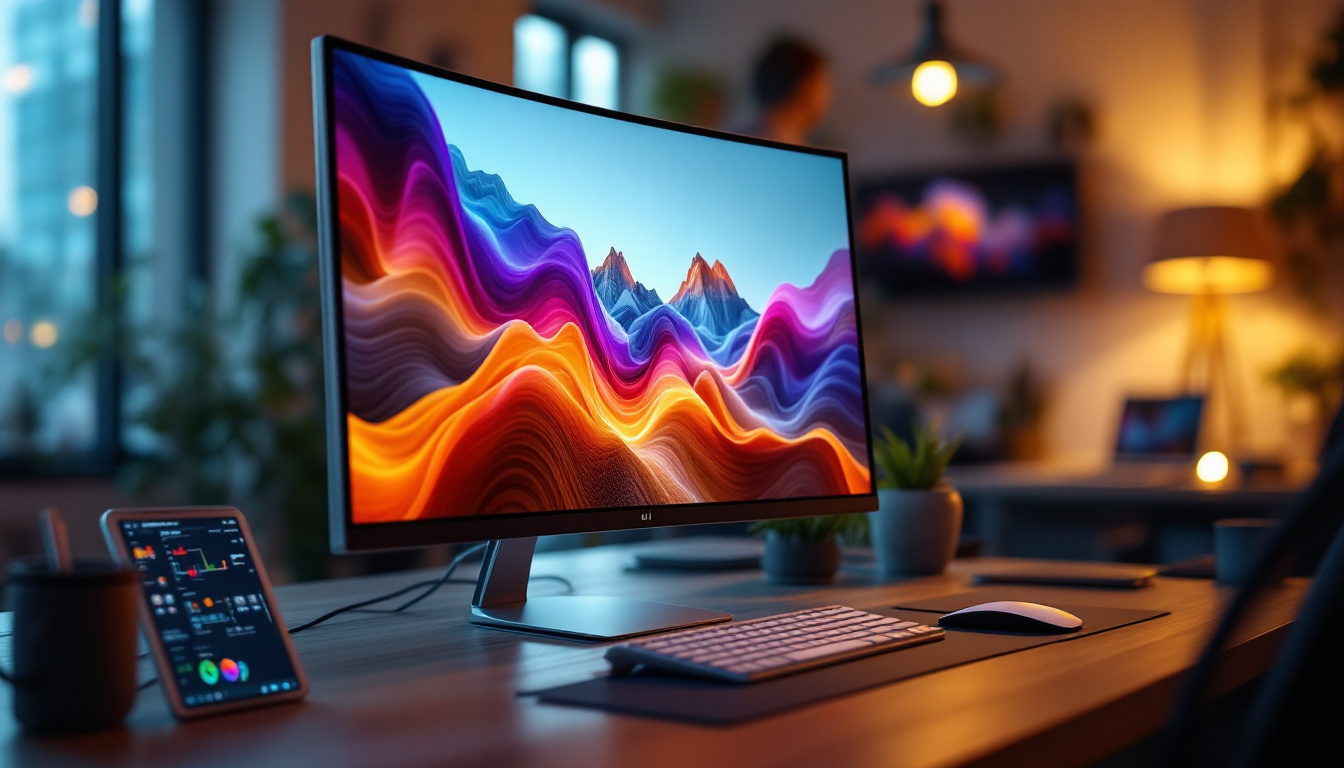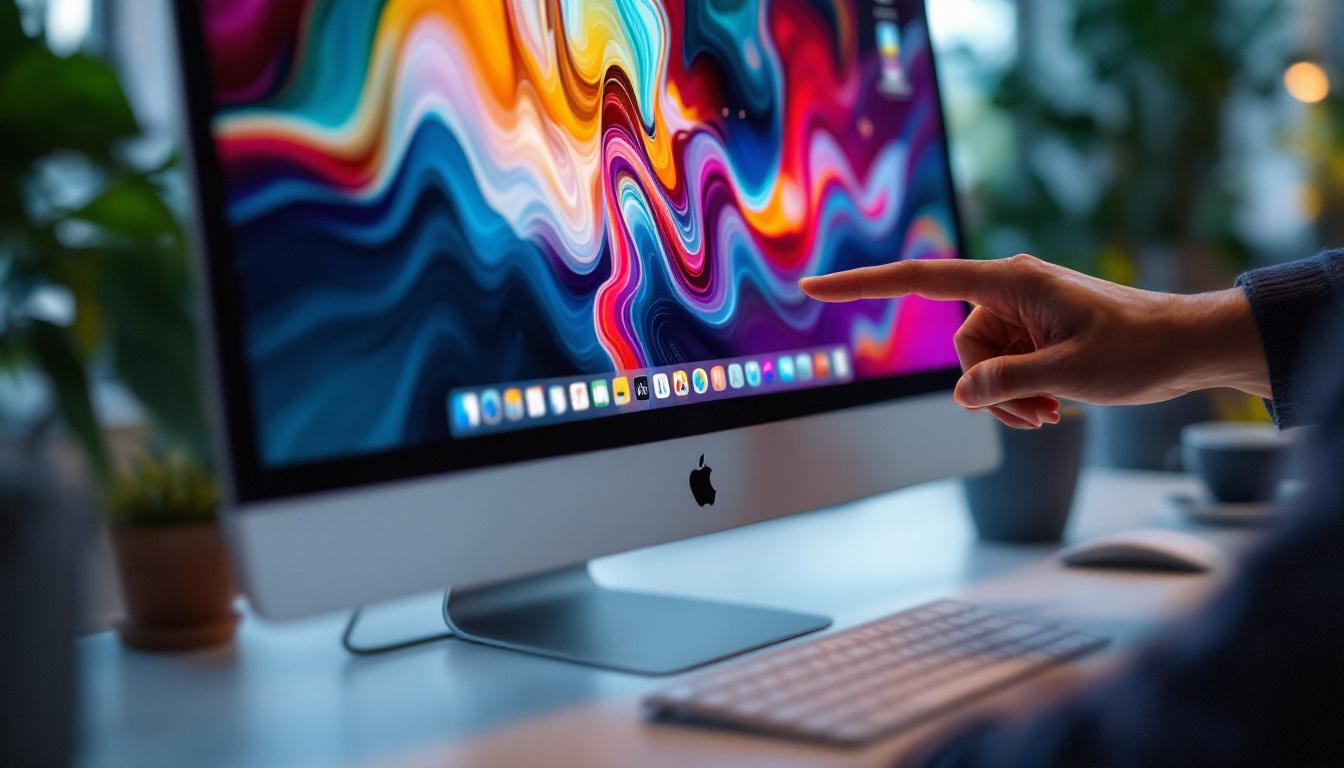
In today’s fast-evolving tech landscape, the integration of touch capabilities with high-quality displays has transformed how users interact with their devices. Apple’s Mac computers, known for their sleek design and powerful performance, have traditionally prioritized non-touch interfaces. However, the growing demand for touch-enabled monitors, especially those featuring LED display technology, has sparked interest among professionals and creatives alike. This article explores the nuances of Mac touch monitors, focusing on LED display technology, its benefits, limitations, and what users can expect from the current market.
Understanding LED Display Technology
What is an LED Display?
LED, or Light Emitting Diode, displays are a type of flat-panel display that use LEDs as a backlighting source for LCD (Liquid Crystal Display) panels. Unlike older CCFL (Cold Cathode Fluorescent Lamp) backlights, LED backlighting offers superior brightness, energy efficiency, and color accuracy. This technology has become the industry standard for monitors, televisions, and mobile devices due to its ability to deliver vivid images with lower power consumption.
In the context of Mac-compatible monitors, LED displays provide sharp visuals that complement the high-resolution Retina screens Apple is known for. The precise color reproduction and brightness levels of LED displays make them ideal for graphic design, video editing, and other creative tasks where image quality is paramount. Additionally, the rapid response times of LED displays reduce motion blur, making them suitable for fast-paced applications such as gaming and high-definition video playback. As a result, users can enjoy a more immersive experience with fluid visuals that enhance both productivity and entertainment.
Types of LED Backlighting
There are primarily two types of LED backlighting used in monitors: edge-lit and full-array. Edge-lit LED displays position LEDs along the edges of the screen, using light guides to distribute illumination evenly. This method allows for thinner panels but can sometimes result in uneven brightness or contrast. Despite these drawbacks, edge-lit displays are often favored for their sleek design and lightweight construction, making them a popular choice for portable devices and ultra-slim televisions.
Full-array LED backlighting places LEDs directly behind the screen in a grid pattern, enabling local dimming where specific areas of the screen can be dimmed independently. This enhances contrast ratios and black levels, producing deeper blacks and more vibrant images. For Mac users who demand the best image quality, full-array LED monitors are often preferred despite their higher cost and slightly thicker profile. Furthermore, the advancements in full-array technology have led to features such as HDR (High Dynamic Range), which allows for a broader range of colors and brightness levels, providing an even more lifelike viewing experience. As the demand for high-quality visuals continues to grow, full-array LED displays are becoming increasingly popular among both professionals and casual users alike, solidifying their place in the market as a premium option for visual excellence.
Touchscreen Technology and Mac Compatibility
Why Touchscreens Are Rare on Macs
Apple’s Mac lineup has traditionally eschewed touchscreen functionality, focusing instead on keyboard, mouse, and trackpad inputs. This design philosophy stems from Apple’s belief that touchscreens are better suited for handheld devices like the iPhone and iPad, while Macs benefit from more precise input methods for productivity tasks.
Despite this, the demand for touch-enabled monitors that can be used with Macs has grown, especially among professionals in creative industries who want to combine the tactile interaction of touch with the power of macOS. However, macOS has limited native support for touch input compared to Windows, which has slowed the adoption of touch monitors in the Mac ecosystem.
Current Options for Mac Touch Monitors
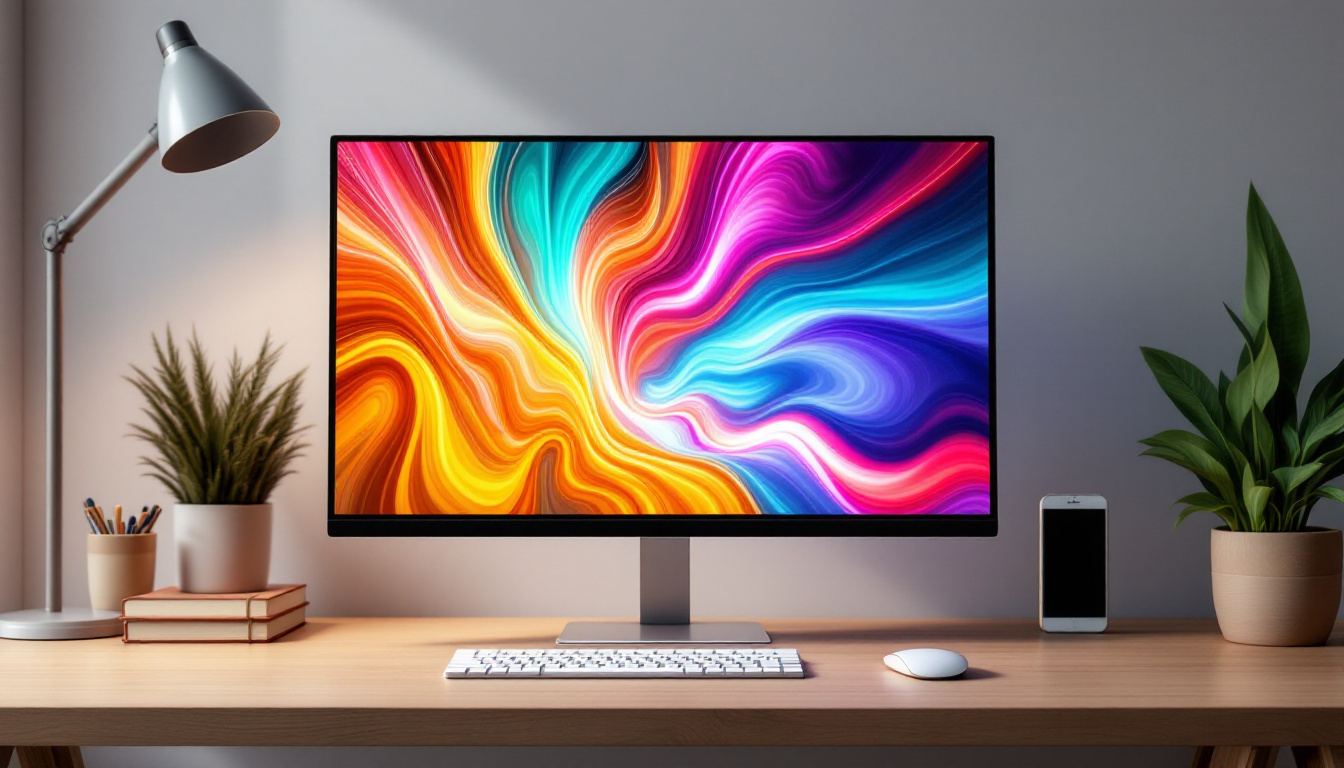
While Apple does not manufacture its own touch monitors for Macs, several third-party manufacturers offer touch-enabled LED displays compatible with macOS. These monitors typically connect via USB and HDMI or Thunderbolt, providing multi-touch functionality.
One notable example is the Wacom Cintiq series, which combines a high-quality LED display with a touch-sensitive surface and stylus input, widely used by digital artists and designers. Additionally, some portable touch monitors like the ASUS ZenScreen Touch and Dell P2418HT offer compatibility with Macs, though users may need to install specific drivers or software to enable full touch functionality.
Benefits of Using an LED Touch Monitor with a Mac
Enhanced Productivity and Creativity
Integrating a touch monitor with a Mac can significantly enhance productivity, especially for tasks that benefit from direct manipulation of on-screen elements. Touch input allows for intuitive gestures such as pinch-to-zoom, swipe, and tap, which can speed up workflows in applications like Adobe Photoshop, Illustrator, and Final Cut Pro.
For creative professionals, the combination of an LED display’s color accuracy and touch responsiveness enables more natural drawing, painting, and editing experiences. The ability to interact directly with the content on screen reduces the cognitive load of translating hand movements through a mouse or trackpad.
Improved Accessibility
Touchscreen monitors can also improve accessibility for users who find traditional input devices challenging. For individuals with limited dexterity or mobility impairments, touch interfaces provide an alternative means of navigation and control. When paired with macOS’s accessibility features, such as VoiceOver and Zoom, touch monitors can make Macs more inclusive and user-friendly.
Energy Efficiency and Durability
LED technology is known for its energy efficiency compared to older display technologies. Using an LED touch monitor can contribute to lower power consumption, which is beneficial for both environmental considerations and operating costs. Additionally, LED displays tend to have longer lifespans and better durability, making them a reliable choice for professional environments.
Challenges and Considerations When Choosing a Mac Touch Monitor
Compatibility and Driver Support
One of the primary challenges when selecting a touch monitor for Mac is ensuring compatibility. Unlike Windows, macOS does not natively support all touch gestures or multi-touch input on external displays. This means that some touch monitors may require additional drivers or software to function correctly, and even then, functionality might be limited compared to Windows counterparts.
Before purchasing, it is essential to verify that the monitor explicitly supports macOS and to review user feedback regarding driver stability and performance. Some manufacturers provide dedicated Mac drivers, but updates may lag behind macOS releases, potentially causing temporary incompatibility.
Cost and Value
Touch monitors with high-quality LED displays tend to be more expensive than standard monitors due to the added technology and precision required. For Mac users, the cost-benefit ratio should be carefully evaluated, especially if the touch functionality is not critical to their workflow.
Creative professionals who rely heavily on touch input and color accuracy may find the investment worthwhile. In contrast, casual users or those primarily using Macs for office tasks might prefer to invest in traditional non-touch monitors with excellent display quality.
Screen Size and Resolution
The size and resolution of a touch monitor are crucial factors affecting usability. Larger screens with higher resolutions provide more workspace and sharper images, which is particularly important for detailed creative work. However, larger touchscreens can be more expensive and may require more desk space.
Mac users should consider monitors that align with their Mac’s native resolution to ensure optimal scaling and image clarity. For example, pairing a 4K LED touch monitor with a MacBook Pro equipped with a Retina display can provide a seamless visual experience.
Future Trends in Mac Touch Monitors and LED Displays
Integration of OLED and Mini-LED Technologies
While LED remains the dominant backlighting technology, emerging display technologies like OLED (Organic Light Emitting Diode) and Mini-LED are beginning to influence the market. OLED displays offer superior contrast ratios and true blacks by emitting light at the pixel level, eliminating the need for backlighting altogether.
Mini-LED technology enhances traditional LED displays by using thousands of tiny LEDs for backlighting, improving brightness and contrast while maintaining energy efficiency. Apple has already incorporated Mini-LED in some of its iPad and MacBook models, signaling a potential shift toward these technologies in external monitors as well.
Improved macOS Touch Support
Apple’s ongoing development of macOS may eventually include enhanced native support for touch input on external displays. This would encourage more manufacturers to produce Mac-compatible touch monitors and broaden the ecosystem of touch-enabled peripherals.
Additionally, the convergence of iPadOS and macOS features, as seen with Universal Control and Sidecar, hints at a future where touch and stylus input become more integrated across Apple devices, potentially transforming how users interact with Macs.
Hybrid Devices and Touchscreen Laptops
The line between laptops and tablets continues to blur, with hybrid devices that offer touchscreens and detachable keyboards gaining popularity. While Apple has not released a touchscreen MacBook, the possibility remains that future devices could incorporate touch displays or foldable screens, further changing the landscape of Mac touch interaction.
Conclusion
The intersection of Mac computers, touch monitors, and LED display technology represents an exciting frontier for users seeking enhanced interaction and visual quality. LED displays provide vibrant, energy-efficient screens that complement the Mac’s high-performance hardware, while touch functionality offers new ways to engage with digital content.
Despite current limitations in macOS touch support and higher costs, the market for Mac-compatible touch monitors is growing, driven by creative professionals and accessibility needs. As display technologies evolve and Apple potentially expands native touch capabilities, the future promises more seamless and powerful touch experiences for Mac users.
For those considering a Mac touch monitor today, careful attention to compatibility, display quality, and workflow requirements will ensure the best investment. Whether for digital artistry, productivity, or accessibility, LED touch monitors offer a compelling combination of clarity and interactivity that can elevate the Mac experience.
Discover the Future of Touch Interaction with LumenMatrix
As you consider the potential of Mac touch monitors and LED display technology to revolutionize your digital experience, LumenMatrix stands at the forefront of this innovation. With a commitment to enhancing visual communication, LumenMatrix offers a diverse range of LED display solutions tailored to meet your needs. From Indoor and Outdoor LED Wall Displays to specialized options like Vehicle, Sports, and Floor LED Displays, our products are designed to captivate and engage. Embrace the future of touch interaction and elevate your brand’s visibility with our cutting-edge LED display modules. Check out LumenMatrix LED Display Solutions and transform the way you connect with your audience.