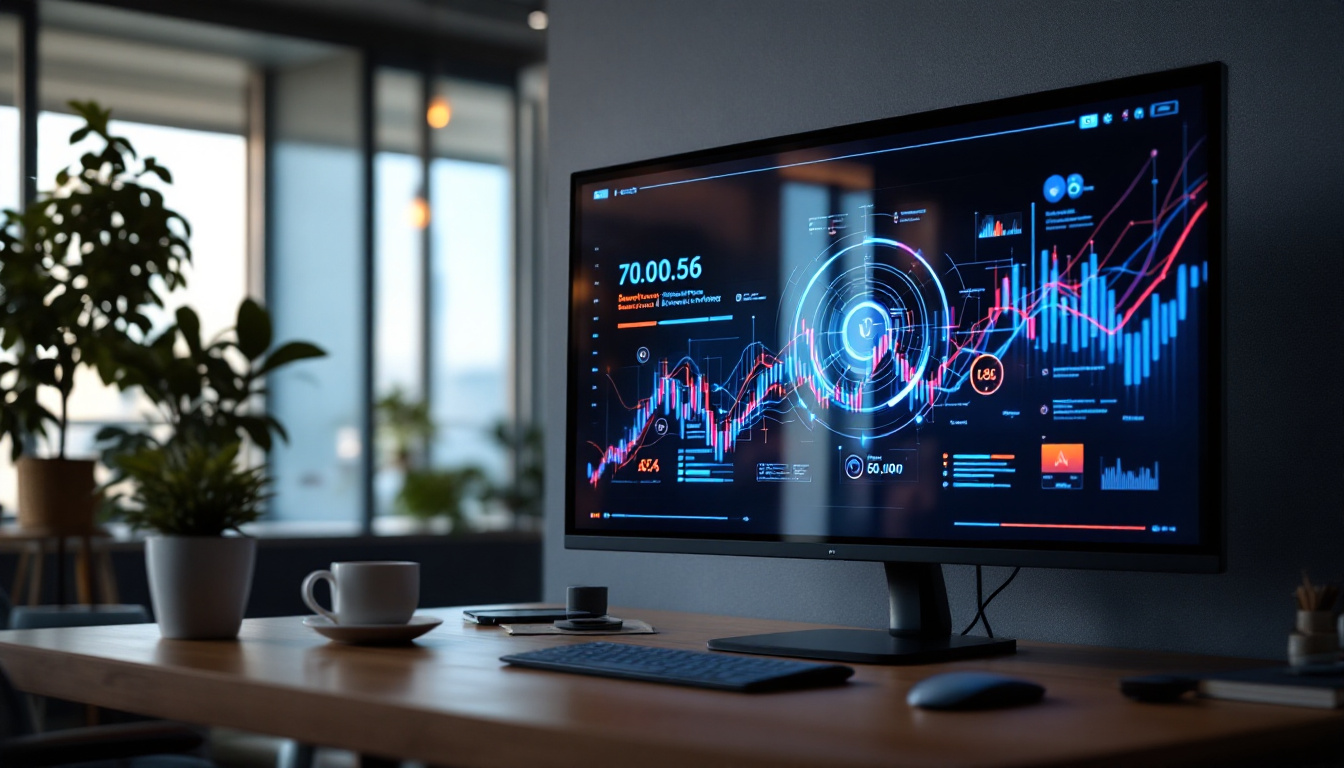
In today’s digital workspace, the 34-inch LED monitor has become a popular choice for professionals, gamers, and creatives alike. Its expansive screen real estate and vibrant display offer enhanced productivity and immersive experiences. However, to truly maximize the benefits of a 34-inch LED display, selecting the right monitor stand is crucial. This article delves into the essentials of monitor stands for 34-inch LED displays, explaining their importance, types, ergonomic benefits, and how to choose the best one for your setup.
Why a Monitor Stand is Essential for a 34-Inch LED Display
Large monitors, especially those measuring 34 inches diagonally, demand thoughtful placement to ensure optimal viewing comfort and desk organization. Without a proper stand, users often face issues such as neck strain, poor posture, and cluttered workspaces.
Studies show that improper monitor height and distance can lead to musculoskeletal problems over time. According to the Occupational Safety and Health Administration (OSHA), the ideal monitor height is such that the top of the screen is at or slightly below eye level, reducing strain on the neck and shoulders. For a 34-inch LED display, which typically has a wider and taller profile than smaller monitors, achieving this ergonomic positioning without a stand can be challenging.
Moreover, a dedicated monitor stand can free up valuable desk space by elevating the display, allowing for storage underneath or better cable management. This is particularly important in modern work environments where desk real estate is often limited.
Enhancing Viewing Experience and Productivity
The size and curvature of many 34-inch LED monitors provide a panoramic view that enhances multitasking and immersive experiences. However, to leverage these advantages, the monitor must be positioned correctly. A monitor stand allows users to adjust height, tilt, and sometimes swivel or rotation, tailoring the display to individual preferences and tasks.
For professionals working with detailed graphics, spreadsheets, or multiple applications, this customization can reduce eye fatigue and improve focus. Gamers and content creators benefit from the ability to align the screen perfectly with their line of sight, enhancing immersion and precision.
Types of Monitor Stands Suitable for 34-Inch LED Displays
Choosing a monitor stand for a 34-inch LED display involves understanding the different types available and their respective advantages. The main categories include fixed stands, adjustable stands, monitor arms, and desk mounts.
Fixed Monitor Stands
Fixed stands are the simplest type, often included with the monitor itself. They provide a stable base but offer limited or no adjustability. While suitable for users who do not require frequent repositioning, fixed stands may not deliver optimal ergonomic benefits, especially for larger monitors.
Given the size of a 34-inch LED display, relying solely on a fixed stand can restrict the ability to customize viewing angles and height, potentially leading to discomfort during extended use.
Adjustable Monitor Stands
Adjustable stands allow users to modify the height, tilt, and sometimes swivel of the monitor. These stands can be standalone units or integrated with the monitor. They provide greater flexibility and support ergonomic positioning, making them a popular choice for larger monitors.
For a 34-inch display, an adjustable stand can help align the screen to the user’s eye level and reduce glare by enabling tilt adjustments. Some models also include cable management features to keep the workspace tidy.
Monitor Arms
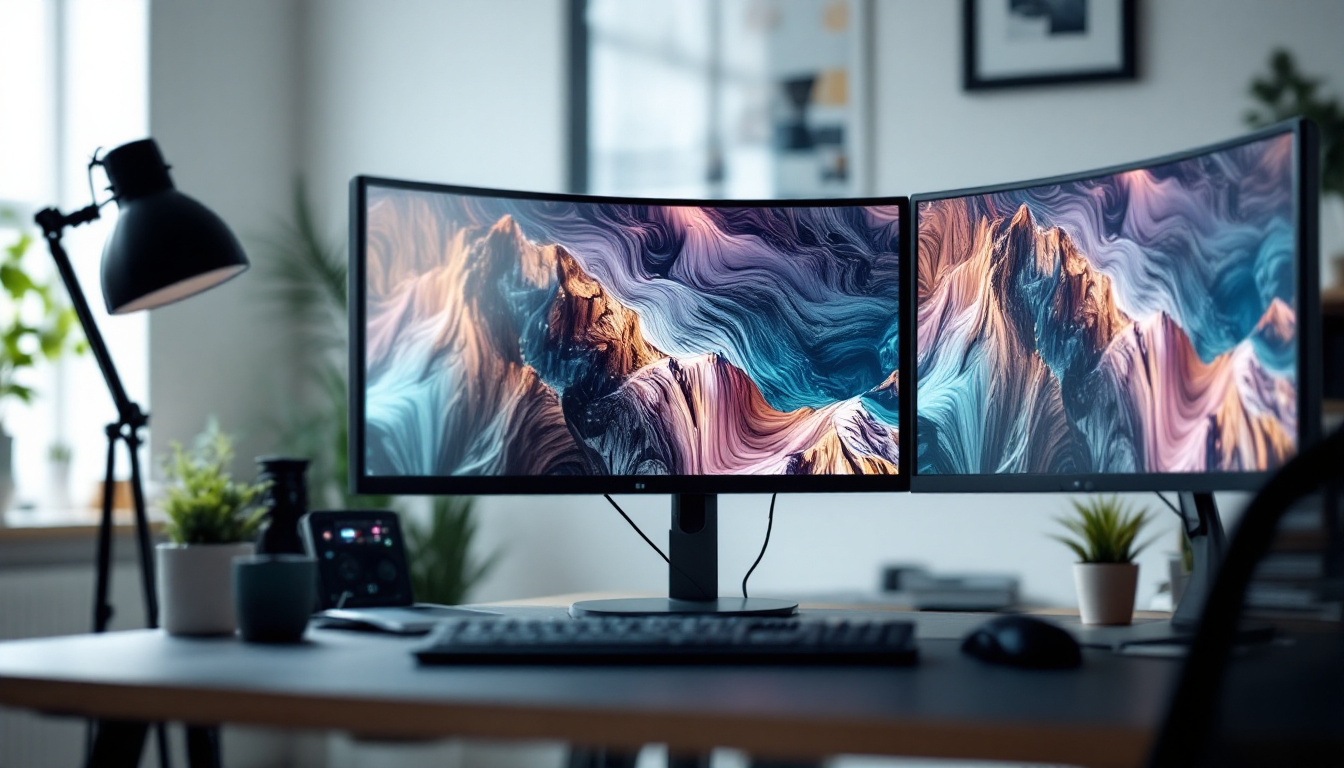
Monitor arms are highly versatile and can be clamped to the edge of a desk or mounted through a grommet hole. They offer extensive adjustability, including height, tilt, swivel, and rotation. This flexibility makes monitor arms ideal for 34-inch LED displays, especially curved models that benefit from precise positioning.
Monitor arms also maximize desk space by lifting the monitor off the surface entirely. This is particularly advantageous for users with limited workspace or those who use multiple monitors. Additionally, many monitor arms support VESA mounting standards, ensuring compatibility with a wide range of monitors.
Desk Mounts and Riser Stands
Desk mounts and riser stands elevate the monitor to a comfortable height while providing additional storage space underneath. Riser stands are often simple platforms or shelves, while desk mounts may include adjustable arms or brackets.
These options are suitable for users seeking a balance between ergonomic positioning and desk organization. However, they may offer less adjustability compared to full monitor arms.
Ergonomic Considerations for 34-Inch LED Monitor Stands
Ergonomics plays a pivotal role in selecting the right monitor stand, especially for large displays like 34-inch LED monitors. Proper ergonomics not only enhances comfort but also reduces the risk of repetitive strain injuries and long-term health issues.
Optimal Height and Distance
The ideal monitor height positions the top of the screen at or slightly below eye level. For a 34-inch monitor, this often means elevating the display higher than smaller monitors to accommodate the increased screen height. The viewing distance should generally be between 20 to 40 inches, depending on screen resolution and user preference.
Adjustable stands and monitor arms excel in facilitating these adjustments, allowing users to find the perfect height and distance that minimizes eye strain and promotes good posture.
Screen Tilt and Angle
Tilt adjustments help reduce glare from overhead lighting and windows, which can be particularly problematic on glossy LED screens. A slight backward tilt of 10 to 20 degrees is often recommended to maintain a comfortable viewing angle and reduce reflections.
Swivel and rotation features are beneficial for users who share their screen during meetings or need to switch between landscape and portrait modes, although the latter is less common for ultrawide 34-inch displays.
Desk Space and Cable Management
Large monitors can dominate a desk, so stands that elevate the screen and provide space underneath for keyboards, documents, or other accessories help maintain an organized workspace. Many modern monitor stands and arms include integrated cable management systems to route power and data cables neatly, reducing clutter and potential hazards.
How to Choose the Best Monitor Stand for Your 34-Inch LED Display
Selecting the best monitor stand involves balancing ergonomics, adjustability, desk space, aesthetics, and budget. Here are key factors to consider:
Compatibility and Weight Capacity
Ensure the stand supports the weight and dimensions of your 34-inch LED monitor. Most monitor stands specify maximum weight limits and VESA compatibility (usually 100×100 mm or 75×75 mm). Ultrawide 34-inch monitors can weigh between 10 to 15 pounds or more, so verify that the stand can safely support your display.
Adjustability Features
Look for stands that offer height adjustment, tilt, swivel, and rotation if needed. The more adjustable the stand, the easier it is to customize your setup for comfort and productivity. For curved 34-inch monitors, the ability to fine-tune positioning is especially valuable.
Desk Space and Mounting Options
Consider your desk size and layout. If space is limited, a monitor arm that clamps to the desk or mounts through a grommet hole can save surface area. If you prefer a simpler setup, an adjustable stand with a small footprint may suffice.
Build Quality and Materials
Durability is important, especially for heavier monitors. Look for stands made from robust materials such as steel or aluminum. A stable base or secure mounting mechanism prevents wobbling and ensures safety.
Additional Features
Some stands include extras like USB hubs, headphone hooks, or integrated lighting. While not essential, these can enhance your workspace convenience and aesthetics.
Popular Monitor Stand Recommendations for 34-Inch LED Displays
Several monitor stands and arms on the market are highly rated for use with 34-inch LED displays. Here are a few noteworthy options:
Ergotron LX Desk Monitor Arm
Known for its robust build and smooth adjustability, the Ergotron LX supports monitors up to 25 pounds and offers extensive height, tilt, and swivel options. Its sleek design and cable management system make it a favorite among professionals.
AmazonBasics Premium Single Monitor Stand
This adjustable stand supports monitors up to 25 pounds and offers height adjustment, tilt, and swivel. It’s an affordable option with a sturdy base, suitable for users seeking a balance between cost and functionality.
VIVO Dual Monitor Desk Mount (for multi-monitor setups)
For users combining a 34-inch LED monitor with additional screens, the VIVO dual mount provides flexible positioning and desk space optimization. It supports VESA mounts and offers full adjustability.
HUANUO Monitor Riser Stand
A simple riser stand that elevates the monitor to eye level while providing storage space underneath. It’s ideal for users who prefer a fixed height and want to declutter their desk.
Maintaining Your Monitor Stand and Display
Proper maintenance ensures longevity and consistent performance of both your monitor stand and LED display. Regularly check the stability of screws and clamps, especially if the stand is adjustable or has moving parts.
Clean the monitor screen with appropriate microfiber cloths and avoid harsh chemicals to preserve display quality. For stands, dust and wipe surfaces to prevent buildup that could affect movement or aesthetics.
Conclusion
A 34-inch LED monitor offers impressive screen space and visual clarity, but its size demands careful consideration of how it is positioned. A suitable monitor stand is not just an accessory but a critical component for ergonomic comfort, desk organization, and enhanced productivity.
By understanding the types of stands available, ergonomic principles, and key selection criteria, users can make informed decisions that improve their workspace and overall experience. Whether opting for a versatile monitor arm or a simple riser, investing in the right stand will unlock the full potential of your 34-inch LED display.
Discover the Perfect Stand for Your LumenMatrix LED Display
Now that you understand the importance of the right monitor stand for your 34-inch LED display, it’s time to elevate your visual experience with LumenMatrix. Our innovative LED display solutions are designed to integrate seamlessly with your workspace and lifestyle, ensuring that every image stands out with unparalleled clarity and impact. From indoor to outdoor settings, LumenMatrix offers a diverse range of LED display modules tailored to your unique needs. Check out LumenMatrix LED Display Solutions today and transform the way you engage with your audience.