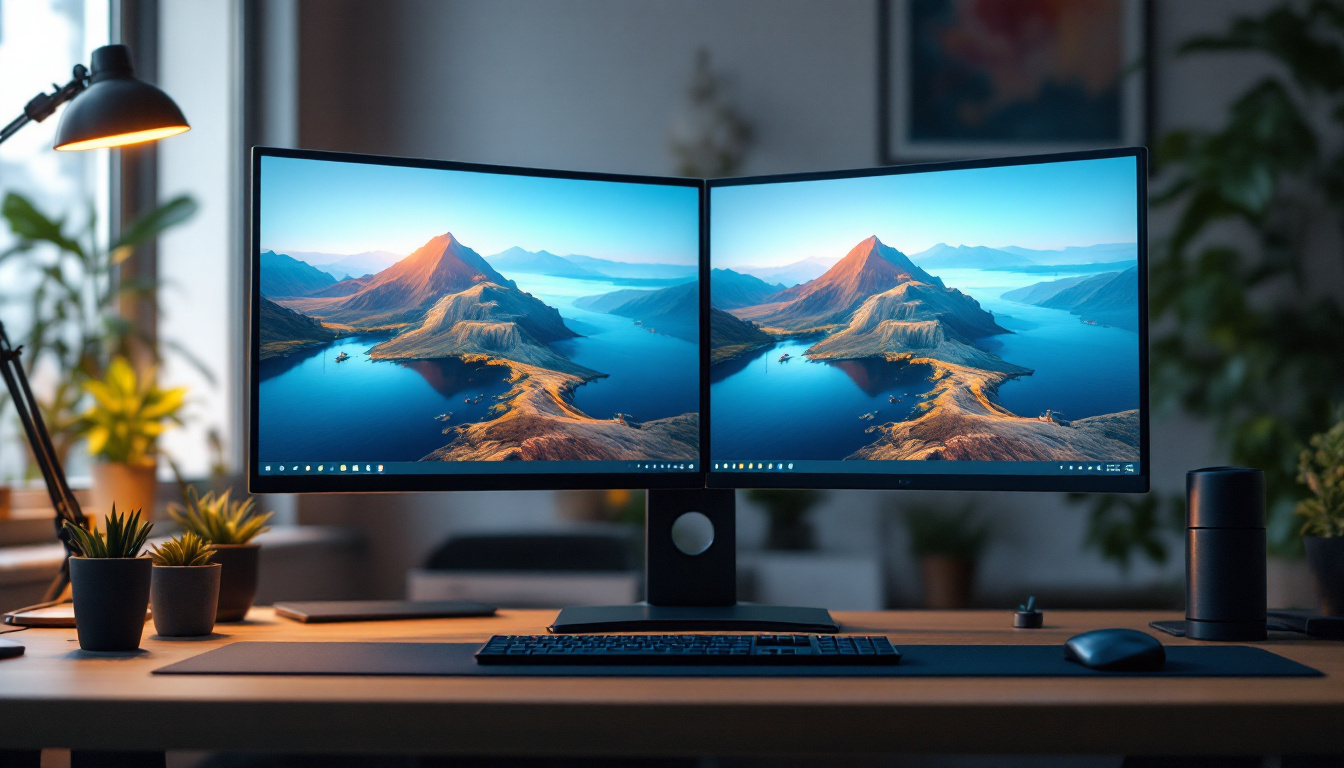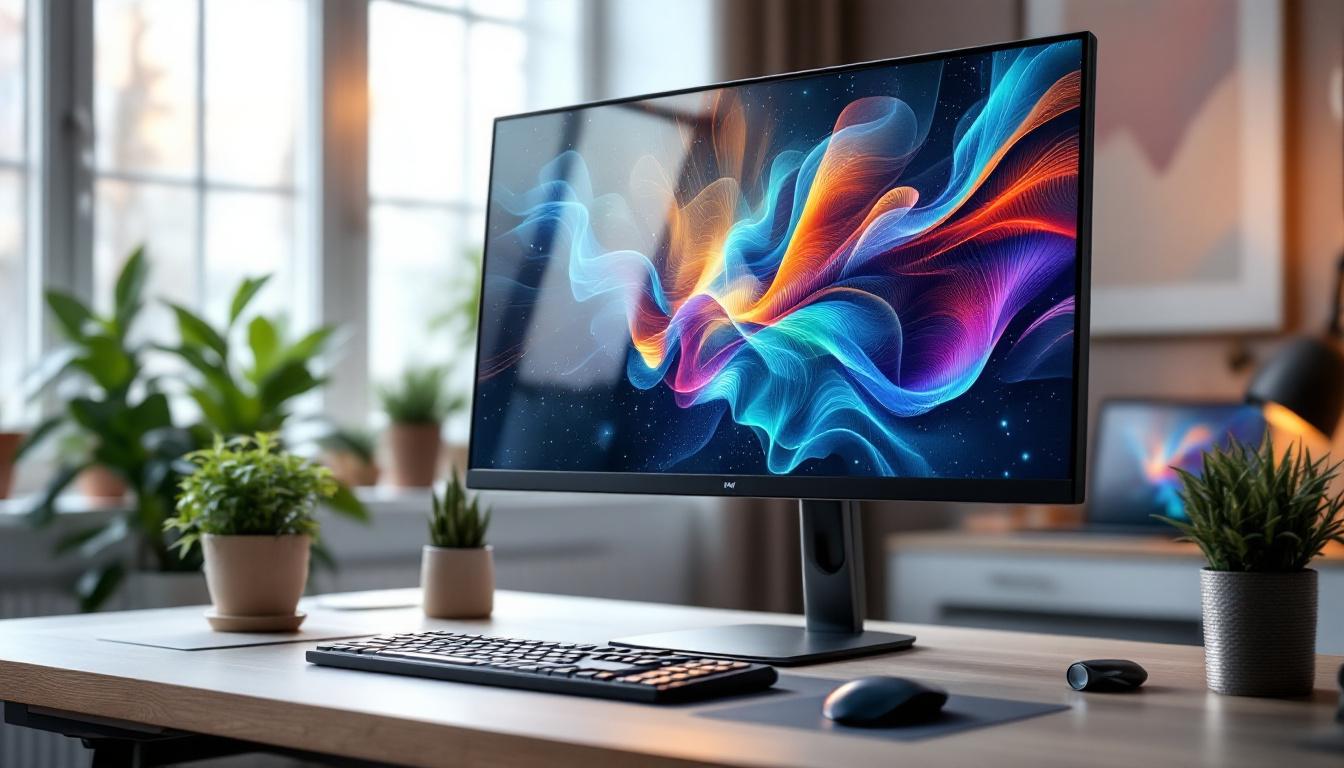
Choosing the right monitor stand for a 34-inch LED display is more than just a matter of aesthetics. It’s about ergonomics, desk organization, and maximizing the performance and longevity of your display. With the increasing popularity of ultrawide 34-inch monitors, understanding how to properly support and position these large screens has become essential for both professionals and casual users alike.
This article dives deep into the considerations for selecting a monitor stand tailored for 34-inch LED displays, explains the technology behind LED monitors, and offers practical advice to optimize your workspace.
Understanding 34 Inch LED Monitors
What Makes 34 Inch Monitors Unique?
Ultrawide 34-inch monitors have surged in popularity over the past few years, especially among professionals in creative fields, gamers, and multitaskers. Unlike traditional 16:9 aspect ratio displays, many 34-inch monitors feature a 21:9 ultrawide aspect ratio, providing expansive horizontal screen real estate that’s perfect for video editing timelines, wide spreadsheets, or immersive gaming experiences.
The size and shape of these monitors mean they take up more desk space and require a stable, ergonomic stand to ensure comfort and safety. Without proper support, users may experience neck strain, poor posture, or even risk damage to the monitor itself.
LED Display Technology Explained
LED (Light Emitting Diode) displays are a type of LCD screen that uses LED backlighting instead of the older CCFL (Cold Cathode Fluorescent Lamp) technology. This shift has brought several advantages:
- Improved Brightness and Contrast: LED backlights allow for brighter images and better contrast ratios, enhancing the viewing experience.
- Energy Efficiency: LEDs consume less power compared to CCFLs, which can reduce energy costs over time and contribute to environmental sustainability.
- Thinner and Lighter Panels: LED technology enables slimmer monitor designs, which is particularly beneficial for large ultrawide monitors that would otherwise be bulky.
- Better Color Accuracy: Many LED monitors support wider color gamuts and HDR (High Dynamic Range), making them ideal for professional photo and video editing.
Understanding these benefits is crucial when selecting a monitor stand, as the stand must accommodate the specific weight, size, and heat dissipation characteristics of LED displays.
Why a Dedicated Monitor Stand Matters for 34 Inch Monitors
Ergonomics and Health Benefits
Ergonomics is the science of designing a workspace to fit the user’s needs, minimizing discomfort and risk of injury. A 34-inch ultrawide monitor, due to its size, can cause neck and eye strain if positioned incorrectly. A dedicated monitor stand allows users to adjust the height, tilt, and swivel of their screen to maintain a neutral posture.
According to the Occupational Safety and Health Administration (OSHA), the top of the monitor screen should be at or slightly below eye level, and the viewing distance should be approximately an arm’s length away. Without an adjustable stand, many users are forced to compromise on these recommendations, potentially leading to musculoskeletal issues over time.
Desk Space Optimization
Large monitors can dominate a desk, leaving little room for other essentials like keyboards, notebooks, or personal items. A monitor stand, especially one with a raised platform or adjustable arm, can free up valuable desk space underneath the screen. This allows for better organization and a cleaner, more efficient workspace.
Some stands include integrated cable management systems, which help reduce clutter and improve airflow around the monitor, contributing to both aesthetics and device longevity.
Stability and Safety
Due to their size and weight, 34-inch monitors require sturdy support. An unstable or poorly designed stand can lead to accidental tipping or wobbling, risking damage to the monitor and injury to the user. Quality monitor stands are engineered to distribute weight evenly and securely fasten the display.
Many stands also offer VESA compatibility, allowing users to mount their monitors securely using standardized mounting holes on the back of the display. This ensures a snug fit and reduces the risk of accidental falls.
Key Features to Look for in a Monitor Stand for 34 Inch LED Displays
Weight Capacity and Build Quality
One of the first considerations is the stand’s weight capacity. A 34-inch LED monitor can weigh anywhere from 10 to 20 pounds (4.5 to 9 kg), depending on the model and features. It’s important to select a stand rated to support at least the maximum weight of your monitor, with some margin for safety.
Materials like steel and aluminum are preferred for their durability and stability. Plastic components should be minimal or reinforced to avoid wear and tear over time.
Adjustability: Height, Tilt, Swivel, and Rotation
Ergonomic stands offer multiple points of adjustment:
- Height Adjustment: Allows the user to raise or lower the monitor to eye level.
- Tilt: Enables angling the screen forward or backward to reduce glare and improve viewing comfort.
- Swivel: Lets the monitor rotate left or right without moving the base, useful for sharing the screen or adjusting viewing angles.
- Rotation: Some stands allow the monitor to pivot between landscape and portrait modes, though this is less common for ultrawide monitors.
For large ultrawide monitors, height and tilt are the most critical adjustments, as the width typically remains fixed.
VESA Compatibility
Most 34-inch monitors support VESA mounting standards, typically 100×100 mm or 75×75 mm. Choosing a stand that is VESA-compatible ensures easy installation and a secure fit. It also opens up options for aftermarket arms or wall mounts if you decide to change your setup later.
Desk Clamp vs. Freestanding Base
Monitor stands come in two main styles: freestanding bases and desk clamps.
- Freestanding Bases: These stands sit directly on the desk and are generally easier to set up. However, they take up desk space and may be less stable with heavier monitors.
- Desk Clamps: These attach to the edge of the desk, freeing up surface area and often providing greater stability. They can be more complex to install and require a desk with an accessible edge.
For 34-inch ultrawide monitors, desk clamps or full-motion arms are often preferred due to their stability and space-saving benefits.
Cable Management Features
Large monitors often come with multiple cables for power, video, and peripherals. A good monitor stand will include integrated cable management channels or clips to keep cables organized and out of sight. This not only improves the aesthetics of your workspace but also prevents cables from tangling or being accidentally unplugged.
Popular Monitor Stand Options for 34 Inch Monitors
Adjustable Monitor Arms
Adjustable monitor arms are a popular choice for ultrawide monitors due to their flexibility and space-saving design. These arms clamp to the desk and allow for a wide range of motion, including height adjustment, tilt, swivel, and sometimes rotation.
Brands like Ergotron and AmazonBasics offer highly rated monitor arms capable of supporting 34-inch monitors weighing up to 20 pounds. These arms often feature gas spring mechanisms for smooth, effortless adjustments.
Freestanding Stands with Wide Bases
For users who prefer a simpler setup, freestanding stands with wide, heavy bases provide solid support without the need for desk clamps. These stands usually come with height and tilt adjustments, though they may lack swivel or rotation features.
Some models include a riser platform that elevates the monitor, allowing space underneath for keyboards or other items. This can be a practical solution for users with limited desk space but who do not want to drill or clamp anything to their desk.
Multi-Monitor Stands
For professionals who use multiple 34-inch monitors, dual or triple monitor stands are available. These stands are designed to hold two or more large monitors side by side, with independent adjustment for each screen. This setup is ideal for traders, designers, or anyone needing extensive screen real estate.
When selecting a multi-monitor stand, ensure it supports the combined weight and width of your monitors and offers sufficient adjustability to maintain ergonomic positioning.
Setting Up Your 34 Inch Monitor Stand for Optimal Performance
Positioning for Comfort and Productivity
Once you have selected the right stand, proper setup is key to reap the ergonomic benefits. Place the monitor so that the top edge of the screen is at or just below eye level. The center of the screen should be directly in front of you to avoid neck twisting.
Maintain a viewing distance of about 20 to 30 inches (50 to 75 cm), depending on your vision and the monitor’s resolution. Ultrawide monitors may require slight head movements to view the entire screen comfortably, so positioning is crucial.
Adjusting Tilt and Brightness
Tilt the monitor slightly backward (around 10 to 20 degrees) to reduce glare from overhead lighting. Adjust the brightness and contrast settings to comfortable levels to avoid eye strain during extended use.
Many LED monitors come with blue light filters or “reading modes” that reduce eye fatigue. Pairing these features with a well-positioned stand can significantly improve long-term comfort.
Managing Cables and Desk Organization
Use the cable management features of your stand to route power, HDMI, DisplayPort, and USB cables neatly behind the monitor. This reduces clutter and prevents accidental disconnections.
Consider adding a desk organizer or drawer unit to keep peripherals and accessories tidy, complementing the clean setup enabled by your monitor stand.
Conclusion: Investing in the Right Monitor Stand for Your 34 Inch LED Display
A 34-inch ultrawide LED monitor is a powerful tool that enhances productivity and entertainment experiences. However, to fully benefit from its capabilities, investing in a quality monitor stand is essential. The right stand improves ergonomics, optimizes desk space, and ensures the safety and longevity of your display.
When choosing a monitor stand, prioritize weight capacity, adjustability, VESA compatibility, and cable management. Whether you opt for an adjustable arm, freestanding base, or multi-monitor setup, proper positioning and organization will elevate your workspace comfort and efficiency.
By understanding the unique requirements of 34-inch LED monitors and selecting the appropriate stand, users can create a healthier, more productive environment that supports long hours of work or play without discomfort.
Enhance Your Visual Experience with LumenMatrix
Now that you’re equipped with the knowledge to choose the perfect monitor stand for your 34-inch LED display, take the next step in elevating your visual setup with LumenMatrix. As a pioneer in LED display technology, LumenMatrix offers a wide array of innovative solutions that can transform your workspace or entertainment area into a dynamic and engaging environment. From Indoor LED Wall Displays to Custom LED Displays, our products are designed to maximize brand visibility and create immersive visual experiences. Don’t miss out on the opportunity to revolutionize your visual communication. Check out LumenMatrix LED Display Solutions today and see the difference for yourself.