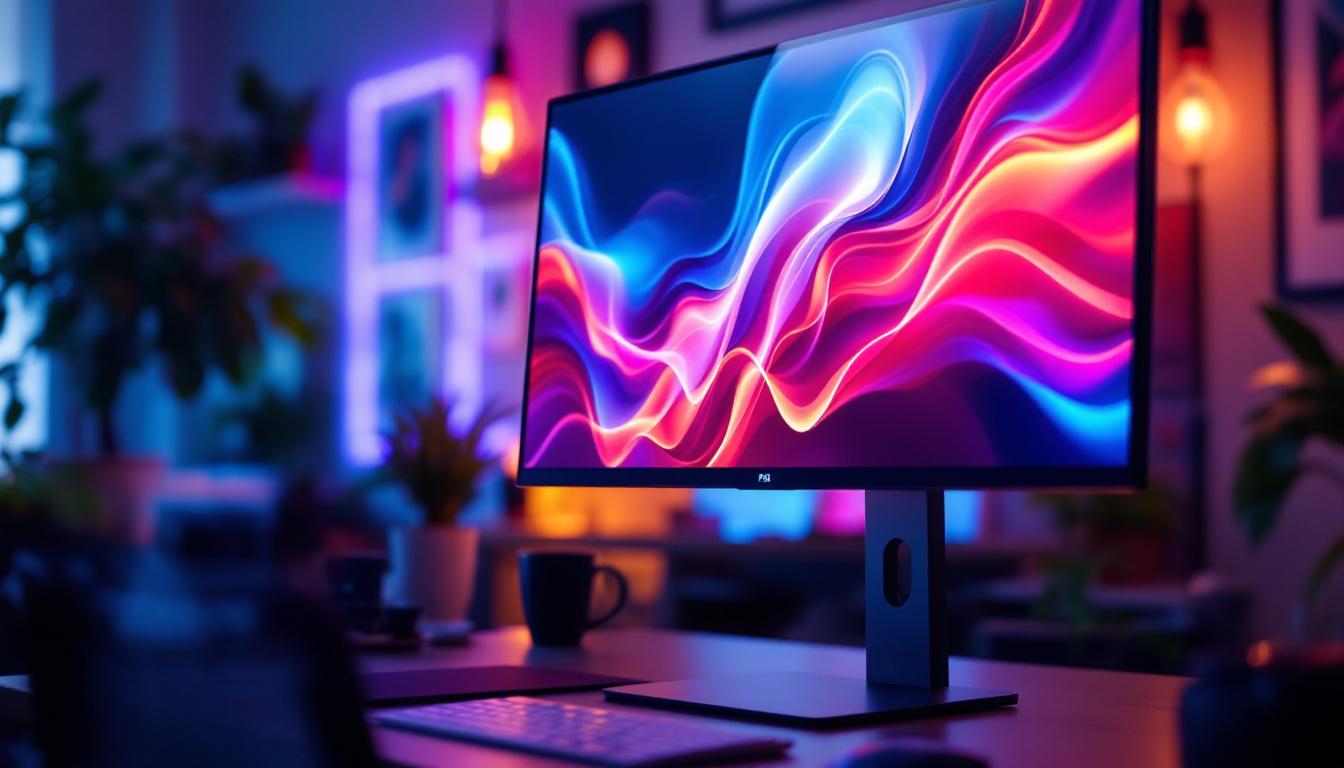
In today’s digital age, the quality and ergonomics of your computer setup significantly impact productivity and comfort. Central to this setup is the monitor, and increasingly, the technology behind the display—especially LED displays—has become a focal point for users seeking clarity, efficiency, and style. This article delves into the world of LED monitors, exploring what makes them stand out, how monitor stands complement them, and why understanding these components is essential for both casual users and professionals.
Understanding LED Display Technology
What Is an LED Monitor?
LED monitors are a type of LCD (Liquid Crystal Display) screen that uses Light Emitting Diodes (LEDs) as a backlight source instead of the traditional cold cathode fluorescent lamps (CCFL). This shift in backlighting technology has revolutionized display quality, energy efficiency, and design flexibility.
Unlike older LCDs, LED monitors offer better brightness, contrast, and color accuracy. The LEDs can be arranged either along the edges of the screen (edge-lit) or directly behind the panel (direct-lit or full-array), with the latter providing superior control over local dimming and deeper blacks. This advancement not only enhances the viewing experience but also contributes to the longevity of the display, as LEDs are known for their durability and lower heat output compared to CCFLs.
Furthermore, LED monitors are increasingly being designed with sleek aesthetics, making them a popular choice for modern workspaces and home entertainment systems. Their lightweight construction allows for easy mounting and repositioning, catering to a variety of user preferences and setups.
Types of LED Displays
There are several types of LED displays, each with unique characteristics:
- Edge-Lit LED: LEDs are placed around the screen’s edges, allowing for thinner monitors but sometimes causing uneven brightness.
- Direct-Lit LED: LEDs are positioned behind the entire screen, offering more uniform lighting but typically resulting in a thicker panel.
- Mini-LED: A newer technology using thousands of tiny LEDs for even more precise backlighting, improving HDR performance and contrast ratios.
- OLED (Organic LED): Although technically different from traditional LED-backlit LCDs, OLEDs use organic compounds that emit light individually, allowing for perfect blacks and vibrant colors but at a higher cost.
For most users, LED-backlit LCDs strike a balance between performance, affordability, and energy consumption. This makes them ideal for a range of applications, from casual web browsing to high-end gaming and professional graphic design. Additionally, advancements in LED technology have led to features such as adaptive brightness, which adjusts the screen’s luminance based on ambient light conditions, further enhancing user comfort and reducing eye strain during prolonged use.
Moreover, the environmental impact of LED displays is another significant consideration. With their lower power consumption and longer lifespan, LED monitors contribute to reduced energy costs and less electronic waste. As sustainability becomes increasingly important in consumer choices, the shift towards LED technology aligns well with eco-friendly practices, making it a preferred option for environmentally conscious buyers.
Advantages of LED Monitors Over Other Display Types
Energy Efficiency and Environmental Impact
One of the most significant benefits of LED monitors is their energy efficiency. Studies show that LED-backlit displays consume up to 40% less power than CCFL-backlit LCDs. This reduction not only lowers electricity bills but also contributes to a smaller carbon footprint, aligning with growing environmental awareness and corporate sustainability goals.
Furthermore, LEDs do not contain mercury, unlike CCFLs, making them safer to dispose of and less harmful to the environment. This aspect is particularly crucial as more consumers and businesses are seeking eco-friendly solutions in their technology choices. The longevity of LED monitors also plays a role in their environmental impact; with a lifespan that can exceed 50,000 hours, they reduce the frequency of replacements, thereby minimizing electronic waste. As manufacturers continue to innovate, many are also implementing recycling programs to ensure that old monitors are disposed of responsibly, further enhancing the sustainability of LED technology.
Improved Image Quality and User Experience
LED monitors typically offer higher brightness levels, which is especially beneficial in well-lit environments or for users who require vivid visuals, such as graphic designers and video editors. The enhanced contrast ratios and color accuracy help produce sharper images and more lifelike colors, which can reduce eye strain during extended use. This is particularly important for professionals who spend long hours in front of their screens, as a monitor that delivers true-to-life colors can significantly enhance productivity and creativity.
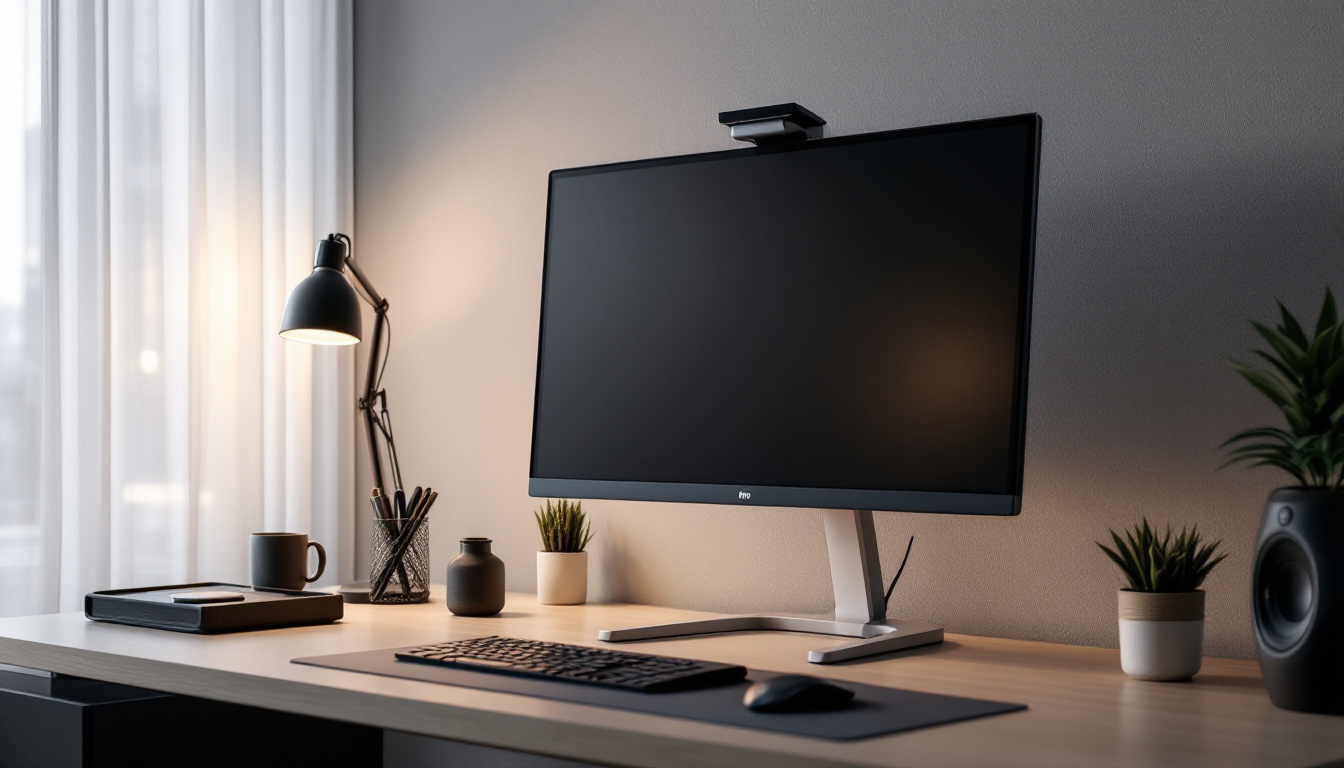
Additionally, LED technology enables thinner and lighter monitors, improving desk aesthetics and reducing clutter. This sleek design is often paired with adjustable monitor stands, allowing users to customize viewing angles and heights for optimal ergonomics. Many LED monitors also come equipped with advanced features such as flicker-free technology and blue light filters, which further enhance user comfort by minimizing eye fatigue. With the rise of multi-monitor setups for gaming and professional use, the lightweight design of LED monitors makes them an ideal choice for users looking to create a seamless and immersive workspace without sacrificing style or comfort.
The Role of Monitor Stands in Enhancing LED Display Use
Ergonomics and Health Benefits
While the display technology is crucial, the physical positioning of the monitor plays an equally important role in user comfort and health. Monitor stands allow users to adjust the height, tilt, swivel, and sometimes even the rotation of their LED monitors. Proper positioning helps maintain neutral neck and eye alignment, reducing the risk of musculoskeletal disorders and eye fatigue.
According to the Occupational Safety and Health Administration (OSHA), the ideal monitor height is such that the top of the screen is at or slightly below eye level, and the viewing distance should be between 20 to 40 inches. Adjustable monitor stands make achieving these ergonomic standards easier, especially in shared or multi-use workspaces. Furthermore, prolonged use of improperly positioned monitors can lead to chronic conditions such as carpal tunnel syndrome and tension headaches. By investing in a quality monitor stand, users not only enhance their immediate comfort but also safeguard their long-term health, making it a wise investment for both individuals and employers alike.
Space Management and Desk Organization
Monitor stands also contribute to better desk organization. By elevating the monitor, they free up valuable desk space underneath for keyboards, notebooks, or other accessories. Some stands come with integrated cable management systems, helping to reduce clutter and improve the overall workspace aesthetic. This organization can lead to increased productivity, as a tidy workspace often correlates with a clearer mind, allowing for better focus on tasks at hand.
For multi-monitor setups, stands that support multiple screens can streamline the arrangement, ensuring consistent height and angle across displays, which enhances workflow and reduces visual disruption. Additionally, some advanced models offer features like built-in USB hubs or wireless charging pads, further enhancing functionality and convenience. This integration of technology into monitor stands not only maximizes desk space but also caters to the needs of modern users who rely heavily on multiple devices for their daily tasks, thus creating a more efficient and user-friendly environment.
Choosing the Right LED Monitor and Stand Combination
Factors to Consider When Selecting an LED Monitor
Choosing the right LED monitor depends on the user’s specific needs. Key factors include:
- Resolution: Higher resolutions like 4K provide sharper images, essential for detailed work, while 1080p remains sufficient for general use.
- Refresh Rate and Response Time: Gamers and video editors benefit from higher refresh rates (120Hz or above) and lower response times to reduce motion blur.
- Color Accuracy: Professionals in photography and design should look for monitors with wide color gamut coverage and factory calibration.
- Connectivity: Availability of HDMI, DisplayPort, USB-C, and other ports affects compatibility with various devices.
- Size and Aspect Ratio: Larger screens or ultrawide formats can enhance productivity by providing more screen real estate.
Selecting a Monitor Stand That Matches Your Setup
Once the monitor is chosen, the stand must complement it in both function and style. Consider the following:
- Adjustability: Look for stands offering height, tilt, swivel, and rotation adjustments to tailor the monitor’s position.
- Weight Capacity: Ensure the stand can support the monitor’s weight safely.
- Mounting Options: VESA compatibility is vital if you plan to use third-party stands or wall mounts.
- Desk Footprint: Some stands have a small footprint or clamp to the desk edge, saving space.
- Additional Features: Integrated USB hubs, cable management, or even wireless charging pads can enhance convenience.
Emerging Trends in LED Monitors and Stands
Mini-LED and Micro-LED Displays
Mini-LED technology is rapidly gaining traction as it offers significant improvements in contrast and HDR performance without the high cost of OLED. By employing thousands of tiny LEDs, these displays can achieve precise local dimming zones, resulting in deeper blacks and brighter highlights.
Micro-LED, though still in early commercial stages, promises self-emissive pixels like OLED but with better longevity and brightness, potentially revolutionizing future monitor designs.
Smart and Adjustable Monitor Stands
Monitor stands are evolving beyond basic ergonomics. Some now incorporate smart features such as motorized height adjustment controlled via apps or voice commands. Others include built-in lighting to reduce eye strain or sensors that remind users to take breaks, promoting healthier work habits.
Additionally, modular stands that support multiple monitors and accessories are becoming popular in professional and gaming setups, enabling highly customized workspaces.
Conclusion: Why LED Monitors and Quality Stands Matter
Choosing an LED monitor paired with a suitable monitor stand is more than a matter of aesthetics—it directly influences user comfort, productivity, and overall experience. LED technology offers superior image quality, energy efficiency, and design flexibility, making it the preferred choice for a wide range of users.
Meanwhile, a well-designed monitor stand ensures ergonomic positioning, reduces physical strain, and helps maintain an organized workspace. As technology advances, the integration of smart features and innovative display types will continue to enhance how users interact with their screens.
Investing time and resources into understanding and selecting the right LED monitor and stand can yield significant benefits, whether for home offices, corporate environments, or creative studios.
Discover the Future of Visual Display with LumenMatrix
Ready to elevate your visual experience and workspace ergonomics? LumenMatrix is at the forefront of LED display innovation, offering a diverse range of solutions that cater to your every need. From captivating Indoor LED Walls to dynamic Outdoor LED Displays, and from sleek LED Posters to immersive Floor LED Displays, our products are designed to transform your environment and communication. Embrace the revolution in visual technology with LumenMatrix and see how our LED solutions can enhance your brand’s visibility and audience engagement. Check out LumenMatrix LED Display Solutions today and step into a world where clarity and impact meet.