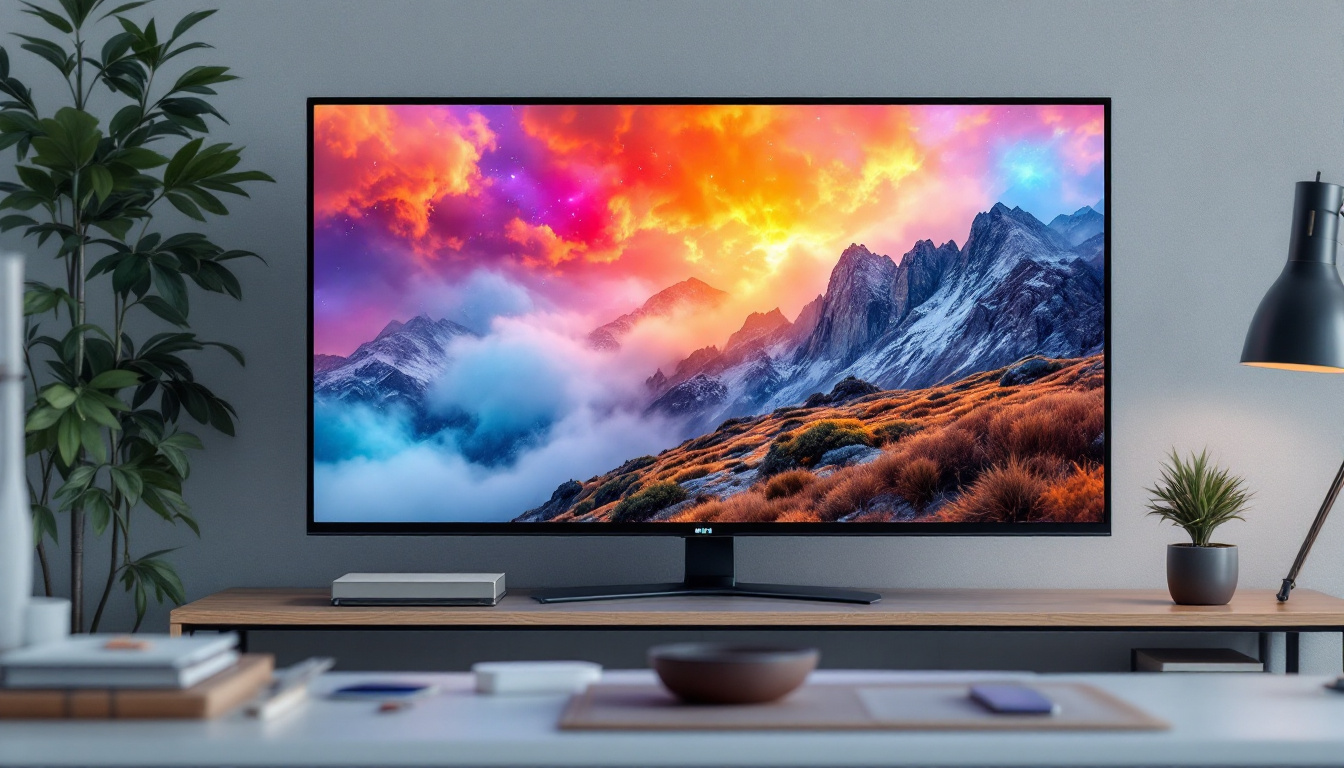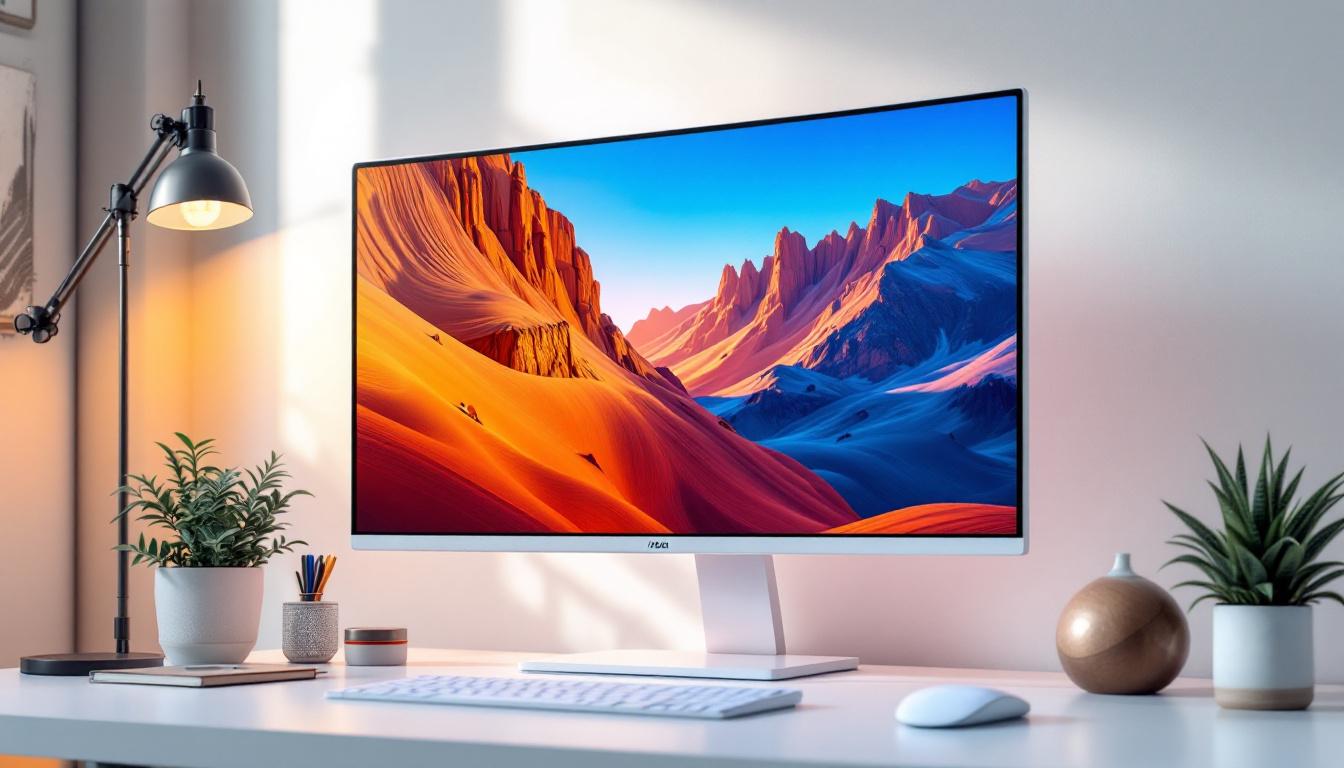
In the rapidly evolving world of digital displays, LED technology has become a cornerstone for both personal and professional monitor setups. Whether you’re a gamer seeking vivid visuals, a graphic designer requiring color accuracy, or a business professional aiming for efficient workspace ergonomics, understanding LED displays and their integration with monitor stands is essential. This article delves into the fundamentals of LED displays, explores their advantages, and highlights the importance of monitor stands in optimizing your viewing experience.
Understanding LED Display Technology
LED, or Light Emitting Diode, displays have revolutionized the way screens deliver images. Unlike traditional LCD panels that rely on cold cathode fluorescent lamps (CCFL) for backlighting, LED displays use light-emitting diodes to illuminate the screen. This shift has led to significant improvements in brightness, contrast, energy efficiency, and overall display quality. The transition to LED technology has not only enhanced the viewing experience but has also contributed to the reduction of energy consumption in electronic devices, making them more environmentally friendly.
How LED Displays Work
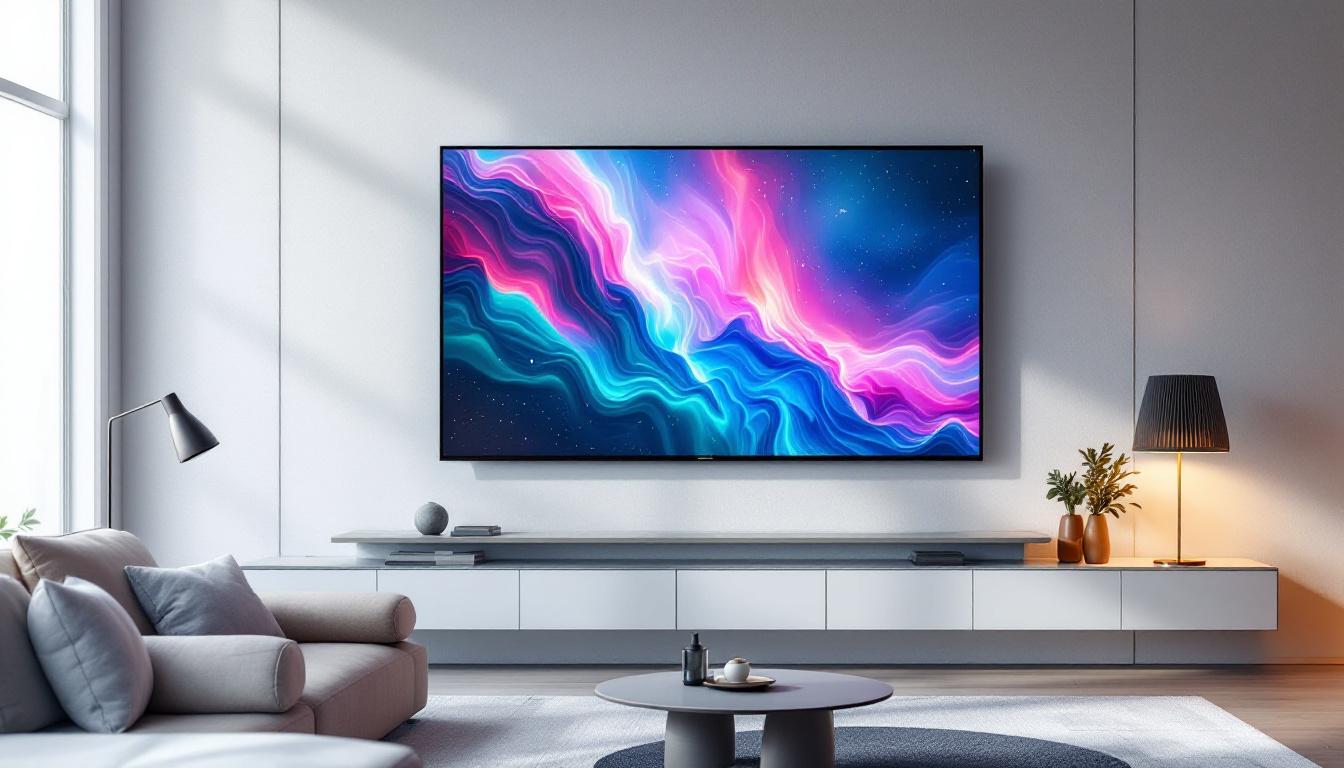
At its core, an LED display is an LCD screen illuminated by an array of LEDs positioned either behind the screen (direct LED) or along its edges (edge-lit LED). These LEDs emit light that passes through liquid crystals, which modulate the light to create images. The precision and control offered by LEDs allow for deeper blacks, brighter whites, and more vibrant colors compared to older backlighting methods. This capability is particularly beneficial for applications such as gaming and professional graphic design, where color accuracy and dynamic range are paramount.
Direct LED backlighting provides more uniform brightness and better local dimming capabilities, which enhance contrast ratios by selectively dimming parts of the screen. Edge-lit LEDs, while thinner and often more affordable, may suffer from less uniform illumination but still offer improved energy efficiency and slim designs. Additionally, advancements in LED technology have led to features such as flicker-free displays and blue light reduction, which can significantly enhance user comfort during prolonged usage.
Types of LED Displays
There are several types of LED displays commonly found in monitors:
- Edge-Lit LED: LEDs are placed along the edges of the screen, allowing for thinner panels but sometimes uneven brightness.
- Direct-Lit LED: LEDs are positioned directly behind the screen, providing better uniformity and contrast.
- Mini-LED: A newer technology featuring thousands of tiny LEDs for even more precise local dimming and improved HDR performance. This technology has gained traction in high-end televisions and monitors, delivering an impressive viewing experience with enhanced detail in both dark and bright scenes.
- MicroLED: An emerging technology where each pixel is its own microscopic LED, promising exceptional brightness and color accuracy, although still rare and costly. MicroLED displays are seen as the future of screen technology, potentially offering the benefits of OLED without the drawbacks, such as burn-in issues.
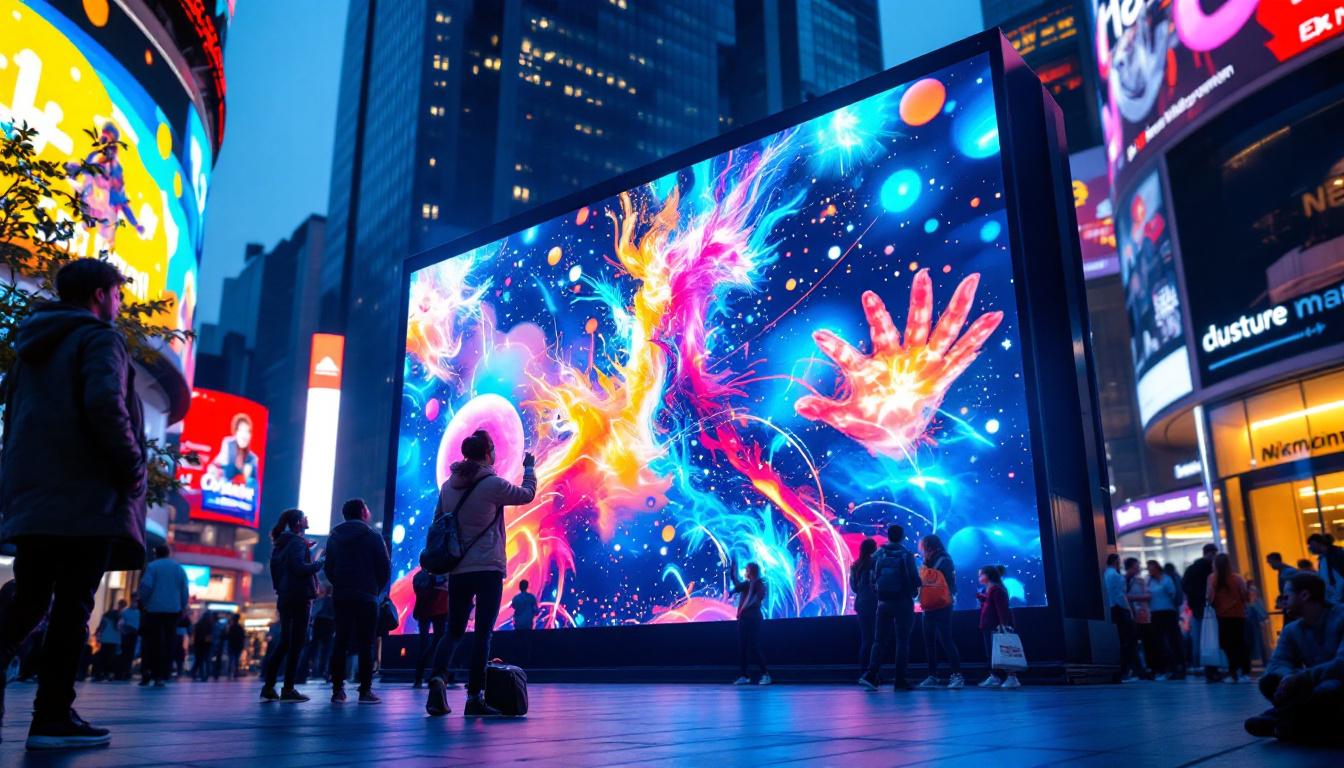
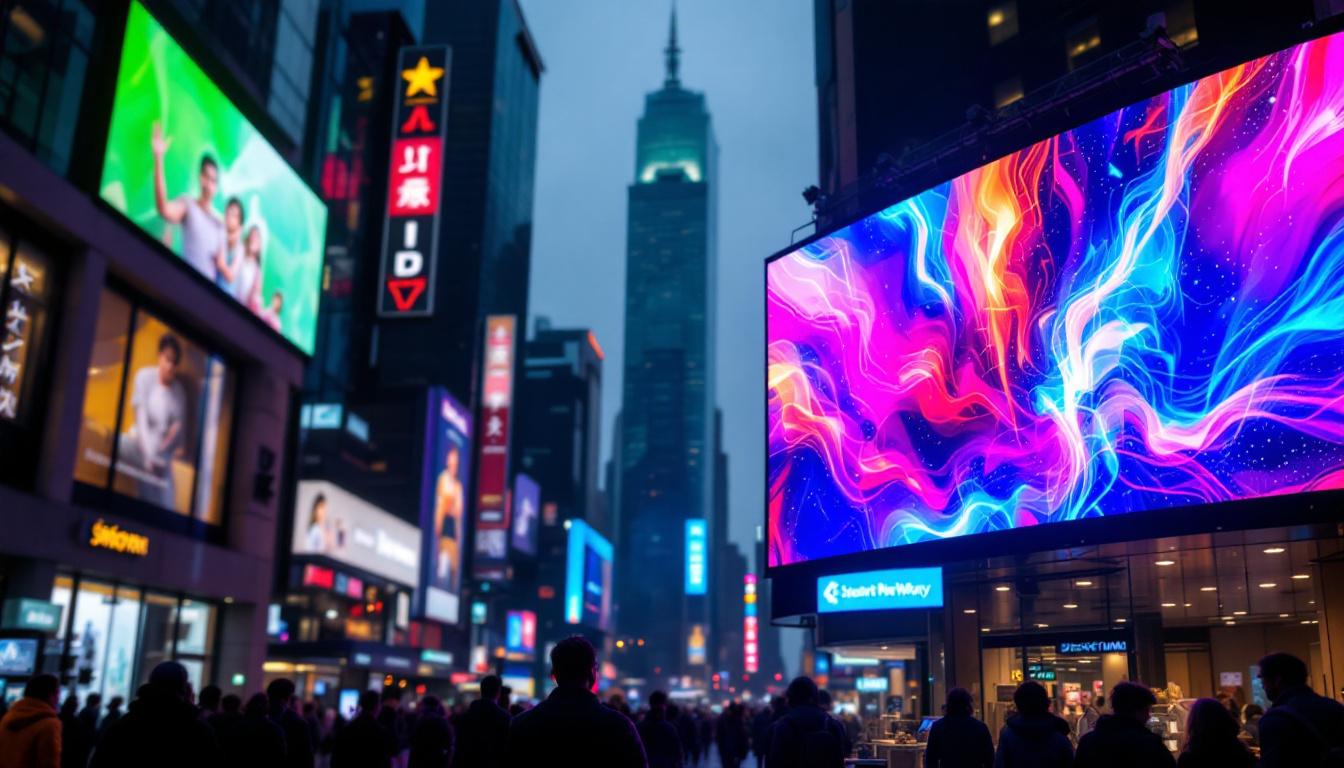
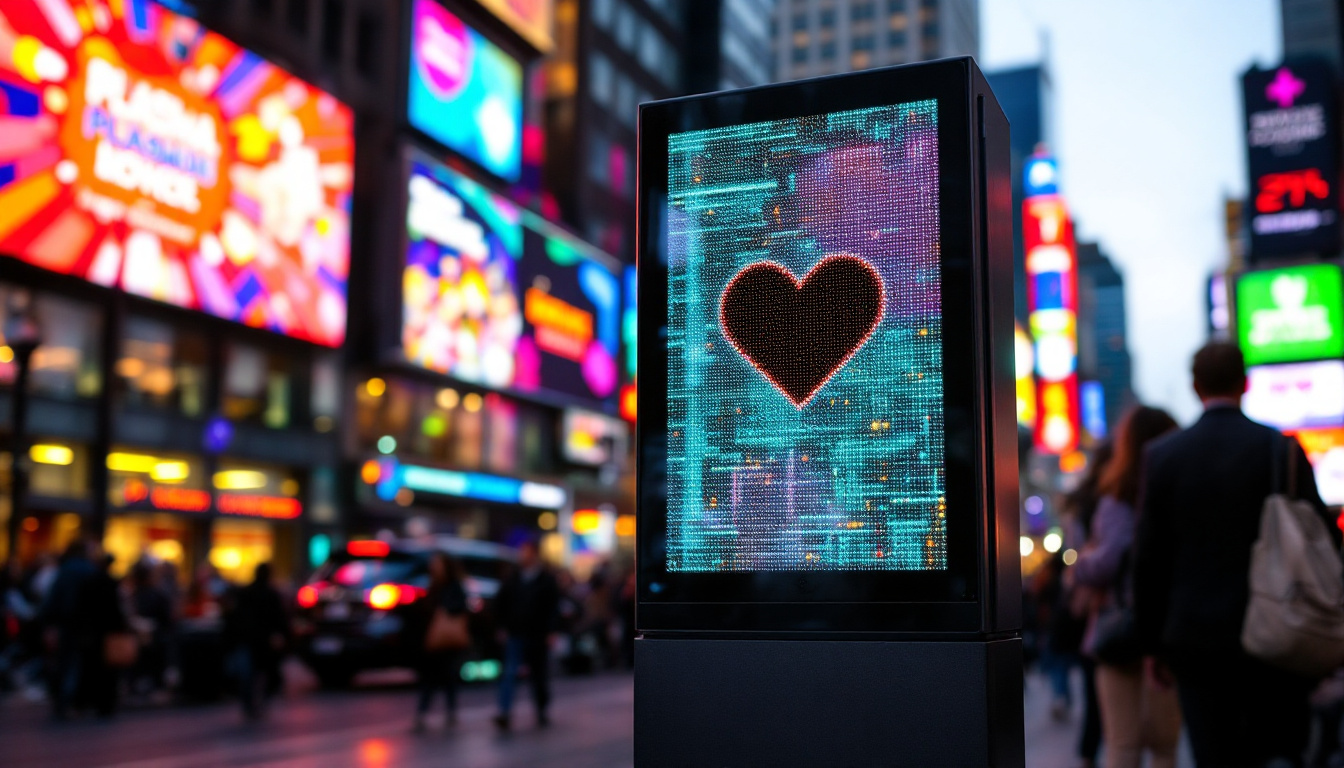
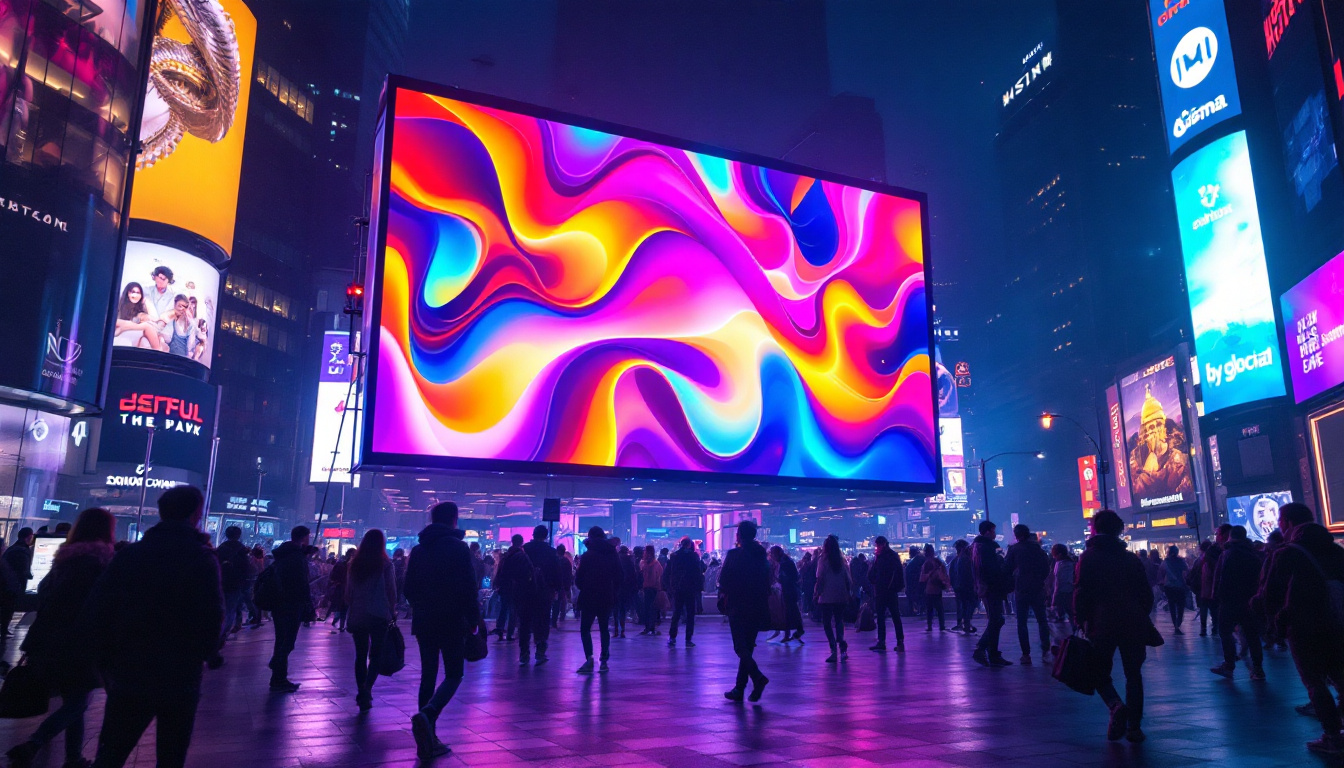
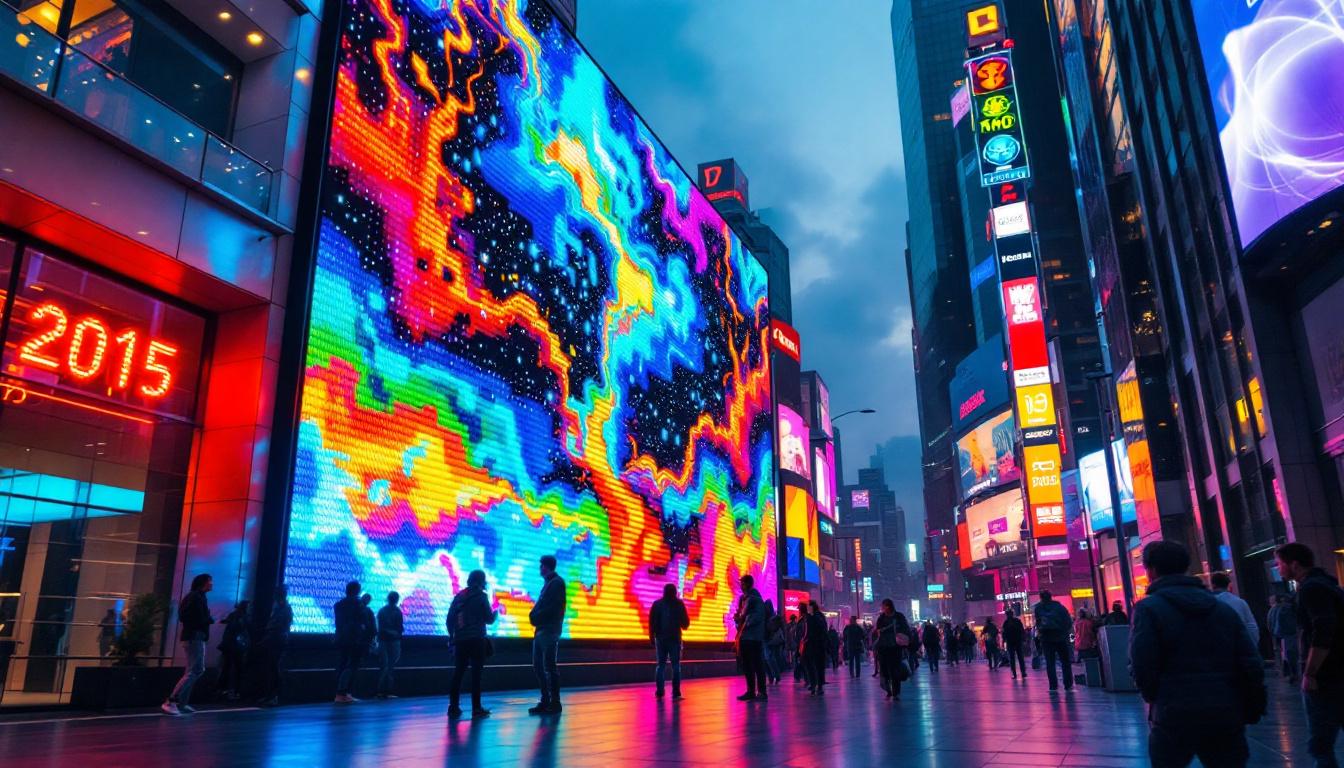
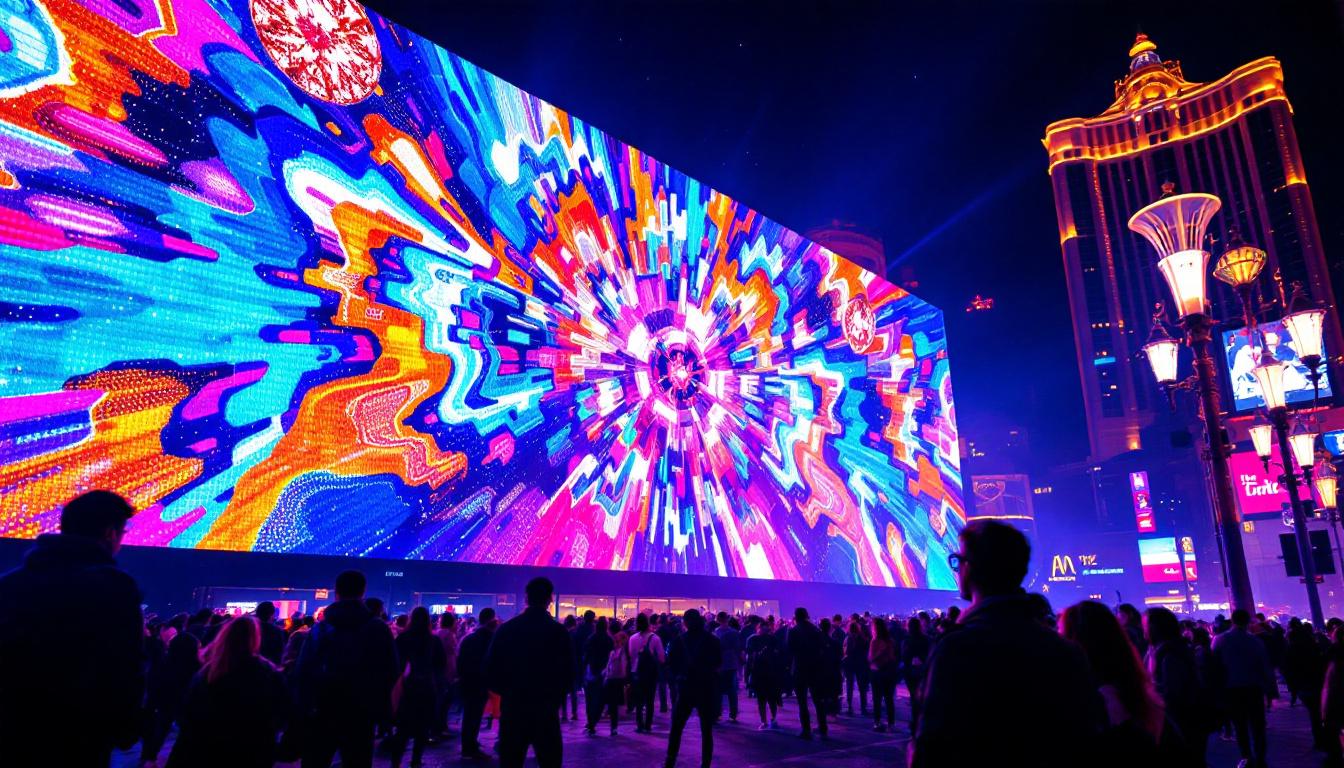
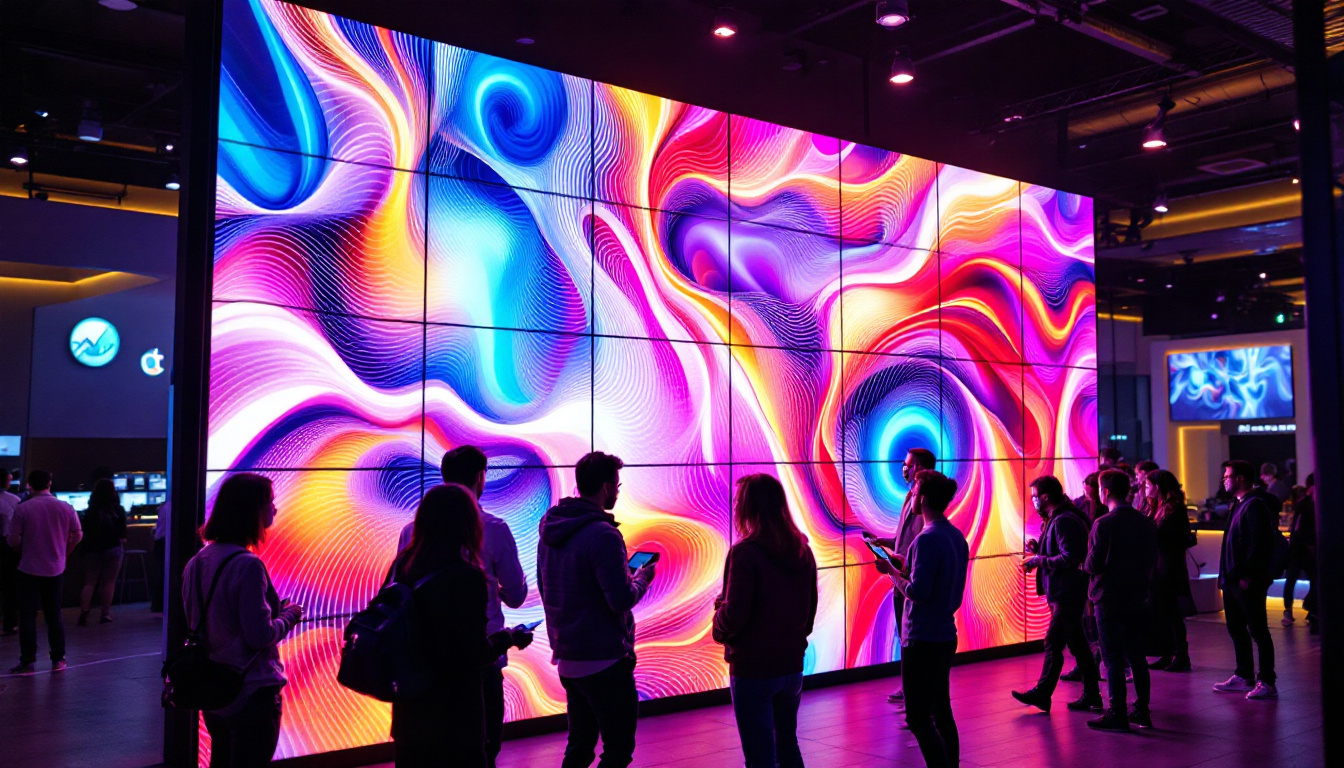
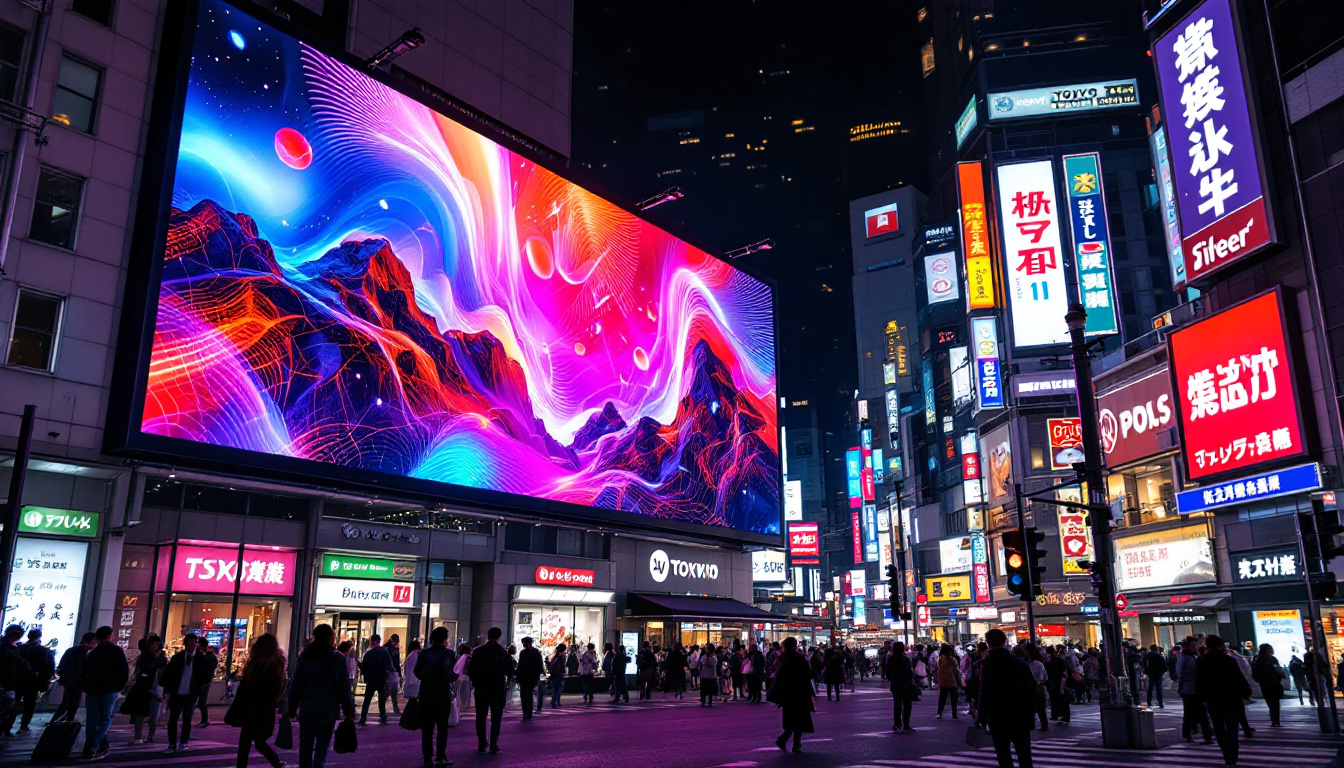
In addition to these types, LED displays are also being integrated into various applications beyond traditional screens. For instance, large-scale LED displays are now commonplace in outdoor advertising, sports arenas, and concerts, captivating audiences with their vibrant visuals and dynamic content. The flexibility of LED technology allows for creative installations, such as curved or transparent displays, further expanding the possibilities for visual communication in both commercial and artistic contexts.
Advantages of LED Monitors
LED monitors offer a range of benefits that make them the preferred choice for many users, from casual consumers to professional creatives.
Superior Image Quality
One of the most significant advantages of LED monitors is their ability to deliver superior image quality. The precise control of LED backlighting enhances contrast ratios, resulting in deeper blacks and brighter whites. This is especially important for tasks that require high dynamic range (HDR) content, where subtle differences in brightness and color can make a substantial difference.
Moreover, LED displays tend to have wider color gamuts, supporting standards like sRGB, AdobeRGB, and DCI-P3. This makes them ideal for photo editing, video production, and other color-critical applications.
Energy Efficiency and Longevity
Compared to CCFL-backlit LCDs, LED monitors consume less power, which not only reduces electricity costs but also contributes to a smaller environmental footprint. According to the U.S. Department of Energy, LED-backlit monitors can use up to 25-30% less energy than their CCFL counterparts.
LEDs also have a longer lifespan, often exceeding 50,000 hours of use, which means the display maintains its brightness and color fidelity over many years. This durability makes LED monitors a cost-effective investment over time.
Design Flexibility and Slim Profiles
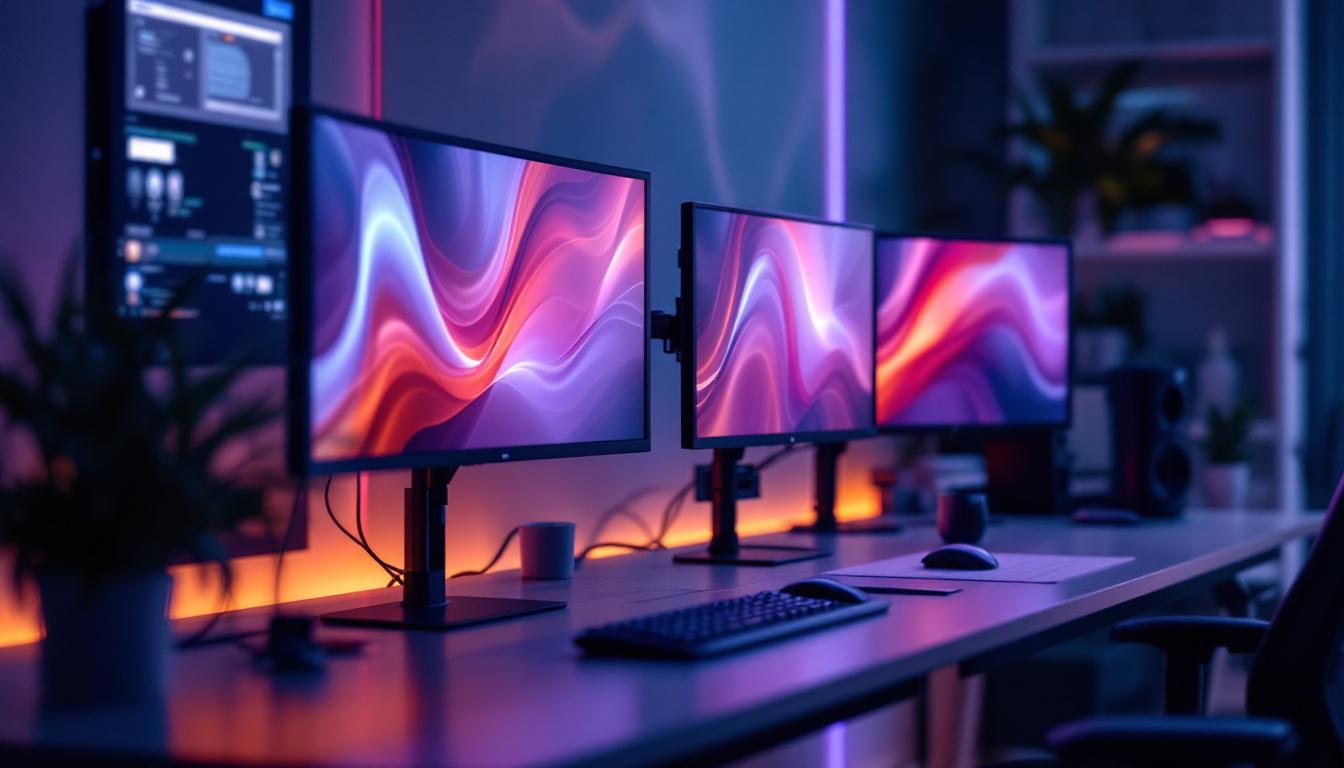
The compact size of LEDs allows manufacturers to produce thinner and lighter monitors. This design flexibility results in sleek, modern displays that fit comfortably on any desk, freeing up valuable workspace. Additionally, thinner bezels and edge-to-edge glass designs enhance the immersive experience, especially in multi-monitor setups.
The Role of Monitor Stands in LED Display Usage
While the display technology itself is crucial, the physical support and positioning of the monitor significantly impact user comfort and productivity. Monitor stands are often overlooked, yet they play a vital role in maximizing the benefits of LED displays.
Ergonomics and Health Considerations
Proper monitor positioning can reduce eye strain, neck pain, and back discomfort. An adjustable monitor stand allows users to set the screen at eye level, maintain an appropriate viewing distance (typically 20-30 inches), and adjust tilt and swivel angles for optimal comfort.
According to the Occupational Safety and Health Administration (OSHA), ergonomic workstation setups can reduce musculoskeletal disorders and improve overall workplace well-being. Investing in a quality monitor stand that complements your LED display is a proactive step toward healthier computing habits.
Space Optimization and Aesthetics
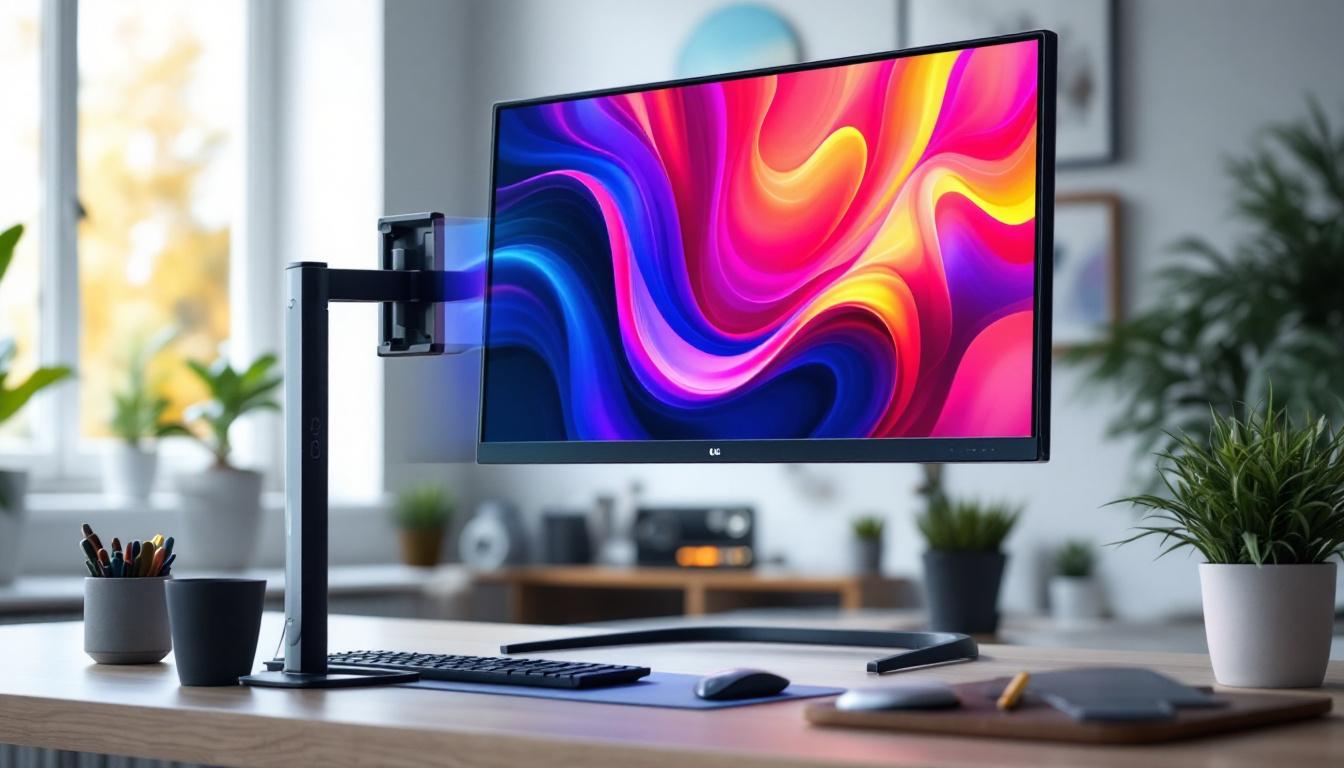
Modern monitor stands come in various designs, including clamp mounts, freestanding bases, and multi-monitor arms. These options help declutter desks by freeing up space underneath the monitor for keyboards, documents, or other accessories.
For users with limited workspace, adjustable arms can elevate monitors off the desk entirely, creating a minimalist and organized environment. This not only improves aesthetics but also enhances airflow around the device, potentially extending its lifespan.
Compatibility and Stability
When selecting a monitor stand, it’s essential to consider compatibility with the LED display. Most monitors follow the VESA (Video Electronics Standards Association) mounting standard, which specifies hole patterns for attaching stands or arms. Ensuring your monitor and stand share the same VESA pattern guarantees a secure fit.
Stability is another critical factor. High-quality stands use robust materials like steel or aluminum to prevent wobbling or tipping, especially for larger or heavier LED monitors. A stable setup enhances the viewing experience and protects your investment.
Choosing the Right LED Monitor and Stand for Your Needs
With a wide variety of LED monitors and stands available, making an informed choice requires understanding your specific requirements and how different features align with them.
Assessing Your Use Case
Identifying the primary purpose of your monitor helps narrow down options. For example:
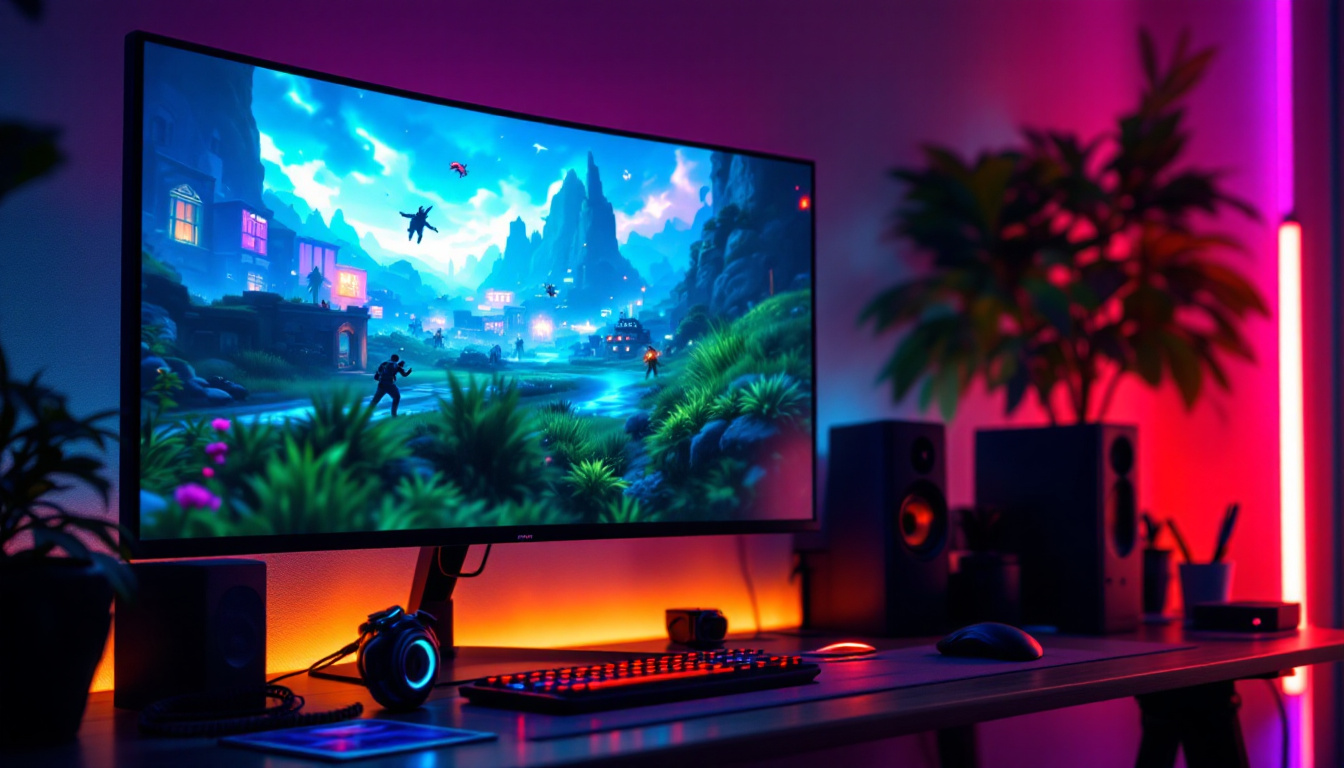
- Gaming: Look for LED monitors with high refresh rates (120Hz or higher), low response times (1-5ms), and support for adaptive sync technologies like G-Sync or FreeSync. A sturdy, adjustable stand that can handle rapid head movements and maintain stability is also beneficial.
- Professional Creative Work: Prioritize color accuracy, wide color gamut coverage, and high resolution (4K or above). Monitor stands with fine height and tilt adjustments help maintain ergonomic posture during long editing sessions.
- Office Productivity: Focus on comfort and flexibility. Adjustable stands that allow easy repositioning throughout the day can reduce fatigue. Monitors with anti-glare coatings and flicker-free technology enhance eye comfort.
Evaluating Monitor Specifications
Key specifications to consider include:
- Resolution: Higher resolutions like 1440p (QHD) or 4K (UHD) provide sharper images and more screen real estate.
- Panel Type: IPS panels offer better color accuracy and viewing angles compared to TN panels, though often at a higher cost.
- Brightness and Contrast: Higher brightness levels (300 nits or more) and contrast ratios improve visibility in various lighting conditions.
- HDR Support: Enhances dynamic range for a more lifelike image.
Selecting a Monitor Stand
When choosing a stand, consider:
- Adjustability: Height, tilt, swivel, and rotation options provide ergonomic flexibility.
- Weight Capacity: Ensure the stand can safely support your monitor’s weight.
- Mounting Options: VESA compatibility and the type of mount (desk clamp, grommet, freestanding).
- Build Quality: Durable materials and stable construction prevent wobbling.
- Additional Features: Cable management systems, USB hubs, or integrated lighting can enhance functionality.
Future Trends in LED Displays and Monitor Stands
The display industry continues to innovate, promising exciting advancements that will further enhance user experiences.
Emergence of Mini-LED and MicroLED
Mini-LED technology is gaining traction, offering thousands of tiny LEDs for precise local dimming and superior HDR performance at a more accessible price point than OLED. MicroLED, though still in early stages, promises self-emissive pixels with exceptional brightness, color accuracy, and energy efficiency without burn-in issues.
These technologies will likely become mainstream in the next few years, offering users unparalleled image quality.
Smart and Adjustable Monitor Stands
Monitor stands are evolving beyond simple mechanical adjustments. Some models now incorporate motorized height adjustments controlled via apps or voice commands. Integration with smart home ecosystems and ergonomic sensors that remind users to adjust posture or take breaks are emerging trends.
Additionally, modular stands that support multiple monitors with seamless adjustments will become increasingly popular as multi-display setups become standard in many professions.
Conclusion
LED displays have fundamentally transformed the monitor landscape, delivering enhanced image quality, energy efficiency, and sleek designs. However, to fully leverage these benefits, pairing your LED monitor with an appropriate stand is crucial. Ergonomic, stable, and adjustable monitor stands not only improve comfort and productivity but also protect your investment by ensuring optimal screen positioning.
As technology advances, embracing innovations like Mini-LED displays and smart stands will further elevate the user experience. Whether for gaming, creative work, or everyday office use, understanding the interplay between LED display technology and monitor stands empowers users to create efficient, comfortable, and visually stunning workspaces.
Discover LumenMatrix’s Advanced LED Display Solutions
Ready to experience the ultimate in LED display technology? LumenMatrix is at the forefront of innovation, offering a wide range of LED display modules tailored to your needs. From captivating Indoor LED Walls to dynamic Outdoor LED Displays, and from versatile Vehicle LED Displays to sleek LED Poster Displays, our solutions are designed to revolutionize visual communication. Elevate your space with our LED Sports Displays, Floor LED Displays, Custom LED Displays, All-in-One LED Displays, and Transparent LED Displays. Embrace the future of digital signage with LumenMatrix and create unforgettable visual experiences. Check out LumenMatrix LED Display Solutions today and transform your brand’s visibility.