Choosing the right projector screen size is crucial for creating an immersive viewing experience, whether for home theaters, conference rooms, or classrooms. However, selecting the ideal screen size isn’t as simple as picking the biggest option available. The dimensions of your room, the projector’s capabilities, and the type of display technology all play significant roles in determining the optimal screen size. This article delves into how to calculate the perfect projector screen size based on your room size and explains the advantages of LED displays as an alternative or complement to traditional projection.
Understanding the Relationship Between Room Size and Screen Size
The size of your room directly influences the projector screen size you should choose. A screen that is too large for a small room can cause eye strain and reduce image quality, while a screen that is too small in a large room can diminish the viewing experience. To optimize your setup, it’s essential to balance screen size with viewing distance, room dimensions, and projector specifications.
Viewing Distance: The Key Metric
One of the most important factors in determining screen size is the distance between the screen and the viewers. The Society of Motion Picture and Television Engineers (SMPTE) recommends a viewing distance of about 1.5 to 2.5 times the diagonal size of the screen for comfortable and immersive viewing. For example, if your seating is 10 feet away from the screen, the ideal screen size would be between 48 and 80 inches diagonally.
For classrooms or conference rooms, where multiple viewers may be seated at varying distances, it’s advisable to calculate an average or maximum viewing distance to ensure everyone has a clear view. In such cases, a slightly smaller screen might be preferable to maintain image clarity for those seated closer to the screen.
Room Dimensions and Layout Considerations
Beyond viewing distance, the physical dimensions and layout of the room affect screen size choices. Ceiling height, wall space, and seating arrangement all limit the maximum feasible screen size. For instance, a room with low ceilings may restrict the height of the screen, while an irregularly shaped room might require a custom-sized screen to fit the available wall space.
Additionally, ambient light conditions in the room influence screen size and projector brightness requirements. Rooms with high ambient light may benefit from smaller screens paired with brighter projectors or alternative display technologies like LED walls to maintain image visibility.
How to Calculate the Ideal Projector Screen Size
Calculating the ideal projector screen size involves a combination of viewing distance, aspect ratio, and projector specifications. Here’s a step-by-step approach to help you arrive at the best screen size for your room.
Step 1: Measure the Viewing Distance
Measure the distance from the primary seating position to the wall where the screen will be mounted. If multiple seating positions exist, use the average or the furthest distance to ensure everyone enjoys a good view.
Step 2: Determine the Aspect Ratio
Projector screens typically come in two common aspect ratios: 16:9 (widescreen) and 4:3 (standard). The 16:9 ratio is ideal for movies and HD content, while 4:3 is often preferred for presentations and legacy video formats.
Choosing the correct aspect ratio ensures that the projected image fills the screen without distortion or black bars. For most modern applications, 16:9 is the preferred standard.
Step 3: Calculate Screen Size Based on Viewing Distance
Using the SMPTE recommendation, multiply the viewing distance by 0.4 to 0.66 to find the ideal screen height. For example, at a 10-foot viewing distance (120 inches), the ideal screen height ranges between 48 inches (120 x 0.4) and 79 inches (120 x 0.66).
Once the height is determined, calculate the screen width based on the aspect ratio. For a 16:9 screen, width = height × (16/9). So for a 60-inch height, the width would be approximately 106.7 inches.
Step 4: Verify Projector Throw Distance and Lens Compatibility
Projectors have specific throw ratios, which indicate the distance required to project a certain image size. For example, a projector with a throw ratio of 1.5:1 needs 1.5 feet of distance to project a 1-foot-wide image.
Ensure your room’s projector placement can accommodate the throw distance required for your calculated screen size. If space is limited, consider short-throw or ultra-short-throw projectors that can produce large images from a short distance.
LED Displays: A Modern Alternative to Traditional Projection
While projectors remain popular for their flexibility and cost-effectiveness, LED displays have emerged as a compelling alternative, especially in environments where ambient light or room size constraints limit projector performance.
What Are LED Displays?
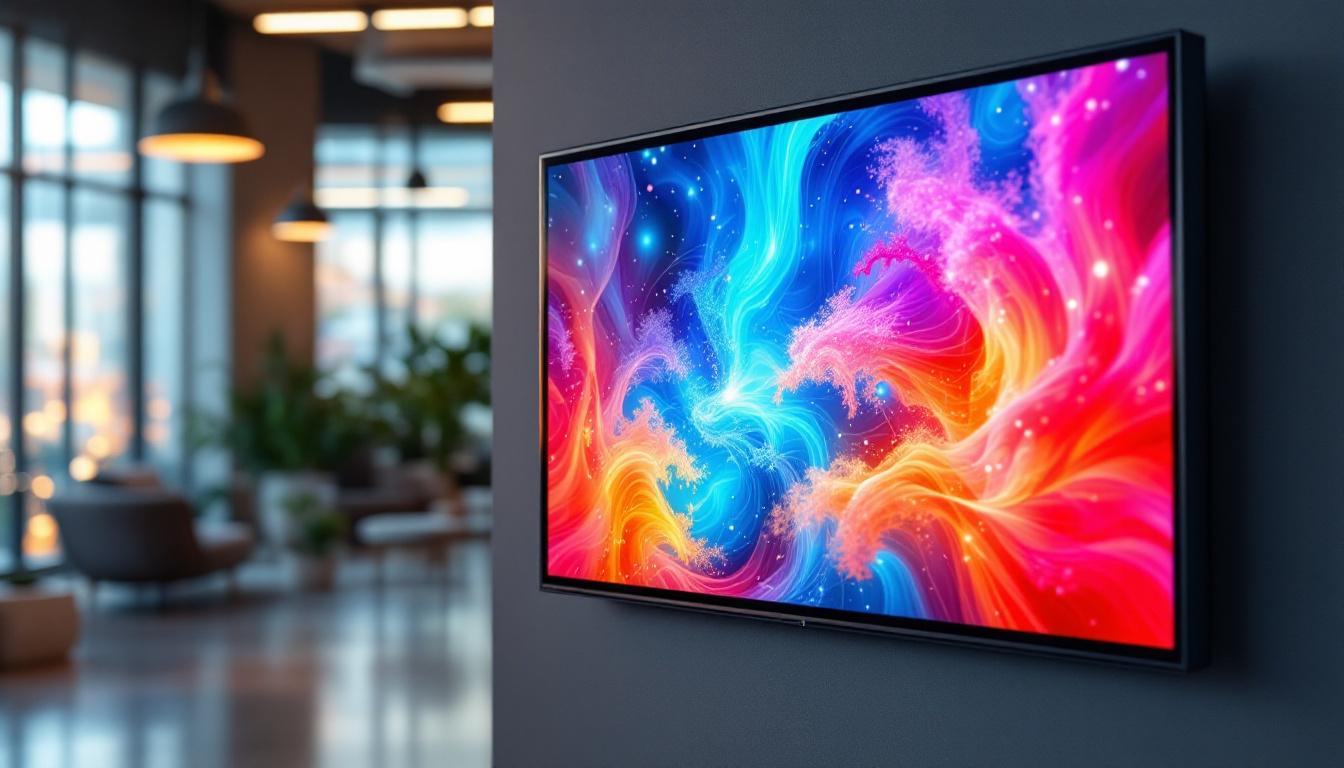
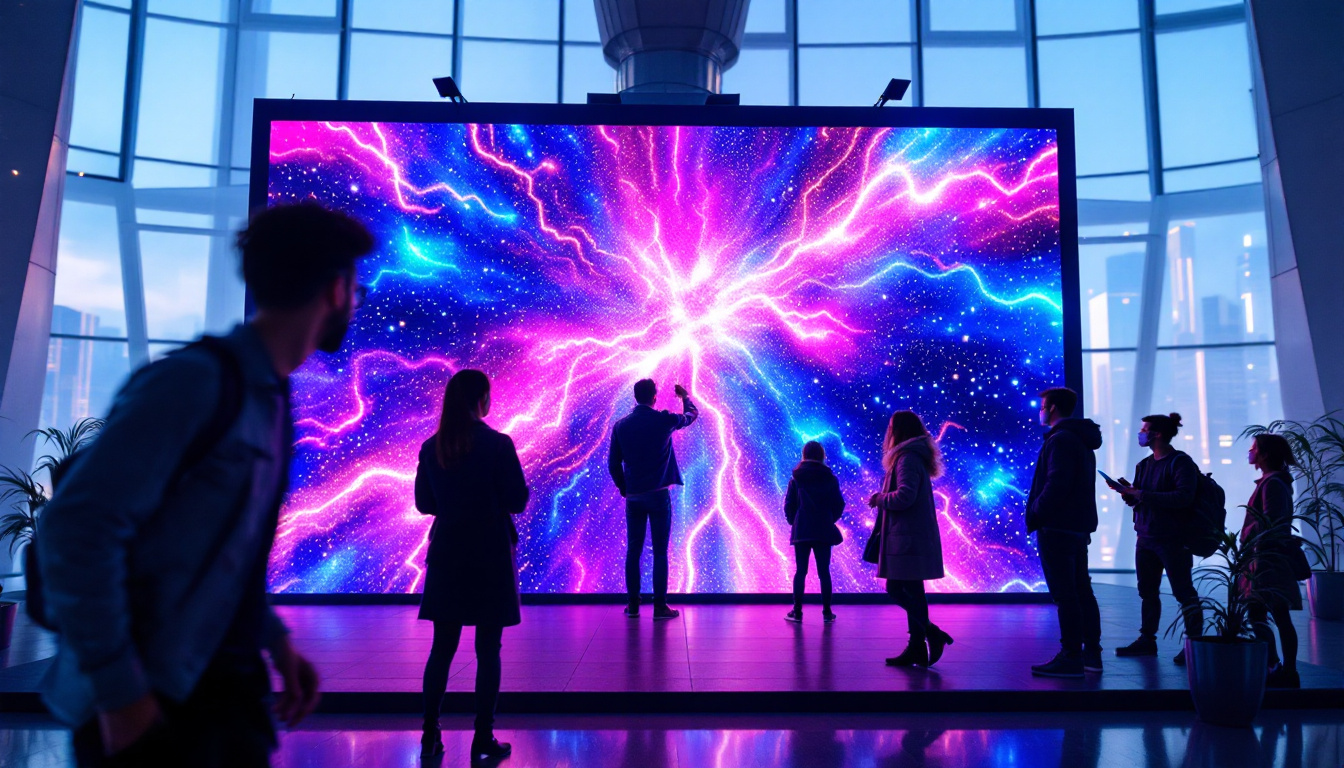
LED displays consist of an array of light-emitting diodes that produce bright, high-contrast images directly on the screen surface. Unlike projectors, which rely on reflected light, LED displays emit their own light, resulting in vibrant colors and sharp images even in well-lit rooms.
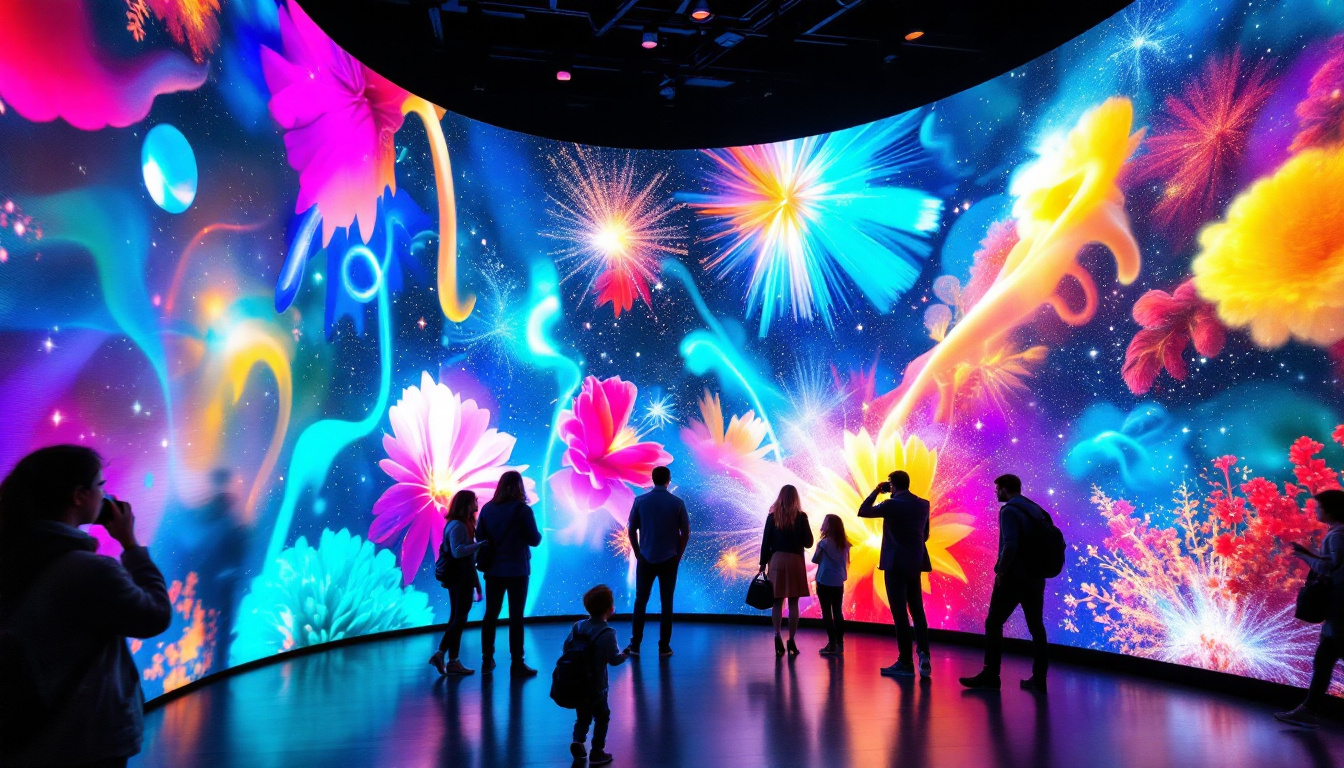
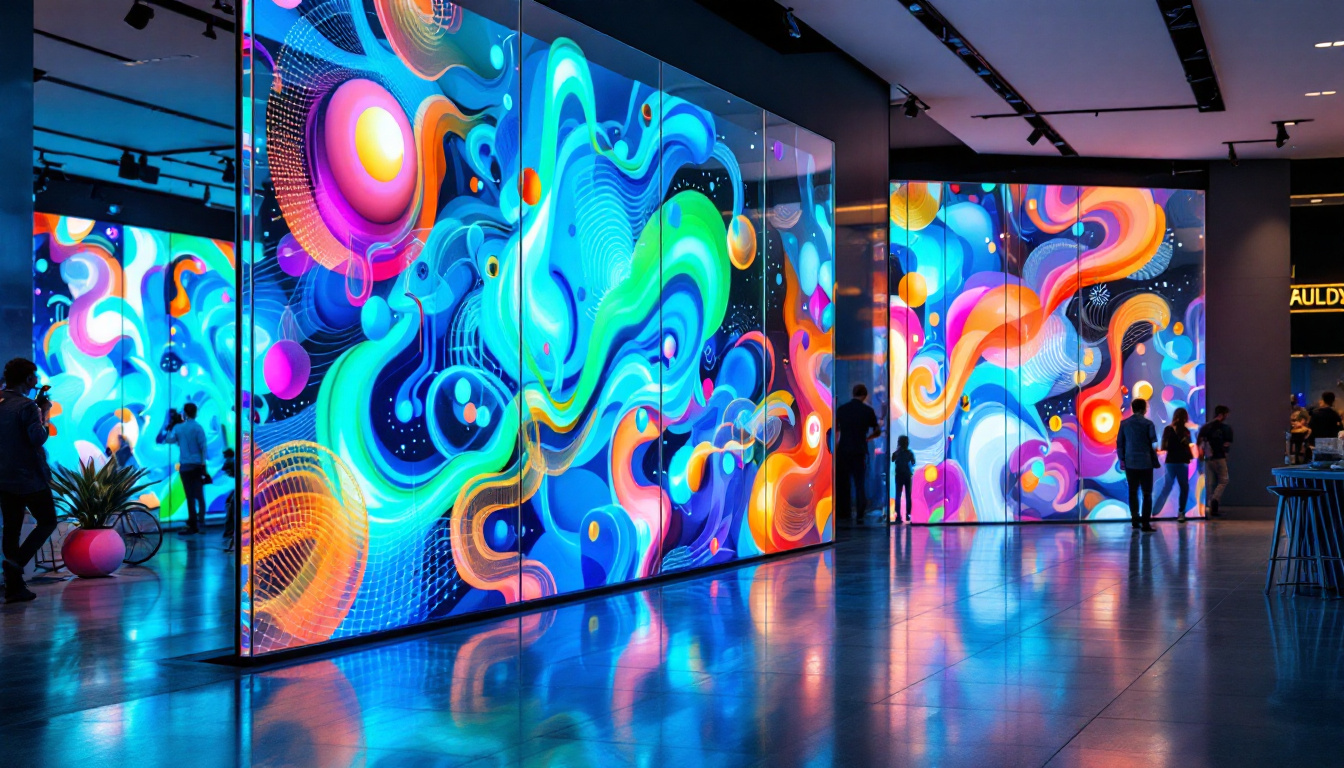
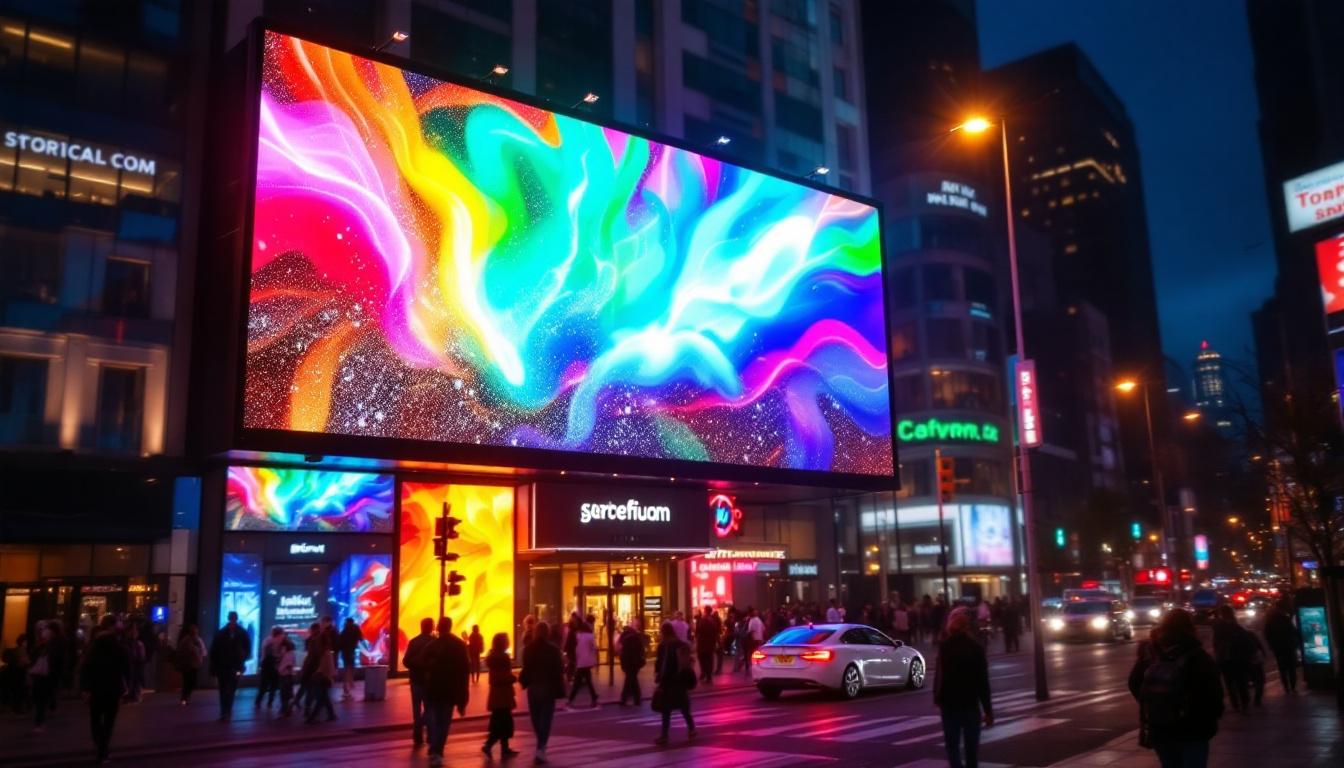
LED technology has advanced rapidly, with modular LED panels allowing for custom screen sizes and seamless image quality. These displays are widely used in commercial settings such as conference rooms, digital signage, and event venues.
Advantages of LED Displays Over Projectors
Brightness and Visibility: LED displays can achieve much higher brightness levels than projectors, making them ideal for rooms with high ambient light or large spaces where projector brightness would be insufficient.
Image Quality and Consistency: LED screens offer superior contrast ratios and color accuracy. Since they do not rely on projection surfaces, image quality remains consistent without distortion or shadows.
Flexible Screen Sizes and Shapes: Modular LED panels can be assembled to create screens of virtually any size or shape, enabling custom installations that fit unique room layouts.
Maintenance and Longevity: LED displays typically require less maintenance than projectors, which need lamp replacements and regular cleaning. LEDs have longer lifespans and are less prone to image degradation over time.
Considerations When Choosing LED Displays
Despite their advantages, LED displays come with higher upfront costs compared to projectors. Installation can also be more complex, especially for large or custom-shaped screens. Additionally, LED displays consume more power, which may be a factor in energy-conscious environments.
For many users, a hybrid approach—using projectors for darkened rooms and LED displays for bright or multi-purpose spaces—offers the best balance of cost, performance, and flexibility.
Practical Examples and Recommendations
To illustrate how room size and projector specifications influence screen size selection, consider the following scenarios:
Home Theater in a Medium-Sized Room
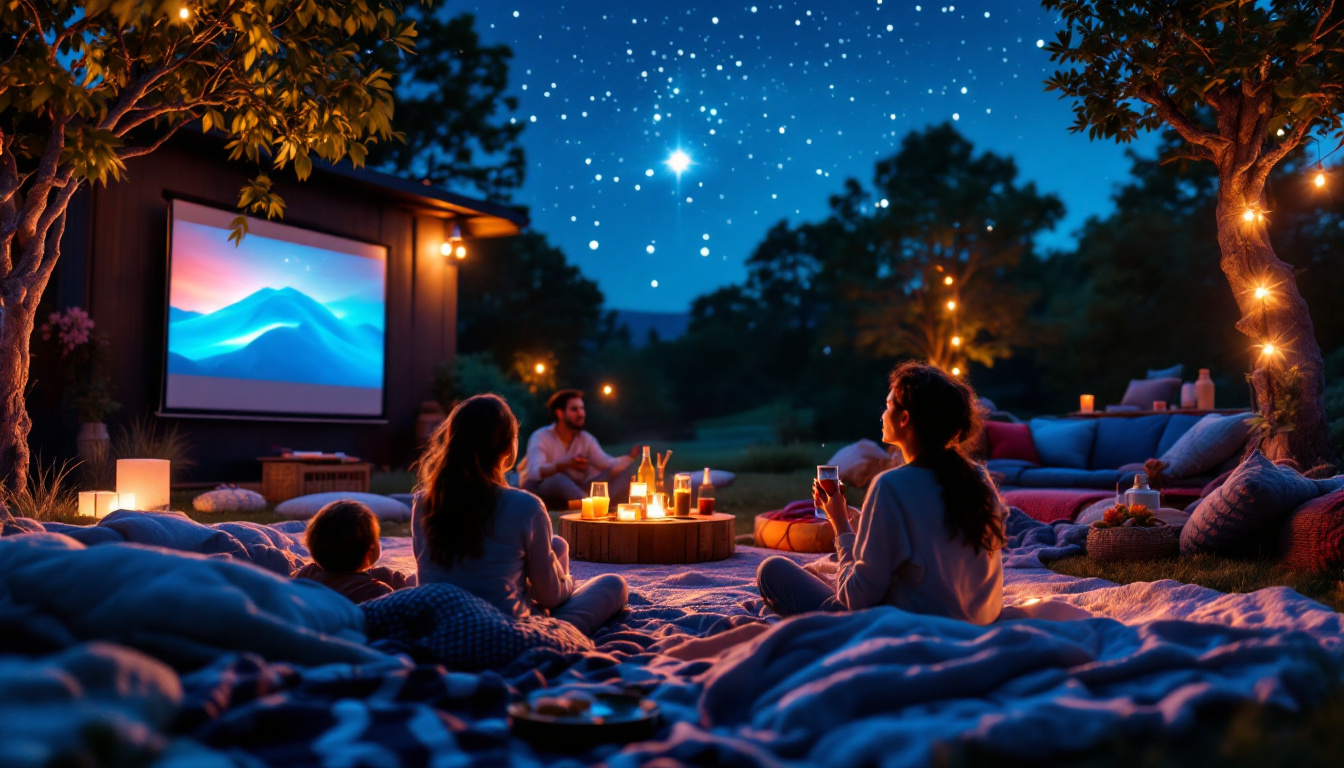
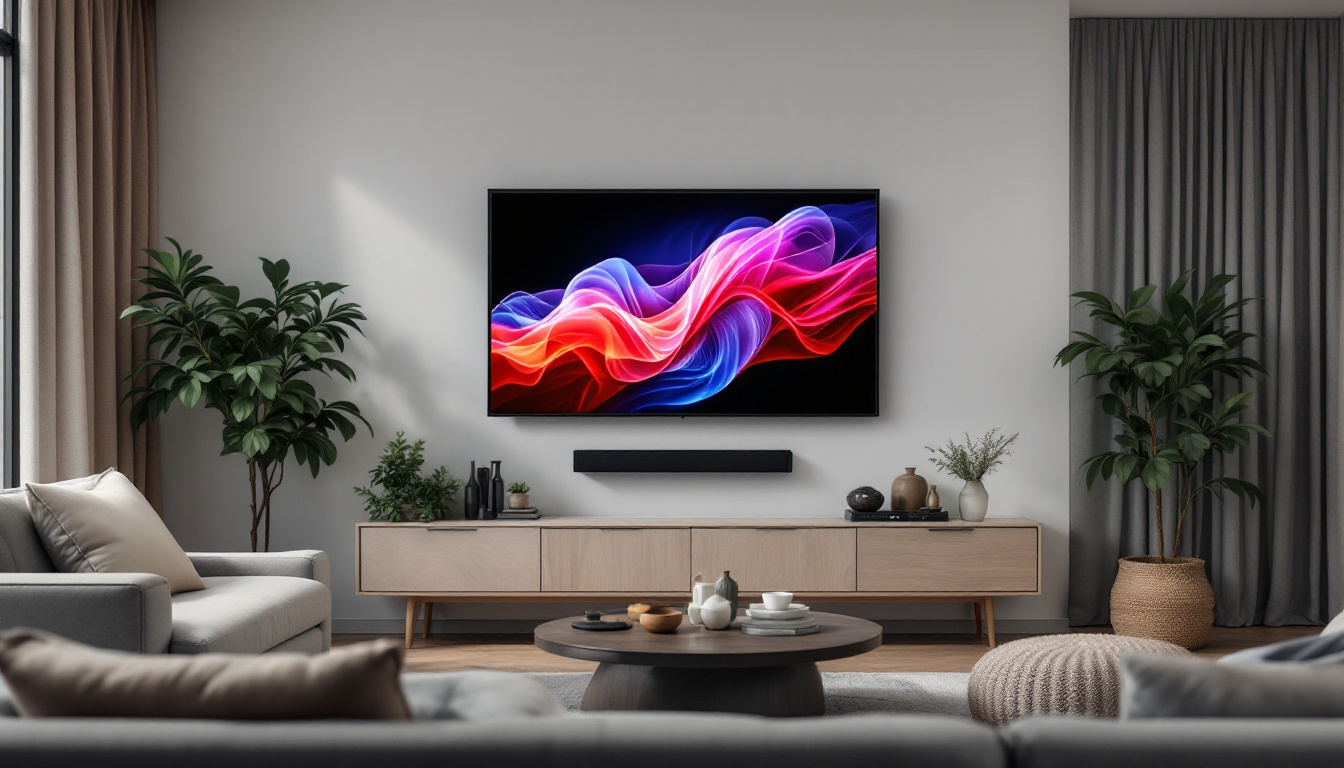
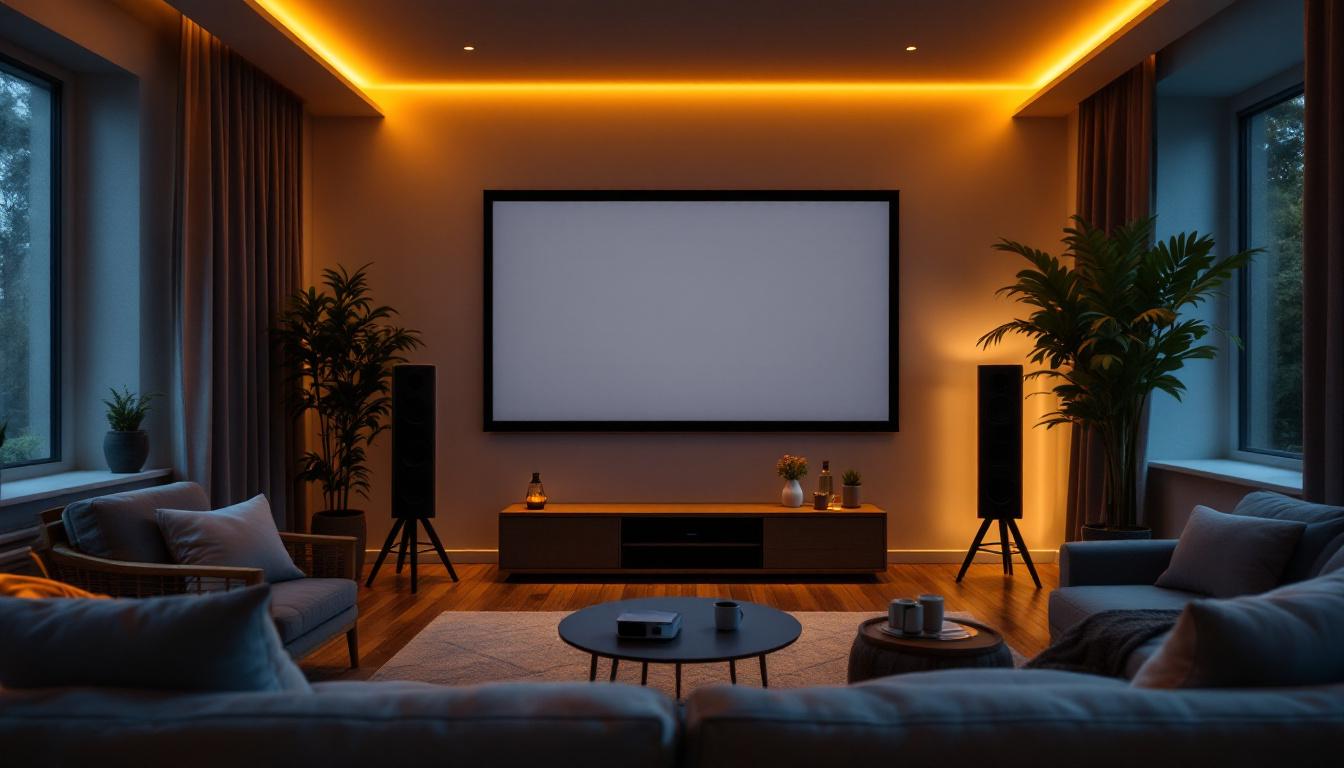
A typical home theater room measuring 15 feet by 20 feet with seating 12 feet from the screen would benefit from a 16:9 screen approximately 80 to 100 inches diagonal. Using the 1.5 to 2.5 times viewing distance rule, a 100-inch diagonal screen provides an immersive experience without overwhelming the space.
A projector with a throw ratio of 1.2:1 placed about 10 feet from the screen can easily achieve this image size. The room’s controlled lighting allows for a standard projector setup.
Conference Room with Ambient Light
A conference room measuring 25 feet by 30 feet, with seating up to 20 feet from the screen, requires a larger screen—potentially 120 to 150 inches diagonal. However, ambient light from windows and overhead lighting can wash out projector images.
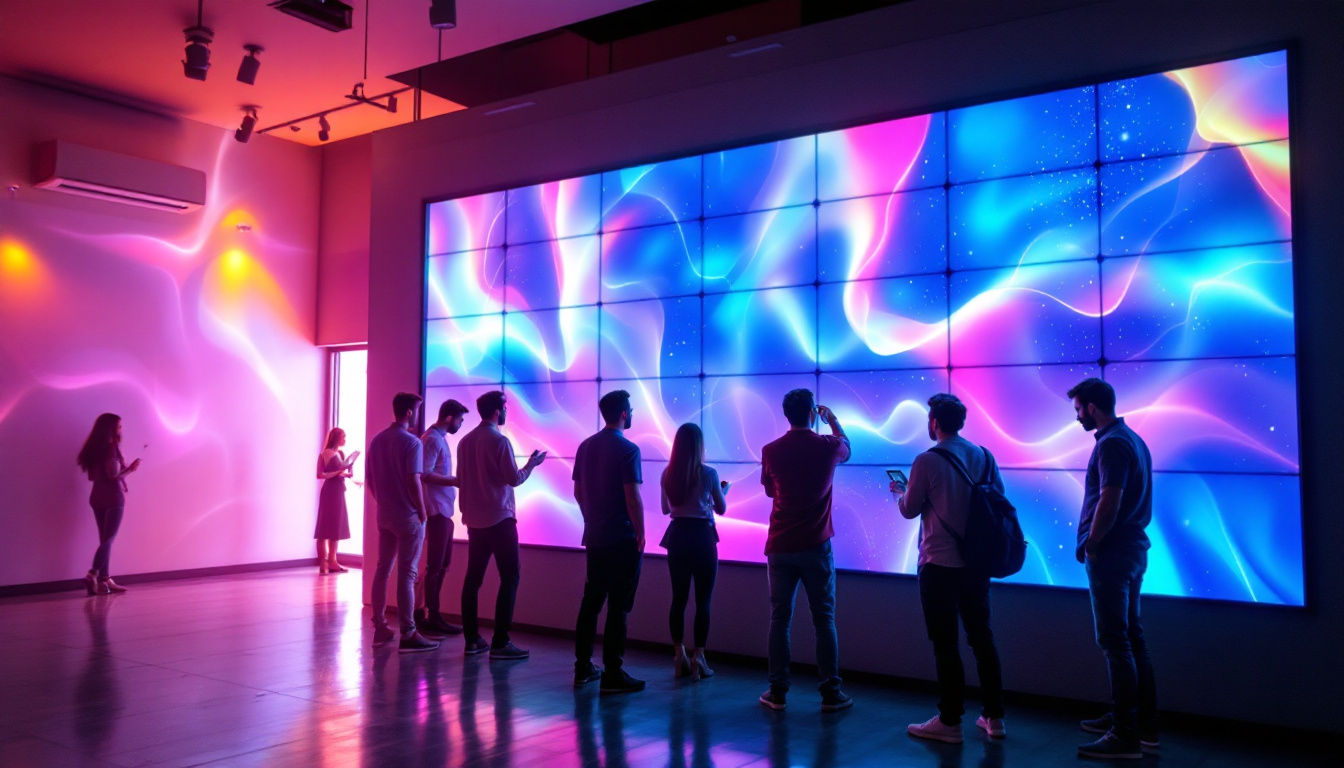
In this case, a high-brightness projector combined with a 120-inch screen may suffice, but an LED display could provide better visibility and color vibrancy. A modular LED wall can be tailored to fit the room’s dimensions and seating layout, ensuring clear visibility for all attendees.
Classroom with Multiple Viewing Angles
In classrooms where students sit at varying distances and angles, screen size and placement become critical. A 100-inch diagonal 16:9 screen placed at the front of a 30-foot-long room can accommodate most seating positions.
Using a projector with a short-throw lens minimizes shadows caused by presenters standing near the screen. Alternatively, an LED display can offer bright, clear images visible from all angles, enhancing engagement and learning outcomes.
Tips for Optimizing Your Projector or LED Display Setup
Calibrate Screen Height and Placement
Position the screen so that the center is at eye level for seated viewers, typically around 40 to 48 inches from the floor. This reduces neck strain and improves viewing comfort.
Control Ambient Light
Use blackout curtains, dimmable lighting, or tinted windows to reduce ambient light when using projectors. LED displays are less sensitive to ambient light but still benefit from controlled lighting to maximize image quality.
Invest in Quality Screens and Surfaces
For projectors, using a high-gain screen designed to reflect light efficiently enhances brightness and sharpness. Matte white screens are versatile, while specialized screens can improve contrast or viewing angles.
Regular Maintenance
Keep projector lenses clean and replace lamps as recommended to maintain image quality. For LED displays, ensure proper ventilation and dust removal to prolong lifespan.
Conclusion
Selecting the right projector screen size based on room size is a nuanced process that balances viewing distance, room dimensions, projector capabilities, and ambient light conditions. By following established guidelines and considering the specific needs of your space, you can create an optimal viewing environment that maximizes comfort and image quality.
LED displays offer a powerful alternative to traditional projection, especially in challenging lighting conditions or large venues. Their brightness, image quality, and flexibility make them an increasingly popular choice for modern installations.
Whether opting for a projector or an LED display, understanding the interplay between technology and room characteristics is key to achieving a superior visual experience.
Discover the Future of Visual Experience with LumenMatrix
Ready to elevate your space with the ultimate visual solution? LumenMatrix is at the forefront of LED display technology, offering a diverse range of products that transform any environment into a dynamic visual showcase. From captivating Indoor LED Wall Displays to versatile Outdoor LED Wall Displays, and innovative solutions like LED Sports Displays and Custom LED Displays, we have everything you need to create an unforgettable visual experience. Don’t just take our word for it; check out LumenMatrix LED Display Solutions today and see how we can help you communicate your message with unparalleled clarity and impact.