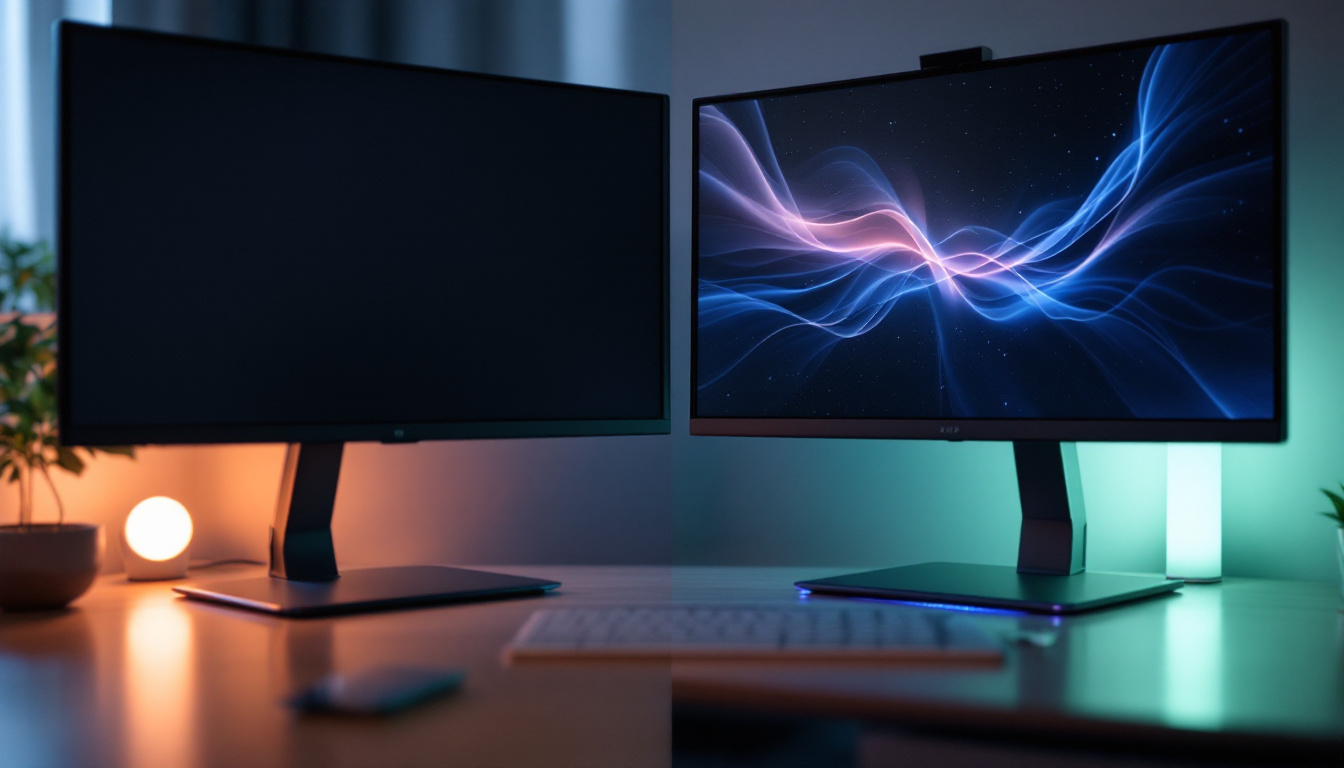
In today’s fast-evolving digital workspace, the demand for specialized computer monitors has grown significantly. Among these, tall computer monitors—those with an extended vertical aspect ratio—have carved out a niche for professionals seeking enhanced productivity and immersive visual experiences. Central to the performance and appeal of these monitors is the LED display technology that powers them. This article delves into the world of tall computer monitors, explaining the role of LED displays, their benefits, and how they meet the needs of various users.
Understanding Tall Computer Monitors
What Defines a Tall Monitor?
Tall computer monitors are characterized primarily by their vertical height relative to their width, often expressed through aspect ratios such as 16:10, 3:2, or even unconventional ratios like 9:16 in portrait mode. Unlike the standard 16:9 widescreen monitors, tall monitors provide more vertical screen real estate, which can be especially beneficial for reading, coding, editing documents, or viewing long web pages without excessive scrolling.
For instance, a typical 27-inch monitor with a 16:9 aspect ratio offers a resolution of 2560×1440 pixels, while a similarly sized 16:10 monitor might offer 2560×1600 pixels, providing an additional 160 pixels vertically. This seemingly small difference translates into a significant improvement in workspace usability.
Who Benefits Most from Tall Monitors?
Tall monitors are particularly popular among professionals such as software developers, writers, graphic designers, and financial analysts. Developers appreciate the ability to view more lines of code simultaneously, reducing the need to scroll and improving debugging efficiency. Writers and editors benefit from seeing more of their documents at once, which aids in maintaining context and flow.
Additionally, tall monitors are advantageous in multitasking environments. Users can stack multiple windows vertically, facilitating easier comparison and reference without overlapping screens. This vertical space is also preferred for portrait-oriented content, such as mobile app design or digital publishing.
LED Display Technology: The Backbone of Modern Monitors
What is an LED Display?
LED stands for Light Emitting Diode, a technology that has revolutionized display screens over the past decade. In computer monitors, LED refers to the type of backlighting used behind the LCD (Liquid Crystal Display) panel. Unlike older CCFL (Cold Cathode Fluorescent Lamp) backlights, LED backlights are more energy-efficient, produce less heat, and allow for thinner and lighter monitor designs.
It is important to clarify that LED monitors are essentially LCD monitors with LED backlighting. The LCD panel controls the image by manipulating liquid crystals, while the LED backlight illuminates the pixels. This combination results in better brightness, contrast, and color accuracy compared to previous technologies.
Types of LED Backlighting
There are two main types of LED backlighting used in monitors: edge-lit and full-array.
- Edge-lit LED: LEDs are placed along the edges of the screen, and light is distributed across the panel using light guides. This design allows for very thin screens but can sometimes lead to uneven brightness or contrast.
- Full-array LED: LEDs are placed directly behind the entire screen area, allowing for more precise control of brightness zones. This results in better contrast ratios and deeper blacks, especially when combined with local dimming technology.
Full-array LED backlighting is generally preferred in high-end monitors, including tall displays, for its superior image quality.
Advantages of LED Displays in Tall Monitors
Improved Image Quality and Color Accuracy
LED-backlit monitors provide vibrant colors and sharper images, which is crucial for professionals working in fields such as graphic design, photography, and video editing. Many tall monitors today support wide color gamuts like Adobe RGB or DCI-P3, allowing for more precise color reproduction.
Moreover, LED technology supports higher brightness levels, which enhances visibility in brightly lit environments. This is particularly beneficial for users working near windows or under strong office lighting.
Energy Efficiency and Longevity
Compared to older CCFL backlit monitors, LED displays consume significantly less power. According to the U.S. Department of Energy, LED backlighting can reduce energy consumption by up to 40%. This not only lowers electricity costs but also contributes to a smaller carbon footprint.
LEDs also have a longer lifespan, often exceeding 50,000 hours of use, which means the monitor remains bright and consistent over many years. This durability is an important consideration for businesses and individuals investing in high-quality equipment.
Design Flexibility and Ergonomics
Because LED backlighting is compact, manufacturers can create thinner and lighter monitors. This design flexibility allows for taller monitors with minimal bezels and sleek profiles that fit well in modern office setups.
Additionally, many tall monitors with LED displays come with adjustable stands that support pivoting, tilting, and height adjustments. This ergonomic adaptability helps reduce neck and eye strain during extended use, promoting healthier work habits.
Choosing the Right Tall LED Monitor
Screen Size and Resolution Considerations
When selecting a tall monitor, the screen size and resolution are critical factors. Larger monitors (27 inches and above) with higher resolutions (such as 2560×1600 or 3000×2000) offer more workspace and sharper images. However, higher resolution requires more powerful graphics hardware to drive the display smoothly, especially for gaming or 3D rendering.
For users primarily focused on productivity tasks, a 24 to 27-inch tall monitor with a resolution of 1920×1200 or 2560×1600 strikes a good balance between size, clarity, and cost.
Panel Type and Refresh Rate
The type of LCD panel used in the monitor affects color accuracy, viewing angles, and response times. The most common panel types are:
- IPS (In-Plane Switching): Offers the best color accuracy and wide viewing angles, making it ideal for creative professionals.
- VA (Vertical Alignment): Provides better contrast ratios and deeper blacks but may have slower response times.
- TN (Twisted Nematic): Generally cheaper with faster response times but poorer color reproduction and viewing angles.
For tall monitors used in professional environments, IPS panels are generally recommended.
Refresh rate is less critical for productivity-focused tall monitors but remains important for gaming or video editing. A standard 60Hz refresh rate is sufficient for most office tasks, while 120Hz or higher may be preferred for smoother motion.
Connectivity and Additional Features
Modern tall LED monitors often come equipped with multiple connectivity options, including HDMI, DisplayPort, USB-C, and USB hubs. USB-C ports are particularly valuable for users with laptops, enabling video, data transfer, and charging through a single cable.
Other features to consider include built-in speakers, blue light filters, flicker-free technology, and HDR support. These enhancements contribute to a more comfortable and immersive user experience.
Real-World Applications and Case Studies
Software Development and Coding
Developers benefit greatly from tall monitors as they can view more lines of code vertically, reducing the need to scroll and switch between windows. A study by the Nielsen Norman Group found that vertical space is critical for reading and editing code efficiently, as it reduces cognitive load.
Many programmers use 27-inch monitors with 16:10 aspect ratios, such as the Dell UltraSharp U2723QE, which offers excellent color accuracy and ergonomic adjustments. The additional vertical pixels allow simultaneous viewing of code, documentation, and terminal windows.
Creative Professionals
Graphic designers and photographers often require precise color reproduction and high resolution. Tall monitors with LED displays that support wide color gamuts and HDR provide the necessary fidelity for color-critical work.
For example, the BenQ PD3220U offers a 32-inch 16:9 display with 4K resolution and HDR10 support, but many creative professionals also prefer 16:10 monitors like the Eizo ColorEdge series for their balanced vertical workspace and color accuracy.
Financial and Data Analysis
Financial analysts and data scientists frequently work with spreadsheets and dashboards that benefit from vertical screen space. Tall monitors enable viewing more rows of data simultaneously, improving analysis speed and accuracy.
Companies such as Bloomberg and Reuters often equip their analysts with tall monitors to maximize data visibility, reducing errors and increasing productivity.
Future Trends in Tall LED Monitors
Increasing Adoption of 3:2 and 16:10 Aspect Ratios
While 16:9 remains the dominant aspect ratio in consumer monitors, the 3:2 and 16:10 ratios are gaining traction in professional environments. These ratios offer a better balance between horizontal and vertical space, aligning more closely with the dimensions of printed documents and web content.
Microsoft’s Surface Studio and the latest Surface Laptop displays use a 3:2 aspect ratio, reflecting this trend toward taller screens.
Mini-LED and Micro-LED Backlighting
Emerging LED technologies such as Mini-LED and Micro-LED promise even greater improvements in contrast, brightness, and energy efficiency. Mini-LED backlighting uses thousands of tiny LEDs, enabling more precise local dimming and deeper blacks, which enhances image quality on tall monitors.
Micro-LED technology, still in early stages for consumer monitors, offers self-emissive pixels without the need for backlighting, potentially revolutionizing display quality and thickness.
Integration with Multi-Monitor and Ultrawide Setups
As workflows become more complex, users are combining tall monitors with ultrawide or multiple monitor setups. This hybrid approach maximizes both horizontal and vertical screen real estate, catering to diverse professional needs.
Software solutions that manage window snapping and virtual desktops further enhance the usability of these configurations, making tall LED monitors a vital component of future workstations.
Conclusion
Tall computer monitors equipped with LED display technology offer a compelling combination of enhanced vertical workspace, superior image quality, and energy efficiency. Their growing popularity among developers, creatives, and analysts underscores the importance of vertical screen real estate in modern productivity.
Understanding the nuances of LED backlighting, panel types, and aspect ratios helps users make informed decisions when selecting a tall monitor. With ongoing advancements such as Mini-LED and Micro-LED, the future promises even more impressive displays that cater to the evolving demands of professional and personal computing.
Investing in a tall LED monitor is not just about screen size—it’s about optimizing the digital environment to work smarter, see clearer, and achieve more.
Discover the Future of Tall LED Monitors with LumenMatrix
Ready to elevate your workspace with the latest in tall LED monitor technology? LumenMatrix is at the forefront of LED display innovation, offering a wide array of solutions that transform your visual experience. From immersive Indoor LED Walls to dynamic Outdoor LED Displays, and from sleek LED Posters to engaging Sports and Floor Displays, LumenMatrix tailors to every aspect of your digital display needs. Embrace the future of professional and personal computing with our cutting-edge LED solutions. Check out LumenMatrix LED Display Solutions today and step into a world of visual clarity and impact.