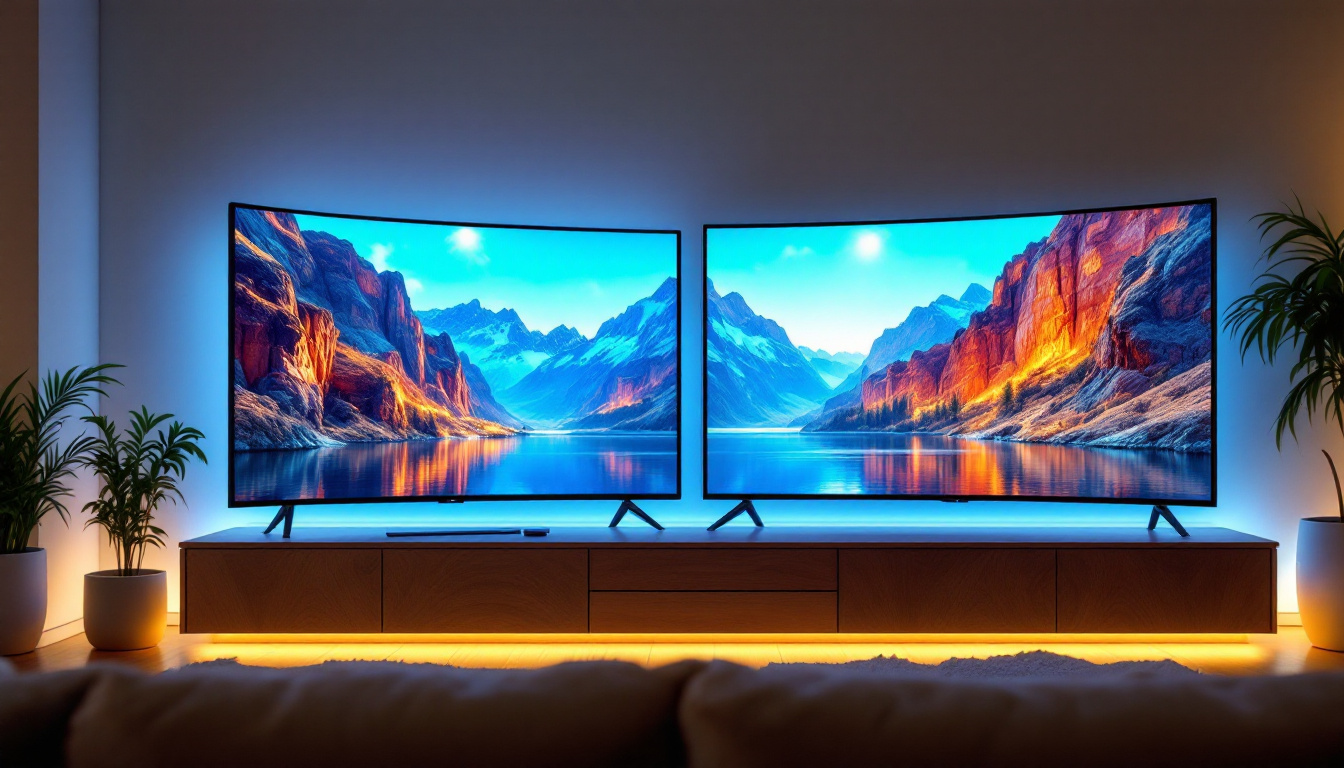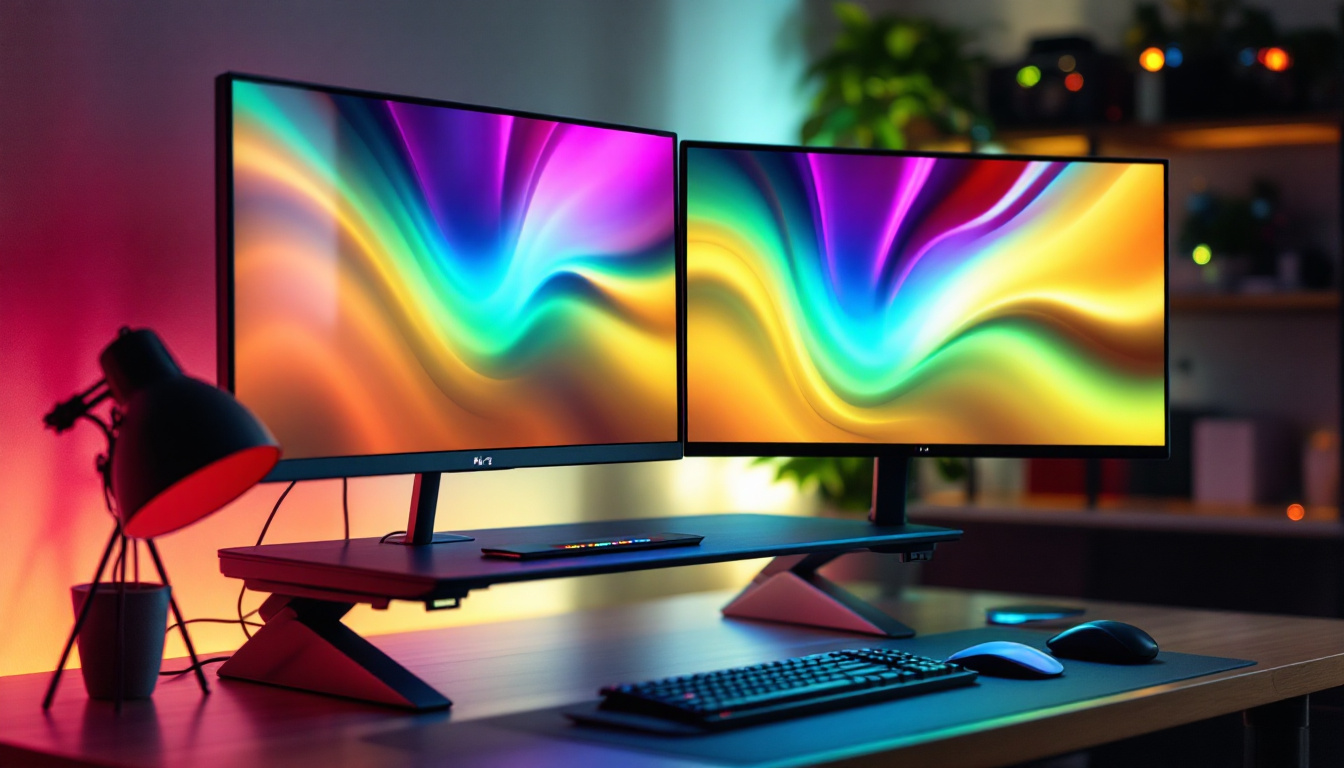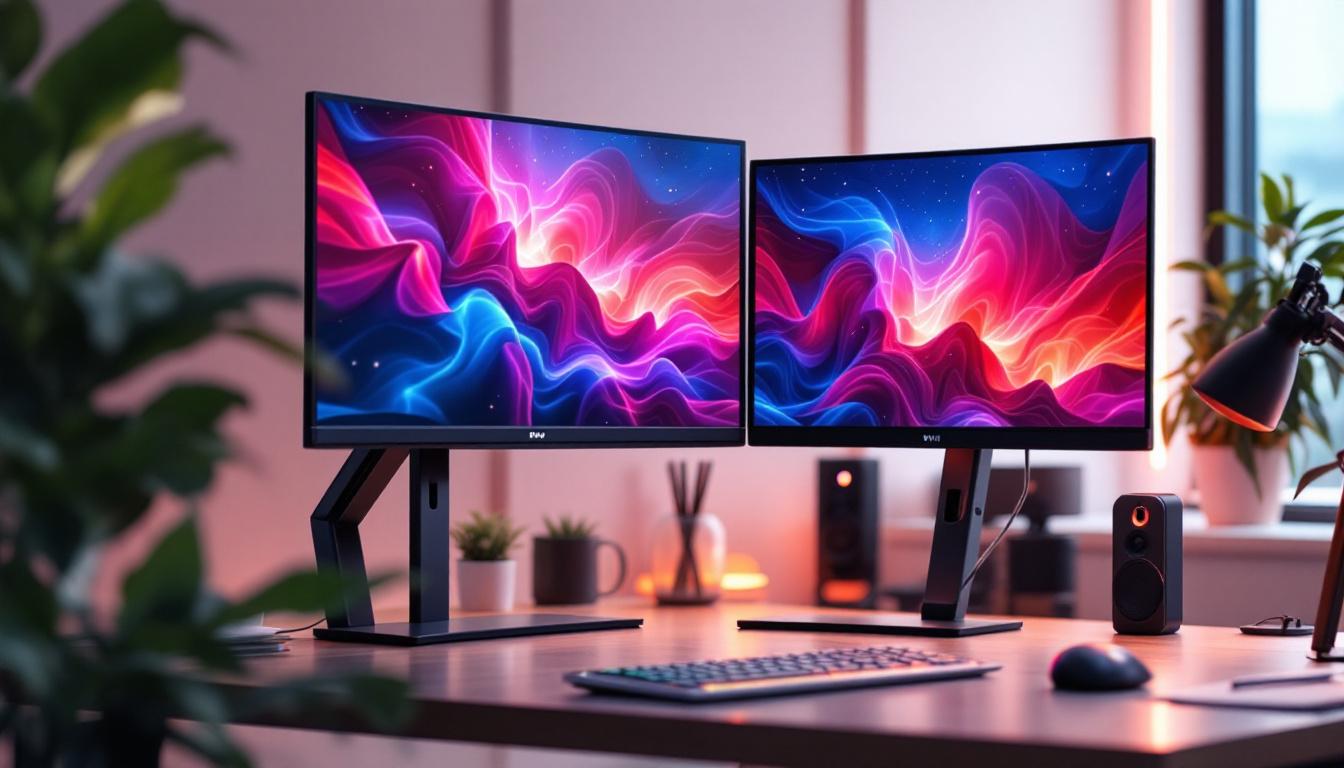
In today’s fast-paced digital world, productivity and ergonomics are paramount, especially for professionals who rely on multiple screens to manage their workflow efficiently. Dual monitor setups have become increasingly popular, offering enhanced multitasking capabilities and a more immersive computing experience. However, the key to maximizing the benefits of a dual monitor configuration often lies in the quality and design of the monitor stand used. This article delves into the top rated dual monitor stands available on the market and explores how LED displays integrate with these setups to deliver superior visual performance.
Why Choose a Dual Monitor Stand?
As workspaces become more dynamic and technology-driven, the demand for dual monitor setups has surged. According to a 2023 survey by TechPro Insights, over 65% of office workers and remote employees use dual or multiple monitors to boost productivity. But simply having two monitors isn’t enough; the way they are mounted and positioned can significantly impact comfort, efficiency, and even health.
Ergonomics and Health Benefits
One of the primary reasons to invest in a dual monitor stand is improved ergonomics. Poorly positioned monitors can lead to neck strain, back pain, and eye fatigue. Dual monitor stands allow users to adjust the height, tilt, and rotation of each screen independently, ensuring that both monitors are aligned with the user’s natural line of sight. This customization helps maintain good posture and reduces the risk of musculoskeletal disorders.
Ergonomic benefits are not just about comfort; they translate into fewer sick days and higher productivity. The Occupational Safety and Health Administration (OSHA) emphasizes the importance of proper monitor placement to prevent repetitive strain injuries, making dual monitor stands an essential component of a healthy workspace.
Space Optimization and Aesthetic Appeal
Dual monitor stands also help optimize desk space. Traditional setups with individual monitor bases often consume a significant amount of surface area, leading to clutter and reduced workspace for other essentials. Monitor stands, especially those with clamp or grommet mounting options, free up valuable desk real estate by elevating screens off the desk surface.
Moreover, a well-designed dual monitor stand contributes to a clean, organized, and professional-looking workspace. Many top rated stands feature sleek, minimalist designs with cable management systems that keep wires tidy and out of sight, enhancing both functionality and aesthetics.
Top Rated Dual Monitor Stands: Features and Comparisons
Choosing the right dual monitor stand depends on several factors including monitor size, weight capacity, adjustability, and mounting style. Below is an overview of some of the most highly regarded dual monitor stands in 2024, highlighting their key features and what sets them apart.
1. Ergotron LX Dual Stacking Arm
The Ergotron LX Dual Stacking Arm is widely praised for its robust build quality and exceptional adjustability. It supports monitors up to 24 inches and can hold weights up to 25 pounds per arm, making it suitable for most LED displays.
This stand offers a wide range of motion including height adjustment, tilt, swivel, and rotation, allowing users to position their monitors in portrait or landscape mode with ease. The gas spring mechanism ensures smooth movement and stability. Additionally, its cable management system keeps cords organized and out of the way.
2. VIVO Dual LCD Monitor Desk Mount Stand
VIVO’s dual monitor stand is a budget-friendly yet reliable option that supports monitors up to 27 inches and 22 pounds each. It features a sturdy steel construction with a clamp or grommet mounting option, providing flexibility depending on desk type.
The arms offer tilt, swivel, and rotation adjustments, and the stand’s height can be customized to fit individual ergonomic needs. Its straightforward installation process and solid performance make it a favorite among home office users and gamers alike.
3. AmazonBasics Premium Dual Monitor Stand
AmazonBasics offers a premium dual monitor stand that balances affordability with quality. It supports monitors up to 32 inches and 20 pounds per arm, accommodating larger LED displays common in professional environments.
The stand features a gas spring arm for easy adjustability and includes a cable management system. Its sleek design and durable materials make it a practical choice for users seeking both style and functionality.
4. HUANUO Dual Monitor Mount with USB Hub
For users looking to integrate connectivity features, the HUANUO dual monitor mount stands out with its built-in USB 3.0 hub. Supporting monitors up to 27 inches and 19.8 pounds, it provides ergonomic adjustments including tilt, swivel, and height control.
The USB hub adds convenience by allowing users to connect peripherals directly through the stand, reducing desktop clutter and improving workflow efficiency. This feature is particularly beneficial for professionals who rely on multiple USB devices.
Understanding LED Displays in Dual Monitor Setups
While the stand is crucial for positioning, the quality of the LED display itself determines the clarity, color accuracy, and overall visual experience. LED (Light Emitting Diode) technology has become the standard for modern monitors due to its energy efficiency, brightness, and color performance.
Advantages of LED Displays
LED monitors offer several advantages over older LCD and CRT technologies. They provide brighter images with higher contrast ratios, which means deeper blacks and more vibrant colors. This is essential for professionals in graphic design, video editing, and gaming where color fidelity is critical.
Furthermore, LED displays consume less power and generate less heat, contributing to a more comfortable and cost-effective workspace. Their slim profiles also complement dual monitor stands by reducing the overall bulk of the setup.
Key Specifications to Consider
When selecting LED monitors for a dual setup, several specifications should be evaluated:
- Resolution: Higher resolutions like 2560×1440 (QHD) or 3840×2160 (4K) provide sharper images and more screen real estate for multitasking.
- Refresh Rate: A higher refresh rate (e.g., 75Hz or 144Hz) results in smoother motion, beneficial for gaming and video playback.
- Color Accuracy: Look for monitors with high color gamut coverage (sRGB, AdobeRGB) for professional-grade color reproduction.
- Panel Type: IPS panels offer better viewing angles and color consistency compared to TN panels.
Matching LED Displays with Dual Monitor Stands
Compatibility between the LED monitors and the dual monitor stand is essential. Most stands support the VESA mounting standard, which defines the mounting hole pattern on the back of monitors. Ensuring that both monitors and the stand conform to VESA standards (typically 75x75mm or 100x100mm) is critical for a secure fit.
Additionally, consider the weight and size of the LED displays. Heavier or larger monitors require stands with higher weight capacities and more robust construction to maintain stability and safety.
Setting Up and Optimizing Your Dual Monitor Workspace
Once the right dual monitor stand and LED displays are selected, proper setup is key to unlocking the full benefits of a dual screen environment.
Positioning and Alignment
Ideally, dual monitors should be positioned at eye level with the top of the screen roughly aligned with the user’s eyes. The monitors should be placed side by side with minimal gap to create a seamless viewing experience. If one monitor is used more frequently, it can be centered directly in front of the user, with the secondary monitor angled slightly.
Adjusting tilt and height helps reduce glare and reflections, which can cause eye strain. Many dual monitor stands allow for these adjustments, making it easier to find the perfect ergonomic setup.
Calibrating Displays for Consistency
To ensure color and brightness consistency across both LED displays, calibration is recommended. Tools like colorimeters or software calibration utilities can help achieve uniform color profiles, which is especially important for creative professionals.
Windows and macOS both offer built-in display calibration wizards, but dedicated hardware calibration devices provide the most accurate results.
Cable Management and Desk Organization
Effective cable management enhances both aesthetics and functionality. Many top rated dual monitor stands come with integrated cable routing channels that keep power cords, HDMI cables, and USB wires neatly bundled and out of sight.
Using cable ties, clips, or sleeves can further reduce clutter, prevent tangling, and make cleaning easier. A tidy workspace contributes to better focus and a more professional appearance.
The Future of Dual Monitor Stands and LED Displays
As technology evolves, so do the features and capabilities of dual monitor stands and LED displays. Emerging trends point towards greater integration of smart features, improved materials, and enhanced user customization.
Smart Stands with Automation and Connectivity
Some manufacturers are developing smart dual monitor stands equipped with sensors and motorized adjustments that automatically adapt to user preferences or posture changes throughout the day. Integration with voice assistants and IoT devices is also on the horizon, allowing users to control monitor positioning via voice commands or mobile apps.
Additionally, stands with built-in USB-C hubs, wireless charging pads, and ambient lighting are becoming more common, turning the monitor stand into a multifunctional workstation hub.
Advancements in LED Display Technology
LED display technology continues to advance with innovations such as mini-LED and micro-LED panels, which offer superior contrast ratios, brightness, and energy efficiency. These displays promise to deliver even more vibrant and lifelike images, enhancing the dual monitor experience.
Moreover, flexible and curved LED displays are gaining popularity, providing immersive viewing angles and reducing eye strain by matching the natural field of vision.
Conclusion
Investing in a top rated dual monitor stand is a strategic decision that can significantly enhance productivity, comfort, and workspace organization. When paired with high-quality LED displays, the combination offers a powerful tool for professionals, gamers, and creatives alike.
Understanding the ergonomic benefits, key features of leading stands, and the technical aspects of LED displays ensures users make informed choices tailored to their specific needs. As technology continues to evolve, dual monitor setups will become even more versatile and user-friendly, cementing their role as an essential component of the modern digital workspace.
Explore Cutting-Edge LED Displays with LumenMatrix
Ready to elevate your dual monitor setup to new heights of clarity and performance? Discover LumenMatrix’s innovative LED display solutions, designed to transform your workspace and visual experience. From immersive Indoor LED Walls to dynamic Outdoor LED Displays and beyond, LumenMatrix offers a comprehensive range of products that cater to every need. Embrace the future of visual communication and check out LumenMatrix LED Display Solutions today to see how our technology can enhance your productivity and workspace organization.