Touch Screen PC Monitor: LED Display Explained
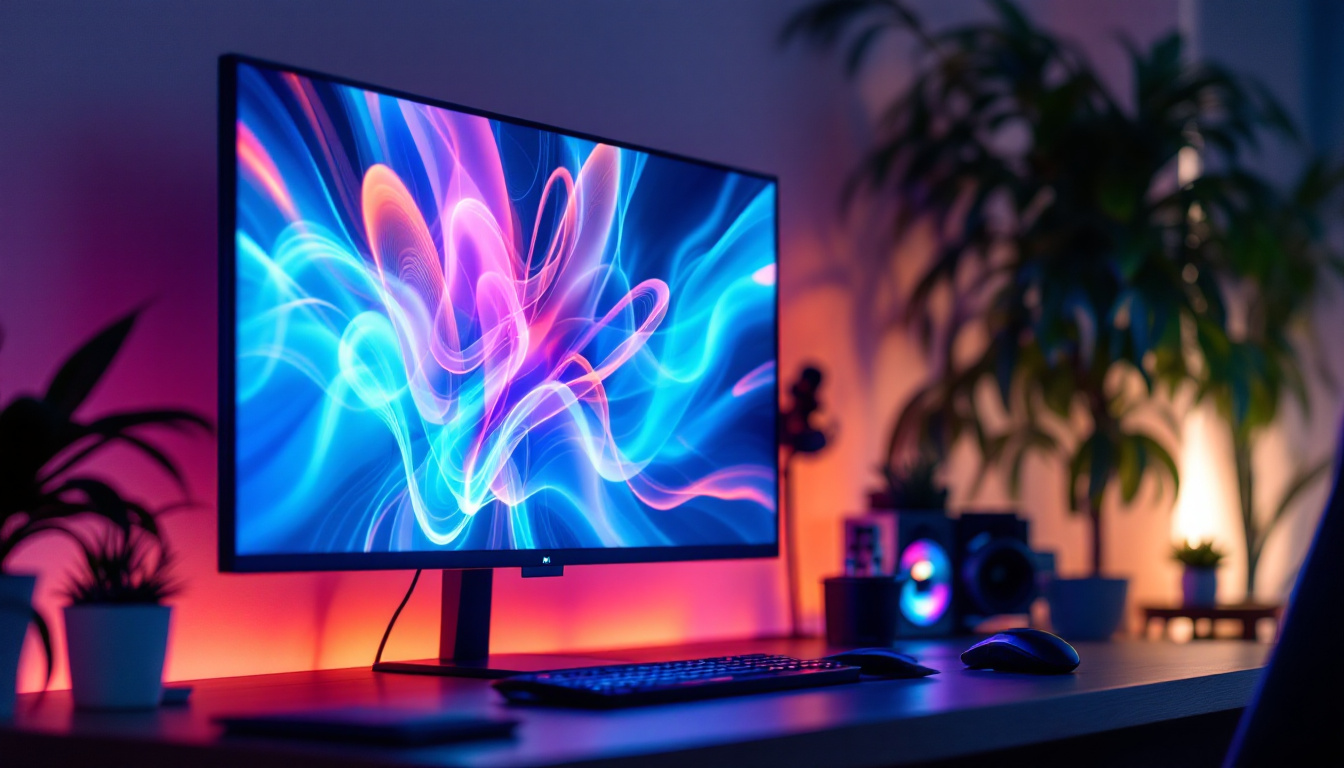
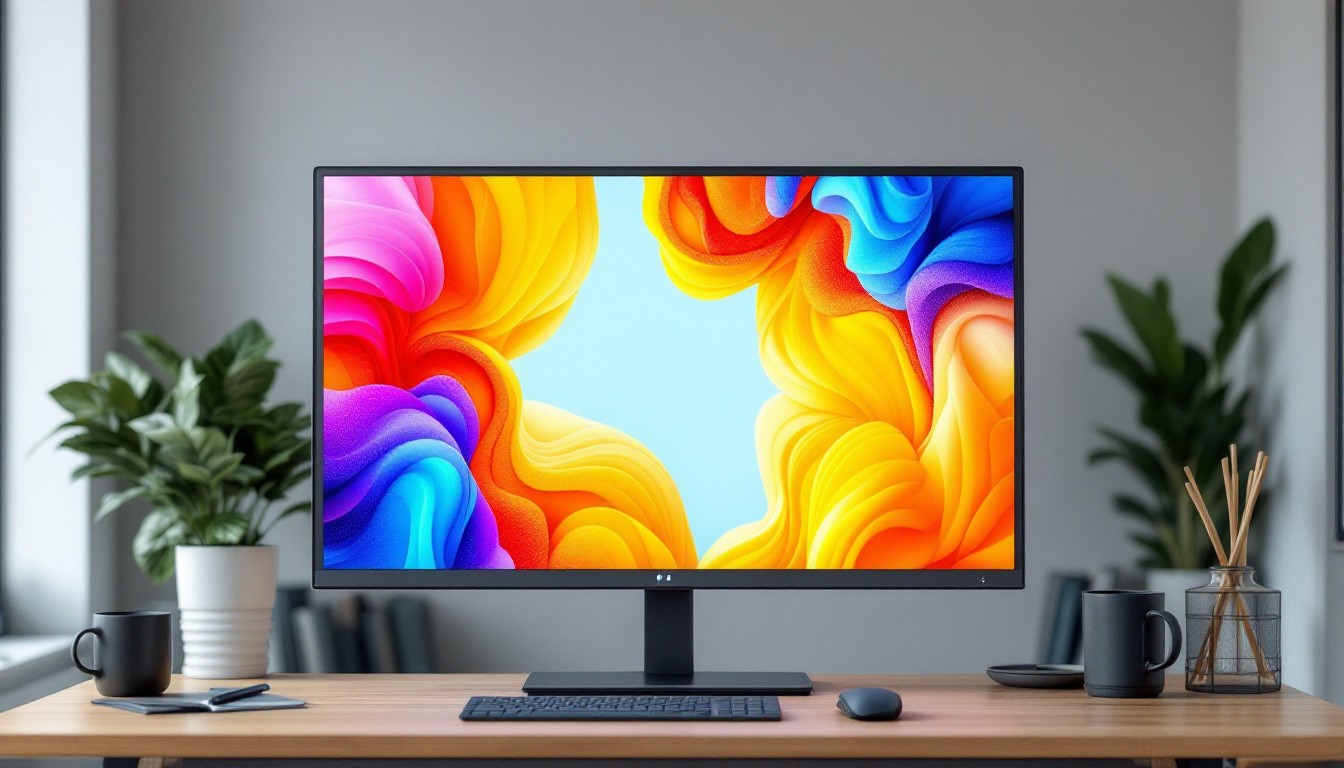
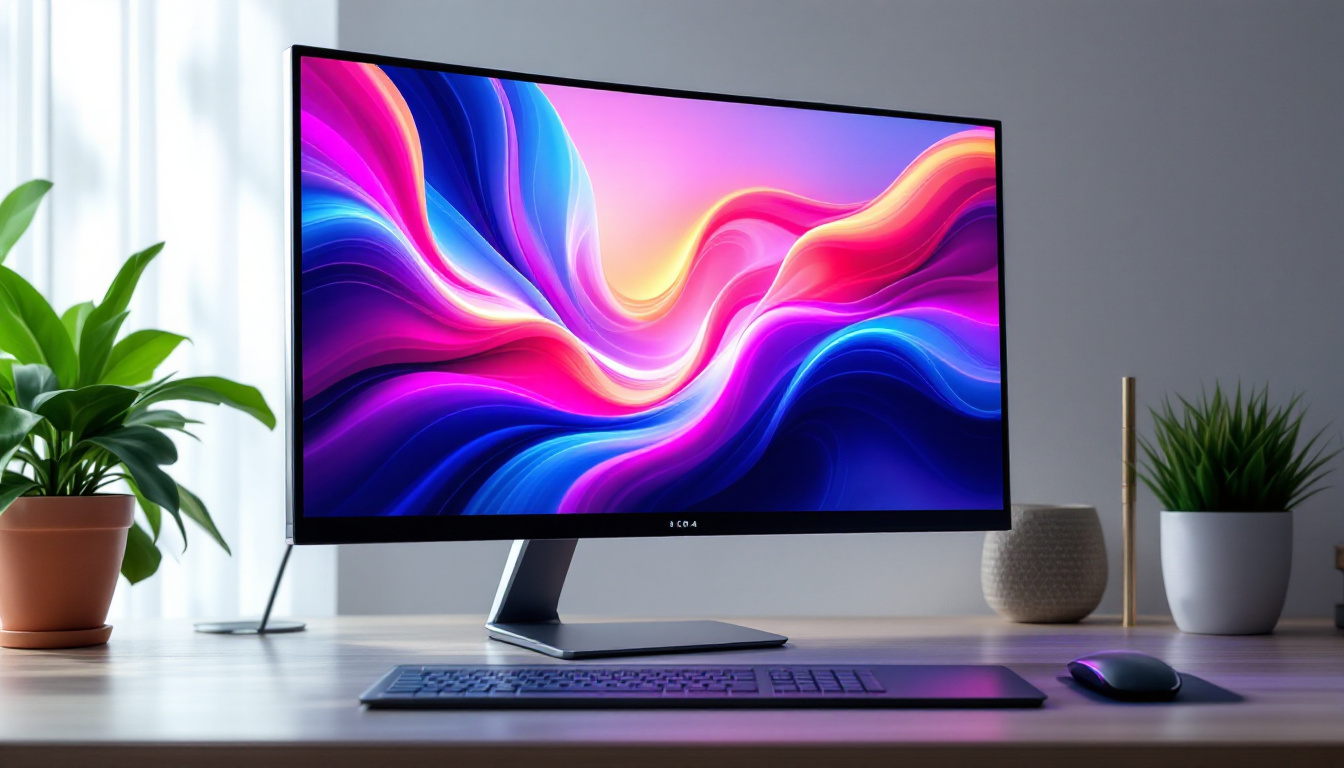
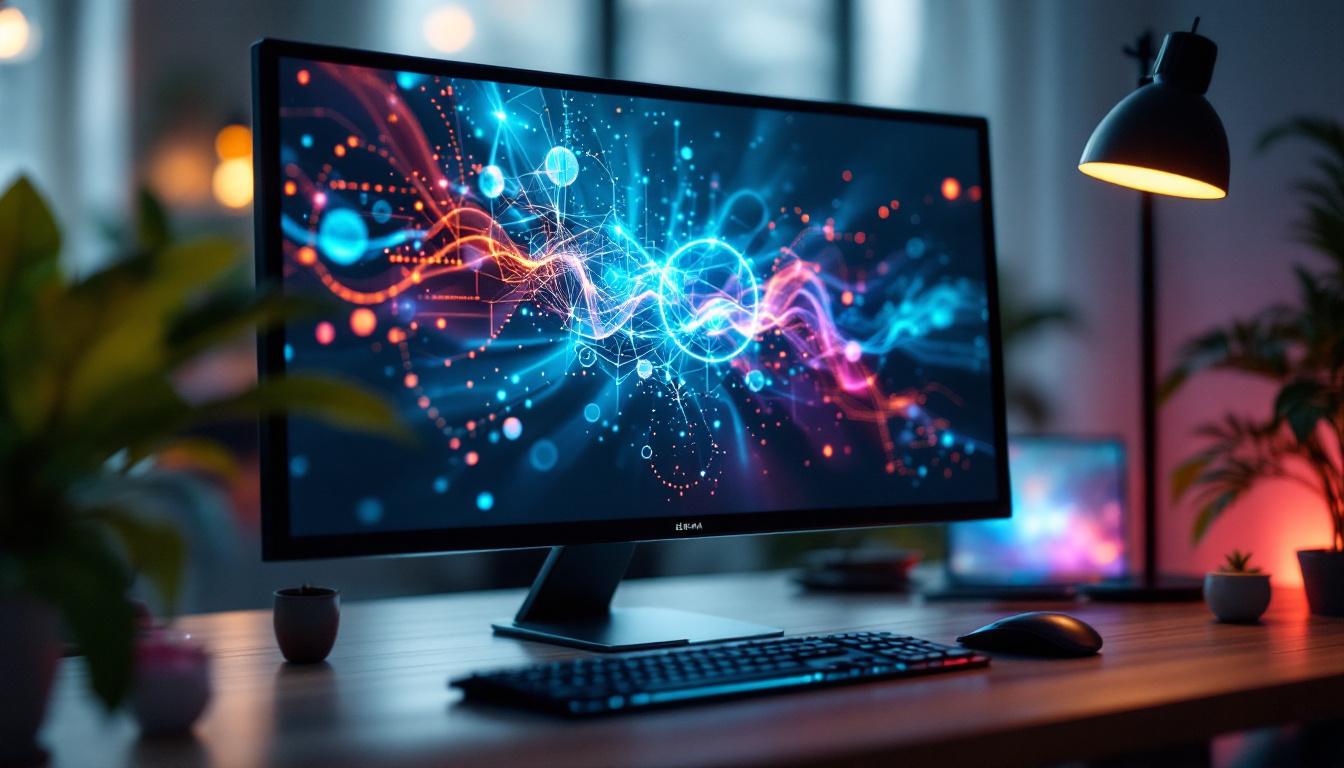
In today’s fast-evolving digital landscape, touch screen PC monitors have become a pivotal component in both professional and personal computing environments. Their integration of LED display technology offers vibrant visuals combined with intuitive touch capabilities, revolutionizing how users interact with their devices. This article delves deep into the technology behind LED touch screen monitors, exploring their benefits, types, and practical applications to provide a comprehensive understanding for consumers and professionals alike.
Understanding LED Display Technology
At the heart of modern touch screen PC monitors lies LED (Light Emitting Diode) display technology. Unlike traditional LCDs that rely on cold cathode fluorescent lamps (CCFL) for backlighting, LED displays use light-emitting diodes to illuminate the screen. This shift has brought significant improvements in display quality, energy efficiency, and device design.
LED backlighting can be implemented in various ways, such as edge-lit or full-array configurations. Edge-lit LED displays position LEDs around the screen’s perimeter, allowing for thinner panels and lighter monitors. Full-array LED backlighting places LEDs directly behind the screen, enabling more precise local dimming and enhanced contrast ratios.
The result is a display that offers brighter images, deeper blacks, and a wider color gamut. These qualities make LED displays particularly appealing for applications requiring high visual fidelity, such as graphic design, video editing, and gaming. The advancements in LED technology have also led to the development of HDR (High Dynamic Range) displays, which further enhance the viewing experience by providing a broader range of brightness levels and colors. This capability is especially beneficial in gaming and cinematic experiences, where the ability to render vivid details in both shadows and highlights can significantly impact immersion.
How LED Displays Differ from Other Technologies
While LED displays are technically a form of LCD technology, the difference lies in the backlighting method. Traditional LCD monitors with CCFL backlights tend to be bulkier and consume more power. In contrast, LED backlighting allows for slimmer designs and reduces energy consumption by up to 30-40%, according to industry data.
Moreover, OLED (Organic LED) displays, often confused with LED displays, use organic compounds that emit light individually without a backlight. While OLEDs offer superior contrast and color accuracy, they are currently more expensive and less common in PC monitors compared to LED-backlit LCDs. Additionally, the longevity of OLED displays can be a concern due to potential burn-in issues, where static images can leave a permanent mark on the screen. This makes LED displays a more practical choice for many users who require reliability and durability in their everyday computing tasks. Furthermore, advancements in LED technology continue to evolve, with mini-LED and micro-LED technologies on the horizon, promising even greater improvements in brightness, contrast, and energy efficiency, which could redefine the standards for visual displays in the near future.
The Integration of Touch Screen Technology
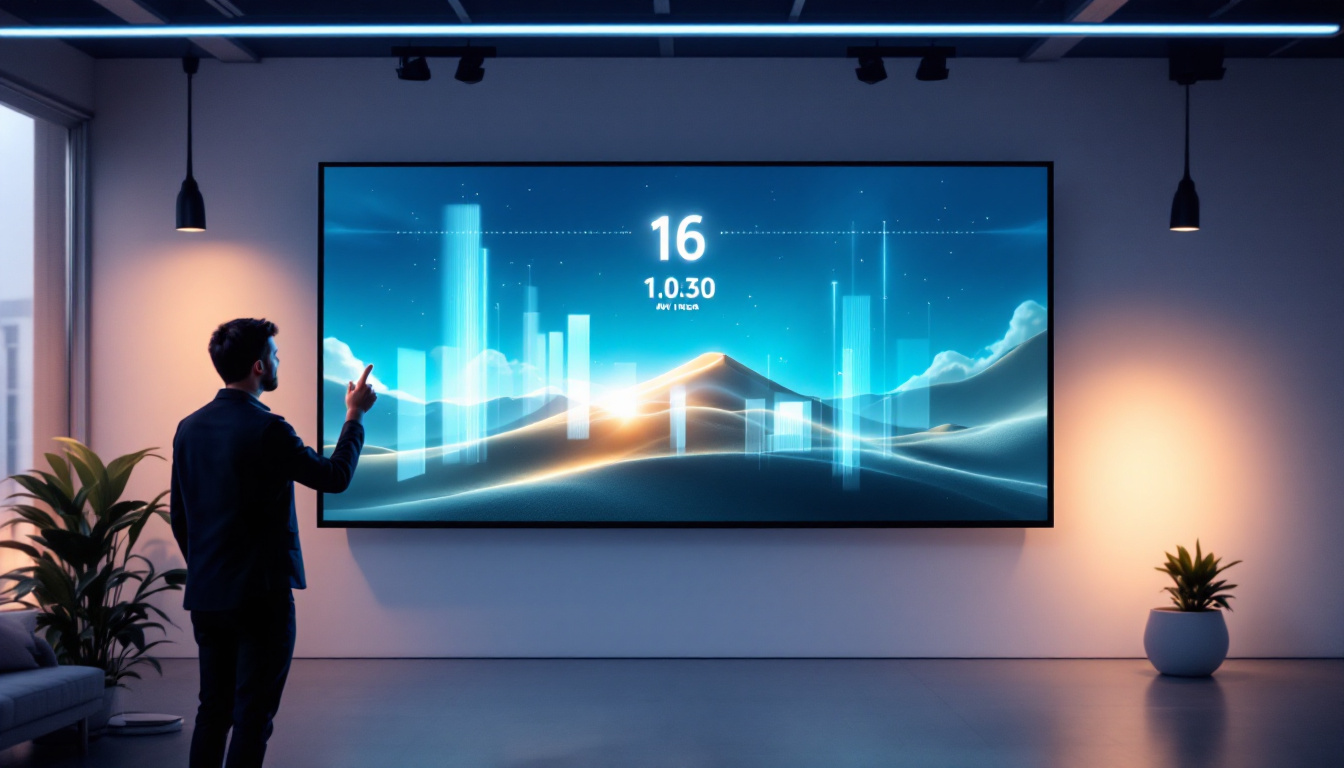
Touch screen monitors combine display technology with touch-sensitive layers that detect user input. This fusion transforms the traditional monitor into an interactive interface, enabling users to navigate, draw, or manipulate on-screen elements directly. The convenience of touch screens has made them a staple in various sectors, from education to healthcare, where intuitive interaction is paramount. As technology continues to advance, the applications of touch screens are expanding, enhancing user engagement and productivity across multiple platforms.
There are several types of touch technologies used in PC monitors, including resistive, capacitive, infrared, and surface acoustic wave (SAW). Each technology has its own advantages and trade-offs in terms of sensitivity, durability, and cost. For instance, while resistive screens may lack the finesse of capacitive displays, their ability to function in extreme conditions makes them indispensable in manufacturing and outdoor environments. This versatility highlights the importance of selecting the right technology for specific use cases, ensuring optimal performance and user satisfaction.
Capacitive Touch Screens: The Industry Standard
Capacitive touch technology is the most widely used in modern touch screen PC monitors. It works by detecting changes in the electrical field caused by the conductive properties of a finger or a specialized stylus. This technology supports multi-touch gestures, such as pinch-to-zoom and swipe, which have become integral to user experience. The seamless interaction provided by capacitive screens has revolutionized how users engage with software applications, making tasks like graphic design and data analysis more intuitive and efficient.
Capacitive screens offer high responsiveness and clarity since the touch layer is transparent and does not require pressure to register input. This makes them ideal for professional environments where precision and speed are critical. Moreover, advancements in capacitive technology have led to the development of screens that can detect multiple touches simultaneously, allowing for collaborative work and interactive presentations. As a result, many businesses are adopting these monitors not just for their functionality, but also for their ability to foster teamwork and creativity in the workplace.
Other Touch Technologies and Their Applications
Resistive touch screens, which rely on pressure applied to two conductive layers, are less common in PC monitors but still used in industrial or rugged environments due to their durability and ability to register input from gloves or styluses. These screens are particularly advantageous in settings where users may be wearing protective gear or working in adverse conditions, such as in factories or outdoor construction sites. Their robustness ensures that they can withstand harsh environments without compromising functionality.
Infrared and SAW touch technologies use light sensors or sound waves to detect touch, offering high accuracy and durability but often at a higher cost. These are typically found in specialized kiosks or public information displays rather than personal computing devices. The ability of infrared screens to function without a physical touch layer allows for a more durable surface, making them ideal for high-traffic areas where wear and tear can be significant. Additionally, these technologies are increasingly being integrated into interactive displays in museums and galleries, providing visitors with engaging and informative experiences that enhance learning and exploration.
Benefits of Touch Screen LED Monitors
Combining LED display technology with touch functionality creates a powerful tool that enhances user interaction and productivity. The benefits extend across various sectors, from education and healthcare to business and entertainment.
Enhanced User Experience and Accessibility
Touch screen monitors simplify navigation by allowing direct manipulation of on-screen elements. This natural interaction reduces the learning curve for new users and supports accessibility for individuals with limited dexterity or mobility. For example, in educational settings, touch screens facilitate interactive learning through engaging multimedia content and hands-on activities.
Improved Productivity and Collaboration
In professional environments, touch screen monitors enable faster workflows by allowing users to annotate documents, sketch ideas, or operate software intuitively. Collaborative workspaces benefit from multi-user touch capabilities, where teams can simultaneously interact with a shared display during meetings or brainstorming sessions.
Space Efficiency and Aesthetic Appeal
LED touch screen monitors often feature slim profiles and minimal bezels, contributing to a clean and modern workspace. Their ability to combine input and display functions into a single device reduces the need for peripheral input devices like keyboards and mice, freeing up desk space.
Key Features to Consider When Choosing a Touch Screen LED Monitor
Selecting the right touch screen LED monitor depends on various factors tailored to specific needs and environments. Understanding these features ensures optimal performance and satisfaction.
Screen Size and Resolution
Screen size impacts usability and comfort. Common sizes range from 15 inches for compact setups to 27 inches or more for detailed work. Higher resolution screens, such as Full HD (1920×1080) or 4K UHD (3840×2160), offer sharper images and more workspace, essential for tasks requiring precision.
Touch Technology and Responsiveness
Choosing the appropriate touch technology is crucial. Capacitive screens are preferred for general use due to their sensitivity and multi-touch support. However, environments requiring glove use or stylus input might benefit from resistive or specialized touch technologies.
Connectivity Options
Modern touch screen monitors support various connectivity standards, including HDMI, DisplayPort, USB-C, and legacy VGA or DVI ports. USB ports are often integrated to facilitate touch input data transmission and peripheral connections. Ensuring compatibility with existing hardware is essential for seamless integration.
Durability and Build Quality
Monitors designed for industrial or public use often feature reinforced glass, anti-glare coatings, and water or dust resistance. These attributes extend the device’s lifespan and maintain performance in challenging conditions.
Applications of Touch Screen LED Monitors
The versatility of touch screen LED monitors has led to widespread adoption across multiple industries, each leveraging the technology to meet unique demands.
Education and Training
Interactive whiteboards and touch screen monitors have transformed classrooms by enabling dynamic teaching methods. Students engage directly with educational content, fostering collaboration and active learning. Training centers utilize these displays for simulations and hands-on practice, enhancing skill acquisition.
Healthcare
In medical environments, touch screen monitors streamline patient management, imaging review, and data entry. Their ease of use reduces errors and improves workflow efficiency. Additionally, hygienic designs with easy-to-clean surfaces are critical in maintaining sterile conditions.
Retail and Hospitality
Point-of-sale (POS) systems increasingly rely on touch screen LED monitors for fast and intuitive customer transactions. Self-service kiosks in restaurants and retail stores enhance customer experience by reducing wait times and enabling personalized service.
Creative Industries
Graphic designers, photographers, and video editors benefit from touch screen monitors that support stylus input and offer high color accuracy. The ability to interact directly with digital canvases accelerates creative workflows and precision.
Future Trends in Touch Screen LED Monitors
As technology advances, touch screen LED monitors continue to evolve, integrating new features and capabilities that promise to redefine user interaction.
Higher Refresh Rates and HDR Support
Gaming and professional monitors are increasingly adopting higher refresh rates (120Hz and above) and High Dynamic Range (HDR) support. These enhancements deliver smoother motion and richer color depth, elevating visual experiences.
Flexible and Transparent Displays
Research into flexible and transparent LED displays is progressing, potentially leading to monitors that can bend or integrate seamlessly into various surfaces. Such innovations could open new possibilities in design and functionality.
Artificial Intelligence and Gesture Recognition
Integrating AI with touch screen technology may enable gesture recognition beyond direct touch, allowing users to control monitors through hand movements or voice commands. This could further enhance accessibility and interaction paradigms.
Conclusion
Touch screen PC monitors with LED displays represent a significant leap in display and interaction technology. Their combination of vivid visuals, energy efficiency, and intuitive touch input caters to a broad spectrum of users and industries. By understanding the underlying technologies, benefits, and application areas, consumers and businesses can make informed decisions that align with their needs and future-proof their investments.
As the market continues to innovate, staying informed about emerging trends and features will ensure users harness the full potential of touch screen LED monitors in their digital environments.
Discover LumenMatrix’s Advanced LED Display Solutions
Ready to elevate your digital experience with the latest in touch screen LED technology? LumenMatrix is at the forefront of LED display innovation, offering a wide array of solutions tailored to meet your needs. From captivating Indoor LED Wall Displays to dynamic Outdoor LED Wall Displays, and from versatile Vehicle LED Displays to sleek LED Poster Displays, our products are designed to make a lasting impression. Whether you’re looking to enhance engagement in a sports arena with an LED Sports Display, add movement to your space with a Floor LED Display, or require a Custom LED Display for a unique project, LumenMatrix has the expertise to bring your vision to life. Experience the future of visual communication with our All-in-One LED Display and LED Transparent Display options. Don’t miss out on the opportunity to transform your environment with LumenMatrix’s cutting-edge solutions. Check out LumenMatrix LED Display Solutions today and see your message shine with unparalleled clarity and impact.