In today’s fast-paced digital world, the demand for efficient and ergonomic workspace setups is higher than ever. Whether for professional use, gaming, or creative work, multi-monitor setups have become increasingly popular. Central to these setups is the VESA multi monitor mount, a crucial component that supports LED displays with flexibility and stability. This article delves into the intricacies of VESA mounts, their compatibility with LED displays, and how they enhance the overall user experience.
Understanding VESA Mount Standards
What is VESA?
The Video Electronics Standards Association (VESA) is an international body that sets industry-wide standards for video and display interfaces. Among its most widely adopted standards is the VESA mount interface, which dictates the mounting hole patterns on the back of monitors and TVs. This standardization ensures compatibility between displays and mounting hardware from different manufacturers.
VESA mounting patterns are typically measured in millimeters, with common sizes including 75×75 mm, 100×100 mm, 200×200 mm, and larger for bigger displays. These measurements refer to the horizontal and vertical distances between the mounting holes on the back of the display. Understanding these specifications is essential when selecting a multi monitor mount to ensure a secure and proper fit. Additionally, VESA has introduced various standards over the years, including VESA DisplayHDR and VESA Adaptive Sync, which further enhance the viewing experience by ensuring optimal performance and compatibility across devices.
Why VESA Mounts Matter for LED Displays
LED displays, known for their slim profiles and energy efficiency, have become the dominant technology in monitors and TVs. Their lightweight design makes them ideal candidates for VESA mounting solutions. Unlike older CRT monitors, which were bulky and heavy, LED displays can be easily mounted on adjustable arms or wall brackets without compromising stability.
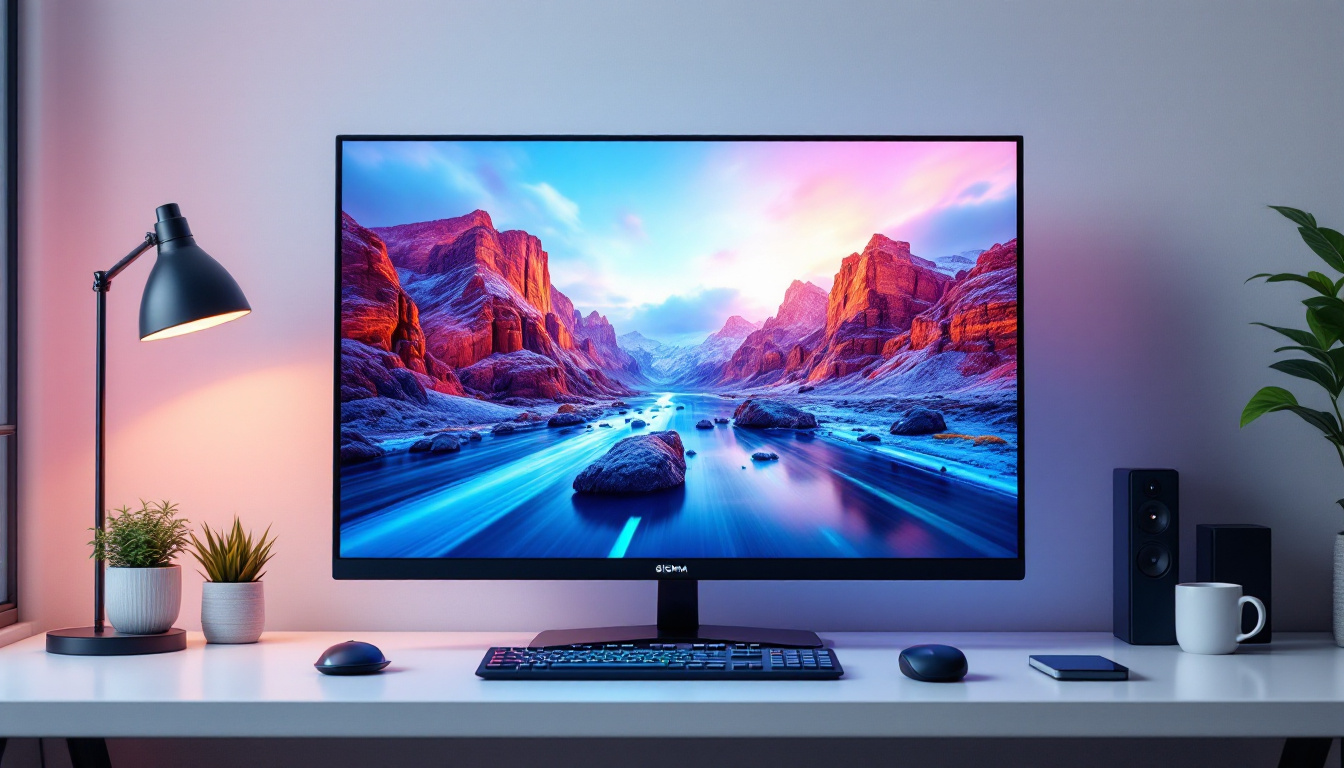
Moreover, VESA mounts allow users to customize their workspace ergonomics by adjusting the height, tilt, swivel, and rotation of each LED display. This flexibility minimizes neck and eye strain, promotes better posture, and enhances productivity—especially important for professionals who spend long hours in front of screens. Furthermore, the ability to create a multi-monitor setup using VESA mounts can significantly improve workflow efficiency. By positioning multiple screens at optimal angles, users can seamlessly transition between tasks, compare documents side by side, or engage in immersive gaming experiences, all while maintaining a clean and organized workspace.
In addition to functional benefits, VESA mounts also contribute to aesthetic appeal. A well-designed mounting solution can help declutter desks by eliminating the need for bulky stands, allowing for a more streamlined and modern look. Many users appreciate the minimalist design that VESA mounts offer, as they can showcase the sleekness of their LED displays while also providing the flexibility to adjust their viewing angles. This combination of functionality and style makes VESA mounts a popular choice among both home and office environments, catering to the needs of diverse users from gamers to graphic designers.
Types of VESA Multi Monitor Mounts
Desk Mounts
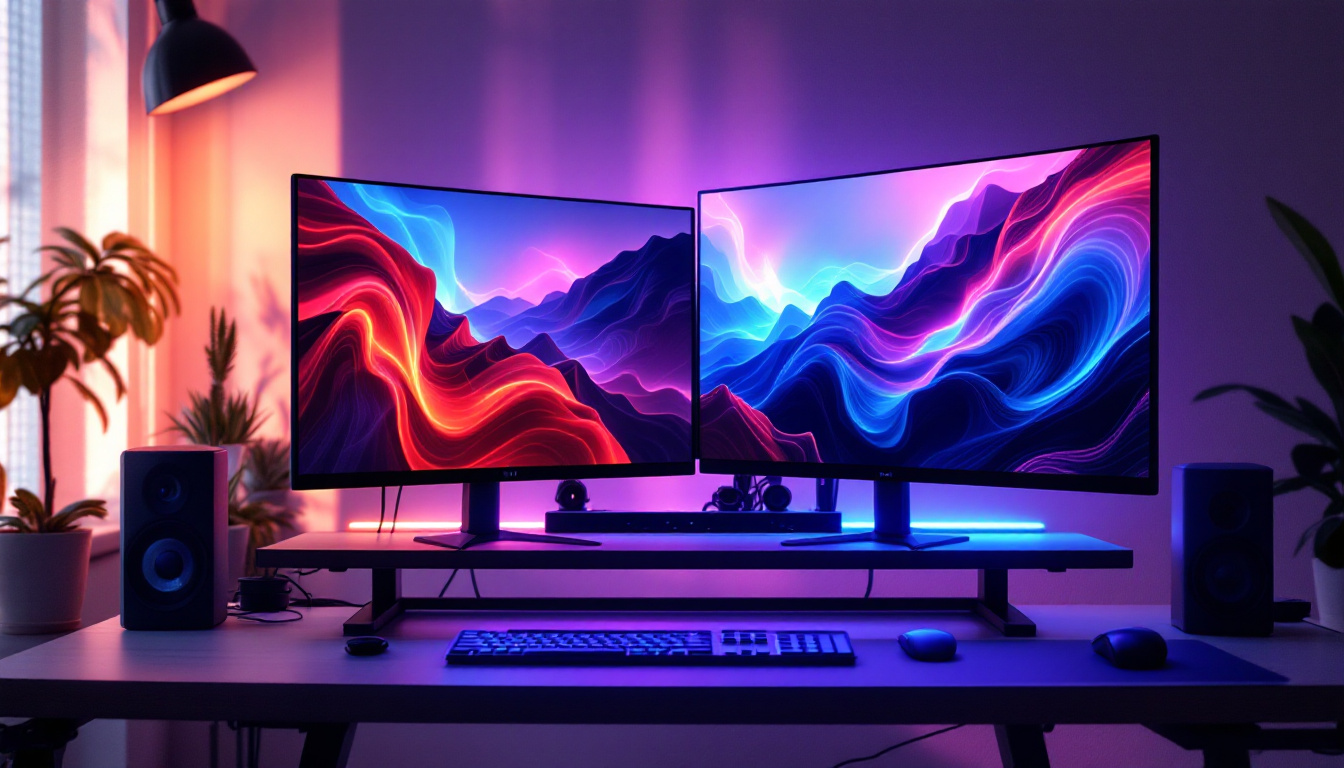
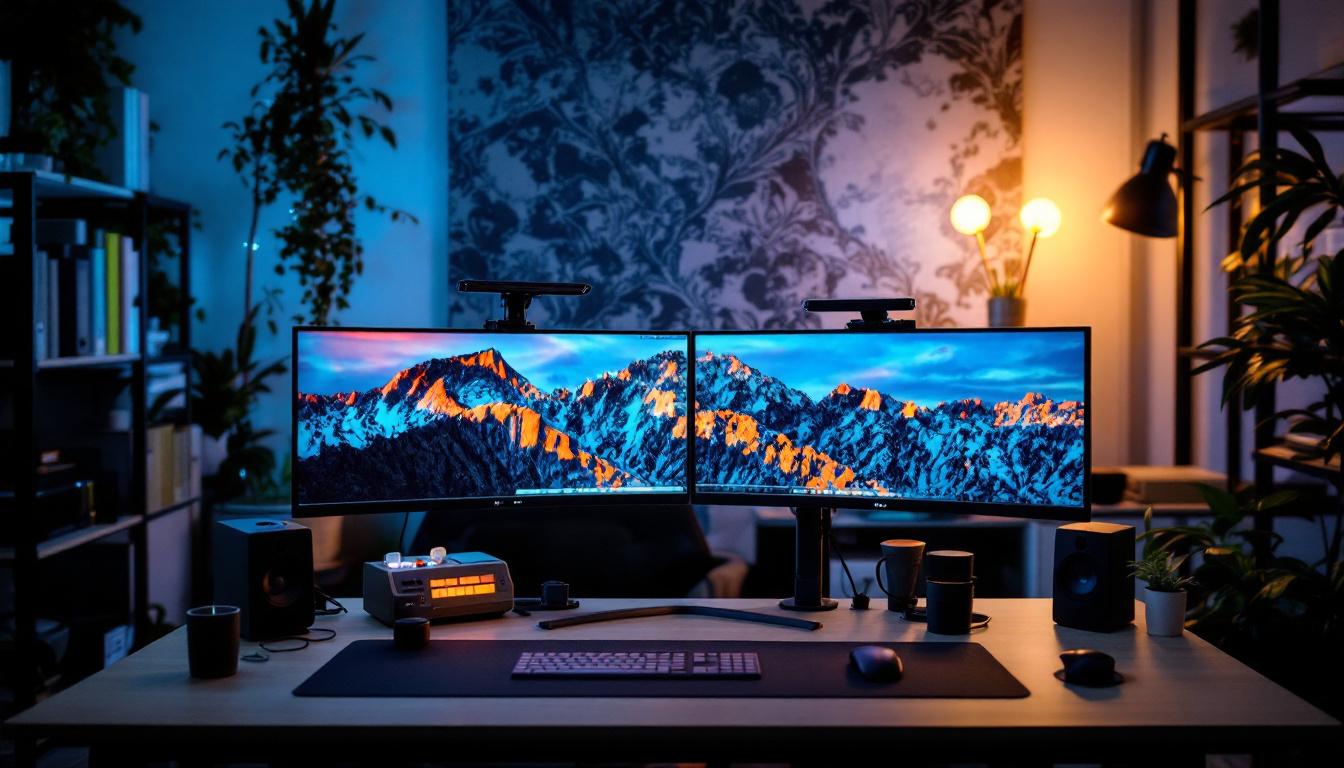
Desk-mounted multi monitor arms are among the most popular choices for users seeking a clutter-free and ergonomic workspace. These mounts clamp onto the edge of a desk or use a grommet hole for a more permanent installation. They typically feature adjustable arms that can support two or more LED displays, enabling users to position screens at optimal viewing angles.
Desk mounts are especially favored in office environments and home workstations where flexibility and space-saving are priorities. Many models offer cable management systems integrated into the arms, keeping cords organized and out of sight.
Wall Mounts
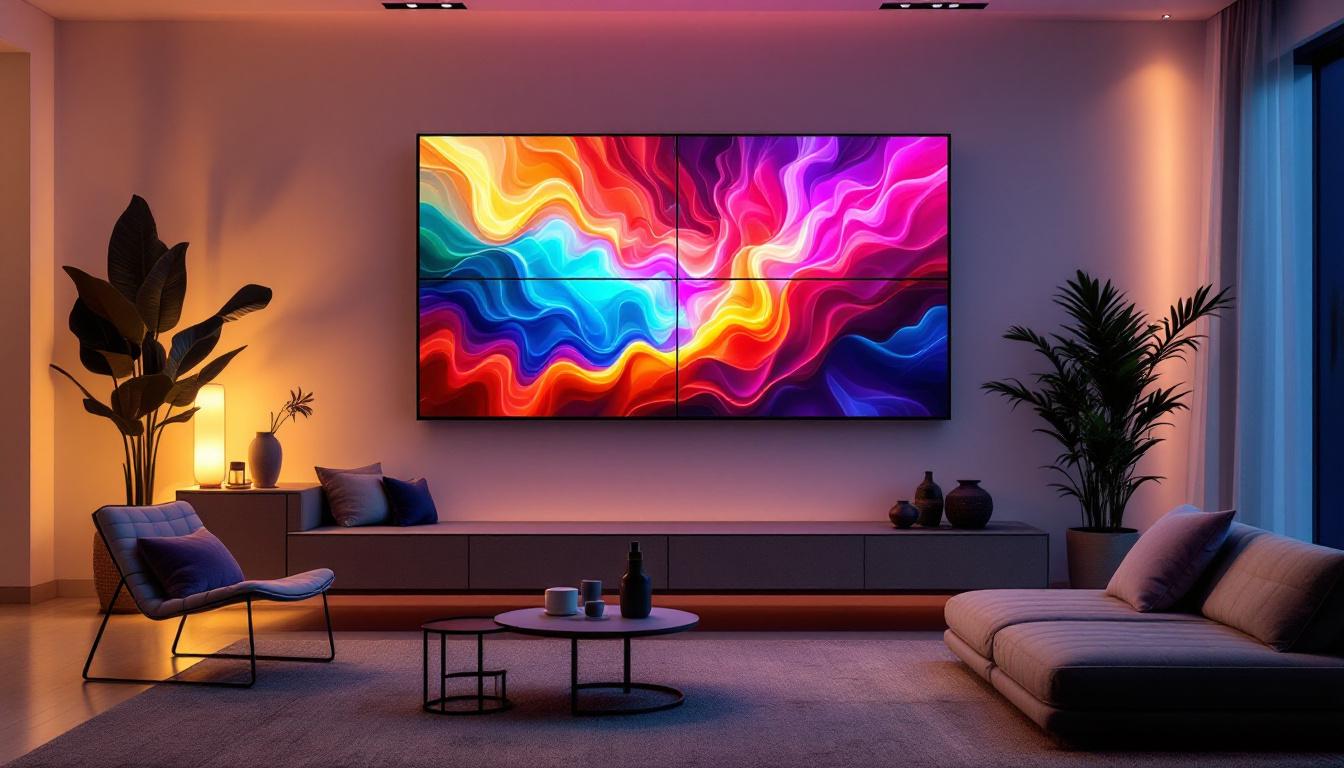
Wall-mounted VESA brackets are ideal for setups where desk space is limited or when a clean, minimalist aesthetic is desired. These mounts securely attach LED displays directly to the wall, freeing up valuable surface area. Multi monitor wall mounts come in fixed, tilting, or articulating varieties, allowing users to adjust screen positioning as needed.
Wall mounts are commonly used in control rooms, public displays, and gaming setups where multiple screens need to be arranged in a seamless, space-efficient manner.
Freestanding Mounts
Freestanding multi monitor mounts offer an alternative for users who cannot or prefer not to drill into desks or walls. These mounts feature a sturdy base that rests on the desk surface and supports multiple LED displays. While they may take up more space than desk or wall mounts, they provide portability and ease of installation.
Compatibility Considerations for LED Displays
Checking VESA Patterns and Weight Limits
Before purchasing a multi monitor mount, it is essential to verify the VESA pattern compatibility of your LED displays. Most modern monitors will list their VESA specifications in the product manual or on the manufacturer’s website. Ensuring that the mount supports your display’s hole pattern prevents installation issues and potential damage.
Weight capacity is another critical factor. LED displays vary in weight depending on size and build quality. Multi monitor mounts specify maximum weight limits per arm or bracket. Exceeding these limits can compromise the mount’s stability and safety. For example, a mount designed for 8 kg (17.6 lbs) per arm may not safely support larger 32-inch LED monitors weighing upwards of 10 kg (22 lbs).
Screen Size and Aspect Ratio
While VESA patterns and weight are primary concerns, screen size and aspect ratio also influence mount selection. Larger screens require mounts with longer arms and stronger construction to maintain stability and ease of adjustment. Additionally, ultra-wide or curved LED displays may need specialized mounts designed to accommodate their unique dimensions and curvature.
Number of Monitors and Arrangement
The number of monitors in a setup impacts the type of multi monitor mount needed. Dual-monitor mounts are common, but setups with three, four, or more screens require mounts with multiple arms or modular designs that can be expanded. Consider how you want to arrange your screens—side-by-side, stacked, or angled—to select a mount that supports your preferred configuration.
Benefits of Using VESA Multi Monitor Mounts with LED Displays
Enhanced Ergonomics
One of the primary advantages of VESA multi monitor mounts is the ability to tailor the position of each LED display to individual ergonomic needs. Adjustable mounts allow users to set the height, tilt, and distance of screens to reduce strain on the neck, eyes, and back. According to the Occupational Safety and Health Administration (OSHA), proper monitor placement can significantly reduce musculoskeletal disorders in office workers.
For example, positioning monitors at eye level and about an arm’s length away helps maintain a neutral posture and reduces the risk of repetitive strain injuries. Multi monitor mounts make these adjustments simple and repeatable, supporting healthier work habits.
Improved Productivity and Workflow
Multi monitor setups are proven to boost productivity by allowing users to multitask efficiently. Studies have shown that having multiple screens can increase productivity by up to 42%, as users can view multiple applications simultaneously without constantly switching windows.
VESA mounts facilitate this by enabling seamless alignment and positioning of LED displays, creating an immersive and organized workspace. Whether for coding, graphic design, financial trading, or gaming, the ability to customize screen layout enhances workflow and reduces cognitive load.
Space Optimization
Desk clutter is a common challenge in modern workspaces. VESA multi monitor mounts help optimize available space by elevating LED displays off the desk surface. This creates room for other essential items like keyboards, documents, or peripherals.
Wall mounts take this a step further by completely freeing up desk space, which is particularly valuable in small offices or home setups. The clean, minimalist look achieved with mounted LED displays also contributes to a more professional and inviting environment.
Installation and Maintenance Tips
Preparing for Installation
Before installing a VESA multi monitor mount, it is important to gather all necessary tools and review the product instructions carefully. Common tools include screwdrivers, a drill (for wall mounts), a level, and measuring tape. Ensuring that the mounting surface can support the combined weight of the mount and monitors is critical for safety.
For wall mounts, locating studs behind drywall using a stud finder ensures secure attachment points. Desk mounts require a sturdy desk edge or grommet hole for optimal stability.
Step-by-Step Installation
Installation typically involves attaching the mounting brackets to the back of each LED display using the appropriate screws for the VESA pattern. Next, the arms or brackets are secured to the desk or wall. Adjustments are then made to align and position the monitors according to ergonomic preferences.
It is advisable to have a second person assist with lifting and positioning larger displays to avoid damage or injury. After installation, double-check all screws and clamps for tightness and stability.
Maintenance and Safety Checks
Regular maintenance helps prolong the life of VESA mounts and ensures user safety. Periodically inspect the mount for loose screws, worn joints, or signs of stress. Clean dust and debris from moving parts to maintain smooth adjustments.
If any component shows signs of damage or instability, replace or repair it promptly. Following manufacturer guidelines for weight limits and usage prevents accidents and equipment damage.
Future Trends in VESA Mounts and LED Displays
Integration with Smart Technologies
As smart home and office technologies advance, VESA mounts are evolving to integrate with these systems. Some newer mounts feature built-in USB hubs, wireless charging pads, or cable management systems designed for smart devices. This integration enhances convenience and reduces cable clutter further.
Support for Ultra-Wide and Curved Displays
The rise of ultra-wide and curved LED monitors presents new challenges and opportunities for VESA mount manufacturers. Future mounts are being designed with enhanced flexibility and strength to accommodate these unconventional screen shapes, offering users more immersive and ergonomic multi-monitor experiences.
Eco-Friendly Materials and Designs
Environmental sustainability is becoming a priority in electronics and accessories. Manufacturers are exploring eco-friendly materials and production methods for VESA mounts, aiming to reduce carbon footprints without compromising durability and functionality.
Conclusion
The VESA multi monitor mount is an indispensable accessory for anyone looking to optimize their LED display setup. By adhering to standardized mounting patterns, these mounts provide a versatile and reliable solution for arranging multiple screens in ergonomic, productive, and space-efficient ways. Whether for professional environments, gaming stations, or creative studios, understanding the compatibility, types, and benefits of VESA mounts empowers users to create tailored workspaces that enhance comfort and performance.
As display technologies continue to evolve, so too will the designs and capabilities of VESA mounts, ensuring they remain a cornerstone of modern digital work and entertainment setups.
Explore Cutting-Edge LED Display Solutions with LumenMatrix
Ready to take your LED display setup to the next level? LumenMatrix, a pioneer in LED display technology, offers an extensive range of innovative solutions designed to transform your visual communication. From captivating Indoor and Outdoor LED Wall Displays to dynamic Vehicle and Sports LED Displays, each product is crafted to deliver unparalleled brand visibility and audience engagement. Discover the perfect synergy of design and technology with our Custom, All-in-One, and Transparent LED Displays. Elevate your workspace or entertainment area with LumenMatrix’s advanced LED modules. Check out LumenMatrix LED Display Solutions today and experience the future of digital signage.