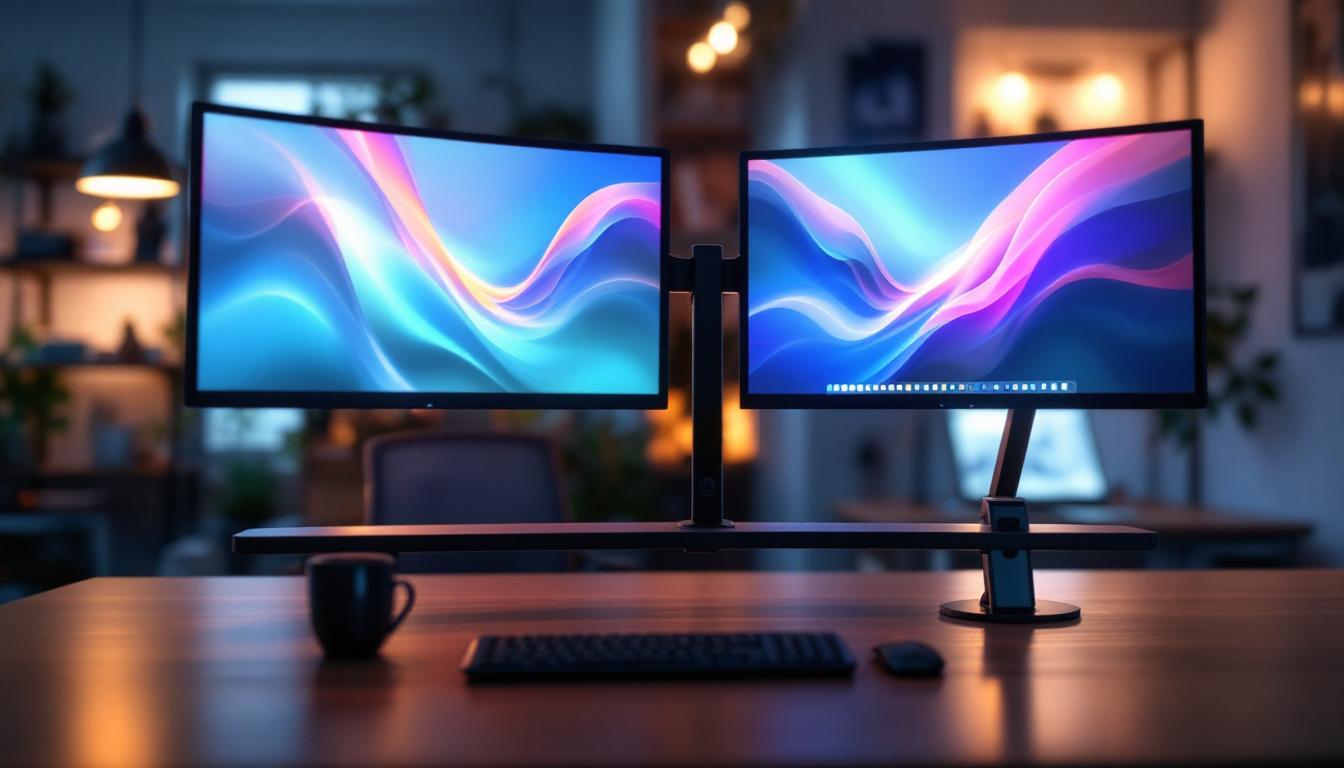
In today’s fast-paced digital world, workspace optimization is more important than ever. Whether for professional productivity or immersive entertainment, dual monitor setups have become a staple for many users. A wall mount dual monitor bracket is an essential accessory that enhances the usability and ergonomics of LED displays. This article delves into the details of wall mount dual monitor brackets, focusing on their benefits, types, installation considerations, and how they complement LED display technology.
Understanding Wall Mount Dual Monitor Brackets
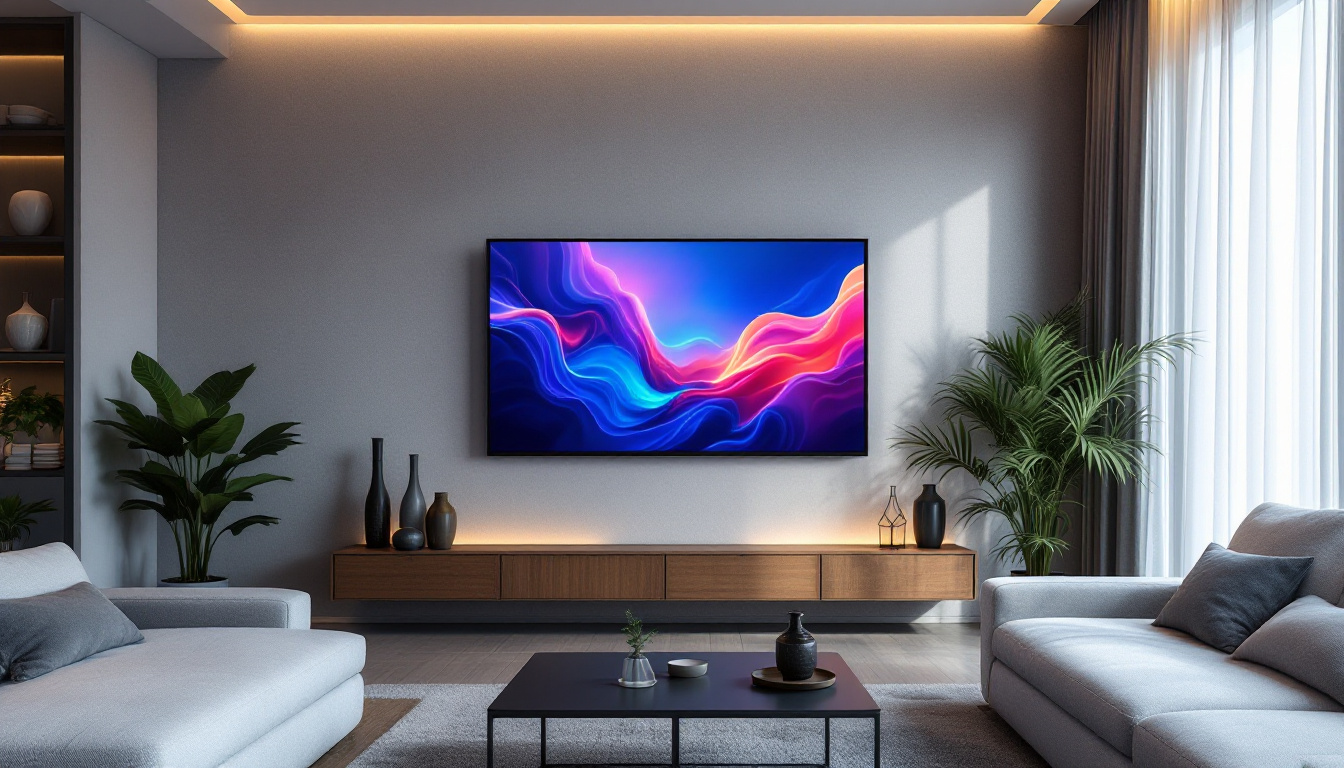
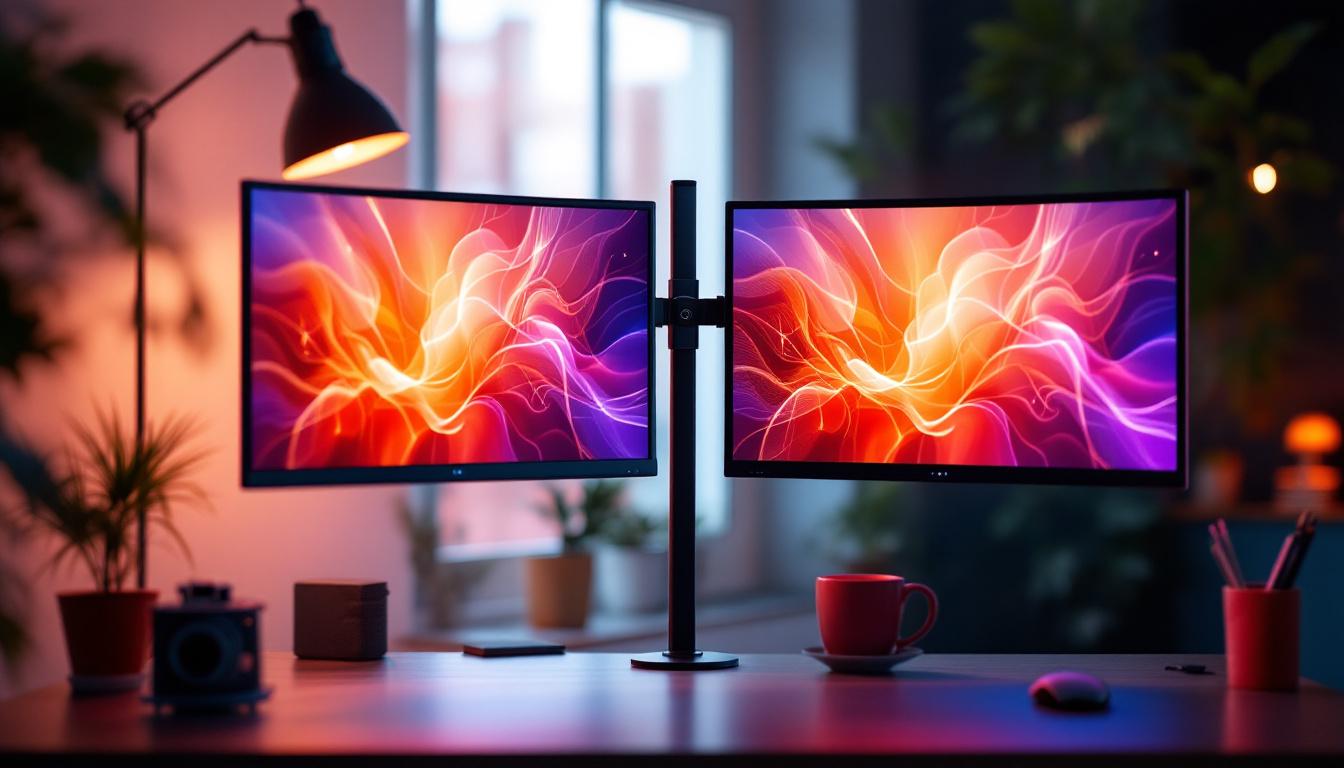
A wall mount dual monitor bracket is a hardware accessory designed to securely attach two monitors to a wall, freeing up desk space and providing flexible viewing angles. Unlike traditional monitor stands, these brackets offer a sleek, space-saving solution that can improve both aesthetics and functionality in any workspace.
With the rise of LED monitors, which are thinner and lighter compared to older LCD or CRT models, wall mounting has become increasingly practical. LED displays, known for their energy efficiency and vibrant image quality, pair well with dual monitor brackets to create an ergonomic and visually appealing setup. This mounting method not only enhances the visual experience but also promotes better organization, allowing users to maintain a tidy and efficient work environment.
Why Choose a Wall Mount Dual Monitor Bracket?
There are several reasons why professionals and gamers alike opt for wall mount dual monitor brackets:
- Space Efficiency: By mounting monitors on the wall, desk clutter is minimized, allowing more room for other essentials.
- Ergonomic Benefits: Adjustable brackets help position screens at eye level, reducing neck and eye strain during extended use.
- Improved Viewing Angles: Many brackets offer tilt, swivel, and rotation capabilities, enabling users to customize their viewing experience.
- Aesthetic Appeal: Wall-mounted monitors create a clean, modern look that enhances the overall workspace design.
Moreover, the versatility of wall mount dual monitor brackets caters to a variety of setups, whether for gaming, graphic design, or general office work. Users can choose from fixed, tilting, or full-motion brackets depending on their specific needs. Full-motion brackets, for instance, allow users to pull the monitors closer or push them away from the wall, providing even greater flexibility. This adaptability is particularly beneficial in collaborative environments where multiple users may need to adjust the monitors for optimal viewing.
Additionally, many modern wall mount brackets come with integrated cable management systems, which help to conceal unsightly wires and cords. This not only contributes to a more organized appearance but also reduces the risk of tangling or damage to cables. As technology continues to evolve, the integration of features such as USB ports and power outlets directly into the bracket design is becoming more common, further enhancing the functionality of these mounts and making them an indispensable part of any tech-savvy workspace.
Types of Wall Mount Dual Monitor Brackets
Choosing the right bracket depends on several factors including monitor size, weight, and the desired range of motion. Understanding the different types of dual monitor brackets can help users make informed decisions.
Fixed Dual Monitor Brackets
Fixed brackets hold monitors in a stationary position on the wall. They are generally the most affordable and simplest to install. These brackets are ideal for users who do not need to frequently adjust their screen angles or positions.
While fixed mounts save space and provide a clean look, they lack flexibility. This makes them less suitable for dynamic work environments where screen repositioning is necessary.
Tilting and Swiveling Brackets
Tilting and swiveling brackets offer additional flexibility by allowing users to adjust the vertical and horizontal angles of each monitor. This adaptability is particularly beneficial for reducing glare and achieving optimal ergonomic positioning.
These brackets can support a range of motion, typically allowing tilt angles from -15° to +15° and swivel angles up to 90°, depending on the model. They are well-suited for office environments where multiple users might share the same workstation.
Fully Articulating Dual Monitor Mounts
Fully articulating mounts provide the greatest range of motion, including tilt, swivel, rotation, and extension away from the wall. These mounts often feature adjustable arms that can be extended or retracted, offering maximum flexibility.
Such mounts are ideal for users who require frequent repositioning of their monitors, such as graphic designers, video editors, or gamers. The ability to rotate monitors between landscape and portrait modes adds another layer of versatility.
Compatibility with LED Displays
LED monitors have become the dominant display technology due to their superior brightness, energy efficiency, and slim profiles. When selecting a wall mount dual monitor bracket, it is crucial to ensure compatibility with LED displays.
VESA Mounting Standards
The Video Electronics Standards Association (VESA) has established mounting hole patterns that most LED monitors adhere to. Common VESA sizes include 75×75 mm and 100×100 mm, which refer to the distance between mounting holes on the back of the monitor.
When purchasing a dual monitor bracket, verify that it supports the VESA pattern of your LED displays. This ensures a secure and proper fit. Some brackets also accommodate larger VESA patterns for bigger monitors.
Weight and Size Considerations
LED monitors vary widely in size and weight, from compact 21-inch models to expansive 32-inch or larger displays. Each wall mount bracket has a maximum weight capacity per arm or per monitor.
It is essential to check the specifications of the bracket to confirm it can safely support the combined weight of your dual LED monitors. Overloading a bracket can lead to instability and potential damage to both the monitors and the wall.
Installation and Setup Tips
Proper installation is key to maximizing the benefits of a wall mount dual monitor bracket. The following guidelines help ensure a safe and effective setup.
Choosing the Right Wall
The strength and type of wall material directly affect the stability of the mounted monitors. Solid walls made of concrete or brick provide the best support. Drywall installations require locating studs to anchor the bracket securely.
Using a stud finder is highly recommended to avoid mounting directly into drywall alone, which may not support the weight. For heavier monitors, consider professional installation to guarantee safety.
Height and Positioning
Ergonomics play a vital role in monitor placement. The ideal height positions the top of the screen at or slightly below eye level when seated. This helps maintain a neutral neck posture and reduces strain.
Spacing between the two monitors should allow for a seamless viewing experience without excessive head movement. Typically, the monitors are angled inward slightly to create a curved field of view.
Cable Management
Wall mounting can complicate cable organization. Many dual monitor brackets include integrated cable management systems to route power and data cables neatly along the arms or behind the monitors.
Using cable clips, sleeves, or adhesive-backed channels can help maintain a tidy appearance and prevent cables from tangling or becoming damaged.
Benefits of Dual LED Monitor Setups
Beyond the mounting hardware, understanding why dual LED monitor setups are popular helps highlight the value of investing in a quality wall mount bracket.
Enhanced Productivity
Studies show that dual monitor setups can increase productivity by up to 30-40% in various professional tasks. Having multiple screens allows users to multitask efficiently, such as referencing documents on one display while working on another.
For professions like programming, finance, and design, dual monitors facilitate smoother workflows and reduce the need to constantly switch between windows.
Improved Gaming and Entertainment Experience
Gamers benefit from dual LED monitors by expanding their field of view or dedicating one screen to gameplay and the other to chat, streaming, or system monitoring. The vivid colors and fast response times of LED displays enhance immersion.
For video editors and content creators, dual monitors enable simultaneous timeline editing and previewing, streamlining the creative process.
Energy Efficiency and Eye Comfort
LED displays consume less power than older technologies, contributing to lower energy bills and a reduced environmental footprint. Additionally, many modern LED monitors feature flicker-free technology and blue light filters, which help reduce eye fatigue during long usage periods.
Choosing the Right Wall Mount Dual Monitor Bracket: Key Considerations
With numerous options on the market, selecting the ideal bracket can be challenging. The following factors should guide the decision-making process.
Monitor Specifications
Always start by noting the size, weight, and VESA pattern of your LED monitors. This ensures compatibility and safe support.
Adjustability Requirements
Consider how often you will need to reposition your monitors. If you require frequent adjustments, a fully articulating mount is preferable. For static setups, fixed or tilting brackets may suffice.
Build Quality and Materials
High-quality brackets are typically made from durable metals like steel or aluminum. Look for products with robust construction and reliable mounting hardware to ensure longevity and safety.
Installation Complexity
Some mounts are designed for easy DIY installation, while others may require professional assistance. Assess your comfort level with tools and wall mounting before purchasing.
Budget
Prices for dual monitor brackets vary widely, from budget-friendly fixed mounts to premium fully articulating systems. Balance cost with features and quality to find the best value.
Conclusion
Wall mount dual monitor brackets are a practical and stylish solution for optimizing dual LED display setups. They enhance workspace ergonomics, save valuable desk space, and improve viewing comfort. By understanding the types of brackets available, compatibility with LED monitors, and key installation considerations, users can create an efficient and visually appealing multi-monitor environment.
Whether for professional productivity or immersive entertainment, investing in a quality wall mount dual monitor bracket is a smart choice that complements the advantages of modern LED display technology.
Discover the Future of Visual Display with LumenMatrix
Ready to elevate your workspace or entertainment area with the latest in LED display technology? LumenMatrix is at the forefront of creating immersive visual experiences that captivate and engage. From sleek Indoor LED Wall Displays to dynamic All-in-One LED Displays, our solutions are designed to revolutionize the way you communicate and present content. Don’t just take our word for it; check out LumenMatrix LED Display Solutions today and see how our innovative products can transform your environment.