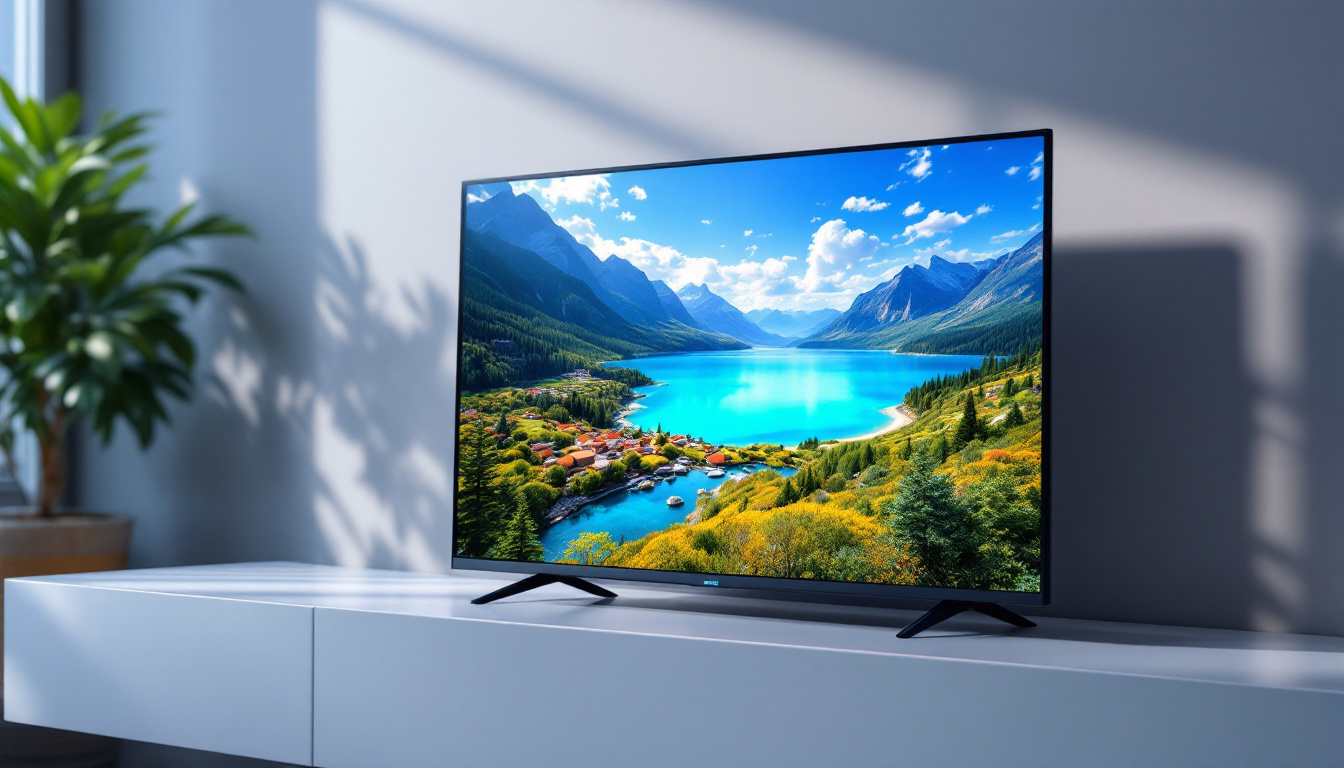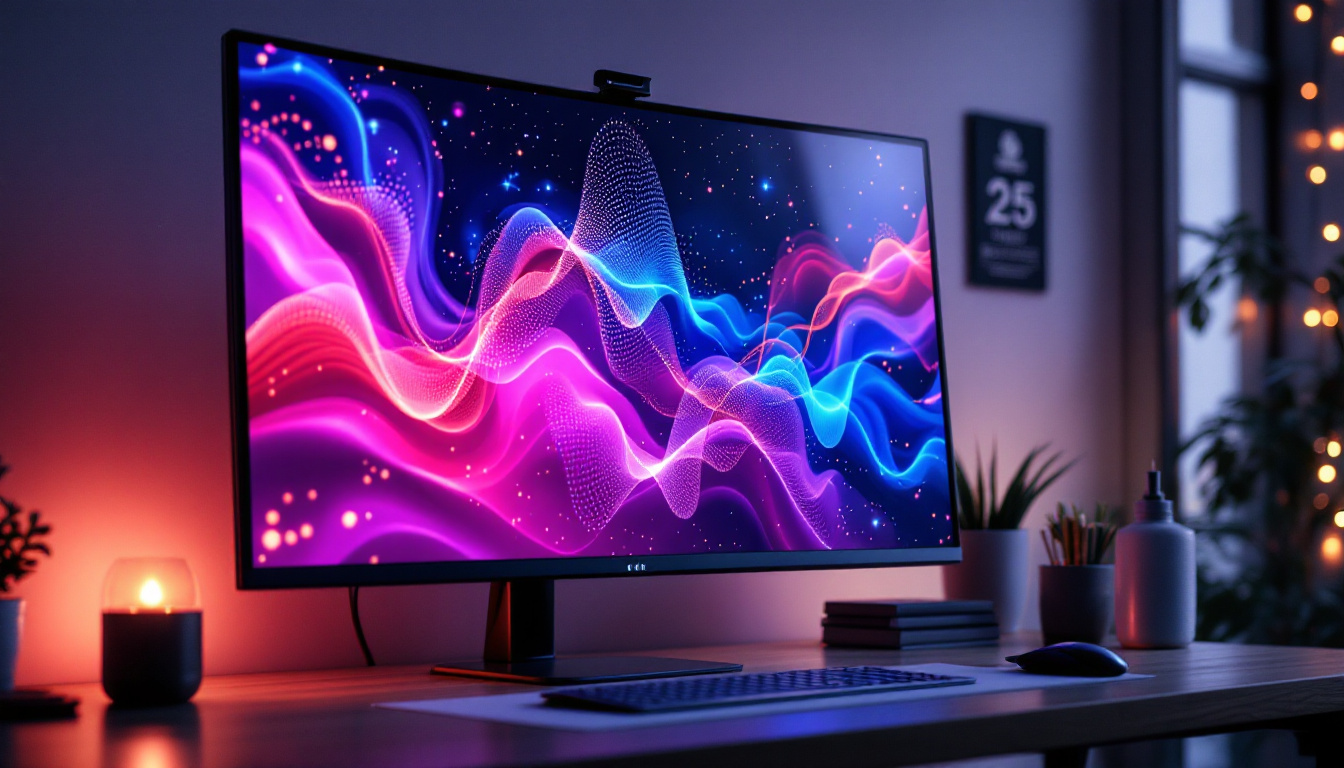
In today’s fast-evolving digital workspace and entertainment setups, the integration of LED displays with PC systems has become increasingly popular. Wall mounting your PC’s LED display not only optimizes space but also enhances viewing comfort and aesthetic appeal. This article delves into the essentials of wall mounting LED displays for PCs, exploring the technology behind LED screens, the benefits of wall mounting, and practical guidance for selecting and installing the right mount.
Understanding LED Displays for PCs
LED, or Light Emitting Diode, technology has transformed the way displays are designed and used. Unlike traditional LCD screens that rely on fluorescent backlighting, LED displays use light-emitting diodes to illuminate pixels, resulting in superior brightness, contrast, and energy efficiency.
Modern PC monitors and large displays increasingly adopt LED technology due to its ability to deliver vivid colors and sharp images, making it ideal for gaming, professional design work, and general productivity. Additionally, LED displays tend to be thinner and lighter, which is a crucial factor when considering wall mounting.
Types of LED Displays Commonly Used with PCs
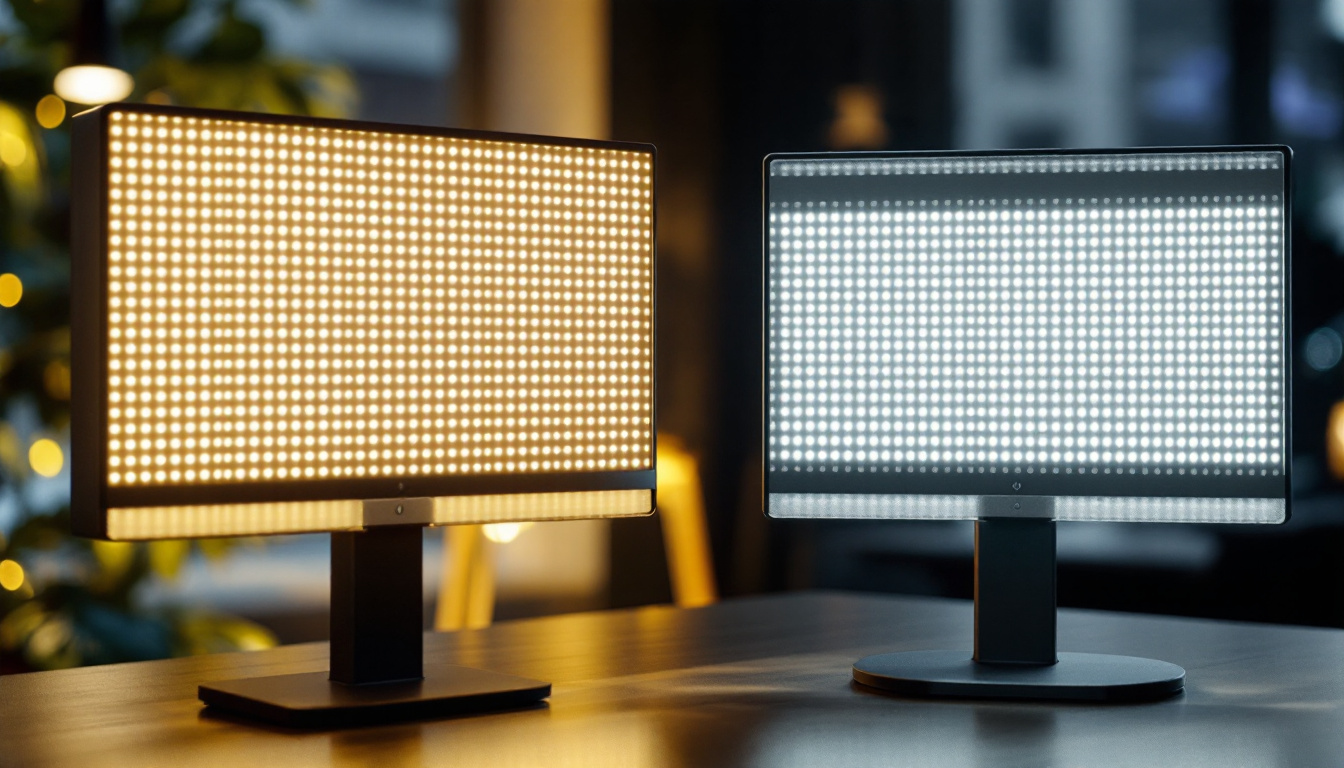
There are primarily two types of LED displays relevant to PC users: Edge-lit LED and Direct-lit (or Full-array) LED. Edge-lit LED displays position LEDs along the edges of the screen, allowing for slimmer designs but sometimes compromising uniform brightness. Direct-lit LED displays place LEDs directly behind the screen, offering better brightness and contrast but often at a higher cost and thickness.
For PC users, especially those who prioritize image quality for tasks like photo editing or gaming, direct-lit LED displays are often preferred. However, edge-lit LED monitors are more common in budget-friendly and ultra-thin models.
Advantages of LED Technology in PC Displays
LED displays offer several advantages over older display technologies:
- Energy Efficiency: LED displays consume less power, reducing electricity costs and heat output.
- Enhanced Brightness and Contrast: LEDs provide brighter images with deeper blacks, improving visual clarity.
- Longer Lifespan: LEDs generally last longer than fluorescent backlights, reducing replacement frequency.
- Slimmer Profiles: The compact nature of LEDs allows for thinner monitors, which are easier to wall mount.
Benefits of Wall Mounting Your PC’s LED Display
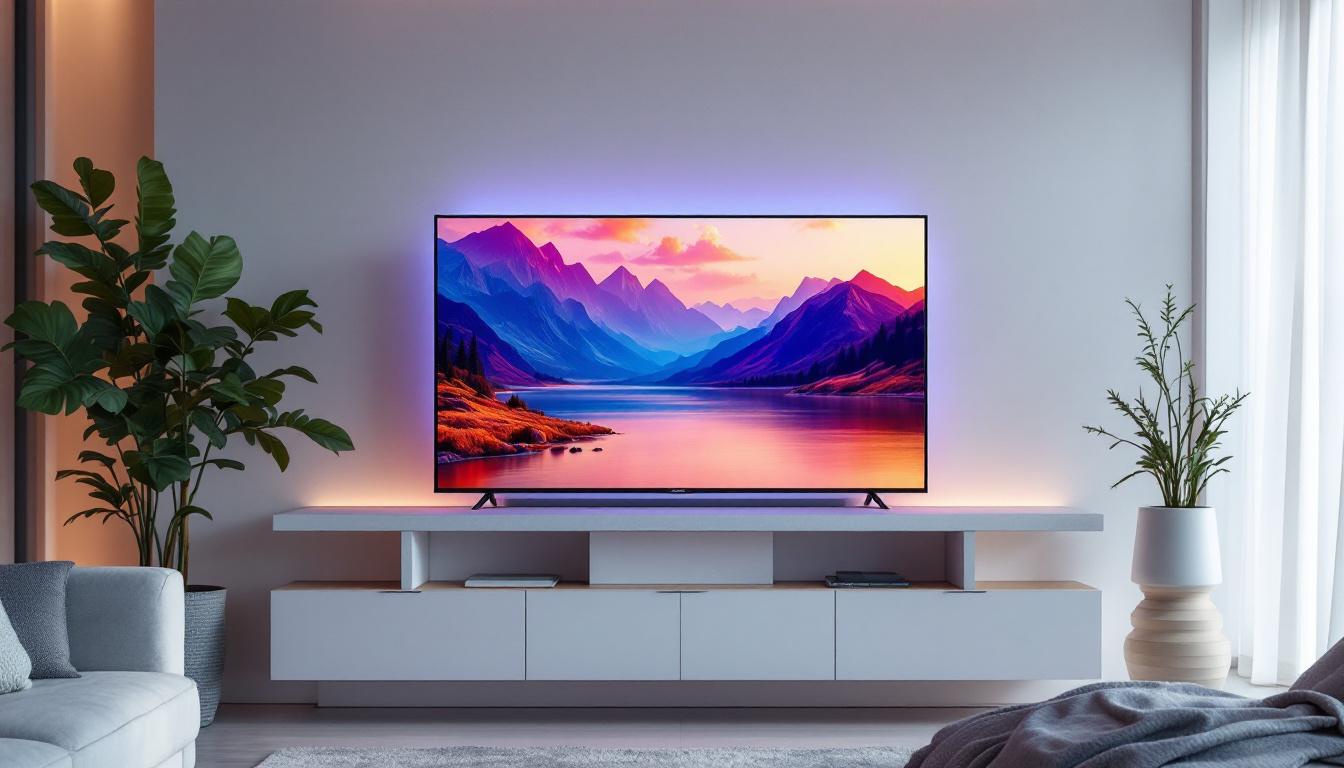
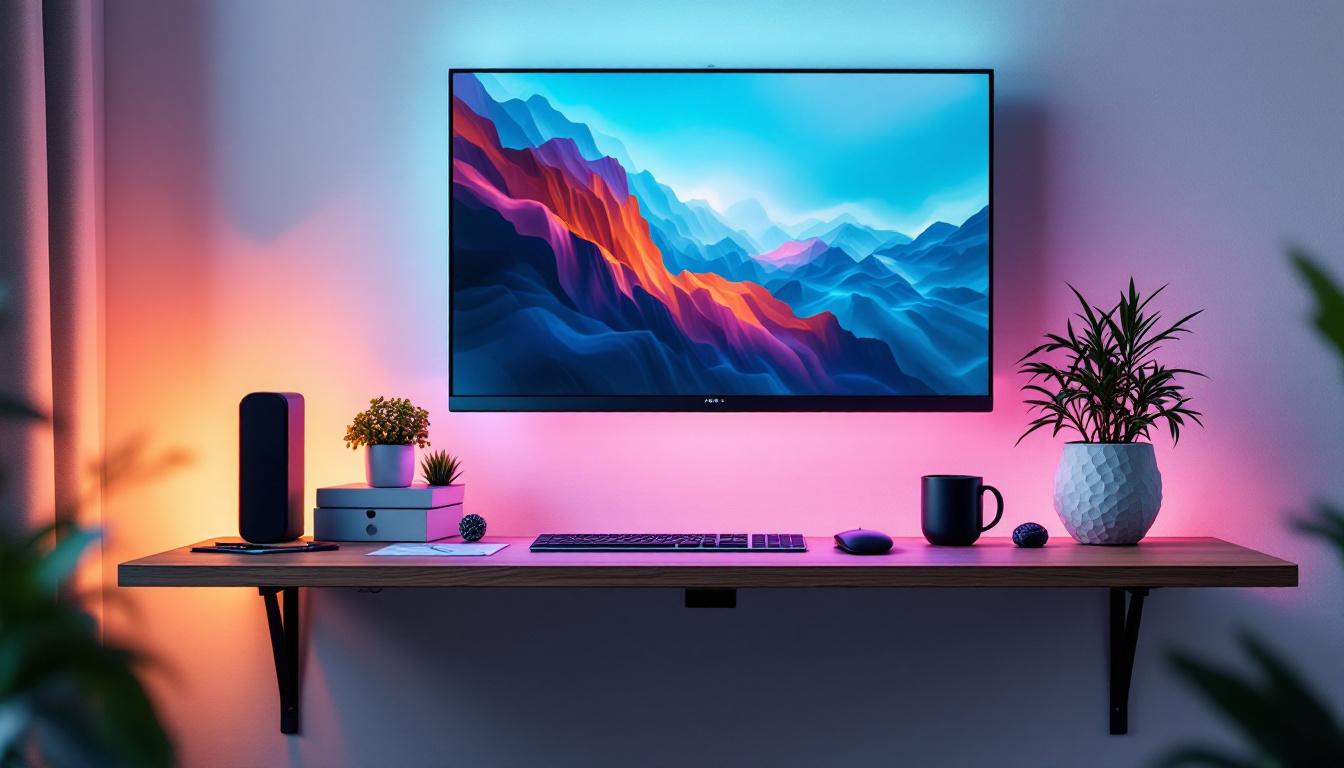
Wall mounting a PC monitor or LED display has become a popular choice for both home and office environments. This setup offers several practical and aesthetic benefits that enhance user experience.
Space Optimization and Ergonomics
One of the most significant advantages of wall mounting is the efficient use of space. Desks can become cluttered with peripherals, documents, and other accessories. By mounting the display on the wall, valuable desk space is freed up, creating a cleaner and more organized workspace.
Ergonomically, wall mounting allows users to position the display at the perfect height and angle, reducing neck and eye strain. Adjustable mounts enable tilting, swiveling, and even rotating the screen to suit individual preferences, which is crucial during long working hours or intense gaming sessions.
Improved Viewing Experience and Aesthetics
Wall-mounted LED displays can be positioned at eye level, ensuring a comfortable and immersive viewing experience. This is particularly beneficial for multi-monitor setups or shared workspaces where several users need to view the screen simultaneously.
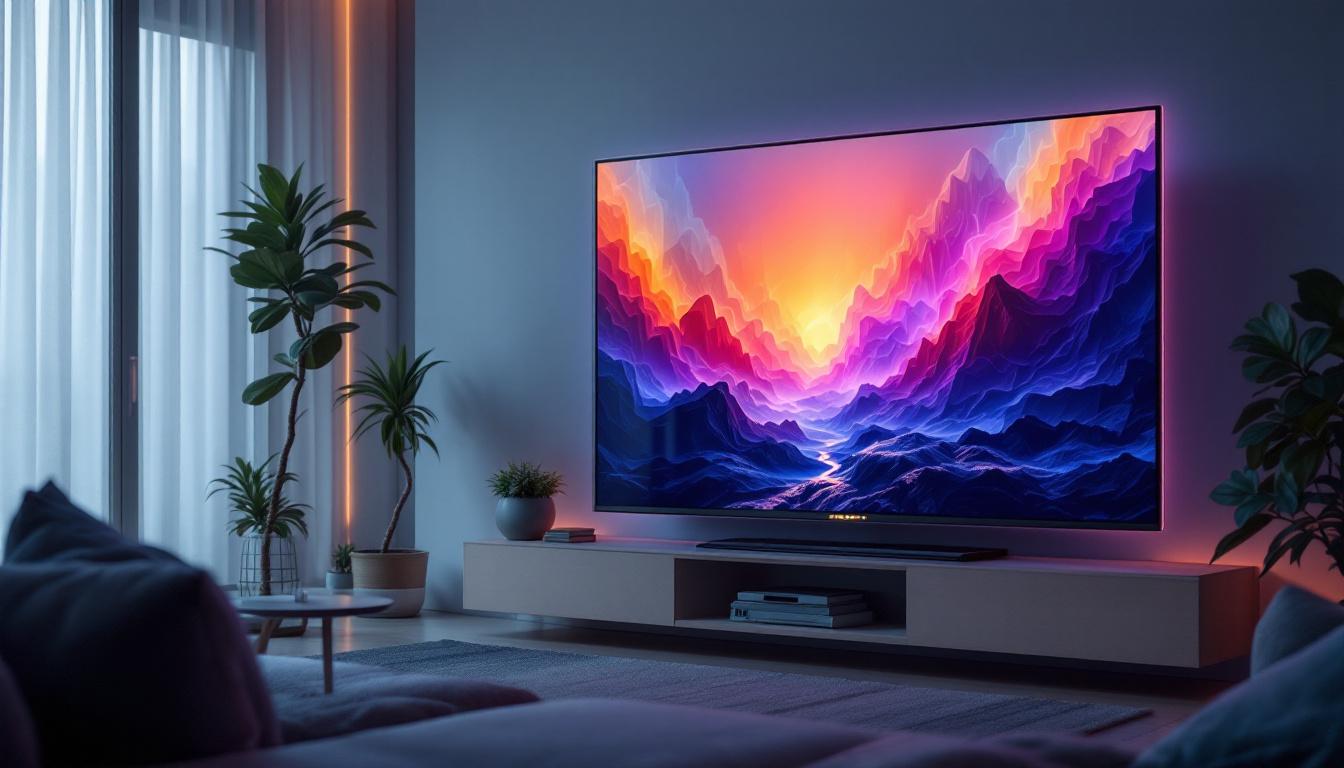
From a design perspective, a wall-mounted display contributes to a sleek, modern look. It eliminates the need for bulky monitor stands and cables cluttering the desk, lending a minimalist and professional appearance to the room.
Enhanced Safety and Durability
Wall mounting reduces the risk of accidental knocks or spills damaging the display. This is especially important in high-traffic areas or homes with children and pets. Moreover, securing the display to a sturdy wall mount ensures stability and can protect the investment in high-end LED monitors.
Choosing the Right Wall Mount for Your PC LED Display
Selecting an appropriate wall mount is crucial to maximize the benefits of wall mounting while ensuring safety and functionality. Several factors should be considered when choosing a mount for your PC’s LED display.
Compatibility and Weight Capacity
Wall mounts come with specific size and weight ratings. It is essential to verify that the mount supports your LED display’s dimensions and weight. Most manufacturers provide VESA (Video Electronics Standards Association) mounting patterns, which standardize the hole placement on the back of monitors for mounting purposes.
Ensure that the mount’s VESA compatibility matches your display’s pattern (e.g., 75x75mm, 100x100mm, or larger). Additionally, confirm that the mount can safely hold the weight of your LED display to avoid accidents or damage.
Mount Type: Fixed, Tilting, or Full Motion
There are three primary types of wall mounts:
- Fixed Mounts: These hold the display flush against the wall without any movement. They are ideal for setups where the viewing angle does not need adjustment.
- Tilting Mounts: These allow the screen to tilt up or down, providing some flexibility to reduce glare and improve viewing comfort.
- Full Motion (Articulating) Mounts: These offer the most flexibility, enabling tilting, swiveling, extending, and retracting. They are perfect for multi-user environments or rooms where the viewing position changes frequently.
Choosing the right mount type depends on your workspace layout and how you intend to use your PC display.
Cable Management Features
Good wall mounts often include cable management systems that help route and conceal cables neatly along the mount or wall. This feature not only improves aesthetics but also prevents cables from tangling or becoming damaged.
Installation Considerations
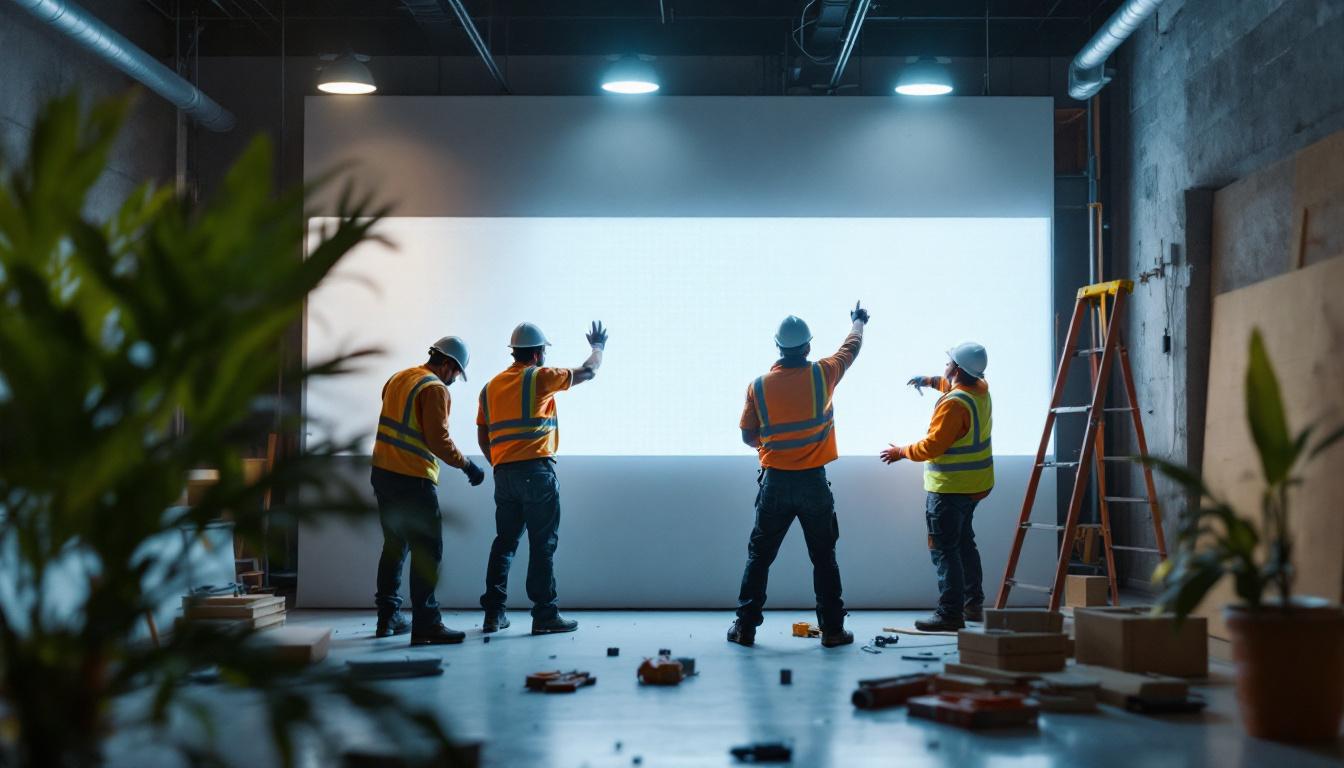
Before purchasing a wall mount, assess the wall material and structure where the display will be mounted. Drywall, concrete, brick, and wood studs each require different mounting hardware and techniques. For heavier displays, securing the mount to wall studs is critical for safety.
Professional installation is recommended if you are unfamiliar with mounting procedures, as improper installation can lead to damage or injury.
Step-by-Step Guide to Wall Mounting Your PC LED Display
Wall mounting a PC LED display can be straightforward if proper steps and precautions are followed. Here is a general guide to help with the process.
1. Gather Necessary Tools and Materials
Typical tools include a drill, screwdriver, stud finder, level, measuring tape, and the mounting hardware provided with the wall mount. Having all tools ready before starting will streamline the installation.
2. Choose the Ideal Location
Consider factors such as lighting, glare, viewing distance, and proximity to power outlets and PC connections. The display should be at eye level when seated to ensure ergonomic comfort.
3. Locate Wall Studs
Use a stud finder to locate the studs behind the drywall. Mounting directly into studs provides the strongest support for the display.
4. Mark Mounting Points
Hold the wall mount against the wall and use a level to ensure it is perfectly horizontal. Mark the drilling points on the wall corresponding to the mount’s holes.
5. Drill Pilot Holes and Attach the Mount
Drill pilot holes at the marked points to prevent the wall from cracking. Then, secure the mount to the wall using appropriate screws and anchors, ensuring it is firmly attached.
6. Attach the Mounting Plate to the Display
Most mounts have a separate plate that attaches to the back of the monitor. Align the plate with the VESA holes on the display and secure it with the screws provided.
7. Hang and Secure the Display
Carefully lift the display and hang it onto the wall mount. Some mounts have locking mechanisms or safety screws to prevent accidental dislodging—ensure these are engaged.
8. Manage Cables
Route cables through the mount’s cable management system or along the wall using cable conduits to keep the setup tidy and safe.
Common Challenges and Solutions in Wall Mounting LED Displays
While wall mounting offers many benefits, users may encounter challenges that require attention.
Dealing with Wall Material Limitations
Not all walls are equally suitable for mounting. For example, hollow drywall without studs cannot support heavy displays. In such cases, using toggle bolts or mounting to a plywood backing attached to studs can provide additional support.
Addressing Glare and Viewing Angles
Improper placement can result in glare from windows or overhead lights. Using a tilting or full-motion mount allows adjustment to minimize reflections and optimize viewing angles.
Ensuring Proper Ventilation
LED displays generate heat, and wall mounting can sometimes restrict airflow. Make sure there is adequate space around the display for ventilation to prevent overheating and prolong the lifespan of the monitor.
Future Trends in PC LED Displays and Mounting Solutions
The technology around LED displays and mounting solutions continues to evolve, driven by user demands for better performance, convenience, and aesthetics.
Ultra-Thin and Flexible Displays
Emerging LED technologies are producing ultra-thin and even flexible displays that can conform to curved surfaces or fold. These innovations will open new possibilities for creative wall mounting and space-saving designs.
Smart Mounts with Integrated Features
Smart wall mounts with built-in USB hubs, wireless charging pads, or motorized adjustment are becoming more common. These features enhance functionality and user experience, particularly in professional and gaming setups.
Increased Adoption of Multi-Monitor Wall Mounts
As multi-monitor setups become standard for productivity and immersive gaming, specialized mounts designed to hold multiple LED displays seamlessly are gaining popularity. These mounts help maintain alignment and allow for synchronized adjustments.
Conclusion
Wall mounting your PC’s LED display is a practical and stylish solution that maximizes workspace efficiency and enhances viewing comfort. Understanding the technology behind LED displays, the benefits of wall mounting, and the key considerations for selecting and installing the right mount ensures a successful setup.
Whether for professional workstations, gaming rigs, or minimalist home offices, investing in a quality wall mount tailored to your LED display’s specifications can transform your computing experience. As display and mounting technologies advance, users can look forward to even more innovative and user-friendly solutions in the near future.
Explore Cutting-Edge LED Display Solutions with LumenMatrix
Ready to elevate your digital experience with the latest in LED display technology? LumenMatrix is at the forefront of innovative LED solutions, offering a wide range of products from Indoor and Outdoor LED Wall Displays to specialized options like Vehicle, Sports, and Floor LED Displays. Our mission is to transform your visual communication, ensuring your message resonates with brilliance and precision. Don’t miss out on the opportunity to captivate your audience. Check out LumenMatrix LED Display Solutions today and see the difference cutting-edge technology can make.