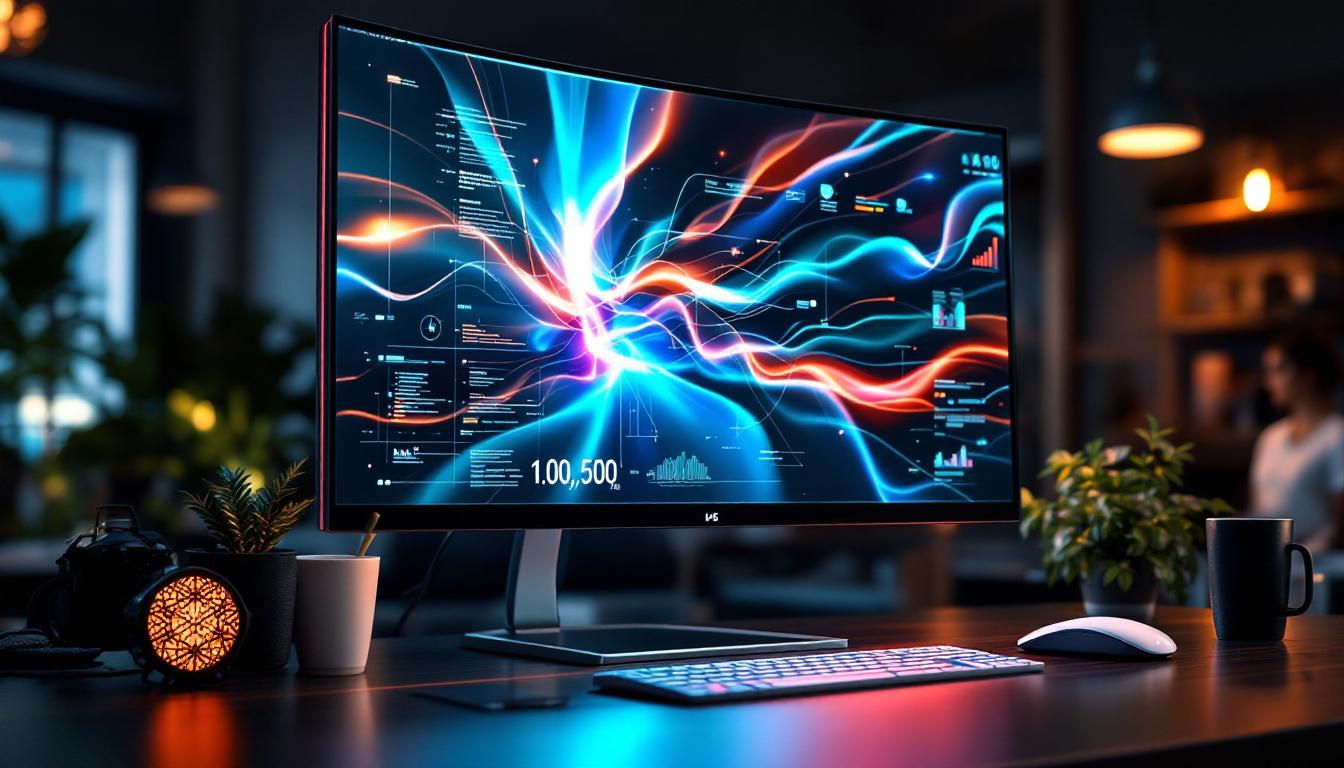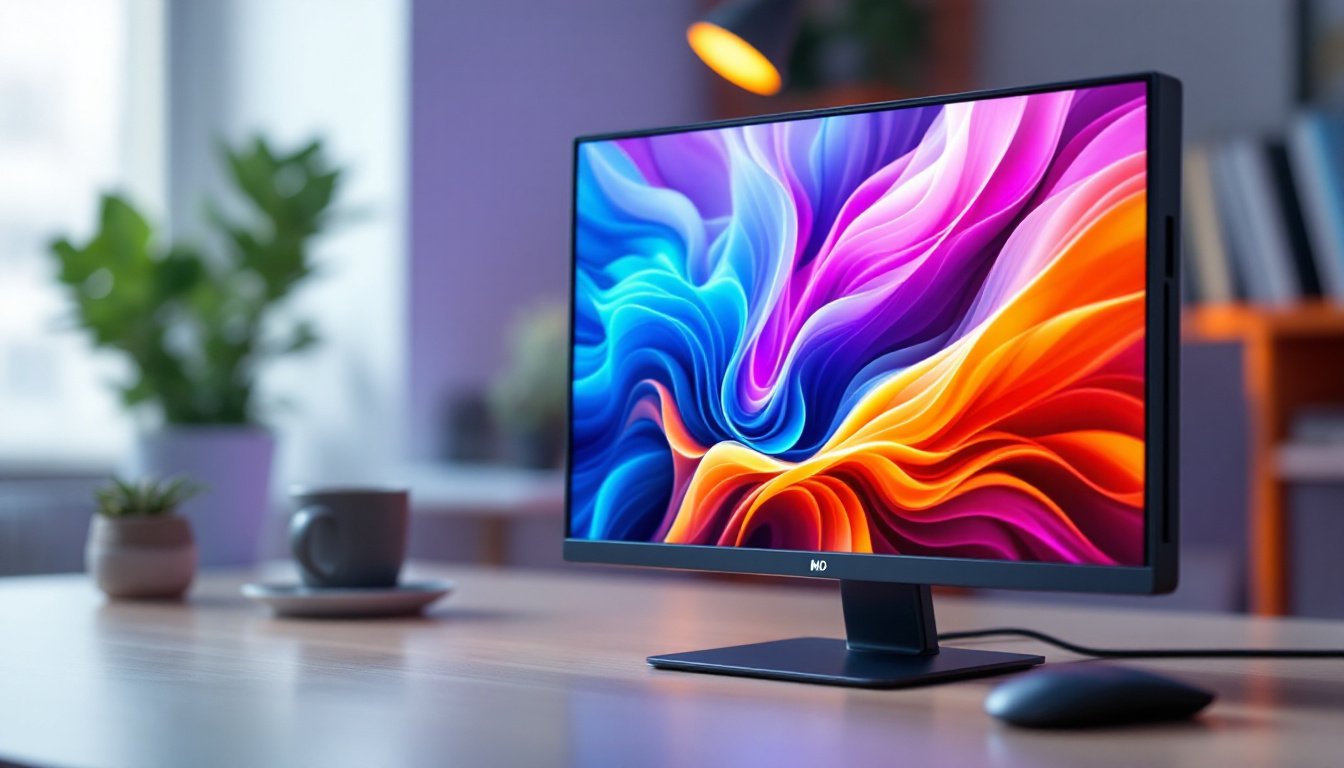
Touch screen monitors have become an integral component in modern computing, blending intuitive interaction with advanced display technology. Among the various types of displays available, LED (Light Emitting Diode) technology stands out for its efficiency, clarity, and versatility. This article delves into the world of touch screen monitors for PCs, focusing on the nuances of LED displays, their benefits, and considerations when selecting the right monitor for your needs.
Understanding Touch Screen Monitors: The Basics
A touch screen monitor is a display device that allows users to interact directly with what is shown, rather than using a mouse or keyboard. This direct interaction can significantly enhance user experience by making navigation more intuitive and accessible. Touch screen monitors are widely used in various settings, from personal computers and commercial kiosks to professional workstations and educational environments.
There are several technologies behind touch screen functionality, including resistive, capacitive, infrared, and surface acoustic wave. Each technology offers different advantages in terms of sensitivity, durability, and cost. Capacitive touch screens, for example, are prevalent in consumer devices due to their responsiveness and multi-touch capabilities, while resistive screens are often found in industrial settings because of their robustness and ability to register input from gloves or styluses.
Why Choose a Touch Screen Monitor for Your PC?
Touch screen monitors provide a more natural and direct way to interact with your computer. This can be particularly beneficial for creative professionals, educators, and anyone who values quick navigation. For example, graphic designers can draw or edit images directly on the screen, while educators can use interactive lessons to engage students more effectively.
Moreover, touch screen monitors can improve accessibility for users with mobility challenges, providing an alternative to traditional input devices. The combination of touch capability with a high-quality LED display enhances both usability and visual experience, making these monitors a compelling choice for many users. Additionally, the integration of touch screens in various applications has led to the development of specialized software that takes full advantage of the touch interface, allowing for gestures such as swiping, pinching, and tapping to enhance functionality and user engagement.
As technology advances, touch screen monitors are becoming increasingly versatile, with features such as adjustable brightness, anti-glare coatings, and even built-in speakers. These enhancements not only improve the overall user experience but also make them suitable for a wider range of applications, from gaming to professional presentations. Furthermore, the rise of smart home technology has led to the incorporation of touch screens in household devices, allowing users to control everything from lighting to security systems with a simple tap, showcasing the growing importance of touch screen technology in our daily lives.
What is an LED Display? Key Features and Advantages
LED displays are a type of flat-panel display technology that uses light-emitting diodes to produce images. Unlike older LCD monitors that rely on cold cathode fluorescent lamps (CCFL) for backlighting, LED displays use LEDs, which offer several advantages.
How LED Technology Works
In an LED display, tiny LEDs serve as the backlight source behind the liquid crystal display (LCD) panel. These LEDs illuminate the pixels on the screen, creating the images users see. There are two main types of LED backlighting: edge-lit and full-array. Edge-lit LED displays position LEDs around the screen’s perimeter, allowing for thinner designs, while full-array LED displays have LEDs spread evenly behind the entire screen, enabling better brightness and contrast control.
Additionally, some LED monitors use OLED (Organic LED) technology, where each pixel emits its own light. OLED displays offer superior contrast ratios and color accuracy but are generally more expensive and less common in PC monitors compared to LED-backlit LCDs.
Benefits of LED Displays in Touch Screen Monitors
- Energy Efficiency: LED backlighting consumes less power than traditional CCFL backlights, reducing energy costs and environmental impact.
- Improved Brightness and Contrast: LED displays can achieve higher brightness levels and better contrast ratios, which enhances image clarity and vibrancy.
- Thin and Lightweight Designs: The compact size of LEDs allows manufacturers to create slimmer and lighter monitors, improving portability and aesthetics.
- Longer Lifespan: LEDs typically last longer than CCFLs, meaning the display will maintain its quality over a more extended period.
- Better Color Accuracy: LED technology supports a wider color gamut, which is essential for tasks requiring precise color reproduction, such as photo editing and graphic design.
Types of Touch Screen Technologies Used with LED Monitors
When it comes to touch screen monitors, the underlying touch technology significantly impacts performance and user experience. Here are the most common touch technologies paired with LED displays:
Capacitive Touch Screens
Capacitive touch screens detect touch through the electrical properties of the human body. They offer excellent responsiveness and support multi-touch gestures, making them ideal for modern applications. These screens are highly durable and provide a smooth, glass surface that is easy to clean.
However, capacitive screens generally require direct skin contact or a specialized stylus, which may limit usability in some industrial environments where gloves are worn.
Resistive Touch Screens
Resistive touch technology relies on pressure applied to two flexible layers separated by a gap. When pressed, the layers make contact, registering the touch. Resistive screens are highly versatile and can be used with fingers, gloves, or styluses.
While resistive touch screens are more affordable and durable in harsh environments, they typically offer lower clarity and responsiveness compared to capacitive screens. The additional layers can also reduce brightness and color vibrancy, which is an important consideration for LED displays.
Infrared and Surface Acoustic Wave Technologies
Infrared touch screens use an array of IR LEDs and sensors to detect touch by interruption of the light beams. Surface acoustic wave (SAW) touch screens use ultrasonic waves that are absorbed or reflected by a finger or stylus. Both technologies provide excellent image clarity since they do not require additional layers on the screen.
However, these technologies are more sensitive to environmental factors such as dust and moisture, which can affect accuracy and durability.
Choosing the Right Touch Screen LED Monitor for Your PC
Selecting the ideal touch screen monitor involves balancing performance, budget, and specific use cases. Here are the critical factors to consider:
Screen Size and Resolution
The size of the monitor impacts usability and workspace comfort. Common sizes range from 15 inches to 32 inches or more. Larger screens provide more room for multitasking and detailed work, but they also require more desk space.
Resolution is equally important. Full HD (1920×1080) is standard for many users, but higher resolutions like Quad HD (2560×1440) or 4K Ultra HD (3840×2160) offer sharper images and more screen real estate, which is beneficial for professional applications.
Touch Responsiveness and Accuracy
Look for monitors with low touch latency and high accuracy to ensure smooth interaction. Multi-touch support is essential for gestures like pinch-to-zoom and rotation, enhancing usability for creative and productivity tasks.
Connectivity Options
Modern touch screen monitors typically offer multiple connectivity options such as HDMI, DisplayPort, USB-C, and USB hubs. USB-C is increasingly popular due to its ability to carry video, data, and power through a single cable, simplifying setup and reducing clutter.
Durability and Build Quality
Consider the build quality, especially if the monitor will be used in high-traffic or industrial environments. Features like reinforced glass, anti-glare coatings, and water/dust resistance can extend the monitor’s lifespan and maintain performance.
Ergonomics and Adjustability
Adjustable stands that offer tilt, swivel, pivot, and height adjustments improve comfort during prolonged use. Some monitors also support VESA mounting, allowing for flexible installation options.
Applications and Use Cases for Touch Screen LED Monitors
Touch screen LED monitors have found their way into diverse sectors, each leveraging their unique advantages:
Creative and Design Work
Graphic designers, illustrators, and video editors benefit from touch screen monitors that allow direct manipulation of digital content. Paired with styluses, these monitors enable precise input and enhance workflow efficiency.
Education and Training
Interactive displays facilitate dynamic teaching methods, allowing educators to engage students with hands-on lessons and digital whiteboards. The clarity and responsiveness of LED touch screens make them ideal for classrooms and training centers.
Retail and Hospitality
Point-of-sale systems, self-service kiosks, and information terminals rely on touch screen monitors for quick and intuitive customer interactions. LED displays ensure visibility in various lighting conditions, enhancing user experience.
Healthcare
In medical settings, touch screen monitors streamline data entry and access to patient records. The combination of LED clarity and touch responsiveness supports accuracy and efficiency in critical environments.
Future Trends in Touch Screen LED Monitor Technology
The evolution of touch screen and LED technologies continues to accelerate, driven by user demand for more immersive and versatile displays.
Advancements in OLED and MicroLED Displays
While traditional LED-backlit LCDs dominate the market, OLED and MicroLED technologies promise even greater color accuracy, contrast, and energy efficiency. As manufacturing costs decrease, these technologies are expected to become more prevalent in touch screen monitors.
Integration of AI and Gesture Recognition
Future touch screen monitors may incorporate artificial intelligence to interpret more complex gestures and provide adaptive interfaces. This could revolutionize how users interact with their PCs, making touch input more intuitive and context-aware.
Flexible and Transparent Displays
Innovations in flexible and transparent LED displays could lead to new form factors for touch screen monitors, including foldable or see-through screens, expanding their application possibilities.
Conclusion
Touch screen monitors with LED displays represent a powerful combination of interactive technology and high-quality visuals. Understanding the underlying display and touch technologies is crucial for selecting a monitor that meets specific needs, whether for professional work, education, retail, or personal use.
LED technology enhances the viewing experience through superior brightness, contrast, and energy efficiency, while various touch technologies offer different levels of responsiveness and durability. By carefully considering factors such as screen size, resolution, touch accuracy, and build quality, users can find the perfect touch screen LED monitor to elevate their computing experience.
As technology advances, these monitors will continue to evolve, offering even more dynamic and immersive ways to interact with digital content on PCs.
Discover LumenMatrix’s Innovative LED Display Solutions
Ready to take your interactive experience to the next level? LumenMatrix offers a comprehensive range of LED display modules tailored to meet your needs. From captivating Indoor and Outdoor LED Wall Displays to dynamic Vehicle and Sports LED Displays, our solutions are designed to make your brand stand out. Immerse yourself in the future of visual communication with our Custom, All-in-One, and Transparent LED Displays, each engineered to deliver unparalleled engagement and clarity. Don’t miss the opportunity to transform your space with LumenMatrix’s cutting-edge technology. Check out LumenMatrix LED Display Solutions today and see the difference for yourself.