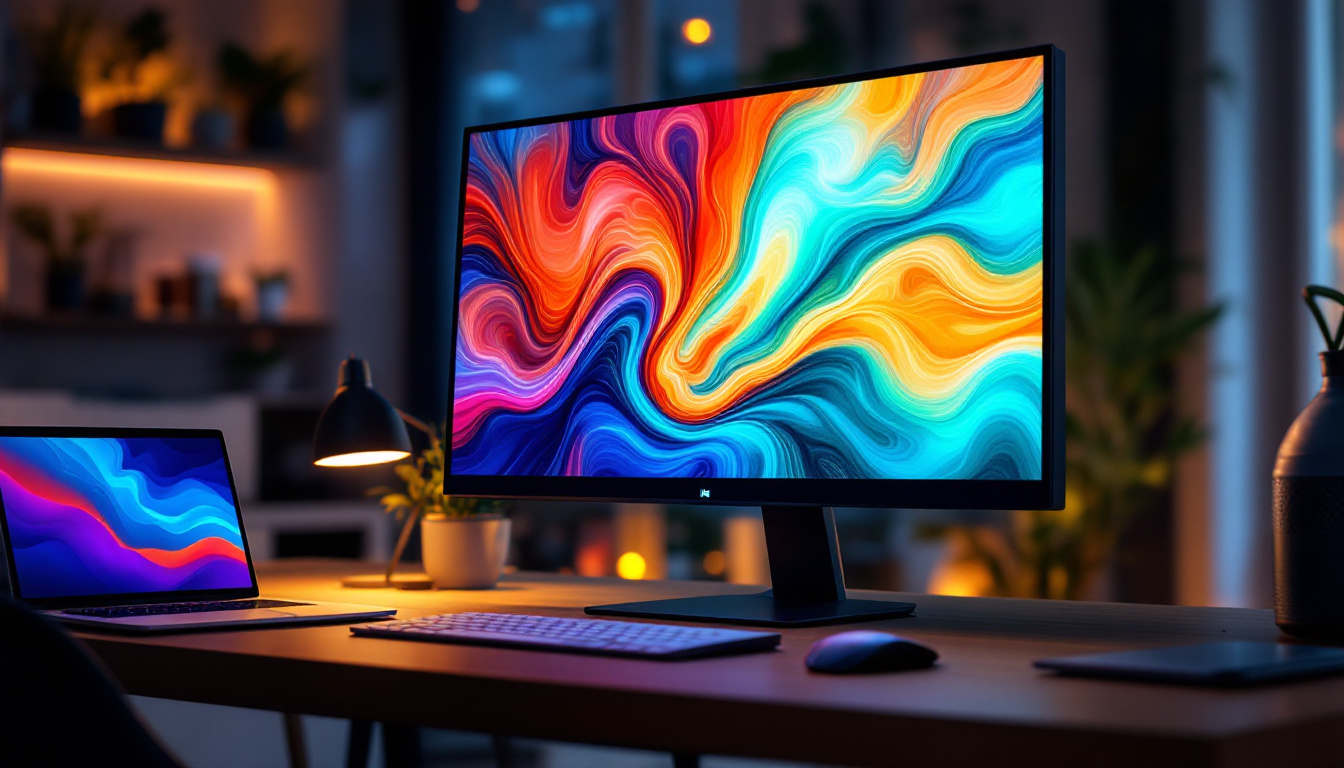
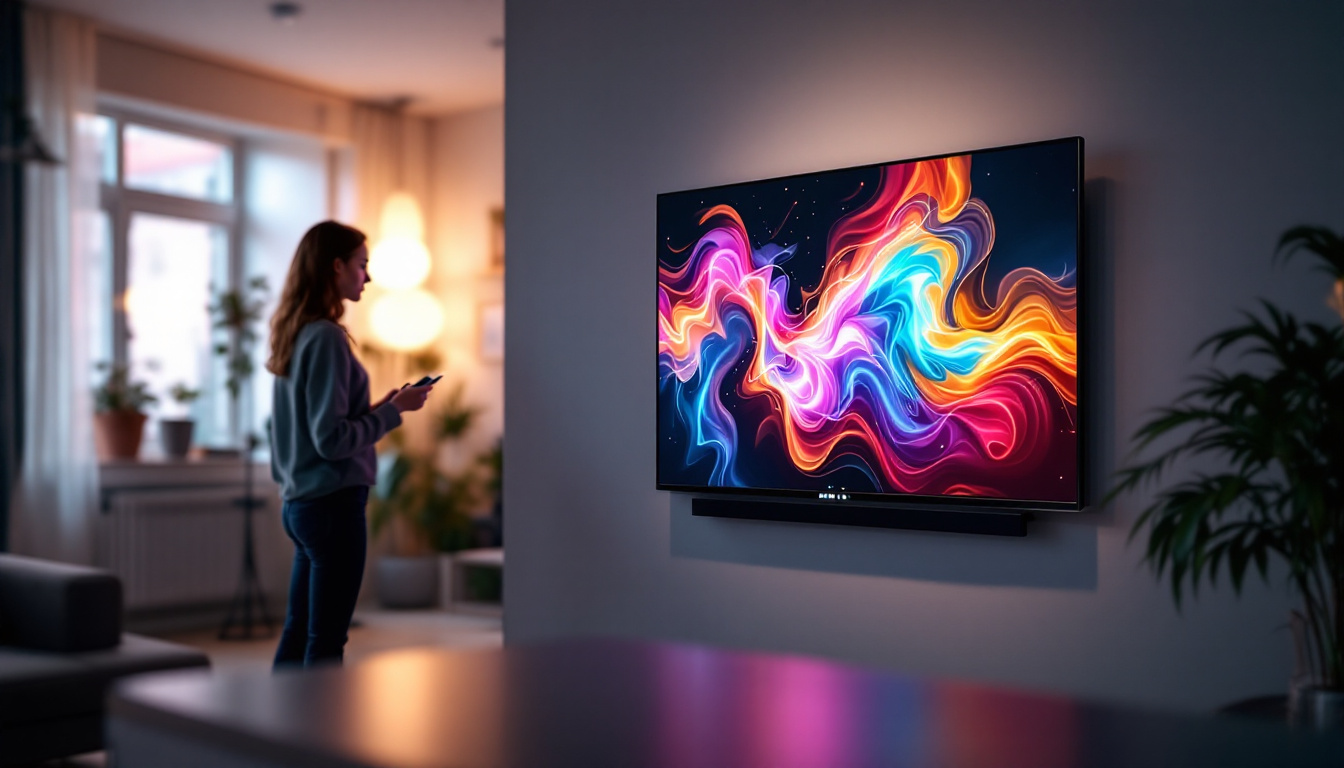
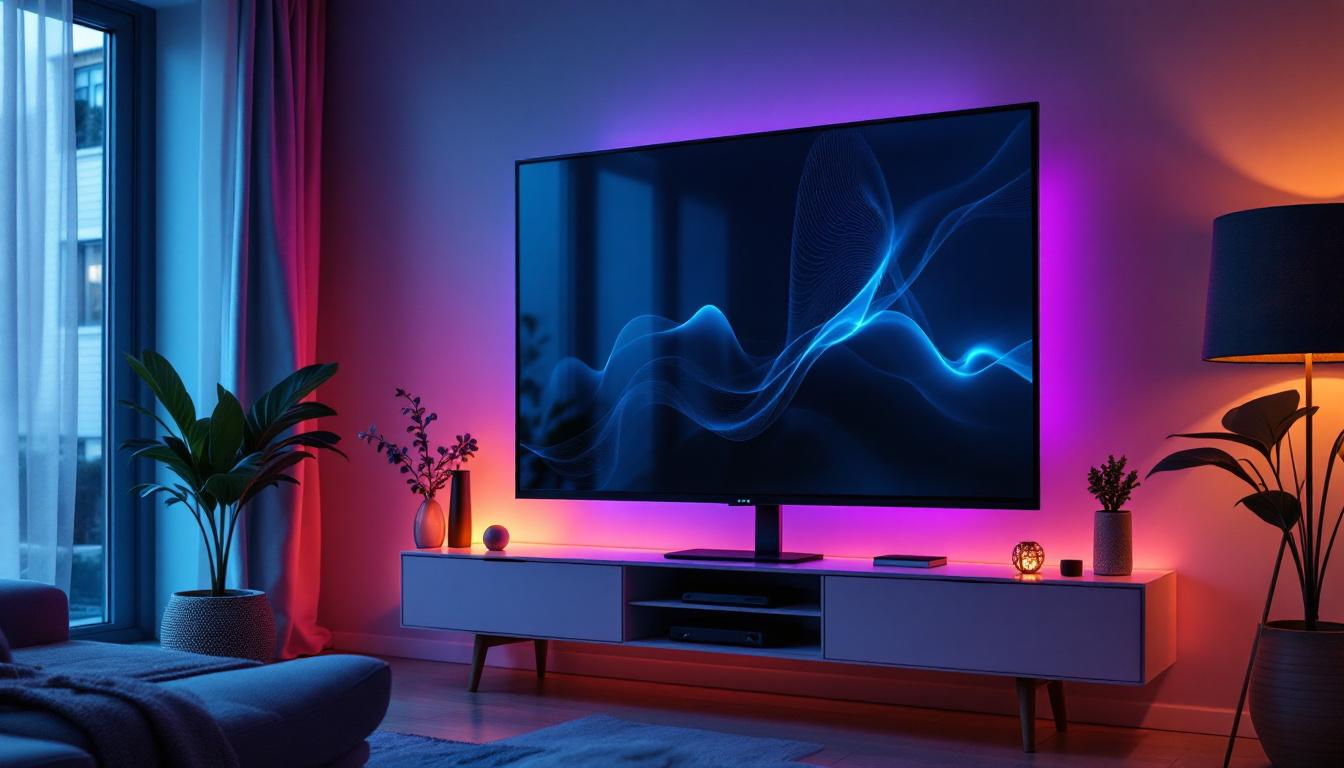
In today’s fast-evolving digital landscape, the demand for larger, more interactive displays is on the rise. Among the many options available, the 32 inch monitor touch screen with LED display technology stands out as a versatile and powerful tool for both professional and personal use. Whether you are a graphic designer, a business professional, a gamer, or someone seeking an intuitive interface for everyday tasks, understanding the features and benefits of a 32 inch LED touch screen monitor is essential.
This article explores the technology behind these monitors, their advantages, practical applications, and what to consider when choosing the right model for your needs.
Understanding LED Display Technology in 32 Inch Touch Screen Monitors
What is LED Display Technology?
LED, or Light Emitting Diode, display technology is a form of LCD (Liquid Crystal Display) that uses LEDs as a backlight instead of the traditional cold cathode fluorescent lamps (CCFL). This change has revolutionized monitor design by offering brighter images, better color accuracy, and improved energy efficiency.
In a 32 inch monitor, the LED backlighting ensures that the screen is evenly illuminated, which is crucial for maintaining consistent image quality across such a large display area. This is particularly important for touch screen monitors, where clarity and responsiveness can significantly affect user experience.
Types of LED Backlighting: Edge-lit vs. Full-array
When evaluating 32 inch LED touch screen monitors, it’s important to understand the two main types of LED backlighting:
- Edge-lit LED: LEDs are positioned around the edges of the screen, and light is diffused across the display. This design allows for thinner monitors but can sometimes lead to uneven brightness or “hot spots.”
- Full-array LED: LEDs are placed directly behind the screen in a grid pattern, providing more uniform lighting and better contrast ratios. This type is often preferred for professional use where image quality is paramount.
Full-array LED backlighting tends to be more expensive but offers superior performance, especially in larger displays like 32 inch monitors.
The Advantages of a 32 Inch Touch Screen Monitor
Enhanced User Interaction and Productivity
Touch screen technology transforms a traditional monitor into an interactive display, allowing users to engage directly with on-screen content. For a 32 inch monitor, the large screen real estate combined with touch capabilities offers a highly intuitive interface, ideal for multitasking and creative workflows.
Studies have shown that touch screens can improve task efficiency by up to 30% in certain professional environments, such as design studios and retail settings. The ability to manipulate images, zoom in on details, or navigate complex software with simple gestures can significantly reduce the learning curve and increase productivity.
Improved Visual Experience
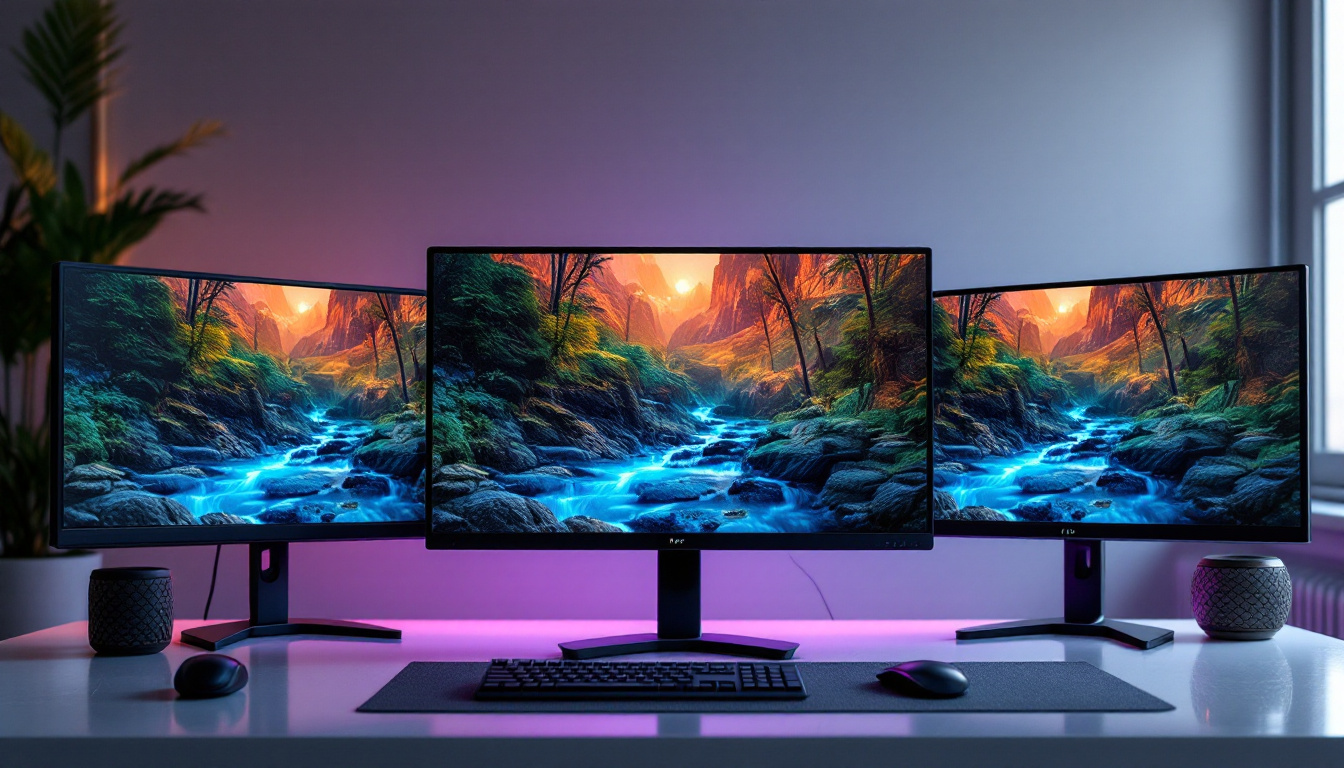
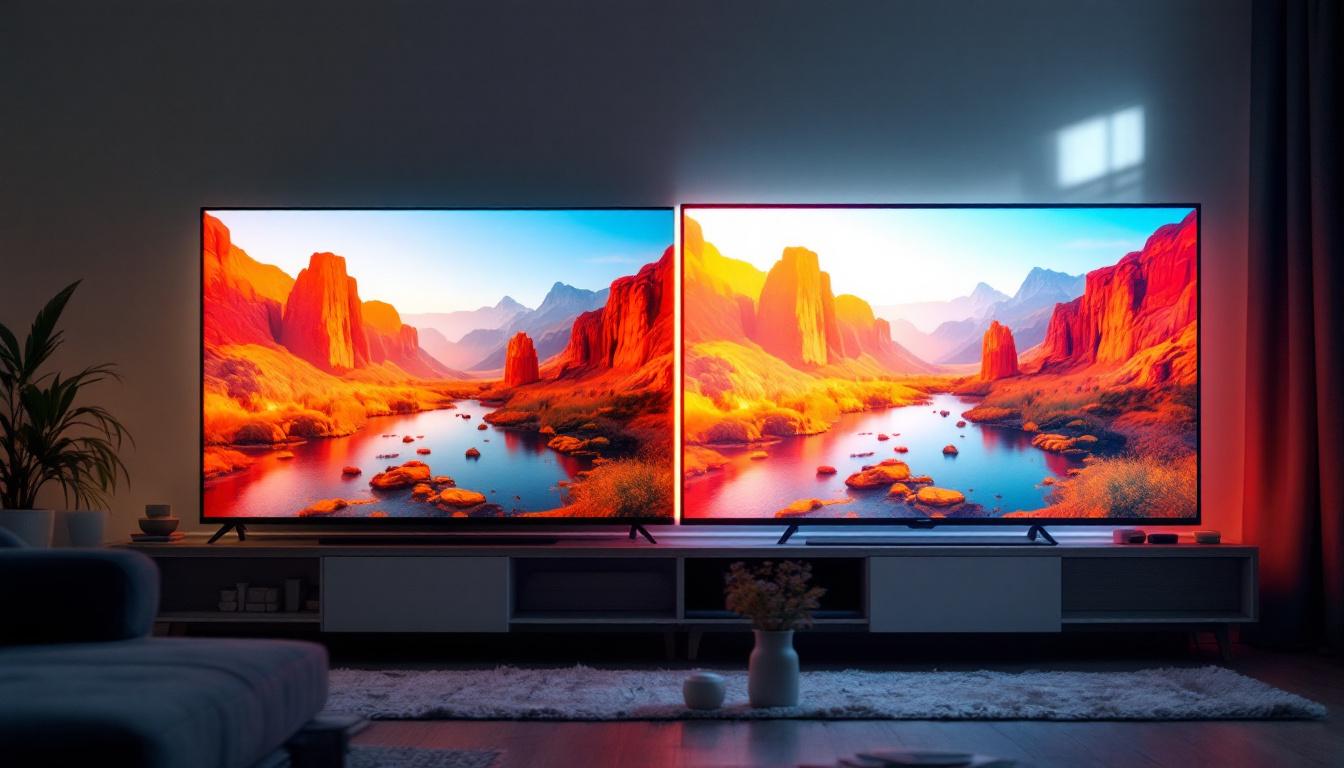
The 32 inch size hits a sweet spot between desktop monitors and larger displays like TVs. It provides ample screen space for multiple windows, detailed graphics, and immersive media consumption without overwhelming the user. When paired with LED technology, these monitors offer vibrant colors, high contrast ratios, and sharp images that enhance both work and entertainment experiences.
For example, professionals working in CAD (Computer-Aided Design) or video editing benefit greatly from the precise color reproduction and brightness uniformity that LED displays provide. Gamers and multimedia enthusiasts also appreciate the quick response times and vivid visuals.
Energy Efficiency and Longevity
Compared to older LCD monitors with CCFL backlighting, LED monitors consume significantly less power. This not only reduces electricity costs but also contributes to a smaller environmental footprint. Additionally, LEDs have a longer lifespan, often exceeding 50,000 hours, which means less frequent replacements and lower maintenance costs.
For businesses deploying multiple touch screen monitors, these factors translate into substantial savings and sustainability benefits over time.
Key Features to Consider When Choosing a 32 Inch Touch Screen LED Monitor
Resolution and Display Quality
Resolution is a critical factor that determines the clarity and detail of images on a 32 inch monitor. The most common resolutions for this size include:
- Full HD (1920 x 1080): Suitable for general use, offering good image quality for office work and casual media consumption.
- QHD (2560 x 1440): Provides sharper images and more screen real estate, ideal for professionals who require detailed visuals.
- 4K UHD (3840 x 2160): Offers the highest level of detail and is increasingly available in 32 inch monitors, perfect for video editors, photographers, and gamers seeking premium quality.
Higher resolution screens demand more powerful hardware to run smoothly, so it’s important to match the monitor’s resolution with your computer’s capabilities.
Touch Technology: Capacitive vs. Resistive
The type of touch technology used affects responsiveness, accuracy, and durability:
- Capacitive Touch: Uses the electrical properties of the human body to detect touch. It supports multi-touch gestures, is highly responsive, and offers excellent clarity since it doesn’t require an additional layer over the display. This technology is common in smartphones and modern touch monitors.
- Resistive Touch: Works by detecting pressure applied to the screen. While it can be used with any pointing device (stylus, gloved finger), it generally offers lower clarity and less responsiveness compared to capacitive screens.
For a 32 inch touch screen monitor, capacitive technology is usually preferred, especially for interactive applications that demand precision and smooth gesture recognition.
Connectivity Options
A versatile 32 inch touch screen monitor should offer multiple connectivity options to accommodate various devices and setups. Common ports include:
- HDMI and DisplayPort for high-definition video and audio transmission
- USB ports for connecting peripherals or enabling touch functionality
- USB-C, increasingly popular for its ability to deliver video, data, and power through a single cable
- Audio jacks for headphones or external speakers
Ensuring compatibility with your existing hardware and future-proofing your setup are important considerations.
Ergonomics and Build Quality
Given the size and interactive nature of 32 inch touch screen monitors, ergonomics play a crucial role in user comfort and health. Look for adjustable stands that allow tilting, height adjustment, and swivel capabilities. Some models also support VESA mounting, enabling flexible placement options in workspaces.
Durability is another key factor, especially for touch screens that will be used in public or high-traffic environments. Reinforced glass, anti-glare coatings, and robust chassis materials contribute to longevity and ease of maintenance.
Practical Applications of 32 Inch Touch Screen LED Monitors
Professional and Creative Workspaces
In fields such as graphic design, architecture, and video production, the combination of a large 32 inch display with touch capabilities enhances precision and workflow efficiency. Designers can interact directly with their work, using styluses or fingers to make fine adjustments, annotate, or navigate complex software interfaces.
Moreover, the high color accuracy and wide viewing angles provided by LED technology ensure that visual content is represented faithfully, which is critical for color-sensitive projects.
Business and Retail Environments
Touch screen monitors of this size are increasingly popular in retail, hospitality, and corporate settings. They serve as interactive kiosks, point-of-sale terminals, or collaborative tools in meeting rooms. The large screen size allows for clear display of menus, product catalogs, or presentation materials, while touch interaction simplifies navigation for users of all skill levels.
Additionally, the sleek design and energy efficiency of LED monitors contribute to a modern and sustainable business image.
Education and Training
Educational institutions benefit from 32 inch touch screen monitors by creating engaging, interactive learning environments. Teachers can use touch gestures to control lessons, annotate content in real-time, and encourage student participation through direct interaction with the display.
Training programs, especially those involving simulations or hands-on activities, also gain from the responsive and vivid nature of LED touch screens, making complex concepts easier to understand and retain.
Home Use and Entertainment
For home users, a 32 inch touch screen LED monitor offers a versatile solution for work, gaming, and media consumption. The large display is ideal for streaming high-definition content, while touch functionality adds convenience for browsing, casual gaming, or creative hobbies like digital drawing.
With the rise of smart home integration, these monitors can also serve as control hubs for connected devices, combining functionality with aesthetic appeal.
Tips for Maintaining Your 32 Inch Touch Screen LED Monitor
Cleaning and Care
Maintaining the clarity and responsiveness of your touch screen requires regular cleaning. Use a soft, lint-free microfiber cloth and avoid harsh chemicals or abrasive materials that can damage the screen’s surface or protective coatings. Specialized screen cleaning solutions designed for LED displays are recommended.
For touch screens, it’s important to keep the surface free from oils, dust, and debris that can interfere with touch sensitivity.
Software and Calibration
To maximize performance, keep your monitor’s drivers and firmware up to date. Many manufacturers provide calibration tools to adjust color accuracy and touch responsiveness, ensuring the display meets your specific needs.
Periodic recalibration is especially beneficial for professional users who rely on precise color representation.
Environmental Considerations
Avoid exposing your monitor to extreme temperatures, direct sunlight, or high humidity, as these conditions can degrade LED backlighting and touch screen components over time. Position your monitor in a well-ventilated area to prevent overheating and prolong its lifespan.
Conclusion
The 32 inch monitor touch screen with LED display technology offers a compelling blend of size, interactivity, and visual quality that meets the demands of modern users across various sectors. Its advantages in productivity, energy efficiency, and user engagement make it a valuable investment for professionals, businesses, educators, and home users alike.
By understanding the underlying technology, key features, and practical applications, consumers can make informed decisions when selecting a 32 inch touch screen LED monitor that best fits their requirements. Whether for creative work, interactive presentations, or immersive entertainment, these monitors represent the forefront of display innovation in a convenient and accessible form factor.
Discover LumenMatrix’s Advanced LED Display Solutions
Ready to elevate your visual experience with a 32 inch touch screen monitor that embodies innovation and interactivity? LumenMatrix, a pioneer in LED display technology, offers a wide array of solutions tailored to meet your needs. From immersive Indoor LED Wall Displays to dynamic Outdoor LED Wall Displays, and from versatile Vehicle LED Displays to sleek LED Poster Displays, our products are designed to captivate and engage. Embrace the future of visual communication with LumenMatrix’s LED Sports Displays, Floor LED Displays, Custom LED Displays, All-in-One LED Displays, and LED Transparent Displays. Don’t miss the opportunity to transform your space with our cutting-edge solutions. Check out LumenMatrix LED Display Solutions today and step into a world of unparalleled clarity and impact.