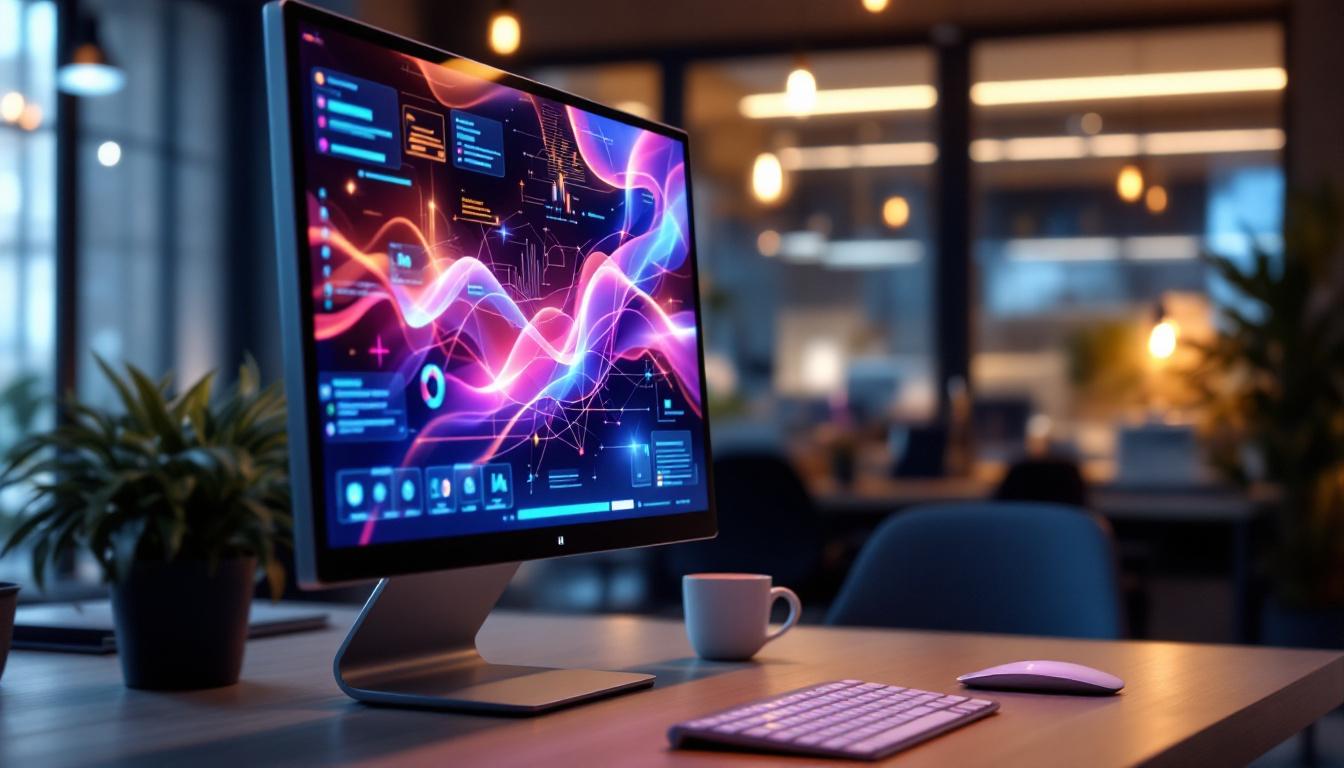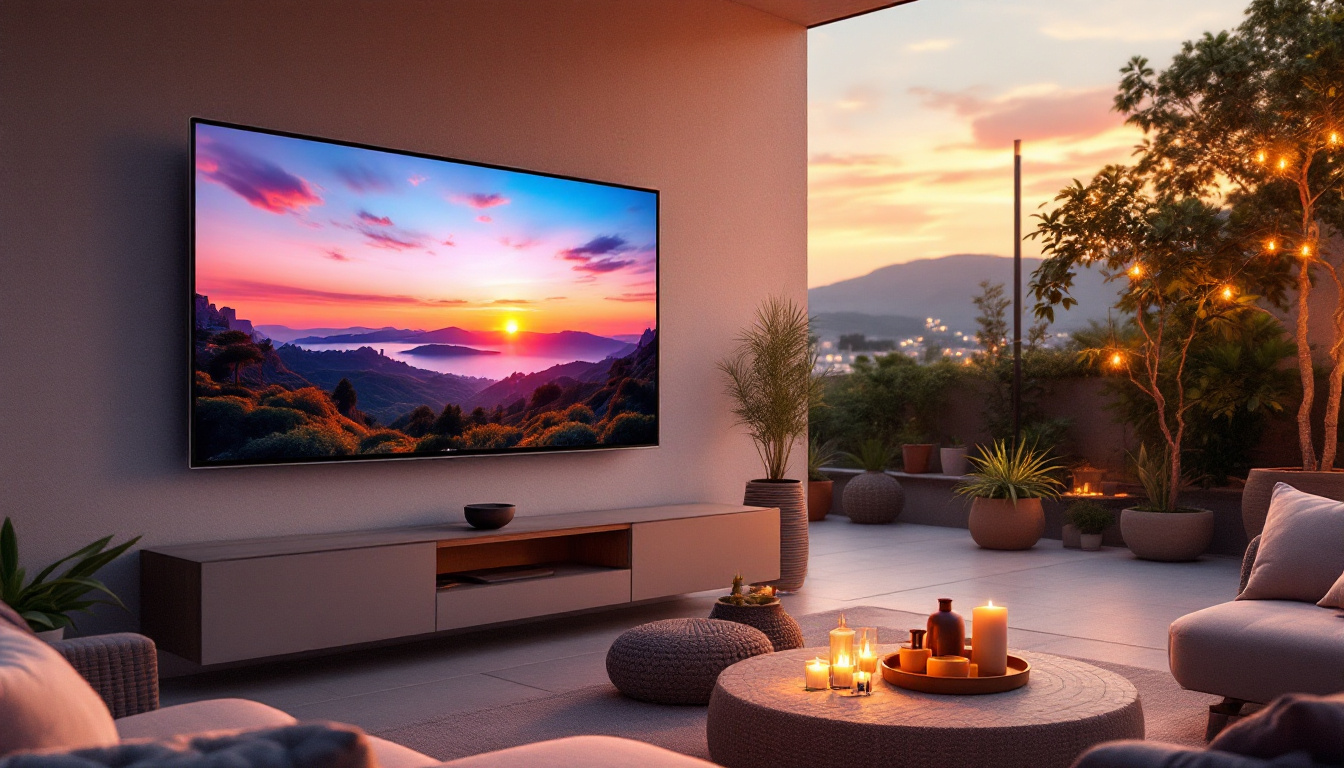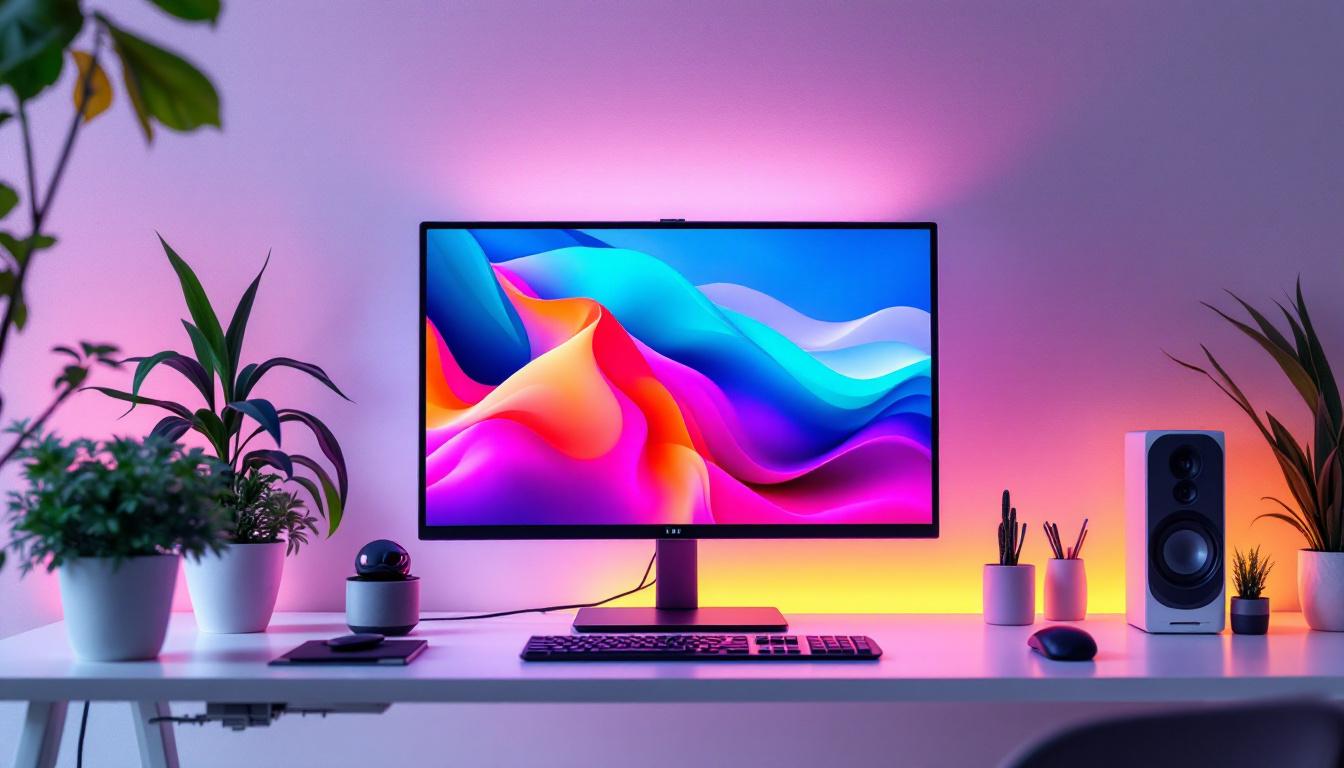
In today’s digital age, the desktop computer remains a cornerstone of productivity, creativity, and entertainment. At the heart of the desktop experience is the screen — the window through which users interact with their digital world. Among the various display technologies available, LED displays have emerged as the dominant choice for desktop monitors. But what exactly is an LED display, and why has it become so popular? This article provides a comprehensive explanation of LED desktop screens, exploring their technology, advantages, and what consumers should consider when choosing a monitor.
Understanding LED Display Technology
What Does LED Stand For?
LED stands for Light Emitting Diode. It is a semiconductor device that emits light when an electric current passes through it. In the context of desktop monitors, LED refers to the type of backlighting used to illuminate the screen’s liquid crystal display (LCD) panel.
It’s important to clarify that most modern desktop monitors marketed as “LED displays” are actually LCD screens that use LED backlighting rather than older cold cathode fluorescent lamps (CCFLs). This distinction is crucial because the LED backlight significantly improves display quality, energy efficiency, and lifespan compared to CCFL backlights. The transition to LED technology has not only enhanced the visual experience but has also contributed to more sustainable practices in electronics manufacturing, as LED displays consume less power and generate less heat than their predecessors.
How LED Displays Work
Desktop LED monitors combine two main components: the LCD panel and the LED backlight. The LCD panel contains liquid crystals that do not emit light on their own but instead manipulate light passing through them to produce images. The LED backlight provides the light source behind the LCD panel.
When the monitor is powered on, the LED backlight shines through the liquid crystals, which twist and align in varying degrees to block or allow light to pass through colored filters. This process creates the pixels and colors that form the images on the screen. The precision and control of the LED backlight directly influence the brightness, contrast, and color accuracy of the display. Furthermore, advancements in LED technology, such as the introduction of local dimming and quantum dot enhancements, have further refined the viewing experience by allowing for deeper blacks and more vivid colors, making LED displays particularly popular for graphic design, gaming, and multimedia consumption.
Additionally, the evolution of LED technology has led to the development of various types of displays, including OLED (Organic Light Emitting Diode) and Mini-LED. Each of these technologies offers unique benefits, such as improved color range and faster response times, catering to different user needs and preferences. As the technology continues to evolve, we can expect even more innovative applications of LED displays in areas such as virtual reality, augmented reality, and beyond, pushing the boundaries of how we interact with digital content.
Types of LED Backlighting in Desktop Monitors
Edge-Lit LED Displays
Edge-lit LED monitors have LEDs positioned along the edges of the screen. Light is distributed across the panel using light guides, which spread the light evenly. This design allows for thinner and lighter monitors, making them popular for sleek desktop setups.
However, edge-lit displays can sometimes suffer from uneven brightness or “hot spots” because the light source is not directly behind the entire screen. Manufacturers often use diffusion layers to mitigate this issue, but it can still affect image uniformity in some models. Additionally, the limited number of LEDs can lead to less effective color reproduction, particularly in darker scenes, where the lack of direct lighting can cause colors to appear washed out or less vibrant.
Despite these drawbacks, edge-lit monitors are often favored for their aesthetic appeal and energy efficiency. They consume less power compared to their direct-lit counterparts, making them an environmentally friendly choice for everyday use. Furthermore, advancements in technology have led to improved edge-lit designs, with some models incorporating advanced algorithms to enhance brightness uniformity and color accuracy, thus providing a better viewing experience for users.
Direct-Lit and Full-Array LED Displays
Direct-lit LED monitors place LEDs directly behind the LCD panel, providing more uniform backlighting. Full-array LED displays take this a step further by having a grid of LEDs behind the screen, which can be individually dimmed or brightened — a technology known as local dimming.
Local dimming enhances contrast ratios by allowing darker areas of the screen to be dimmed while keeping bright areas illuminated. This results in deeper blacks and more vivid images, which is particularly beneficial for watching movies or gaming. The ability to control individual zones of brightness means that full-array displays can deliver a more cinematic experience, with stunning visuals that draw viewers into the action.
Moreover, full-array LED displays often come equipped with HDR (High Dynamic Range) capabilities, which further enhances the viewing experience by expanding the range of colors and brightness levels. This technology allows for greater detail in both shadows and highlights, making images more lifelike. As a result, these monitors are increasingly becoming the preferred choice for graphic designers, photographers, and gamers who demand the highest level of visual fidelity in their work and play. The combination of local dimming and HDR support positions full-array LED displays as a powerful tool for anyone looking to elevate their multimedia experience.
Advantages of LED Desktop Screens
Improved Energy Efficiency
One of the most significant advantages of LED backlighting over older CCFL technology is energy efficiency. LEDs consume less power, which reduces electricity costs and environmental impact. According to the U.S. Department of Energy, LED-backlit monitors can use up to 40% less energy than CCFL-backlit counterparts.
This efficiency is especially important for businesses and individuals who use multiple monitors or keep their screens on for extended periods. Lower power consumption also means less heat generation, contributing to longer device lifespan and a more comfortable workspace.
Enhanced Image Quality
LED displays offer superior brightness and contrast compared to older technologies. The ability to produce higher brightness levels makes LED monitors suitable for brightly lit environments, reducing glare and improving visibility.
Moreover, LED backlighting supports wider color gamuts and better color accuracy, which is essential for professionals in graphic design, video editing, and photography. Many modern LED monitors support standards such as sRGB, Adobe RGB, and DCI-P3, ensuring vibrant and precise colors.
Slimmer and More Aesthetic Designs
Because LEDs are smaller and more efficient than CCFL tubes, manufacturers can design thinner and lighter monitors. This has led to sleek, modern desktop setups that save space and enhance the visual appeal of workstations.
Additionally, LED technology enables curved and ultra-wide monitors, offering immersive viewing experiences that were difficult to achieve with older backlighting methods.
Considerations When Choosing an LED Desktop Monitor
Resolution and Screen Size
The resolution determines how many pixels the screen can display, directly impacting image sharpness. Common resolutions include Full HD (1920×1080), Quad HD (2560×1440), and 4K UHD (3840×2160). Higher resolutions provide crisper images but require more powerful graphics hardware to drive them effectively.
Screen size preferences vary depending on use case. For general office work, 24 to 27 inches is typical, while gamers and content creators may prefer larger or ultra-wide screens for enhanced immersion and productivity.
Refresh Rate and Response Time
For gamers and video editors, refresh rate and response time are critical specifications. The refresh rate, measured in hertz (Hz), indicates how many times the screen updates per second. Higher refresh rates (120Hz, 144Hz, or more) provide smoother motion and reduce eye strain during fast-paced activities.
Response time measures how quickly a pixel changes color, with lower numbers (measured in milliseconds) resulting in less motion blur. LED monitors with fast response times are ideal for gaming and multimedia applications.
Color Accuracy and Calibration
Professionals working with color-sensitive tasks should prioritize monitors with high color accuracy and factory calibration. Look for monitors that cover a wide color gamut and come with color calibration reports or support hardware calibration tools.
Some LED monitors include built-in calibration features or software compatibility to maintain color fidelity over time, ensuring consistent and reliable output.
Connectivity Options
Modern LED monitors offer a variety of connectivity options including HDMI, DisplayPort, USB-C, and legacy VGA or DVI ports. USB-C is increasingly popular for its ability to transmit video, data, and power through a single cable, simplifying desktop setups.
Choosing a monitor with multiple input options ensures compatibility with various devices such as desktops, laptops, and gaming consoles.
Emerging Trends and Future of LED Desktop Displays
Mini-LED and MicroLED Technologies
While traditional LED backlighting has revolutionized desktop displays, newer technologies like Mini-LED and MicroLED are pushing the boundaries further. Mini-LED uses thousands of tiny LEDs for backlighting, enabling even finer local dimming and higher contrast ratios.
MicroLED, still in early stages for desktop monitors, involves self-emissive LEDs that produce light and color independently without an LCD layer. This technology promises perfect blacks, infinite contrast, and exceptional brightness, potentially rivaling OLED displays without the risk of burn-in.
Integration with HDR Standards
High Dynamic Range (HDR) technology enhances the range of brightness and color on displays, delivering more lifelike images. Many LED monitors now support HDR standards such as HDR10 and Dolby Vision, offering richer visuals for gaming, streaming, and professional work.
To fully benefit from HDR, monitors require high peak brightness and wide color gamut capabilities, which LED backlighting can provide more effectively than older technologies.
Conclusion
LED desktop screens have become the standard in the computer monitor market due to their superior energy efficiency, image quality, and design flexibility. Understanding the underlying technology helps consumers make informed decisions based on their specific needs, whether for office productivity, creative work, or gaming.
As display technology continues to evolve with innovations like Mini-LED, MicroLED, and HDR integration, the future of desktop monitors looks brighter and more vibrant than ever. Choosing the right LED monitor today means balancing resolution, color accuracy, refresh rate, and connectivity to create an optimal viewing experience tailored to individual requirements.
Explore Cutting-Edge LED Displays with LumenMatrix
Ready to elevate your visual experience with the latest in LED display technology? LumenMatrix is at the forefront of innovation, offering a wide range of LED display solutions tailored to meet your needs. From captivating Indoor LED Wall Displays to dynamic Outdoor LED Wall Displays, and from versatile Vehicle LED Displays to sleek LED Poster Displays, our products are designed to enhance engagement and bring your vision to life. Discover how our LED Sports Displays, Floor LED Displays, Custom LED Displays, All-in-One LED Displays, and LED Transparent Displays can transform your space and communication. Don’t miss out on the opportunity to revolutionize your visual impact. Check out LumenMatrix LED Display Solutions today and step into a world of unparalleled clarity and vibrancy.