In today’s digital age, where screen time dominates both professional and personal lives, ergonomic considerations have become paramount. Among the many innovations designed to enhance user comfort and productivity, height adjusting monitors with LED displays stand out. These devices not only provide superior visual quality but also promote better posture and reduce the risk of musculoskeletal issues.
This comprehensive article delves into the world of height adjusting monitors featuring LED displays. It explores their benefits, technology, ergonomic advantages, and how to select the right model for your needs.
Understanding Height Adjusting Monitors
What Are Height Adjusting Monitors?
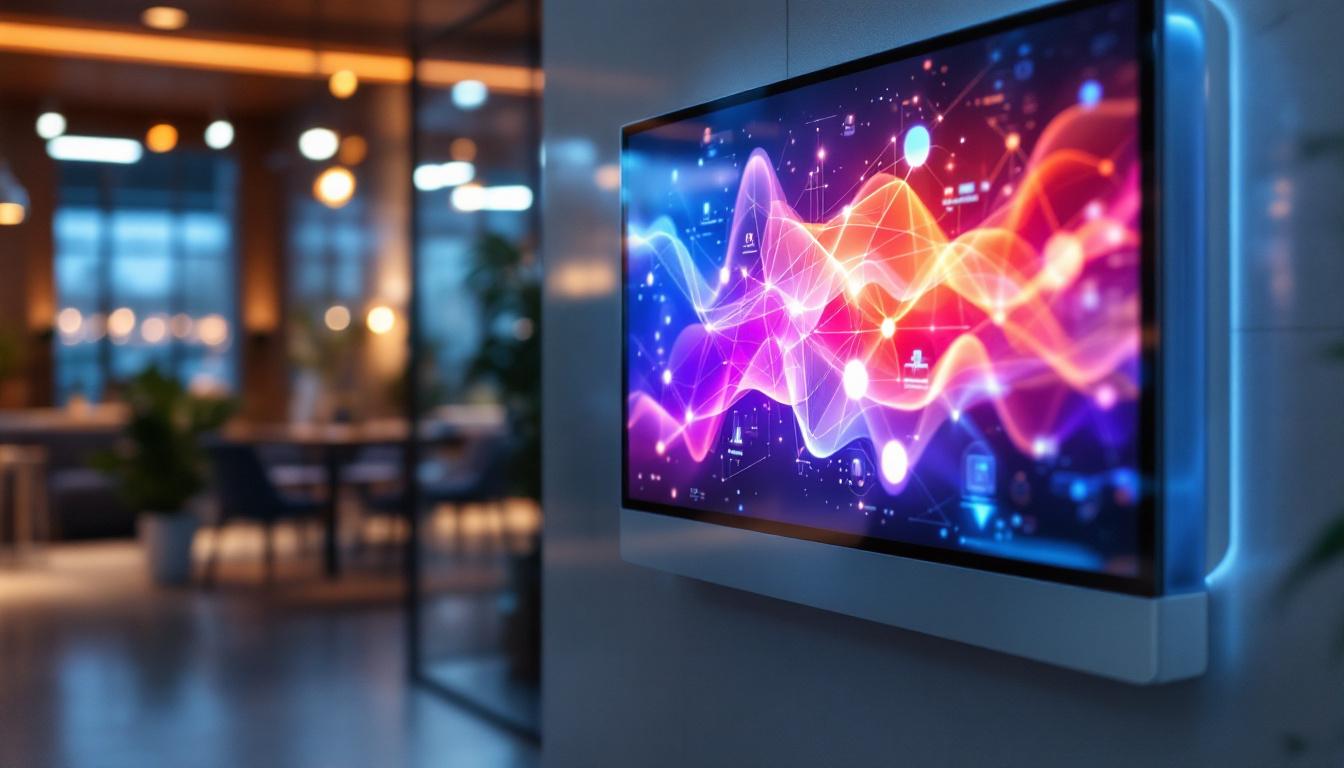
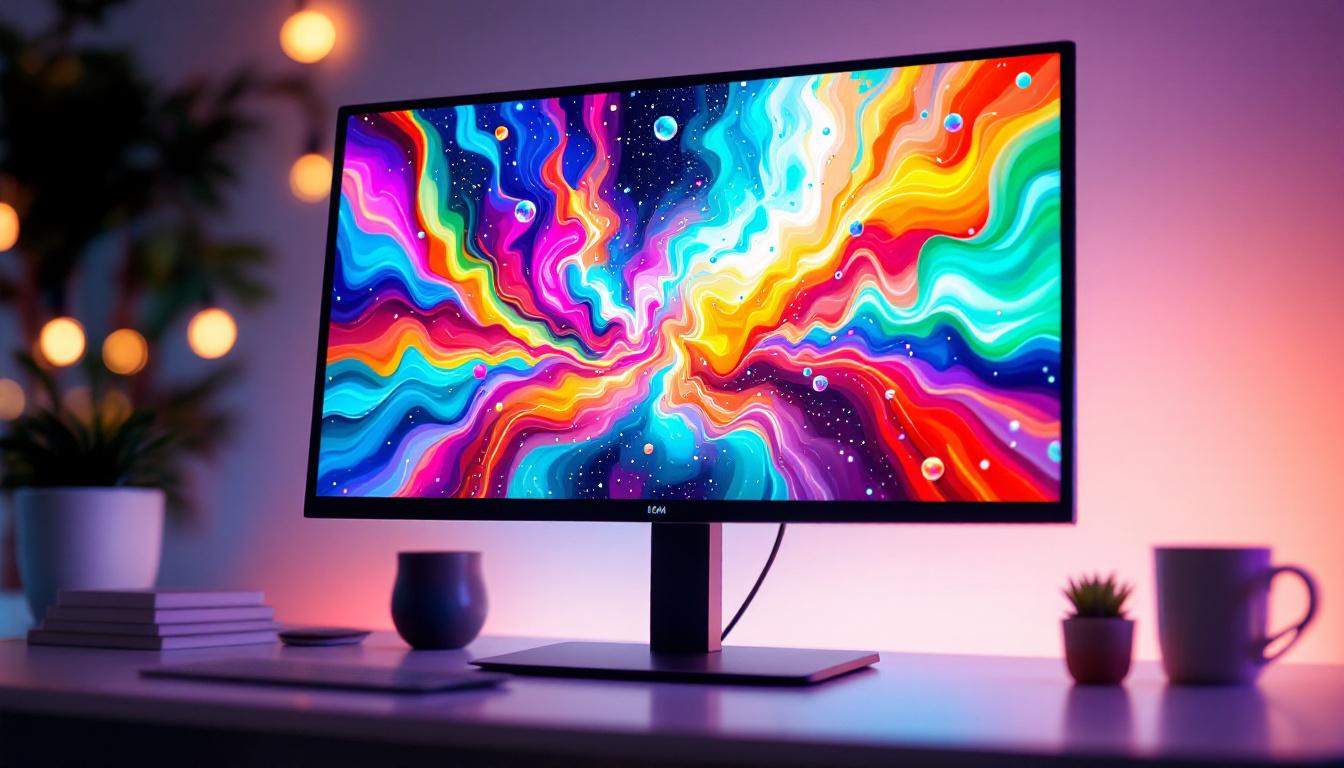
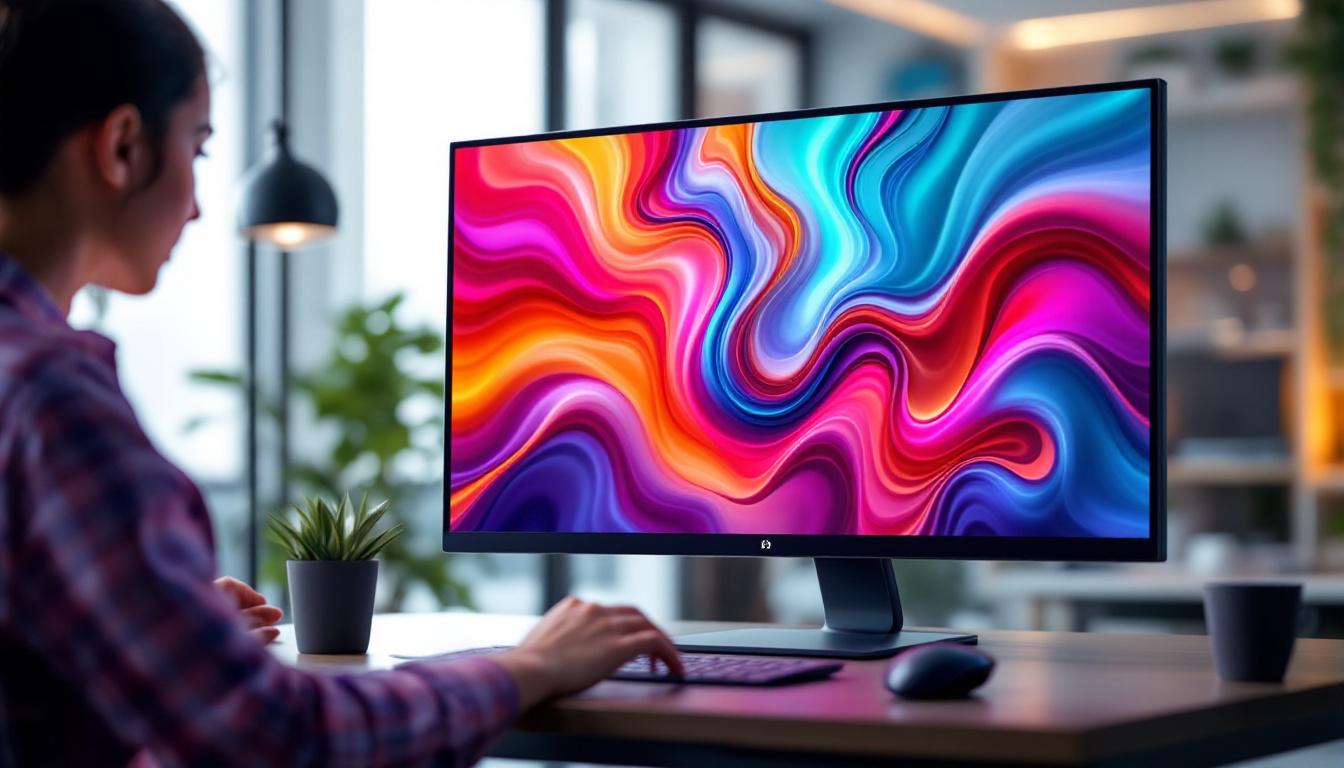
Height adjusting monitors are computer screens equipped with stands or mounts that allow users to modify the vertical position of the display. This adjustability enables users to align the monitor at eye level, reducing strain on the neck and shoulders. Unlike fixed monitors, these devices offer flexibility to accommodate different users or varied seating arrangements.
Height adjustment mechanisms vary, including manual levers, gas springs, or motorized controls. The goal is to provide smooth, stable, and precise movement so users can easily customize their viewing experience. Some advanced models even come with programmable settings, allowing users to save their preferred heights for quick adjustments throughout the day. This feature is particularly beneficial in shared workspaces where multiple users may have different ergonomic needs.
Why Height Adjustment Matters
Ergonomics research consistently highlights the importance of monitor positioning in preventing workplace injuries. According to the Occupational Safety and Health Administration (OSHA), improper monitor height is a common cause of neck and back pain among office workers.
When a monitor is too low or too high, users tend to tilt their heads or slouch, leading to muscle fatigue and discomfort. Adjustable height monitors help maintain a neutral posture, reducing the risk of repetitive strain injuries and enhancing overall comfort during extended computer use. Furthermore, studies have shown that proper monitor height can significantly improve productivity and focus, as users are less likely to be distracted by discomfort. By investing in height-adjustable monitors, companies can foster a healthier work environment, potentially reducing absenteeism and increasing employee satisfaction. Additionally, these monitors often come with features such as blue light filters and anti-glare coatings, further contributing to eye comfort and overall well-being during long hours of screen time.
The Role of LED Displays in Modern Monitors
What is an LED Display?
LED stands for Light Emitting Diode, a technology used to illuminate the pixels on a screen. LED displays are a type of LCD (Liquid Crystal Display) that uses LEDs as a backlight source instead of traditional cold cathode fluorescent lamps (CCFLs).
This shift to LED backlighting has revolutionized display technology by offering several advantages, including better energy efficiency, thinner panels, brighter images, and improved color accuracy. The use of LEDs allows for localized dimming, meaning that specific areas of the screen can be dimmed or brightened independently, enhancing the overall dynamic range of the display. This feature is particularly beneficial for viewing high-definition content, where deep blacks and bright highlights are crucial for a more immersive experience.
Advantages of LED Displays in Monitors
LED displays provide superior brightness and contrast ratios compared to older technologies. This results in clearer images, sharper text, and more vibrant colors, which are essential for tasks ranging from graphic design to everyday office work. The enhanced color reproduction capabilities of LED displays also make them ideal for professionals in fields like photography and video editing, where accurate color representation is paramount. Additionally, many LED monitors support a wider color gamut, allowing users to see more shades and hues than ever before.
Moreover, LED monitors consume less power, which is beneficial for both environmental sustainability and reducing electricity costs. Their slim profiles also contribute to sleek, modern monitor designs that save desk space. Beyond aesthetics, the lightweight nature of LED displays makes them easier to mount on walls or adjust on stands, providing users with greater flexibility in their workspace. Furthermore, the longevity of LED technology means that these monitors can last significantly longer than their predecessors, reducing the frequency of replacements and contributing to less electronic waste over time.
Ergonomic Benefits of Combining Height Adjustment with LED Displays
Enhanced Visual Comfort
Combining height adjustability with LED technology enhances visual comfort significantly. Users can position the monitor at the optimal height and angle, minimizing glare and reflections that can cause eye strain. LED displays’ superior brightness and color fidelity further reduce the need for excessive screen brightness, which can be tiring to the eyes.
Improved Posture and Reduced Physical Strain
Height adjustable monitors encourage users to maintain an upright posture, aligning the head, neck, and spine properly. This alignment reduces muscle tension and fatigue, which are common complaints among office workers. Studies have shown that ergonomic interventions, including adjustable monitors, can decrease musculoskeletal symptoms by up to 50%.
Increased Productivity and Focus
Comfortable users tend to be more productive. When physical discomfort is minimized, concentration improves, and the likelihood of breaks due to pain or fatigue decreases. The clarity and crispness of LED displays also reduce errors caused by poor image quality, further enhancing efficiency.
Key Features to Look for in Height Adjusting LED Monitors
Range and Ease of Adjustment
A wide height adjustment range is crucial to accommodate different users and seating setups. Ideally, a monitor should offer at least 4 to 6 inches of vertical movement. The adjustment mechanism should be smooth and stable, allowing users to reposition the screen effortlessly without wobbling.
Screen Size and Resolution
Screen size impacts both comfort and productivity. Larger screens (24 inches and above) provide more workspace, while higher resolutions (Full HD, 4K) offer sharper images and better detail. For professional tasks such as photo editing or CAD design, higher resolution LED monitors are recommended.
Additional Ergonomic Features
Besides height adjustment, look for monitors that offer tilt, swivel, and pivot capabilities. These features enable further customization of the viewing angle, accommodating a variety of workstyles and desk configurations.
Connectivity and Compatibility
Modern LED monitors typically include multiple input options such as HDMI, DisplayPort, and USB-C. USB hubs integrated into the monitor can also enhance convenience by allowing easy connection of peripherals. Compatibility with VESA mounts is another consideration for users who prefer custom mounting solutions.
Popular Applications and Use Cases
Office and Corporate Environments
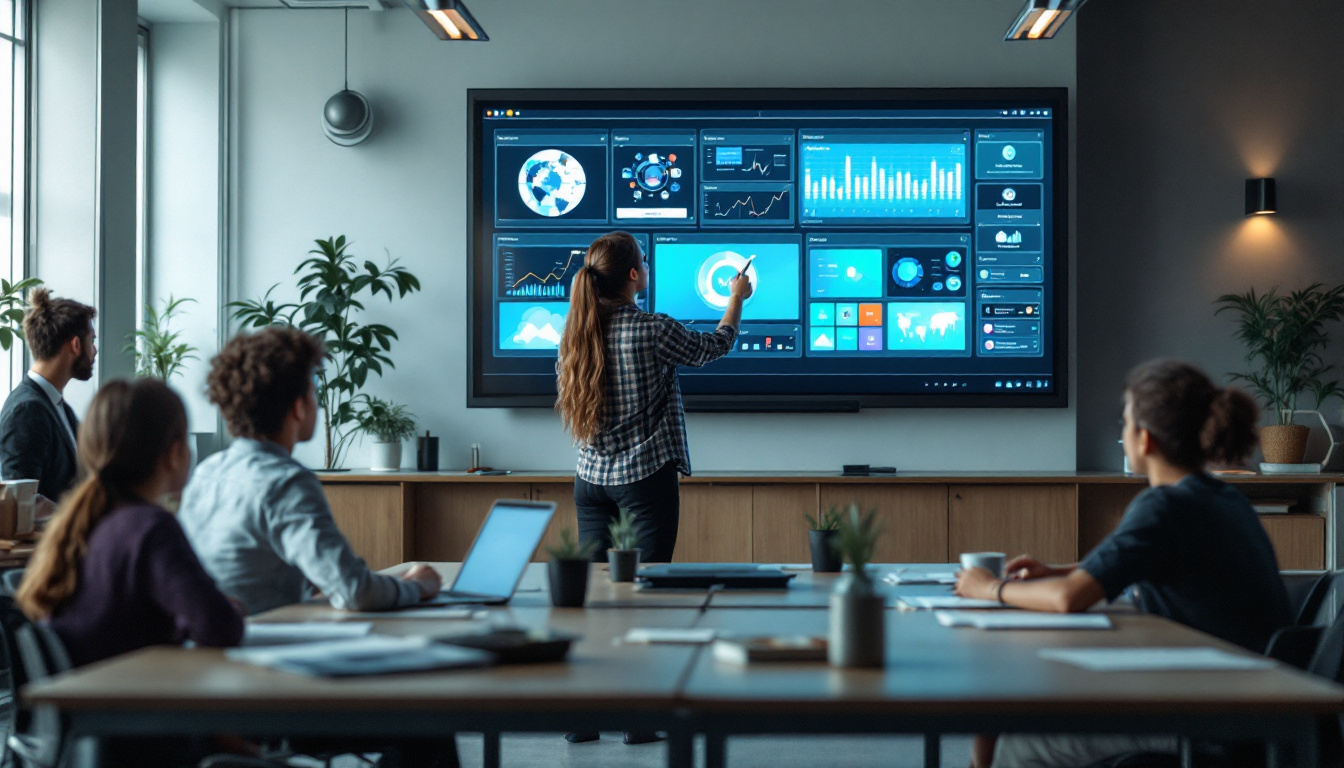
Height adjusting LED monitors are increasingly standard in office settings where employees spend long hours in front of screens. Their ergonomic benefits help reduce absenteeism related to musculoskeletal disorders and improve overall workplace well-being.
Creative Professionals
Graphic designers, video editors, and photographers benefit from the color accuracy and high resolution of LED displays. The ability to adjust monitor height and angle ensures that these professionals can work comfortably for extended periods, enhancing creativity and precision.
Home Offices and Remote Work
The rise of remote work has increased demand for ergonomic home office setups. Height adjustable LED monitors offer a practical solution for individuals who may not have dedicated workspace furniture, allowing them to create healthier and more productive environments.
How to Set Up Your Height Adjusting LED Monitor for Optimal Ergonomics
Positioning the Monitor
The ideal monitor height places the top of the screen at or slightly below eye level. This setup allows users to look slightly downward at the screen, reducing neck strain. The monitor should be about an arm’s length away, typically 20 to 30 inches, to prevent eye fatigue.
Adjusting Tilt and Angle
Tilting the monitor slightly backward (10 to 20 degrees) can help reduce glare from overhead lighting. Swiveling and pivoting adjustments allow users to align the screen with their line of sight, especially when sharing the display with others.
Managing Desk and Chair Height
Monitor adjustment works best when combined with proper desk and chair height. The chair should support the lower back, and feet should rest flat on the floor or a footrest. The desk height should allow forearms to rest comfortably at a 90-degree angle while typing.
Future Trends in Height Adjusting LED Monitors
Integration with Smart Technology
Emerging models are incorporating sensors and AI to automatically adjust monitor height and brightness based on user posture and ambient lighting conditions. This smart functionality aims to further reduce strain and enhance user experience without manual intervention.
Greater Customization and Modular Designs
Future monitors are expected to offer more modular components, allowing users to customize not only height but also screen curvature, aspect ratio, and additional accessories. This flexibility will cater to increasingly diverse user needs.
Eco-Friendly Innovations
Manufacturers are focusing on sustainable materials and energy-efficient designs. Advances in LED technology continue to reduce power consumption and extend the lifespan of monitors, aligning with global efforts to minimize environmental impact.
Conclusion
Height adjusting monitors with LED displays represent a significant advancement in ergonomic computing. By combining superior visual quality with customizable positioning, these monitors address both comfort and productivity challenges faced by modern users. Whether in corporate offices, creative studios, or home workspaces, investing in a height adjustable LED monitor is a proactive step toward healthier and more efficient computer use.
When selecting a monitor, consider factors such as adjustment range, display quality, ergonomic features, and connectivity options. Proper setup and usage further maximize the benefits, helping to prevent strain and promote long-term well-being.
As technology evolves, these monitors will become even more intuitive and adaptable, continuing to support the diverse needs of users worldwide.
Discover Ergonomic Excellence with LumenMatrix
Ready to elevate your workspace with the ultimate in ergonomic and visual performance? LumenMatrix is at the forefront of LED display innovation, offering a wide array of solutions from Indoor and Outdoor LED Wall Displays to specialized options like Vehicle and Sports LED Displays. Embrace the future of comfortable, productive work environments with our cutting-edge LED technology that promises to transform your visual experience. Check out LumenMatrix LED Display Solutions today and step into a world where clarity, engagement, and ergonomic design meet.