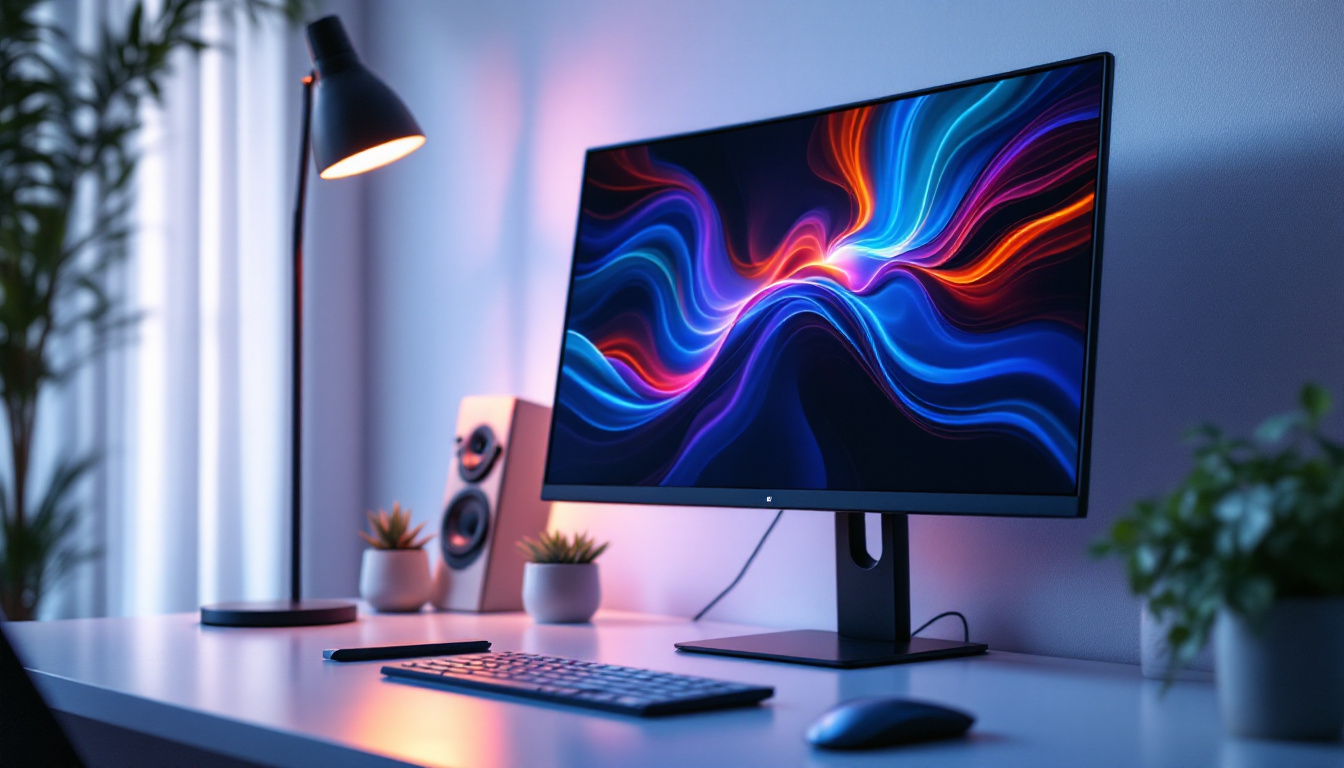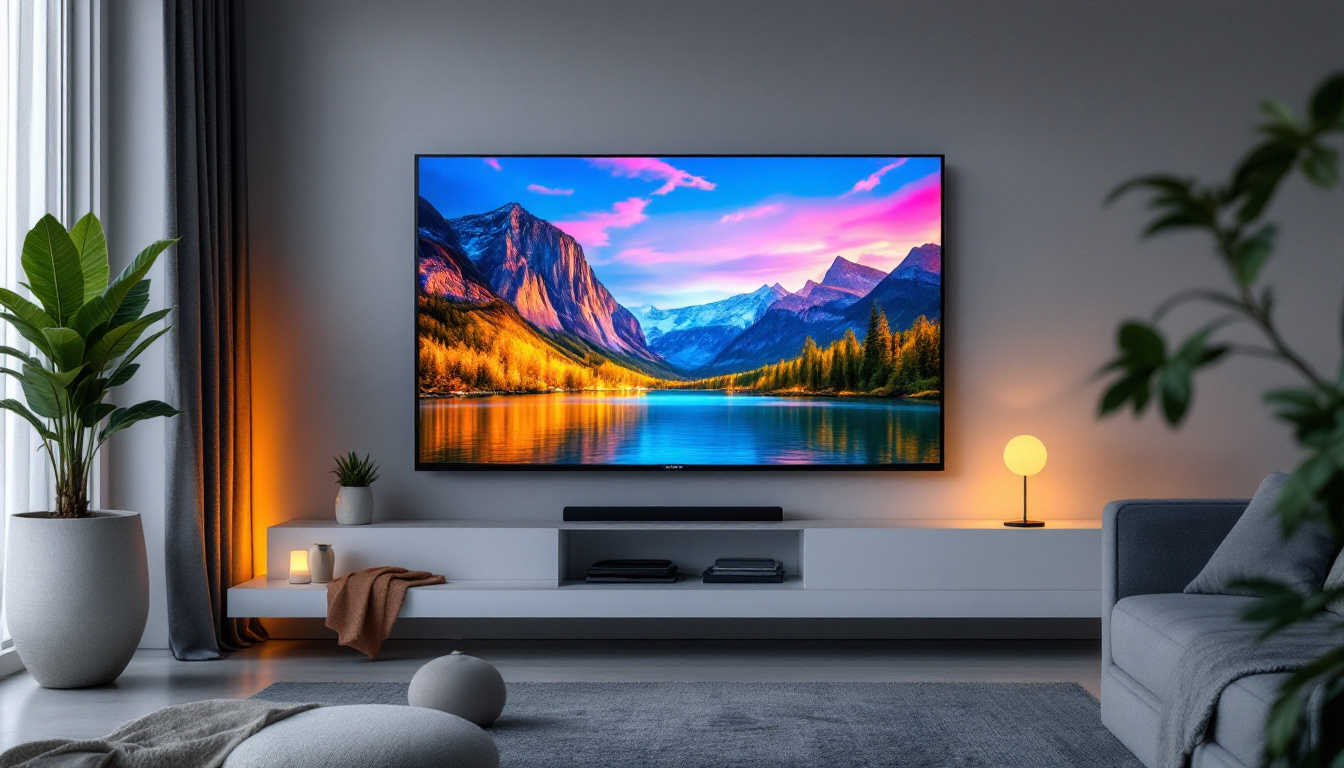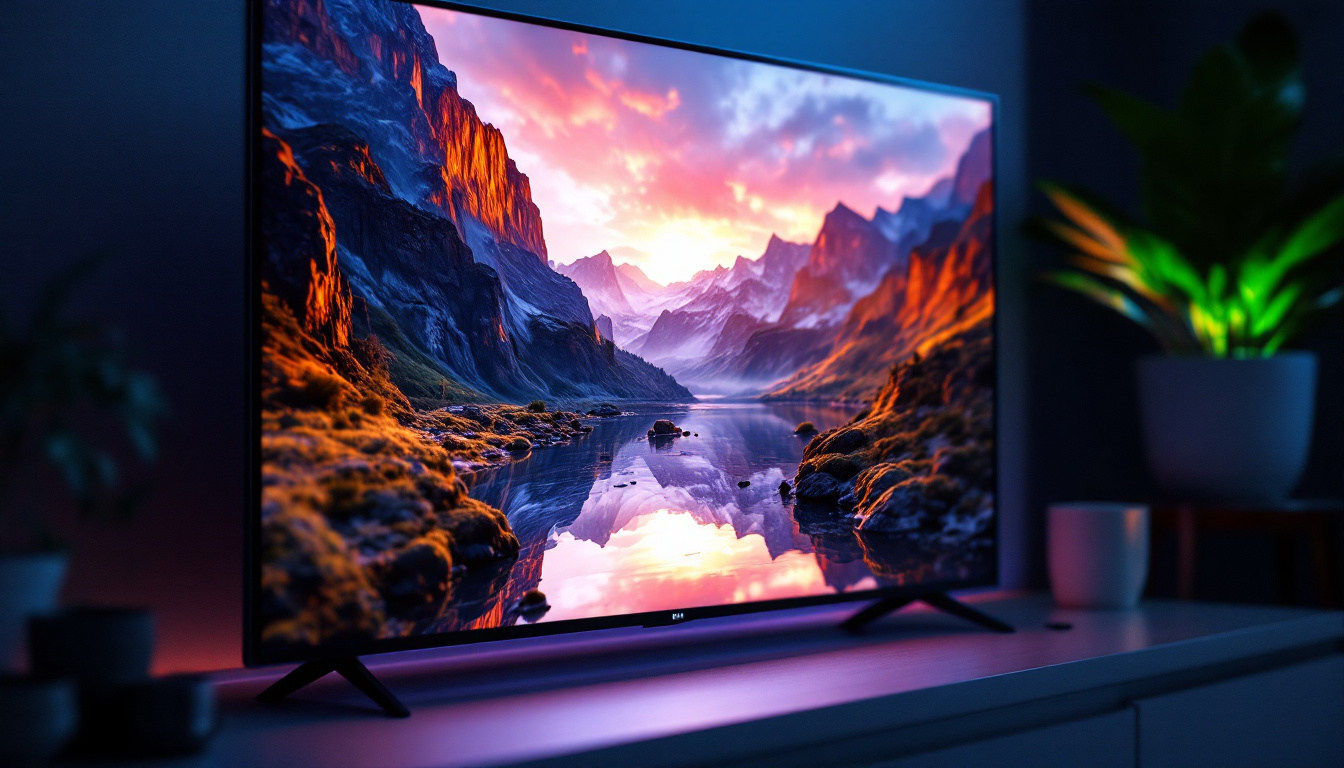
In an era where mobility and efficiency define the workspace, portable touch screen monitors with stands have emerged as essential tools for professionals, creatives, and tech enthusiasts alike. These devices combine the convenience of portability with the interactive capabilities of touch screens, all while delivering crisp visuals through advanced LED display technology. This article delves into the intricacies of portable touch screen monitors, exploring their features, benefits, and the technology that powers their vibrant displays.
Understanding Portable Touch Screen Monitors
What Makes a Monitor Portable?
Portability in monitors primarily refers to the device’s lightweight design, slim profile, and ease of transportation. Unlike traditional desktop monitors, portable monitors are engineered to be compact, often weighing less than 2 pounds and measuring less than an inch in thickness. This makes them ideal companions for remote workers, digital nomads, and anyone needing a secondary display on the go.
Many portable monitors come equipped with protective cases or integrated stands, enhancing their usability without adding bulk. The inclusion of a stand is particularly important as it allows users to position the screen at comfortable viewing angles, reducing strain during extended use. Additionally, some models feature adjustable brightness settings and anti-glare screens, making them suitable for various environments, whether you’re working in a dimly lit café or outdoors in bright sunlight.
Furthermore, the connectivity options available in portable monitors contribute significantly to their appeal. Many models now offer USB-C connections, which not only provide power but also allow for video transmission, simplifying the setup process. This versatility means that users can easily connect their monitors to a wide range of devices, including laptops, smartphones, and gaming consoles, making them an excellent choice for both work and leisure activities.
The Role of Touch Screen Technology
Touch screen functionality transforms a standard monitor into an interactive interface. Capacitive touch technology, commonly used in portable monitors, enables multi-touch gestures such as pinch-to-zoom and swipe, facilitating a more intuitive user experience. This feature is invaluable for graphic designers, educators, and professionals who benefit from direct manipulation of on-screen elements.
Moreover, touch screens eliminate the need for peripheral input devices like a mouse or keyboard in certain scenarios, streamlining workflows and enhancing productivity. The integration of touch capabilities in portable monitors bridges the gap between tablets and traditional displays, offering a versatile solution for diverse applications. For instance, educators can use touch screen monitors to create engaging presentations, allowing students to interact with the content directly. Similarly, artists can sketch and edit images directly on the screen, providing a seamless creative process that enhances their workflow.
Additionally, the advancements in touch screen technology have led to improved responsiveness and accuracy, making these monitors suitable for professional-grade tasks. Many portable touch screen monitors now feature high-resolution displays with vibrant colors, ensuring that users can enjoy a rich visual experience while working on detailed projects. With the growing trend of remote work and online collaboration, the demand for such interactive displays continues to rise, making portable touch screen monitors an essential tool for modern professionals.
Exploring LED Display Technology
What is an LED Display?
LED, or Light Emitting Diode, displays are a type of LCD (Liquid Crystal Display) that use LEDs as a backlighting source. This technology has largely replaced older CCFL (Cold Cathode Fluorescent Lamp) backlights due to its superior energy efficiency, brightness, and color accuracy. The transition to LED technology has not only improved the visual experience for users but has also paved the way for innovations in display design, allowing manufacturers to create sleeker and more aesthetically pleasing devices.
In portable touch screen monitors, LED displays contribute to thinner designs and longer battery life. The use of LEDs allows for more uniform backlighting, which enhances image quality by reducing light bleed and improving contrast ratios. Furthermore, advancements in LED technology, such as local dimming and edge-lit designs, have enabled even greater control over brightness and color, resulting in displays that can deliver stunning visuals whether you’re watching a movie or working on a detailed graphic design project.
Advantages of LED Displays in Portable Monitors
One of the key benefits of LED displays is their ability to produce vivid colors and sharp images, which is crucial for tasks requiring precise visual detail, such as photo editing or video production. Additionally, LED backlighting supports higher brightness levels, making screens more readable in various lighting conditions, including bright outdoor environments. This capability is particularly important for professionals who often find themselves working in diverse settings, from bright offices to outdoor locations, where visibility can be a challenge.
Energy efficiency is another significant advantage. LED displays consume less power than their CCFL counterparts, which is particularly beneficial for portable devices that rely on battery power. This efficiency translates to longer usage times between charges, enhancing the monitor’s practicality for mobile use. Moreover, the reduced heat output of LED displays not only contributes to energy savings but also enhances the longevity of the device, allowing users to enjoy their monitors for years without significant degradation in performance. As technology continues to evolve, we can expect even more enhancements in LED display capabilities, further solidifying their role as a preferred choice in the realm of portable monitors.
Key Features to Consider When Choosing a Portable Touch Screen Monitor
Screen Size and Resolution
Portable monitors typically range from 10 to 17 inches in size. The choice depends on the intended use—smaller screens offer greater portability, while larger screens provide more workspace. Resolution is equally important; Full HD (1920×1080 pixels) is the standard for most portable monitors, delivering clear and detailed images. Higher resolutions like 4K are available but may impact battery life and cost.
Connectivity Options
Versatile connectivity is essential for seamless integration with various devices. USB-C has become the preferred interface due to its ability to carry power, video, and data simultaneously through a single cable. Some monitors also include HDMI ports, allowing compatibility with a broader range of laptops, gaming consoles, and media players.
Additionally, features like plug-and-play support and driver-free installation enhance user convenience, enabling quick setup without technical hurdles.
Stand Design and Adjustability
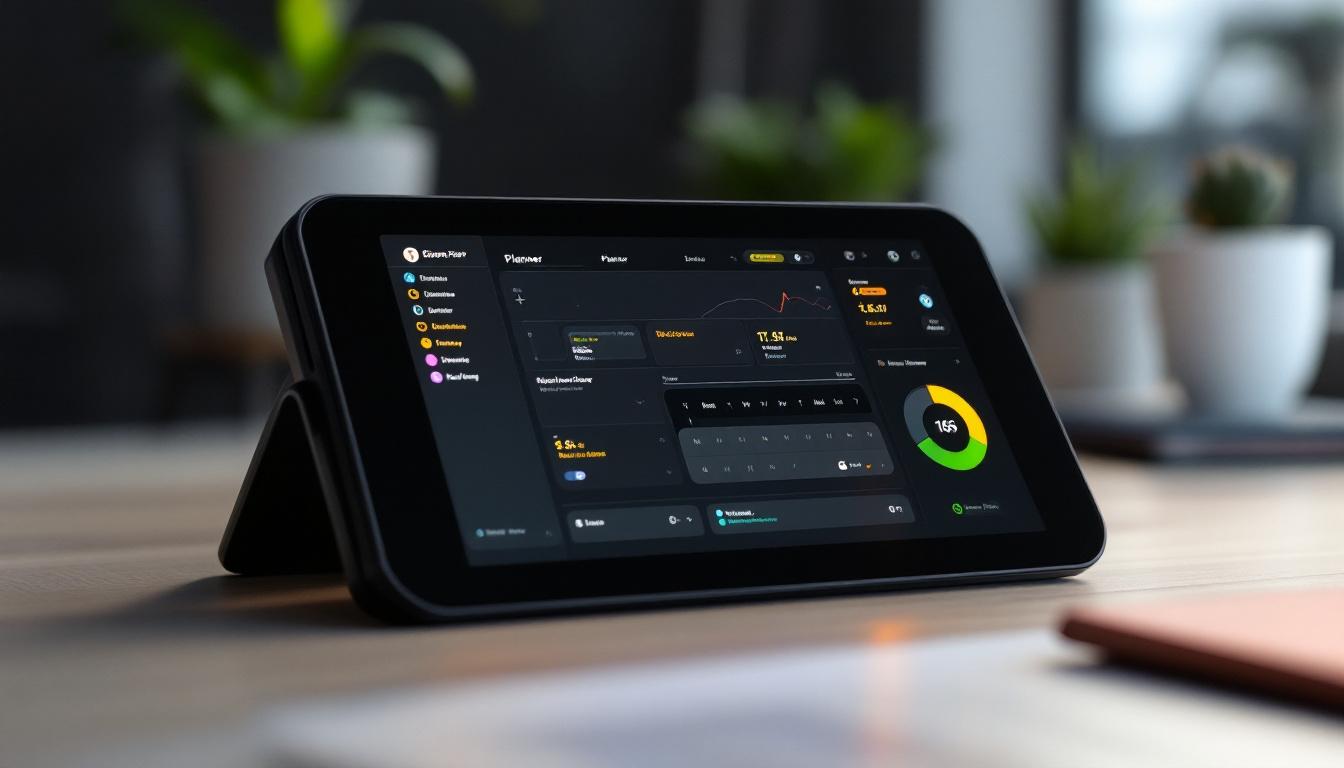
The stand is a critical component that affects usability and comfort. Adjustable stands that offer tilt, swivel, and height options allow users to customize their viewing experience, reducing neck and eye strain. Some portable monitors feature detachable or foldable stands integrated into protective covers, combining functionality with portability.
Choosing a monitor with a sturdy, well-designed stand ensures stability during use, which is especially important when interacting with the touch screen.
Touch Responsiveness and Accuracy
The quality of the touch interface varies between models. High-quality portable touch screen monitors provide precise touch response with minimal latency, ensuring smooth and accurate input. Features like palm rejection and multi-touch support further enhance the user experience, particularly for creative applications and note-taking.
Practical Applications of Portable Touch Screen Monitors
Enhancing Productivity for Remote Work
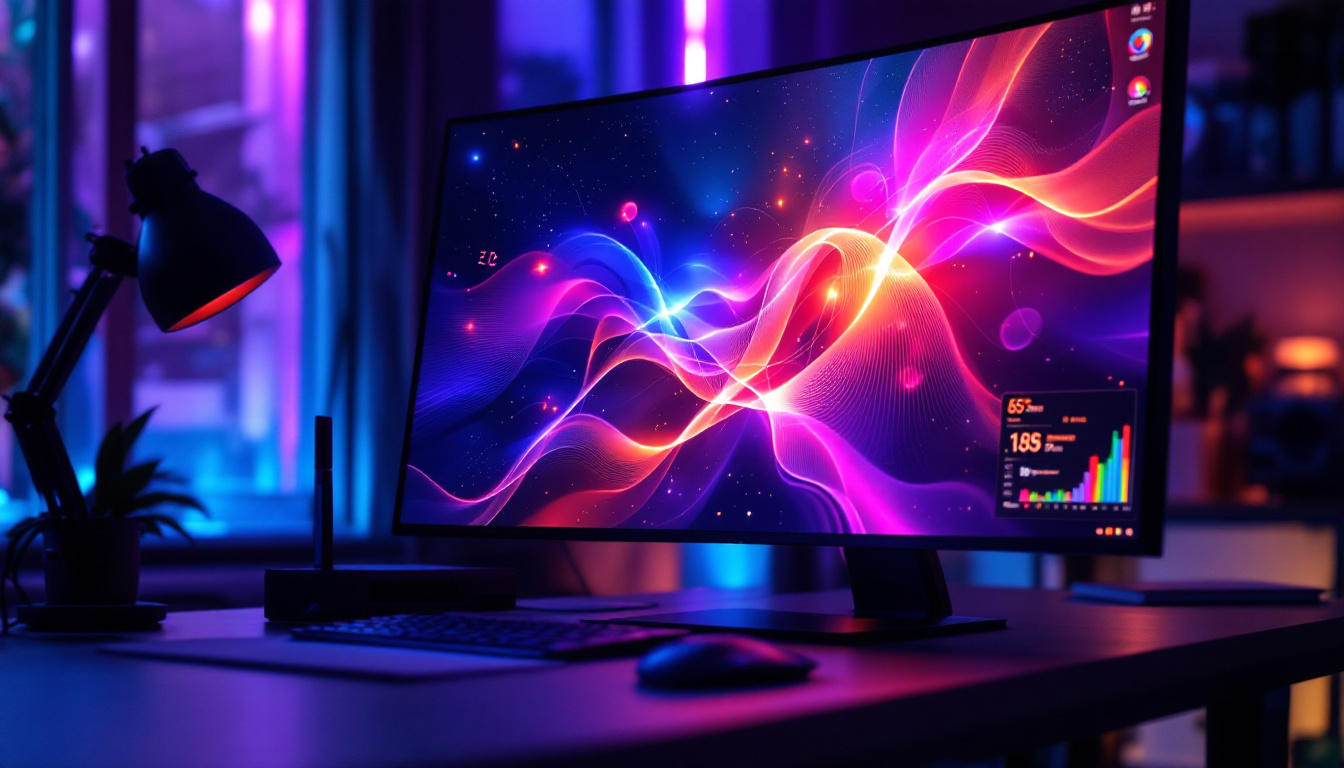
With the rise of remote work, portable touch screen monitors have become invaluable for expanding digital workspaces. They allow users to extend their laptop screens, facilitating multitasking and improving workflow efficiency. The touch capability adds an interactive dimension, enabling quick annotations, presentations, and collaborative work.
Creative and Design Work
Artists and designers benefit from the direct interaction that touch screens provide. Portable monitors can serve as digital canvases when paired with styluses, supporting detailed drawing and editing tasks. The high color accuracy of LED displays ensures that creative professionals can trust the visual fidelity of their work across different devices.
Gaming and Entertainment
Gamers appreciate portable monitors for their convenience and vibrant displays. Touch functionality can add new layers of interaction in compatible games, while the LED screen’s brightness and color depth enhance visual immersion. Additionally, the portability allows gaming on the go without sacrificing screen quality.
Maintaining and Caring for Your Portable Touch Screen Monitor
Cleaning and Handling
Touch screens require careful cleaning to maintain responsiveness and clarity. Using a microfiber cloth with a small amount of screen-safe cleaner helps remove fingerprints and smudges without damaging the surface. Avoid abrasive materials or harsh chemicals that could degrade the screen’s coating.
Protecting the Display and Stand
When transporting the monitor, use the provided protective case or a padded sleeve to prevent scratches and impact damage. Ensuring the stand is securely attached and folded properly during transit can also extend the device’s lifespan.
Software and Firmware Updates
Manufacturers occasionally release updates that improve touch responsiveness, compatibility, and overall performance. Regularly checking for and installing these updates can optimize the monitor’s functionality and address any emerging issues.
The Future of Portable Touch Screen Monitors
Advancements in display technology continue to push the boundaries of what portable touch screen monitors can offer. Emerging trends include OLED displays, which promise even better contrast and color accuracy, and flexible screens that could revolutionize portability and ergonomics.
Integration with cloud computing and wireless connectivity is also enhancing the versatility of these devices, enabling seamless collaboration and access to resources regardless of location. As remote and hybrid work models become more prevalent, the demand for high-quality, portable, and interactive displays is expected to grow significantly.
In conclusion, portable touch screen monitors with stands represent a convergence of portability, interactivity, and visual excellence. Their LED display technology ensures vibrant and energy-efficient performance, while thoughtful design features cater to a wide array of professional and personal needs. Investing in such a device can greatly enhance productivity, creativity, and entertainment experiences in today’s dynamic digital landscape.
Discover LumenMatrix’s Advanced LED Display Solutions
Ready to elevate your visual experience with the latest in portable touch screen technology? LumenMatrix is at the forefront of LED display innovation, offering a wide range of solutions that cater to your professional and personal needs. From captivating Indoor LED Walls to dynamic Vehicle LED Displays, our products are designed to enhance engagement and bring your content to life. Embrace the future of visual communication with LumenMatrix’s cutting-edge displays. Check out LumenMatrix LED Display Solutions today and transform the way you share your message.