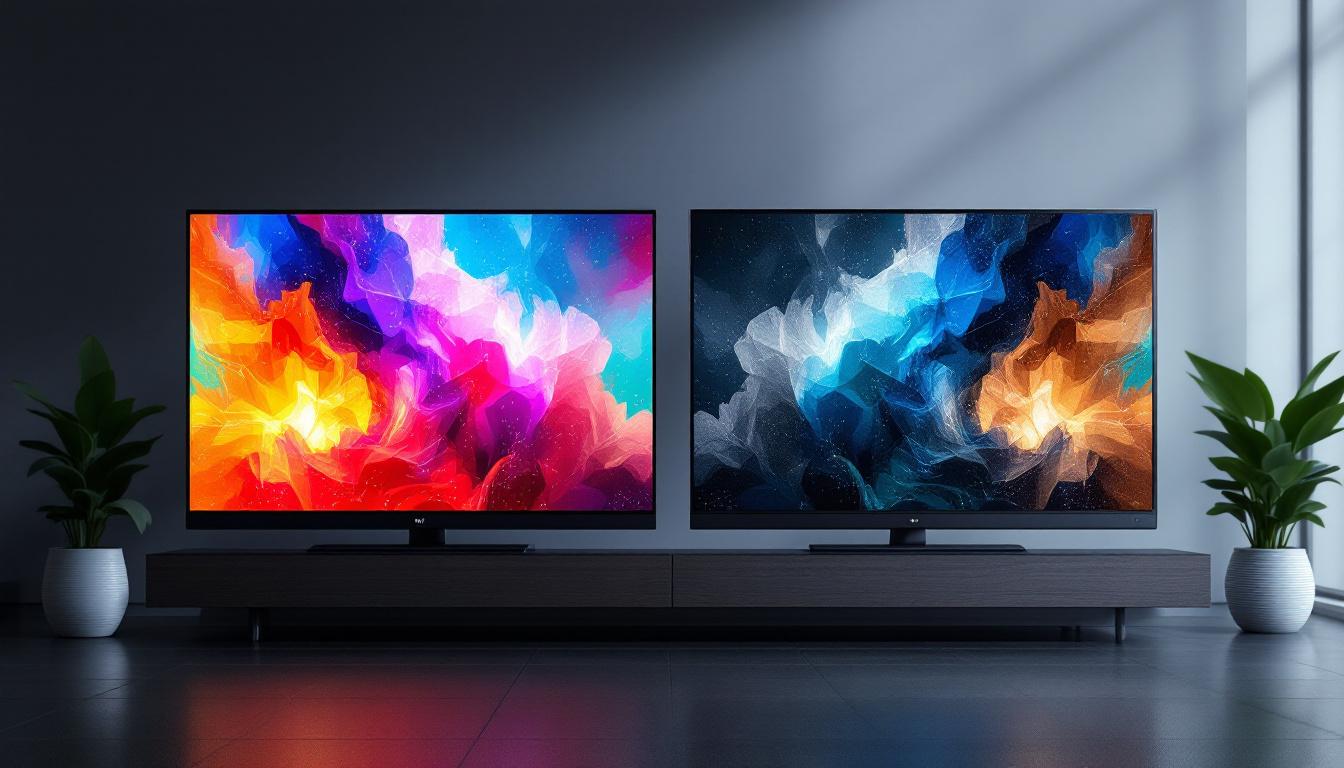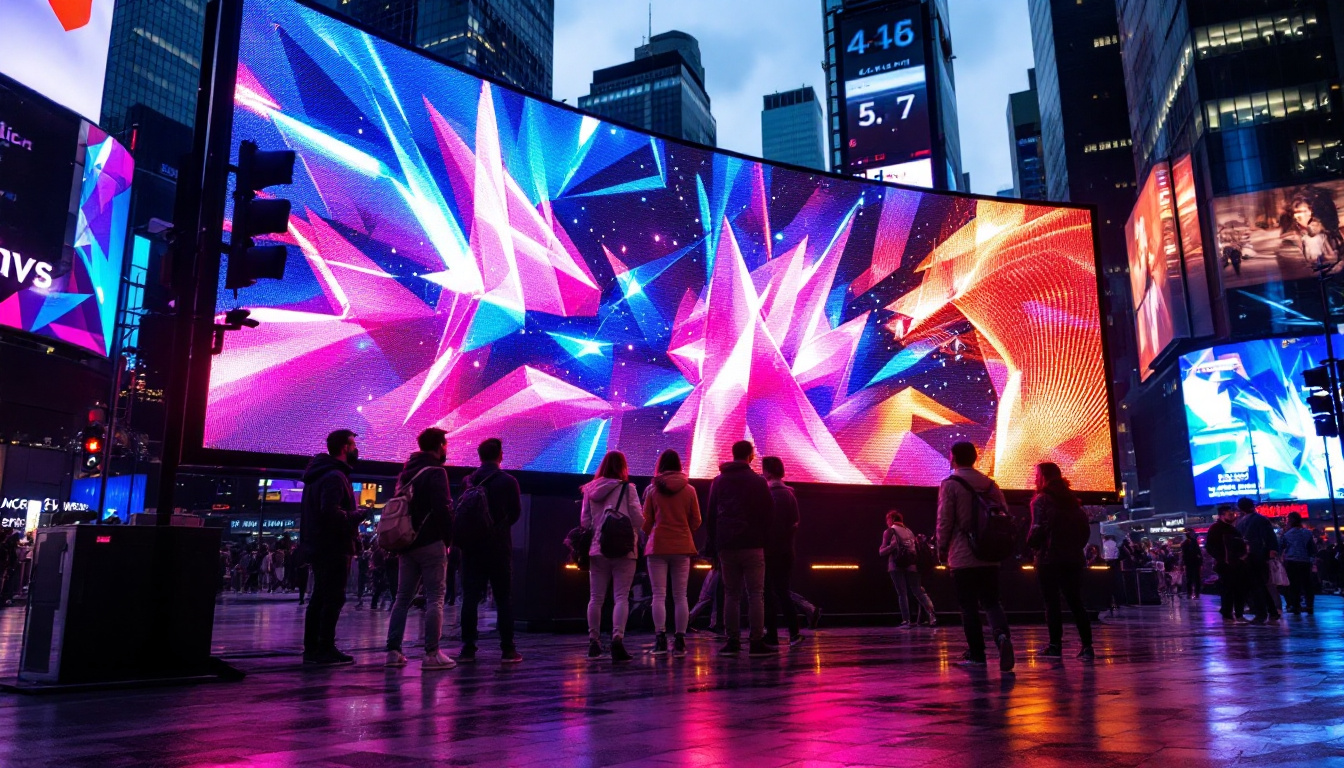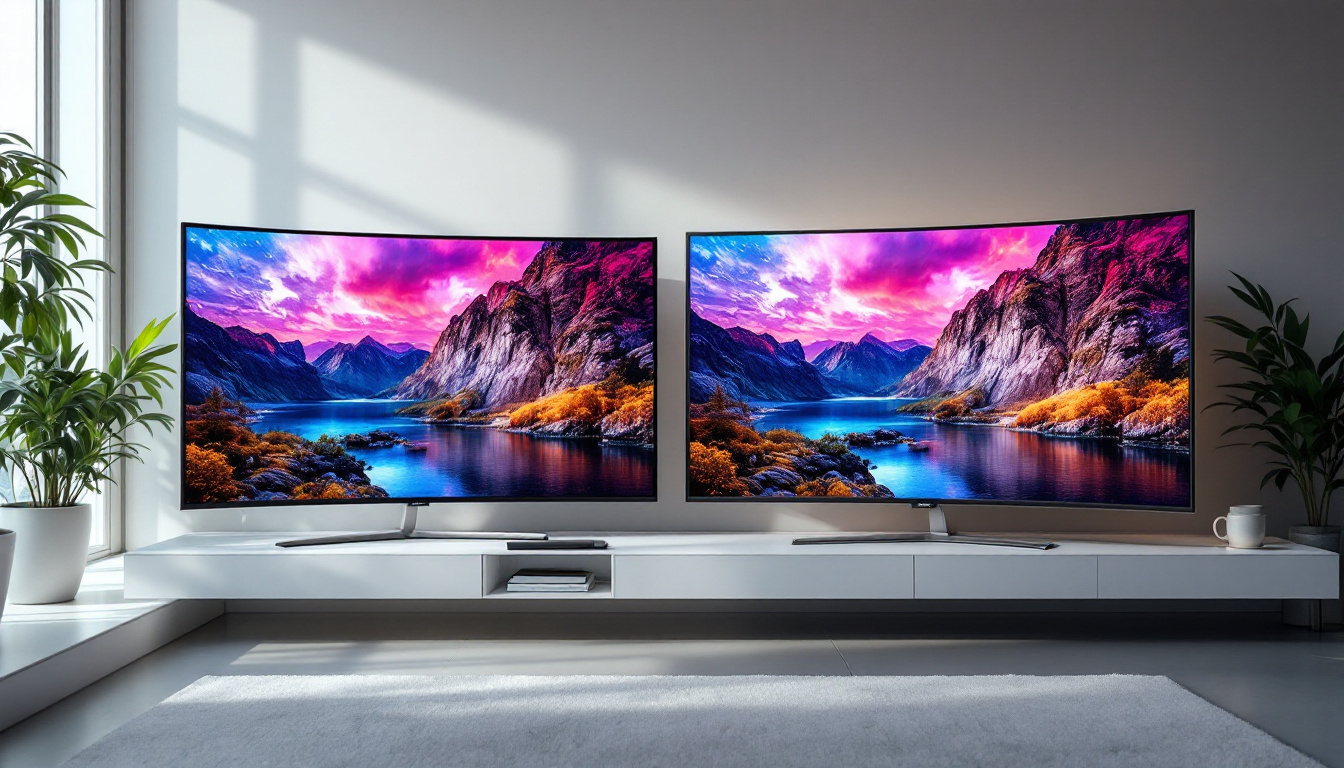
In today’s digital world, the demand for high-quality displays is higher than ever. Whether for professional creative work, gaming, or everyday productivity, the quality of a monitor’s display can significantly impact the user experience. Among the various display technologies available, LED monitors have emerged as a popular choice due to their brightness, energy efficiency, and color accuracy. This article delves deep into what makes a super bright LED monitor stand out, the technology behind LED displays, and how to choose the best one for your needs.
Understanding LED Display Technology
LED stands for Light Emitting Diode, a technology that uses tiny diodes to emit light. Unlike traditional LCD monitors that rely on cold cathode fluorescent lamps (CCFLs) for backlighting, LED monitors use these diodes to illuminate the screen. This fundamental difference leads to several advantages, including improved brightness, better contrast ratios, and lower power consumption. Additionally, LED technology has made significant strides in terms of environmental sustainability, as it typically contains fewer harmful substances and is more energy-efficient, contributing to a smaller carbon footprint over its lifespan.
How LED Monitors Work
At the core of an LED monitor is an LCD panel, which controls the pixels that form the images you see. However, the LCD itself does not emit light; it requires a backlight. In LED monitors, this backlight is provided by an array of LEDs positioned either behind the panel (direct LED) or along its edges (edge-lit LED). These LEDs shine light through the LCD matrix, enabling the display of images with vibrant colors and sharp details. The technology behind LED displays has advanced to the point where manufacturers are now able to produce screens with ultra-high-definition (UHD) resolutions, allowing for an immersive viewing experience that is particularly beneficial for gamers and movie enthusiasts.
The precise control of LED brightness allows for dynamic backlighting techniques such as local dimming, which enhances contrast by dimming sections of the screen independently. This results in deeper blacks and more vivid visuals, especially in scenes with both bright and dark elements. Furthermore, the rapid response time of LED displays minimizes motion blur, making them ideal for fast-paced content like sports broadcasts and action films, where clarity and detail are paramount.
Types of LED Backlighting
There are primarily two types of LED backlighting used in monitors:
- Edge-Lit LED: LEDs are placed along the edges of the monitor. This design allows for thinner panels and lower manufacturing costs but can sometimes lead to uneven brightness distribution or less effective local dimming. Despite these drawbacks, edge-lit displays are popular in ultra-slim models and are often chosen for their aesthetic appeal and space-saving capabilities.
- Direct or Full-Array LED: LEDs are spread evenly behind the entire panel. This setup supports more precise local dimming zones, resulting in better contrast and uniform brightness across the screen. Full-array technology has also paved the way for innovations such as mini-LED and micro-LED displays, which utilize even smaller diodes for enhanced performance and color accuracy.
For users seeking super bright monitors with excellent contrast, full-array LED models are often preferred despite being slightly thicker and more expensive. As the market continues to evolve, we can expect to see further advancements in LED technology, such as improved energy efficiency and enhanced color gamuts, making these displays even more appealing for both casual users and professionals alike.
The Importance of Brightness in Monitors
Brightness is a critical factor in monitor performance, especially for professionals working in brightly lit environments or those who require accurate color representation. Measured in nits (cd/m²), brightness levels can vary widely among monitors, with typical office monitors offering around 250-350 nits, while super bright monitors can exceed 600 nits or more.
Why Super Brightness Matters
High brightness levels improve visibility in various lighting conditions. For example, in environments with strong ambient light—such as near windows or outdoor settings—a brighter monitor ensures that the screen content remains clear and legible without straining the eyes.
Moreover, brightness plays a crucial role in HDR (High Dynamic Range) content. HDR-capable monitors often require peak brightness levels of 600 nits or higher to display the full range of luminance, enhancing the realism and depth of images and videos.
Brightness and Eye Comfort
While a bright display can improve visibility, excessively high brightness without proper adjustment can cause eye fatigue. Modern monitors often include features like automatic brightness adjustment, blue light filters, and flicker-free technology to mitigate eye strain during prolonged use.
Key Features of Super Bright LED Monitors
When shopping for a super bright LED monitor, several features should be considered beyond just the brightness rating. These features collectively influence the overall display quality and user experience.
Color Accuracy and Gamut
For professionals in photography, video editing, or graphic design, color accuracy is paramount. Super bright monitors often support wide color gamuts such as Adobe RGB, DCI-P3, or sRGB, enabling them to reproduce colors more faithfully. Coupled with high brightness, this ensures that colors remain vivid and true-to-life even in well-lit environments.
Contrast Ratio and Local Dimming
The contrast ratio measures the difference between the darkest black and the brightest white a monitor can display. Higher contrast ratios contribute to richer images and better depth perception. Full-array LED monitors with local dimming excel in this area by selectively dimming parts of the screen to enhance blacks without sacrificing brightness in other areas.
Refresh Rate and Response Time
While brightness is essential, gamers and multimedia enthusiasts should also pay attention to refresh rates and response times. Higher refresh rates (120Hz, 144Hz, or more) provide smoother motion, and faster response times reduce motion blur. Many super bright monitors designed for gaming combine these features with high brightness to deliver immersive experiences.
Connectivity and Ergonomics
Modern monitors come equipped with a variety of ports such as HDMI 2.1, DisplayPort 1.4, and USB-C, allowing compatibility with a wide range of devices. Adjustable stands with tilt, swivel, height, and pivot options enhance comfort during extended use, which is particularly important for professionals who spend hours in front of their screens.
Applications of Super Bright LED Monitors
Super bright LED monitors are versatile and find applications across multiple fields. Understanding where they excel can help users select the right display for their needs.
Professional Creative Work
Photographers, video editors, and graphic designers benefit greatly from super bright monitors with wide color gamuts and high contrast ratios. These features ensure that the work they produce looks consistent across different devices and lighting conditions. Additionally, the ability to view HDR content accurately is increasingly important as HDR becomes a standard in digital media.
Gaming and Entertainment
For gamers, a super bright monitor enhances visual clarity and immersion, especially in fast-paced or visually complex games. Bright displays combined with high refresh rates and low input lag provide a competitive edge and a more enjoyable experience. Movie enthusiasts also appreciate the vivid colors and dynamic range that super bright LED monitors offer.
Office and Productivity
In office environments, especially those with large windows or strong overhead lighting, super bright monitors reduce glare and improve screen visibility. This leads to less eye strain and better productivity. Features like flicker-free technology and blue light reduction further support comfortable long-term use.
Choosing the Right Super Bright LED Monitor
Selecting the ideal super bright monitor depends on individual requirements and budget. Here are some practical tips to guide the decision-making process.
Assess Your Use Case
Identify the primary purpose of the monitor. Is it for professional color-critical work, gaming, or general productivity? This will determine which features should be prioritized, such as color accuracy, refresh rate, or ergonomic adjustments.
Check Brightness Specifications
Look for monitors with a brightness level appropriate for your environment. For HDR content or brightly lit rooms, aim for at least 600 nits. For typical office use, 300-400 nits may suffice.
Consider Panel Type
IPS panels offer superior color accuracy and viewing angles, making them ideal for creative professionals. VA panels provide better contrast ratios but can have slower response times, which might affect gaming performance. TN panels are generally less expensive but offer poorer color reproduction and viewing angles.
Evaluate Additional Features
Features like local dimming, HDR certification (such as DisplayHDR 600 or higher), and color calibration options enhance the overall experience. Also, consider connectivity options and ergonomic design to ensure compatibility and comfort.
Future Trends in LED Monitor Technology
As display technology continues to evolve, LED monitors are expected to become even brighter, more energy-efficient, and capable of reproducing wider color gamuts. Emerging technologies such as mini-LED and micro-LED promise to push brightness and contrast levels to new heights while maintaining slim form factors.
Mini-LED technology involves thousands of tiny LEDs used for backlighting, allowing for more precise local dimming and higher peak brightness without the halo effect sometimes seen in traditional LED monitors. Micro-LED, still in early stages of commercial availability, offers self-emissive pixels similar to OLED but without the risk of burn-in, combining the best aspects of LED and OLED technologies.
Additionally, advancements in quantum dot technology are enhancing color accuracy and brightness further. Quantum dot displays use semiconductor nanocrystals to produce purer colors and higher luminance, making them a popular choice for premium monitors.
Conclusion
Super bright LED monitors represent a significant advancement in display technology, offering enhanced visibility, superior color accuracy, and improved energy efficiency. Whether for professional creative work, immersive gaming, or productivity in challenging lighting conditions, these monitors provide an exceptional viewing experience.
Understanding the technology behind LED displays, the importance of brightness, and the key features to look for can empower users to make informed choices. As technology progresses, the future holds even more exciting possibilities, making now an excellent time to invest in a high-quality super bright LED monitor.
Discover the Future of Brightness with LumenMatrix
Ready to experience the pinnacle of LED display technology? LumenMatrix is at the forefront of innovation, offering an array of LED display solutions that bring your visual communications to life. From vibrant Indoor LED Walls to dynamic Outdoor LED Displays, and from sleek LED Posters to immersive LED Sports Displays, LumenMatrix has the cutting-edge technology to elevate your brand’s visibility. Embrace the future of super bright, energy-efficient, and captivating displays. Check out LumenMatrix LED Display Solutions today and transform the way you share your message with the world.