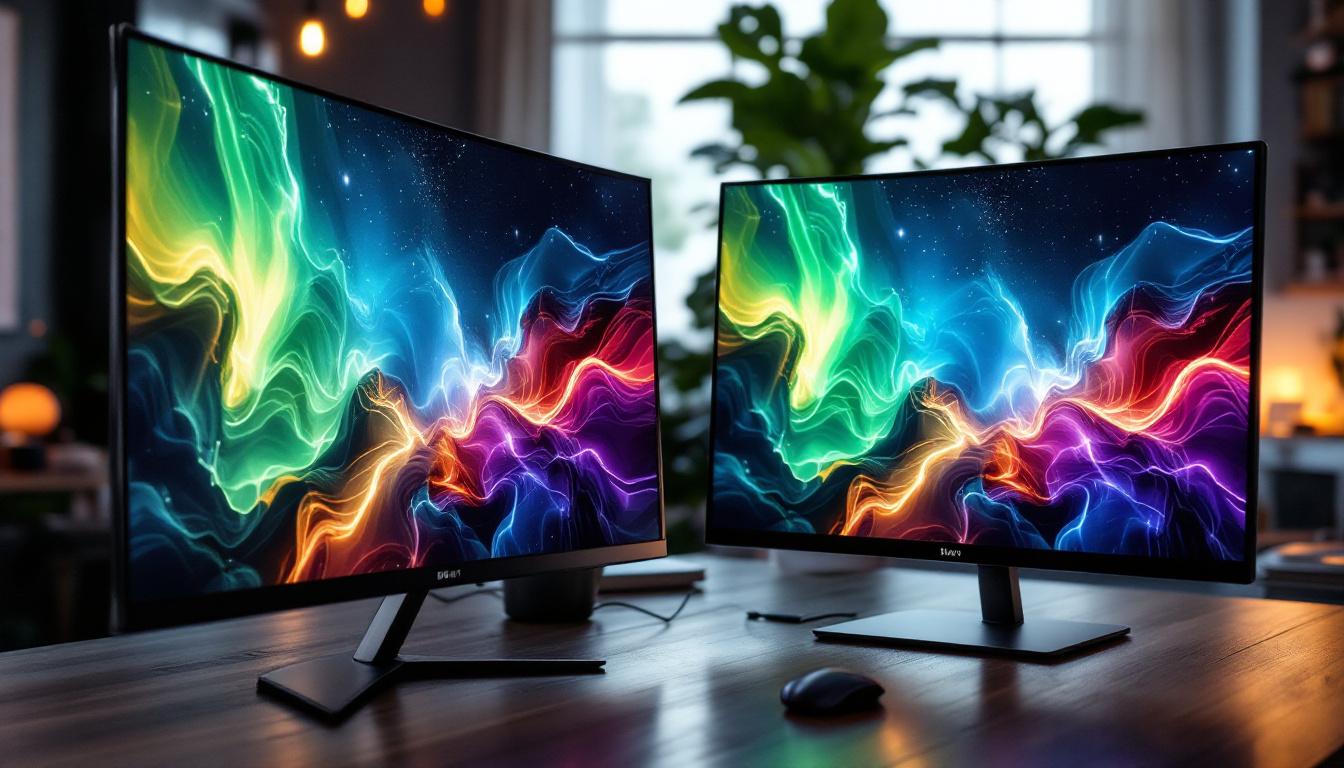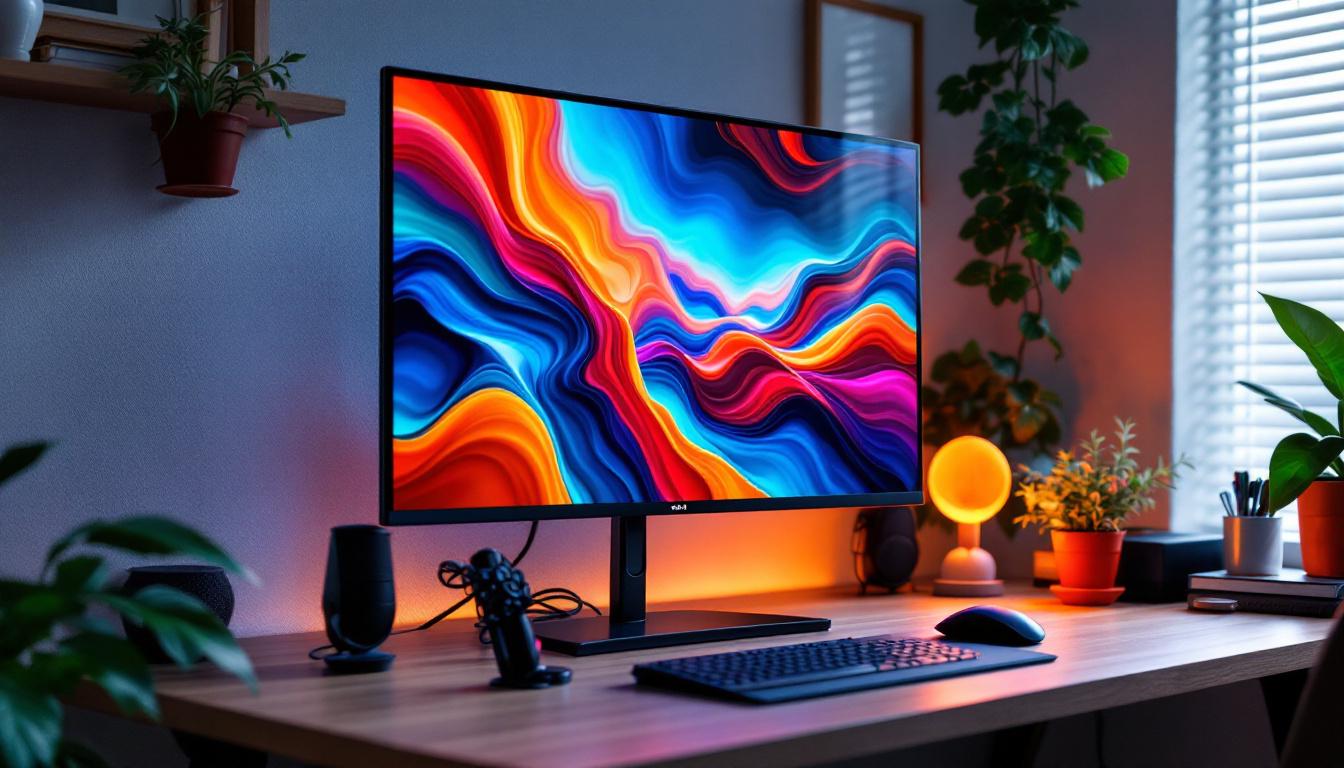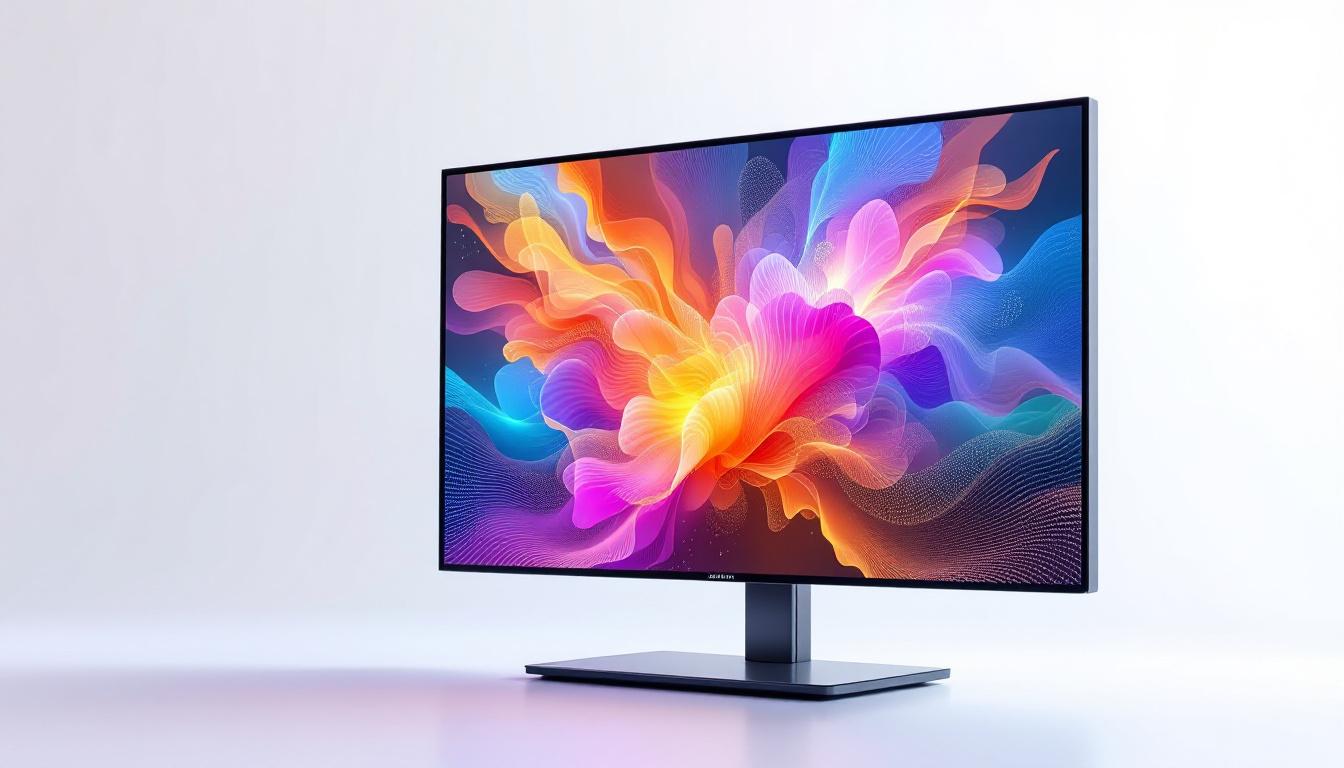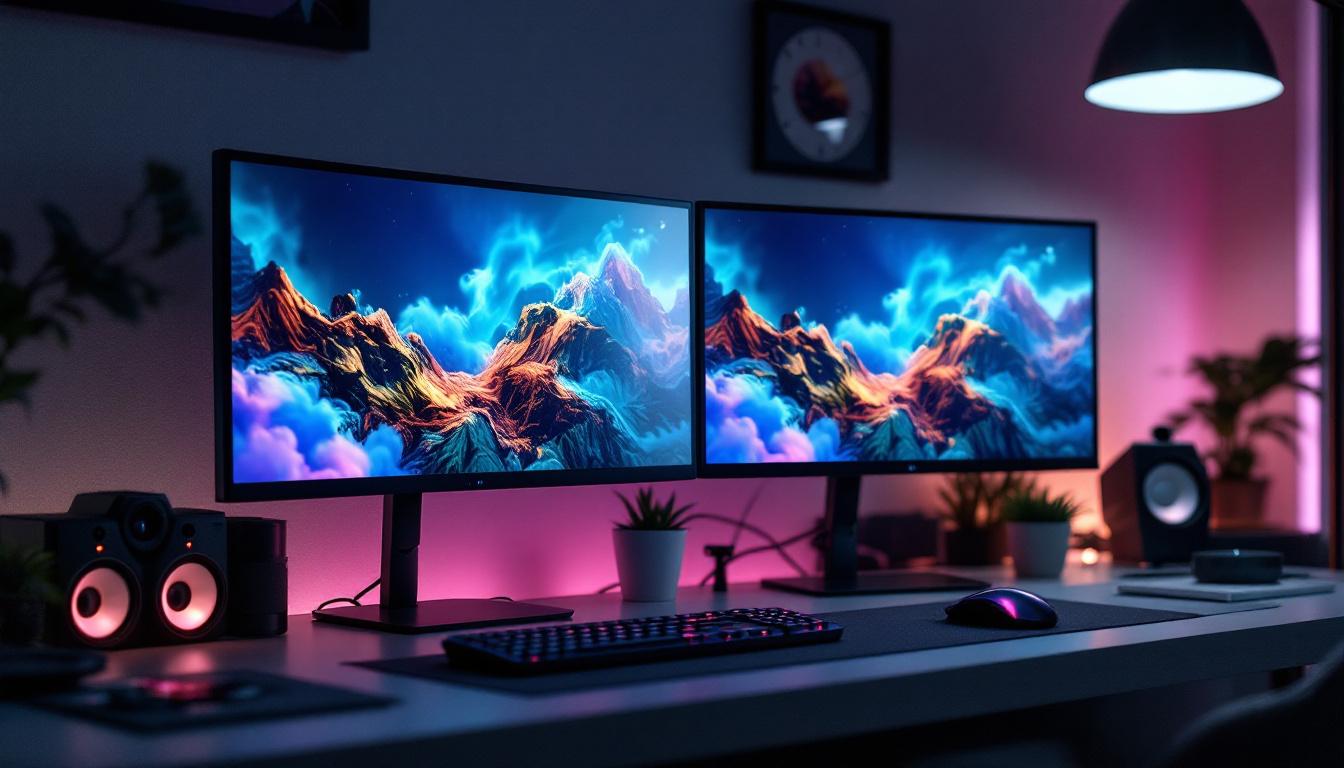
In the modern workspace and entertainment setups, dual display mounts have become an essential accessory for optimizing screen real estate and enhancing user experience. When paired with LED displays, these mounts offer a seamless way to increase productivity, improve ergonomics, and create visually stunning setups. This article delves into the fundamentals of dual display mounts, the technology behind LED displays, and how combining the two can transform your environment.
Understanding Dual Display Mounts
Dual display mounts are hardware solutions designed to hold two screens simultaneously, allowing users to extend their desktop or mirror content across multiple displays. These mounts come in various styles, including desk clamps, wall mounts, and freestanding arms, each catering to different space constraints and user preferences.
Why Use a Dual Display Mount?
With the rise of multitasking and the need for more screen space, dual display setups have surged in popularity. According to a 2023 survey by the International Data Corporation (IDC), over 60% of professionals working in IT, design, and finance reported using dual or multiple monitors to boost efficiency. Dual display mounts help organize these setups by reducing clutter, improving ergonomics, and providing flexibility in screen positioning.
Moreover, by mounting displays rather than placing them on a desk, users can free up valuable workspace and adjust screen height and angle to reduce neck and eye strain. This ergonomic benefit is particularly important in office environments where employees spend long hours in front of screens.
Types of Dual Display Mounts
Dual display mounts vary in design and functionality to suit different needs:
- Desk Clamp Mounts: These mounts attach to the edge of a desk, offering stability without the need for drilling. They are ideal for home offices and flexible workspaces.
- Wall Mounts: Perfect for permanent setups, wall mounts save desk space entirely and provide a clean, minimalist look.
- Freestanding Mounts: These mounts rest on the desk surface and often feature adjustable arms for easy repositioning. They are suitable for users who prefer not to modify their desks.
Choosing the right mount depends on the user’s workspace, the size and weight of the LED displays, and personal ergonomic preferences.
LED Displays: Technology and Advantages
Light Emitting Diode (LED) technology has revolutionized display screens, offering superior image quality, energy efficiency, and longevity compared to older LCD and plasma displays. Understanding the core benefits of LED displays helps explain why they are the preferred choice for dual monitor setups.
How LED Displays Work
LED displays use tiny light-emitting diodes to illuminate the screen, either directly or as a backlight behind an LCD panel. Unlike traditional LCDs that rely on fluorescent backlighting, LED technology provides brighter images, deeper blacks, and better color accuracy.
There are two main types of LED displays:
- Edge-Lit LED: LEDs are positioned along the edges of the screen, providing backlighting that is diffused across the display.
- Full-Array LED: LEDs are placed directly behind the screen in a grid pattern, allowing for local dimming and improved contrast ratios.
Benefits of LED Displays
LED displays offer numerous advantages that make them ideal for dual monitor setups:
- Energy Efficiency: LEDs consume less power than traditional backlighting methods, reducing electricity costs and environmental impact.
- Improved Brightness and Contrast: LED technology delivers brighter images and higher contrast ratios, enhancing visual clarity and reducing eye fatigue.
- Longer Lifespan: LED displays typically last longer than older LCD or plasma screens, providing better long-term value.
- Slim and Lightweight Designs: The compact nature of LEDs allows for thinner and lighter screens, which are easier to mount and adjust.
Recent Innovations in LED Displays
Recent advancements have pushed LED technology even further. For example, mini-LED and micro-LED displays offer even higher brightness levels, improved color accuracy, and better energy efficiency. These innovations are becoming more accessible and are expected to dominate the market within the next few years, making them an excellent choice for professional dual display setups.
Combining Dual Display Mounts with LED Displays
When dual display mounts are paired with LED displays, the result is a powerful combination that enhances both functionality and aesthetics. This section explores how these two technologies complement each other and what users should consider when integrating them.
Optimizing Workspace with Dual LED Displays
Using two LED displays mounted side-by-side or in a stacked arrangement can significantly improve workflow. For example, software developers can code on one screen while referencing documentation on the other, while graphic designers might use one display for editing and the other for previewing.
Research from the University of Utah indicates that dual monitor users can experience up to a 20-30% increase in productivity due to reduced window switching and improved multitasking capabilities. The clarity and brightness of LED displays further reduce eye strain, allowing for longer, more comfortable work sessions.
Ergonomic Considerations
Proper mounting is crucial to maximize ergonomic benefits. Dual display mounts allow users to adjust the height, tilt, and rotation of each screen independently, ensuring that both displays are positioned at eye level and within a comfortable viewing angle. This customization helps prevent neck and shoulder pain associated with poor posture.
Additionally, LED displays’ lightweight construction makes them easier to maneuver on adjustable mounts, enabling users to find the perfect setup without strain.
Installation Tips for Dual LED Display Mounts
Installing a dual display mount with LED screens requires careful planning:
- Check Compatibility: Ensure the mount supports the size and weight of your LED displays. Most mounts specify the maximum screen size and weight they can handle.
- Consider Desk Space: Measure your workspace to determine whether a desk clamp, wall mount, or freestanding mount is most suitable.
- Cable Management: Use mounts with integrated cable management systems to keep power and data cables organized and out of sight.
- Secure Installation: Follow manufacturer instructions carefully to securely attach the mount and displays, preventing accidents or damage.
Applications and Use Cases
Dual LED display mounts are versatile and find applications across various industries and environments. Understanding these use cases can help users appreciate the value of investing in such setups.
Professional Workspaces
In offices, dual LED displays mounted side-by-side enable employees to handle complex tasks more efficiently. Financial analysts can monitor real-time market data on one screen while working on spreadsheets on the other. Similarly, architects and engineers benefit from having CAD drawings on one display and reference materials on the other.
Companies investing in ergonomic dual display setups often see reduced employee fatigue and increased job satisfaction, contributing to overall productivity gains.
Creative and Multimedia Environments
For video editors, photographers, and digital artists, dual LED displays provide the necessary screen space to manage timelines, tool palettes, and high-resolution images simultaneously. The superior color accuracy and brightness of LED technology ensure that creative work is rendered faithfully.
Gaming and Entertainment
Gamers and streamers frequently use dual LED displays to enhance their experience. One screen is dedicated to gameplay, while the other handles chat, streaming controls, or system monitoring. The fast refresh rates and vivid colors of LED displays contribute to immersive gaming sessions.
Home Offices and Remote Work
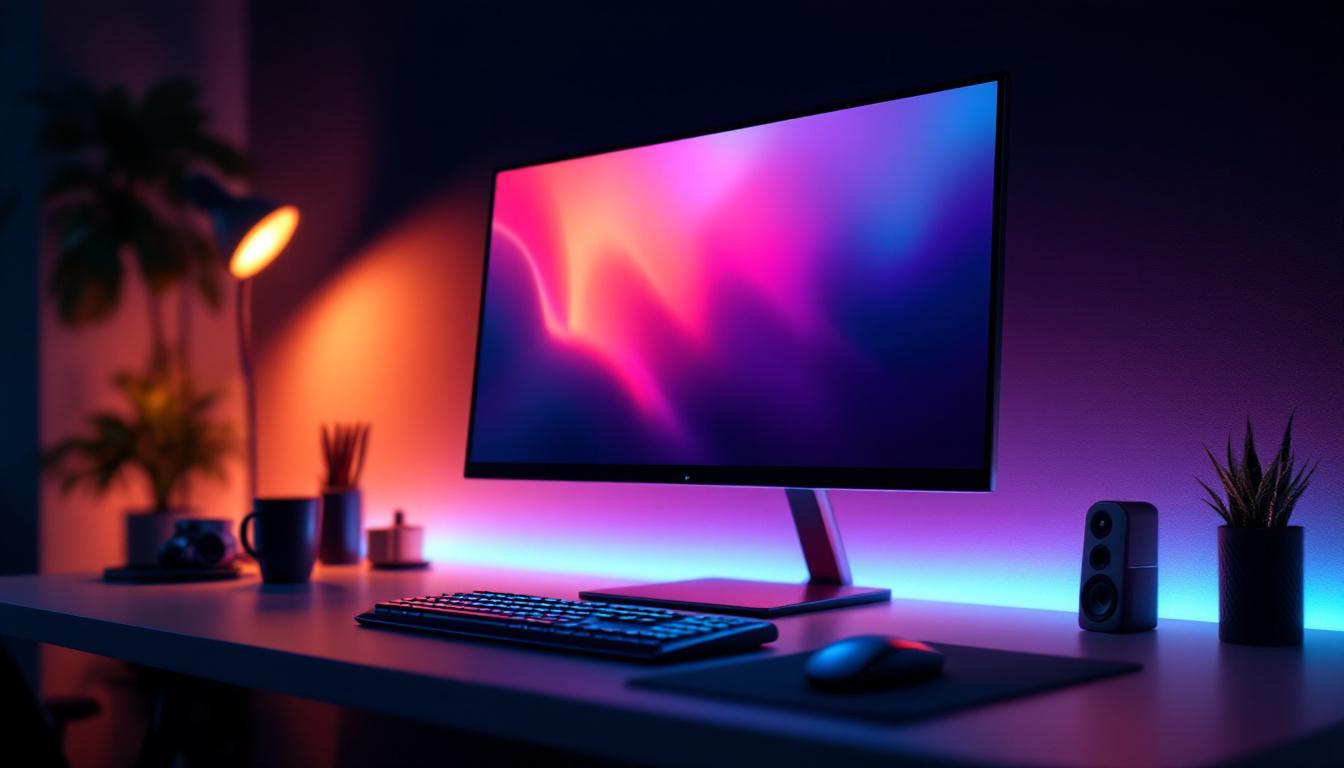
The rise of remote work has increased the demand for efficient home office setups. Dual LED display mounts help remote workers create professional environments that support multitasking and video conferencing, improving work-life balance and productivity.
Choosing the Right Dual Display Mount and LED Displays
Selecting the ideal combination depends on several factors, including budget, workspace constraints, and specific user needs. This section outlines key considerations to guide buyers.
Assessing Display Size and Resolution
Choosing LED displays of compatible sizes and resolutions ensures a cohesive viewing experience. Common dual monitor configurations include two 24-inch or 27-inch displays with Full HD or 4K resolution. Matching resolutions prevents scaling issues and maintains image clarity across screens.
Mount Compatibility and Features
Look for mounts that support VESA standards, which are the industry standard mounting hole patterns on displays. Features like adjustable arms, tilt, swivel, and rotation enhance flexibility. Some mounts also offer gas spring mechanisms for smooth adjustments.
Budget Considerations
While high-end mounts and LED displays offer premium features, there are cost-effective options that still deliver excellent performance. Prioritize essential features such as stability, adjustability, and compatibility to get the best value.
Future-Proofing Your Setup
Consider future upgrades when selecting mounts and displays. Opting for mounts that can support larger or heavier displays and LED screens with the latest connectivity options (like HDMI 2.1 or DisplayPort 1.4) can extend the lifespan of your setup.
Maintenance and Care for Dual LED Display Setups
Proper maintenance ensures that both the dual display mount and LED screens continue to perform optimally over time.
Cleaning and Dusting
Regularly clean the screens with microfiber cloths and appropriate screen cleaners to avoid scratches and maintain image quality. Dust the mount and surrounding areas to prevent buildup that could affect movement or stability.
Periodic Adjustments
Check the mount’s screws and joints periodically to ensure they remain tight and secure. Adjust screen positions as needed to maintain ergonomic alignment, especially if the setup is used by multiple people.
Software and Firmware Updates
Keep LED display drivers and firmware up to date to benefit from the latest performance improvements and features. Some advanced LED displays offer on-screen menus for calibration and settings adjustment.
Conclusion
Dual display mounts combined with LED displays offer a powerful solution for enhancing productivity, ergonomics, and visual quality in various environments. Whether in professional offices, creative studios, or home setups, this combination supports multitasking and reduces physical strain, contributing to a more efficient and comfortable user experience.
By understanding the technology behind LED displays, the types of dual display mounts available, and how to integrate them effectively, users can create tailored setups that meet their unique needs. Investing in quality mounts and LED screens not only improves immediate workflow but also provides long-term value through durability and adaptability.
Explore Cutting-Edge LED Display Solutions
Ready to elevate your workspace or entertainment area with the latest in LED display technology? Discover the innovative solutions offered by LumenMatrix, a pioneer in creating dynamic and visually stunning LED displays. From enhancing your professional office to transforming creative studios, LumenMatrix’s diverse range of products, including Indoor and Outdoor LED Wall Displays, Vehicle and Sports LED Displays, and more, are designed to meet your unique needs. Experience the future of visual communication and make a lasting impression. Check out LumenMatrix LED Display Solutions today and see the difference for yourself.