In today’s technology-driven world, touch screen devices have become ubiquitous—from smartphones and tablets to kiosks and automotive displays. At the heart of these interactive screens lie two critical components: the touch screen digitizer and the LED display. Understanding how these elements work together is essential for anyone interested in modern electronics, whether for repair, design, or general knowledge.
This article delves into the fundamentals of touch screen digitizers and LED displays, exploring their technologies, how they integrate, and why they matter in delivering the seamless user experiences we expect. By the end, readers will have a clear understanding of these components’ roles and the innovations shaping their future.
What is a Touch Screen Digitizer?
Definition and Role
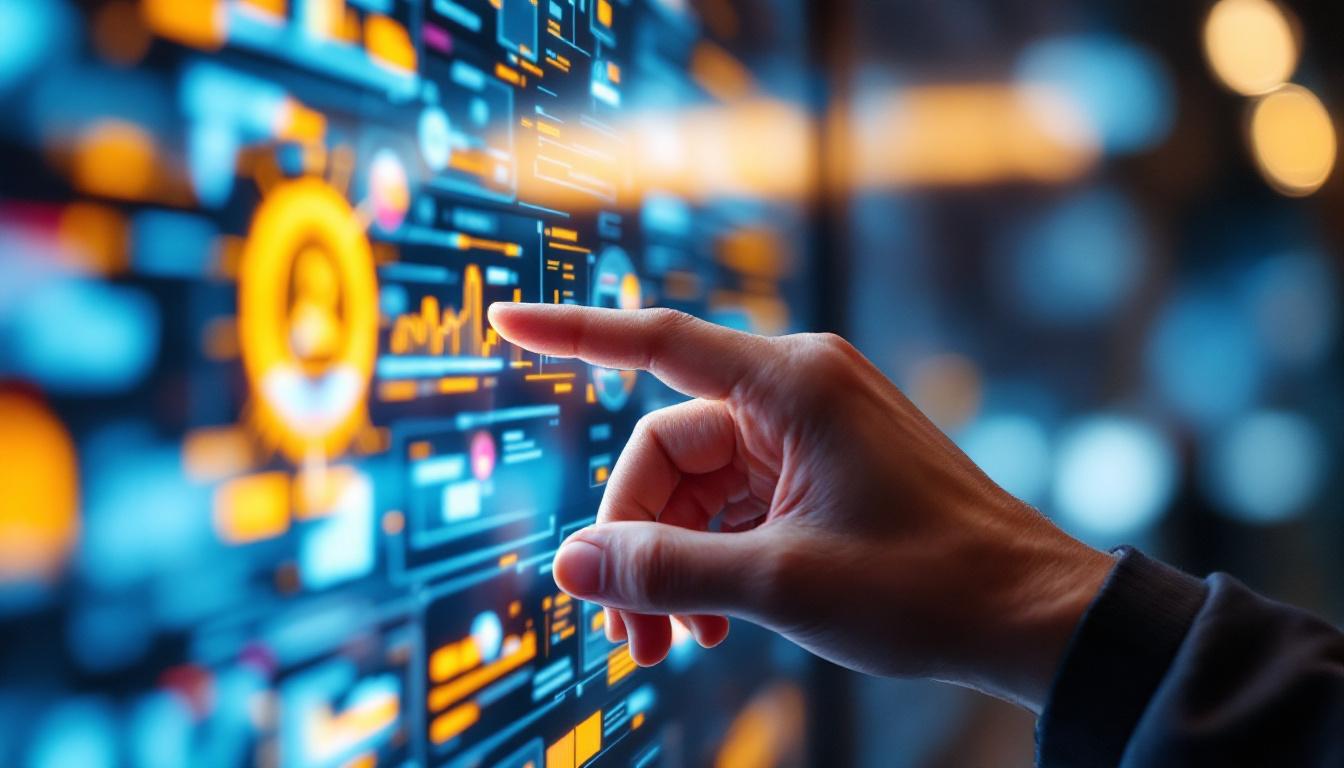
A touch screen digitizer is the component of a touch screen device that detects touch input. It translates the physical touch—whether from a finger, stylus, or other object—into digital signals that the device’s processor can interpret. Essentially, it acts as the interface between the user and the device, enabling direct interaction with the graphical user interface (GUI).
Unlike the display itself, which shows images and video, the digitizer is responsible for sensing and locating touch points. This separation of roles is crucial: while the LED display produces visual output, the digitizer captures input, allowing for dynamic and responsive user experiences.
Types of Touch Screen Digitizers
There are several types of touch screen digitizer technologies, each with unique characteristics, advantages, and limitations. The most common types include:
- Resistive Digitizers: These consist of two flexible layers separated by a small gap. When pressed, the layers make contact, registering the touch point. Resistive screens are cost-effective and work with any input device but generally offer lower clarity and multi-touch capabilities.
- Capacitive Digitizers: These detect touch through changes in the electrostatic field caused by the conductive properties of the human finger. Capacitive screens provide high clarity, support multi-touch, and are highly responsive, making them the standard in modern smartphones and tablets.
- Infrared Digitizers: These use an array of infrared LEDs and photodetectors around the screen edges to detect touch by interruption of the infrared light beams. Infrared digitizers can detect any input type but are less common due to cost and sensitivity to environmental factors.
- Surface Acoustic Wave (SAW) Digitizers: These utilize ultrasonic waves over the screen surface, which are disrupted by touch. SAW screens offer excellent image clarity but are more vulnerable to contaminants and damage.
Importance in Device Functionality
The digitizer’s accuracy and responsiveness directly impact user satisfaction. For example, in smartphones, a laggy or inaccurate digitizer can lead to frustration and hinder productivity. In professional environments such as medical imaging or graphic design, precision touch input is critical.
Manufacturers continually innovate digitizer technology to improve sensitivity, reduce power consumption, and enable new interaction modes such as pressure sensitivity and stylus input. These advancements contribute to richer, more intuitive user interfaces.
Understanding LED Displays
What is an LED Display?
LED (Light Emitting Diode) displays are a type of flat panel display technology that use LEDs to produce images. Unlike older LCDs that rely on fluorescent backlighting, LED displays use light-emitting diodes either as backlights or as the actual pixels themselves, resulting in better brightness, contrast, and energy efficiency.
LED displays come in various forms, including:
- LED-backlit LCDs: These use LEDs as a backlight source behind an LCD panel. This approach improves brightness and color accuracy compared to traditional CCFL (cold cathode fluorescent lamp) backlighting.
- OLED (Organic LED) Displays: Each pixel is an organic LED that emits light individually, allowing for deeper blacks and higher contrast ratios. OLEDs are common in premium smartphones and TVs.
- MicroLED Displays: An emerging technology where microscopic LEDs form each pixel, offering high brightness, energy efficiency, and longevity without the burn-in issues associated with OLEDs.
How LED Displays Work
In LED-backlit LCDs, the liquid crystal layer modulates light from the LED backlights to create images. The LEDs themselves do not emit the image but provide the illumination necessary for the LCD to function.
In OLED and MicroLED displays, each diode emits light independently, allowing for precise control over brightness and color at the pixel level. This results in superior image quality, including better contrast ratios and wider viewing angles.
Advantages of LED Displays
LED displays offer several benefits over older display technologies:
- Energy Efficiency: LEDs consume less power than traditional backlighting methods, which extends battery life in portable devices.
- Brightness and Contrast: LED displays can achieve higher brightness levels and deeper blacks, improving visibility in various lighting conditions.
- Thin and Lightweight: The compact nature of LEDs allows for thinner and lighter devices, a critical factor in mobile electronics.
- Durability: LEDs have longer lifespans and are more resistant to shock and vibration compared to fluorescent lamps.
How Touch Screen Digitizers and LED Displays Work Together
Layered Construction of Touch Screens
In most modern devices, the touch screen digitizer is integrated directly on top of the LED display, forming a layered assembly. This integration allows the device to detect touch inputs while simultaneously displaying images and video.
The typical stack includes the following layers:
- Cover Glass: The outermost protective surface, often treated with anti-reflective and oleophobic coatings.
- Touch Digitizer Layer: Embedded with sensors to detect touch input.
- LED Display Panel: The visual output layer producing images.
- Display Driver Electronics: Control the display and digitizer functions.
Signal Processing and Coordination
When a user touches the screen, the digitizer detects the location and sends this data to the device’s processor. The processor then updates the display accordingly, such as opening an app or typing a character.
This process happens within milliseconds, ensuring a smooth and natural interaction. The synchronization between the digitizer and LED display is critical; any lag or misalignment can degrade the user experience.
Challenges in Integration
Integrating the digitizer with the LED display presents technical challenges:
- Optical Clarity: The digitizer must be transparent enough not to degrade the display’s brightness or color accuracy.
- Thickness and Weight: Combining layers without making the device bulky is a constant design consideration.
- Durability: The assembly must withstand repeated touches, impacts, and environmental factors without failure.
- Cost: Balancing performance with manufacturing cost is essential to keep devices affordable.
Advancements such as in-cell and on-cell touch technologies, where the digitizer is embedded within or on the display panel itself, have helped address some of these challenges by reducing layers and improving optical performance.
Applications and Trends in Touch Screen Digitizers and LED Displays
Consumer Electronics
The most prominent application of touch screen digitizers and LED displays is in consumer electronics, particularly smartphones, tablets, laptops, and smartwatches. According to recent market data, over 1.5 billion smartphones were shipped worldwide in 2023, with nearly all featuring capacitive touch digitizers and LED or OLED displays.
Manufacturers continuously push the envelope with foldable displays, under-display fingerprint sensors, and stylus support, all of which rely heavily on sophisticated digitizer and LED display integration.
Automotive and Industrial Uses
Touch screen interfaces are increasingly common in automotive dashboards, infotainment systems, and industrial control panels. These environments demand ruggedized components that can operate reliably under temperature extremes, vibrations, and exposure to contaminants.
LED displays in vehicles provide clear visibility even in bright sunlight, while capacitive touch digitizers offer intuitive control without physical buttons, improving both aesthetics and functionality.
Healthcare and Education
In healthcare, touch screen devices are used for patient monitoring, diagnostic equipment, and electronic medical records. High-precision digitizers enable accurate data entry and interaction, which is critical for patient safety.
Educational tools such as interactive whiteboards and tablets benefit from responsive touch screens and vibrant LED displays, enhancing engagement and learning outcomes.
Emerging Technologies
Innovations such as haptic feedback touch screens, flexible and transparent displays, and integration with augmented reality (AR) and virtual reality (VR) platforms are shaping the future of touch screen and LED display technology.
MicroLED displays, in particular, are poised to revolutionize the market by combining the advantages of OLED with improved durability and brightness, potentially transforming devices from smartphones to large-scale digital signage.
Maintaining and Troubleshooting Touch Screen Digitizers and LED Displays
Common Issues
Users may encounter various problems with touch screen digitizers and LED displays, including:
- Unresponsive Touch: Caused by digitizer failure, software glitches, or debris on the screen.
- Dead Pixels or Display Artifacts: Resulting from LED display damage or manufacturing defects.
- Screen Flickering or Dimness: Often related to backlight issues or power supply problems.
- Cracked or Scratched Screen: Physical damage affecting both digitizer and display performance.
Maintenance Tips
Proper care can extend the lifespan of touch screen devices:
- Use screen protectors to guard against scratches and impact.
- Clean screens regularly with appropriate microfiber cloths and cleaning solutions.
- Avoid excessive pressure or sharp objects on the screen surface.
- Keep devices away from extreme temperatures and moisture.
Repair and Replacement Considerations
When repairs are necessary, understanding the distinction between the digitizer and the LED display is important. In many devices, these components are fused together, making replacement more complex and costly.
Professional repair services use specialized equipment to separate and replace damaged layers. For DIY enthusiasts, sourcing compatible parts and following detailed guides is essential to avoid further damage.
Conclusion
The touch screen digitizer and LED display are foundational technologies that enable the interactive, visually rich experiences users expect from modern devices. Their integration requires careful engineering to balance responsiveness, clarity, durability, and cost.
As technology advances, innovations in digitizer sensitivity, display quality, and form factor continue to enhance device capabilities across consumer, industrial, automotive, and healthcare sectors. Understanding these components not only helps in appreciating the complexity behind everyday gadgets but also informs better decisions in purchasing, maintenance, and repair.
Whether you are a tech enthusiast, a professional in electronics, or simply a curious user, knowing how touch screen digitizers and LED displays work together provides valuable insight into the devices that have become indispensable in daily life.
Discover Cutting-Edge LED Display Solutions
Ready to experience the future of touch screen digitizers and LED displays? LumenMatrix is at the forefront of this technology, offering a vast array of LED display modules designed to bring your brand to life. From Indoor and Outdoor LED Wall Displays to innovative LED Transparent Displays, our solutions are crafted to captivate and engage. Elevate your visual communication with our state-of-the-art displays that promise to deliver your message with unparalleled impact and clarity. Check out LumenMatrix LED Display Solutions today and transform the way you connect with your audience.