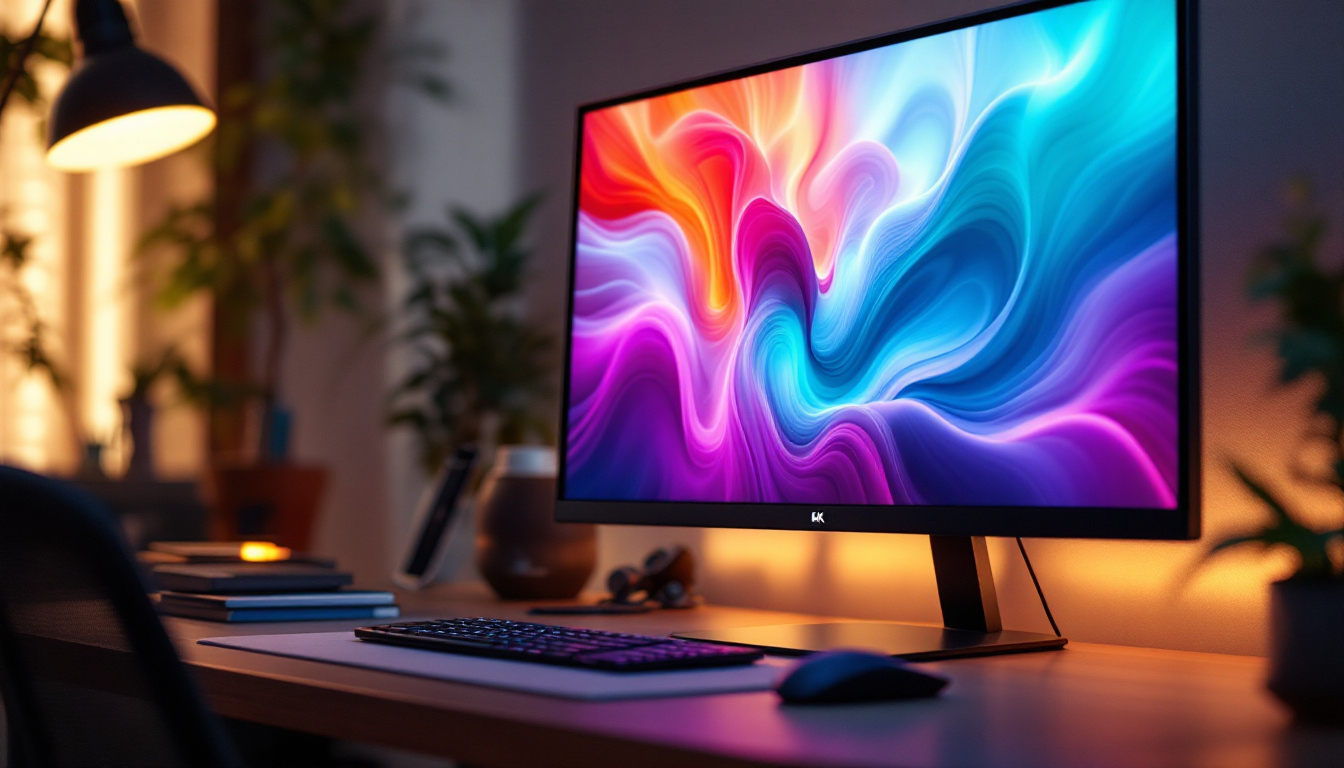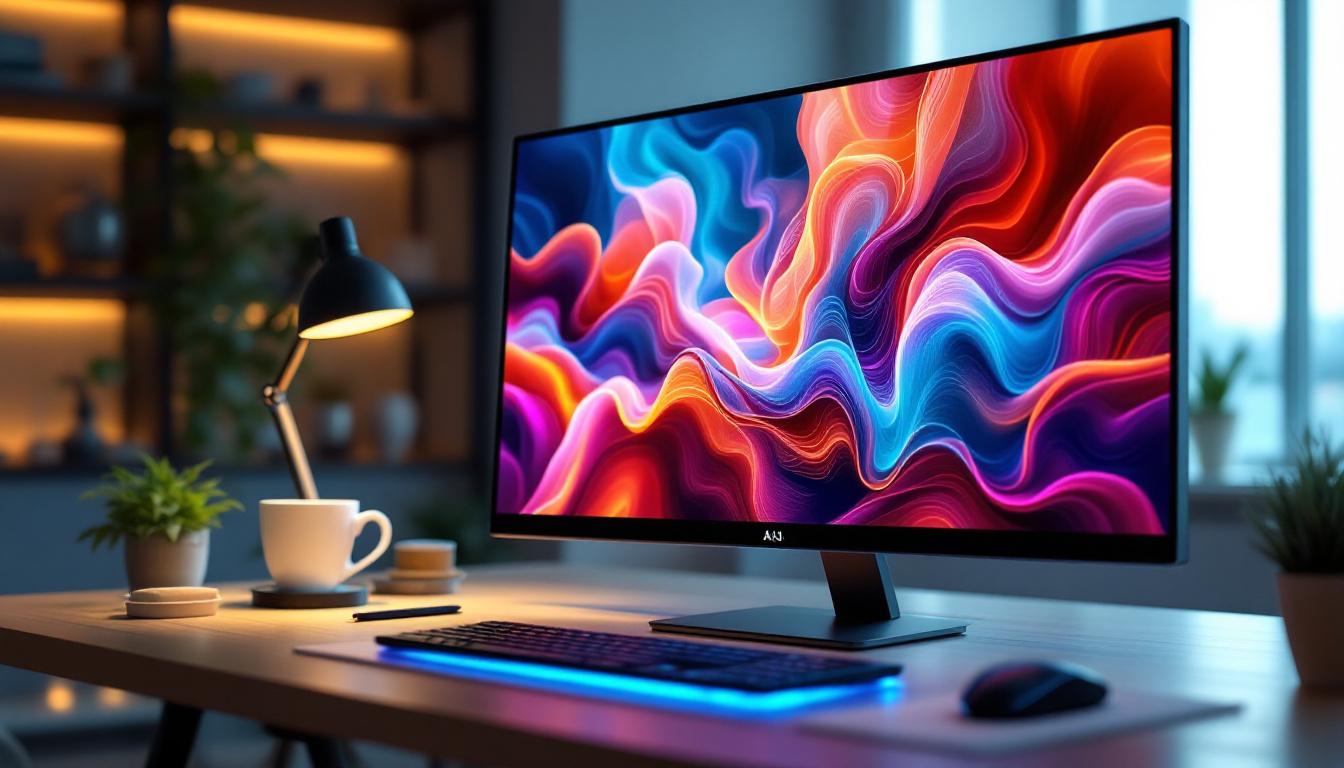
All-in-One (AIO) touchscreen computers have rapidly become a staple in both professional and personal computing environments. Their sleek design, space-saving form factor, and intuitive touch interfaces make them an attractive option for users seeking efficiency and modern aesthetics. Central to the performance and user experience of these devices is the LED display technology that powers their screens.
This article delves into the intricacies of LED displays in AIO touchscreen computers, explaining how they work, their advantages, and why they are the preferred choice for modern computing. Whether you are a tech enthusiast, a professional considering an upgrade, or simply curious about the technology behind your device, this comprehensive guide will illuminate the essential aspects of LED displays in AIO touchscreen computers.
Understanding the Basics: What Is an LED Display?
LED stands for Light Emitting Diode, a semiconductor device that emits light when an electric current passes through it. In the context of computer displays, LED technology refers to the backlighting method used in Liquid Crystal Display (LCD) panels. Unlike older LCDs that used Cold Cathode Fluorescent Lamps (CCFLs) for backlighting, LED displays utilize arrays of LEDs to illuminate the screen.
This shift to LED backlighting has revolutionized display technology by offering improved brightness, energy efficiency, and color accuracy. It is important to note that LED displays in AIO touchscreen computers are typically not “LED screens” in the purest sense, but rather LCD panels illuminated by LED backlights. However, the term “LED display” has become synonymous with this technology due to its widespread adoption.
How LED Backlighting Works in AIO Touchscreen Computers
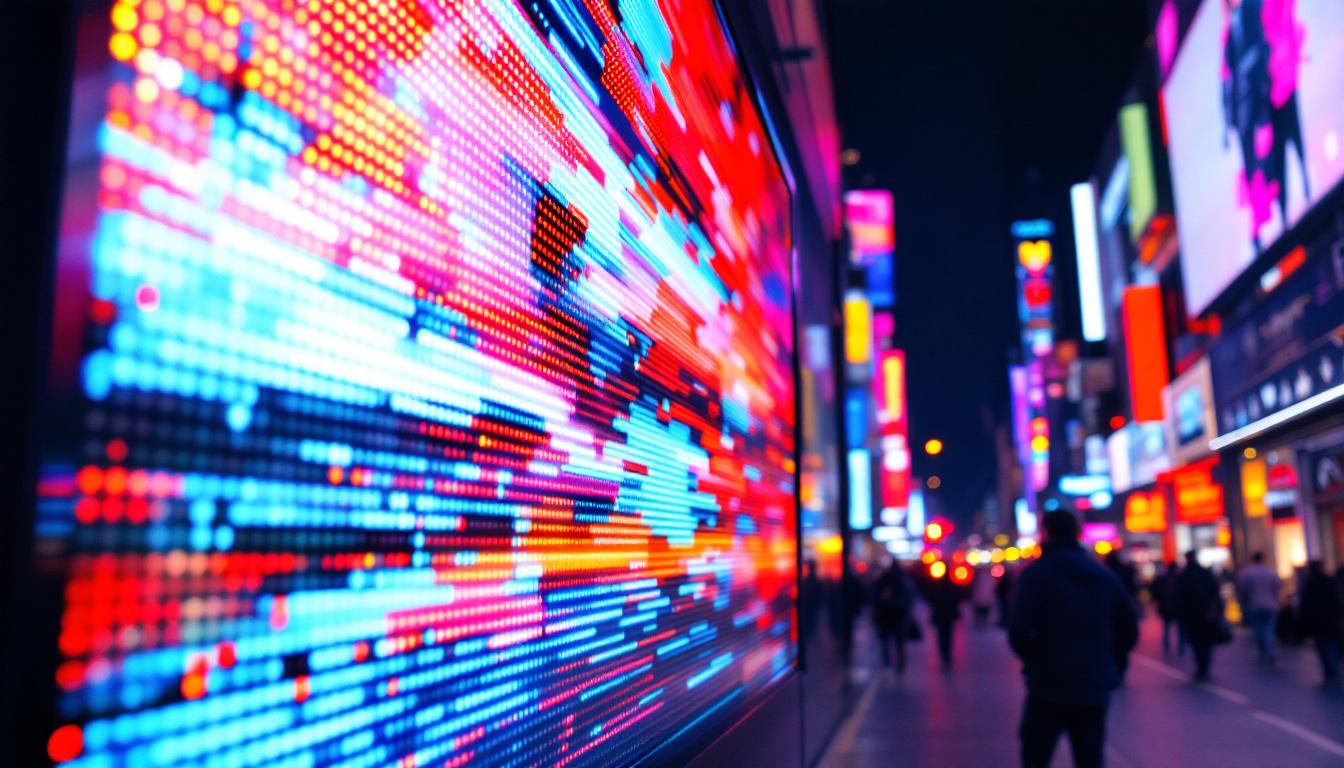
In an AIO touchscreen computer, the display panel consists of several layers, including the LCD matrix that controls pixel color and intensity, and the LED backlight that provides the necessary illumination. The LEDs are positioned either along the edges of the screen (edge-lit) or directly behind the LCD panel (direct-lit or full-array).
Edge-lit LED displays are thinner and more energy-efficient, making them ideal for slim AIO designs. However, direct-lit LED displays offer more uniform brightness and better contrast ratios, which can enhance the visual experience, especially in professional environments where color accuracy is critical.
Advantages of LED Displays in AIO Touchscreen Computers
LED displays bring a host of benefits to AIO touchscreen computers, making them the preferred choice for manufacturers and users alike. These advantages span from visual performance to energy consumption and durability.
Superior Brightness and Contrast
One of the most noticeable benefits of LED displays is their superior brightness levels. LED backlighting can achieve higher luminance compared to CCFLs, which translates to clearer images even in well-lit environments. This is particularly beneficial for touchscreen AIOs used in offices or public spaces where ambient light can be challenging.
Additionally, LED displays offer better contrast ratios. The ability to dim or brighten specific LED zones in full-array backlit displays enhances black levels and overall image depth. This results in richer visuals and more immersive experiences, whether viewing multimedia content or working on graphic-intensive tasks.
Energy Efficiency and Environmental Impact
Energy consumption is a significant consideration for both consumers and businesses aiming to reduce operational costs and environmental footprints. LED backlighting consumes considerably less power than traditional CCFL backlights, contributing to longer battery life in portable AIO devices and lower electricity bills in desktop setups.
Moreover, LEDs do not contain mercury, unlike CCFLs, making LED displays more environmentally friendly and easier to recycle. This aligns with growing corporate sustainability initiatives and consumer demand for greener technology solutions.
Enhanced Durability and Longevity
LEDs are solid-state devices, which means they are more robust and less prone to damage from shocks or vibrations compared to fragile fluorescent tubes. This durability is crucial for AIO touchscreen computers that may be moved frequently or used in dynamic environments such as retail or healthcare.
Additionally, LED backlights have a longer lifespan, often exceeding 50,000 hours of use. This reduces the need for display replacements or repairs, ensuring that AIO computers remain functional and visually appealing over extended periods.
Types of LED Displays in AIO Touchscreen Computers
While LED backlighting is common across most AIO touchscreen computers, there are variations in display technologies that influence performance and user experience. Understanding these types helps in selecting the right device for specific needs.
Edge-Lit LED Displays
Edge-lit LED displays position LEDs along the edges of the screen, using light guides to distribute illumination across the panel. This design allows for thinner and lighter AIO computers, which is ideal for modern minimalist workspaces.
However, edge-lit displays may experience uneven brightness or “hot spots” in some cases, especially on larger screens. Despite this, advances in light guide technology have significantly improved uniformity, making edge-lit displays a cost-effective and popular choice.
Full-Array LED Displays
Full-array LED displays feature a grid of LEDs placed directly behind the LCD panel. This arrangement allows for local dimming, where specific zones of LEDs can be dimmed or brightened independently. The result is enhanced contrast ratios and deeper blacks, which are highly valued in professional photo and video editing or high-end multimedia consumption.
Although full-array displays tend to be thicker and more expensive, their superior image quality justifies the investment for users prioritizing visual fidelity.
Mini-LED and Micro-LED Technologies
Emerging LED display technologies such as Mini-LED and Micro-LED are beginning to make their way into premium AIO touchscreen computers. Mini-LEDs use thousands of tiny LEDs for backlighting, offering even finer local dimming control and improved brightness levels.
Micro-LED technology, still in its early stages for consumer devices, promises self-emissive pixels that combine the advantages of OLED and LED displays without their drawbacks, such as burn-in or limited lifespan. While these technologies are currently more common in high-end TVs and monitors, their integration into AIO computers is anticipated to elevate display quality to new heights.
Touchscreen Integration and Its Impact on LED Displays
The touchscreen functionality in AIO computers adds another layer of complexity to the display system. The touch sensor must be integrated without compromising display clarity, brightness, or responsiveness.
Capacitive vs. Resistive Touchscreens
Most modern AIO touchscreen computers use capacitive touch technology, which detects touch through changes in the electrical field caused by a finger or stylus. Capacitive touchscreens offer multi-touch support, higher sensitivity, and better durability compared to resistive touchscreens, which rely on pressure.
Integrating capacitive touch sensors with LED displays requires precise engineering to maintain image quality. Manufacturers often use in-cell or on-cell touch technologies, where the touch sensor is embedded within or directly on top of the LCD panel, reducing layers and improving brightness and clarity.
Impact on Display Brightness and Viewing Angles
The addition of a touch layer can slightly reduce the brightness and affect the viewing angles of the LED display. However, advances in optical bonding and anti-reflective coatings have minimized these effects, ensuring that touch-enabled AIO computers deliver vibrant visuals comparable to non-touch devices.
Choosing the Right LED Display for Your AIO Touchscreen Computer
Selecting an AIO touchscreen computer with the appropriate LED display depends on the intended use, budget, and performance requirements. Several factors should be considered to make an informed decision.
Resolution and Screen Size
Higher resolution displays, such as Full HD (1920×1080), 4K UHD (3840×2160), or beyond, provide sharper images and more screen real estate for multitasking. For professional users involved in graphic design, video editing, or CAD applications, investing in a higher resolution LED display is essential.
Screen size also influences usability and comfort. AIO computers typically range from 21 to 32 inches, with larger screens offering better immersion but requiring more desk space.
Color Accuracy and Calibration
For creative professionals, color accuracy is paramount. LED displays with higher color gamut coverage (such as Adobe RGB or DCI-P3) and factory calibration ensure that colors are rendered faithfully. Some AIO touchscreen computers come with hardware calibration tools or support for external calibration devices to maintain color fidelity over time.
Refresh Rate and Response Time
While refresh rate and response time are more critical in gaming monitors, they can also impact general user experience. Higher refresh rates (e.g., 120Hz or 144Hz) provide smoother scrolling and animations, which can enhance productivity and reduce eye strain. Response time affects how quickly pixels change color, influencing motion clarity.
Future Trends in LED Displays for AIO Touchscreen Computers
The landscape of LED display technology continues to evolve, driven by consumer demand for better visuals, energy efficiency, and innovative form factors. Several trends are shaping the future of AIO touchscreen computers.
Flexible and Transparent Displays
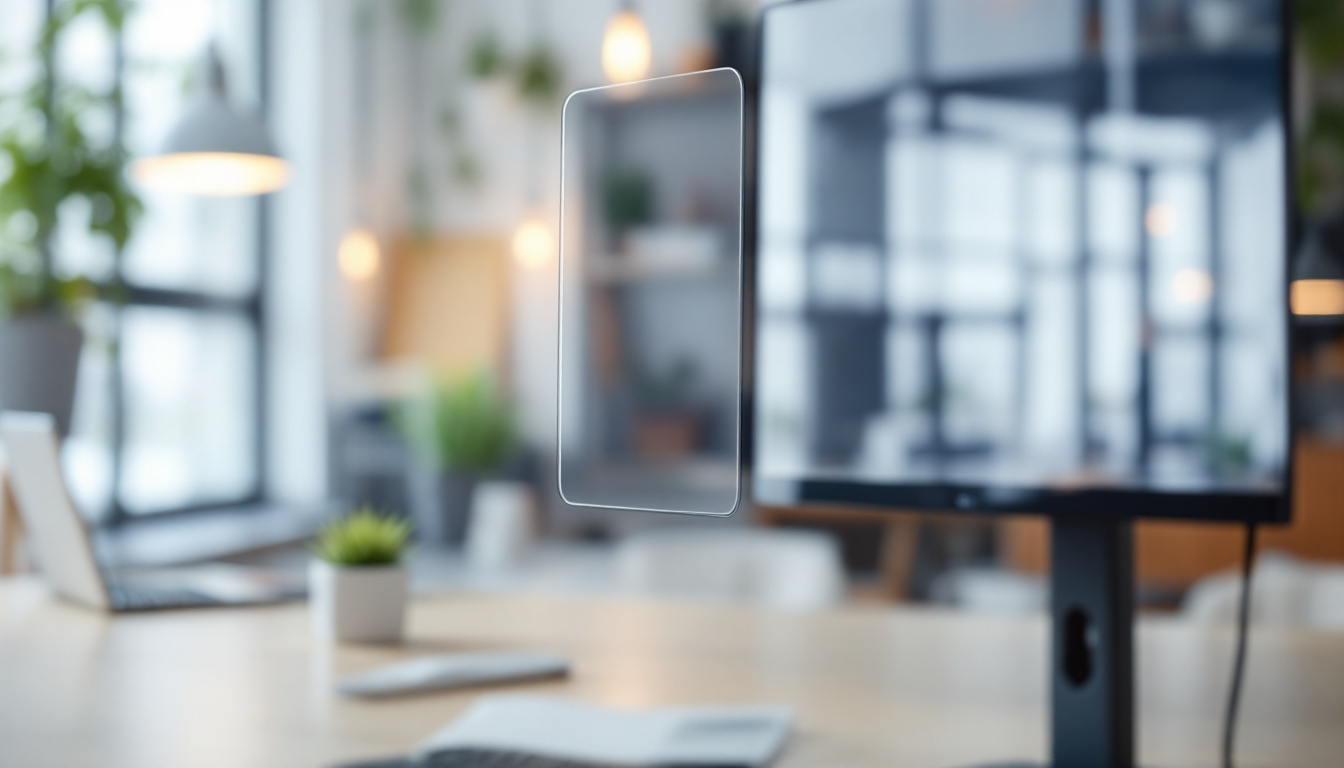
Research into flexible LED displays opens possibilities for curved or foldable AIO touchscreen computers, enhancing ergonomics and portability. Transparent displays, though still experimental, could revolutionize user interfaces by blending digital content with real-world environments.
Integration of AI and Adaptive Display Technologies
Artificial intelligence is being leveraged to optimize display settings dynamically based on ambient lighting, content type, and user preferences. Adaptive brightness, color temperature adjustments, and blue light filtering can reduce eye strain and improve comfort during extended use.
Energy Harvesting and Sustainable Materials
Future LED displays may incorporate energy-harvesting technologies, such as solar cells embedded within the screen, to further reduce power consumption. Additionally, manufacturers are exploring sustainable materials and manufacturing processes to minimize environmental impact.
Conclusion
LED displays are at the heart of the AIO touchscreen computer experience, combining advanced lighting technology with intuitive touch interfaces to deliver powerful, visually stunning devices. Understanding how LED backlighting works, the types of LED displays available, and their advantages helps users make informed decisions when selecting an AIO computer.
As display technology continues to advance, AIO touchscreen computers will become even more versatile, efficient, and immersive. Whether for professional use, creative work, or everyday computing, LED displays ensure that these all-in-one devices meet the demands of modern users with clarity, responsiveness, and style.
Discover the Future of Visuals with LumenMatrix
Ready to experience the pinnacle of LED display technology in your AIO touchscreen computer? LumenMatrix is at the forefront of innovation, offering a wide array of LED display solutions that bring your content to life. From the immersive Indoor LED Wall Display to the dynamic Outdoor LED Wall Display, and from the versatile Vehicle LED Display to the sleek LED Poster Display, our products are designed to captivate and engage. Embrace the future of visual communication with our LED Sports Display, Floor LED Display, Custom LED Display, All-in-One LED Display, and LED Transparent Display. Elevate your visual experience and share your message with unparalleled clarity. Check out LumenMatrix LED Display Solutions today and transform the way you see the world.