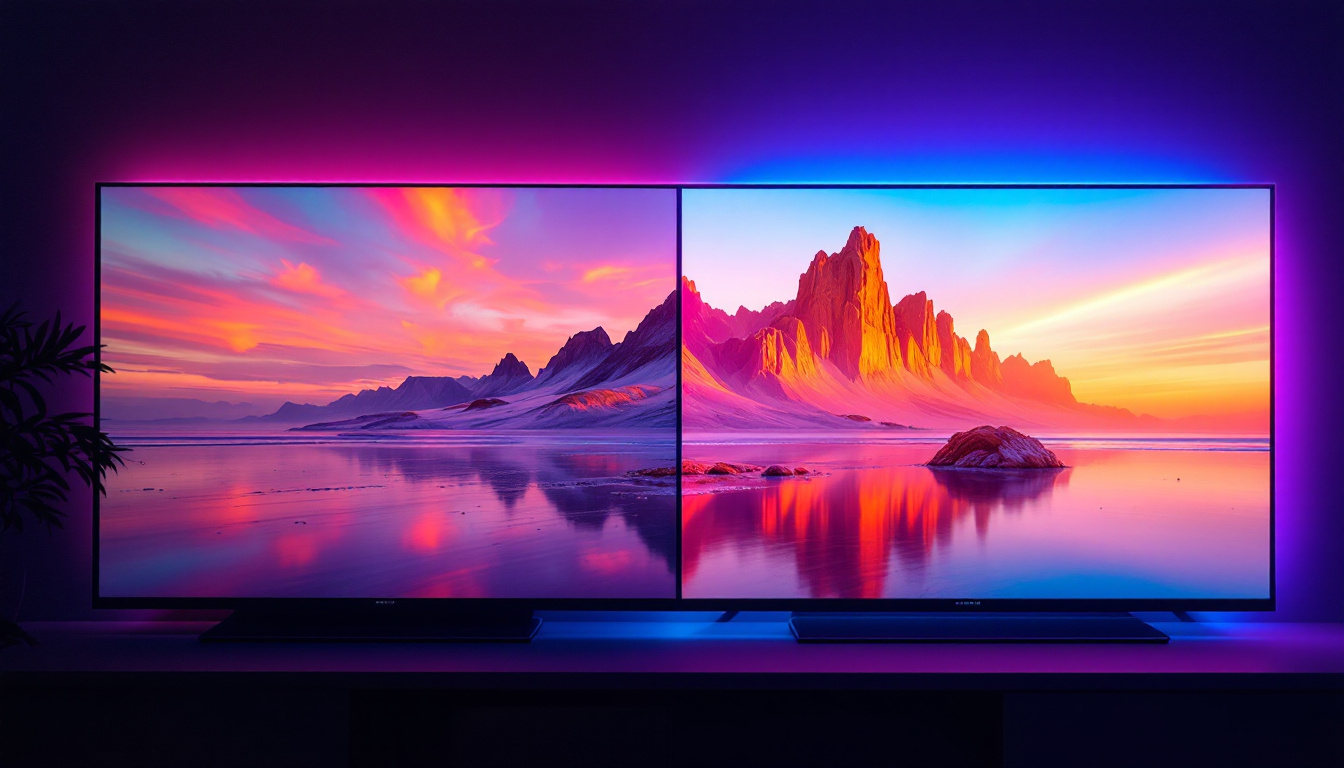
In the rapidly evolving world of computer technology, the display screen remains one of the most critical components for user experience. Among the various types of screens available today, LED displays have become the standard for desktop monitors, offering superior image quality, energy efficiency, and durability. This article delves into the intricacies of LED display technology, explaining how it works, its advantages, and what makes it the preferred choice for desktop screens.
Understanding LED Display Technology
What Does LED Stand For?
LED stands for Light Emitting Diode, a semiconductor device that emits light when an electric current passes through it. In the context of desktop screens, LEDs serve as the backlighting source for the display panel. Unlike older technologies such as CCFL (Cold Cathode Fluorescent Lamp) backlights, LEDs provide more precise control over brightness and color, resulting in better image quality. This precision allows for a wider color gamut, which is particularly beneficial for graphic designers and photographers who require accurate color reproduction in their work.
How LED Displays Work
Most modern desktop monitors labeled as “LED” are actually LCD (Liquid Crystal Display) panels that use LED backlighting. The LCD panel itself does not emit light; instead, it manipulates light passing through it to create images. The LED backlight shines through the liquid crystals and color filters to produce the vivid images seen on the screen. This combination of technologies not only enhances the visual experience but also contributes to the overall slim design of modern monitors, making them more aesthetically pleasing and space-efficient.
There are two primary types of LED backlighting used in desktop monitors:
- Edge-lit LED: LEDs are placed along the edges of the screen, and light is spread evenly across the display using light guides. This design allows for thinner monitors but can sometimes lead to uneven brightness. Edge-lit displays are often more affordable and are commonly found in entry-level monitors.
- Full-array LED: LEDs are distributed evenly behind the entire screen, enabling local dimming where specific areas can be dimmed or brightened independently. This results in better contrast and deeper blacks, making full-array displays ideal for watching movies or playing video games where visual depth is crucial.
Evolution from CCFL to LED
Before LED backlighting became mainstream, CCFL was the dominant technology for illuminating LCD screens. CCFL backlights are fluorescent tubes that consume more power and generate more heat. LED backlighting revolutionized desktop displays by offering a more energy-efficient, environmentally friendly, and longer-lasting alternative. The transition to LED technology not only improved the performance of displays but also significantly reduced the carbon footprint associated with manufacturing and operating these devices.
Additionally, the shift from CCFL to LED has paved the way for advancements such as HDR (High Dynamic Range) technology, which relies on the enhanced brightness and color capabilities of LED displays. HDR allows for a greater range of colors and contrasts, making images appear more lifelike and immersive. As consumers increasingly demand higher quality visuals for gaming, streaming, and professional applications, the evolution of LED technology continues to play a pivotal role in shaping the future of display innovations.
Advantages of LED Displays for Desktop Screens
Superior Image Quality
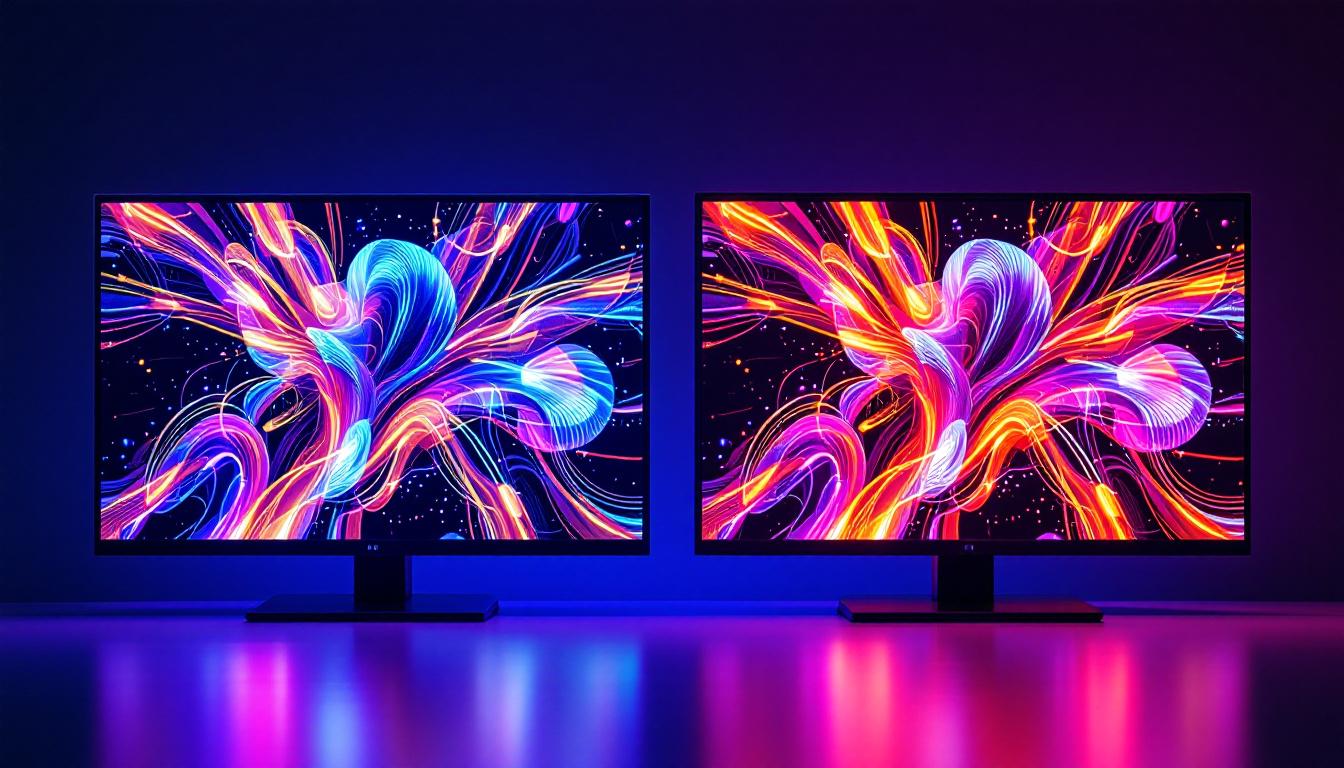
LED displays provide higher brightness levels and better color accuracy than their CCFL counterparts. This is particularly important for professionals working in graphic design, video editing, or any field where color precision is crucial. The ability to implement local dimming in full-array LED monitors enhances contrast ratios, producing deeper blacks and more vibrant colors.
Energy Efficiency and Environmental Impact
One of the most significant benefits of LED backlighting is its energy efficiency. According to the U.S. Department of Energy, LED-backlit LCD monitors consume up to 40% less power than CCFL-backlit models. This reduction in energy consumption not only lowers electricity bills but also contributes to a smaller carbon footprint.
Additionally, LEDs do not contain mercury, unlike CCFL tubes, making LED monitors more environmentally friendly and easier to recycle.
Longevity and Durability
LED backlights have a longer lifespan than CCFLs, often lasting upwards of 50,000 hours before brightness diminishes. This translates to several years of reliable use without the need for backlight replacement. The solid-state nature of LEDs also makes them more resistant to shock and vibration, enhancing the overall durability of the monitor.
Design Flexibility
The compact size of LEDs allows manufacturers to design thinner and lighter monitors. Edge-lit LED displays, in particular, enable ultra-slim profiles that are aesthetically pleasing and save desk space, which is a valuable feature in modern work environments.
Types of LED Displays in Desktop Monitors
Standard LED-LCD Monitors
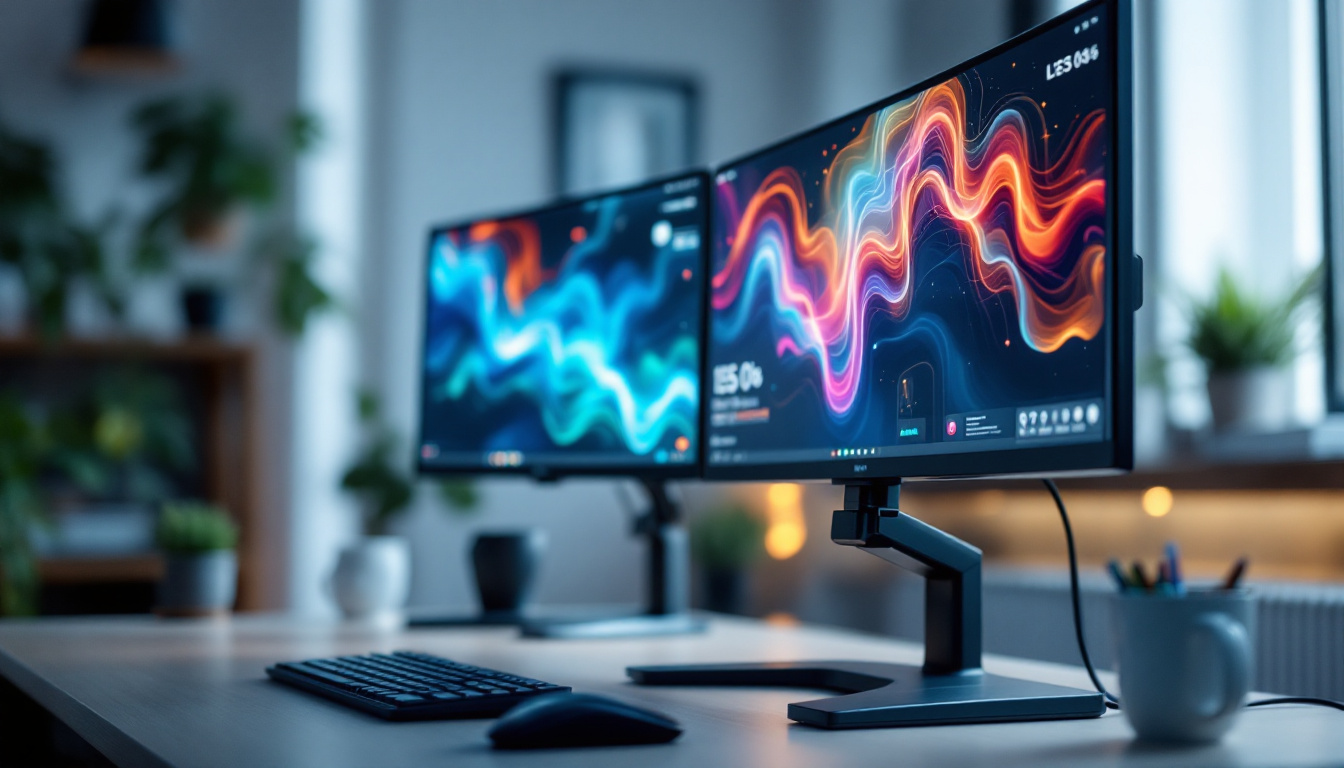
These are the most common type of LED displays found in desktop monitors. They combine an LCD panel with LED backlighting, offering a balance of performance and affordability. These monitors are suitable for everyday computing tasks, office work, and casual media consumption.
IPS vs. TN vs. VA Panels
The LCD panel technology used in LED monitors also affects display quality:
- IPS (In-Plane Switching): Known for excellent color accuracy and wide viewing angles, IPS panels are favored by professionals and enthusiasts who require precise color reproduction.
- TN (Twisted Nematic): TN panels typically offer faster response times and are less expensive but have narrower viewing angles and less accurate colors, making them popular among gamers on a budget.
- VA (Vertical Alignment): VA panels provide better contrast ratios and deeper blacks than TN and IPS but may have slower response times. They offer a middle ground between IPS and TN technologies.
OLED vs. LED: A Comparison
While OLED (Organic Light Emitting Diode) displays are gaining traction in smartphones and televisions, they remain rare in desktop monitors due to cost and manufacturing challenges. Unlike LED-LCDs, OLEDs emit light at the pixel level, allowing for perfect blacks and infinite contrast ratios.
However, OLED monitors are generally more expensive and can suffer from burn-in issues with static images, which are common in desktop usage. LED-LCD monitors remain the practical and cost-effective choice for most desktop users.
Key Specifications to Consider When Choosing an LED Desktop Monitor
Resolution and Screen Size
Resolution determines the amount of detail a monitor can display. Common resolutions include Full HD (1920×1080), Quad HD (2560×1440), and 4K UHD (3840×2160). Higher resolutions provide sharper images and more workspace but require more powerful graphics hardware.
Screen size preferences vary depending on the user’s needs. Typical desktop monitors range from 21 to 32 inches, with larger screens offering immersive experiences and better multitasking capabilities.
Refresh Rate and Response Time
Refresh rate, measured in hertz (Hz), indicates how many times the screen updates per second. Higher refresh rates (120Hz, 144Hz, or more) are beneficial for gaming and fast-moving visuals, reducing motion blur and providing smoother experiences.
Response time refers to how quickly pixels can change color, affecting motion clarity. Lower response times (1-5 milliseconds) are preferred for gaming and video editing.
Color Accuracy and Gamut
Color accuracy is vital for creative professionals. Look for monitors that cover wide color gamuts such as Adobe RGB or DCI-P3 and offer factory calibration. Features like 10-bit color depth allow for smoother gradients and more precise color representation.
Connectivity Options
Modern LED monitors come equipped with various input ports, including HDMI, DisplayPort, USB-C, and legacy connections like VGA or DVI. USB-C ports with power delivery can simplify cable management by allowing video, data, and charging through a single cable.
Applications and Use Cases for LED Desktop Screens
Professional Workstations
Graphic designers, video editors, and photographers benefit greatly from LED monitors with IPS panels, high resolution, and excellent color accuracy. The ability to see true-to-life colors ensures that their work translates accurately across different devices and print media.
Gaming Setups
Gamers prioritize fast refresh rates, low response times, and vibrant colors. LED monitors with TN or fast IPS panels are often chosen for competitive gaming. Additionally, features like adaptive sync technologies (NVIDIA G-Sync or AMD FreeSync) reduce screen tearing and stuttering.
Everyday Office Use
For general productivity tasks such as word processing, spreadsheets, and web browsing, standard LED monitors with Full HD resolution and comfortable screen sizes are sufficient. Energy efficiency and ergonomic design also enhance user comfort during long work hours.
Home Entertainment
LED desktop monitors double as excellent displays for streaming movies, video conferencing, and casual gaming. Monitors with higher resolutions and better contrast ratios improve the viewing experience for multimedia content.
Future Trends in LED Desktop Display Technology
Mini-LED and Micro-LED Innovations
Mini-LED technology uses thousands of tiny LEDs as backlighting, allowing for even more precise local dimming and improved contrast. This technology is beginning to appear in high-end monitors, offering performance closer to OLED without its drawbacks.
Micro-LED, still in early stages for desktop use, promises self-emissive pixels like OLED but with higher brightness and no burn-in risk. As manufacturing costs decrease, Micro-LED could redefine desktop display standards.
Higher Refresh Rates and HDR Support
As content and gaming become more demanding, monitors with refresh rates exceeding 240Hz and advanced HDR (High Dynamic Range) support are becoming more common. HDR enhances the dynamic range of colors and brightness, making images more lifelike.
Integration with AI and Adaptive Technologies
Emerging monitors incorporate AI-driven features that adjust brightness, contrast, and color settings based on ambient lighting and content type. These smart adjustments improve viewing comfort and image quality dynamically.
Conclusion
LED display technology has transformed desktop monitors into high-performance, energy-efficient, and visually stunning devices. Understanding how LED backlighting works, the types of panels available, and the key specifications helps users make informed decisions tailored to their needs. Whether for professional work, gaming, or everyday use, LED desktop screens continue to set the benchmark for display quality and innovation.
As technology advances, new developments like Mini-LED and Micro-LED promise even greater improvements, ensuring that desktop displays will remain at the forefront of visual computing for years to come.
Explore Cutting-Edge LED Displays with LumenMatrix
Ready to experience the pinnacle of LED display technology? LumenMatrix is at the forefront of innovation, offering a diverse range of LED display modules tailored to your unique needs. From captivating Indoor LED Wall Displays to dynamic Outdoor LED Wall Displays, and from versatile Vehicle LED Displays to sleek LED Poster Displays, LumenMatrix has the solution to elevate your brand’s visibility. Discover how our LED Sports Displays, Floor LED Displays, Custom LED Displays, All-in-One LED Displays, and LED Transparent Displays can transform your visual communication. Check out LumenMatrix LED Display Solutions today and step into the future of digital signage and visual storytelling.