In today’s fast-paced digital world, the demand for flexible and versatile display solutions is higher than ever. Portable smart monitors have emerged as a popular choice for professionals, gamers, and casual users alike who need a secondary screen on the go. Among the various display technologies, LED displays stand out for their brightness, energy efficiency, and image quality. This article delves into the world of portable smart monitors with LED displays, explaining their technology, advantages, and practical applications.
Understanding Portable Smart Monitors
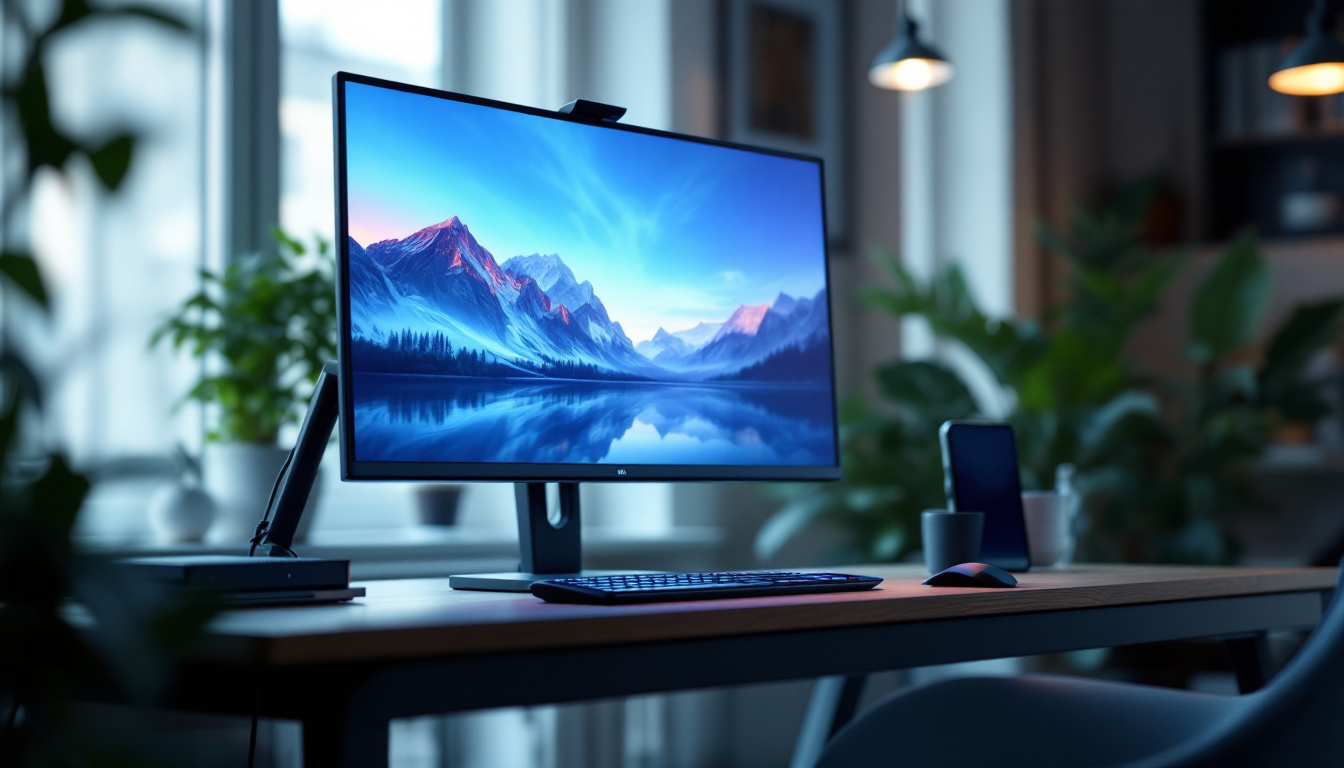
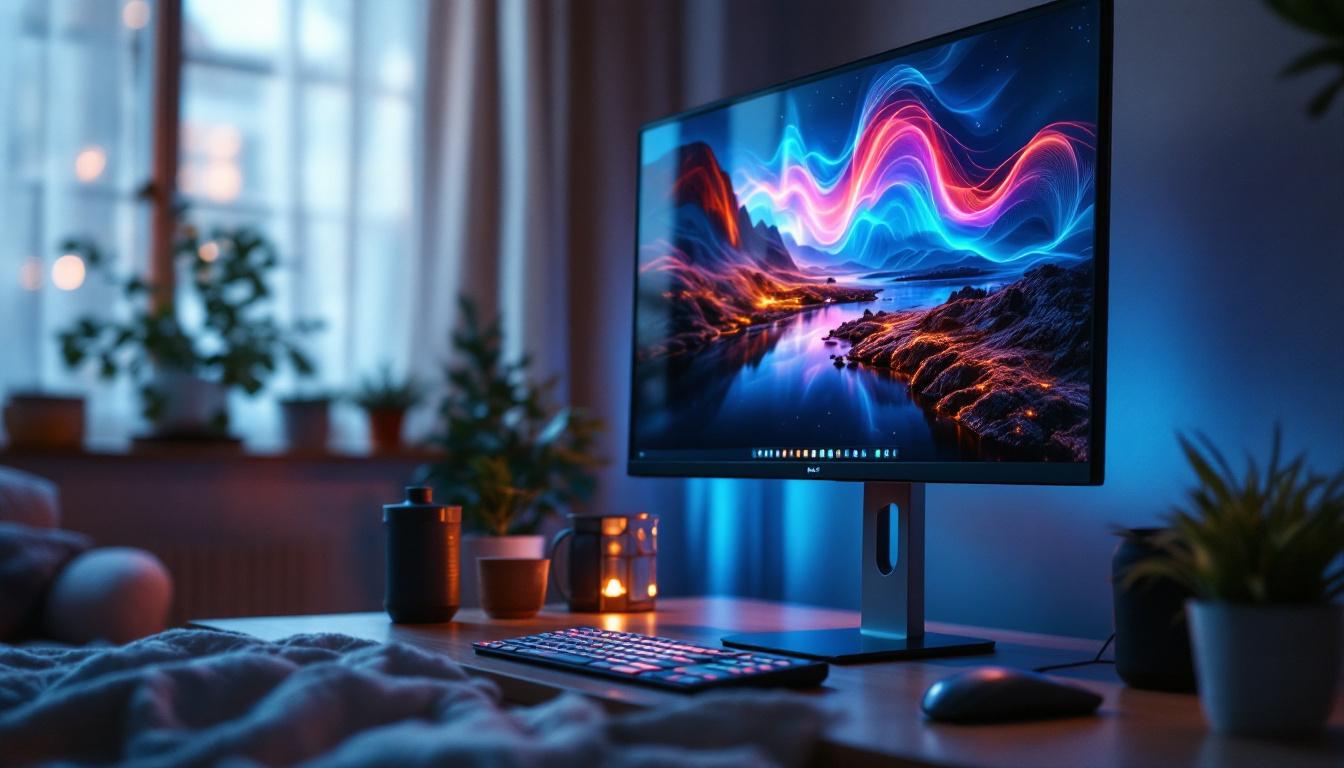
Portable smart monitors combine the convenience of a compact, lightweight design with the functionality of smart technology. Unlike traditional monitors, these devices often come with built-in operating systems, Wi-Fi connectivity, and app support, allowing users to stream content, browse the internet, or extend their device’s screen without needing a separate computer. This integration of technology not only saves space but also enhances the overall user experience, making it easier to access information and entertainment on the go.
Typically ranging from 13 to 17 inches, portable smart monitors are designed for mobility. They are ideal for remote workers, digital nomads, and anyone who requires a reliable display while traveling or working outside a fixed office setup. Their compatibility with laptops, smartphones, and gaming consoles further enhances their appeal. With the rise of flexible work environments and the increasing demand for versatile tech solutions, these monitors have become essential tools for those who value both performance and portability.
Key Features of Portable Smart Monitors
Some of the defining features of portable smart monitors include:
- Built-in Smart OS: Many models run on Android or proprietary operating systems, enabling direct access to streaming apps like Netflix, YouTube, and Spotify.
- Multiple Connectivity Options: USB-C, HDMI, and wireless connections allow seamless integration with various devices.
- Touchscreen Capability: Some portable monitors offer touch functionality, making navigation intuitive and enhancing productivity.
- Battery-Powered or Low Power Consumption: Designed for portability, these monitors often have efficient power management or built-in batteries.
In addition to these features, many portable smart monitors boast impressive display quality, often supporting Full HD or even 4K resolutions. This ensures that whether you’re watching a movie, playing a game, or presenting a project, the visuals are sharp and vibrant. Furthermore, some models come equipped with advanced color accuracy and brightness settings, making them suitable for creative professionals who require precise color representation. The lightweight design, often under 2 pounds, allows users to easily slip them into a backpack alongside their laptop, making them a perfect companion for on-the-go productivity.
Another notable aspect of portable smart monitors is their versatility in use cases. Beyond traditional work applications, these monitors can serve as secondary screens for gaming setups, allowing gamers to enjoy a larger field of view or to multitask while playing. Additionally, they can be used for digital signage in retail environments or as presentation tools in meetings, showcasing their adaptability across various professional and personal scenarios. As technology continues to evolve, the integration of features such as voice control and AI-driven functionalities in future models may further enhance their usability, making them indispensable tools for modern users.
LED Display Technology Explained
At the heart of most portable smart monitors lies the LED display technology. Understanding how LED displays work helps clarify why they are a preferred choice for portable monitors.
What is an LED Display?
LED stands for Light Emitting Diode. An LED display uses an array of tiny light-emitting diodes to produce images. These diodes serve as the backlight for the screen, illuminating the pixels on an LCD panel. This combination is commonly referred to as an LED-backlit LCD display.
Unlike older CCFL (cold cathode fluorescent lamp) backlighting, LED backlighting offers several advantages, including better energy efficiency, thinner panels, and improved brightness and contrast.
Types of LED Displays in Portable Monitors
There are two main types of LED displays found in portable monitors:
- Edge-Lit LED: LEDs are positioned around the edges of the screen, and light is distributed across the display using light guides. This design allows for ultra-thin monitors but may have less uniform brightness.
- Direct-Lit or Full-Array LED: LEDs are placed directly behind the LCD panel, providing more uniform brightness and better contrast. However, this design is thicker and less common in portable models.
Advantages of LED Displays in Portable Monitors
LED displays offer several benefits that make them ideal for portable smart monitors:
- Energy Efficiency: LED backlighting consumes less power than traditional CCFL, extending battery life for portable devices.
- Brightness and Clarity: LED displays can achieve higher brightness levels, making them easier to view in various lighting conditions, including outdoors.
- Thin and Lightweight: The compact design of LED backlighting contributes to slimmer and lighter monitors, enhancing portability.
- Longer Lifespan: LEDs generally have a longer operational life compared to other backlighting technologies, reducing the need for replacements.
Practical Applications of Portable Smart Monitors with LED Displays
Portable smart monitors equipped with LED displays are versatile tools that cater to a wide range of users. Their practical applications span professional, entertainment, and educational domains.
Enhancing Productivity for Remote Work
With remote work becoming the norm, professionals require efficient setups that can be assembled anywhere. Portable smart monitors serve as excellent secondary displays, enabling multitasking and improved workflow.
For example, a graphic designer can use a portable monitor to display tool palettes while working on a laptop screen, or a financial analyst can monitor stock charts alongside spreadsheets. The LED display’s clarity and brightness ensure that details remain sharp, reducing eye strain during long work sessions.
Gaming on the Go
Gamers benefit from portable smart monitors by gaining a larger screen than their handheld devices or laptops without sacrificing mobility. Many portable monitors with LED displays support high refresh rates and low latency, essential for smooth gameplay.
Additionally, compatibility with gaming consoles such as the Nintendo Switch, PlayStation, and Xbox enhances their appeal. The vibrant colors and contrast provided by LED displays create an immersive gaming experience even outside the home.
Streaming and Entertainment
Thanks to built-in smart features and LED display technology, portable smart monitors are perfect for streaming movies, TV shows, and videos. Their bright screens and vivid colors make watching content enjoyable in various environments, from hotel rooms to outdoor settings.
Some models offer integrated speakers and Bluetooth connectivity, allowing users to connect wireless headphones or external sound systems for enhanced audio quality.
Educational and Presentation Uses
Teachers, students, and professionals frequently use portable smart monitors for presentations and collaborative work. The ability to connect wirelessly or via USB-C simplifies setup in classrooms and meeting rooms.
LED displays ensure that text and graphics are clear and legible, which is crucial for effective communication. Touchscreen models also enable interactive sessions, allowing users to annotate or navigate content directly on the screen.
Choosing the Right Portable Smart Monitor with an LED Display
Selecting the best portable smart monitor depends on individual needs and priorities. Several factors should be considered to ensure the monitor meets expectations.
Screen Size and Resolution
Screen size impacts portability and usability. While larger screens (15 to 17 inches) provide more workspace, smaller sizes (13 to 14 inches) are easier to carry. Resolution is equally important; Full HD (1920×1080) is standard, but some monitors offer higher resolutions like 4K for sharper images.
Connectivity Options
Ensure the monitor supports the necessary connections for your devices. USB-C is increasingly common for its ability to transmit video, data, and power through a single cable. HDMI remains essential for compatibility with gaming consoles and older devices. Wireless options like Wi-Fi and Bluetooth add convenience for smart features.
Battery Life and Power Source
If portability without constant access to power outlets is important, consider monitors with built-in batteries. Battery life varies widely, with some models offering up to 4-5 hours of use on a single charge. Alternatively, monitors that draw power from connected devices can reduce the need for extra cables but may drain the host device’s battery faster.
Display Quality and Additional Features
Look for monitors with good color accuracy, brightness (measured in nits), and contrast ratios to ensure a pleasant viewing experience. Features like anti-glare coatings, adjustable stands, and protective cases enhance usability. Touchscreen functionality may be beneficial for certain workflows but can add to the cost.
Future Trends in Portable Smart Monitors and LED Displays
The portable smart monitor market is evolving rapidly, driven by advances in display technology and user demand for greater functionality.
Mini-LED and Micro-LED Technologies
Emerging backlighting technologies such as mini-LED and micro-LED promise even better brightness, contrast, and energy efficiency. Mini-LED uses thousands of tiny LEDs to create more precise local dimming zones, enhancing HDR performance. Micro-LED displays, which use self-emissive LEDs, offer superior color accuracy and durability but are currently expensive to produce.
Increased Integration of Smart Features
Future portable monitors are expected to integrate more advanced smart features, including voice assistants, AI-powered display adjustments, and seamless cloud connectivity. These enhancements will make portable monitors more autonomous and user-friendly.
Improved Portability and Durability
Manufacturers continue to focus on reducing weight and thickness while improving build quality. Innovations in foldable and rollable display technologies may redefine portability, allowing users to carry larger screens in compact forms.
Conclusion
Portable smart monitors with LED displays represent a significant advancement in display technology, combining mobility with high-quality visuals and smart functionality. Their versatility makes them invaluable tools for professionals, gamers, educators, and entertainment enthusiasts alike.
Understanding the underlying LED technology and the features that define these monitors helps users make informed decisions tailored to their needs. As display technologies continue to evolve, portable smart monitors are poised to become even more integral to how people work, play, and connect in an increasingly digital world.
Discover LumenMatrix’s Advanced LED Display Solutions
Ready to elevate your visual experience with the latest in LED display technology? Look no further than LumenMatrix, a pioneer in crafting immersive and dynamic LED displays for a multitude of applications. Whether you’re a professional seeking to enhance your presentations, a gamer desiring a more captivating experience, or a business aiming to boost your brand’s visibility, LumenMatrix has a solution tailored for you. From indoor and outdoor displays to innovative transparent screens, our products are designed to make a lasting impression. Don’t miss out on the opportunity to transform your digital interactions. Check out LumenMatrix LED Display Solutions today and step into a world of unparalleled clarity and engagement.