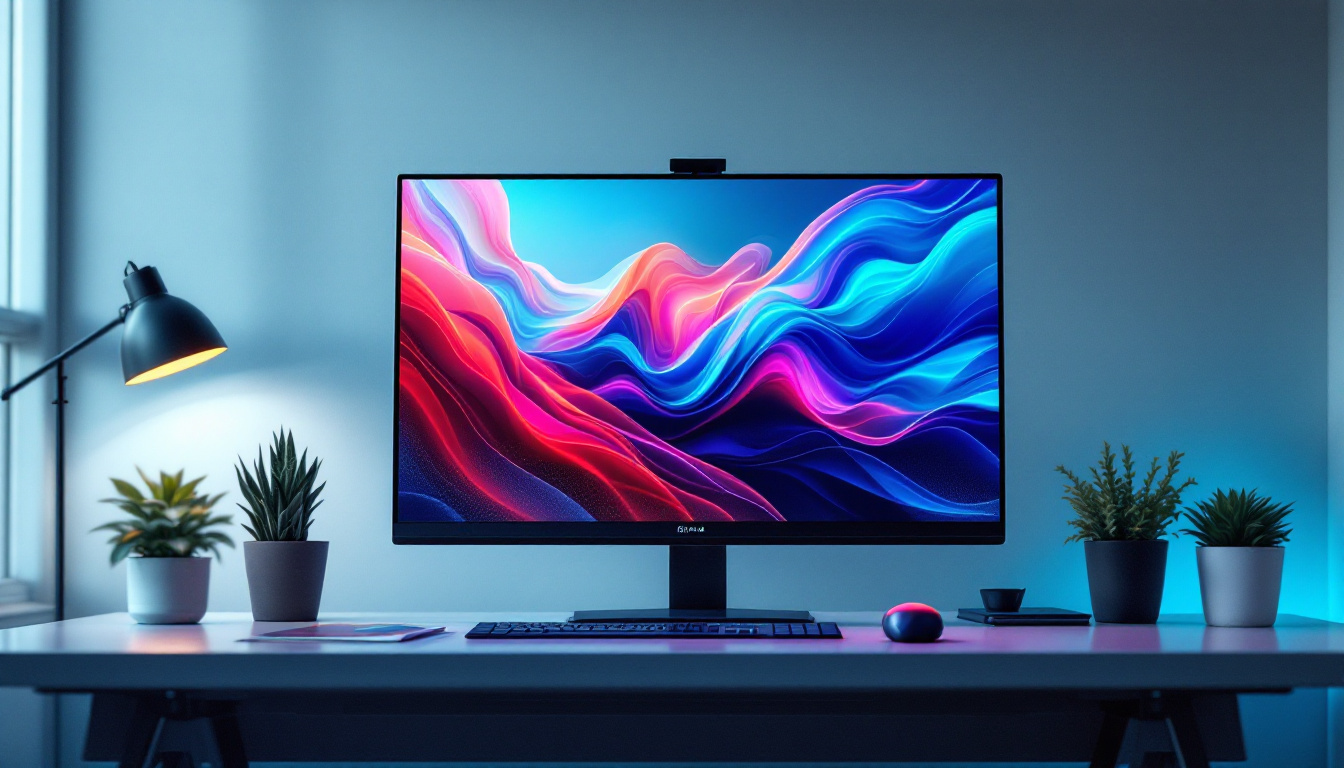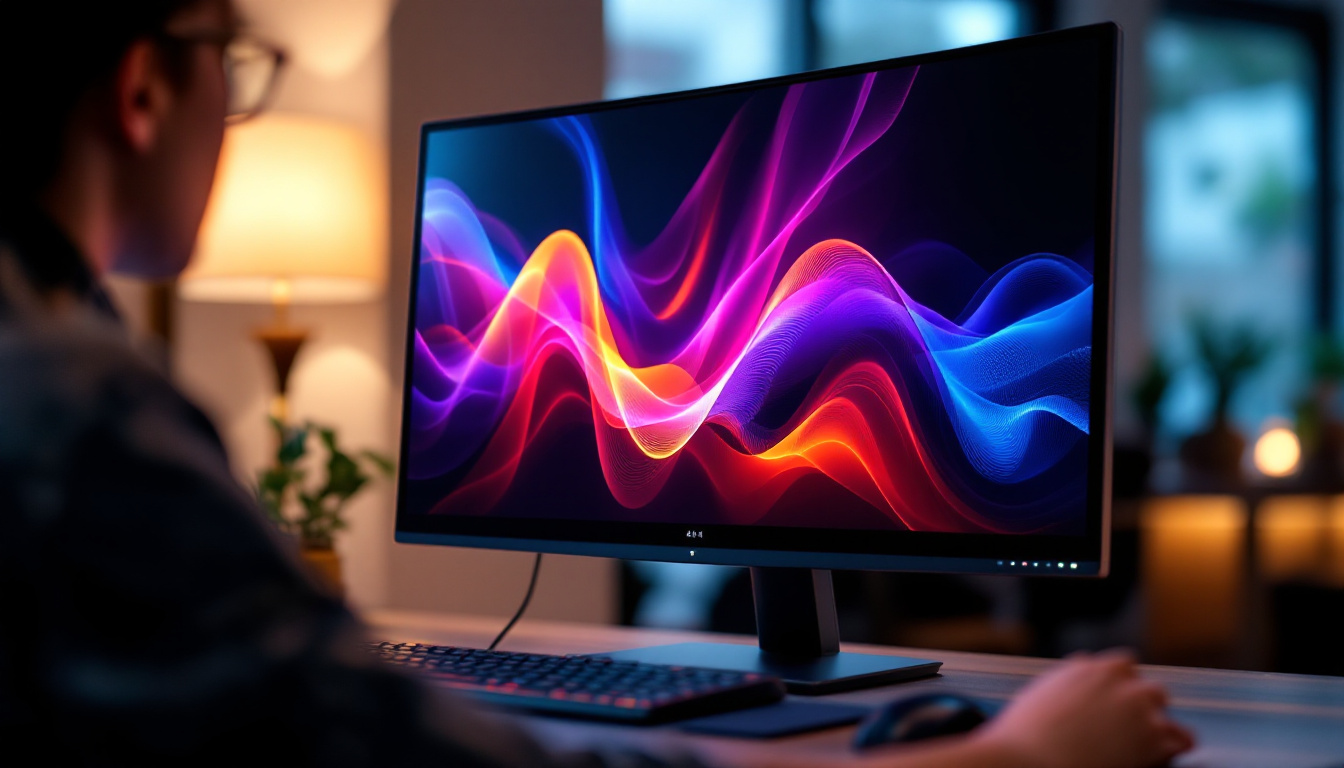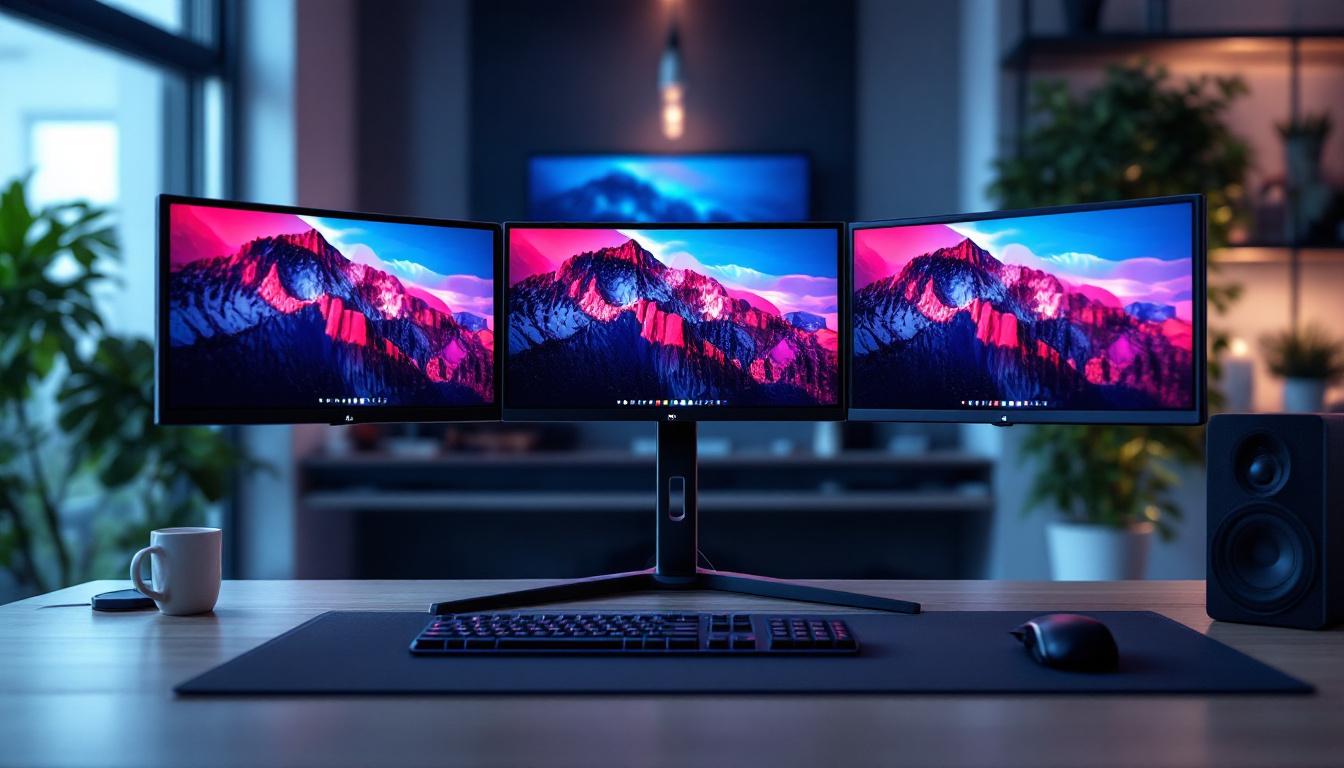
In today’s fast-paced digital environment, multi-monitor setups have become increasingly popular among professionals, gamers, and content creators alike. The triple monitor stand, combined with LED displays, offers an immersive and efficient workspace that enhances productivity and visual experience. This article delves into the essentials of triple monitor stands and LED displays, explaining their benefits, types, and how to optimize your setup for maximum performance.
Understanding Triple Monitor Stands
Triple monitor stands are specialized mounts designed to hold three monitors simultaneously, allowing users to expand their screen real estate without cluttering their desks. These stands are essential for anyone who requires multiple displays for multitasking, gaming, or creative work. The increasing demand for efficient workflows has led to a surge in the popularity of these stands, as they cater to a wide range of users from corporate professionals to avid gamers.
Benefits of Using a Triple Monitor Stand
One of the primary advantages of a triple monitor stand is the ability to create a seamless, panoramic view. This setup is particularly beneficial for professionals such as financial analysts, programmers, and video editors who need to view multiple applications or data streams concurrently. By elevating monitors off the desk, these stands also help reduce neck and eye strain by allowing users to position screens at ergonomic heights and angles. Furthermore, many stands offer adjustable features, enabling users to tilt, swivel, and rotate their monitors for optimal viewing angles, which can further enhance comfort during long hours of use.
Additionally, triple monitor stands help save desk space and reduce cable clutter, contributing to a cleaner and more organized workspace. For gamers, the immersive experience provided by three synchronized displays can significantly enhance gameplay by expanding the field of vision. This expanded view not only allows players to spot enemies more easily but also provides a more engaging and cinematic experience, making games feel more lifelike. Moreover, the use of a triple monitor setup can facilitate multitasking for gamers who stream their gameplay, as they can monitor chat, game stats, and streaming software all at once without the need to switch between windows.
Types of Triple Monitor Stands
There are several types of triple monitor stands, each catering to different needs and preferences:
- Freestanding Stands: These stands have a sturdy base that sits on the desk. They are easy to set up and move but may take up more desk space. Freestanding stands often come with adjustable height options, allowing users to customize their setup according to their comfort level.
- Clamp Mount Stands: These attach to the edge of the desk, freeing up surface area. They are ideal for smaller desks or minimalist setups. Many clamp mounts also feature integrated cable management systems, helping to keep cords neatly organized and out of sight.
- Wall Mounts: For users looking to maximize desk space, wall-mounted triple monitor stands offer a sleek solution, though installation requires drilling and more effort. Wall mounts can also provide a more modern aesthetic, making them a popular choice for those who want to create a stylish and functional workspace.
Choosing the right type depends on your workspace, monitor size, and personal preferences. It’s also important to consider the weight capacity of the stand, as different monitors can vary significantly in weight. Additionally, some stands come with added features such as built-in USB hubs or adjustable arms that can accommodate monitors of various sizes, making them versatile options for users with evolving needs.
LED Displays: The Heart of Your Multi-Monitor Setup
LED (Light Emitting Diode) displays have become the standard for modern monitors due to their superior brightness, energy efficiency, and color accuracy. Understanding LED technology is crucial when selecting monitors for a triple display setup.
What Makes LED Displays Superior?
LED monitors use an array of light-emitting diodes as a backlight, replacing older CCFL (cold cathode fluorescent lamp) technology. This change results in several key benefits:
- Improved Brightness and Contrast: LED displays can achieve higher brightness levels and better contrast ratios, making images more vibrant and clear.
- Energy Efficiency: LEDs consume less power, which is beneficial for long hours of use and reduces electricity costs.
- Thinner and Lighter Designs: LED backlighting allows for slimmer monitor profiles, which is aesthetically pleasing and practical for multi-monitor arrangements.
- Better Color Accuracy: Many LED monitors support wide color gamuts and advanced color calibration, essential for creative professionals.
Types of LED Displays
When selecting LED monitors for a triple monitor setup, it’s important to understand the different panel technologies:
- IPS (In-Plane Switching): Known for excellent color reproduction and wide viewing angles, IPS panels are favored by designers and photographers.
- TN (Twisted Nematic): These panels offer faster response times and are often preferred by competitive gamers, though they have narrower viewing angles and less accurate colors.
- VA (Vertical Alignment): VA panels provide superior contrast ratios and deeper blacks, making them a good middle ground between IPS and TN.
Choosing the right panel type depends on your primary use case and budget.
Optimizing Your Triple Monitor and LED Display Setup
To maximize the benefits of a triple monitor stand with LED displays, careful planning and setup are essential. This section covers key considerations and tips to create an efficient and comfortable multi-monitor workspace.
Monitor Size and Resolution
For a triple monitor setup, consistency in monitor size and resolution is critical to ensure a uniform viewing experience. Most users opt for 24 to 27-inch monitors, which provide ample screen space without overwhelming the desk. Regarding resolution, Full HD (1920×1080) is common, but Quad HD (2560×1440) or 4K (3840×2160) monitors offer sharper images and more workspace, especially beneficial for detailed tasks.
Matching resolution across all three monitors prevents scaling issues and awkward cursor movement between screens.
Ergonomics and Positioning
Proper monitor positioning reduces strain and improves comfort. The center monitor should be directly in front of the user, with the side monitors angled inward at approximately 15 to 30 degrees. The top of the screens should be at or slightly below eye level to maintain a natural neck position.
Adjustable triple monitor stands allow for height, tilt, and swivel adjustments, enabling users to customize their setup. Investing in a stand with these features is worthwhile for long-term comfort.
Connectivity and Cable Management
Modern LED monitors typically support HDMI, DisplayPort, and USB-C connections. Ensuring your computer’s graphics card can handle three monitors simultaneously is crucial. Many recent GPUs support multi-display setups, but verifying compatibility beforehand prevents frustration.
Effective cable management enhances the workspace’s appearance and prevents tangling. Many triple monitor stands include integrated cable channels or clips to keep wires organized and out of sight.
Calibration and Color Matching
For professionals working with color-sensitive content, calibrating each monitor to match brightness, contrast, and color temperature is essential. Using hardware calibration tools or software solutions can help achieve consistency across all three displays, ensuring accurate color representation.
Use Cases and Practical Applications
Triple monitor stands with LED displays cater to a wide range of users, each benefiting uniquely from the expanded screen space and enhanced display quality.
Professional Workstations
Financial traders, software developers, and graphic designers often rely on triple monitor setups to monitor multiple data streams, codebases, or design tools simultaneously. For example, a stock trader might use one monitor for real-time market data, another for news feeds, and a third for trading software.
In creative industries, having three high-quality LED displays allows for multitasking between editing software, reference materials, and communication tools without switching windows constantly.
Gaming and Entertainment
Gamers benefit from triple monitor setups by creating immersive panoramic views that enhance situational awareness and realism. Many modern games support multi-display configurations, allowing the game world to extend across all three screens.
Beyond gaming, triple monitors can improve streaming and content consumption experiences by dedicating screens to gameplay, chat interaction, and media controls.
Remote Work and Productivity
With the rise of remote work, many professionals have adopted triple monitor setups to replicate office environments at home. Multiple screens facilitate efficient multitasking, such as managing video calls on one screen while working on documents or spreadsheets on others.
Studies show that multi-monitor setups can increase productivity by up to 42%, underscoring their value in modern workspaces.
Choosing the Right Triple Monitor Stand and LED Displays
Selecting the ideal triple monitor stand and LED displays involves balancing budget, workspace constraints, and specific needs.
Key Factors to Consider
- Weight and Size Capacity: Ensure the stand supports the combined weight and size of your monitors.
- Adjustability: Look for stands offering height, tilt, swivel, and rotation adjustments.
- Build Quality: Durable materials like steel or aluminum provide stability and longevity.
- Compatibility: Verify VESA mount compatibility with your monitors.
- Additional Features: Some stands include USB hubs, cable management systems, or quick-release mechanisms.
Recommended LED Monitors for Triple Setups
Some popular LED monitors well-suited for triple monitor configurations include:
- Dell UltraSharp U2723QE: A 27-inch 4K IPS monitor with excellent color accuracy and USB-C connectivity.
- LG 27GL850-B: A 27-inch QHD IPS panel with a 144Hz refresh rate, ideal for gaming and professional use.
- ASUS ProArt Display PA278CV: A 27-inch QHD IPS monitor designed for creative professionals, featuring factory calibration.
Conclusion
Triple monitor stands paired with high-quality LED displays represent a powerful combination for enhancing productivity, creativity, and entertainment. Understanding the benefits and technical aspects of these tools enables users to create tailored setups that meet their unique demands. Whether for professional work, immersive gaming, or efficient multitasking, investing in the right triple monitor stand and LED displays can transform any workspace into a dynamic and ergonomic environment.
As technology continues to evolve, multi-monitor setups will remain a staple for those seeking to maximize their digital workspace. By carefully selecting compatible hardware and optimizing the arrangement, users can enjoy a seamless and visually stunning experience that boosts both comfort and performance.
Explore LumenMatrix LED Display Solutions
Ready to elevate your workspace and enter a new realm of productivity and immersive entertainment? Discover the innovative world of LumenMatrix, where cutting-edge LED display technology meets creative design. From Indoor and Outdoor LED Wall Displays to specialized solutions like Vehicle, Sports, and Floor LED Displays, LumenMatrix offers a diverse range of products to fit your unique needs. Embrace the future of visual communication with our Custom, All-in-One, and Transparent LED Displays, designed to captivate your audience and amplify your message. Don’t wait to transform your environment—check out LumenMatrix LED Display Solutions today and experience the difference.