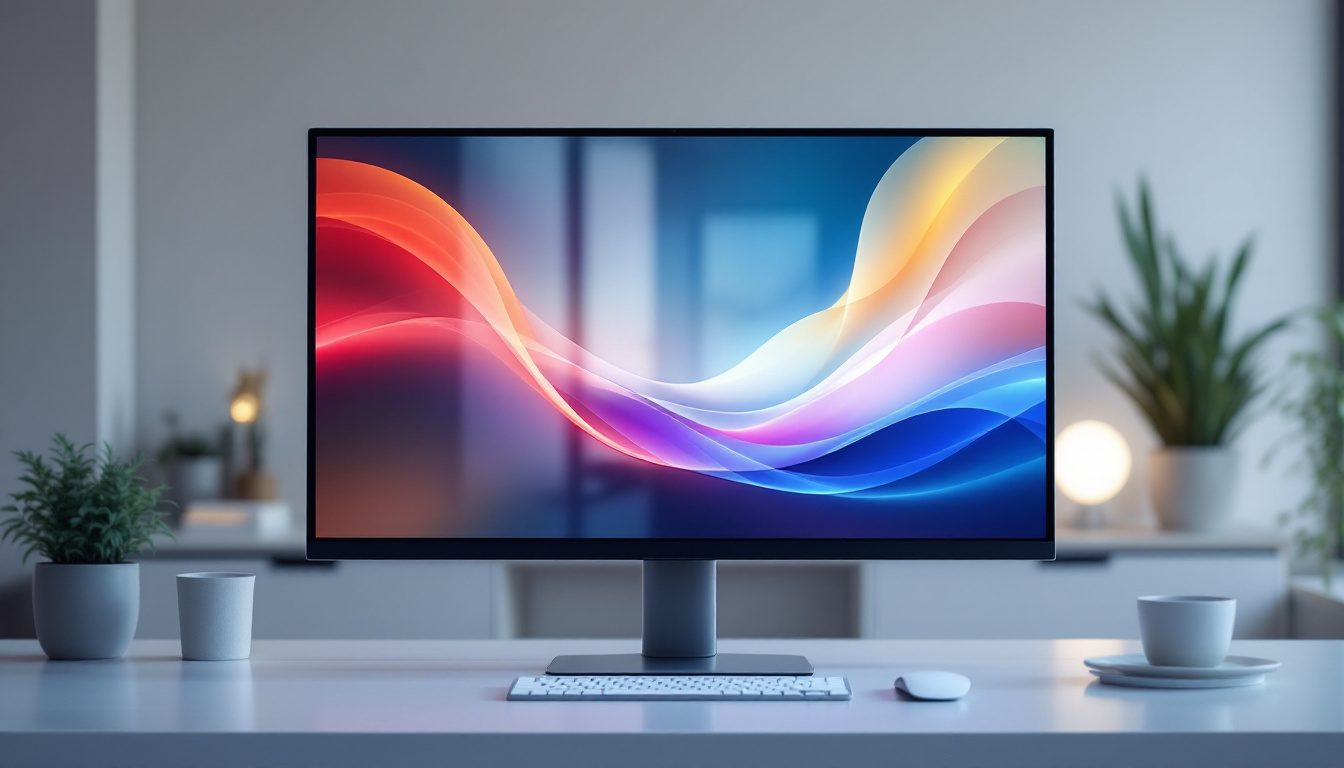
Understanding the power consumption of computer screens is essential for both consumers and professionals who want to optimize energy efficiency, reduce electricity bills, and make environmentally conscious choices. Among the various display technologies, LED (Light Emitting Diode) screens have become the dominant choice due to their brightness, color accuracy, and energy efficiency. This article explores the wattage of LED computer screens, explaining how it works, why it matters, and what factors influence power consumption.
What Determines the Wattage of a Computer Screen?
The wattage of a computer screen refers to the amount of electrical power it consumes while operating. It is measured in watts (W) and can vary significantly depending on the screen’s size, technology, brightness settings, and usage patterns. For LED displays, wattage is typically lower compared to older technologies like CCFL (Cold Cathode Fluorescent Lamp) backlit LCDs or CRT (Cathode Ray Tube) monitors.
Screen Size and Resolution
Larger screens generally require more power because they have more pixels to light up and maintain. For example, a 24-inch LED monitor might consume between 20 to 30 watts under normal operation, whereas a 32-inch or larger display can consume 40 watts or more. Higher resolution screens, such as 4K displays, may also use more power due to the increased number of pixels, although advances in LED technology help mitigate this increase. Furthermore, as screen technology evolves, manufacturers are continually finding innovative ways to enhance energy efficiency, which can lead to lower wattage consumption even in larger displays.
Brightness and Display Settings
Brightness is one of the most significant factors influencing wattage. Increasing screen brightness demands more power from the LED backlight. Many monitors allow users to adjust brightness manually or enable automatic brightness control, which adjusts based on ambient lighting conditions. Lowering brightness can reduce power consumption substantially — sometimes by up to 50% or more. Additionally, many modern monitors come equipped with features that optimize power usage, such as eco modes that automatically adjust settings for energy savings without sacrificing visual quality, making them an excellent choice for environmentally conscious consumers.
Type of LED Backlighting
LED displays use different backlighting configurations, such as edge-lit or full-array LED backlights. Edge-lit LEDs place the LEDs along the edges of the screen, which can be more energy-efficient but may compromise uniformity. Full-array backlighting uses LEDs distributed evenly behind the screen, which can consume more power but offer better brightness and contrast. Additionally, some high-end monitors use local dimming technology, which selectively dims parts of the screen to save energy and improve picture quality. This technology not only enhances the viewing experience by providing deeper blacks and brighter whites but also contributes to overall energy efficiency, as it reduces the power needed to illuminate the entire screen uniformly.
Usage Patterns and Content Type
The wattage consumed by a computer screen can also be influenced by usage patterns and the type of content being displayed. For instance, watching high-contrast videos or playing graphically intensive games may require higher brightness levels and more power compared to simple text-based tasks like word processing or browsing the web. Moreover, some monitors come with preset modes tailored for specific activities, such as gaming or watching movies, which can optimize power consumption based on the content being displayed. By understanding how different activities affect power usage, users can make informed decisions about their screen settings to balance performance and energy efficiency.
Comparing LED Screen Wattage to Other Display Technologies
LED technology has revolutionized computer displays by offering a balance between performance and energy efficiency. To appreciate this, it’s helpful to compare LED screens with other common display types.
LED vs. LCD (CCFL) Screens
Traditional LCD monitors used CCFL backlighting, which is less energy-efficient than LEDs. On average, CCFL-backlit monitors consume about 30% to 50% more power than comparable LED-backlit models. For instance, a 24-inch CCFL LCD might use 40 to 50 watts, whereas an LED equivalent uses around 20 to 30 watts. This difference can add up significantly over time, especially in office environments with many monitors running simultaneously.
LED vs. OLED Displays
OLED (Organic Light Emitting Diode) displays are becoming more common, especially in high-end laptops and smartphones. Unlike LED-backlit LCDs, OLEDs emit light from each pixel individually, which can lead to better contrast and potentially lower power consumption when displaying darker images. However, OLED screens can consume more power with bright, white backgrounds common in typical computer use. Overall, OLED wattage varies widely depending on content, but for typical desktop use, LED-backlit LCDs often remain more energy-efficient.
LED vs. CRT Monitors
CRT monitors, once the standard for computer displays, are now largely obsolete. They consume significantly more power, often 70 to 100 watts or more for a 17- to 19-inch screen. LED monitors use a fraction of this power, making them a much more sustainable and cost-effective choice.
How to Measure and Estimate Your LED Monitor’s Power Consumption
Knowing the exact wattage of your LED computer screen can help you estimate energy costs and environmental impact. Here are practical ways to measure or estimate power consumption.
Manufacturer Specifications
The easiest method is to check the manufacturer’s specifications, usually available in the product manual or on the company’s website. These specs often list typical power consumption in watts or provide a range for different brightness levels. For example, a 27-inch LED monitor might list a typical power consumption of 25 watts and a maximum of 35 watts.
Using a Power Meter
For the most accurate measurement, a plug-in power meter can be used. These devices measure the actual electricity usage of any plugged-in appliance, including monitors. Simply plug the monitor into the meter, then the meter into the wall outlet, and observe the wattage during various usage scenarios (idle, active use, high brightness, etc.).
Estimating Energy Costs
Once wattage is known, estimating energy costs is straightforward. For example, if a monitor consumes 30 watts and is used 8 hours per day, the daily energy consumption is:
30 watts × 8 hours = 240 watt-hours = 0.24 kWh
Assuming an electricity rate of $0.13 per kWh (average US residential rate in 2024), the daily cost is:
0.24 kWh × $0.13 = $0.0312 per day
Over a year, this amounts to approximately $11.40, which can add up in offices with multiple monitors.
Energy Efficiency and Environmental Impact of LED Displays
Energy efficiency in computer screens is not only a matter of reducing electricity bills but also plays a significant role in lowering carbon footprints. LED displays contribute positively in this regard.
Reduced Energy Consumption
Compared to older technologies, LED screens use significantly less power, which translates to lower greenhouse gas emissions from power plants. According to the U.S. Department of Energy, switching from CCFL-backlit LCDs to LED-backlit models can reduce energy consumption by up to 40% for the same screen size.
Longer Lifespan and Lower Waste
LED monitors generally have longer lifespans, often exceeding 50,000 hours of use. This durability reduces the frequency of replacement and consequently decreases electronic waste. Additionally, LED backlights do not contain mercury, unlike CCFLs, making disposal safer and more environmentally friendly.
Energy Star and Other Certifications
Many LED monitors carry Energy Star certification or similar energy efficiency labels. These certifications ensure that the device meets strict energy consumption criteria, including low power use in sleep and standby modes. Choosing Energy Star-certified monitors can guarantee lower power consumption without sacrificing performance.
Tips to Reduce Power Consumption of Your LED Computer Screen
Even with inherently low wattage, there are practical steps users can take to minimize power use and extend the life of their LED monitors.
Adjust Brightness and Contrast
Reducing brightness to the lowest comfortable level can significantly cut power consumption. Many users keep brightness unnecessarily high, which wastes energy. Similarly, adjusting contrast settings appropriately can improve viewing quality without increasing power use.
Enable Power-Saving Modes
Most modern monitors include power-saving features such as sleep mode or automatic shutoff after periods of inactivity. Enabling these features ensures that the monitor uses minimal power when not in use.
Use Dark Mode and Dark Themes
While LED-backlit LCDs do not save as much power with dark themes as OLEDs, using dark mode for operating systems and applications can still reduce backlight intensity and thus lower energy consumption slightly.
Turn Off When Not in Use
Simply turning off the monitor when stepping away for extended periods is one of the most effective ways to save energy. Even in standby, monitors consume some power, so full shutdown is preferable when possible.
Future Trends in LED Display Power Efficiency
Advancements in LED technology continue to push the boundaries of energy efficiency and display quality.
Mini-LED and Micro-LED Technologies
Emerging technologies like Mini-LED and Micro-LED offer even greater control over backlighting with smaller, more numerous LEDs. This allows for improved local dimming, higher contrast ratios, and potentially lower power consumption by selectively illuminating only the necessary parts of the screen.
Integration with Smart Energy Management
Smart displays that integrate sensors to adjust brightness and power based on ambient light and user presence are becoming more common. These features optimize energy use dynamically, reducing unnecessary power draw.
Improved Materials and Manufacturing
Ongoing research into more efficient LED materials and manufacturing processes promises to further reduce the power requirements of future computer screens, making them even more sustainable.
Conclusion
LED computer screens represent a significant advancement in display technology, offering excellent visual quality while maintaining relatively low power consumption. Understanding the factors that affect wattage—such as screen size, brightness, and backlighting type—can help users make informed decisions to optimize energy use. By adopting energy-saving habits and choosing efficient models, consumers and businesses can reduce electricity costs and contribute to environmental sustainability. As LED technology continues to evolve, the future promises even more efficient and environmentally friendly computer displays.
Discover Energy-Efficient LED Solutions with LumenMatrix
Ready to elevate your visual experience while embracing energy efficiency? LumenMatrix is at the forefront of LED display innovation, offering a wide range of solutions tailored to meet your needs. From captivating Indoor LED Walls to dynamic Outdoor LED Displays and beyond, our mission is to transform your visual communication with clarity and impact. Don’t miss the opportunity to enhance your brand visibility and engage your audience like never before. Check out LumenMatrix LED Display Solutions today and step into the future of display technology.